> ## Documentation Index
> Fetch the complete documentation index at: https://notes.kodekloud.com/llms.txt
> Use this file to discover all available pages before exploring further.
# Sentiment Analysis With OpenAI
> This guide explores sentiment analysis using OpenAIs GPT-4 model, covering its importance, implementation, and real-world applications.
In this guide, we’ll dive into sentiment analysis using OpenAI’s GPT-4 model. You’ll learn:
* Why sentiment analysis matters
* How sentiment classification works
* Implementing basic and advanced sentiment analysis with GPT-4
* Real-world applications and best practices
## Table of Contents
* [Importance of Sentiment Analysis](#importance-of-sentiment-analysis)
* [How It Works](#how-it-works)
* [Sentiment Analysis with GPT-4](#sentiment-analysis-with-gpt-4)
* [Basic Sentiment Classification](#basic-sentiment-classification)
* [Advanced Sentiment Analysis](#advanced-sentiment-analysis)
* [Fine-Grained Sentiment Categories](#fine-grained-sentiment-categories)
* [Domain-Specific Fine-Tuning](#domain-specific-fine-tuning)
* [Aspect-Based Sentiment Analysis](#aspect-based-sentiment-analysis)
* [Applications](#applications)
* [Links and References](#links-and-references)
***
## Importance of Sentiment Analysis
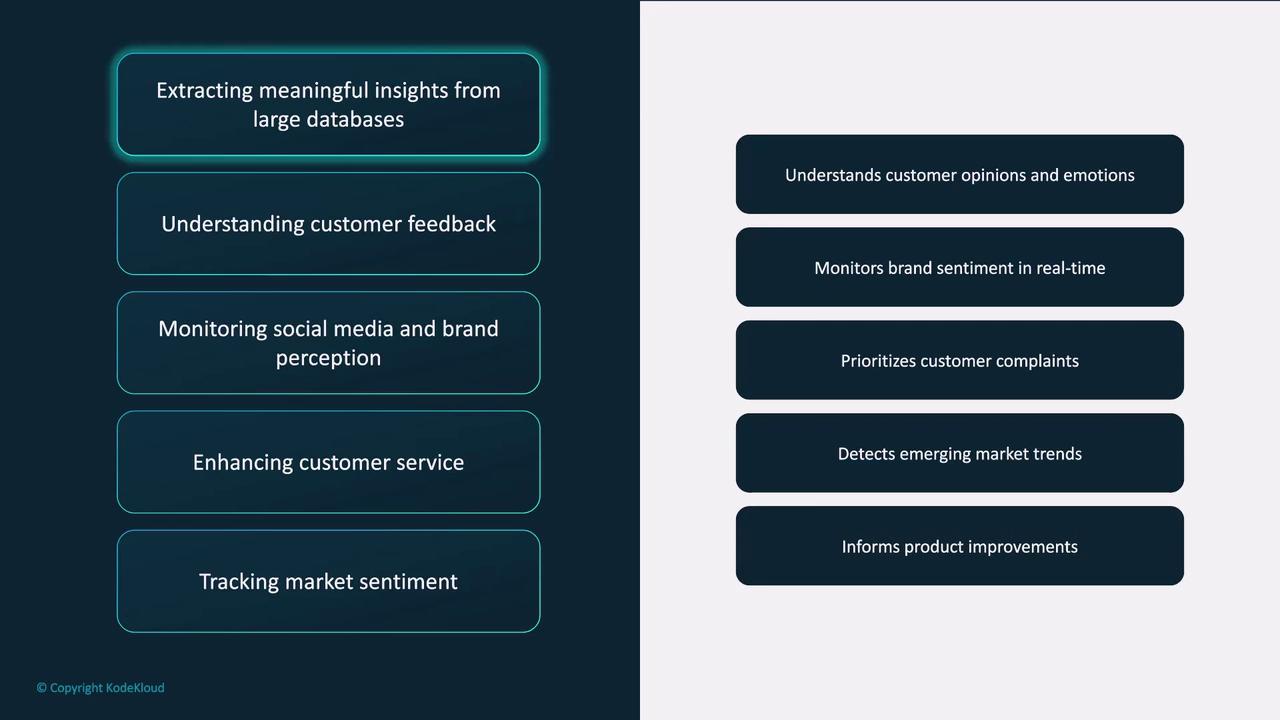
Sentiment analysis transforms unstructured text into actionable insights. Organizations leverage it to:
1. **Extract Insights from Large Datasets**\
Analyze product reviews, social media comments, and support tickets in bulk to discover trends—e.g., recurring feature requests or complaints.
2. **Understand Customer Feedback**\
Classify feedback as positive, negative, or neutral so teams can prioritize improvements like faster shipping or improved support.
3. **Monitor Brand Perception**\
Track real-time sentiment on platforms such as Twitter or Facebook to gauge public reaction to marketing campaigns or product launches.
4. **Enhance Customer Service**\
Automatically flag negative tickets so agents can promptly address unhappy customers and boost satisfaction.
5. **Track Market Sentiment**\
In finance, sentiment signals from news articles and social media can guide short-term trading strategies around earnings announcements.
***
## How It Works
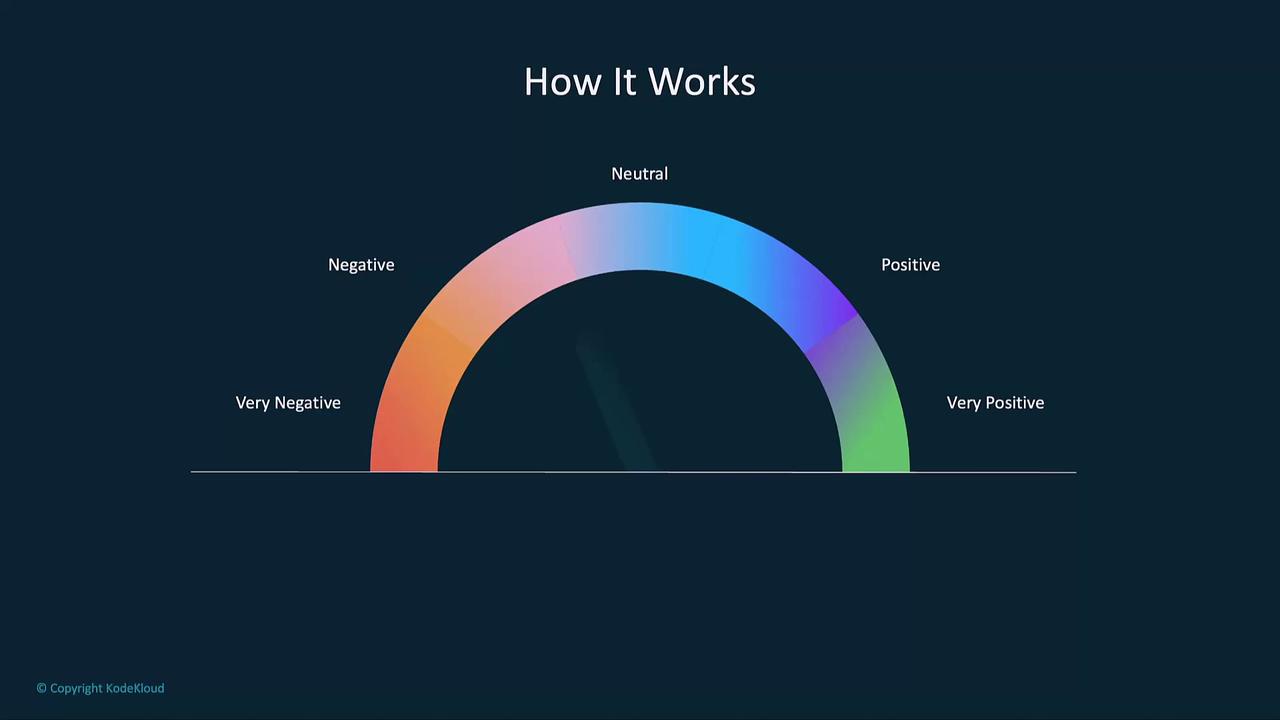
Sentiment analysis models determine the **polarity**, **subjectivity**, and **intensity** of a given text. GPT-4 fine-tuned for sentiment tasks can classify reviews, comments, and more with high accuracy.
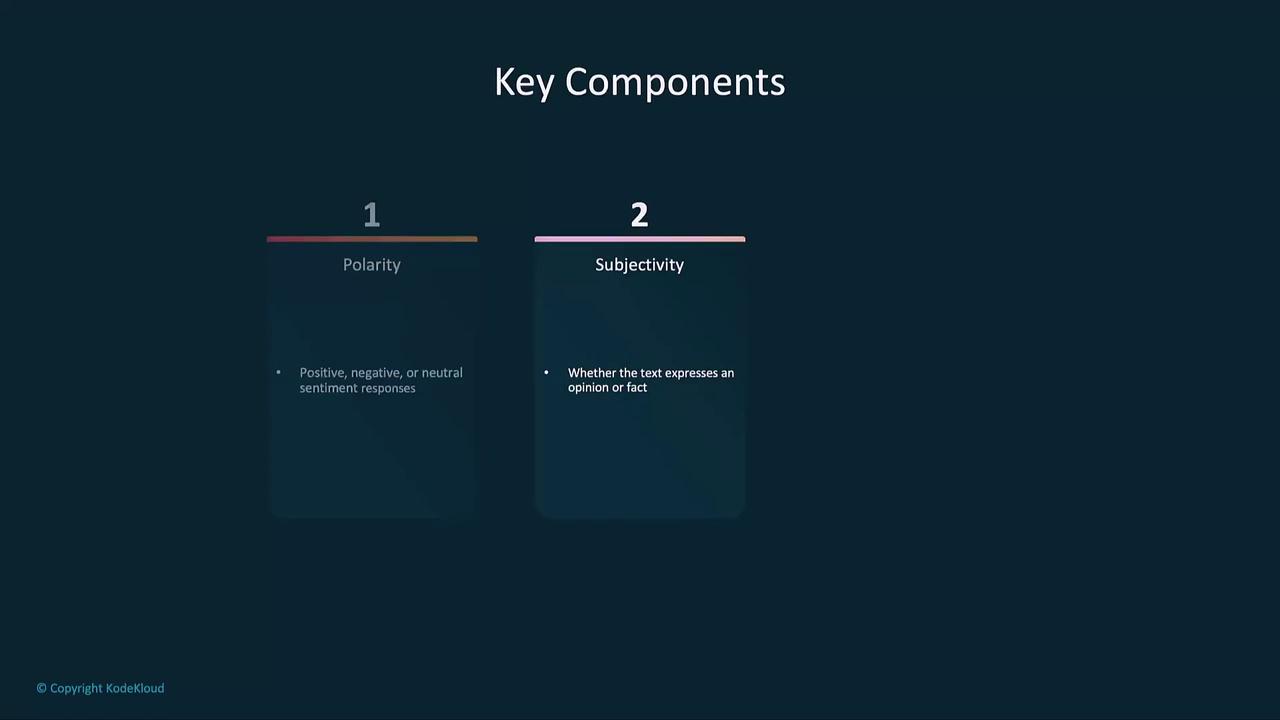
Key components of sentiment classification:
* **Polarity**: Positive, negative, or neutral orientation
* **Subjectivity**: Opinionated vs. objective content
* **Intensity**: Strength of the sentiment (e.g., mildly positive vs. strongly positive)
***
## Sentiment Analysis with GPT-4
Below are examples showing how to call OpenAI’s API for sentiment detection in customer service reviews and social media posts.
### Basic Sentiment Classification
```python theme={null}
import openai
openai.api_key = "YOUR_API_KEY"
def analyze_sentiment(text):
response = openai.ChatCompletion.create(
model="gpt-4",
messages=[
{"role": "user", "content": f"Analyze the sentiment of the following text: '{text}'"}
],
max_tokens=60,
temperature=0.0
)
sentiment = response.choices[0].message.content.strip()
return sentiment
# Example usage
text = "I love the new design of the product. It’s amazing!"
print("Input:", text)
print("Sentiment:", analyze_sentiment(text))
```
Output:
```text theme={null}
Input: I love the new design of the product. It’s amazing!
Sentiment: Positive
```
If you pass mixed feedback:
```python theme={null}
text = "The product worked well, but the customer service was awful."
print("Sentiment:", analyze_sentiment(text))
```
You’ll get a combined sentiment reflecting both positive and negative aspects.
***
## Advanced Sentiment Analysis
### Fine-Grained Sentiment Categories
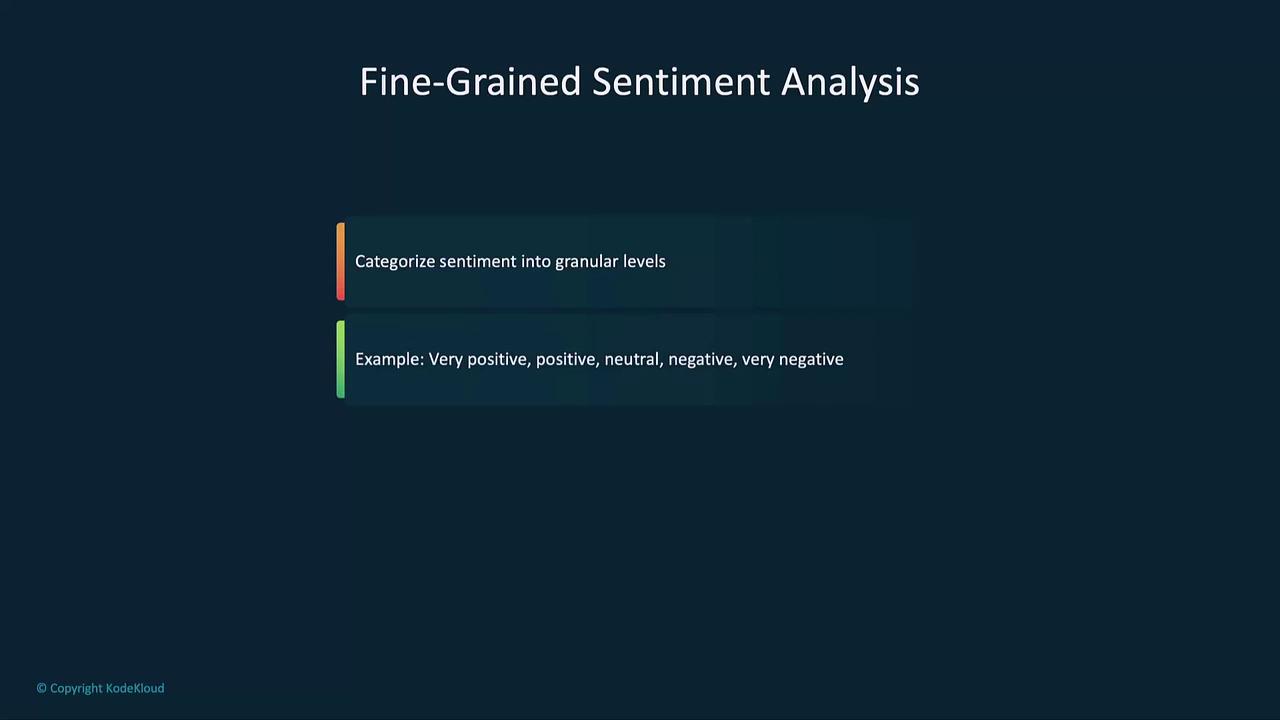
For deeper insights, classify text into multiple levels—from **very positive** to **very negative**.
```python theme={null}
def analyze_fine_grained_sentiment(text):
prompt = (
f"Classify the sentiment of the following text as 'very positive', 'positive', "
f"'neutral', 'negative', or 'very negative': '{text}'"
)
response = openai.ChatCompletion.create(
model="gpt-4",
messages=[{"role": "user", "content": prompt}],
max_tokens=60,
temperature=0.0
)
return response.choices[0].message.content.strip()
text = "The product quality is excellent, but the shipping was slow."
print("Fine-Grained Sentiment:", analyze_fine_grained_sentiment(text))
```
### Domain-Specific Fine-Tuning
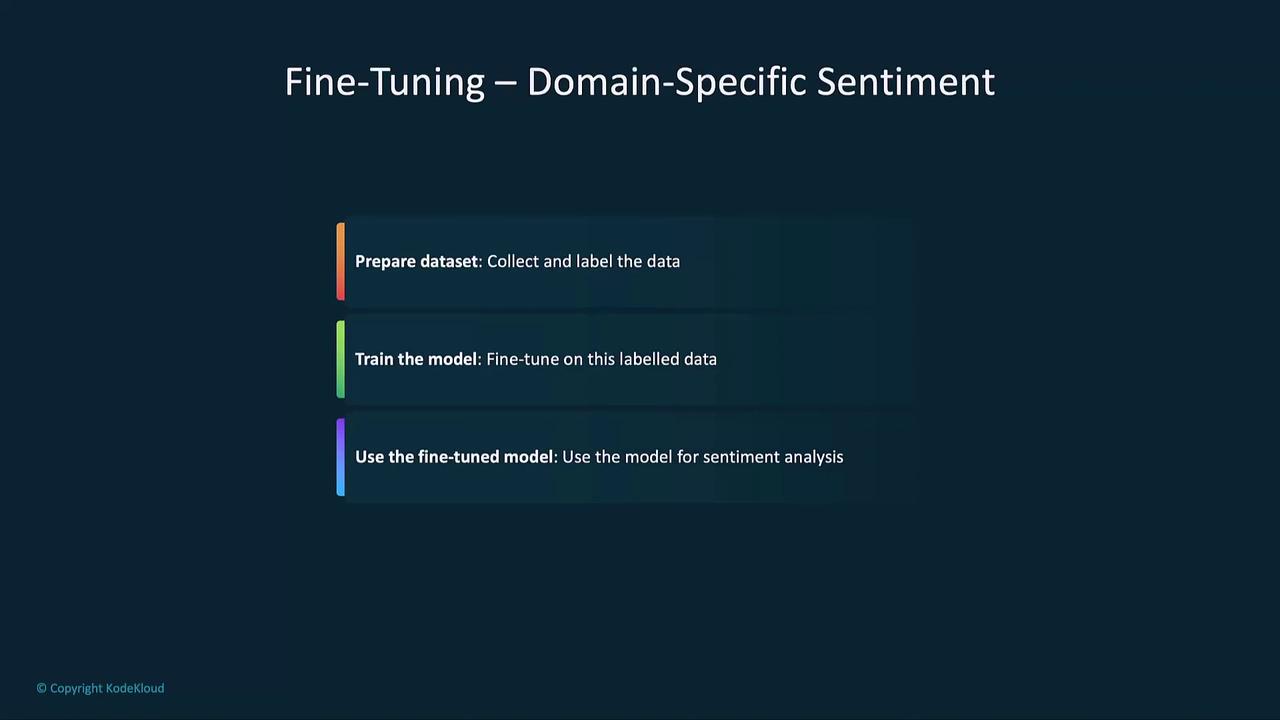
When dealing with specialized fields—legal, healthcare, finance—you’ll need jargon-aware models. Fine-tuning steps:
OpenAI’s fine-tuning API currently supports GPT-3.5 series models. GPT-4 fine-tuning is not yet generally available.
1. Prepare a labeled dataset with domain-specific texts annotated for sentiment.
2. Use the OpenAI fine-tuning endpoint to train your model.
3. Deploy and call your custom model for improved accuracy.
### Aspect-Based Sentiment Analysis
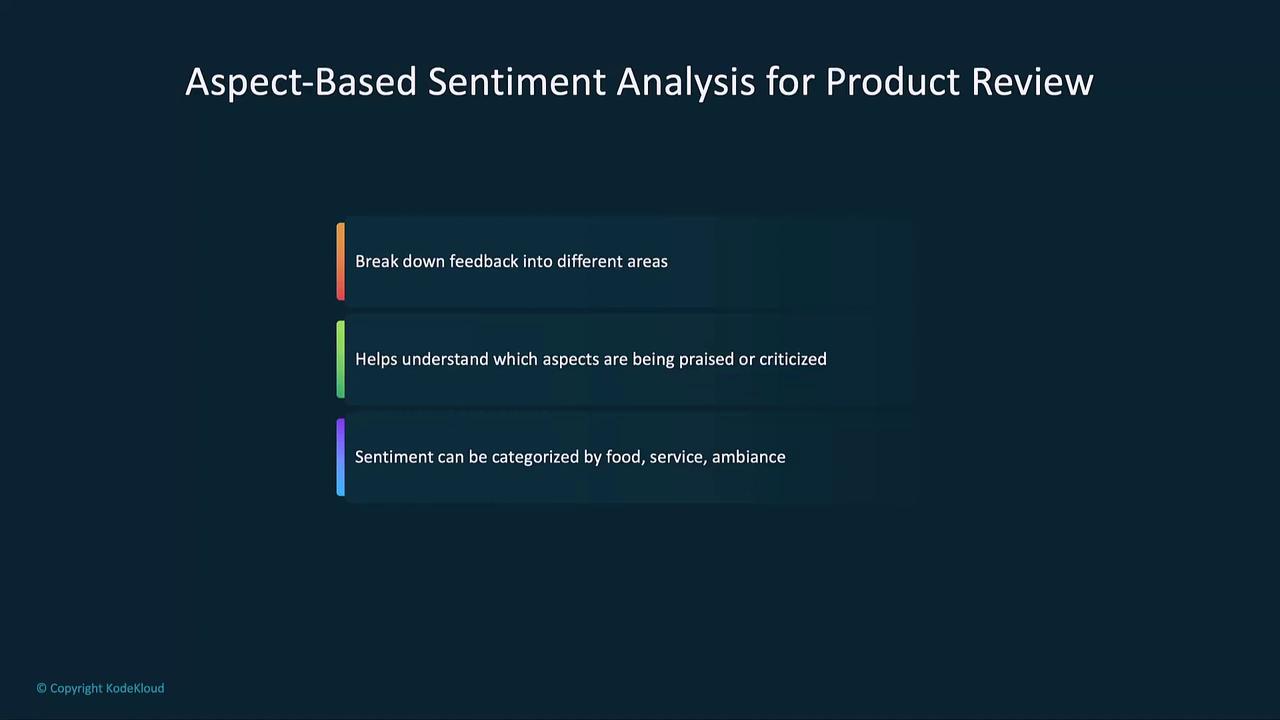
Break down sentiment by features or categories—design, performance, service—to pinpoint strengths and weaknesses.
```python theme={null}
def aspect_based_sentiment(text, aspects):
results = {}
for aspect in aspects:
prompt = f"Analyze the sentiment for '{aspect}' in: '{text}'"
response = openai.ChatCompletion.create(
model="gpt-4",
messages=[{"role": "user", "content": prompt}],
max_tokens=60,
temperature=0.0
)
results[aspect] = response.choices[0].message.content.strip()
return results
text = "The phone design is sleek and modern, but the performance is lagging at times."
aspects = ["design", "performance"]
analysis = aspect_based_sentiment(text, aspects)
for aspect, sentiment in analysis.items():
print(f"{aspect.title()}: {sentiment}")
```
***
## Applications
| Application | Use Case | Example |
| ------------------ | ----------------------------------------- | -------------------------------------------------------- |
| Product Reviews | Identify recurring feedback themes | Pinpoint “battery life” complaints in customer reviews |
| Social Media | Monitor campaign performance and PR risks | Track sentiment spikes on Twitter after a product launch |
| Financial Analysis | Gauge market reaction to earnings calls | Analyze Twitter chatter around quarterly reports |
***
## Links and References
* [OpenAI API Documentation](https://platform.openai.com/docs/)
* [Kubernetes Basics](https://kubernetes.io/docs/concepts/overview/what-is-kubernetes/)
* [Terraform Registry](https://registry.terraform.io/)