> ## Documentation Index
> Fetch the complete documentation index at: https://notes.kodekloud.com/llms.txt
> Use this file to discover all available pages before exploring further.

# Introduction to Contrastive Language Image Pretraining CLIP

> This article introduces Contrastive Language-Image Pretraining (CLIP), a multimodal AI model that aligns images and text for various applications.

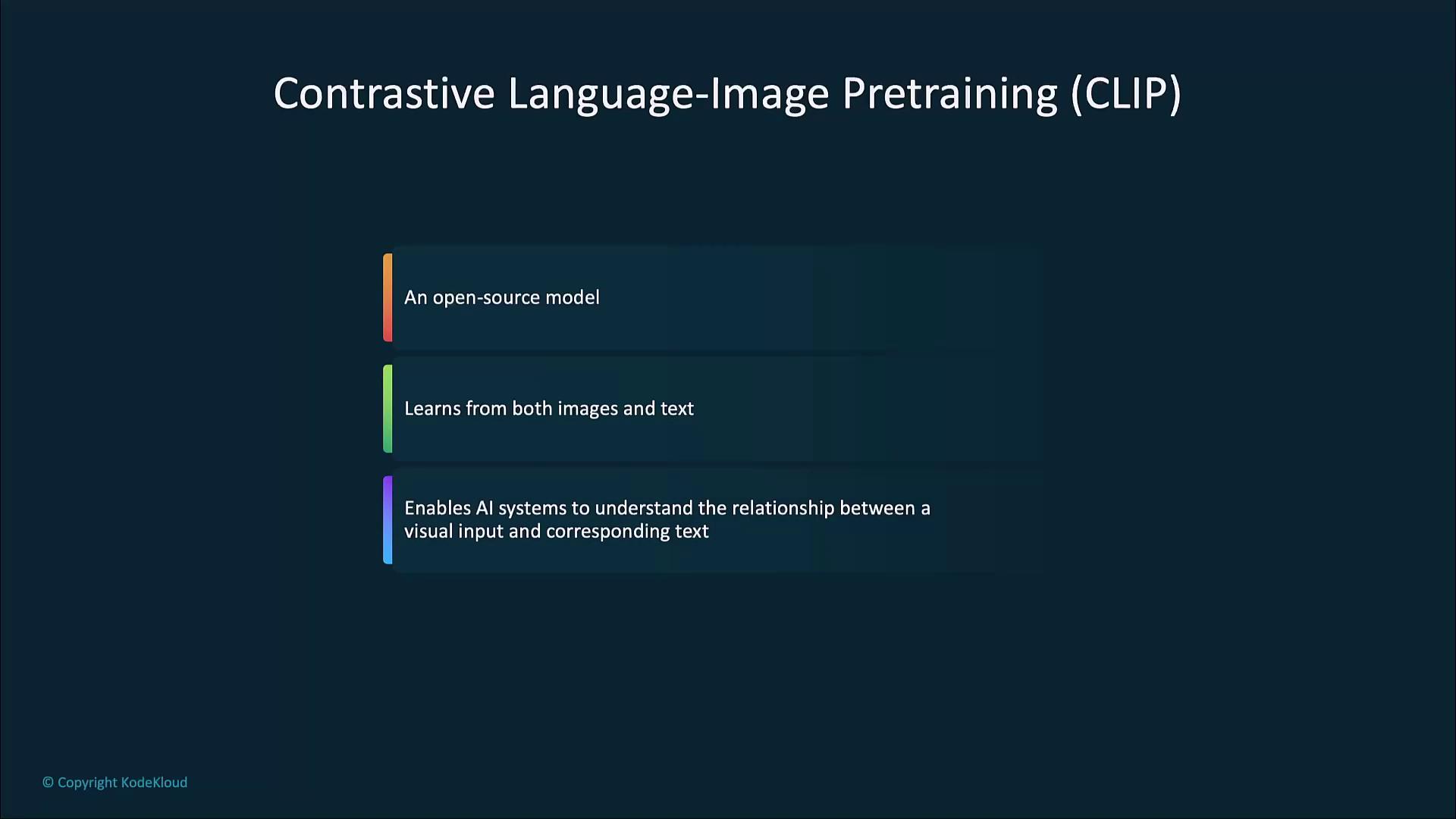
Contrastive Language-Image Pretraining (CLIP) is a powerful multimodal AI model developed by OpenAI. By jointly training on millions of image–text pairs, CLIP aligns visual inputs with their textual descriptions in a shared embedding space. This approach enables robust zero-shot classification, content moderation, image search, and more.
<Frame>
  ![The image describes "Contrastive Language-Image Pretraining (CLIP)" as an open-source model that learns from both images and text, enabling AI systems to understand the relationship between visual input and corresponding text.](https://kodekloud.com/kk-media/image/upload/v1752879265/notes-assets/images/Introduction-to-OpenAI-Introduction-to-Contrastive-Language-Image-Pretraining-CLIP/clip-contrastive-language-image-pretraining.jpg)
</Frame>

***

## What Is CLIP?

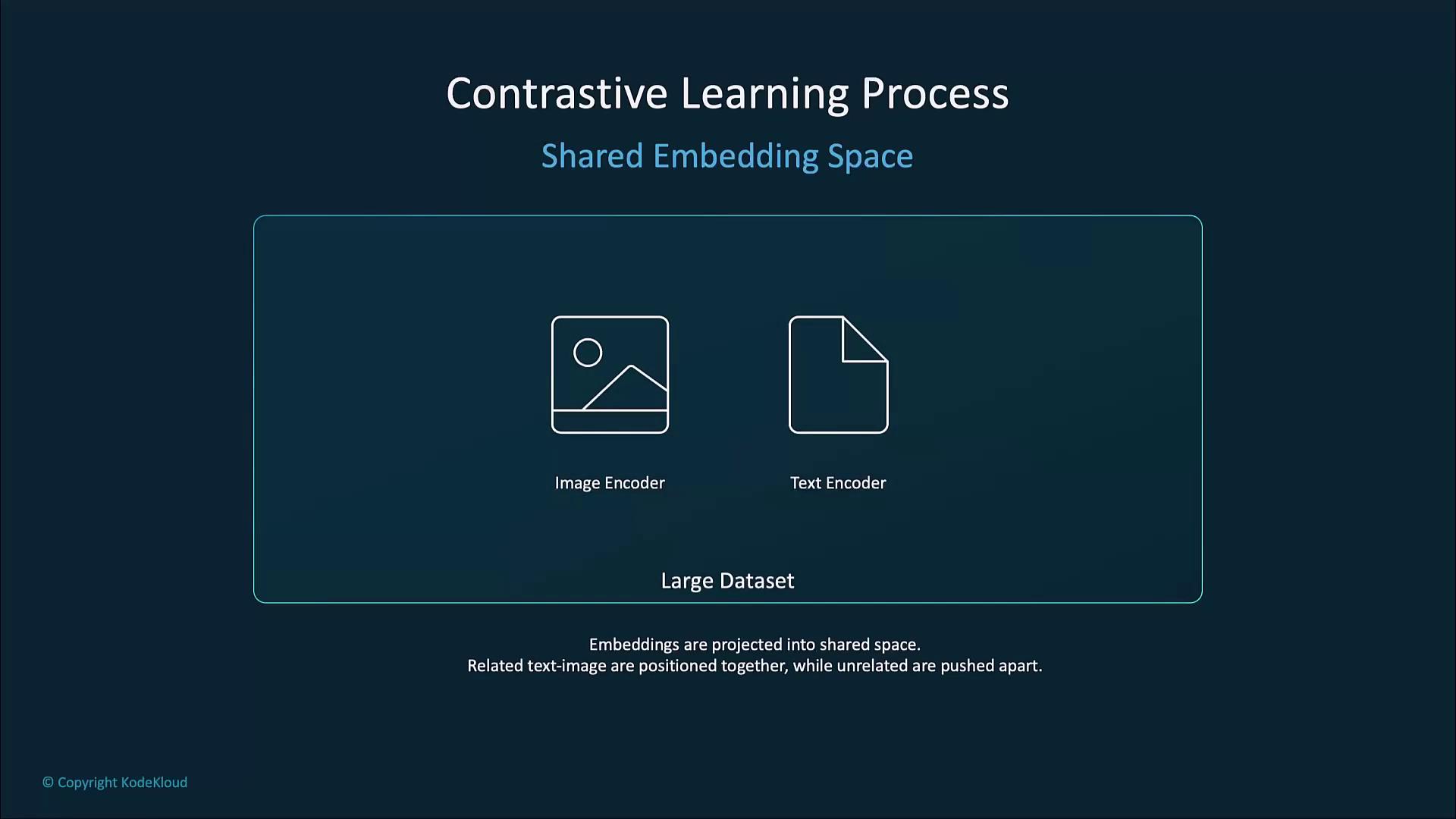
CLIP learns to associate images and text by encoding each modality into high-dimensional vectors and then applying a contrastive objective. Related image–text pairs are pulled together, while unrelated pairs are pushed apart, resulting in a shared semantic space.

Key features:

* Joint image–and–text representation
* Large-scale pretraining on diverse datasets
* Strong generalization to new tasks without further fine-tuning

***

## Why CLIP Is Highly Effective

CLIP’s multimodal embeddings power several capabilities out of the box:

* **Image classification**\
  Recognize content via natural-language prompts instead of labeled examples.
* **Zero-shot learning**\
  Classify previously unseen categories based solely on textual descriptions.
* **Content moderation**\
  Flag content that violates guidelines by matching images to policy-related phrases.
<Frame>
  ![The image is a slide titled "Highly Effective in..." listing "Image classification" and "Zero-shot learning" as key points.](https://kodekloud.com/kk-media/image/upload/v1752879265/notes-assets/images/Introduction-to-OpenAI-Introduction-to-Contrastive-Language-Image-Pretraining-CLIP/highly-effective-image-classification-zero-shot.jpg)
</Frame>

***

## Technical Overview

### Contrastive Learning Process

CLIP optimizes a contrastive loss over paired and unpaired image–text samples:

1. Paired Inputs
2. Contrastive Objective: maximize true-pair similarity, minimize false-pair similarity

<Frame>
  ![The image illustrates the "Contrastive Learning Process" with paired inputs of images and text, indicating that CLIP is trained on large datasets of paired images and text descriptions.](https://kodekloud.com/kk-media/image/upload/v1752879267/notes-assets/images/Introduction-to-OpenAI-Introduction-to-Contrastive-Language-Image-Pretraining-CLIP/contrastive-learning-process-clip-images-text.jpg)
</Frame>

### Shared Embedding Space

A common embedding space ensures that semantically aligned pairs cluster together, and mismatched pairs remain distant.
<Frame>
  ![The image illustrates a contrastive learning process with a shared embedding space, involving an image encoder and a text encoder. It explains that embeddings are projected into a shared space where related text-image pairs are positioned together, while unrelated ones are pushed apart.](https://kodekloud.com/kk-media/image/upload/v1752879268/notes-assets/images/Introduction-to-OpenAI-Introduction-to-Contrastive-Language-Image-Pretraining-CLIP/contrastive-learning-embedding-space-diagram.jpg)
</Frame>

### Similarity Scoring

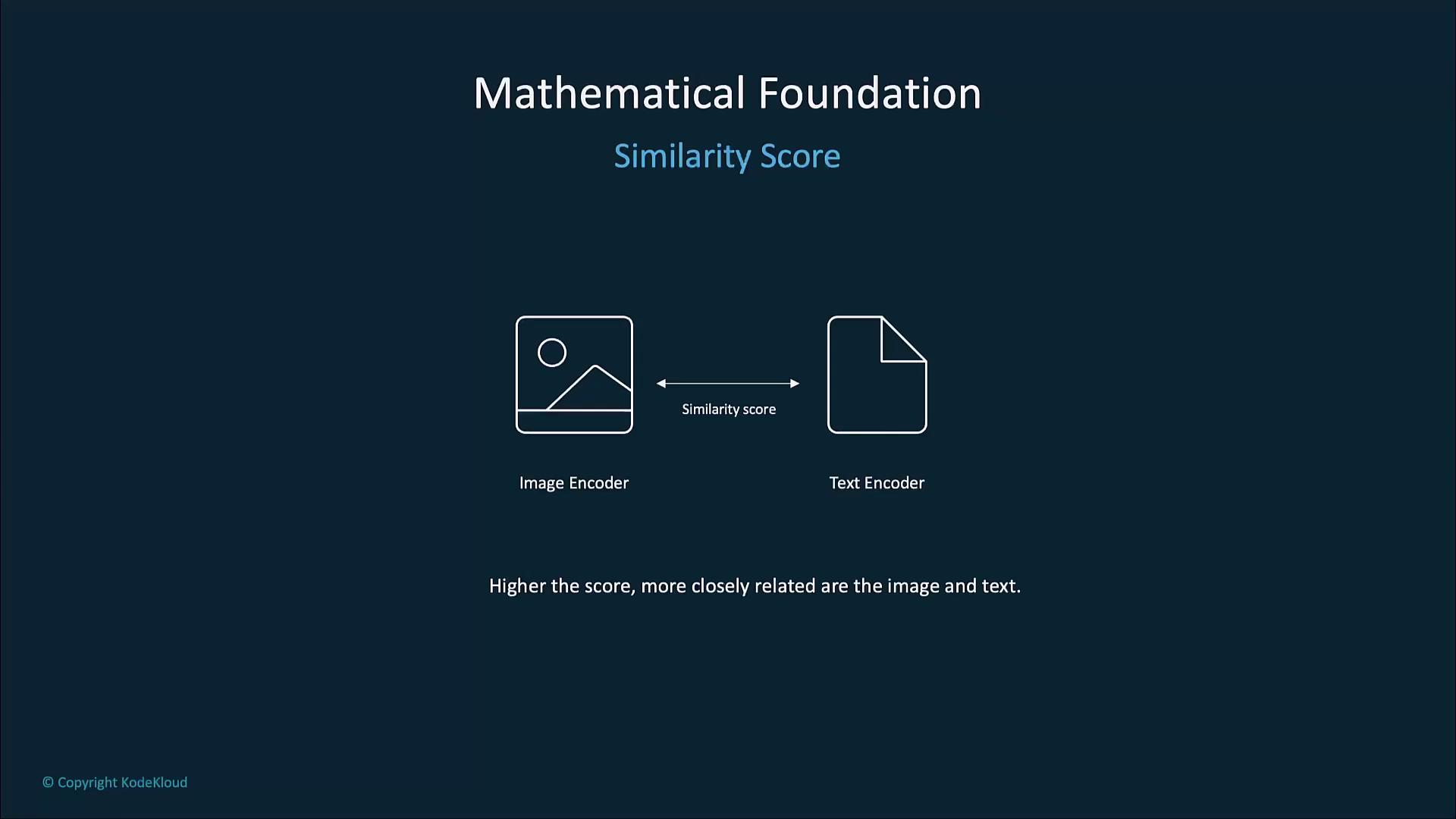
CLIP uses cosine similarity to score image–text alignment. Higher scores indicate closer semantic matches.
<Frame>
  ![The image illustrates the concept of a similarity score between an image encoder and a text encoder, indicating that a higher score means a closer relationship between the image and text.](https://kodekloud.com/kk-media/image/upload/v1752879269/notes-assets/images/Introduction-to-OpenAI-Introduction-to-Contrastive-Language-Image-Pretraining-CLIP/similarity-score-image-text-encoder.jpg)
</Frame>

### Vision Transformer–Based Image Encoder

CLIP’s image encoder is usually a [Vision Transformer (ViT)][vt]. It splits images into patches, applies self-attention, and outputs a rich feature vector.
<Frame>
  ![The image is a slide titled "Image Encoder" that describes a Vision Transformer (ViT) as a tool for converting images into high-dimensional vectors to capture important features.](https://kodekloud.com/kk-media/image/upload/v1752879270/notes-assets/images/Introduction-to-OpenAI-Introduction-to-Contrastive-Language-Image-Pretraining-CLIP/image-encoder-vision-transformer-vectors.jpg)
</Frame>

### Transformer–Based Text Encoder

The text encoder mirrors transformer designs like [GPT][gpt]. It tokenizes input text and generates embeddings that capture nuanced semantic meaning.
<Frame>
  ![The image is a slide titled "Text Encoder," describing a transformer model similar to GPT that tokenizes input text and generates a vector representation.](https://kodekloud.com/kk-media/image/upload/v1752879270/notes-assets/images/Introduction-to-OpenAI-Introduction-to-Contrastive-Language-Image-Pretraining-CLIP/text-encoder-transformer-model-vector-representation.jpg)
</Frame>

***

## Zero-Shot Learning with CLIP

CLIP excels at zero-shot classification, mapping text labels to images without fine-tuning on task-specific data.
<Frame>
  ![The image is a slide titled "Zero-Shot Learning With CLIP," explaining that it classifies images based on textual descriptions without specific training on target datasets.](https://kodekloud.com/kk-media/image/upload/v1752879272/notes-assets/images/Introduction-to-OpenAI-Introduction-to-Contrastive-Language-Image-Pretraining-CLIP/zero-shot-learning-clip-classification.jpg)
</Frame>

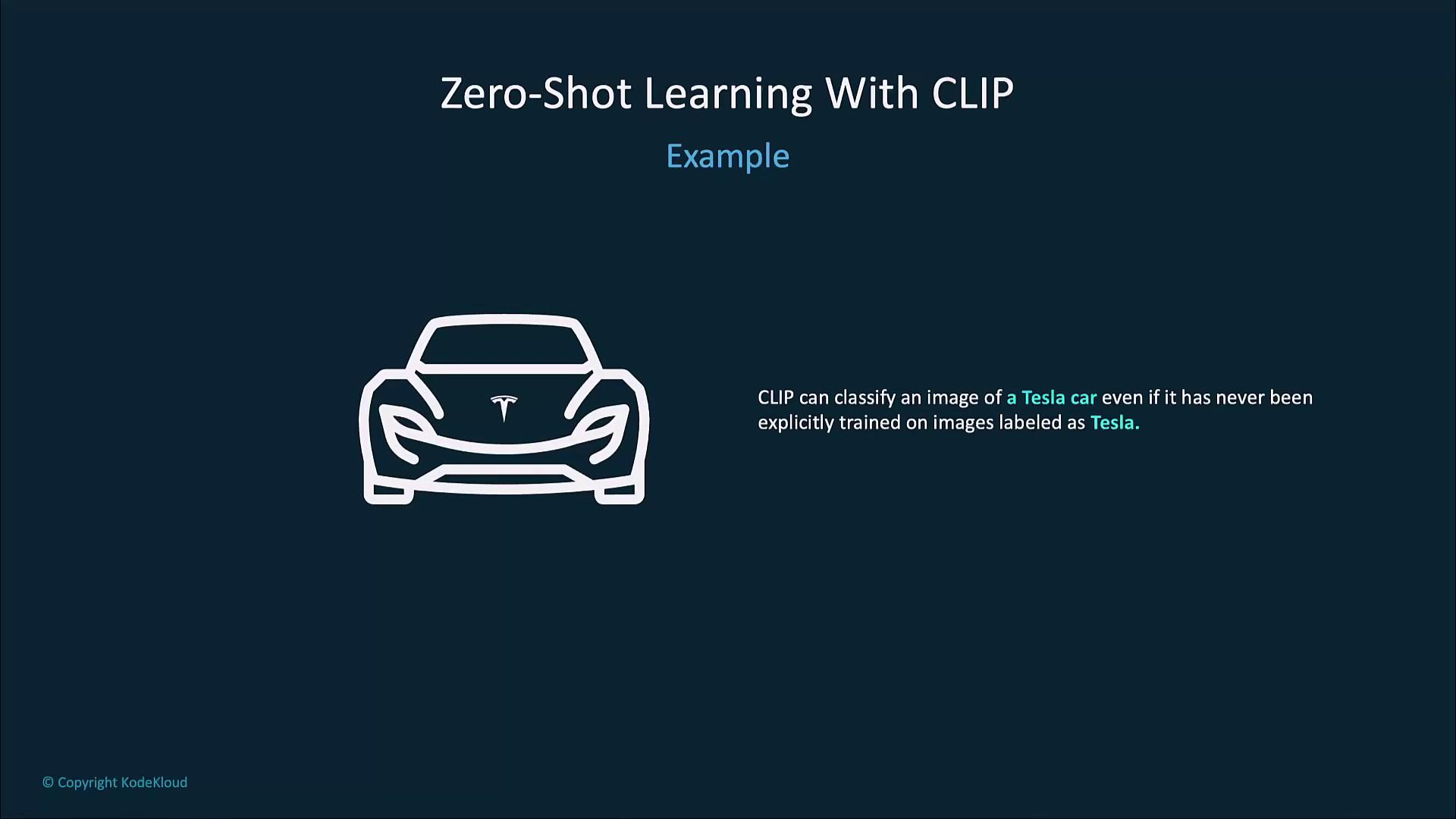
For example, CLIP can identify a “Tesla car” from an image using only the prompt “a photo of a Tesla”—even if it never saw labeled Tesla images during pretraining.
<Frame>
  ![The image illustrates zero-shot learning with CLIP, showing a car icon and explaining that CLIP can classify a Tesla car without explicit training on Tesla images.](https://kodekloud.com/kk-media/image/upload/v1752879273/notes-assets/images/Introduction-to-OpenAI-Introduction-to-Contrastive-Language-Image-Pretraining-CLIP/zero-shot-learning-clip-tesla-car.jpg)
</Frame>

<Callout icon="lightbulb" color="#1CB2FE">
  Carefully crafted prompts can improve zero-shot accuracy. Try adjectives or context phrases like “a high-resolution photo of…” for clearer results.
</Callout>

***

## Practical Applications

| Application                    | Description                                         | Example                                                   |
| ------------------------------ | --------------------------------------------------- | --------------------------------------------------------- |
| Image Classification & Search  | Retrieve images via natural-language queries        | Search “aerial view of mountains” without labeled data    |
| Content Moderation & Filtering | Flag policy-violating content                       | Block images tagged as “graphic violence”                 |
| AI-Driven Art & Creativity     | Guide generative models (GANs, DALL·E) with prompts | Create concept art based on “cyberpunk neon city at dusk” |

### Image Classification and Search

Users can perform text-based image retrieval without custom datasets. Ideal for media libraries and asset management.
<Frame>
  ![The image is a slide titled "Image Classification and Search," with a note about identifying images based on text descriptions without needing large sets of labeled data.](https://kodekloud.com/kk-media/image/upload/v1752879274/notes-assets/images/Introduction-to-OpenAI-Introduction-to-Contrastive-Language-Image-Pretraining-CLIP/image-classification-search-text-identification.jpg)
</Frame>

### Content Moderation and Filtering

Automatically detect and filter out images that violate community guidelines, leveraging CLIP’s dual understanding of text and visuals.
<Frame>
  ![The image is a slide titled "Content Moderation and Filtering," with a note stating it can flag inappropriate images based on their descriptions.](https://kodekloud.com/kk-media/image/upload/v1752879274/notes-assets/images/Introduction-to-OpenAI-Introduction-to-Contrastive-Language-Image-Pretraining-CLIP/content-moderation-filtering-slide.jpg)
</Frame>

### Art and Creativity

When combined with generative networks like [DALL·E][dalle] or [GANs][gans], CLIP guides the creation of images from rich textual prompts.
<Frame>
  ![The image is a slide titled "Art and Creativity," discussing the use of AI models to generate art, with an example of pairing CLIP with DALL-E for creating art from complex descriptions.](https://kodekloud.com/kk-media/image/upload/v1752879276/notes-assets/images/Introduction-to-OpenAI-Introduction-to-Contrastive-Language-Image-Pretraining-CLIP/art-and-creativity-ai-models-slide.jpg)
</Frame>

***

## Future Trends

CLIP sets a benchmark for multimodal AI. Anticipated developments include:

* Enhanced cross-modal reasoning and commonsense understanding
* Deeper integration with generative frameworks for adaptive content creation
* Improved performance on specialized retrieval, recognition, and moderation tasks
<Frame>
  ![The image outlines future trends for CLIP, highlighting improvements in handling multiple data types, cross-model understanding, and creative applications.](https://kodekloud.com/kk-media/image/upload/v1752879277/notes-assets/images/Introduction-to-OpenAI-Introduction-to-Contrastive-Language-Image-Pretraining-CLIP/clip-future-trends-data-types.jpg)
</Frame>

***

## Links and References

* [Contrastive Language–Image Pretraining (CLIP) Repository](https://github.com/openai/CLIP)
* [Vision Transformer][vt]
* [Generative Pre-trained Transformer (GPT)][gpt]
* [DALL·E 2][dalle]
* [Generative Adversarial Networks (GANs)][gans]

[vt]: https://en.wikipedia.org/wiki/Vision_Transformer

[gpt]: https://en.wikipedia.org/wiki/Generative_Pre-trained_Transformer

[dalle]: https://openai.com/product/dall-e-2

[gans]: https://en.wikipedia.org/wiki/Generative_adversarial_network

<Callout icon="triangle-alert" color="#FF6B6B">
  Pretrained models like CLIP can inherit biases from their training data. Evaluate and monitor outputs to ensure ethical use.
</Callout>

<CardGroup>
  <Card title="Watch Video" icon="video" cta="Learn more" href="https://learn.kodekloud.com/user/courses/introduction-to-openai/module/d76ba88f-ebc6-4d12-8aa5-9359bc23be72/lesson/d97a1f72-49ab-44e0-9ded-0ef5b2328072" />
</CardGroup>
