> ## Documentation Index
> Fetch the complete documentation index at: https://notes.kodekloud.com/llms.txt
> Use this file to discover all available pages before exploring further.

# Overview of OpenAI Vision

> OpenAI Vision integrates computer vision and language understanding for image interpretation, generation, and manipulation through the OpenAI Vision API.

OpenAI Vision combines advanced computer vision and language understanding to interpret, generate, and manipulate images through the OpenAI Vision API. Whether you’re building accessibility tools, automation pipelines, or creative applications, Vision models like GPT-4 Vision and DALL·E provide powerful multimodal capabilities.

## Why Vision Models Matter

Computer vision models unlock new horizons for automation, creativity, and multimodal AI interactions:

1. **Expanding AI’s Domain**\
   Vision brings AI into healthcare, retail, manufacturing, and creative arts—industries where images and visual data are central. For example, radiology AI can flag anomalies in X-rays or MRIs for faster diagnosis.

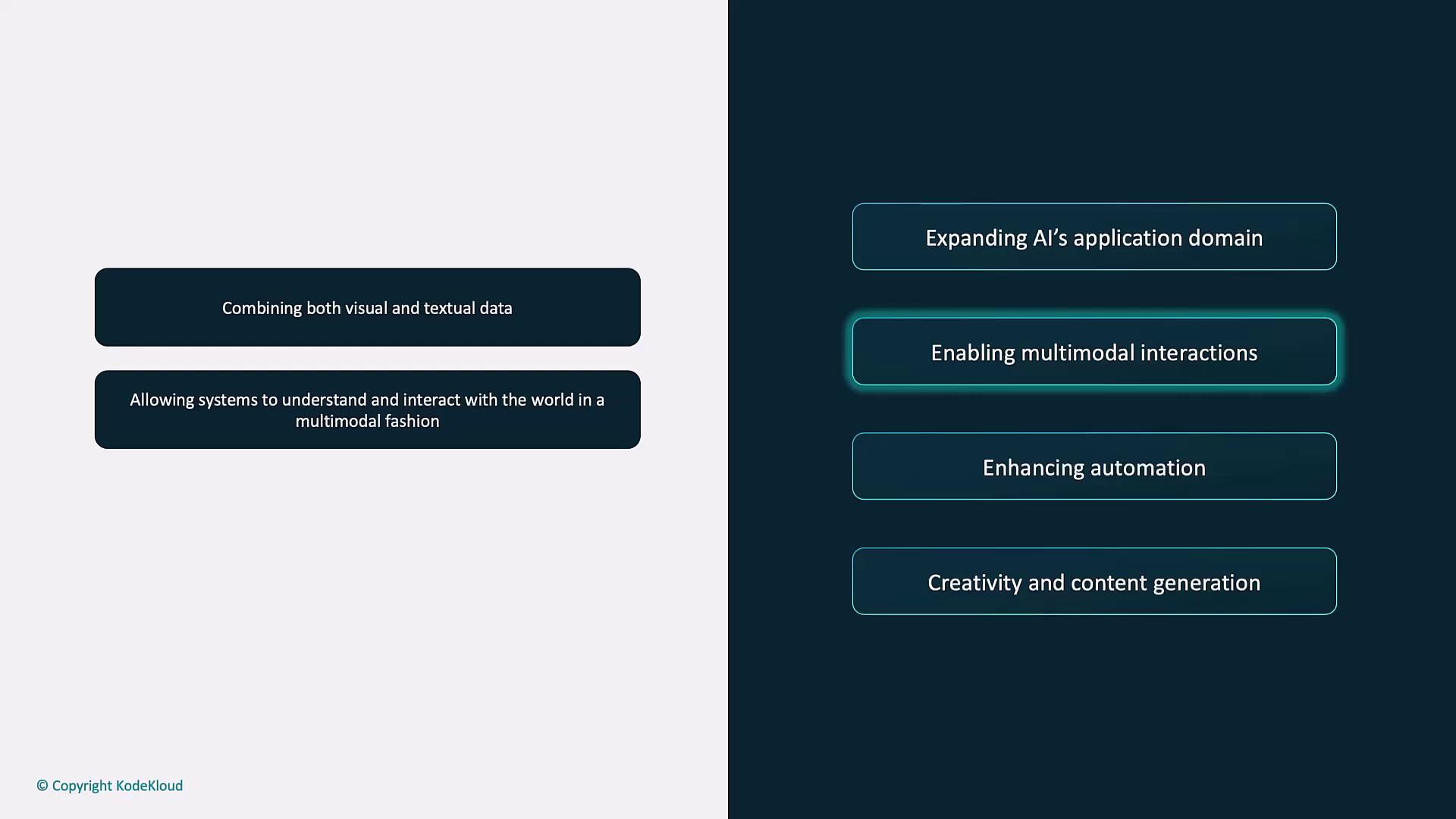
2. **Enabling Multimodal Interactions**\
   By combining visual and textual inputs, you can generate captions, answer questions about a photo, or build richer chat experiences.
<Frame>
  ![The image shows text about combining visual and textual data for enabling multimodal interactions, enhancing automation, and expanding AI's application domain.](https://kodekloud.com/kk-media/image/upload/v1752879288/notes-assets/images/Introduction-to-OpenAI-Overview-of-OpenAI-Vision/multimodal-interactions-visual-textual-data.jpg)
</Frame>

*Example:* A virtual assistant analyzes a product image and returns detailed descriptions or personalized recommendations.

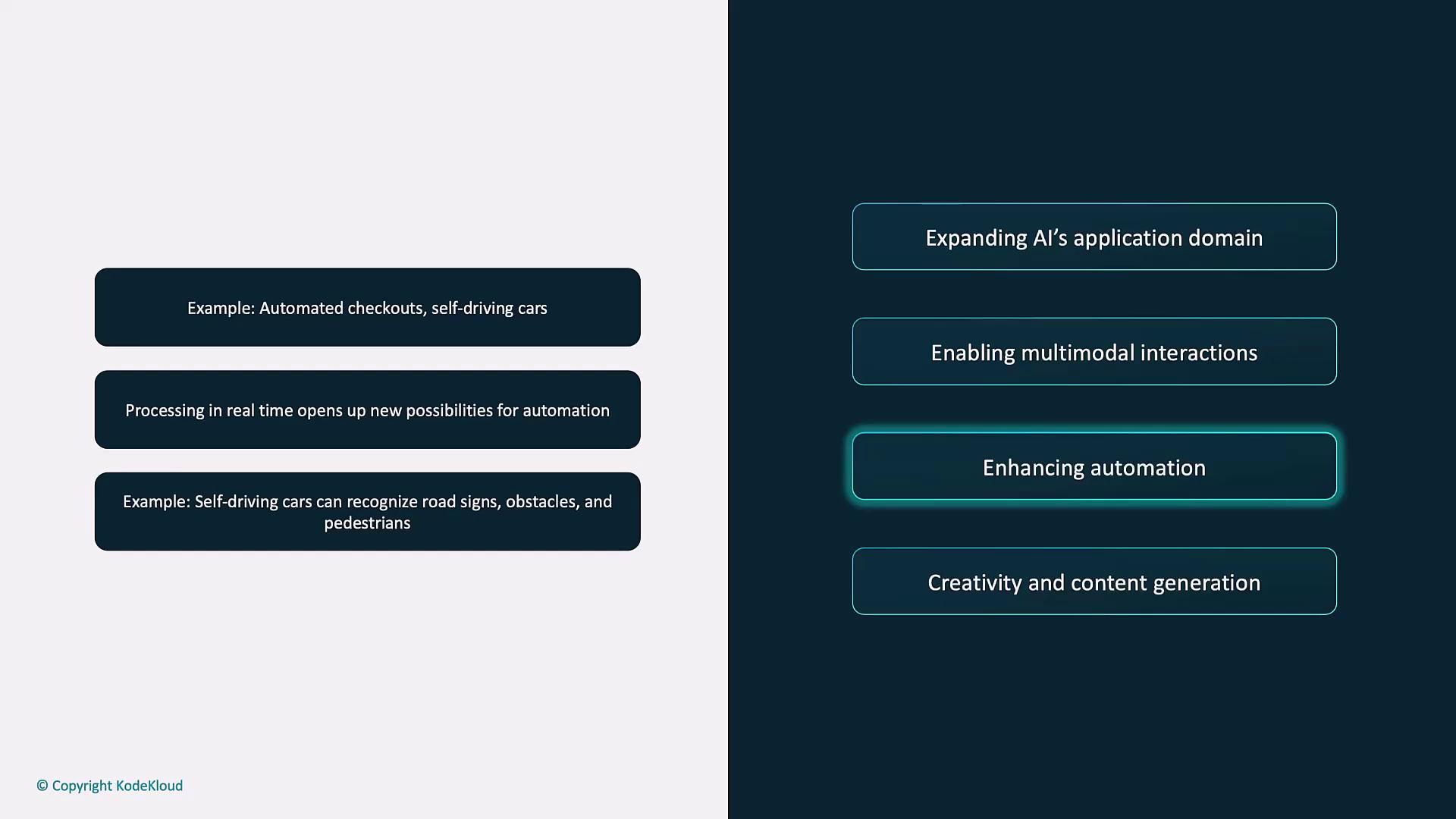
3. **Enhancing Automation**\
   From cashier-less retail checkouts to autonomous vehicles, real-time image recognition powers new workflows.
<Frame>
  ![The image shows a comparison between examples of automation, such as automated checkouts and self-driving cars, and the concept of enhancing automation within AI's application domain.](https://kodekloud.com/kk-media/image/upload/v1752879290/notes-assets/images/Introduction-to-OpenAI-Overview-of-OpenAI-Vision/automation-comparison-ai-enhancement.jpg)
</Frame>

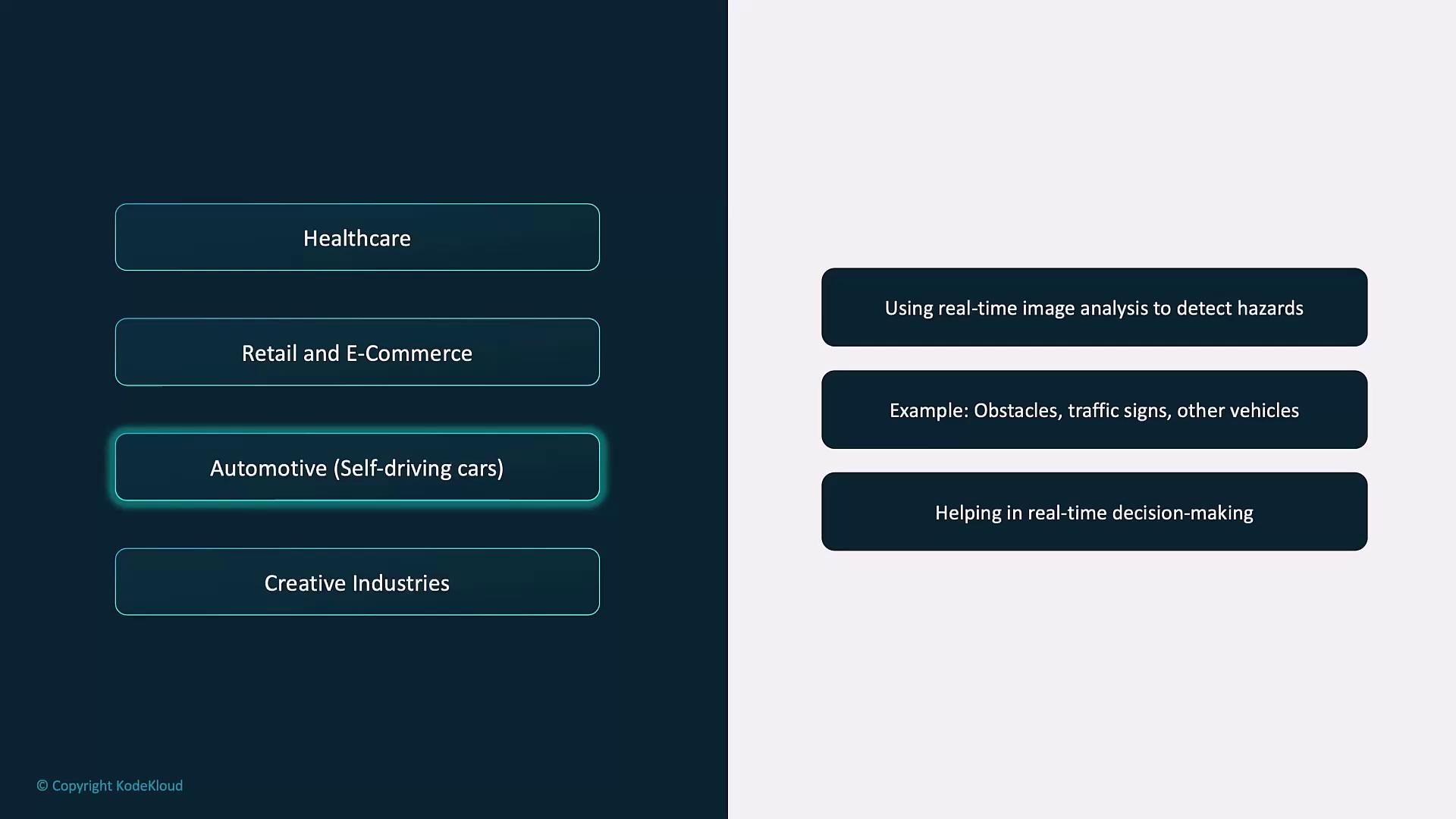
*Example:* A self-driving car uses Vision API to identify road signs, obstacles, and pedestrians for safe navigation.

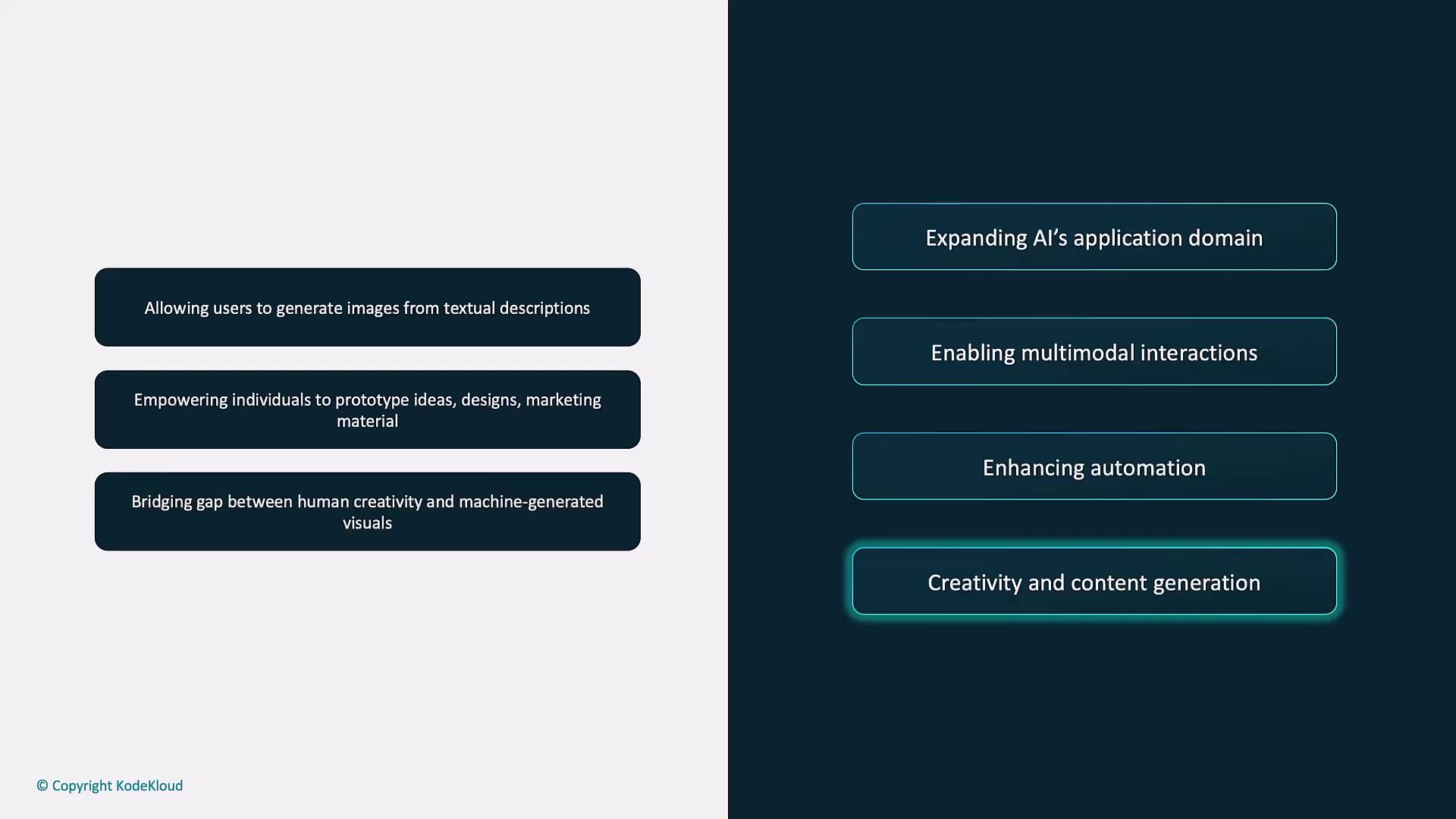
4. **Boosting Creativity and Content Generation**\
   Tools like DALL·E transform text prompts into vivid images—ideal for prototyping designs, marketing visuals, or original artwork.
<Frame>
  ![The image lists benefits of AI in two columns, highlighting aspects like image generation from text, prototyping, and enhancing automation. It emphasizes creativity, content generation, and bridging human-machine creativity gaps.](https://kodekloud.com/kk-media/image/upload/v1752879291/notes-assets/images/Introduction-to-OpenAI-Overview-of-OpenAI-Vision/ai-benefits-image-generation-automation.jpg)
</Frame>

*Example:* Describe a futuristic cityscape and DALL·E generates an inspiring concept image.

## Core Capabilities of the OpenAI Vision API

<Callout icon="lightbulb" color="#1CB2FE">
  All examples assume access to a vision-capable GPT-4 model (for instance, `gpt-4-vision`) or the DALL·E endpoints. Make sure your API key has the proper scopes enabled.
</Callout>

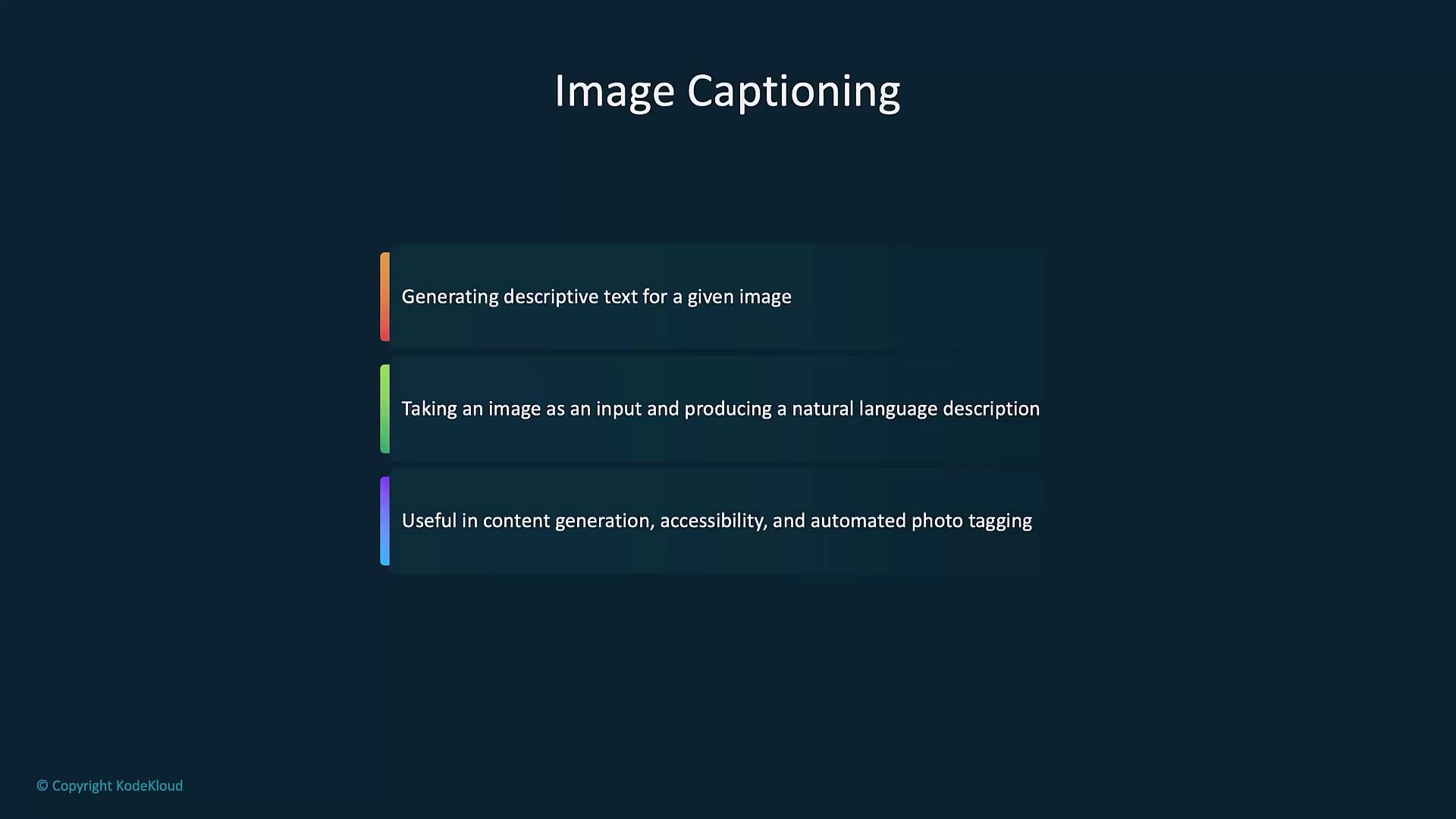
### Image Captioning

Generate natural language descriptions for any image—useful in accessibility, SEO, and automated photo tagging.
<Frame>
  ![The image is a slide titled "Image Captioning," describing it as generating descriptive text for images, producing natural language descriptions, and being useful for content generation, accessibility, and automated photo tagging.](https://kodekloud.com/kk-media/image/upload/v1752879292/notes-assets/images/Introduction-to-OpenAI-Overview-of-OpenAI-Vision/image-captioning-descriptive-text-slide.jpg)
</Frame>

```python theme={null}
import openai

def caption_image(image_url):
    response = openai.chat.completions.create(
        model="gpt-4-vision",
        messages=[{"role": "user", "content": f"Describe this image: {image_url}"}],
        max_tokens=100
    )
    return response.choices[0].message.content

url = "https://example.com/path/to/image.jpg"
print("Caption:", caption_image(url))
```

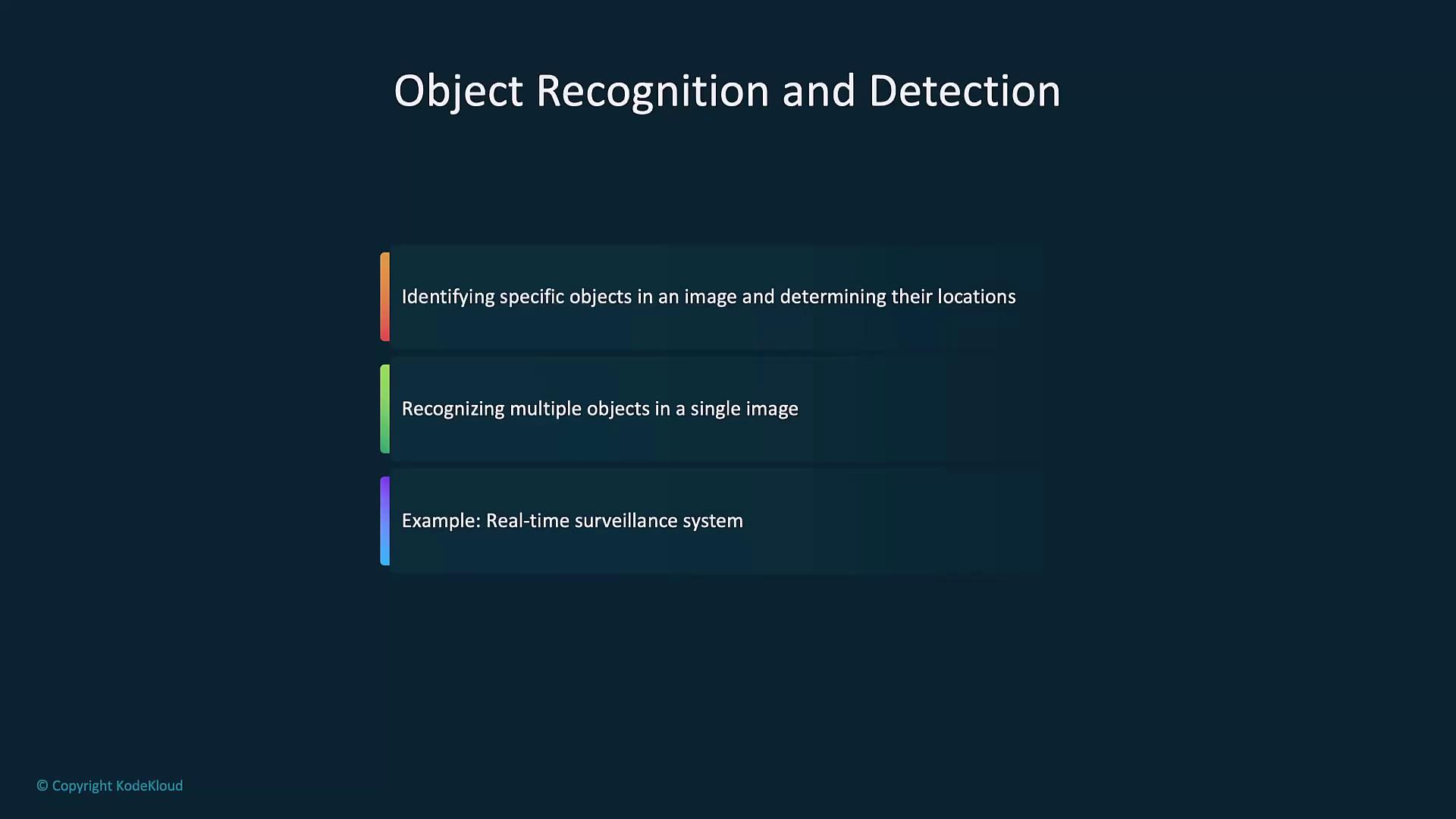
### Object Recognition and Detection

Detect objects and their coordinates for analytics, surveillance, or industrial inspection.
<Frame>
  ![The image is a slide titled "Object Recognition and Detection," describing the identification of specific objects, recognizing multiple objects, and providing an example of a real-time surveillance system.](https://kodekloud.com/kk-media/image/upload/v1752879293/notes-assets/images/Introduction-to-OpenAI-Overview-of-OpenAI-Vision/object-recognition-detection-surveillance-slide.jpg)
</Frame>

```python theme={null}
import openai

def detect_objects(image_url):
    response = openai.chat.completions.create(
        model="gpt-4-vision",
        messages=[{"role": "user", "content": f"List all objects in this image and their locations: {image_url}"}],
        max_tokens=150
    )
    return response.choices[0].message.content

url = "https://example.com/path/to/image.jpg"
print("Objects Detected:", detect_objects(url))
```

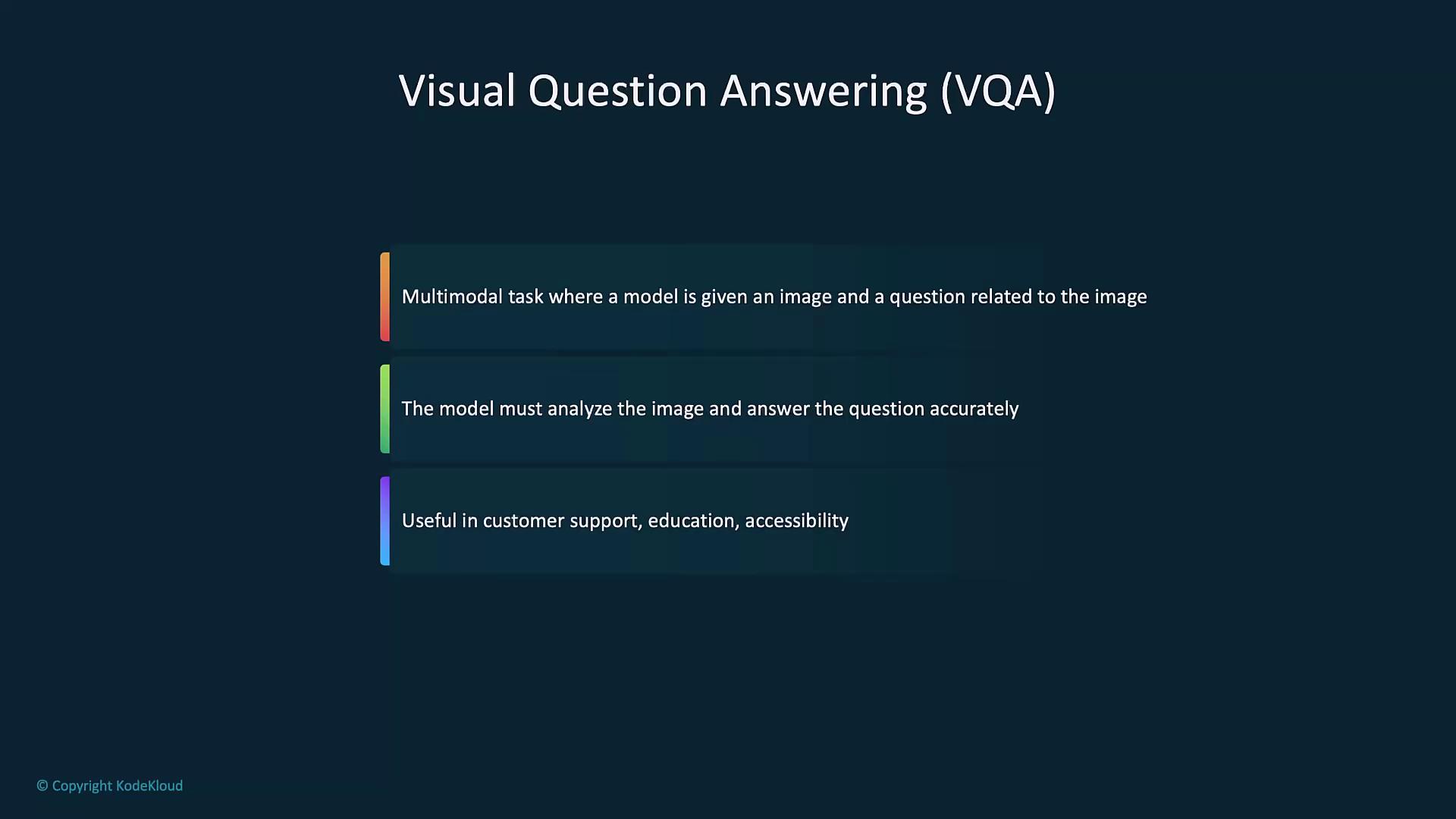
### Visual Question Answering (VQA)

Ask questions about image content—ideal for customer support, education, and accessibility tools.
<Frame>
  ![The image is a slide about Visual Question Answering (VQA), describing it as a multimodal task where a model analyzes an image and answers related questions, highlighting its usefulness in customer support, education, and accessibility.](https://kodekloud.com/kk-media/image/upload/v1752879294/notes-assets/images/Introduction-to-OpenAI-Overview-of-OpenAI-Vision/visual-question-answering-multimodal-task.jpg)
</Frame>

```python theme={null}
import openai

def visual_question_answering(image_url, question):
    response = openai.chat.completions.create(
        model="gpt-4-vision",
        messages=[
            {"role": "user", "content": f"Here is an image: {image_url}\nQuestion: {question}"}
        ],
        max_tokens=100
    )
    return response.choices[0].message.content

image_url = "https://example.com/path/to/image.jpg"
answer = visual_question_answering(image_url, "What is this object?")
print("Answer:", answer)
```

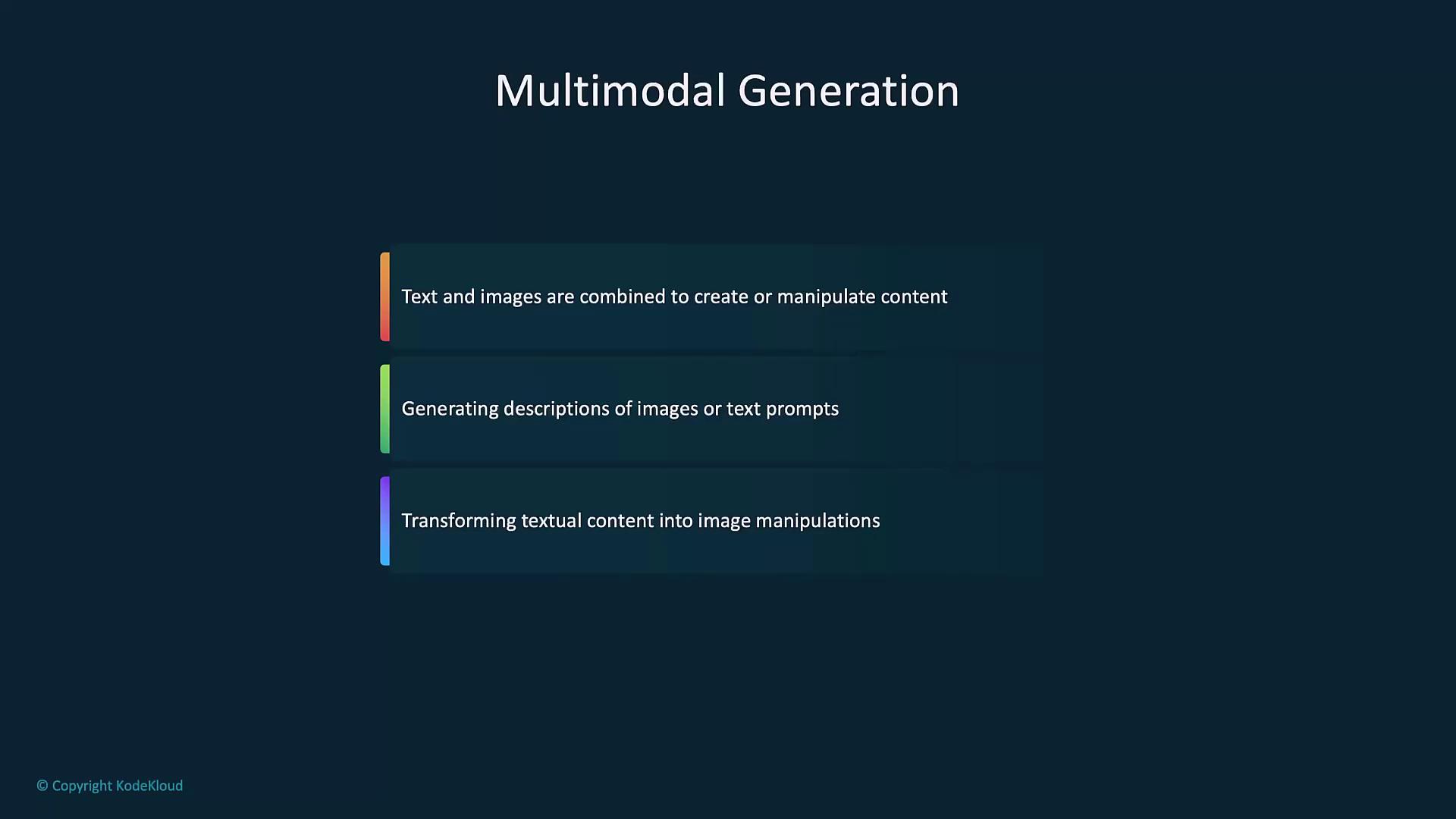
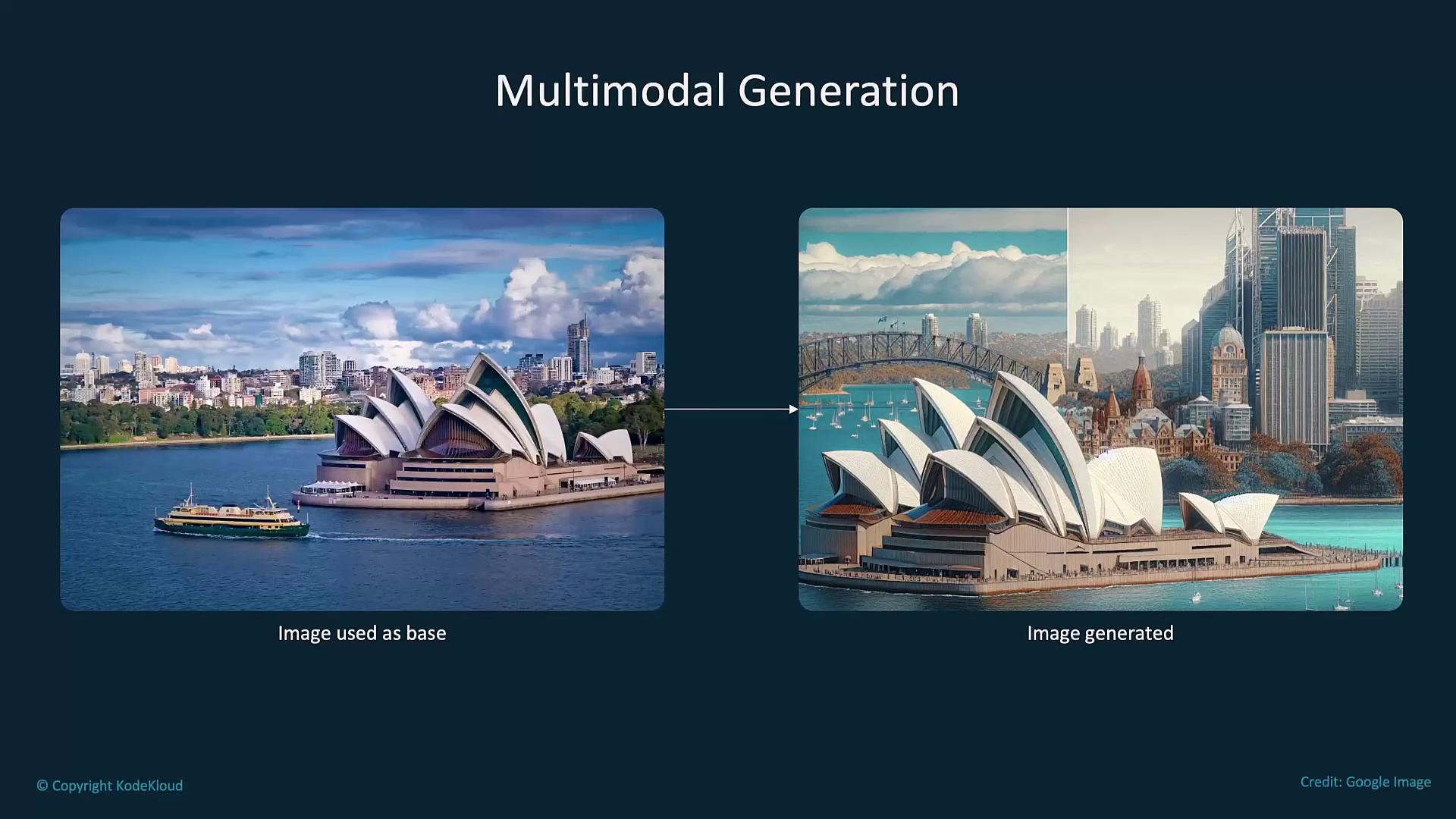
### Multimodal Generation

Combine text and images for creative editing, image-to-sketch transformations, or custom visualizations.
<Frame>
  ![The image is a slide titled "Multimodal Generation," describing how text and images are combined to create or manipulate content, generate descriptions, and transform textual content into image manipulations.](https://kodekloud.com/kk-media/image/upload/v1752879295/notes-assets/images/Introduction-to-OpenAI-Overview-of-OpenAI-Vision/multimodal-generation-text-images-manipulation.jpg)
</Frame>

```python theme={null}
import openai

def generate_image_from_sketch(image_url, text_description):
    response = openai.images.generate(
        model="dall-e-3",
        prompt=f"Use the following image as a base: {image_url}. Add these details: {text_description}",
        size='1024x1024'
    )
    return response.data[0].url

image_url = "https://example.com/path/to/sketch.jpg"
description = "Add a bright blue sky and detailed buildings in the background."
print("Generated Image URL:", generate_image_from_sketch(image_url, description))
```
<Frame>
  ![The image shows a comparison between a real photo of the Sydney Opera House and a generated version of it, illustrating multimodal generation.](https://kodekloud.com/kk-media/image/upload/v1752879297/notes-assets/images/Introduction-to-OpenAI-Overview-of-OpenAI-Vision/sydney-opera-house-photo-comparison.jpg)
</Frame>

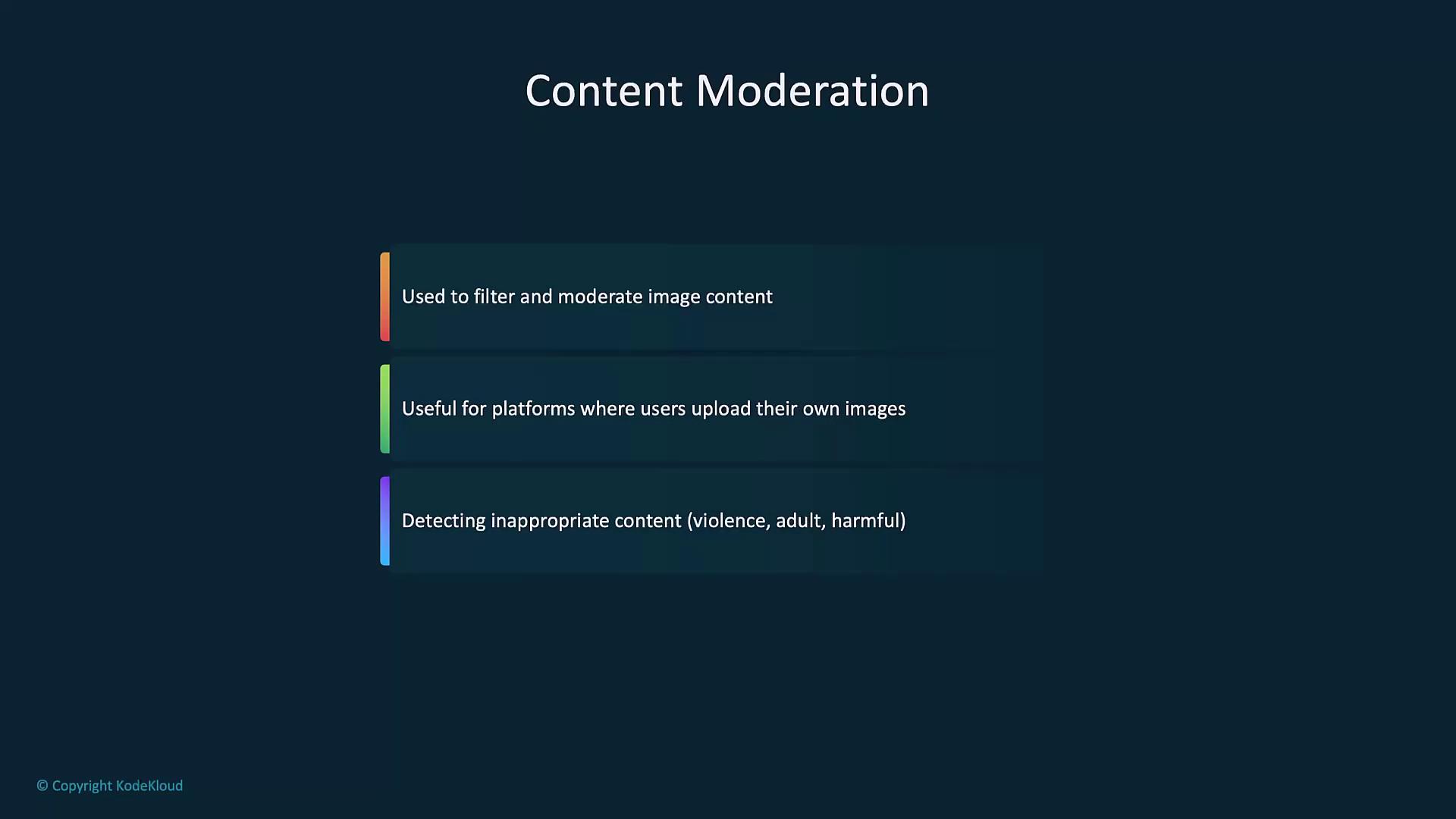
### Content Moderation

Automatically flag unsafe or policy-violating images before they reach end users.
<Frame>
  ![The image is a slide titled "Content Moderation," highlighting its use in filtering image content, its relevance for user-uploaded platforms, and its role in detecting inappropriate content.](https://kodekloud.com/kk-media/image/upload/v1752879297/notes-assets/images/Introduction-to-OpenAI-Overview-of-OpenAI-Vision/content-moderation-image-filtering-slide.jpg)
</Frame>

<Callout icon="triangle-alert" color="#FF6B6B">
  Ensure you comply with [OpenAI’s content policy](https://platform.openai.com/docs/policies) when moderating sensitive images.
</Callout>

```python theme={null}
import openai

def moderate_image(image_url):
    response = openai.moderations.create(
        model="vision-moderation-latest",
        input=image_url
    )
    return response.results[0].flagged

url = "https://example.com/path/to/image.jpg"
print("Moderation flagged:", moderate_image(url))
```

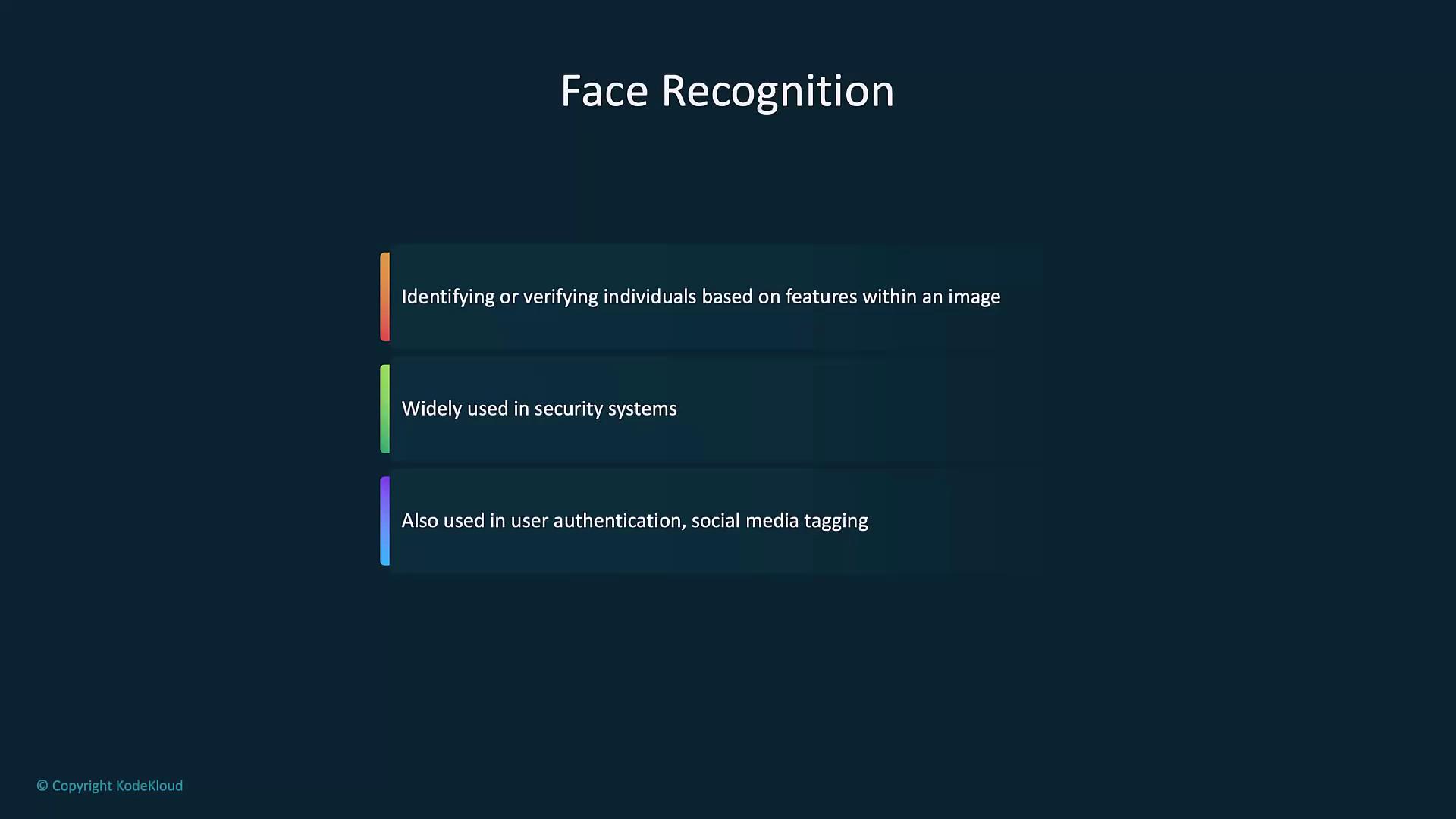
### Face Recognition and Analysis

Identify or verify individuals, estimate age, gender, and emotion for security or user analytics.
<Frame>
  ![The image is a slide about face recognition, highlighting its use in identifying individuals, security systems, and user authentication.](https://kodekloud.com/kk-media/image/upload/v1752879298/notes-assets/images/Introduction-to-OpenAI-Overview-of-OpenAI-Vision/face-recognition-security-user-authentication.jpg)
</Frame>

```python theme={null}
import openai

def analyze_face(image_url):
    response = openai.chat.completions.create(
        model="gpt-4-vision",
        messages=[{"role": "user", "content": f"Analyze this image for age, gender, and emotion: {image_url}"}],
        max_tokens=100
    )
    return response.choices[0].message.content

url = "https://example.com/path/to/face.jpg"
print("Face Analysis:", analyze_face(url))
```

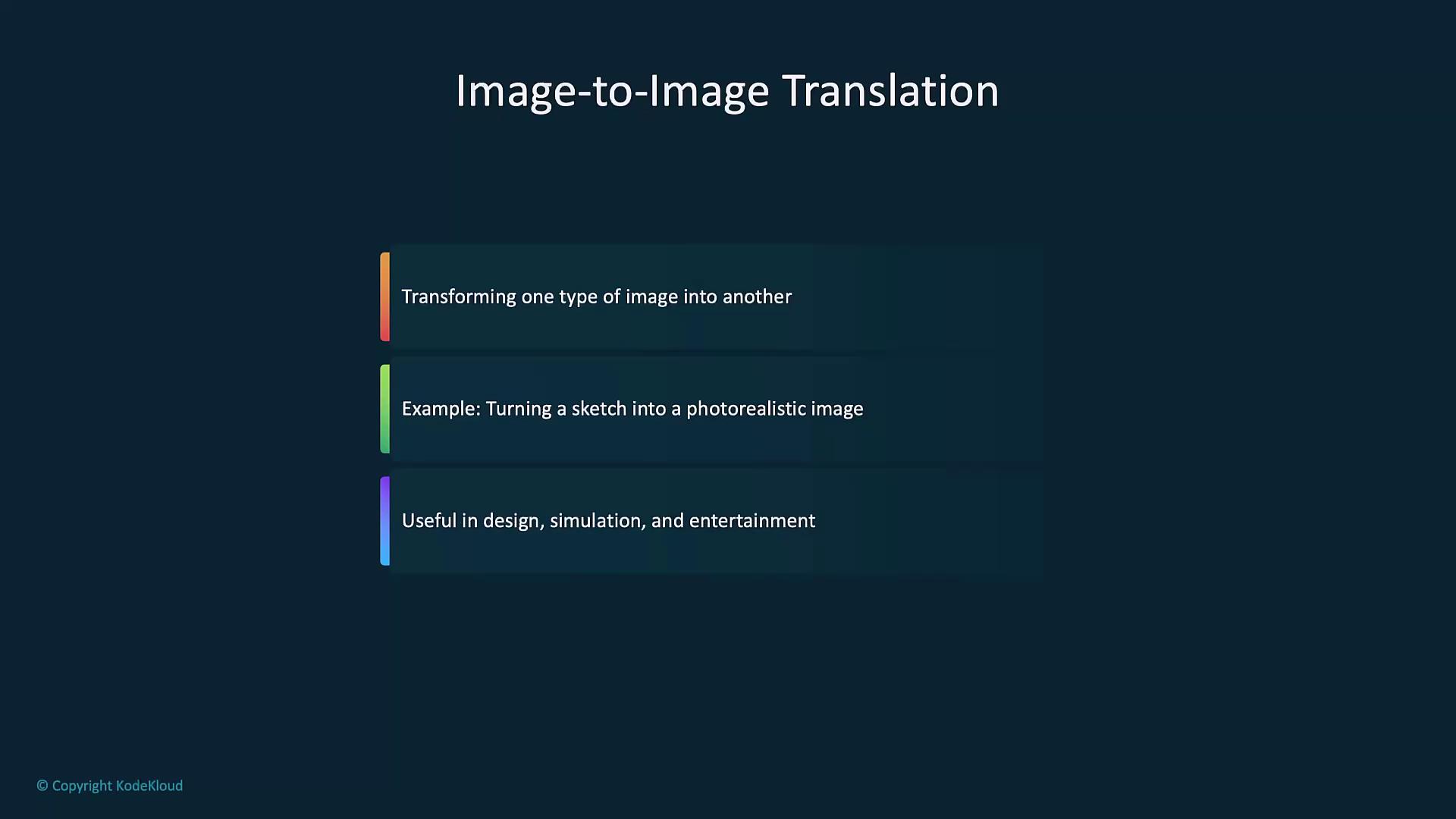
### Image-to-Image Translation

Convert sketches to photorealistic renders, apply filters, or simulate design prototypes.
<Frame>
  ![The image is a slide titled "Image-to-Image Translation," describing the process of transforming one type of image into another, such as turning a sketch into a photorealistic image, and its usefulness in design, simulation, and entertainment.](https://kodekloud.com/kk-media/image/upload/v1752879300/notes-assets/images/Introduction-to-OpenAI-Overview-of-OpenAI-Vision/image-to-image-translation-process.jpg)
</Frame>

```python theme={null}
import openai

def image_to_image_translation(input_image_url, transformation_description):
    response = openai.images.generate(
        model="dall-e-3",
        prompt=f"Transform the image at {input_image_url} by {transformation_description}",
        size='1024x1024'
    )
    return response.data[0].url

input_image_url = "https://www.example.com/hi.jpg"
transformation_description = "convert this sketch into a photorealistic image."
print("Translated Image URL:", image_to_image_translation(input_image_url, transformation_description))
```

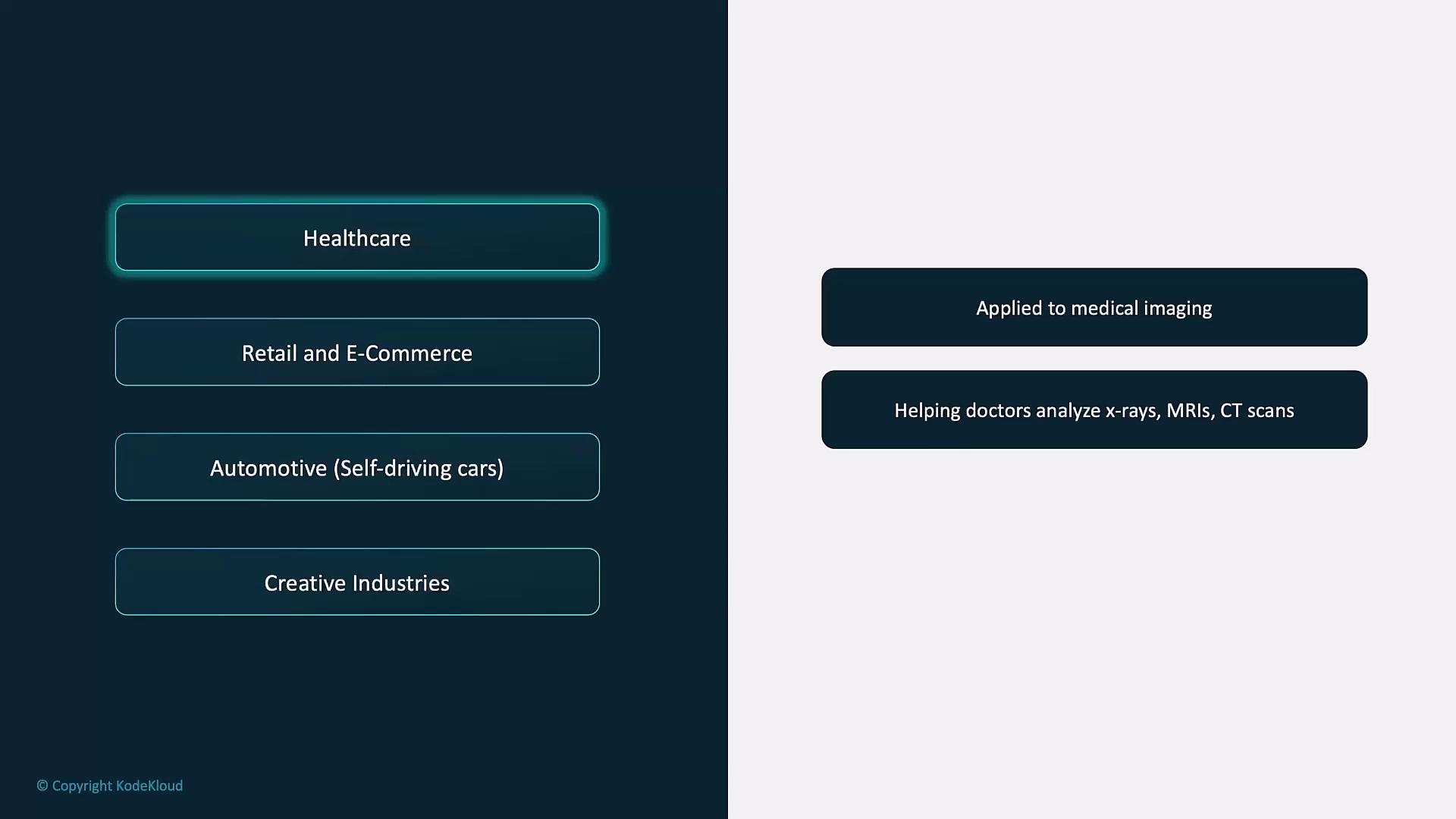
## Use Cases Across Industries

| Industry                       | Application                                                    | Illustration                                                                                                                                                                                                                                                                                                                                                                                                                                                               |
| ------------------------------ | -------------------------------------------------------------- | -------------------------------------------------------------------------------------------------------------------------------------------------------------------------------------------------------------------------------------------------------------------------------------------------------------------------------------------------------------------------------------------------------------------------------------------------------------------------- |
| Healthcare                     | AI-assisted radiology: analyzing X-rays, MRIs, and CT scans    | ![The image shows a list of industries on the left, with "Healthcare" highlighted, and on the right, it describes applications in medical imaging, such as analyzing x-rays, MRIs, and CT scans.](https://kodekloud.com/kk-media/image/upload/v1752879301/notes-assets/images/Introduction-to-OpenAI-Overview-of-OpenAI-Vision/healthcare-medical-imaging-applications-list.jpg)                                                                                           |
| Retail & E-Commerce            | Inventory tagging, shopper behavior analysis, personalized ads | ![The image shows a list of industries on the left, with "Retail and E-Commerce" highlighted, and related tasks on the right, such as automating inventory management and analyzing customer behavior.](https://kodekloud.com/kk-media/image/upload/v1752879302/notes-assets/images/Introduction-to-OpenAI-Overview-of-OpenAI-Vision/retail-ecommerce-industry-tasks-list.jpg)                                                                                             |
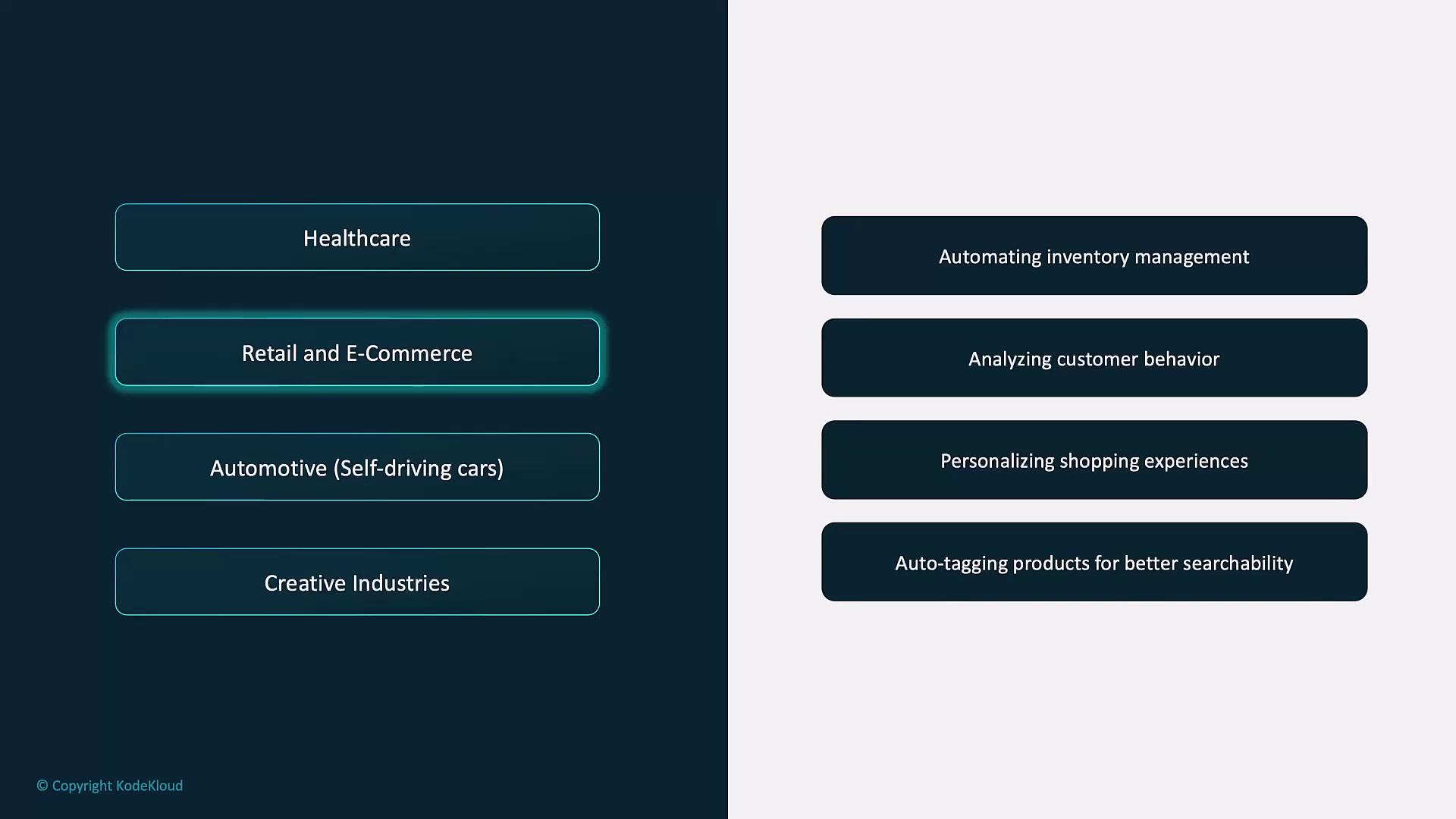
| Automotive (Self-driving cars) | Obstacle detection, traffic-sign recognition, navigation       | ![The image shows a list of industries on the left, with "Automotive (Self-driving cars)" highlighted, and on the right, it describes the use of real-time image analysis for detecting hazards and aiding decision-making in self-driving cars.](https://kodekloud.com/kk-media/image/upload/v1752879304/notes-assets/images/Introduction-to-OpenAI-Overview-of-OpenAI-Vision/automotive-self-driving-cars-image-analysis.jpg)                                            |
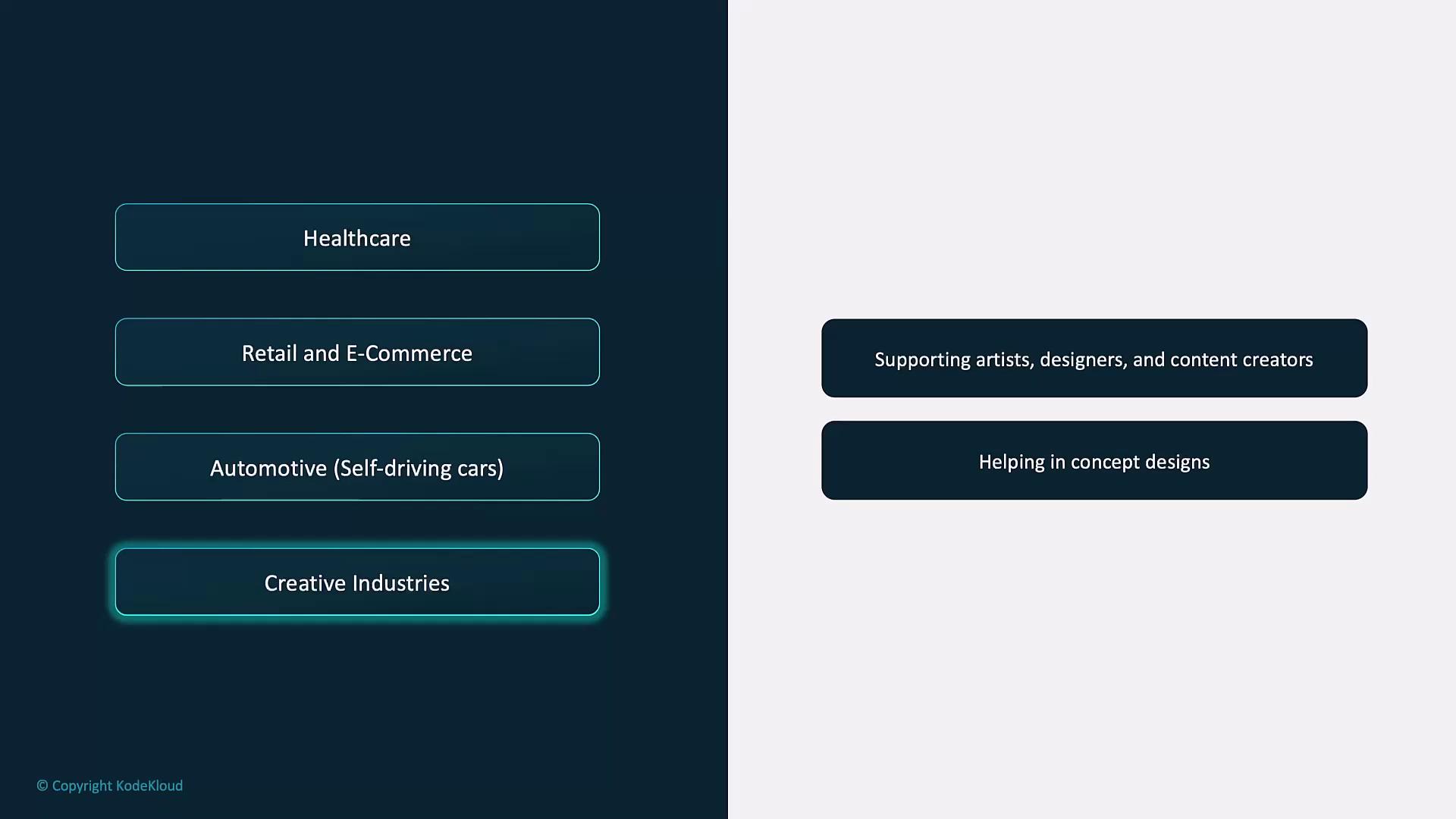
| Creative Industries            | Rapid concept art, marketing visuals, multimedia prototyping   | ![The image shows a list of industries on the left, including healthcare, retail, automotive, and creative industries, with a focus on creative industries highlighted. On the right, it mentions supporting artists, designers, and content creators, and helping in concept designs.](https://kodekloud.com/kk-media/image/upload/v1752879304/notes-assets/images/Introduction-to-OpenAI-Overview-of-OpenAI-Vision/creative-industries-supporting-artists-designers.jpg) |
## Links and References

* [OpenAI Vision API Reference](https://platform.openai.com/docs/guides/vision)
* [OpenAI Python Library](https://github.com/openai/openai-python)
* [DALL·E Image Generation Guide](https://platform.openai.com/docs/guides/images)
* [OpenAI Content Policy](https://platform.openai.com/docs/policy)

<CardGroup>
  <Card title="Watch Video" icon="video" cta="Learn more" href="https://learn.kodekloud.com/user/courses/introduction-to-openai/module/d76ba88f-ebc6-4d12-8aa5-9359bc23be72/lesson/03673275-4408-4e20-8f2b-66669a9e289a" />
</CardGroup>
