> ## Documentation Index
> Fetch the complete documentation index at: https://notes.kodekloud.com/llms.txt
> Use this file to discover all available pages before exploring further.
# Practical Vision Applications
> This guide explores five high-impact use cases for vision models in various industries showcasing efficiency and innovation.
In this guide, we explore five high-impact use cases for vision models such as [OpenAI’s CLIP](https://openai.com/research/clip) and [DALL·E](https://openai.com/product/dall-e). From retail automation to autonomous navigation, these applications showcase how computer vision drives efficiency and innovation.
| Application Area | Key Benefit |
| ----------------------------------- | ------------------------------------------------------------- |
| Image Classification for E-commerce | Automatic tagging, improved search, seamless catalog uploads |
| Object Detection & Security Systems | Real-time intrusion alerts and crowd monitoring |
| Medical Image Analysis | Rapid detection of fractures, tumors, and other abnormalities |
| Visual Search in Retail | Image-based product discovery and style recommendations |
| Autonomous Vehicles | Object, lane, and obstacle detection for self-driving cars |
***
## 1. Image Classification for E-commerce
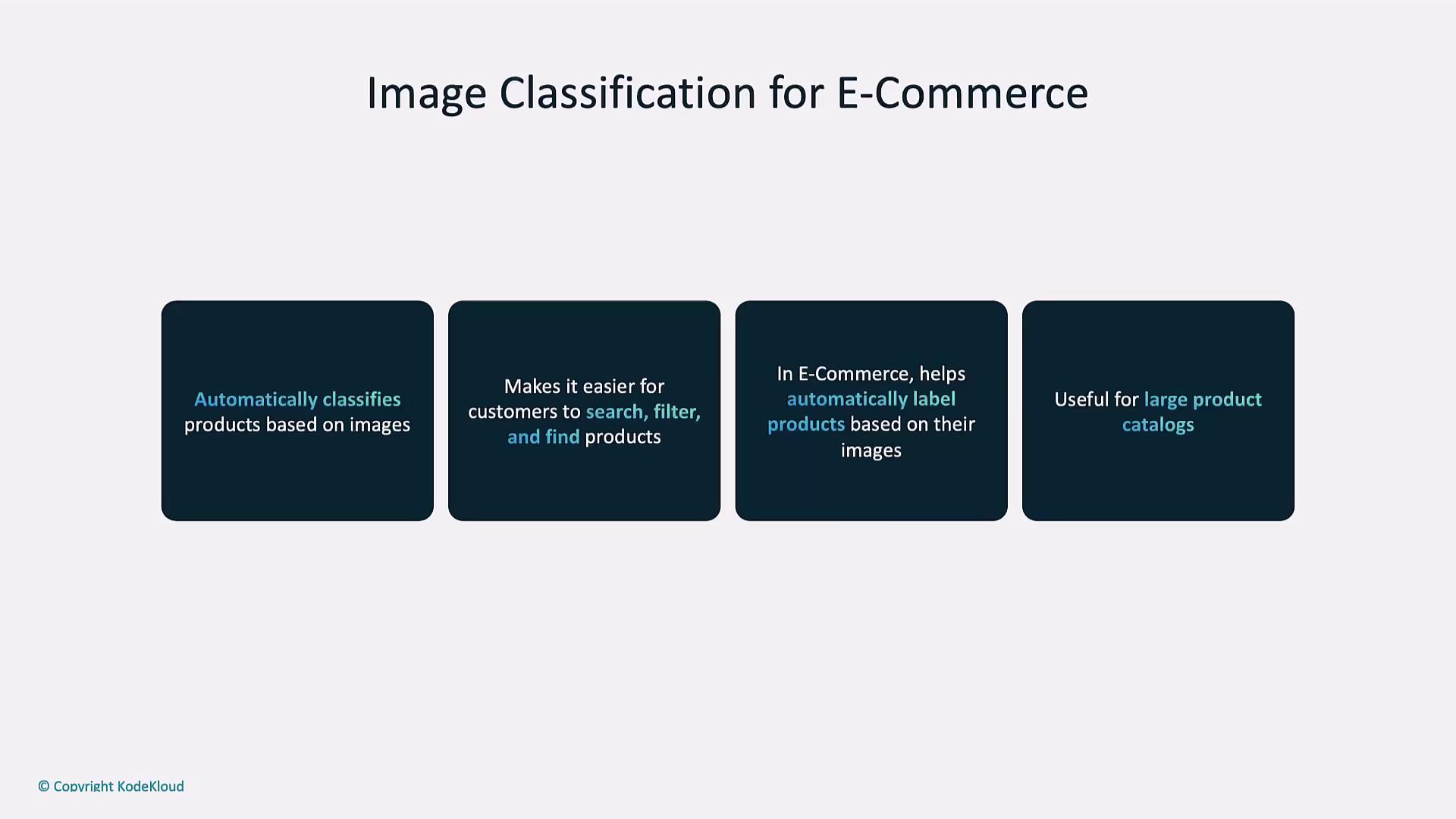
Automated image classification helps online retailers tag thousands of products by style, material, or color—boosting search relevance and reducing manual effort.
* Automatically label new inventory
* Enhance on-site search filters
* Maintain consistent metadata across catalogs
Use high‐quality, well-lit images to improve classification accuracy. Crop tightly around the product to reduce background noise.
Example: Identify the contents of a product image via URL using OpenAI’s Vision API.
```python theme={null}
from openai import OpenAI
client = OpenAI(api_key="YOUR_API_KEY")
response = client.chat.completions.create(
model="gpt-4o-mini",
messages=[
{"role": "user", "content": [
{"type": "text", "text": "What’s in this image?"},
{"type": "image_url", "image_url": {
"url": "https://upload.wikimedia.org/wikipedia/commons/thumb/d/dd/Gfp-wisconsin-madison-the-nature-boardwalk.jpg/2560px-Gfp-wisconsin-madison-the-nature-boardwalk.jpg"
}}
]}
],
max_tokens=300,
)
print(response.choices[0].message.content)
```
The model accurately describes a scenic outdoor boardwalk framed by trees, greenery, blue sky, and clouds.
***
## 2. Object Detection and Security Systems
Real-time object detection enables smart surveillance solutions that identify people, vehicles, and unauthorized access in critical areas.
* Intrusion detection in restricted zones
* Automated alerts for security teams
* Crowd density monitoring and flow analysis
Deploy inference on edge devices to minimize latency and avoid sending raw video feeds over the network.
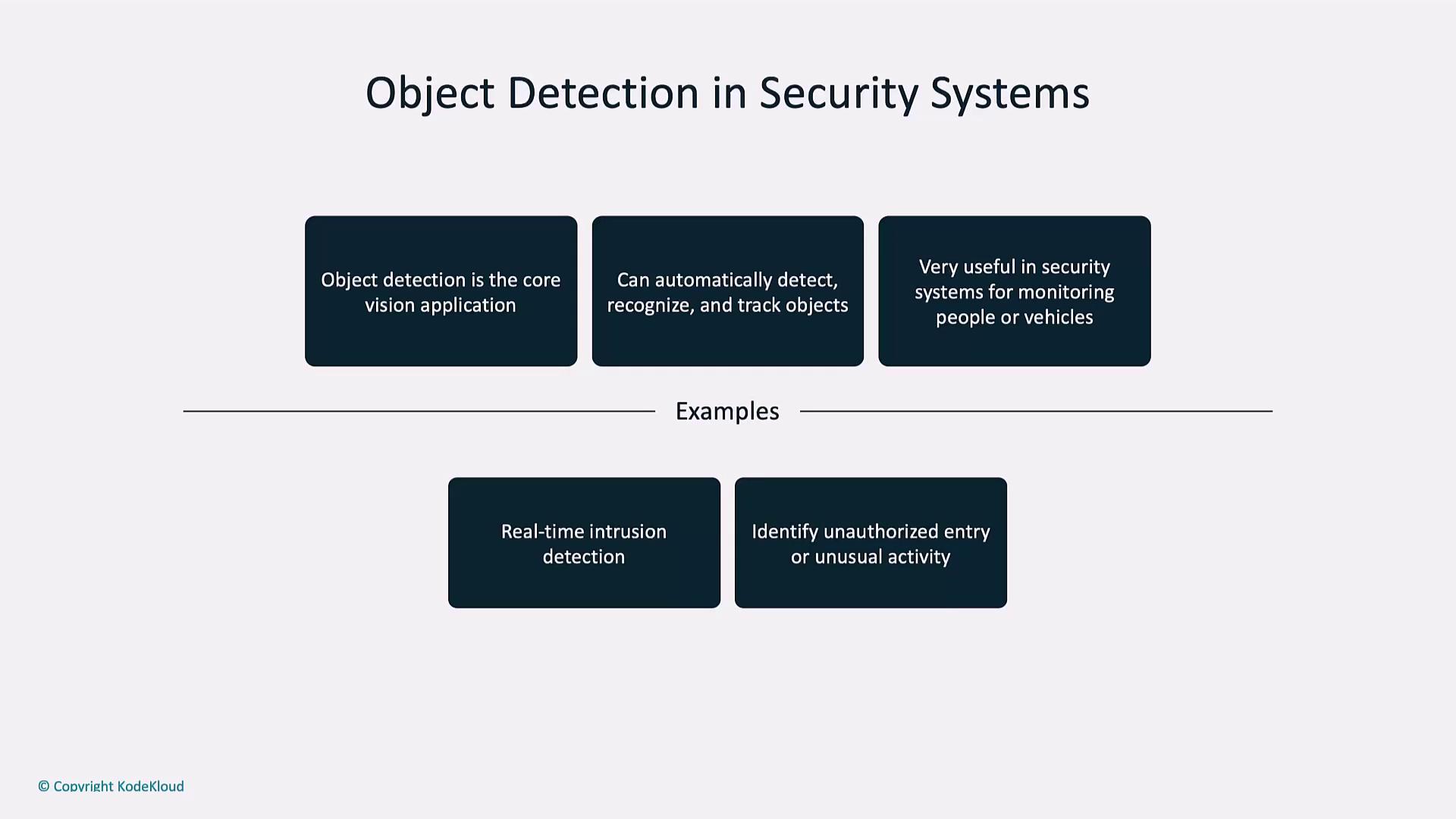
A typical workflow: the camera detects a person in a no-entry zone and instantly notifies on-duty personnel.
***
## 3. Medical Image Analysis
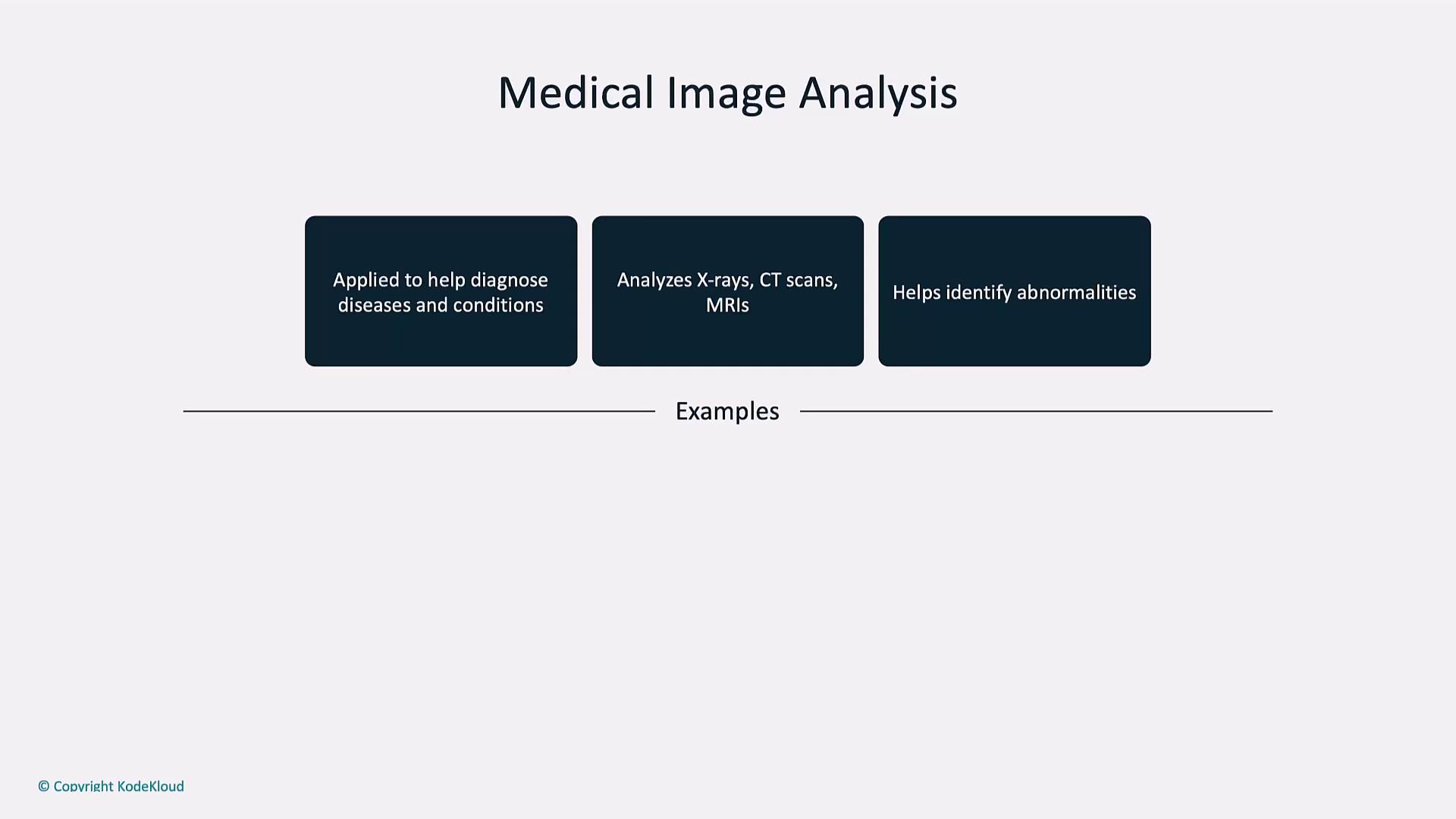
Vision models support radiologists by quickly flagging anomalies in X-rays, CT scans, and MRIs—helping to detect fractures, tumors, and infections with high sensitivity.
This tool is for preliminary assessment only. Always consult a licensed medical professional for diagnosis and treatment.
**Example: Detecting a Forearm Fracture**
```python theme={null}
response = client.chat.completions.create(
model="gpt-4o-mini",
messages=[
{"role": "user", "content": [
{"type": "text", "text": "Examine this medical image. Explain what the injury is."},
{"type": "image_url", "image_url": {
"url": "https://media02.stockfood.com/largepreviews/MzU50Dg1NTQx/11609211-Broken-arm-X-ray.jpg"
}}
]}
],
max_tokens=300,
)
print(response.choices[0].message.content)
```
The model pinpoints a fractured radius and ulna, illustrating its potential for faster preliminary diagnoses.
***
## 4. Visual Search in Retail
Visual search transforms online shopping by letting users upload photos to find matching or similar products—driving higher engagement and conversion rates.
* Snap-and-search for apparel, accessories, or home decor
* Instantly retrieve visually similar catalog items
* Personalize recommendations based on style features
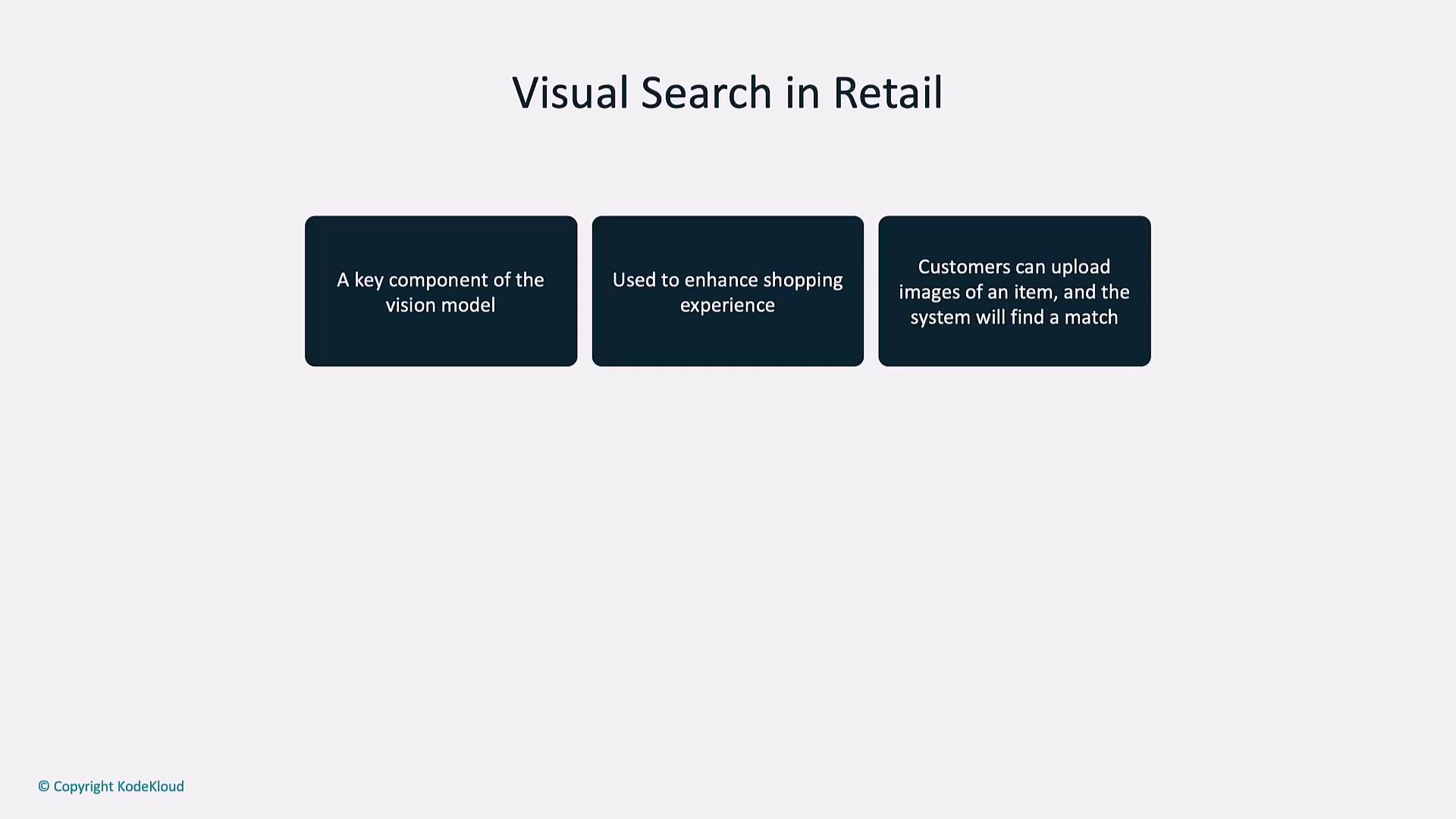
A shopper uploads a photo of a pair of sneakers, and the system returns available styles with comparable color, design, and brand.
***
## 5. Autonomous Vehicles
Self-driving cars rely on computer vision for perception tasks crucial to safe navigation:
* Real-time object detection (vehicles, pedestrians, traffic signals)
* Lane and road edge detection
* Dynamic obstacle avoidance
**Example: Road Scene Description**
```python theme={null}
response = client.chat.completions.create(
model="gpt-4o-mini",
messages=[
{"role": "user", "content": [
{"type": "text", "text": "You are an autonomous vehicle. Describe what you detect in front of you."}
]},
{"role": "user", "content": [
{"type": "image_url", "image_url": {
"url": "https://media.istockphoto.com/id/636690722/photo/driving-at-sunset-view-from-the-driver-angle-car-focusinside.jpg?s=612x612&w=0&k=20&c=B-D5L7GVi93AhjfoLngbxHB8AEBjXPk_ZQ8tZEmSBo="
}}
]}
],
max_tokens=300,
)
print(response.choices[0].message.content)
```
The model identifies traffic lights, nearby cars, lane markings, road conditions, and potential pedestrians—demonstrating robust scene understanding.
***
## Links and References
* [OpenAI Vision API Guide](https://platform.openai.com/docs/guides/images)
* [Kubernetes Documentation](https://kubernetes.io/docs/)
* [Docker Hub](https://hub.docker.com/)
* [Terraform Registry](https://registry.terraform.io/)