> ## Documentation Index
> Fetch the complete documentation index at: https://notes.kodekloud.com/llms.txt
> Use this file to discover all available pages before exploring further.
# Introduction to JSON Path
> Beginner tutorial explaining JSONPath queries, dot and bracket notation, arrays, filters, YAML versus JSON comparison, and practice exercises.
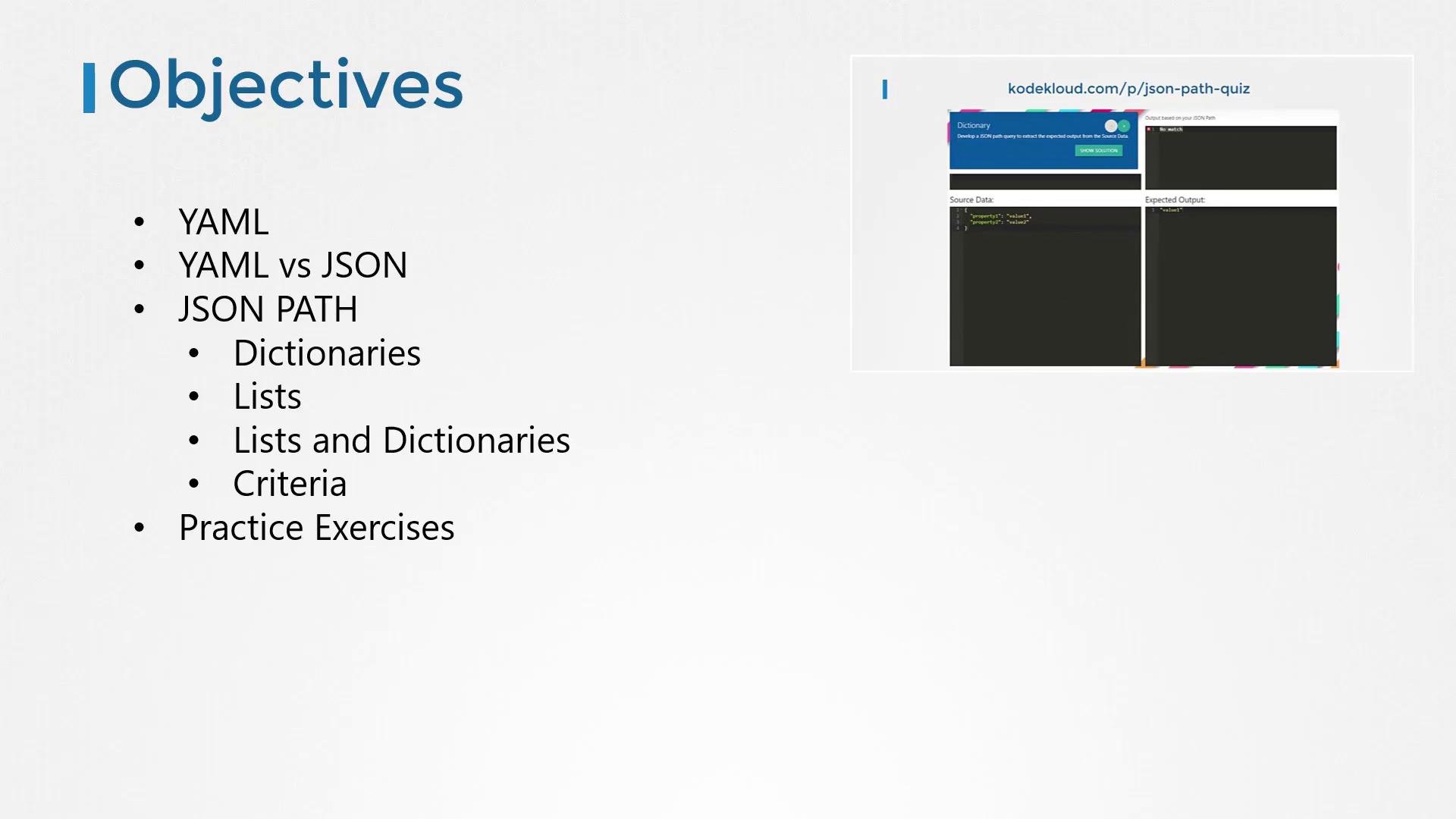
Welcome — in this concise JSONPath tutorial you'll learn how to query JSON data that contains objects (dictionaries), arrays (lists), and nested combinations of both. We'll also cover simple criteria/filters, and how to practice with hands-on exercises.
This lesson is designed for beginners: we start with a quick comparison of YAML vs JSON, then step through JSONPath basics (dot notation, array indexing), combining objects and arrays, and filtering. Finally, you'll find pointers to practice quizzes and reference materials.
 Callouts and quick tips
JSONPath is often described as "SQL for JSON". Many interactive JSONPath tools display results inside an array even when a single value is returned — keep that in mind when matching expected outputs in exercises.
What is YAML vs JSON?
* Both formats represent structured data and are widely used for configuration, APIs, and data interchange.
* YAML uses indentation and dashes for readability; JSON uses curly braces (`{}`) and square brackets (`[]`) and is slightly more verbose.
* Most languages and tools provide easy conversion between YAML and JSON (online converters or libraries).
Comparison summary:
| Feature | YAML | JSON |
| - | - | - |
| Readability | Human-friendly with indentation | Machine-friendly, explicit separators |
| Lists | Uses `-` and indentation | Uses `[]` arrays |
| Objects | Indentation and keys | Uses `{}` key-value pairs |
| Conversion | Easily converted to JSON | Easily converted from YAML |
Example JSON (we'll use JSON for the rest of the lesson):
```json theme={null}
{
"car": {
"color": "blue",
"price": "$20,000",
"wheels": [
{
"model": "X345ERT",
"location": "front-right"
},
{
"model": "X346GRX",
"location": "front-left"
},
{
"model": "X236DEM",
"location": "rear-right"
},
{
"model": "X987XMV",
"location": "rear-left"
}
]
}
}
```
Equivalent YAML:
```yaml theme={null}
car:
color: blue
price: "$20,000"
wheels:
- model: X345ERT
location: front-right
- model: X346GRX
location: front-left
- model: X236DEM
location: rear-right
- model: X987XMV
location: rear-left
```
What is JSONPath?
* JSONPath is a query language for JSON data, similar in purpose to SQL for relational tables.
* A JSONPath expression selects a subset of a JSON document (values, objects, or arrays).
* The JSONPath root is denoted with `$`.
Basic object/dot notation
* Use dot notation to traverse objects/dictionaries.
* `$` represents the root of the JSON document.
Given this JSON:
```json theme={null}
{
"car": {
"color": "blue",
"price": "$20,000"
},
"bus": {
"color": "white",
"price": "$120,000"
}
}
```
Examples:
Query:
```text theme={null}
$.car
```
Result (many tools return results inside an array):
```json theme={null}
[
{
"color": "blue",
"price": "$20,000"
}
]
```
Query:
```text theme={null}
$.bus
```
Result:
```json theme={null}
[
{
"color": "white",
"price": "$120,000"
}
]
```
To access specific properties:
Query:
```text theme={null}
$.car.color
```
Result:
```json theme={null}
["blue"]
```
Query:
```text theme={null}
$.bus.price
```
Result:
```json theme={null}
["$120,000"]
```
If the document has a nested parent object:
```json theme={null}
{
"vehicles": {
"car": {
"color": "blue",
"price": "$20,000"
},
"bus": {
"color": "white",
"price": "$120,000"
}
}
}
```
Query:
```text theme={null}
$.vehicles.car
```
Result:
```json theme={null}
[
{
"color": "blue",
"price": "$20,000"
}
]
```
Query:
```text theme={null}
$.vehicles.car.color
```
Result:
```json theme={null}
["blue"]
```
Arrays (lists) and index access
* Use square-bracket indexing for arrays.
* Indexes start at 0.
Given this array as the root:
```json theme={null}
[
"car",
"bus",
"truck",
"bike"
]
```
Examples:
Query:
```text theme={null}
$[0]
```
Result:
```json theme={null}
["car"]
```
Query:
```text theme={null}
$[3]
```
Result:
```json theme={null}
["bike"]
```
Select multiple indices:
Query:
```text theme={null}
$[0,3]
```
Result:
```json theme={null}
["car","bike"]
```
Combining objects and arrays
Using the car-with-wheels JSON example:
```json theme={null}
{
"car": {
"color": "blue",
"price": "$20,000",
"wheels": [
{
"model": "X345ERT",
"location": "front-right"
},
{
"model": "X346GRX",
"location": "front-left"
},
{
"model": "X236DEM",
"location": "rear-right"
},
{
"model": "X987XMV",
"location": "rear-left"
}
]
}
}
```
Get all wheels:
Query:
```text theme={null}
$.car.wheels
```
Result:
```json theme={null}
[
{
"model": "X345ERT",
"location": "front-right"
},
{
"model": "X346GRX",
"location": "front-left"
},
{
"model": "X236DEM",
"location": "rear-right"
},
{
"model": "X987XMV",
"location": "rear-left"
}
]
```
Get the second wheel (index 1):
Query:
```text theme={null}
$.car.wheels[1]
```
Result:
```json theme={null}
[
{
"model": "X346GRX",
"location": "front-left"
}
]
```
Get the model of the second wheel:
Query:
```text theme={null}
$.car.wheels[1].model
```
Result:
```json theme={null}
["X346GRX"]
```
Filtering with criteria
* Use filters to select array elements that meet expressions.
* Filters use the syntax `[?()]`.
* Inside a filter, `@` refers to the current array element.
Example: select numbers greater than 40.
Given:
```json theme={null}
[
12, 43, 23, 12, 56, 43, 93, 32, 45, 63, 27, 8, 78
]
```
Query:
```text theme={null}
$[?(@ > 40)]
```
Result:
```json theme={null}
[43,56,43,93,45,63,78]
```
Common filter operators:
| Expression | Meaning |
| - | - |
| `@ > 40`, `@ < 100` | Numeric comparisons |
| `@ == 40`, `@ != 40` | Equality / inequality |
| `@ in [40, 43, 45]` | Membership (support depends on implementation) |
| `@.prop == "value"` | Compare a property of an object inside an array |
Filter operator availability (like `in` / `not in`) varies between JSONPath implementations. If a filter doesn't work in your tool, check that implementation's documentation.
Filtering objects by property
Rather than rely on array order, filter by object properties. For example, find the model where `location` equals `rear-right`.
Given:
```json theme={null}
{
"car": {
"color": "blue",
"price": "$20,000",
"wheels": [
{
"model": "X345ERT",
"location": "front-right"
},
{
"model": "X236DEM",
"location": "rear-right"
},
{
"model": "X346GRX",
"location": "front-left"
},
{
"model": "X987XMV",
"location": "rear-left"
}
]
}
}
```
Query:
```text theme={null}
$.car.wheels[?(@.location == "rear-right")].model
```
Result:
```json theme={null}
["X236DEM"]
```
Quick reference: common JSONPath expressions
| JSONPath | Description |
| - | - |
| `$` | Root of the JSON document |
| `$.prop` | Access top-level property |
| `$['prop']` | Access property with special characters |
| `$.arr[0]` | First element of array |
| `$.arr[0,2]` | Multiple indices |
| `$.arr[?(@.key == 'value')]` | Filter array by object property |
| `$.arr[*]` | All elements of an array (wildcard) |
Practice exercises and quiz interface
* The practice quiz shows the source JSON on the left and the expected output on the right.
* Type a JSONPath expression in the answer area; your query is applied automatically and the result updates instantly.
* When your query produces the expected output, the question is marked complete.
* If you get stuck, use the "Show Solution" button to reveal the correct JSONPath.
Practice portal:
```text theme={null}
https://kodekloud.com/p/JSON-path-quiz
```
Further reading and references
* Official JSONPath repository and docs: `https://github.com/json-path/JsonPath`
* JSON vs YAML background: `https://www.jsontoyaml.com/`
* JSONPath implementations and language-specific libraries can be found via the repository above.
If you'd like advanced JSONPath patterns, recursive descent, or tooling-specific examples covered in a follow-up lesson, leave feedback and we can expand this guide.
This documentation is built and hosted on [Mintlify](https://mintlify.com), a developer documentation platform.
Callouts and quick tips
JSONPath is often described as "SQL for JSON". Many interactive JSONPath tools display results inside an array even when a single value is returned — keep that in mind when matching expected outputs in exercises.
What is YAML vs JSON?
* Both formats represent structured data and are widely used for configuration, APIs, and data interchange.
* YAML uses indentation and dashes for readability; JSON uses curly braces (`{}`) and square brackets (`[]`) and is slightly more verbose.
* Most languages and tools provide easy conversion between YAML and JSON (online converters or libraries).
Comparison summary:
| Feature | YAML | JSON |
| - | - | - |
| Readability | Human-friendly with indentation | Machine-friendly, explicit separators |
| Lists | Uses `-` and indentation | Uses `[]` arrays |
| Objects | Indentation and keys | Uses `{}` key-value pairs |
| Conversion | Easily converted to JSON | Easily converted from YAML |
Example JSON (we'll use JSON for the rest of the lesson):
```json theme={null}
{
"car": {
"color": "blue",
"price": "$20,000",
"wheels": [
{
"model": "X345ERT",
"location": "front-right"
},
{
"model": "X346GRX",
"location": "front-left"
},
{
"model": "X236DEM",
"location": "rear-right"
},
{
"model": "X987XMV",
"location": "rear-left"
}
]
}
}
```
Equivalent YAML:
```yaml theme={null}
car:
color: blue
price: "$20,000"
wheels:
- model: X345ERT
location: front-right
- model: X346GRX
location: front-left
- model: X236DEM
location: rear-right
- model: X987XMV
location: rear-left
```
What is JSONPath?
* JSONPath is a query language for JSON data, similar in purpose to SQL for relational tables.
* A JSONPath expression selects a subset of a JSON document (values, objects, or arrays).
* The JSONPath root is denoted with `$`.
Basic object/dot notation
* Use dot notation to traverse objects/dictionaries.
* `$` represents the root of the JSON document.
Given this JSON:
```json theme={null}
{
"car": {
"color": "blue",
"price": "$20,000"
},
"bus": {
"color": "white",
"price": "$120,000"
}
}
```
Examples:
Query:
```text theme={null}
$.car
```
Result (many tools return results inside an array):
```json theme={null}
[
{
"color": "blue",
"price": "$20,000"
}
]
```
Query:
```text theme={null}
$.bus
```
Result:
```json theme={null}
[
{
"color": "white",
"price": "$120,000"
}
]
```
To access specific properties:
Query:
```text theme={null}
$.car.color
```
Result:
```json theme={null}
["blue"]
```
Query:
```text theme={null}
$.bus.price
```
Result:
```json theme={null}
["$120,000"]
```
If the document has a nested parent object:
```json theme={null}
{
"vehicles": {
"car": {
"color": "blue",
"price": "$20,000"
},
"bus": {
"color": "white",
"price": "$120,000"
}
}
}
```
Query:
```text theme={null}
$.vehicles.car
```
Result:
```json theme={null}
[
{
"color": "blue",
"price": "$20,000"
}
]
```
Query:
```text theme={null}
$.vehicles.car.color
```
Result:
```json theme={null}
["blue"]
```
Arrays (lists) and index access
* Use square-bracket indexing for arrays.
* Indexes start at 0.
Given this array as the root:
```json theme={null}
[
"car",
"bus",
"truck",
"bike"
]
```
Examples:
Query:
```text theme={null}
$[0]
```
Result:
```json theme={null}
["car"]
```
Query:
```text theme={null}
$[3]
```
Result:
```json theme={null}
["bike"]
```
Select multiple indices:
Query:
```text theme={null}
$[0,3]
```
Result:
```json theme={null}
["car","bike"]
```
Combining objects and arrays
Using the car-with-wheels JSON example:
```json theme={null}
{
"car": {
"color": "blue",
"price": "$20,000",
"wheels": [
{
"model": "X345ERT",
"location": "front-right"
},
{
"model": "X346GRX",
"location": "front-left"
},
{
"model": "X236DEM",
"location": "rear-right"
},
{
"model": "X987XMV",
"location": "rear-left"
}
]
}
}
```
Get all wheels:
Query:
```text theme={null}
$.car.wheels
```
Result:
```json theme={null}
[
{
"model": "X345ERT",
"location": "front-right"
},
{
"model": "X346GRX",
"location": "front-left"
},
{
"model": "X236DEM",
"location": "rear-right"
},
{
"model": "X987XMV",
"location": "rear-left"
}
]
```
Get the second wheel (index 1):
Query:
```text theme={null}
$.car.wheels[1]
```
Result:
```json theme={null}
[
{
"model": "X346GRX",
"location": "front-left"
}
]
```
Get the model of the second wheel:
Query:
```text theme={null}
$.car.wheels[1].model
```
Result:
```json theme={null}
["X346GRX"]
```
Filtering with criteria
* Use filters to select array elements that meet expressions.
* Filters use the syntax `[?()]`.
* Inside a filter, `@` refers to the current array element.
Example: select numbers greater than 40.
Given:
```json theme={null}
[
12, 43, 23, 12, 56, 43, 93, 32, 45, 63, 27, 8, 78
]
```
Query:
```text theme={null}
$[?(@ > 40)]
```
Result:
```json theme={null}
[43,56,43,93,45,63,78]
```
Common filter operators:
| Expression | Meaning |
| - | - |
| `@ > 40`, `@ < 100` | Numeric comparisons |
| `@ == 40`, `@ != 40` | Equality / inequality |
| `@ in [40, 43, 45]` | Membership (support depends on implementation) |
| `@.prop == "value"` | Compare a property of an object inside an array |
Filter operator availability (like `in` / `not in`) varies between JSONPath implementations. If a filter doesn't work in your tool, check that implementation's documentation.
Filtering objects by property
Rather than rely on array order, filter by object properties. For example, find the model where `location` equals `rear-right`.
Given:
```json theme={null}
{
"car": {
"color": "blue",
"price": "$20,000",
"wheels": [
{
"model": "X345ERT",
"location": "front-right"
},
{
"model": "X236DEM",
"location": "rear-right"
},
{
"model": "X346GRX",
"location": "front-left"
},
{
"model": "X987XMV",
"location": "rear-left"
}
]
}
}
```
Query:
```text theme={null}
$.car.wheels[?(@.location == "rear-right")].model
```
Result:
```json theme={null}
["X236DEM"]
```
Quick reference: common JSONPath expressions
| JSONPath | Description |
| - | - |
| `$` | Root of the JSON document |
| `$.prop` | Access top-level property |
| `$['prop']` | Access property with special characters |
| `$.arr[0]` | First element of array |
| `$.arr[0,2]` | Multiple indices |
| `$.arr[?(@.key == 'value')]` | Filter array by object property |
| `$.arr[*]` | All elements of an array (wildcard) |
Practice exercises and quiz interface
* The practice quiz shows the source JSON on the left and the expected output on the right.
* Type a JSONPath expression in the answer area; your query is applied automatically and the result updates instantly.
* When your query produces the expected output, the question is marked complete.
* If you get stuck, use the "Show Solution" button to reveal the correct JSONPath.
Practice portal:
```text theme={null}
https://kodekloud.com/p/JSON-path-quiz
```
Further reading and references
* Official JSONPath repository and docs: `https://github.com/json-path/JsonPath`
* JSON vs YAML background: `https://www.jsontoyaml.com/`
* JSONPath implementations and language-specific libraries can be found via the repository above.
If you'd like advanced JSONPath patterns, recursive descent, or tooling-specific examples covered in a follow-up lesson, leave feedback and we can expand this guide.
This documentation is built and hosted on [Mintlify](https://mintlify.com), a developer documentation platform.