> ## Documentation Index
> Fetch the complete documentation index at: https://notes.kodekloud.com/llms.txt
> Use this file to discover all available pages before exploring further.
# JSON PATH Use case Kubernetes
> Learn to use JSONPath with `kubectl` to query, filter, and format Kubernetes resources effectively.
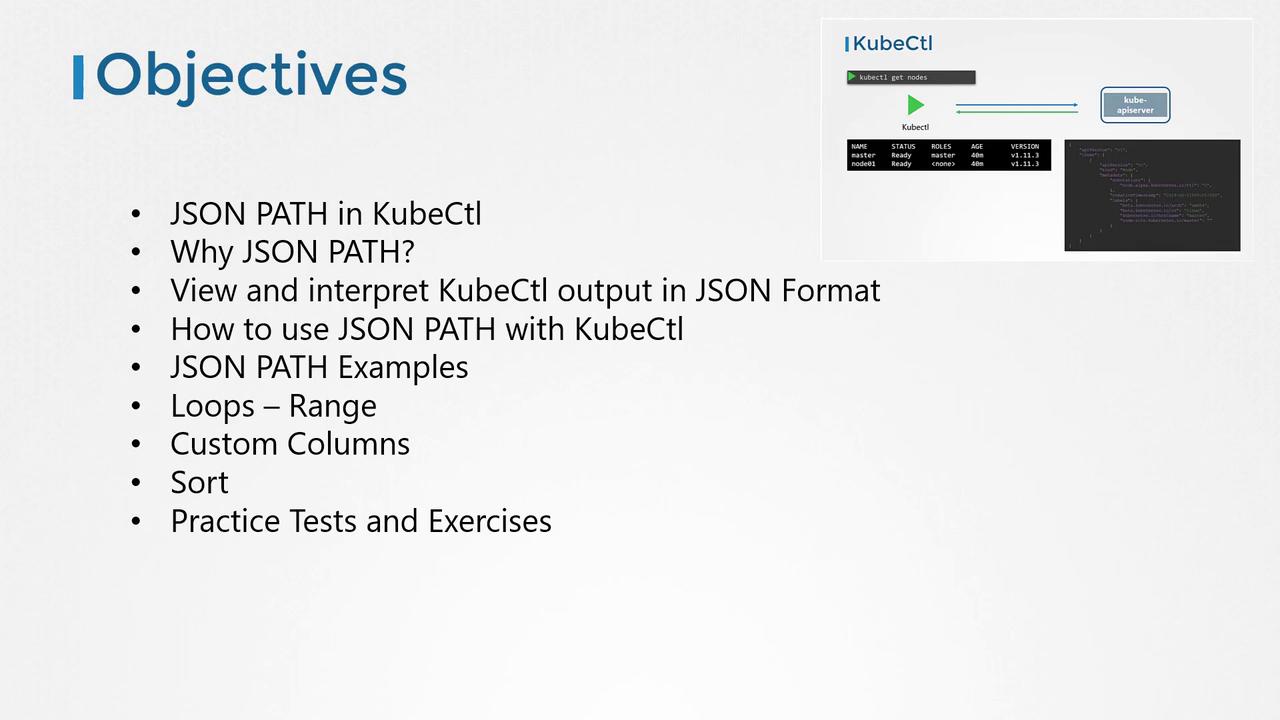
Hello and welcome! I’m Mumshal Manambath. In this guide, you’ll learn how to leverage JSONPath with the `kubectl` command to query, filter, and format Kubernetes resources. We’ll cover:
* Viewing `kubectl` output in raw JSON
* Building JSONPath expressions step by step
* Real-world JSONPath examples
* Loop constructs (`range`) for iteration
* Custom columns and table sorting
* Practice exercises to reinforce your skills
## Prerequisites
You should already have a basic grasp of JSONPath syntax and be comfortable running `kubectl` commands against a Kubernetes cluster.
If you’re new to JSONPath, try these free resources before continuing:
* YouTube tutorials
* [CodeKloud JSONPath exercises](https://kodekloud.com)
* Online JSONPath playgrounds (e.g., [jsonpath.com](https://jsonpath.com))
## Why Use JSONPath with `kubectl`?
Managing production Kubernetes clusters often means inspecting hundreds of nodes and thousands of objects—deployments, pods, ReplicaSets, services, secrets, and more. JSONPath lets you:
* Extract specific fields across many resources
* Generate concise summaries (e.g., node names with CPU counts)
* Filter output dynamically based on custom criteria
Manual parsing is error-prone and time-consuming. JSONPath queries with `kubectl` provide a programmable way to slice and dice cluster data.

## Understanding `kubectl` Output
By default, `kubectl` formats API responses into human-readable tables. To see the raw JSON payload:
```bash theme={null}
kubectl get nodes -o json
```
Example output (truncated):
```json theme={null}
{
"apiVersion": "v1",
"items": [
{
"kind": "Node",
"metadata": {
"name": "master",
"labels": { … }
},
"status": {
"capacity": {
"cpu": "4"
},
"nodeInfo": {
"architecture": "amd64"
}
}
}
// more nodes…
]
}
```
If you prefer more columns in the table view, use:
```bash theme={null}
kubectl get nodes -o wide
```
```plaintext theme={null}
NAME STATUS ROLES AGE VERSION INTERNAL-IP OS-IMAGE KERNEL-VERSION
master Ready master 40m v1.11.3 172.17.0.44 Ubuntu 16.04.2 LTS 4.4.0-18148-generic
node01 Ready 40m v1.11.3 172.17.0.63 Ubuntu 16.04.2 LTS 4.4.0-18148-generic
```
Neither the default table nor `kubectl describe` lets you build fully custom reports (for example, listing node CPU, taints, and container images in one view). This is where JSONPath shines.

## Getting Started with JSONPath
1. Identify the base resource:
```bash theme={null}
kubectl get pods
```
2. Append `-o json` to inspect the structure:
```bash theme={null}
kubectl get pods -o json
```
3. Draft a JSONPath expression against the JSON. Example:
```text theme={null}
.items[0].spec.containers[0].image
```
4. Run with `-o jsonpath` and wrap your expression in single quotes:
```bash theme={null}
kubectl get pods -o jsonpath='{.items[0].spec.containers[0].image}'
```
Use an online JSONPath evaluator to verify your expression before embedding it in `kubectl`.
## Basic JSONPath Queries
| Use Case | Command | Output |
| ---------------------------- | ------------------------------------------------------------------------------------------ | ---------------- |
| List all node names | `kubectl get nodes -o=jsonpath='{.items[*].metadata.name}'` | `master node01` |
| List node architectures | `kubectl get nodes -o=jsonpath='{.items[*].status.nodeInfo.architecture}'` | `amd64 amd64` |
| List CPU counts on each node | `kubectl get nodes -o=jsonpath='{.items[*].status.capacity.cpu}'` | `4 4` |
| Combine name and CPU count | `kubectl get nodes -o=jsonpath='{.items[*].metadata.name}{.items[*].status.capacity.cpu}'` | `masternode0144` |
### Formatting with Newlines and Tabs
Add `"\n"` and `"\t"` for readability:
```bash theme={null}
kubectl get nodes -o jsonpath='{.items[*].metadata.name}{"\n"}{.items[*].status.capacity.cpu}'
```
Produces:
```plaintext theme={null}
master node01
4 4
```
## Iteration Using `range`
Use `range` to iterate through items:
```bash theme={null}
kubectl get nodes -o jsonpath='
{range .items[*]}{.metadata.name}{"\t"}{.status.capacity.cpu}{"\n"}{end}
'
```
Output:
```plaintext theme={null}
master 4
node01 4
```
## Custom Columns with `kubectl`
Define headers and expressions with `-o custom-columns` (no need for `.items[*]`):
```bash theme={null}
kubectl get nodes -o custom-columns=NODE:.metadata.name,CPU:.status.capacity.cpu
```
```plaintext theme={null}
NODE CPU
master 4
node01 4
```
## Sorting Resources
Order your output by any JSON field:
```bash theme={null}
kubectl get nodes --sort-by=.metadata.name
kubectl get nodes --sort-by=.status.capacity.cpu
```
## Conclusion
You now know how to extract, format, and sort Kubernetes data using JSONPath with `kubectl`. Practice these examples and try the exercises to master JSONPath queries in your clusters.
## Links and References
* [Kubernetes API Concepts](https://kubernetes.io/docs/concepts/overview/kubernetes-api/)
* [kubectl Cheat Sheet](https://kubernetes.io/docs/reference/kubectl/cheatsheet/)
* [Custom Columns Documentation](https://kubernetes.io/docs/reference/generated/kubectl/kubectl-commands#get)
* [jsonpath.com](https://jsonpath.com) for testing expressions
Happy querying!