> ## Documentation Index
> Fetch the complete documentation index at: https://notes.kodekloud.com/llms.txt
> Use this file to discover all available pages before exploring further.
# Course Introduction
> This course covers advanced Jenkins techniques for real-world deployment challenges, requiring a basic understanding of Jenkins and focusing on integrated workflows.
Welcome to the Jenkins Pipeline course. I'm Siddharth, your instructor, and I'll guide you through advanced Jenkins techniques that will prepare you for real-world deployment challenges. This course is designed for those who already have a basic understanding of Jenkins and are ready to explore sophisticated, integrated workflows.
Before getting started, please complete the [Jenkins for Beginners](https://learn.kodekloud.com/user/courses/jenkins-for-beginners) course available on KodeKloud. This foundational course is essential for understanding the advanced topics covered here.
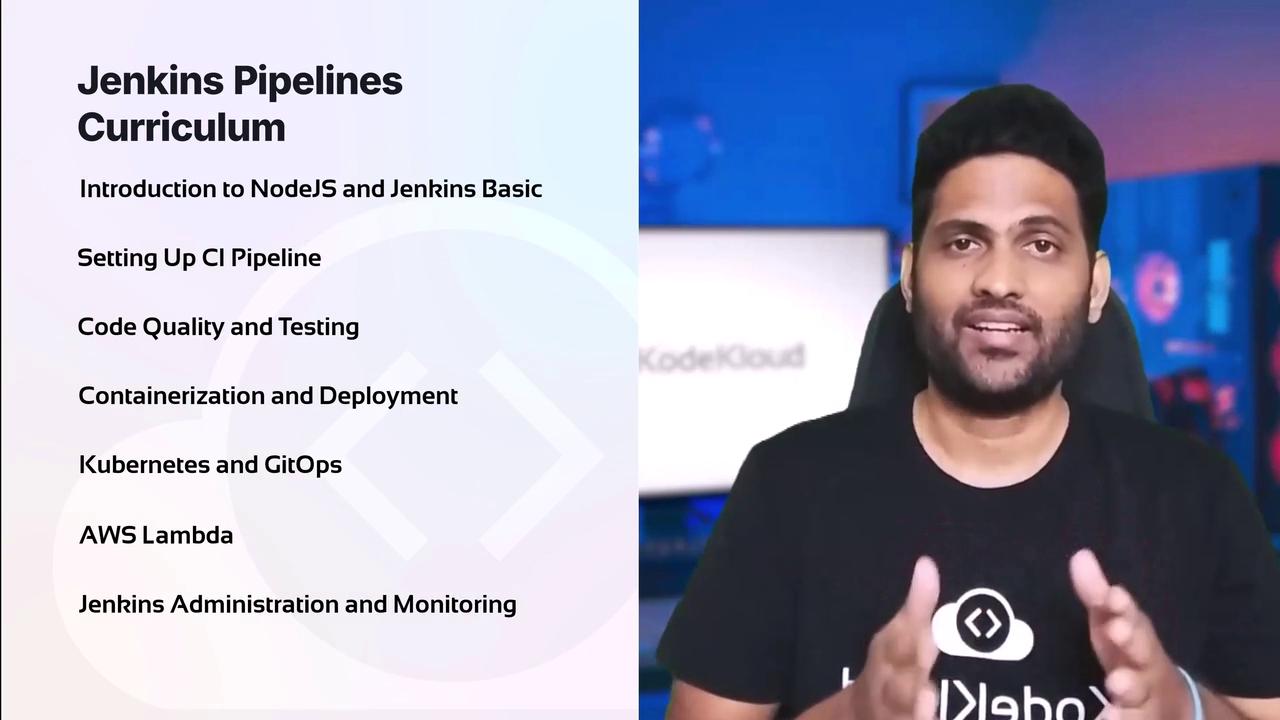
The course is organized into the following segments:
1. **Introduction to Node.js and Jenkins Basics**\
We begin with a Node.js-based application to ensure your development environment is ready before diving into Jenkins.
2. **CI/CD Pipeline Configuration**\
Learn how to install and configure Jenkins tools to create efficient Pipeline projects.
3. **Code Quality and Testing**\
Understand scanning and testing practices using tools like SonarCloud and Unit Testing Insights to maintain high-quality code.
4. **Containerization and Deployment**\
Explore building Docker images, conducting vulnerability scans, and deploying applications to platforms such as AWS EC2.
5. **Kubernetes and GitOps Integration**\
Discover how to deploy applications with Kubernetes and apply GitOps practices using Argo CD, enhancing your deployment strategies.
6. **AWS Lambda Automation**\
Learn how to automate Lambda deployments using Jenkins, streamlining your serverless workflows.
7. **Jenkins Administration and Monitoring**\
Secure your Jenkins environment, scale your infrastructure, and set up effective monitoring and notifications for efficient management.
Throughout this lesson, I will share practical tips and tricks refined over years of experience to help you avoid common pitfalls. As with every KodeKloud course, you will participate in hands-on lab exercises in browser-based environments. This approach lets you practice and master the concepts as you progress.
Transition seamlessly from watching instructional material to engaging in interactive labs that equip you with the practical skills required to excel. If you're ready to embrace the challenge, enroll now and take your Jenkins expertise to the next level.