> ## Documentation Index
> Fetch the complete documentation index at: https://notes.kodekloud.com/llms.txt
> Use this file to discover all available pages before exploring further.
# Introduction
> Guide to deploying and operating generative and predictive ML models on Kubernetes using KServe, including installation, InferenceService and LLMISvc, serving patterns, and troubleshooting
Welcome to *KServe Fundamentals: Serving ML Models on Kubernetes*. I'm Chris Short, and I'll guide you through deploying and operating machine learning models on Kubernetes using KServe.
As organizations adopt AI and machine learning, the ability to reliably deploy models at scale has become essential. Model development is only part of the journey — production delivery requires a platform that can handle deployment, autoscaling, routing, and operational observability. KServe is a Kubernetes-native model serving platform built to simplify these tasks for both traditional ML and generative AI (LLM) workloads. It standardizes model serving while leveraging Kubernetes' orchestration features.
This lesson covers KServe fundamentals and provides hands-on experience serving models on Kubernetes. We'll prepare your environment, install KServe, and walk through both generative and predictive serving patterns.
Prerequisites
* A Kubernetes cluster with sufficient resources (CPU, RAM, and storage) for model serving.
* kubectl configured to point to your target cluster.
* Helm 3 installed.
* Appropriate cluster permissions to create CRDs and namespace resources.
Install KServe (example)
* The following Helm commands install the KServe CRDs and the KServe controller in `RawDeployment` mode. Adjust versions or values to match your environment.
```bash theme={null}
helm install kserve-llmisvc-crd oci://ghcr.io/kserve/charts/kserve-llmisvc-crd --version v0.17.0
helm install kserve oci://ghcr.io/kserve/charts/kserve --version v0.17.0 \
--namespace kserve \
--create-namespace \
--set kserve.controller.deploymentMode=RawDeployment
```
We'll start with the fundamentals: what model serving is, KServe architecture, and the core components (InferenceService, LLMISvc, predictors, and transformers) that power model serving on Kubernetes.
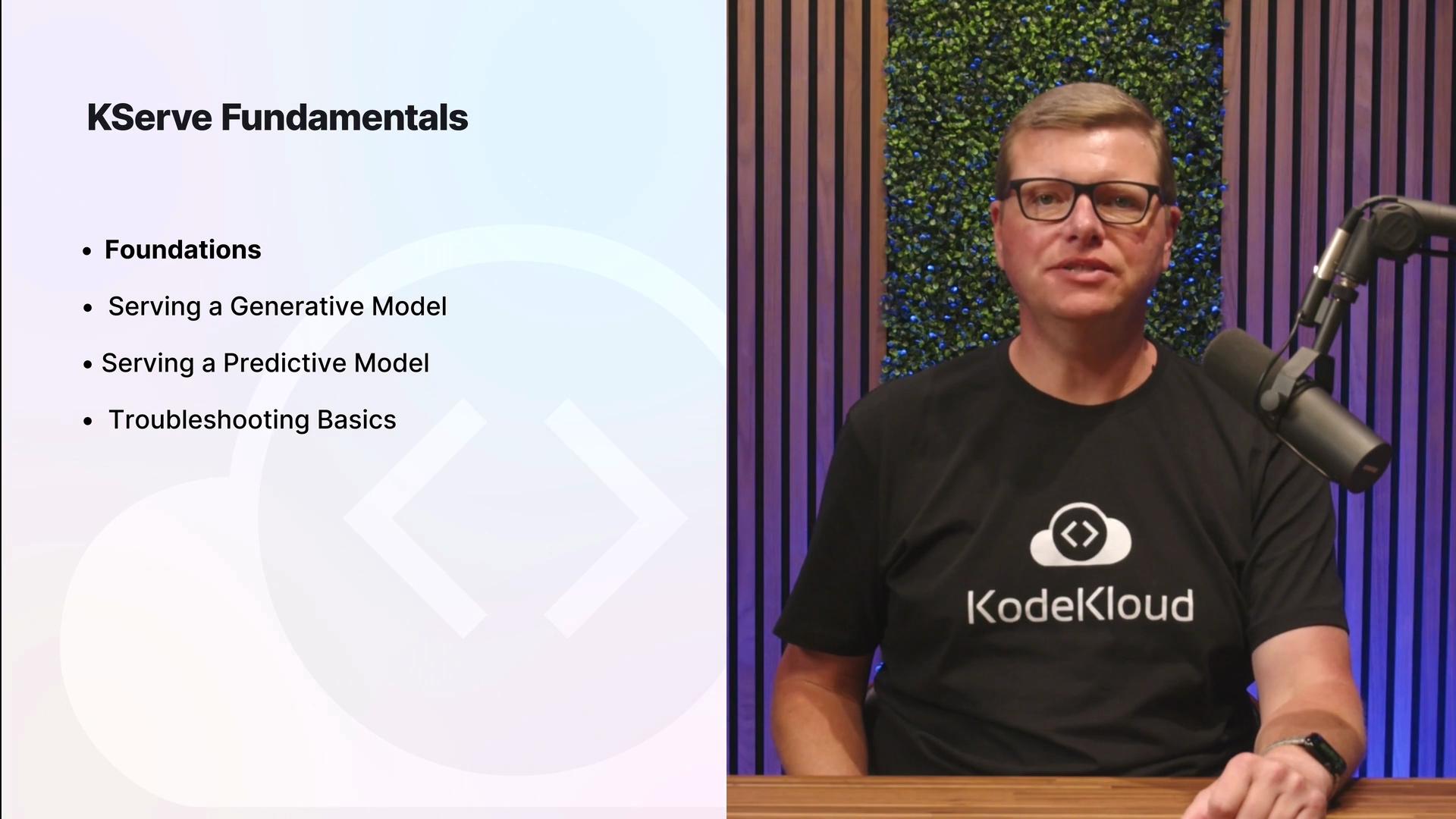 What you'll do in this course
* Deploy a quantized Qwen large language model using KServe, creating the appropriate KServe serving resources (`LLMISvc` or `InferenceService`) and sending inference requests.
* Serve generative AI workloads and observe how request formats and response handling differ from traditional predictive models.
* Deploy a text-classification model to learn patterns for predictive inference (batch vs. real-time, request/response schemas).
* Inspect InferenceService status, identify deployment issues, and troubleshoot common problems in KServe environments.
* Reinforce concepts with demonstrations, hands-on labs, and quizzes.
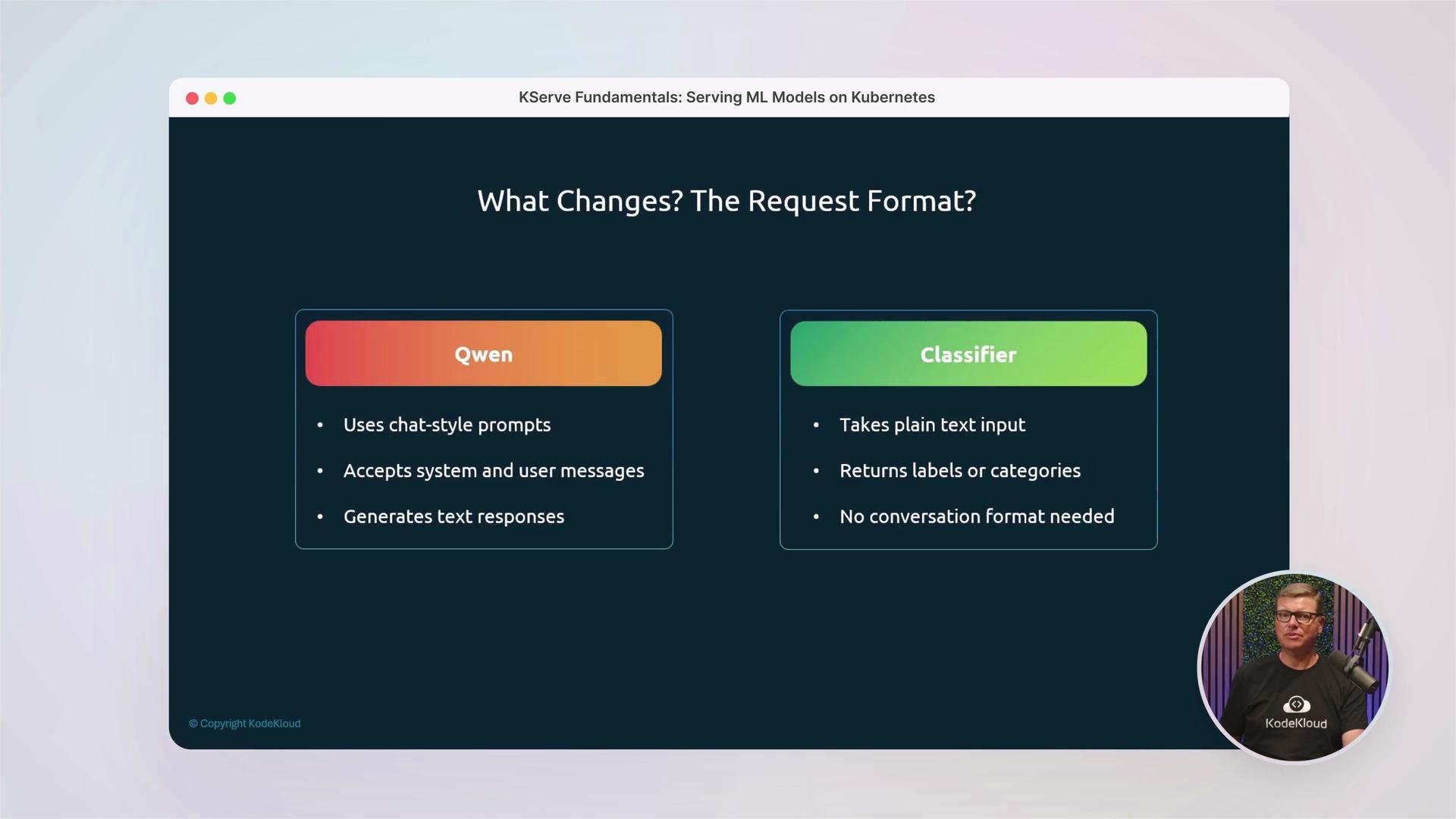
Comparing LLM and predictive model request formats
* Generative LLMs often use chat-style prompts or structured inputs with streaming responses and token-level outputs.
* Predictive/classification models typically accept plain text or feature vectors and return structured labels or probabilities.
What you'll do in this course
* Deploy a quantized Qwen large language model using KServe, creating the appropriate KServe serving resources (`LLMISvc` or `InferenceService`) and sending inference requests.
* Serve generative AI workloads and observe how request formats and response handling differ from traditional predictive models.
* Deploy a text-classification model to learn patterns for predictive inference (batch vs. real-time, request/response schemas).
* Inspect InferenceService status, identify deployment issues, and troubleshoot common problems in KServe environments.
* Reinforce concepts with demonstrations, hands-on labs, and quizzes.
Comparing LLM and predictive model request formats
* Generative LLMs often use chat-style prompts or structured inputs with streaming responses and token-level outputs.
* Predictive/classification models typically accept plain text or feature vectors and return structured labels or probabilities.
 Course outline (high level)
| Module | Focus | Outcomes |
| --------------------- | ---------------------------------------------------------- | ------------------------------------------------------------------- |
| Fundamentals | KServe architecture and core components | Understand CRDs, controllers, predictors, and routing |
| Generative (LLMs) | Deploying and serving LLMs with `LLMISvc` | Deploy a quantized Qwen model, send chat-style requests |
| Predictive models | Serving classifiers and regressors with `InferenceService` | Deploy text-classification models and validate responses |
| Troubleshooting & Ops | Inspecting status and resolving deployments | Learn to debug InferenceService conditions and common failure modes |
| Labs & Community | Hands-on exercises and support | Apply concepts in real clusters and collaborate in CodeCloud |
Links and references
* [KServe Documentation](https://kserve.github.io/website/)
* [Kubernetes Basics](https://kubernetes.io/docs/concepts/overview/what-is-kubernetes/)
* [Helm Documentation](https://helm.sh/docs/)
Throughout the course you'll practice deploying, serving, and troubleshooting both generative and predictive ML models using KServe on Kubernetes. Each hands-on module includes sample manifests and inference examples so you can reproduce the demos in your own cluster.
Before running the Helm commands, ensure your kubectl context points to the Kubernetes cluster where you intend to install KServe and that you have sufficient permissions to create cluster-level resources.
Course outline (high level)
| Module | Focus | Outcomes |
| --------------------- | ---------------------------------------------------------- | ------------------------------------------------------------------- |
| Fundamentals | KServe architecture and core components | Understand CRDs, controllers, predictors, and routing |
| Generative (LLMs) | Deploying and serving LLMs with `LLMISvc` | Deploy a quantized Qwen model, send chat-style requests |
| Predictive models | Serving classifiers and regressors with `InferenceService` | Deploy text-classification models and validate responses |
| Troubleshooting & Ops | Inspecting status and resolving deployments | Learn to debug InferenceService conditions and common failure modes |
| Labs & Community | Hands-on exercises and support | Apply concepts in real clusters and collaborate in CodeCloud |
Links and references
* [KServe Documentation](https://kserve.github.io/website/)
* [Kubernetes Basics](https://kubernetes.io/docs/concepts/overview/what-is-kubernetes/)
* [Helm Documentation](https://helm.sh/docs/)
Throughout the course you'll practice deploying, serving, and troubleshooting both generative and predictive ML models using KServe on Kubernetes. Each hands-on module includes sample manifests and inference examples so you can reproduce the demos in your own cluster.
Before running the Helm commands, ensure your kubectl context points to the Kubernetes cluster where you intend to install KServe and that you have sufficient permissions to create cluster-level resources.