> ## Documentation Index
> Fetch the complete documentation index at: https://notes.kodekloud.com/llms.txt
> Use this file to discover all available pages before exploring further.
# Summary Fundamentals of Kubeflow
> Overview of Kubeflow basics for building, running, tuning, and serving reproducible ML workflows on Kubernetes, including pipelines, KServe, Katib, authentication, and multiuser setup
This lesson recaps the core Kubeflow concepts and practical skills you gained. You learned how Kubeflow builds on top of Kubernetes to provide an integrated platform for developing, training, tuning, and deploying machine learning (ML) workloads. The material emphasized modular architecture, cluster preparation, creating reproducible pipelines, serving models, and enabling secure multi-user collaboration.
This summary is designed to help you quickly recall the essential Kubeflow concepts and practical tasks you can now perform. Use it as a checklist when preparing clusters, building pipelines, or deploying models to production.
## What you will be able to do after this section
* Explain the Kubernetes architecture and how Kubeflow leverages it for ML workflows.
* Install and configure Kubeflow on a Kubernetes cluster.
* Identify major Kubeflow components and navigate the Kubeflow central dashboard.
* Prepare a Kubernetes cluster for ML workloads (storage, GPU, networking, and RBAC).
* Design and execute end-to-end Kubeflow Pipelines with reusable components.
* Pass parameters and artifacts between pipeline steps, use control flow, and develop interactively with notebooks.
* Serve trained models with KServe and optimize them with Katib.
* Configure user authentication (Dex), create Kubeflow Profiles, and apply namespace isolation and RBAC for secure multi-user collaboration.
 ## Kubeflow Pipelines — Design, Reuse, and Reproducibility
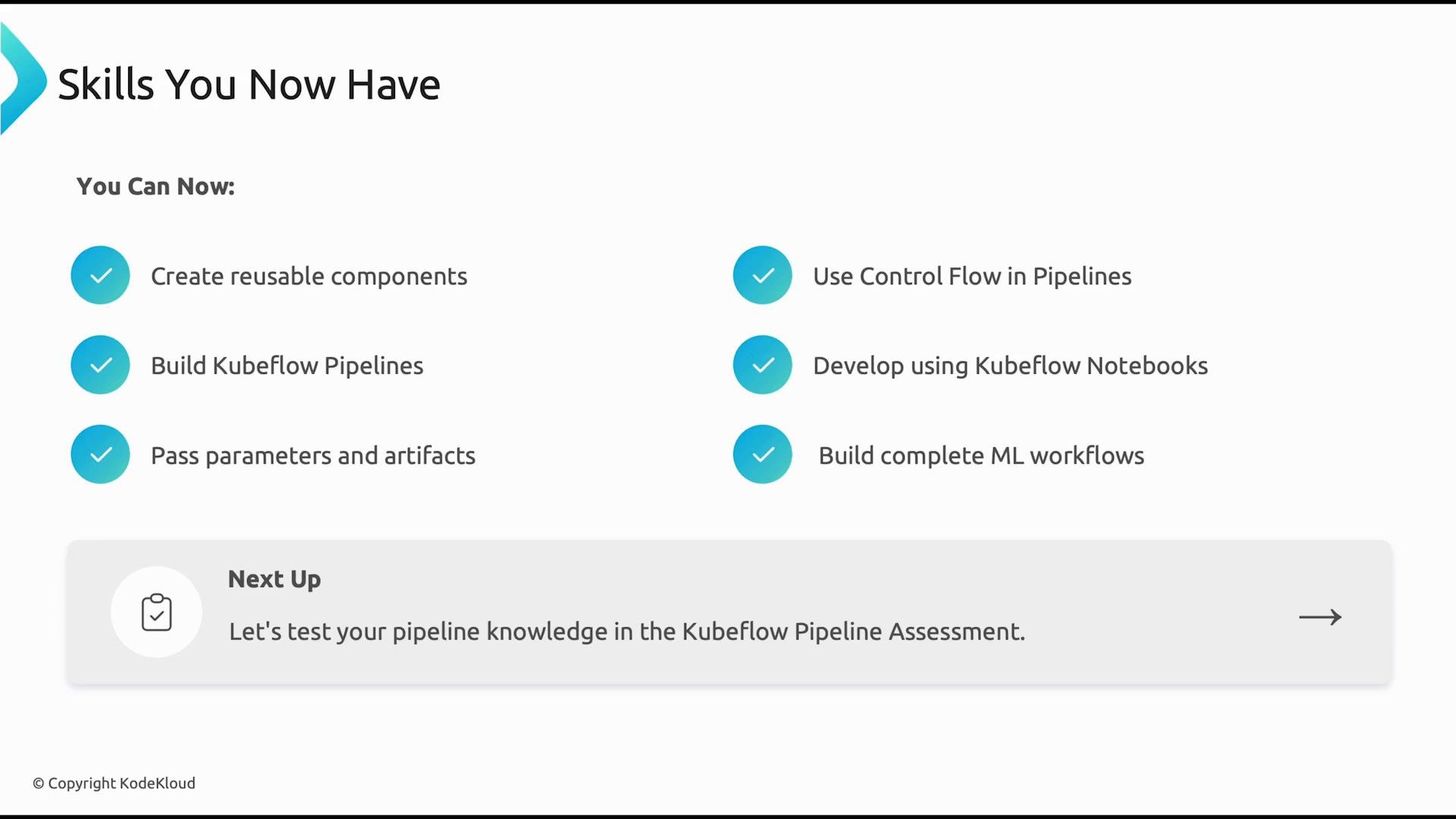
Kubeflow Pipelines let you define reproducible, portable ML workflows that run on Kubernetes. You practiced:
* Creating reusable components (containerized steps).
* Passing parameters and artifacts between steps.
* Using control flow constructs (conditionals, loops).
* Developing interactively with Kubeflow Notebooks.
These skills let you compose modular pipelines for data preprocessing, training, evaluation, and deployment — enabling automated CI/CD for ML.
### Quick reference table — Kubeflow Pipeline concepts
| Concept | Purpose | Example / Tip |
| - | - | - |
| Reusable component | Encapsulate a single pipeline step | Package code as a container image and reference it in the component manifest |
| Parameter passing | Control runtime behavior | Pass hyperparameters as pipeline `Parameters` |
| Artifacts | Store and share data between steps | Use artifact storage (e.g., PVC, S3-compatible storage) for datasets and models |
| Control flow | Add logic to pipelines | Use `dsl.Condition`, `dsl.ParallelFor` (or equivalent SDK constructs) |
| Notebooks | Interactive development | Launch JupyterLab or VS Code in a Kubeflow Notebook Server |
## Model serving and tuning — KServe + Katib
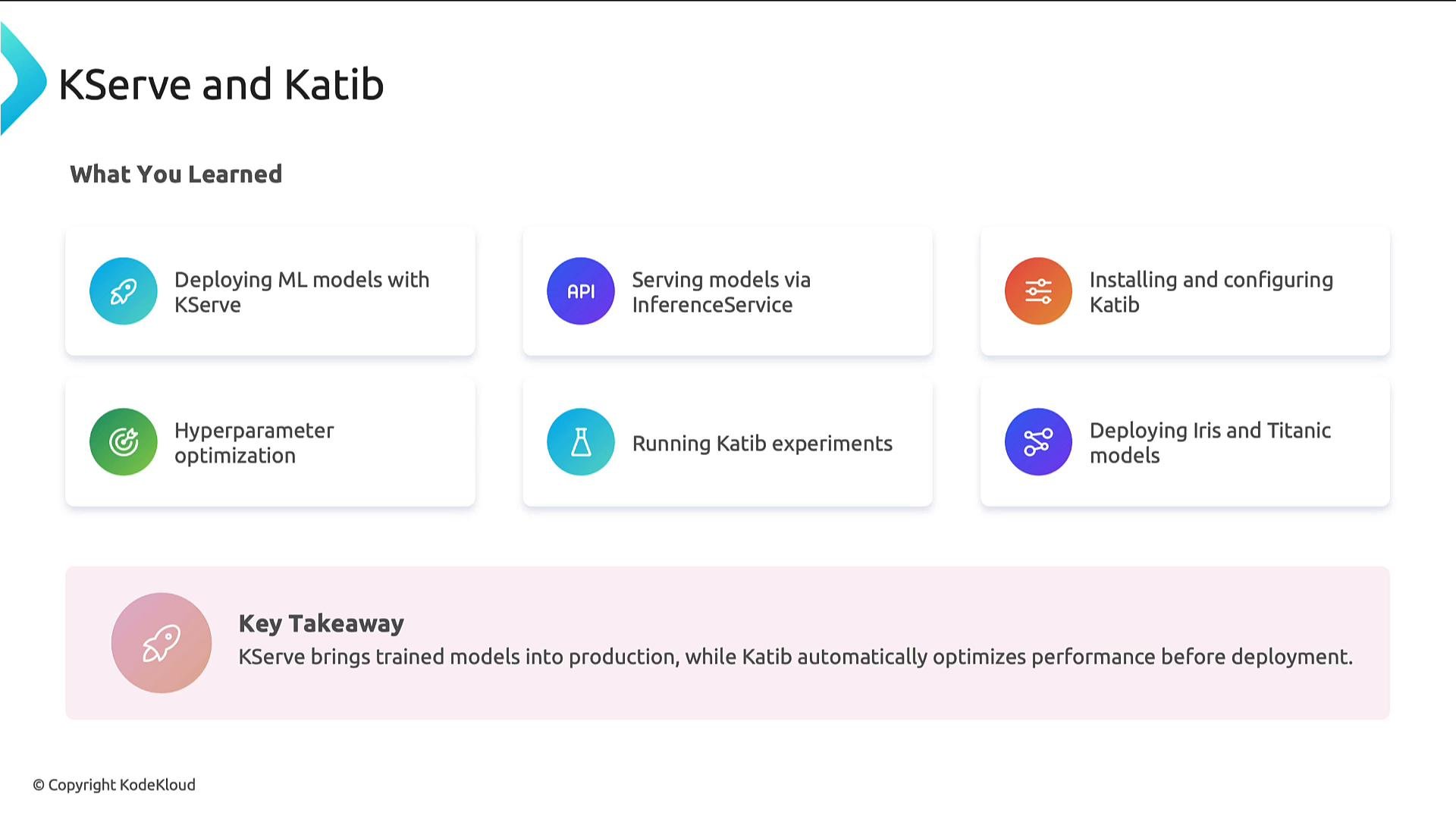
You learned how to deploy scalable, production-ready inference endpoints using KServe and how to optimize model performance using Katib hyperparameter tuning. The demos showed:
* Creating an InferenceService to expose prediction endpoints with autoscaling.
* Running Katib experiments to automatically search hyperparameter space and improve model metrics before deployment.
These two components together help you move models from research to production with confidence: KServe for scalable inference and Katib for automated model optimization.
## Kubeflow Pipelines — Design, Reuse, and Reproducibility
Kubeflow Pipelines let you define reproducible, portable ML workflows that run on Kubernetes. You practiced:
* Creating reusable components (containerized steps).
* Passing parameters and artifacts between steps.
* Using control flow constructs (conditionals, loops).
* Developing interactively with Kubeflow Notebooks.
These skills let you compose modular pipelines for data preprocessing, training, evaluation, and deployment — enabling automated CI/CD for ML.
### Quick reference table — Kubeflow Pipeline concepts
| Concept | Purpose | Example / Tip |
| - | - | - |
| Reusable component | Encapsulate a single pipeline step | Package code as a container image and reference it in the component manifest |
| Parameter passing | Control runtime behavior | Pass hyperparameters as pipeline `Parameters` |
| Artifacts | Store and share data between steps | Use artifact storage (e.g., PVC, S3-compatible storage) for datasets and models |
| Control flow | Add logic to pipelines | Use `dsl.Condition`, `dsl.ParallelFor` (or equivalent SDK constructs) |
| Notebooks | Interactive development | Launch JupyterLab or VS Code in a Kubeflow Notebook Server |
## Model serving and tuning — KServe + Katib
You learned how to deploy scalable, production-ready inference endpoints using KServe and how to optimize model performance using Katib hyperparameter tuning. The demos showed:
* Creating an InferenceService to expose prediction endpoints with autoscaling.
* Running Katib experiments to automatically search hyperparameter space and improve model metrics before deployment.
These two components together help you move models from research to production with confidence: KServe for scalable inference and Katib for automated model optimization.
 ## Secure multi-user collaboration — Profiles, Dex, and RBAC
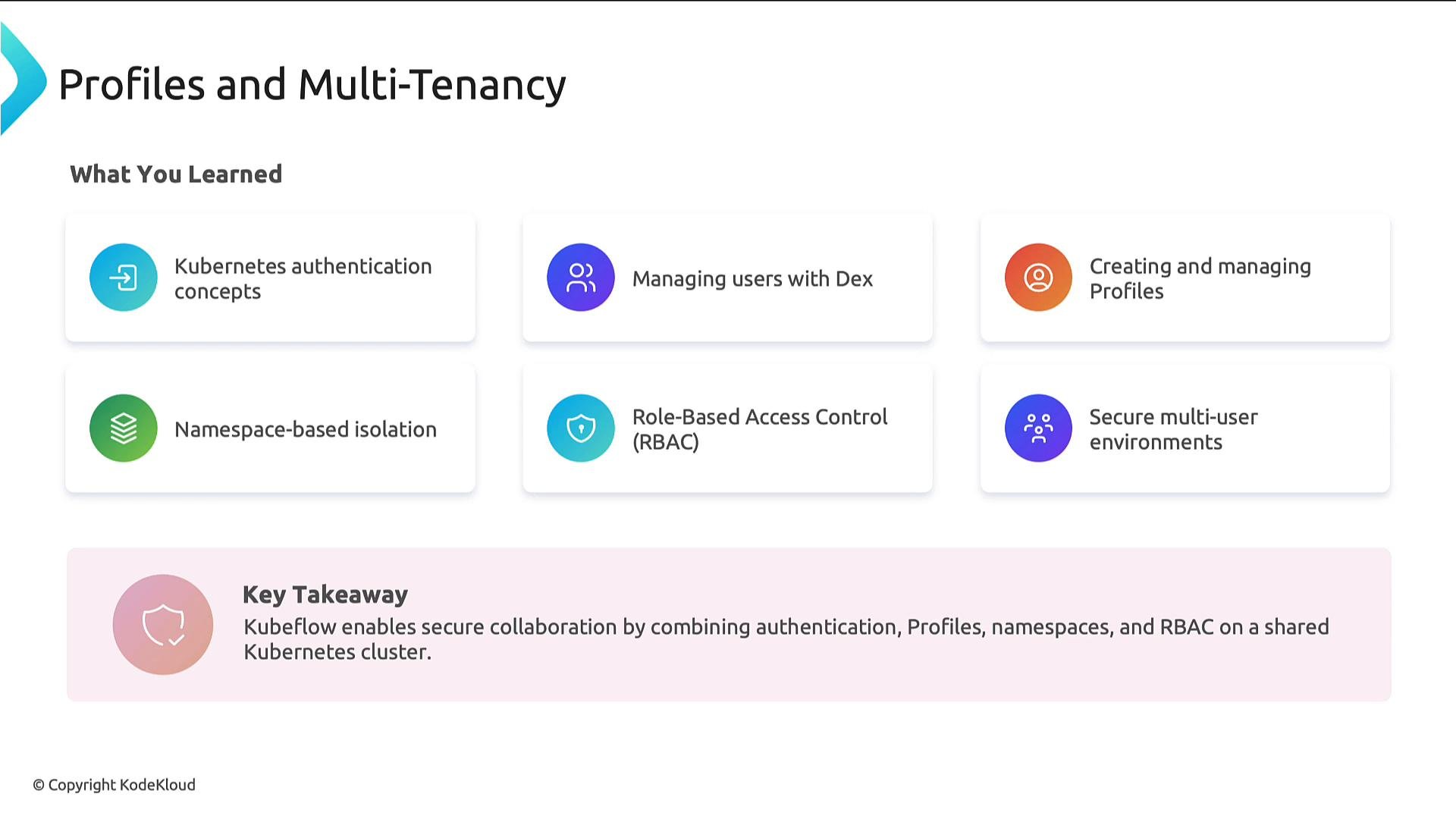
Kubeflow supports secure, multi-tenant workflows by integrating authentication, namespace isolation, and Kubernetes RBAC. You explored:
* Authentication with Dex (OAuth / OIDC connectors).
* Creating Kubeflow Profiles to provision namespaces and default resources for users or teams.
* Using namespace isolation and RBAC to enforce least privilege in shared clusters.
* Adding contributors and managing access to projects and resources.
These features let teams collaborate on the same Kubernetes cluster while maintaining security and resource isolation.
## Secure multi-user collaboration — Profiles, Dex, and RBAC
Kubeflow supports secure, multi-tenant workflows by integrating authentication, namespace isolation, and Kubernetes RBAC. You explored:
* Authentication with Dex (OAuth / OIDC connectors).
* Creating Kubeflow Profiles to provision namespaces and default resources for users or teams.
* Using namespace isolation and RBAC to enforce least privilege in shared clusters.
* Adding contributors and managing access to projects and resources.
These features let teams collaborate on the same Kubernetes cluster while maintaining security and resource isolation.
 ## Actionable checklist — Prepare your cluster and projects
* Validate Kubernetes cluster version and resources (CPU, memory, GPUs).
* Configure storage and object storage endpoints for artifacts and model registry.
* Install Kubeflow using your chosen installer (Kfctl, manifests, or distribution) and confirm central dashboard access.
* Set up Dex (or your identity provider) and create Profiles for users/teams.
* Configure KServe and Katib; run a sample InferenceService and a small Katib experiment.
* Test pipelines end-to-end, including artifact passing and conditional logic.
When moving to production, verify cluster resource quotas, secure network policies, and RBAC rules. Always test deployments in a staging environment before production rollout.
## Useful links and references
* Kubeflow documentation: [https://www.kubeflow.org/docs/](https://www.kubeflow.org/docs/)
* KServe: [https://www.kserve.dev/](https://www.kserve.dev/)
* Katib (Kubeflow hyperparameter tuning): [https://www.kubeflow.org/docs/components/hyperparameter-tuning/katib/](https://www.kubeflow.org/docs/components/hyperparameter-tuning/katib/)
* Dex identity provider: [https://dexidp.io/](https://dexidp.io/)
* Kubernetes concepts: [https://kubernetes.io/docs/concepts/](https://kubernetes.io/docs/concepts/)
Next up: apply these skills in a hands-on Kubeflow Pipeline assessment or create a small project that uses Kubeflow Pipelines → Katib → KServe to go from experiments to serving.
This documentation is built and hosted on [Mintlify](https://mintlify.com), a developer documentation platform.
## Actionable checklist — Prepare your cluster and projects
* Validate Kubernetes cluster version and resources (CPU, memory, GPUs).
* Configure storage and object storage endpoints for artifacts and model registry.
* Install Kubeflow using your chosen installer (Kfctl, manifests, or distribution) and confirm central dashboard access.
* Set up Dex (or your identity provider) and create Profiles for users/teams.
* Configure KServe and Katib; run a sample InferenceService and a small Katib experiment.
* Test pipelines end-to-end, including artifact passing and conditional logic.
When moving to production, verify cluster resource quotas, secure network policies, and RBAC rules. Always test deployments in a staging environment before production rollout.
## Useful links and references
* Kubeflow documentation: [https://www.kubeflow.org/docs/](https://www.kubeflow.org/docs/)
* KServe: [https://www.kserve.dev/](https://www.kserve.dev/)
* Katib (Kubeflow hyperparameter tuning): [https://www.kubeflow.org/docs/components/hyperparameter-tuning/katib/](https://www.kubeflow.org/docs/components/hyperparameter-tuning/katib/)
* Dex identity provider: [https://dexidp.io/](https://dexidp.io/)
* Kubernetes concepts: [https://kubernetes.io/docs/concepts/](https://kubernetes.io/docs/concepts/)
Next up: apply these skills in a hands-on Kubeflow Pipeline assessment or create a small project that uses Kubeflow Pipelines → Katib → KServe to go from experiments to serving.
This documentation is built and hosted on [Mintlify](https://mintlify.com), a developer documentation platform.