
In real-world AI projects, writing the model code is only a small part of the work — roughly 10%. The remaining 90% is the operational effort: scaling infrastructure, managing data pipelines, and moving models from notebooks into production. That operational gap is the biggest hurdle for AI adoption today.
A bearded man speaks to camera wearing a black t-shirt and a small lapel microphone. To his left is a purple slide listing “Scaling infrastructure,” “Managing data pipelines,” and “Notebook → The real world” under the heading “The biggest hurdle for AI today.”
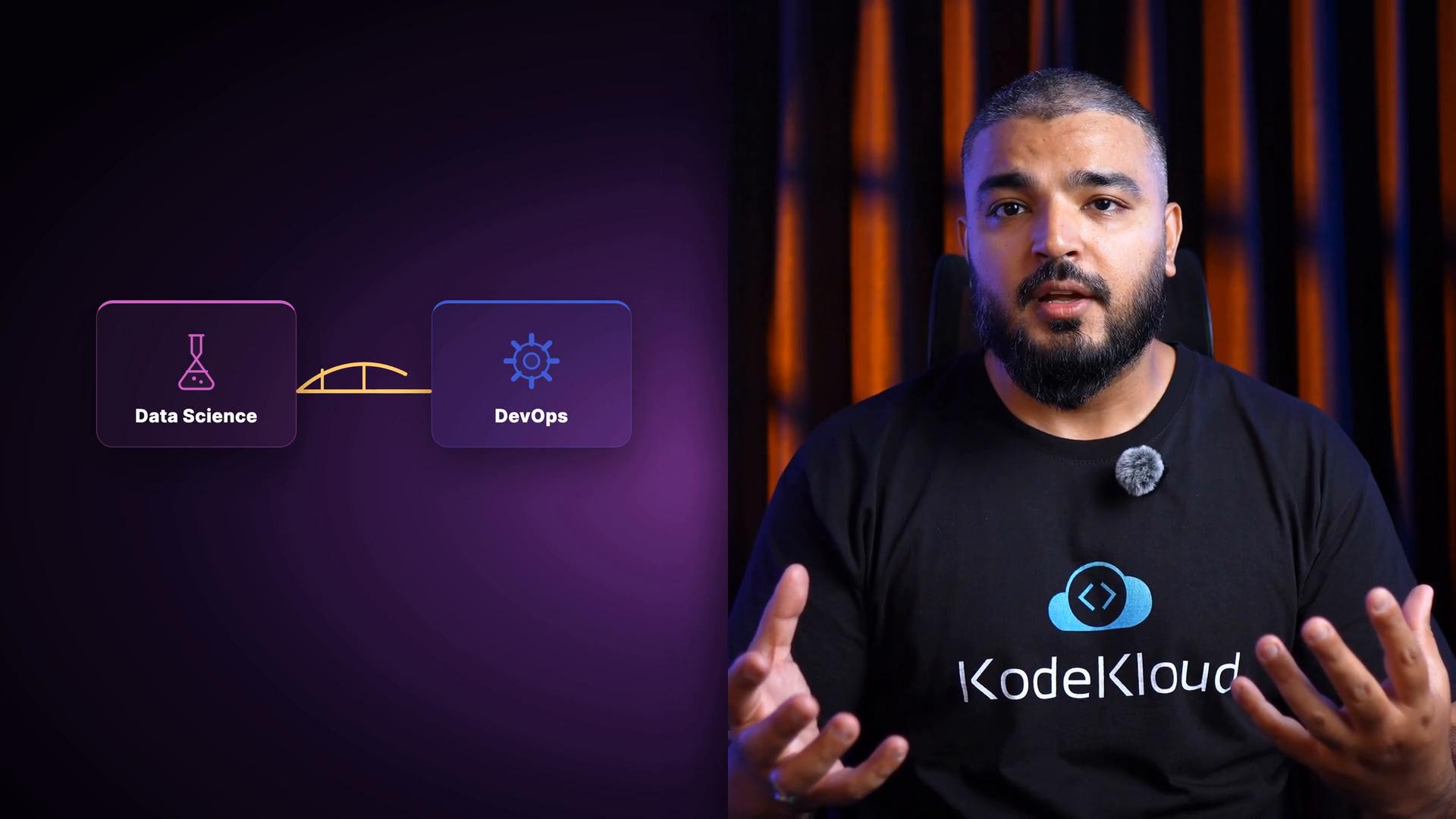
Imagine a toolkit that transforms Kubernetes into a dedicated machine learning platform. Kubeflow is that toolkit — an industry-standard MLOps stack that helps teams build, scale, and operate ML workloads in production. Hi, I’m Awais Kamran. In this lesson we’ll bridge the gap between data science and DevOps, turning manual, error-prone processes into repeatable, automated pipelines.
A presenter speaking on camera wearing a KodeKloud shirt and a lavalier mic. To his left is a slide graphic showing "Data Science" connected by a bridge to "DevOps."
What you’ll learn
  • Install and explore the Kubeflow stack on Kubernetes.
  • Build and run Kubeflow Pipelines (KFP) using reusable components.
  • Use notebooks inside the cluster for a seamless dev → production workflow.
  • Automate hyperparameter tuning and model serving (Katib, KServe).
  • Configure multi-tenancy for secure, collaborative teams.
Course outline (high level) Required CLI tools (examples)
Deep dive: Kubeflow Pipelines (KFP) Pipelines are the backbone of MLOps: they let you compose reusable components, pass data and artifacts between steps, and track experiments. Below is a minimal KFP v2-style example with two components — one that writes a CSV and another that reads and preprocesses it. Example pipeline (KFP v2 components)
Notes on pipelines
  • Components encapsulate logic and dependencies (e.g., packages_to_install).
  • Artifacts (Datasets, Models) are passed between steps using Inputs/Outputs.
  • Pipelines make runs reproducible and traceable, enabling CI/CD integration.
Observability: viewing cluster resources When working with Kubeflow on Kubernetes you’ll frequently inspect pods and custom resources. Example commands and outputs: Check pods in the kubeflow namespace:
Example pod output:
Automated tuning and serving
  • Katib offers automated hyperparameter tuning and experiment management.
  • KServe provides scalable, production-ready model serving with autoscaling and inference features.
Example: multi-tenancy with Profile Kubeflow Profiles create isolated workspaces for teams or users. This example shows a simple Profile manifest:
List profiles in the cluster:
Example output:
By the end of this lesson you’ll be able to design and operate production-grade ML workflows: installing Kubeflow, building pipelines, automating experiments, and serving models at scale.
Before starting the hands-on labs, make sure you have access to a Kubernetes cluster (local like minikube or a cloud cluster) and the required tools installed: kubectl (docs) and kustomize (docs).
Support and community If you get stuck, KodeKloud’s forums and community are available to help troubleshoot pipelines, deployments, and cluster issues. Links and references

Watch Video