> ## Documentation Index
> Fetch the complete documentation index at: https://notes.kodekloud.com/llms.txt
> Use this file to discover all available pages before exploring further.
# Installing KServe
> Guide to installing KServe on a local Minikube Kubernetes cluster, including prerequisites, cert-manager and Helm setup, and verification of CRDs and controller
This guide walks through installing KServe on a local Kubernetes cluster using Minikube. KServe is a Kubernetes-native model serving platform that simplifies deploying, scaling, and operating machine learning models in production. These instructions target macOS, with equivalent commands for Linux and Windows included where relevant.
By the end of this guide you will have:
* A running local Kubernetes cluster (Minikube).
* cert-manager installed to manage TLS for admission webhooks.
* KServe controller and CRDs installed and verified.
Keywords: KServe installation, Minikube, cert-manager, Helm, kubectl, Docker Desktop, local model serving.
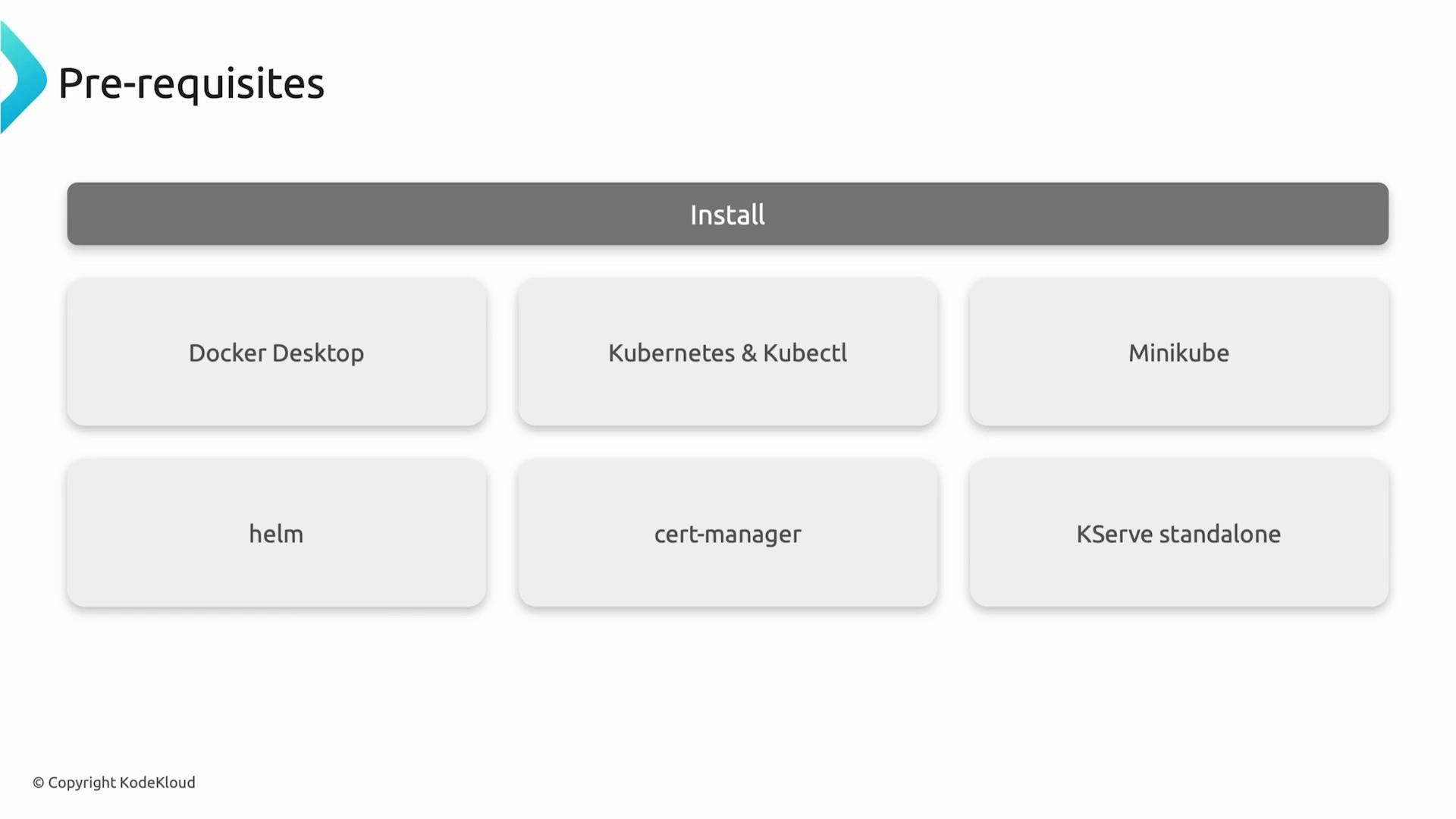
Prerequisites overview:
* Docker Desktop — container runtime for Minikube (or docker.io on Linux)
* kubectl — Kubernetes CLI
* Minikube — local Kubernetes cluster
* Helm — package manager for Kubernetes
* cert-manager — TLS certificate automation for admission webhooks
* KServe — model serving CRDs and controller
 Below are step-by-step instructions with verification commands.
***
## Prerequisites (detailed)
| Tool | Purpose | Installation / Notes |
| - | - | - |
| Docker Desktop | Container runtime and optional Kubernetes for macOS/Windows | Install from `https://www.docker.com/products/docker-desktop/` |
| kubectl | Kubernetes CLI to interact with cluster | macOS: `brew install kubectl` · Linux: download binary · Windows: `winget install Kubernetes.kubectl` |
| Minikube | Local Kubernetes cluster | `minikube start --driver=docker ...` (see Step 3) |
| Helm | Kubernetes package manager | macOS: `brew install helm` · Linux: install script · Windows: `winget install Helm.Helm` |
| cert-manager | TLS for admission webhooks | Installed via upstream manifest (Step 5) |
| KServe | ML model serving layer (CRDs + controller) | Installed via Helm chart (Step 6) |
***
## Step 1 — Install & Start Docker
Docker provides the container runtime used by Minikube when the Docker driver is selected.
macOS & Windows:
* Install Docker Desktop from the Docker website and ensure it is running.
Linux (Debian/Ubuntu example):
```bash theme={null}
sudo apt update
sudo apt install docker.io -y
sudo systemctl enable --now docker
```
Make sure Docker is running before starting Minikube.
***
## Step 2 — Install kubectl
kubectl is required to interact with your cluster and verify resources.
macOS:
```bash theme={null}
brew install kubectl
```
Windows:
```powershell theme={null}
winget install Kubernetes.kubectl
```
Linux (example using the official release binary):
```bash theme={null}
curl -LO "https://dl.k8s.io/release/$(curl -L -s https://dl.k8s.io/release/stable.txt)/bin/linux/amd64/kubectl"
chmod +x kubectl
sudo mv kubectl /usr/local/bin/
```
Verify:
```bash theme={null}
kubectl version --client
```
***
## Step 3 — Start Minikube
Start Minikube with Docker as the driver and allocate enough resources for inference workloads. The example below uses 4 CPUs, 6 GB of RAM, and 25 GB disk:
```bash theme={null}
minikube start --driver=docker --cpus=4 --memory=6144 --disk-size=25g
```
Check nodes:
```bash theme={null}
kubectl get nodes -o wide
```
Allocate adequate CPU, memory, and disk when running inference workloads locally. If you encounter resource pressure, increase CPU and memory or scale down model resource requests.
***
## Step 4 — Install Helm
Helm simplifies installing KServe and its dependencies.
macOS:
```bash theme={null}
brew install helm
```
Linux:
```bash theme={null}
curl https://raw.githubusercontent.com/helm/helm/main/scripts/get-helm-3 | bash
```
Windows:
```powershell theme={null}
winget install Helm.Helm
```
Helm will install the KServe chart and CRDs in the KServe namespace.
***
## Step 5 — Install cert-manager
KServe uses Kubernetes admission webhooks that require TLS certificates. cert-manager automates certificate issuance and rotation.
Install cert-manager via the upstream manifest:
```bash theme={null}
kubectl apply -f https://github.com/cert-manager/cert-manager/releases/download/v1.14.3/cert-manager.yaml
```
Verify cert-manager pods are running in the `cert-manager` namespace:
```bash theme={null}
kubectl get pods -n cert-manager --watch
```
Sample (trimmed) output while pods are starting:
```bash theme={null}
NAME READY STATUS RESTARTS AGE
cert-manager-7d74564bf7-5rjgj 0/1 ContainerCreating 0 37s
cert-manager-cainjector-855c496957-67zh5 0/1 ContainerCreating 0 37s
cert-manager-webhook-b68959fcf-vzrw7 1/1 Running 0 37s
cert-manager-cainjector-855c496957-67zh5 1/1 Running 0 41s
```
Wait until all cert-manager pods are in the `Running` state before proceeding.
If cert-manager pods do not become `Running` within a few minutes, check pod logs (`kubectl logs -n cert-manager `) and ensure your Minikube VM has sufficient resources and network access to pull images.
***
## Step 6 — Install KServe (CRDs + Controller)
KServe extends Kubernetes with CRDs such as `InferenceService`, `ServingRuntime`, and `ClusterServingRuntime`. Install KServe using the Helm chart from the GitHub Container Registry.
Create the `kserve` namespace (Helm will create it if missing) and install the chart. This example sets the controller deployment mode to `Standard` and uses version `v0.16.0` of the chart:
```bash theme={null}
helm upgrade --install kserve oci://ghcr.io/kserve/charts/kserve \
--version v0.16.0 \
--set kserve.controller.deploymentMode=Standard \
-n kserve --create-namespace --wait --timeout 10m
```
Example successful Helm output (truncated):
```bash theme={null}
Pulled: ghcr.io/kserve/charts/kserve:v0.16.0
Digest: sha256:46d78a58fff65902213a7254ec16520286baa81d33340c4a03f5263d846e2124
Release "kserve" has been upgraded. Happy Helming!
NAME: kserve
LAST DEPLOYED: Thu May 21 10:12:11 2026
NAMESPACE: kserve
STATUS: deployed
REVISION: 2
DESCRIPTION: Upgrade complete
```
Verify KServe pods in the `kserve` namespace:
```bash theme={null}
kubectl get pods -n kserve
```
You should see the KServe controller and related components in `Running` state. If pods are crashing or in `CrashLoopBackOff`, inspect logs:
```bash theme={null}
kubectl logs -n kserve deploy/kserve-controller-manager
```
***
## Final verification — Confirm KServe CRDs
Ensure the KServe CRDs are registered in the Kubernetes API. On macOS / Linux:
```bash theme={null}
kubectl get crds | grep serving.kserve.io
```
On Windows (PowerShell or cmd):
```powershell theme={null}
kubectl get crds | findstr serving.kserve.io
```
Sample expected CRDs (trimmed):
```bash theme={null}
clusterservingruntimes.serving.kserve.io 2026-05-21T05:08:57Z
clusterstoragecontainers.serving.kserve.io 2026-05-21T05:08:57Z
inferencegraphs.serving.kserve.io 2026-05-21T05:08:57Z
inferenceservices.serving.kserve.io 2026-05-21T05:08:58Z
localmodelcaches.serving.kserve.io 2026-05-21T05:08:57Z
localmodelnodegroups.serving.kserve.io 2026-05-21T05:08:57Z
localmodelnodes.serving.kserve.io 2026-05-21T05:08:57Z
servingruntimes.serving.kserve.io 2026-05-21T05:08:57Z
trainedmodels.serving.kserve.io 2026-05-21T05:08:57Z
```
Seeing these CRDs confirms KServe types (for example `InferenceService`) are available, and your KServe installation is ready.
***
## Next steps
Once KServe is installed and verified:
* Create an `InferenceService` manifest to deploy a model.
* Explore `ServingRuntime` or `ClusterServingRuntime` if you need custom runtimes or GPU support.
* Use `kubectl describe` and `kubectl logs` to debug InferenceService resources and pods.
Useful commands:
* `kubectl get inferenceservice -A`
* `kubectl describe inferenceservice -n `
* `kubectl logs -l serving.kserve.io/controller -n kserve`
***
## Links and References
* [KServe GitHub (charts)](https://github.com/kserve/kserve)
* [KServe Documentation](https://kserve.github.io/website/)
* [Minikube documentation](https://minikube.sigs.k8s.io/docs/)
* [cert-manager Releases](https://github.com/cert-manager/cert-manager/releases)
* [Helm Documentation](https://helm.sh/docs/)
* [Docker Desktop](https://www.docker.com/products/docker-desktop/)
If all verification steps are green (cert-manager pods running, KServe pods running, and CRDs present), your local KServe installation is ready for creating InferenceService resources and serving models.
This documentation is built and hosted on [Mintlify](https://mintlify.com), a developer documentation platform.
Below are step-by-step instructions with verification commands.
***
## Prerequisites (detailed)
| Tool | Purpose | Installation / Notes |
| - | - | - |
| Docker Desktop | Container runtime and optional Kubernetes for macOS/Windows | Install from `https://www.docker.com/products/docker-desktop/` |
| kubectl | Kubernetes CLI to interact with cluster | macOS: `brew install kubectl` · Linux: download binary · Windows: `winget install Kubernetes.kubectl` |
| Minikube | Local Kubernetes cluster | `minikube start --driver=docker ...` (see Step 3) |
| Helm | Kubernetes package manager | macOS: `brew install helm` · Linux: install script · Windows: `winget install Helm.Helm` |
| cert-manager | TLS for admission webhooks | Installed via upstream manifest (Step 5) |
| KServe | ML model serving layer (CRDs + controller) | Installed via Helm chart (Step 6) |
***
## Step 1 — Install & Start Docker
Docker provides the container runtime used by Minikube when the Docker driver is selected.
macOS & Windows:
* Install Docker Desktop from the Docker website and ensure it is running.
Linux (Debian/Ubuntu example):
```bash theme={null}
sudo apt update
sudo apt install docker.io -y
sudo systemctl enable --now docker
```
Make sure Docker is running before starting Minikube.
***
## Step 2 — Install kubectl
kubectl is required to interact with your cluster and verify resources.
macOS:
```bash theme={null}
brew install kubectl
```
Windows:
```powershell theme={null}
winget install Kubernetes.kubectl
```
Linux (example using the official release binary):
```bash theme={null}
curl -LO "https://dl.k8s.io/release/$(curl -L -s https://dl.k8s.io/release/stable.txt)/bin/linux/amd64/kubectl"
chmod +x kubectl
sudo mv kubectl /usr/local/bin/
```
Verify:
```bash theme={null}
kubectl version --client
```
***
## Step 3 — Start Minikube
Start Minikube with Docker as the driver and allocate enough resources for inference workloads. The example below uses 4 CPUs, 6 GB of RAM, and 25 GB disk:
```bash theme={null}
minikube start --driver=docker --cpus=4 --memory=6144 --disk-size=25g
```
Check nodes:
```bash theme={null}
kubectl get nodes -o wide
```
Allocate adequate CPU, memory, and disk when running inference workloads locally. If you encounter resource pressure, increase CPU and memory or scale down model resource requests.
***
## Step 4 — Install Helm
Helm simplifies installing KServe and its dependencies.
macOS:
```bash theme={null}
brew install helm
```
Linux:
```bash theme={null}
curl https://raw.githubusercontent.com/helm/helm/main/scripts/get-helm-3 | bash
```
Windows:
```powershell theme={null}
winget install Helm.Helm
```
Helm will install the KServe chart and CRDs in the KServe namespace.
***
## Step 5 — Install cert-manager
KServe uses Kubernetes admission webhooks that require TLS certificates. cert-manager automates certificate issuance and rotation.
Install cert-manager via the upstream manifest:
```bash theme={null}
kubectl apply -f https://github.com/cert-manager/cert-manager/releases/download/v1.14.3/cert-manager.yaml
```
Verify cert-manager pods are running in the `cert-manager` namespace:
```bash theme={null}
kubectl get pods -n cert-manager --watch
```
Sample (trimmed) output while pods are starting:
```bash theme={null}
NAME READY STATUS RESTARTS AGE
cert-manager-7d74564bf7-5rjgj 0/1 ContainerCreating 0 37s
cert-manager-cainjector-855c496957-67zh5 0/1 ContainerCreating 0 37s
cert-manager-webhook-b68959fcf-vzrw7 1/1 Running 0 37s
cert-manager-cainjector-855c496957-67zh5 1/1 Running 0 41s
```
Wait until all cert-manager pods are in the `Running` state before proceeding.
If cert-manager pods do not become `Running` within a few minutes, check pod logs (`kubectl logs -n cert-manager `) and ensure your Minikube VM has sufficient resources and network access to pull images.
***
## Step 6 — Install KServe (CRDs + Controller)
KServe extends Kubernetes with CRDs such as `InferenceService`, `ServingRuntime`, and `ClusterServingRuntime`. Install KServe using the Helm chart from the GitHub Container Registry.
Create the `kserve` namespace (Helm will create it if missing) and install the chart. This example sets the controller deployment mode to `Standard` and uses version `v0.16.0` of the chart:
```bash theme={null}
helm upgrade --install kserve oci://ghcr.io/kserve/charts/kserve \
--version v0.16.0 \
--set kserve.controller.deploymentMode=Standard \
-n kserve --create-namespace --wait --timeout 10m
```
Example successful Helm output (truncated):
```bash theme={null}
Pulled: ghcr.io/kserve/charts/kserve:v0.16.0
Digest: sha256:46d78a58fff65902213a7254ec16520286baa81d33340c4a03f5263d846e2124
Release "kserve" has been upgraded. Happy Helming!
NAME: kserve
LAST DEPLOYED: Thu May 21 10:12:11 2026
NAMESPACE: kserve
STATUS: deployed
REVISION: 2
DESCRIPTION: Upgrade complete
```
Verify KServe pods in the `kserve` namespace:
```bash theme={null}
kubectl get pods -n kserve
```
You should see the KServe controller and related components in `Running` state. If pods are crashing or in `CrashLoopBackOff`, inspect logs:
```bash theme={null}
kubectl logs -n kserve deploy/kserve-controller-manager
```
***
## Final verification — Confirm KServe CRDs
Ensure the KServe CRDs are registered in the Kubernetes API. On macOS / Linux:
```bash theme={null}
kubectl get crds | grep serving.kserve.io
```
On Windows (PowerShell or cmd):
```powershell theme={null}
kubectl get crds | findstr serving.kserve.io
```
Sample expected CRDs (trimmed):
```bash theme={null}
clusterservingruntimes.serving.kserve.io 2026-05-21T05:08:57Z
clusterstoragecontainers.serving.kserve.io 2026-05-21T05:08:57Z
inferencegraphs.serving.kserve.io 2026-05-21T05:08:57Z
inferenceservices.serving.kserve.io 2026-05-21T05:08:58Z
localmodelcaches.serving.kserve.io 2026-05-21T05:08:57Z
localmodelnodegroups.serving.kserve.io 2026-05-21T05:08:57Z
localmodelnodes.serving.kserve.io 2026-05-21T05:08:57Z
servingruntimes.serving.kserve.io 2026-05-21T05:08:57Z
trainedmodels.serving.kserve.io 2026-05-21T05:08:57Z
```
Seeing these CRDs confirms KServe types (for example `InferenceService`) are available, and your KServe installation is ready.
***
## Next steps
Once KServe is installed and verified:
* Create an `InferenceService` manifest to deploy a model.
* Explore `ServingRuntime` or `ClusterServingRuntime` if you need custom runtimes or GPU support.
* Use `kubectl describe` and `kubectl logs` to debug InferenceService resources and pods.
Useful commands:
* `kubectl get inferenceservice -A`
* `kubectl describe inferenceservice -n `
* `kubectl logs -l serving.kserve.io/controller -n kserve`
***
## Links and References
* [KServe GitHub (charts)](https://github.com/kserve/kserve)
* [KServe Documentation](https://kserve.github.io/website/)
* [Minikube documentation](https://minikube.sigs.k8s.io/docs/)
* [cert-manager Releases](https://github.com/cert-manager/cert-manager/releases)
* [Helm Documentation](https://helm.sh/docs/)
* [Docker Desktop](https://www.docker.com/products/docker-desktop/)
If all verification steps are green (cert-manager pods running, KServe pods running, and CRDs present), your local KServe installation is ready for creating InferenceService resources and serving models.
This documentation is built and hosted on [Mintlify](https://mintlify.com), a developer documentation platform.