> ## Documentation Index
> Fetch the complete documentation index at: https://notes.kodekloud.com/llms.txt
> Use this file to discover all available pages before exploring further.
# Scaling Behavior
> Explains Kubernetes Horizontal Pod Autoscaler scaling behavior, policies, stabilization windows, rate limits, metric types, configuration knobs, and best practices for stable autoscaling.
Welcome back. In this lesson we cover scaling behavior for the Horizontal Pod Autoscaler (HPA) in Kubernetes — how it decides when to add or remove pods, the policy knobs you can tune, and best practices for stable autoscaling.
Overview
* The Horizontal Pod Autoscaler (HPA) adjusts the replica count of Deployments and other scalable controllers to match observed load.
* Goals: keep application performance predictable while balancing resource usage and cost.
* HPA can scale using:
* native resource metrics (CPU, memory),
* custom in-cluster metrics,
* external metrics (e.g., cloud provider or external systems).
How scaling is triggered
HPA periodically evaluates the configured metrics (default every \~15 seconds). When an observed metric diverges from the configured target (for example, average CPU utilization rises above the target), the controller computes a target replica count and then applies scaling decisions subject to configured limits and policies.
Key stages in a scaling decision:
1. Observe metrics across the target pods.
2. Calculate desired replicas based on metric type and target.
3. Apply `minReplicas`/`maxReplicas` bounds.
4. Respect `behavior` policies (stabilization windows and rate limits).
5. Execute the scale event (create or terminate pods).
Important policy knobs you configure
| Policy knob | Purpose | Example / Notes |
| ----------------------------------------- | ---------------------------------------------------- | -------------------------------------------------------------------------- |
| `minReplicas`, `maxReplicas` | Hard bounds for autoscaling | Enforce capacity limits to protect costs or guarantee minimum availability |
| `metrics` | Which metric(s) HPA uses to compute desired replicas | Types: `Resource` (CPU/memory), `Object`/`Pods`/`External` |
| `target` types | How targets are expressed | `Utilization`, `AverageValue`, `Value` |
| `behavior.scaleUp` / `behavior.scaleDown` | Rate-limiting and stabilization for up/down scaling | Define `stabilizationWindowSeconds` and `policies` (Percent / Pods) |
Behavior policy types (examples)
| Policy type | Meaning |
| ---------------------------- | ------------------------------------------------------------------------------------------ |
| Percent | Limit change by percentage of current replicas (e.g., 50%) |
| Pods | Limit change by absolute number of pods (e.g., 3 pods) |
| `stabilizationWindowSeconds` | Time window during which HPA will prefer previous higher or lower values to avoid flapping |
Stabilization window and conservative scale-down
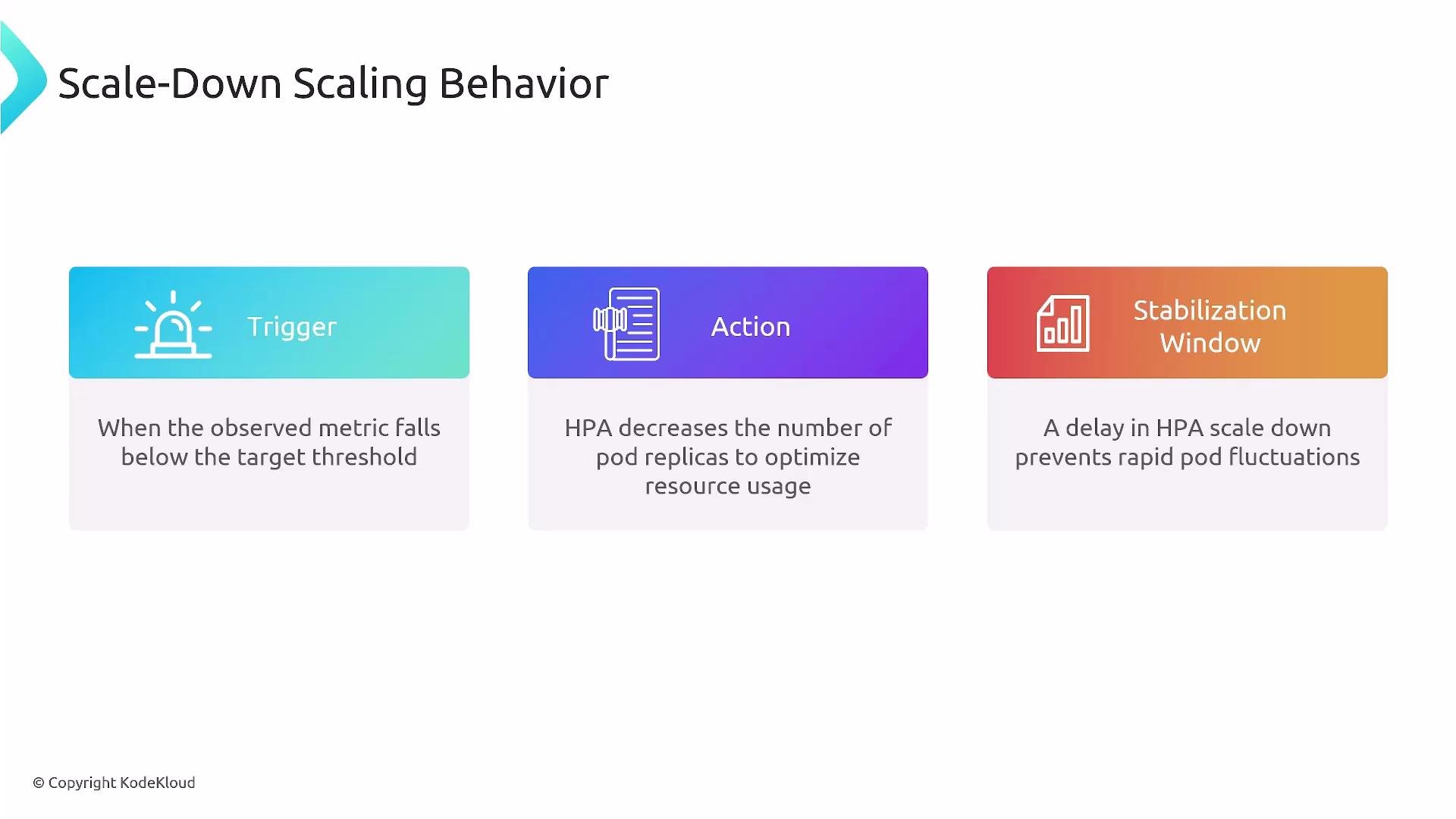
A stabilization window introduces a delay in evaluating the candidate replica count, which smooths out transient metric spikes or drops and prevents oscillation (rapid scale-up then immediate scale-down). Typical defaults used by many clusters:
| Direction | Typical default | Effect |
| --------- | ----------------------- | ----------------------------------------------------------- |
| scaleUp | 0 seconds | Enables fast reaction to rising load |
| scaleDown | 300 seconds (5 minutes) | Requires sustained low utilization before reducing replicas |
This means HPA will usually scale up quickly to handle load, but it will wait (by default \~5 minutes) of sustained low utilization before scaling down — a conservative approach that reduces oscillations in noisy environments.
 Example HPA manifest with behavior settings
Below is a practical HPA manifest that demonstrates common behavior settings. It targets a Deployment, defines min/max replicas, and configures both `scaleUp` and `scaleDown` policies to constrain how fast replicas can change.
```yaml theme={null}
apiVersion: autoscaling/v2
kind: HorizontalPodAutoscaler
metadata:
name: my-app-hpa
spec:
scaleTargetRef:
apiVersion: apps/v1
kind: Deployment
name: my-app-deployment
minReplicas: 1
maxReplicas: 10
metrics:
- type: Resource
resource:
name: cpu
target:
type: Utilization
averageUtilization: 50
behavior:
scaleUp:
stabilizationWindowSeconds: 0
policies:
- type: Percent
value: 100
periodSeconds: 60
scaleDown:
stabilizationWindowSeconds: 300
policies:
- type: Percent
value: 10
periodSeconds: 60
```
Notes about the example
* `averageUtilization: 50` tells HPA to target roughly 50% CPU utilization per pod.
* `scaleUp`:
* `stabilizationWindowSeconds: 0` means no delay for scale-up actions — HPA may respond immediately to rising load.
* The `Percent` policy with `value: 100` allows doubling the replica count every `periodSeconds: 60`, bounded by `maxReplicas`.
* `scaleDown`:
* `stabilizationWindowSeconds: 300` means HPA will observe low utilization for 5 minutes before acting.
* The `Percent` policy with `value: 10` limits downscaling to at most 10% of current replicas per 60-second period.
* Policies are limits (caps), not guarantees: the HPA only changes replicas as much as needed, up to the specified limits.
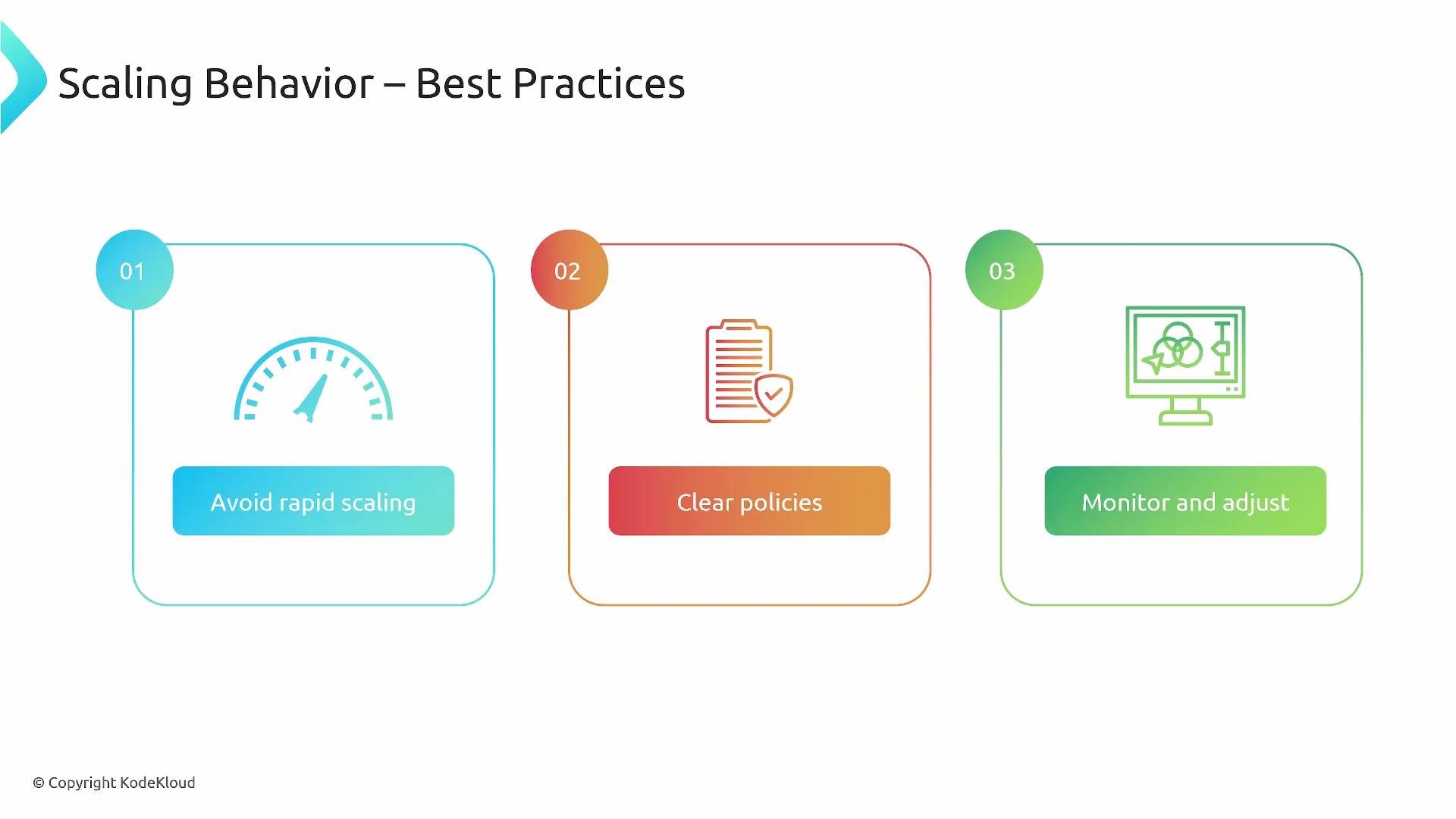
Defaults and behavior can vary by Kubernetes version and cloud controller implementations. As a rule of thumb, prefer aggressive scale-up (short stabilization window) and conservative scale-down (longer stabilization window) to reduce oscillation.
Best practices
* Align stabilization windows and rate limits with observed traffic patterns:
* Short windows for bursty, latency-sensitive workloads.
* Longer windows for noisy or highly variable workloads.
* Use meaningful metrics:
* Resource metrics (CPU/memory) are easy to start with.
* Add application-level metrics (latency, error rate, request queue length) for user-facing performance signals.
* Start conservative, observe, and iterate:
* Monitor HPA events and scaling actions (`kubectl describe hpa `).
* Tune `policies` and `stabilizationWindowSeconds` gradually based on metrics.
* Avoid overly aggressive downscaling that removes capacity needed for short spikes.
* Combine HPA with Cluster Autoscaler (if using autoscaling nodes) to ensure node capacity scales with pod demand.
Example HPA manifest with behavior settings
Below is a practical HPA manifest that demonstrates common behavior settings. It targets a Deployment, defines min/max replicas, and configures both `scaleUp` and `scaleDown` policies to constrain how fast replicas can change.
```yaml theme={null}
apiVersion: autoscaling/v2
kind: HorizontalPodAutoscaler
metadata:
name: my-app-hpa
spec:
scaleTargetRef:
apiVersion: apps/v1
kind: Deployment
name: my-app-deployment
minReplicas: 1
maxReplicas: 10
metrics:
- type: Resource
resource:
name: cpu
target:
type: Utilization
averageUtilization: 50
behavior:
scaleUp:
stabilizationWindowSeconds: 0
policies:
- type: Percent
value: 100
periodSeconds: 60
scaleDown:
stabilizationWindowSeconds: 300
policies:
- type: Percent
value: 10
periodSeconds: 60
```
Notes about the example
* `averageUtilization: 50` tells HPA to target roughly 50% CPU utilization per pod.
* `scaleUp`:
* `stabilizationWindowSeconds: 0` means no delay for scale-up actions — HPA may respond immediately to rising load.
* The `Percent` policy with `value: 100` allows doubling the replica count every `periodSeconds: 60`, bounded by `maxReplicas`.
* `scaleDown`:
* `stabilizationWindowSeconds: 300` means HPA will observe low utilization for 5 minutes before acting.
* The `Percent` policy with `value: 10` limits downscaling to at most 10% of current replicas per 60-second period.
* Policies are limits (caps), not guarantees: the HPA only changes replicas as much as needed, up to the specified limits.
Defaults and behavior can vary by Kubernetes version and cloud controller implementations. As a rule of thumb, prefer aggressive scale-up (short stabilization window) and conservative scale-down (longer stabilization window) to reduce oscillation.
Best practices
* Align stabilization windows and rate limits with observed traffic patterns:
* Short windows for bursty, latency-sensitive workloads.
* Longer windows for noisy or highly variable workloads.
* Use meaningful metrics:
* Resource metrics (CPU/memory) are easy to start with.
* Add application-level metrics (latency, error rate, request queue length) for user-facing performance signals.
* Start conservative, observe, and iterate:
* Monitor HPA events and scaling actions (`kubectl describe hpa `).
* Tune `policies` and `stabilizationWindowSeconds` gradually based on metrics.
* Avoid overly aggressive downscaling that removes capacity needed for short spikes.
* Combine HPA with Cluster Autoscaler (if using autoscaling nodes) to ensure node capacity scales with pod demand.
 Be aware of control-plane and metrics-server differences across Kubernetes versions. Some behavior fields and defaults changed between `autoscaling/v2beta2` and `autoscaling/v2`. Always consult your cluster's API documentation before applying HPA manifests.
Further reading and references
* Kubernetes Horizontal Pod Autoscaler (HPA) documentation: [https://kubernetes.io/docs/tasks/run-application/horizontal-pod-autoscale/](https://kubernetes.io/docs/tasks/run-application/horizontal-pod-autoscale/)
* HPA behavior and policy details: [https://kubernetes.io/docs/reference/generated/kubernetes-api/v1.26/#horizontalpodautoscaler-v2-autoscaling](https://kubernetes.io/docs/reference/generated/kubernetes-api/v1.26/#horizontalpodautoscaler-v2-autoscaling)
* Cluster Autoscaler (for node autoscaling): [https://github.com/kubernetes/autoscaler/tree/master/cluster-autoscaler](https://github.com/kubernetes/autoscaler/tree/master/cluster-autoscaler)
That concludes this lesson on HPA scaling behavior. Hope you found it useful and actionable.
Be aware of control-plane and metrics-server differences across Kubernetes versions. Some behavior fields and defaults changed between `autoscaling/v2beta2` and `autoscaling/v2`. Always consult your cluster's API documentation before applying HPA manifests.
Further reading and references
* Kubernetes Horizontal Pod Autoscaler (HPA) documentation: [https://kubernetes.io/docs/tasks/run-application/horizontal-pod-autoscale/](https://kubernetes.io/docs/tasks/run-application/horizontal-pod-autoscale/)
* HPA behavior and policy details: [https://kubernetes.io/docs/reference/generated/kubernetes-api/v1.26/#horizontalpodautoscaler-v2-autoscaling](https://kubernetes.io/docs/reference/generated/kubernetes-api/v1.26/#horizontalpodautoscaler-v2-autoscaling)
* Cluster Autoscaler (for node autoscaling): [https://github.com/kubernetes/autoscaler/tree/master/cluster-autoscaler](https://github.com/kubernetes/autoscaler/tree/master/cluster-autoscaler)
That concludes this lesson on HPA scaling behavior. Hope you found it useful and actionable.