> ## Documentation Index
> Fetch the complete documentation index at: https://notes.kodekloud.com/llms.txt
> Use this file to discover all available pages before exploring further.
# KEDA CPU Scaling
> Guide to configuring KEDA to autoscale Kubernetes workloads based on CPU utilization, requiring the Metrics Server, proper CPU resource requests, and ScaledObject CPU trigger configuration.
Welcome — this guide explains how to configure KEDA to scale workloads based on CPU utilization. KEDA leverages the Kubernetes Horizontal Pod Autoscaler (HPA) to perform horizontal scaling, so CPU-based scaling requires both the Metrics Server and proper resource requests to produce reliable behavior.
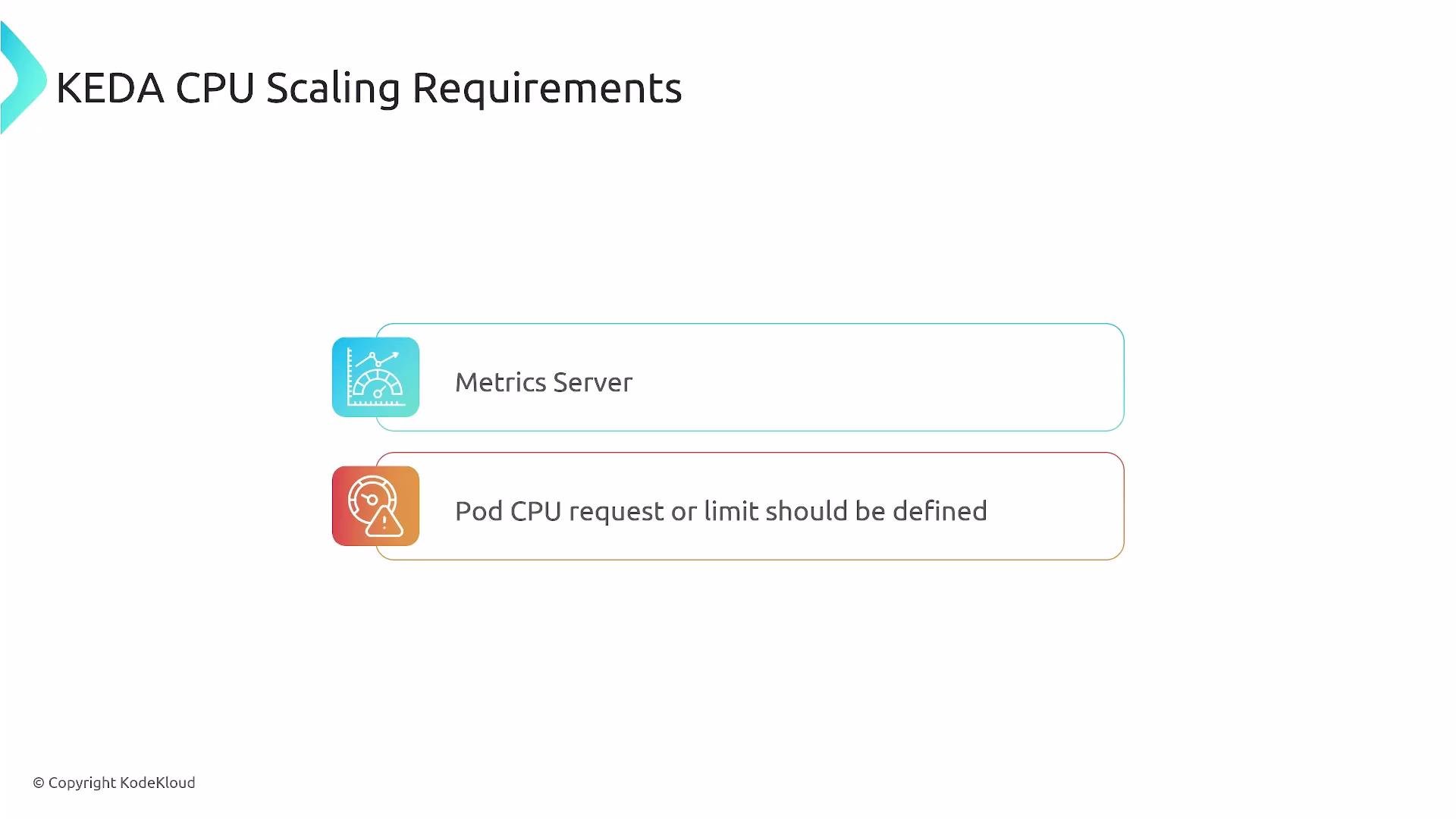
Ensure the Kubernetes Metrics Server is installed and that each container in your Pod defines CPU `requests` (or `limits`) in the `resources` block. Without metrics and resource requests, CPU-based autoscaling will not behave as expected.
Summary of core requirements
 Key configuration items
| Requirement | Purpose | Example / Notes |
| ------------------------ | ------------------------------------------------------- | -------------------------------------------------------------------------------------------------------------------------- |
| Metrics Server | Provides CPU metrics to HPA/KEDA | Install via: `kubectl apply -f https://github.com/kubernetes-sigs/metrics-server/releases/latest/download/components.yaml` |
| Resource requests/limits | Allow HPA to compute CPU utilization | Define `resources.requests.cpu` for each container |
| Targeting containers | Target specific container metrics when Pod has sidecars | Use `containerName` in KEDA trigger metadata |
Configuration details
* Metrics Server: required so HPA (managed by KEDA) can query CPU usage.
* Resource requests/limits: always set CPU `requests` (recommended) so utilization is meaningful.
* Targeting containers: if Pods include sidecars (logging, service mesh, etc.), use `containerName` to target the app container's CPU rather than an averaged value across all containers.
CPU trigger metadata options
KEDA's CPU trigger supports two metadata modes:
* `Utilization` — interpreted as a percentage of the CPU request (e.g., 50 means 50% of requested CPU).
* `AverageValue` — interpreted as an absolute value like `"250m"` (milli-CPUs).
Example: CPU trigger in a ScaledObject
This trigger fires when the target container's CPU utilization exceeds 60%.
```yaml theme={null}
triggers:
- type: cpu
metadata:
type: Utilization # Allowed values: 'Utilization' or 'AverageValue'
value: "60" # Trigger when utilization is above 60%
containerName: "app" # Optional. Use to target a specific container in a Pod with multiple containers.
```
If your Pod contains only a single application container (recommended), `containerName` is not required. Add `containerName` when you have sidecars to ensure scaling is driven by the correct container.
Example: ScaledObject for CPU-based scaling
Below is a full `ScaledObject` YAML that references a Deployment (`cpu-app`), sets min/max replicas, and uses the `Utilization` CPU trigger to scale above 50% CPU utilization.
```yaml theme={null}
apiVersion: keda.sh/v1alpha1
kind: ScaledObject
metadata:
name: cpu-app-scaledobject
namespace: default
spec:
scaleTargetRef:
name: cpu-app # The Deployment name to scale
minReplicaCount: 1
maxReplicaCount: 5
triggers:
- type: cpu
metadata:
type: Utilization
value: "50" # Scale when CPU utilization is above 50%
# containerName: "app" # Optional: uncomment to target a specific container
```
What happens at runtime
* KEDA creates and manages an HPA corresponding to the `ScaledObject`.
* The HPA queries the Metrics Server for CPU metrics (per-pod, or per-container when supported).
* When the configured threshold is exceeded, the HPA increases replicas up to `maxReplicaCount`.
* When CPU load decreases, replicas scale down, not going below `minReplicaCount`.
Practical tips and common pitfalls
* Always define CPU `requests` for containers expected to scale; without requests, CPU utilization calculations may be unreliable.
* Prefer a single application container per Pod when possible. If sidecars are required, explicitly set `containerName` in the trigger metadata.
* Tune `minReplicaCount`, `maxReplicaCount`, and the trigger `value` to match real application load patterns and SLAs.
* Monitor the HPA object created by KEDA to ensure metrics are available: `kubectl get hpa -n ` and `kubectl describe hpa `.
Do not rely on CPU scaling alone for bursty or short-lived workloads. Consider combining CPU-based triggers with other KEDA scalers (e.g., queue length, custom metrics) for more responsive behavior.
Reference links
* [KEDA Documentation](https://keda.sh/docs/latest/)
* [Kubernetes Metrics Server](https://github.com/kubernetes-sigs/metrics-server)
* [Kubernetes HPA docs](https://kubernetes.io/docs/tasks/run-application/horizontal-pod-autoscale/)
This guide explained how to configure KEDA to scale based on CPU using a ScaledObject and a CPU trigger. Other KEDA scalers follow the same ScaledObject + trigger pattern, but each scaler requires its specific trigger metadata.
Key configuration items
| Requirement | Purpose | Example / Notes |
| ------------------------ | ------------------------------------------------------- | -------------------------------------------------------------------------------------------------------------------------- |
| Metrics Server | Provides CPU metrics to HPA/KEDA | Install via: `kubectl apply -f https://github.com/kubernetes-sigs/metrics-server/releases/latest/download/components.yaml` |
| Resource requests/limits | Allow HPA to compute CPU utilization | Define `resources.requests.cpu` for each container |
| Targeting containers | Target specific container metrics when Pod has sidecars | Use `containerName` in KEDA trigger metadata |
Configuration details
* Metrics Server: required so HPA (managed by KEDA) can query CPU usage.
* Resource requests/limits: always set CPU `requests` (recommended) so utilization is meaningful.
* Targeting containers: if Pods include sidecars (logging, service mesh, etc.), use `containerName` to target the app container's CPU rather than an averaged value across all containers.
CPU trigger metadata options
KEDA's CPU trigger supports two metadata modes:
* `Utilization` — interpreted as a percentage of the CPU request (e.g., 50 means 50% of requested CPU).
* `AverageValue` — interpreted as an absolute value like `"250m"` (milli-CPUs).
Example: CPU trigger in a ScaledObject
This trigger fires when the target container's CPU utilization exceeds 60%.
```yaml theme={null}
triggers:
- type: cpu
metadata:
type: Utilization # Allowed values: 'Utilization' or 'AverageValue'
value: "60" # Trigger when utilization is above 60%
containerName: "app" # Optional. Use to target a specific container in a Pod with multiple containers.
```
If your Pod contains only a single application container (recommended), `containerName` is not required. Add `containerName` when you have sidecars to ensure scaling is driven by the correct container.
Example: ScaledObject for CPU-based scaling
Below is a full `ScaledObject` YAML that references a Deployment (`cpu-app`), sets min/max replicas, and uses the `Utilization` CPU trigger to scale above 50% CPU utilization.
```yaml theme={null}
apiVersion: keda.sh/v1alpha1
kind: ScaledObject
metadata:
name: cpu-app-scaledobject
namespace: default
spec:
scaleTargetRef:
name: cpu-app # The Deployment name to scale
minReplicaCount: 1
maxReplicaCount: 5
triggers:
- type: cpu
metadata:
type: Utilization
value: "50" # Scale when CPU utilization is above 50%
# containerName: "app" # Optional: uncomment to target a specific container
```
What happens at runtime
* KEDA creates and manages an HPA corresponding to the `ScaledObject`.
* The HPA queries the Metrics Server for CPU metrics (per-pod, or per-container when supported).
* When the configured threshold is exceeded, the HPA increases replicas up to `maxReplicaCount`.
* When CPU load decreases, replicas scale down, not going below `minReplicaCount`.
Practical tips and common pitfalls
* Always define CPU `requests` for containers expected to scale; without requests, CPU utilization calculations may be unreliable.
* Prefer a single application container per Pod when possible. If sidecars are required, explicitly set `containerName` in the trigger metadata.
* Tune `minReplicaCount`, `maxReplicaCount`, and the trigger `value` to match real application load patterns and SLAs.
* Monitor the HPA object created by KEDA to ensure metrics are available: `kubectl get hpa -n ` and `kubectl describe hpa `.
Do not rely on CPU scaling alone for bursty or short-lived workloads. Consider combining CPU-based triggers with other KEDA scalers (e.g., queue length, custom metrics) for more responsive behavior.
Reference links
* [KEDA Documentation](https://keda.sh/docs/latest/)
* [Kubernetes Metrics Server](https://github.com/kubernetes-sigs/metrics-server)
* [Kubernetes HPA docs](https://kubernetes.io/docs/tasks/run-application/horizontal-pod-autoscale/)
This guide explained how to configure KEDA to scale based on CPU using a ScaledObject and a CPU trigger. Other KEDA scalers follow the same ScaledObject + trigger pattern, but each scaler requires its specific trigger metadata.