> ## Documentation Index
> Fetch the complete documentation index at: https://notes.kodekloud.com/llms.txt
> Use this file to discover all available pages before exploring further.
# Manual VPA
> Hands-on lab demonstrating how Vertical Pod Autoscaler updates Pod resource requests, causing Kubernetes to recreate Pods when resource requests change.
Welcome.
In this lesson we'll work through a hands-on lab for the [Vertical Pod Autoscaler (VPA)](https://learn.kodekloud.com/user/courses/kubernetes-autoscaling). The goal is to deploy a simple Flask application as a single-replica Deployment and observe how VPA (or a manual update) adjusts Pod resource requests. When resource requests change, Kubernetes replaces the existing Pod with a new Pod that reflects the updated resource settings.
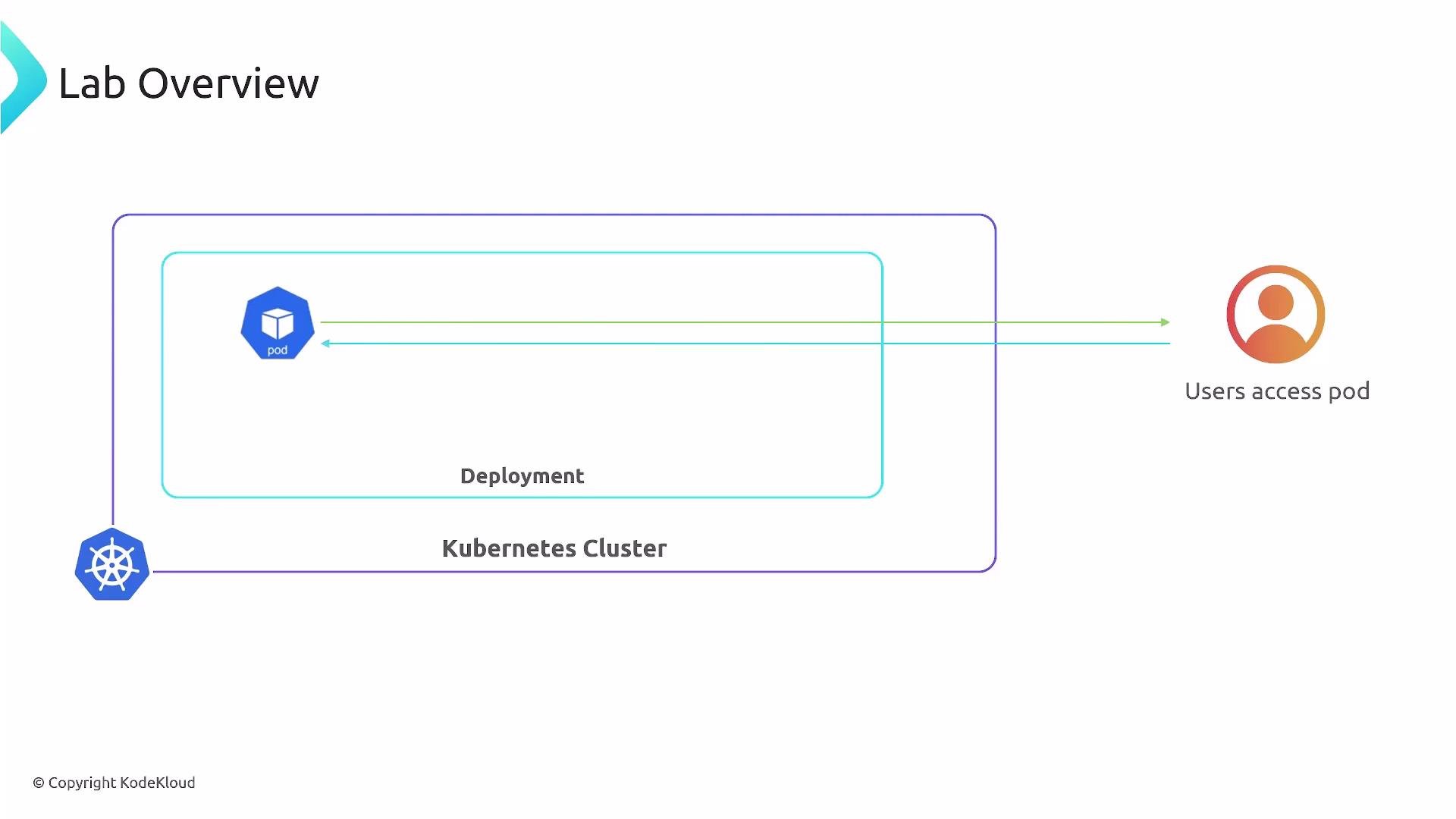
Environment overview:
* A Kubernetes cluster runs a Deployment that manages a single Pod for the Flask application.
* Users access the application from outside the cluster.
 Getting started
1. Apply the Deployment manifest to create (or update) the Flask application:
```bash theme={null}
kubectl apply -f deployment.yml
```
2. Typical kubectl output after applying a manifest:
```bash theme={null}
deployment.apps/flask-web-app configured
service/flask-web-app-service unchanged
```
3. Inspect Pods to observe how Kubernetes replaces Pods when resource requests change:
```bash theme={null}
kubectl get pods
```
Example output you may see:
```bash theme={null}
NAME READY STATUS RESTARTS AGE
flask-web-app-5d9dbb9d44-spjmk 1/1 Running 0 65s
flask-web-app-78689f449c-kq8xs 1/1 Terminating 0 3m13s
```
Why Pods are recreated
* Kubernetes treats resource requests (CPU/memory) as immutable for a running Pod. To change those values, the Pod must be terminated and a new Pod created with the updated requests.
* VPA can observe resource usage and either propose new requests or automatically apply them. When VPA applies a change, the Pod is evicted and re-scheduled with the new resource requests.
VPA observes resource usage and can propose or apply new resource requests for Pods. When requests change, Pods are typically recreated (evicted and re-scheduled) so the new resource requests take effect.
Quick summary of the lab
* Deploy a single-replica Flask application using a Deployment.
* Apply an updated Deployment (or accept a VPA recommendation) that increases the Pod's resource requests.
* Kubernetes terminates the old Pod and brings up a new Pod with the larger resource allocation.
* This illustrates how Vertical Pod Autoscaler helps automate Pod resizing and simplifies resource management.
Steps & expected behavior
| Step | Action | Expected result |
| ---- | --------------------------------- | --------------------------------------------------------------------------------------- |
| 1 | `kubectl apply -f deployment.yml` | Deployment and Service are created/updated (see `kubectl` output above) |
| 2 | `kubectl get pods` | A new Pod enters `Running` while the old Pod moves to `Terminating` if requests changed |
| 3 | Observe resource requests | New Pod shows the updated CPU/memory requests in `kubectl describe pod ` |
Useful commands
* Check Deployment status:
```bash theme={null}
kubectl get deployment flask-web-app
```
* Describe the new Pod to verify requests:
```bash theme={null}
kubectl describe pod
```
* View VPA recommendations (if VPA is installed):
```bash theme={null}
kubectl get vpa -o yaml
```
Links and references
* [Kubernetes: Pods](https://kubernetes.io/docs/concepts/workloads/pods/)
* [Kubernetes: Vertical Pod Autoscaler (VPA) GitHub](https://github.com/kubernetes/autoscaler/tree/master/vertical-pod-autoscaler)
* [Kubernetes Documentation](https://kubernetes.io/docs/)
This lab demonstrates the core behavior of VPA-driven resizing: resource request changes result in Pod recreation so the scheduler can place the new Pod with appropriate resources.
Getting started
1. Apply the Deployment manifest to create (or update) the Flask application:
```bash theme={null}
kubectl apply -f deployment.yml
```
2. Typical kubectl output after applying a manifest:
```bash theme={null}
deployment.apps/flask-web-app configured
service/flask-web-app-service unchanged
```
3. Inspect Pods to observe how Kubernetes replaces Pods when resource requests change:
```bash theme={null}
kubectl get pods
```
Example output you may see:
```bash theme={null}
NAME READY STATUS RESTARTS AGE
flask-web-app-5d9dbb9d44-spjmk 1/1 Running 0 65s
flask-web-app-78689f449c-kq8xs 1/1 Terminating 0 3m13s
```
Why Pods are recreated
* Kubernetes treats resource requests (CPU/memory) as immutable for a running Pod. To change those values, the Pod must be terminated and a new Pod created with the updated requests.
* VPA can observe resource usage and either propose new requests or automatically apply them. When VPA applies a change, the Pod is evicted and re-scheduled with the new resource requests.
VPA observes resource usage and can propose or apply new resource requests for Pods. When requests change, Pods are typically recreated (evicted and re-scheduled) so the new resource requests take effect.
Quick summary of the lab
* Deploy a single-replica Flask application using a Deployment.
* Apply an updated Deployment (or accept a VPA recommendation) that increases the Pod's resource requests.
* Kubernetes terminates the old Pod and brings up a new Pod with the larger resource allocation.
* This illustrates how Vertical Pod Autoscaler helps automate Pod resizing and simplifies resource management.
Steps & expected behavior
| Step | Action | Expected result |
| ---- | --------------------------------- | --------------------------------------------------------------------------------------- |
| 1 | `kubectl apply -f deployment.yml` | Deployment and Service are created/updated (see `kubectl` output above) |
| 2 | `kubectl get pods` | A new Pod enters `Running` while the old Pod moves to `Terminating` if requests changed |
| 3 | Observe resource requests | New Pod shows the updated CPU/memory requests in `kubectl describe pod ` |
Useful commands
* Check Deployment status:
```bash theme={null}
kubectl get deployment flask-web-app
```
* Describe the new Pod to verify requests:
```bash theme={null}
kubectl describe pod
```
* View VPA recommendations (if VPA is installed):
```bash theme={null}
kubectl get vpa -o yaml
```
Links and references
* [Kubernetes: Pods](https://kubernetes.io/docs/concepts/workloads/pods/)
* [Kubernetes: Vertical Pod Autoscaler (VPA) GitHub](https://github.com/kubernetes/autoscaler/tree/master/vertical-pod-autoscaler)
* [Kubernetes Documentation](https://kubernetes.io/docs/)
This lab demonstrates the core behavior of VPA-driven resizing: resource request changes result in Pod recreation so the scheduler can place the new Pod with appropriate resources.