> ## Documentation Index
> Fetch the complete documentation index at: https://notes.kodekloud.com/llms.txt
> Use this file to discover all available pages before exploring further.
# VPA CPU Lab
> Hands-on lab demonstrating CPU-focused Vertical Pod Autoscaler using a Flask app to monitor usage, generate VPA recommendations (updateMode Off), and validate recommendations under load
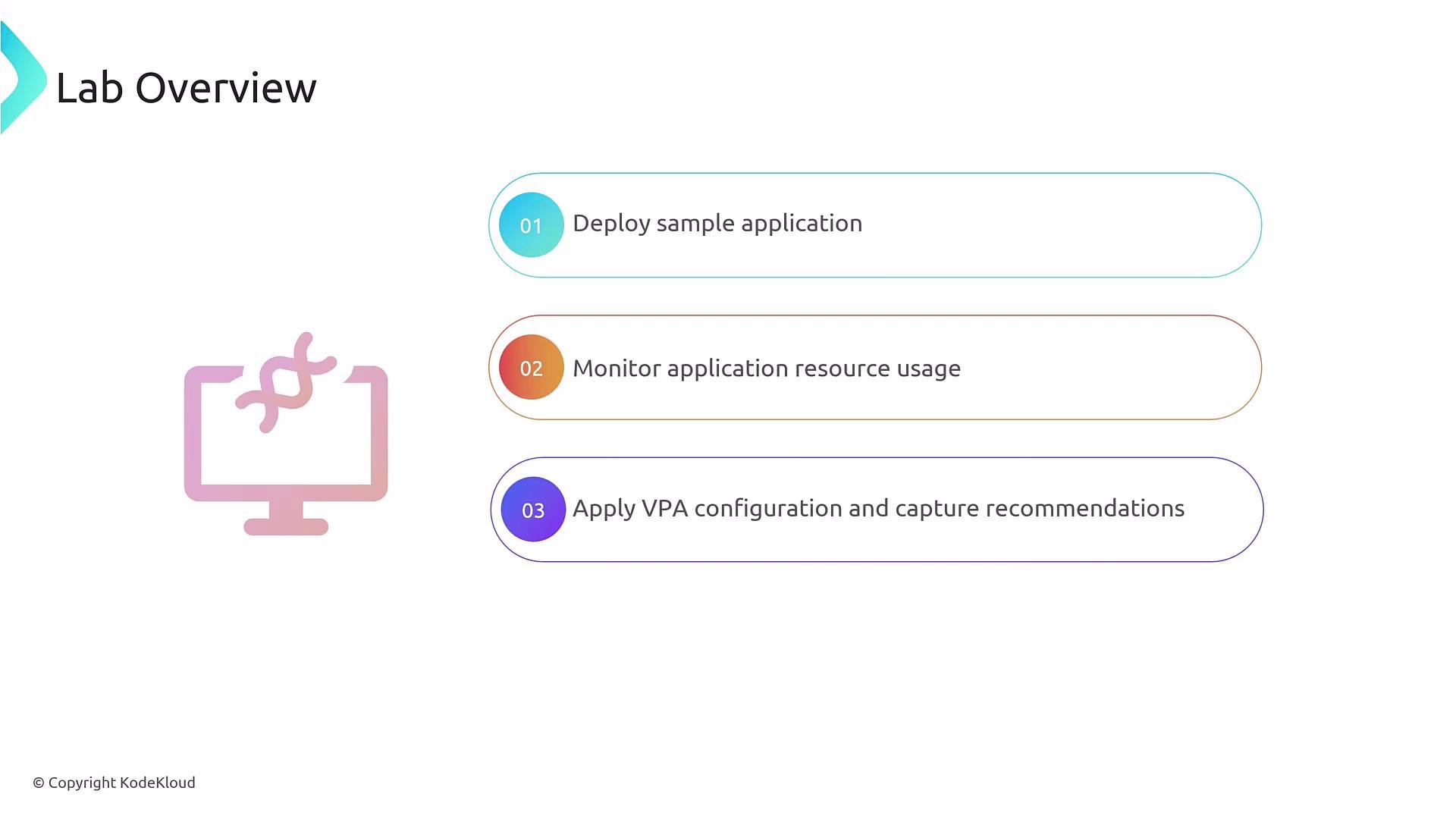
Welcome — this lab covers a CPU-focused Vertical Pod Autoscaler (VPA) workflow. The high-level flow mirrors the memory-focused lab but targets CPU:
* Deploy a sample application.
* Monitor CPU utilization.
* Apply a VPA that produces recommendations (no automatic updates).
* Run a CPU load test and validate VPA recommendations.
 What you'll deploy
* A simple Flask application will act as the CPU workload for this lab.
* Initially the app is idle and uses very little CPU (typically \~1m).
* A VPA will be created to produce CPU recommendations only (no automatic updates). The VPA will enforce a minimum of `100m` and a maximum of `1000m` CPU for the container and will be configured to control CPU only.
VPA manifest (vpa-cpu.yml)
```yaml theme={null}
apiVersion: autoscaling.k8s.io/v1
kind: VerticalPodAutoscaler
metadata:
name: flask-app
spec:
targetRef:
apiVersion: apps/v1
kind: Deployment
name: flask-app-4
updatePolicy:
updateMode: "Off" # Set to "Auto" for automatic updates
resourcePolicy:
containerPolicies:
- containerName: '*'
minAllowed:
cpu: 100m
maxAllowed:
cpu: 1000m
controlledResources: ["cpu"]
```
Quick explanation of the important fields
| Field | Purpose | Example / notes |
| ---------------------------------- | -------------------------------------------------------- | ---------------------------------------------------------------------------------------------- |
| `targetRef` | Which Deployment the VPA should observe | `name: flask-app-4` |
| `updatePolicy.updateMode` | Whether the VPA should automatically change pod requests | `updateMode: "Off"` (recommendations only). Change to `"Auto"` to apply updates automatically. |
| `resourcePolicy.containerPolicies` | Per-container limits and controlled resources | `minAllowed: cpu: 100m`, `maxAllowed: cpu: 1000m`, `controlledResources: ["cpu"]` |
Apply the VPA
```bash theme={null}
kubectl apply -f vpa-cpu.yml
# Output:
verticalpodautoscaler.autoscaling.k8s.io/flask-app created
```
Inspecting recommendations
* With the app idle, the VPA typically recommends something near the configured minimum (100m) because current observed CPU usage is very low (≈1m).
* After generating CPU load against the Flask app, re-check the VPA recommendations. In this lab the recommendation rose from `100m` up to about `126m`, tracking the increased observed CPU usage while respecting the configured `minAllowed` and `maxAllowed` bounds.
Useful commands
* Check pod CPU usage:
* `kubectl top pods`
* Check VPA status and recommendations:
* `kubectl describe vpa flask-app`
* `kubectl get vpa flask-app -o yaml`
Millicore reminder: 1 CPU = 1000m. So `100m` = 0.1 CPU and `126m` ≈ 0.126 CPU.
Caution when using `updateMode: "Auto"`: automatic updates may restart pods to change requests. Use Auto in production only after validating recommendations and testing rollout behavior.
Step-by-step walkthrough
1. Deploy the Flask test application (Deployment + Service).
2. Observe current CPU usage (e.g., `kubectl top pods`) — idle pods often show \~`1m`.
3. Create the VPA manifest (`vpa-cpu.yml`) and apply it:
* `kubectl apply -f vpa-cpu.yml`
4. Inspect VPA recommendations while the app is idle:
* `kubectl describe vpa flask-app`
* Recommendations will typically be near the configured `minAllowed`.
5. Run a short CPU load test against the Flask service (tool of your choice).
6. Re-inspect the VPA recommendations and confirm they increased (e.g., from `100m` to \~`126m`), staying within `100m`–`1000m`.
Notes and tips
* The VPA only recommends values when `updateMode: "Off"`. To have the VPA apply changes automatically, set `updateMode` to `"Auto"`.
* VPA recommendations are based on observed usage over time — brief spikes may not immediately alter recommendations.
* Use `kubectl describe vpa ` to see summary recommendation information and any events.
Links and references
* [Kubernetes Vertical Pod Autoscaler (VPA) — GitHub](https://github.com/kubernetes/autoscaler/tree/master/vertical-pod-autoscaler)
* [Kubernetes Documentation — Resource Management](https://kubernetes.io/docs/concepts/configuration/manage-resources-containers/)
What you'll deploy
* A simple Flask application will act as the CPU workload for this lab.
* Initially the app is idle and uses very little CPU (typically \~1m).
* A VPA will be created to produce CPU recommendations only (no automatic updates). The VPA will enforce a minimum of `100m` and a maximum of `1000m` CPU for the container and will be configured to control CPU only.
VPA manifest (vpa-cpu.yml)
```yaml theme={null}
apiVersion: autoscaling.k8s.io/v1
kind: VerticalPodAutoscaler
metadata:
name: flask-app
spec:
targetRef:
apiVersion: apps/v1
kind: Deployment
name: flask-app-4
updatePolicy:
updateMode: "Off" # Set to "Auto" for automatic updates
resourcePolicy:
containerPolicies:
- containerName: '*'
minAllowed:
cpu: 100m
maxAllowed:
cpu: 1000m
controlledResources: ["cpu"]
```
Quick explanation of the important fields
| Field | Purpose | Example / notes |
| ---------------------------------- | -------------------------------------------------------- | ---------------------------------------------------------------------------------------------- |
| `targetRef` | Which Deployment the VPA should observe | `name: flask-app-4` |
| `updatePolicy.updateMode` | Whether the VPA should automatically change pod requests | `updateMode: "Off"` (recommendations only). Change to `"Auto"` to apply updates automatically. |
| `resourcePolicy.containerPolicies` | Per-container limits and controlled resources | `minAllowed: cpu: 100m`, `maxAllowed: cpu: 1000m`, `controlledResources: ["cpu"]` |
Apply the VPA
```bash theme={null}
kubectl apply -f vpa-cpu.yml
# Output:
verticalpodautoscaler.autoscaling.k8s.io/flask-app created
```
Inspecting recommendations
* With the app idle, the VPA typically recommends something near the configured minimum (100m) because current observed CPU usage is very low (≈1m).
* After generating CPU load against the Flask app, re-check the VPA recommendations. In this lab the recommendation rose from `100m` up to about `126m`, tracking the increased observed CPU usage while respecting the configured `minAllowed` and `maxAllowed` bounds.
Useful commands
* Check pod CPU usage:
* `kubectl top pods`
* Check VPA status and recommendations:
* `kubectl describe vpa flask-app`
* `kubectl get vpa flask-app -o yaml`
Millicore reminder: 1 CPU = 1000m. So `100m` = 0.1 CPU and `126m` ≈ 0.126 CPU.
Caution when using `updateMode: "Auto"`: automatic updates may restart pods to change requests. Use Auto in production only after validating recommendations and testing rollout behavior.
Step-by-step walkthrough
1. Deploy the Flask test application (Deployment + Service).
2. Observe current CPU usage (e.g., `kubectl top pods`) — idle pods often show \~`1m`.
3. Create the VPA manifest (`vpa-cpu.yml`) and apply it:
* `kubectl apply -f vpa-cpu.yml`
4. Inspect VPA recommendations while the app is idle:
* `kubectl describe vpa flask-app`
* Recommendations will typically be near the configured `minAllowed`.
5. Run a short CPU load test against the Flask service (tool of your choice).
6. Re-inspect the VPA recommendations and confirm they increased (e.g., from `100m` to \~`126m`), staying within `100m`–`1000m`.
Notes and tips
* The VPA only recommends values when `updateMode: "Off"`. To have the VPA apply changes automatically, set `updateMode` to `"Auto"`.
* VPA recommendations are based on observed usage over time — brief spikes may not immediately alter recommendations.
* Use `kubectl describe vpa ` to see summary recommendation information and any events.
Links and references
* [Kubernetes Vertical Pod Autoscaler (VPA) — GitHub](https://github.com/kubernetes/autoscaler/tree/master/vertical-pod-autoscaler)
* [Kubernetes Documentation — Resource Management](https://kubernetes.io/docs/concepts/configuration/manage-resources-containers/)