> ## Documentation Index
> Fetch the complete documentation index at: https://notes.kodekloud.com/llms.txt
> Use this file to discover all available pages before exploring further.
# Internal Kubernetes Communication Overview
> This article explores pod communication within a Kubernetes cluster, covering network models, policies, services, and service meshes for reliable application design.
In this lesson, we’ll explore how pods communicate inside a Kubernetes cluster. We’ll cover key patterns and tools—from the basic network model to advanced service meshes—so you can design reliable, secure, and scalable applications.
## Table of Contents
* [Recap: Kubernetes Network Model](#recap-kubernetes-network-model)
* [Pod-to-Pod Communication on the Same Node](#pod-to-pod-communication-on-the-same-node)
* [Pod-to-Pod Communication Across Nodes](#pod-to-pod-communication-across-nodes)
* [Network Policies](#network-policies)
* [Services & DNS](#services--dns)
* [Service Mesh](#service-mesh)
* [References](#references)
## Recap: Kubernetes Network Model
Kubernetes enforces a flat, IP-per-pod network. The core principles are:
1. **Unique Pod IP**\
Every Pod receives its own IP address.
2. **Local Node Traffic**\
Pods on the same node communicate via localhost or the CNI bridge.
3. **Cluster-wide Reachability**\
Pods on different nodes talk without NAT, thanks to the CNI (we’re using Cilium).
We use [Cilium](https://cilium.io/) with eBPF for high-performance routing, policy enforcement, and load balancing—no IP masquerading required.

## Pod-to-Pod Communication on the Same Node
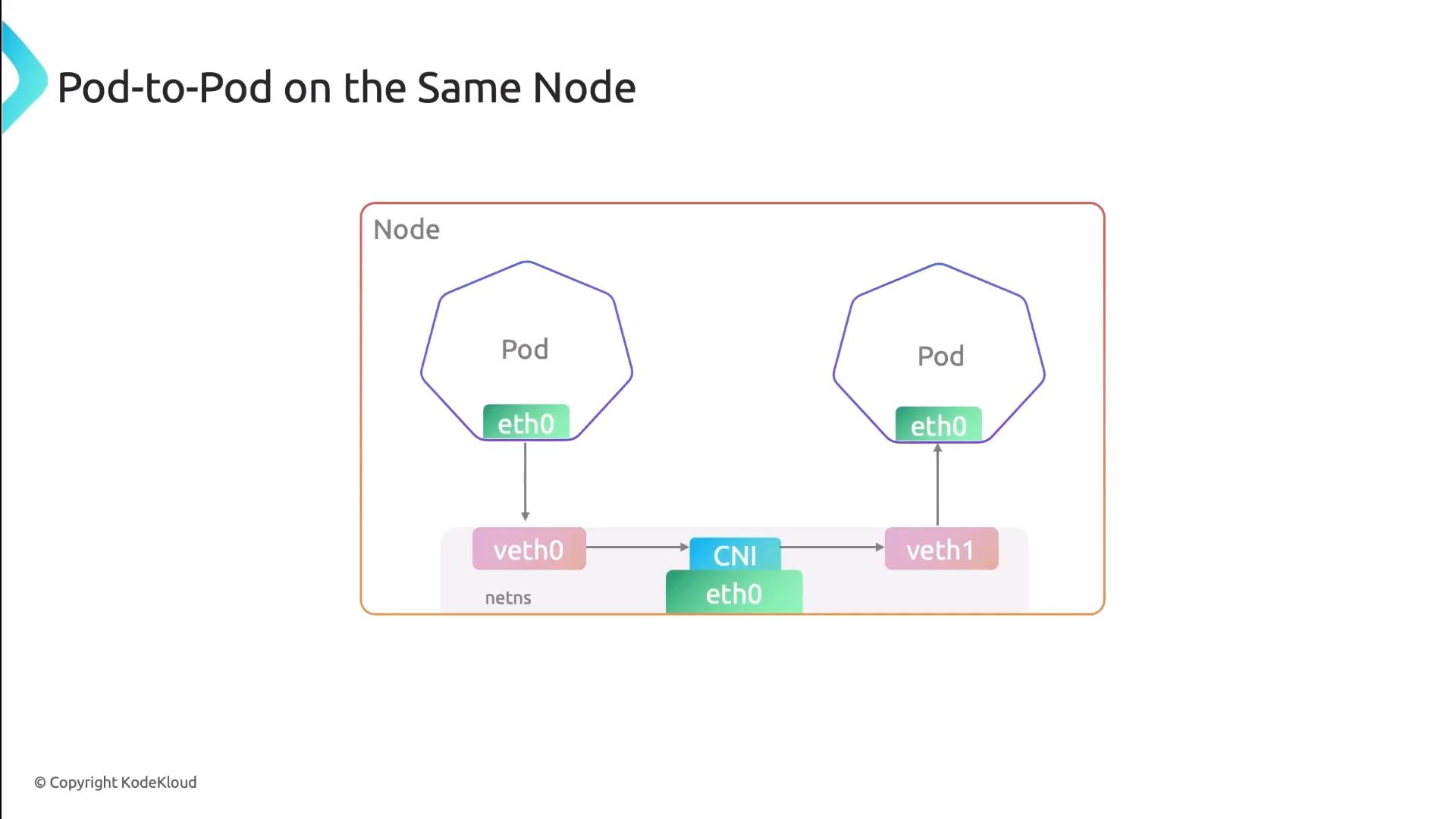
When pods share a node, each pod’s network interface pairs with a veth endpoint on the CNI bridge. All traffic stays local:
* Low latency, no encapsulation
* Direct IP routing on the bridge interface
## Pod-to-Pod Communication Across Nodes
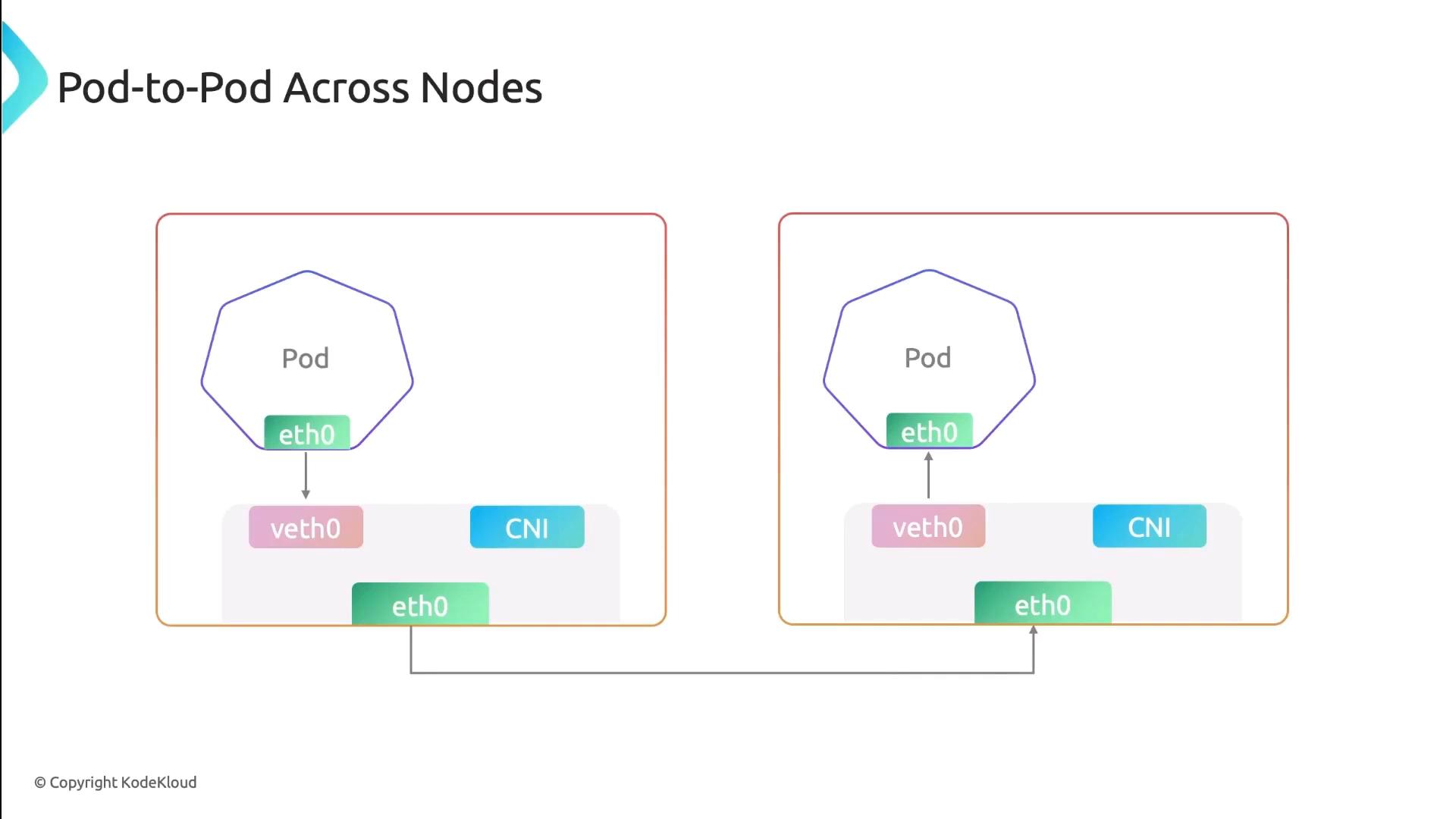
For inter-node traffic, Cilium injects eBPF programs into the kernel to handle routing, encapsulation (if overlay is used), and policy. Traffic flows like this:
1. Pod → veth → Cilium eBPF hook
2. Encapsulation (if enabled)
3. Underlay network → remote node
4. Decapsulation → destination pod
This approach eliminates the need for traditional overlay networks and improves performance.
## Network Policies
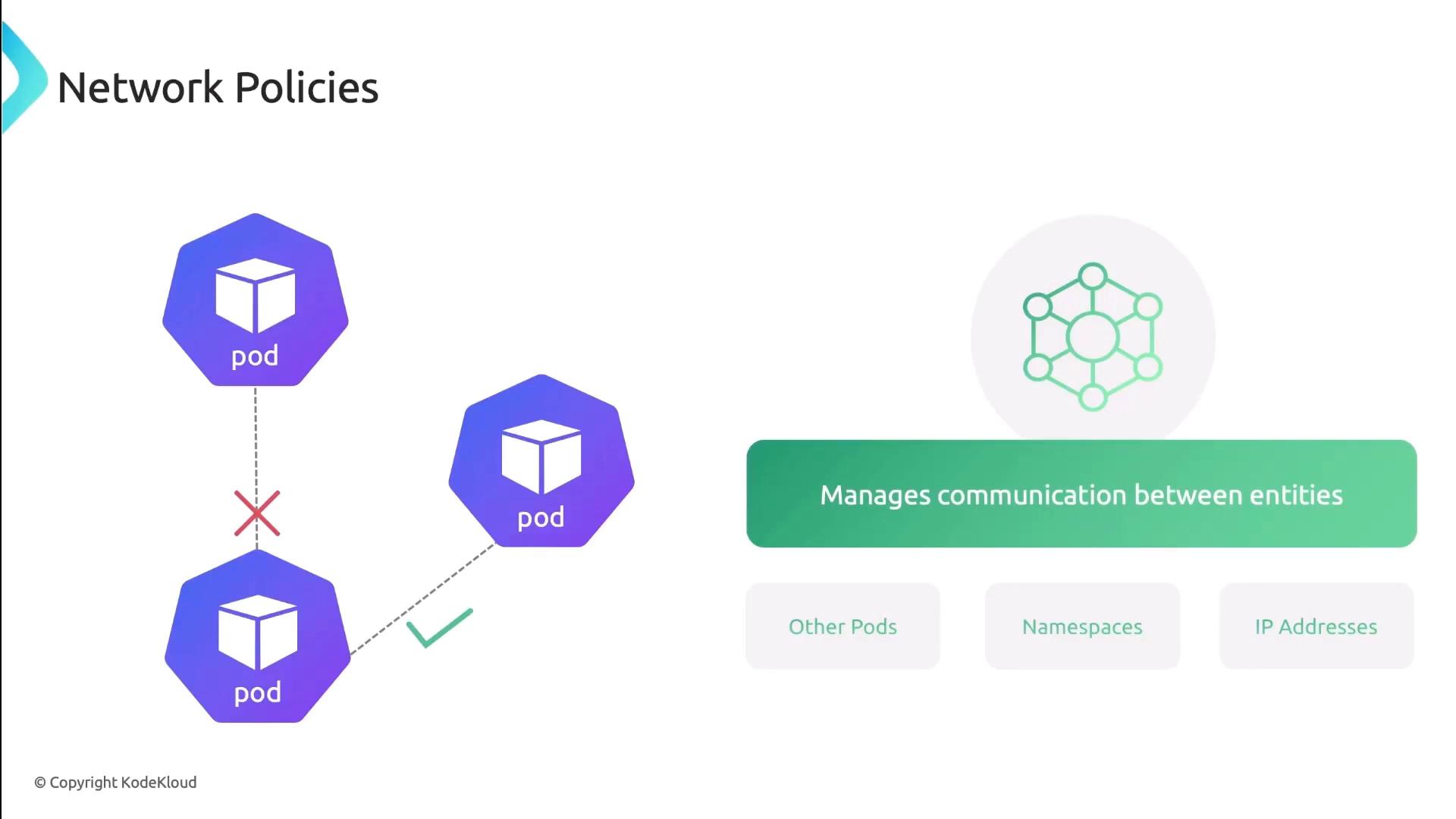
Network Policies control traffic at the IP and port level (TCP/UDP). You can specify which pods, namespaces, or external CIDRs are allowed or denied.
| Feature | Description | Example |
| ----------------- | ------------------------------- | ------------------------------------------ |
| PodSelector | Select pods by label | `podSelector: matchLabels: app: frontend` |
| NamespaceSelector | Scope policy to namespaces | `namespaceSelector: matchLabels: team:ops` |
| IPBlock | Allow/Deny external CIDR ranges | `ipBlock: cidr: 172.16.0.0/16` |
| PolicyTypes | Ingress, Egress, or both | `policyTypes: ["Ingress","Egress"]` |
## Services & DNS
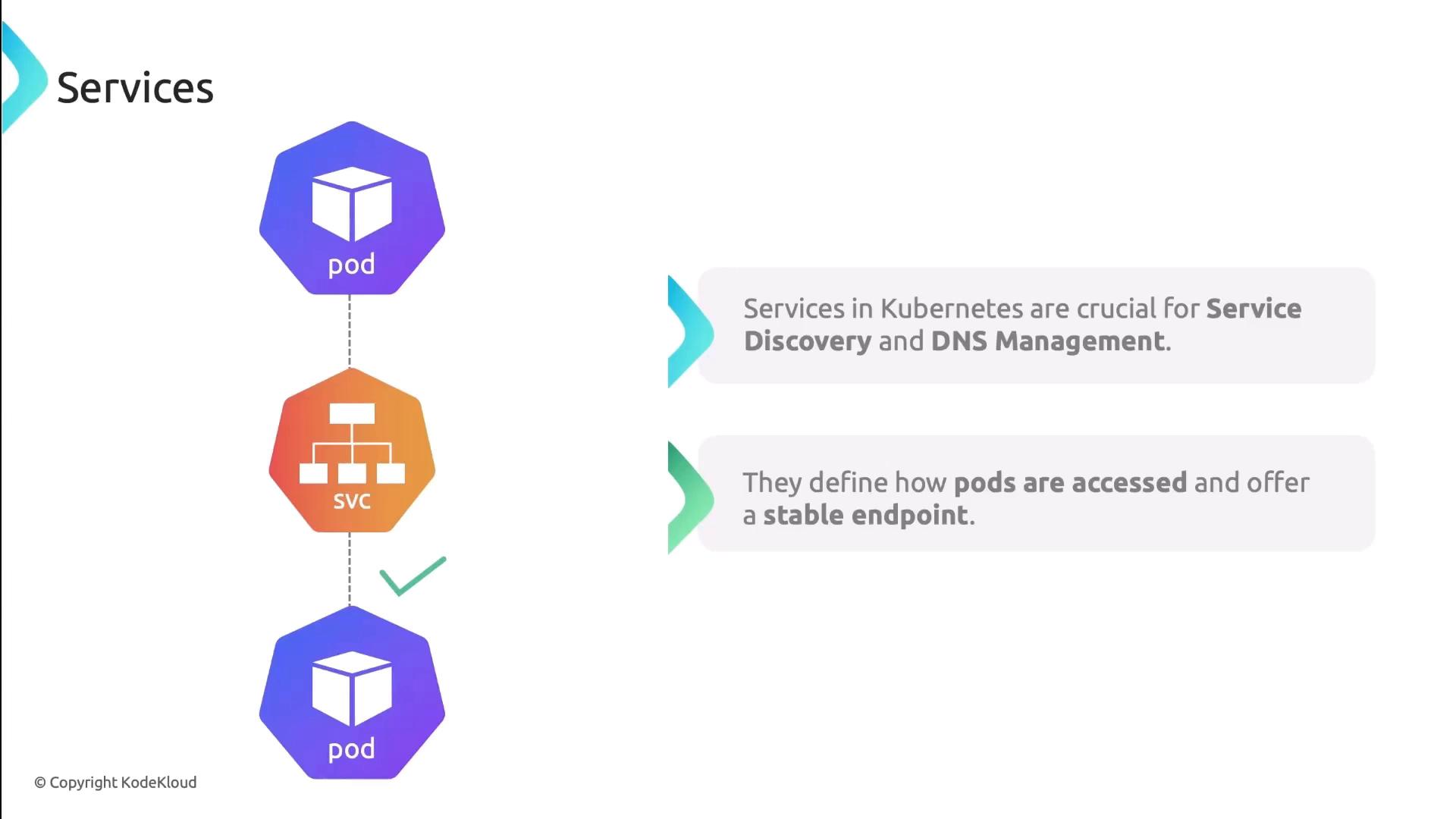
Kubernetes Services provide stable endpoints and built-in DNS discovery. Each Service gets a DNS A record, so clients always hit the right IP:
* **ClusterIP**: Internal load-balancer
* **NodePort**: Exposes port on each node
* **LoadBalancer**: External cloud LB
| Service Type | Scope | Example Command |
| ------------ | --------- | ----------------------------------------------------- |
| ClusterIP | Internal | `kubectl expose pod nginx --port=80 --target-port=80` |
| NodePort | External | `kubectl create service nodeport nginx --port=80` |
| LoadBalancer | Cloud LBs | `kubectl apply -f loadbalancer-service.yaml` |
Pods also get a DNS entry of the form:
```text theme={null}
pod-ip-address.namespace.pod.cluster.local
# e.g. 10-244-1-3.default.pod.cluster.local
```
Pod DNS records change on restart or rescheduling. Always prefer Service DNS names (`my-service.default.svc.cluster.local`) for stable discovery.
## Service Mesh
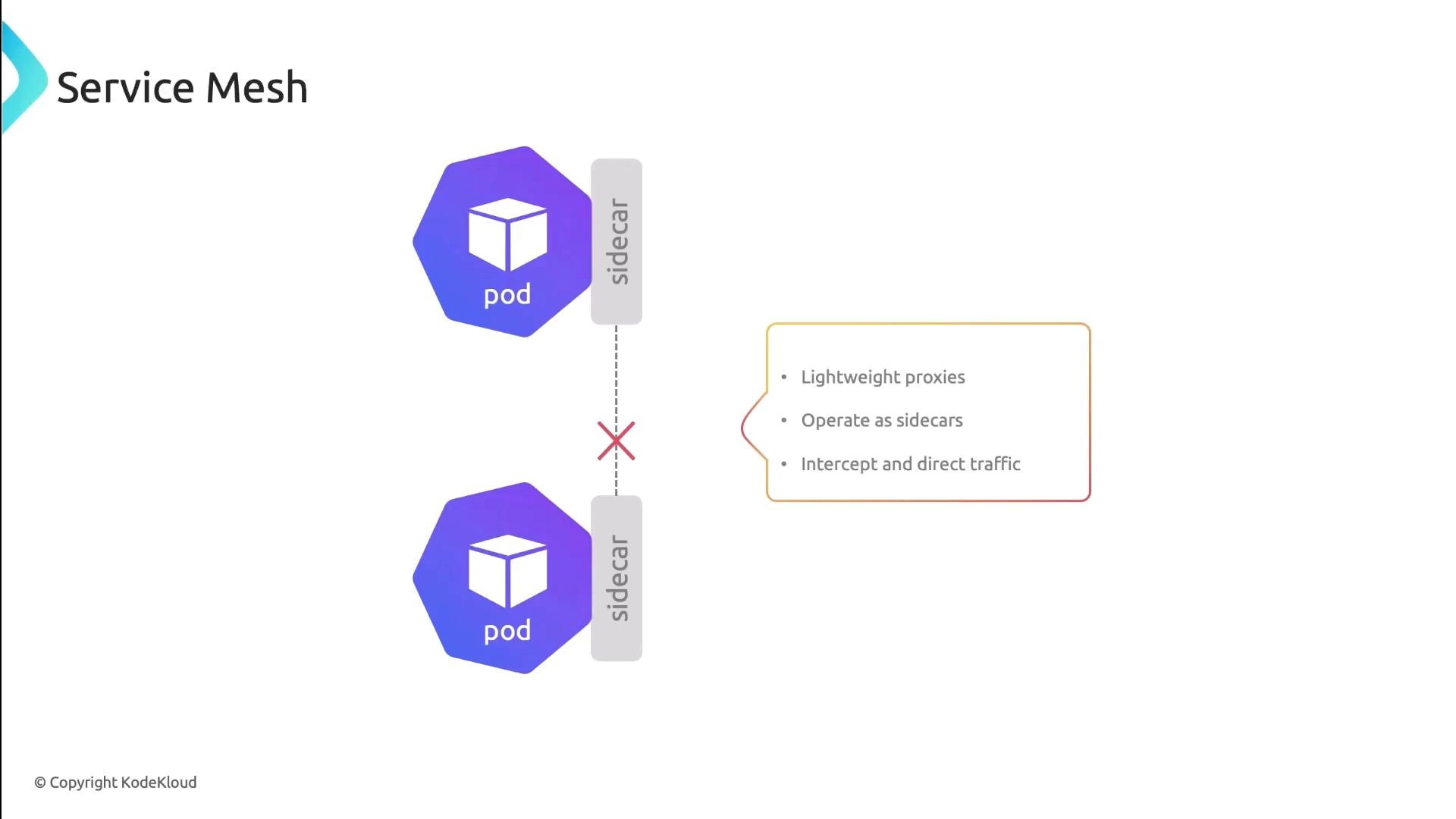
A Service Mesh (e.g., Istio, Linkerd) injects sidecar proxies into each pod. These proxies manage:
* Traffic routing and retries
* Mutual TLS (mTLS) encryption
* Circuit breaking and observability
No application code changes are needed—network features are handled transparently.
***
In this lesson, we reviewed Kubernetes’ pod-to-pod connectivity patterns, network policies, Service DNS, and the power of a Service Mesh. Next, try applying these concepts in your own cluster!
## References
* [Kubernetes Networking Concepts](https://kubernetes.io/docs/concepts/cluster-administration/networking/)
* [Cilium Documentation](https://docs.cilium.io/)
* [Kubernetes Services](https://kubernetes.io/docs/concepts/services-networking/service/)
* [Istio Service Mesh](https://istio.io/latest/docs/)
* [Linkerd Service Mesh](https://linkerd.io/)