> ## Documentation Index
> Fetch the complete documentation index at: https://notes.kodekloud.com/llms.txt
> Use this file to discover all available pages before exploring further.
# Network Policies Overview
> Kubernetes Network Policies define rules for pod communication, enhancing security by controlling traffic between pods, namespaces, and external sources.
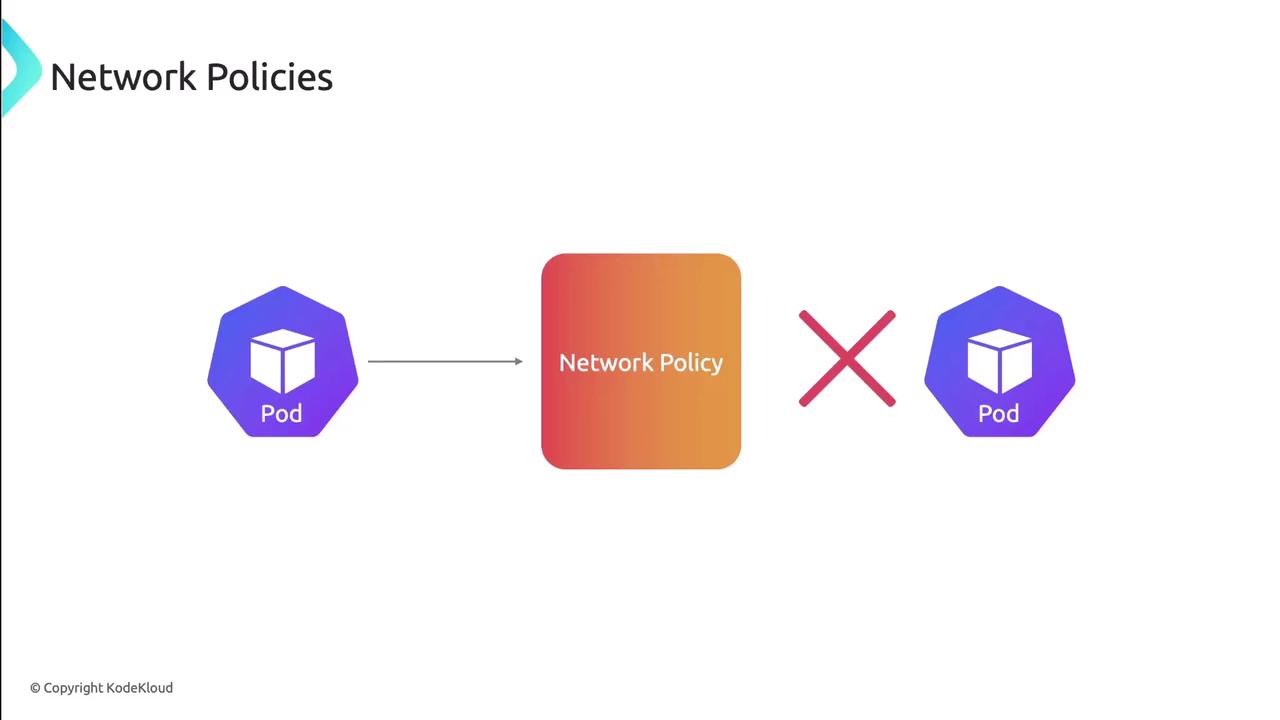
Kubernetes pods communicate freely by default, which simplifies development but poses risks in production. Network Policies close this gap by defining fine-grained rules for pod-to-pod, namespace, and external traffic. Think of them as traffic signs in your cluster that explicitly allow or deny connections.
## Key Entity Types
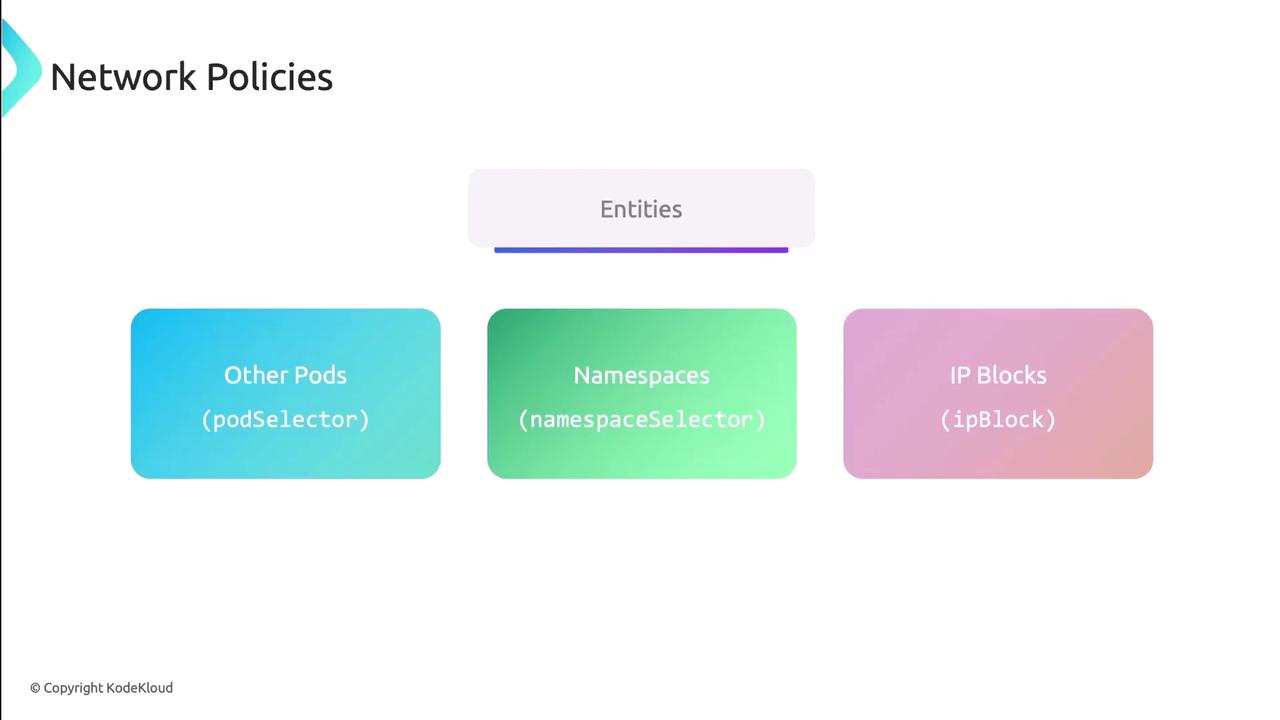
Network Policies match traffic based on three entities:
| Entity Type | Selector Key | Description |
| ----------- | ----------------- | ---------------------------------- |
| Other Pods | podSelector | Select pods by labels |
| Namespaces | namespaceSelector | Select namespaces by labels |
| IP Blocks | ipBlock | Specify CIDR ranges and exclusions |
## Defining a NetworkPolicy
A `NetworkPolicy` is a namespaced resource that applies to pods matching `podSelector`. You must also declare `policyTypes` (Ingress, Egress, or both) and the corresponding rules:
```yaml theme={null}
apiVersion: networking.k8s.io/v1
kind: NetworkPolicy
metadata:
name: test-network-policy
namespace: default
spec:
podSelector:
matchLabels:
app: app1
policyTypes:
- Ingress
- Egress
ingress:
- from:
- namespaceSelector:
matchLabels:
team: frontend
- podSelector:
matchLabels:
app: app2
egress:
- to:
- ipBlock:
cidr: 10.0.0.0/24
```
Network Policies only take effect when a CNI plugin that supports them is installed (e.g., [Calico](https://projectcalico.org), [Cilium](https://cilium.io)).
### Entity Selectors and IP Blocks
Use label selectors for pods and namespaces:
```yaml theme={null}
# Namespace selector with expressions
namespaceSelector:
matchExpressions:
- key: environment
operator: In
values: ["prod", "staging"]
# Pod selector with labels
podSelector:
matchLabels:
app: frontend
```
For IP-based rules, you can exclude subnets:
```yaml theme={null}
ipBlock:
cidr: 172.17.0.0/16
except:
- 172.17.1.0/24
```
### Layer 4 Ports and Protocols
Control ports and protocols (requires Kubernetes v1.25+ for port ranges):
```yaml theme={null}
- to:
- podSelector:
matchLabels:
app: database
ports:
- port: 5432
protocol: TCP
endPort: 5434
```
* `port`: Single port or starting port of a range
* `protocol`: TCP or UDP (defaults to TCP)
* `endPort`: End of port range (optional)
## Default Policies
By default, all ingress and egress traffic is allowed. You can enforce a “deny all” or “allow all” baseline by using an empty `podSelector: {}`.
An empty `podSelector: {}` matches every pod in the namespace.
### Ingress Defaults
```yaml theme={null}
# Deny all ingress
apiVersion: networking.k8s.io/v1
kind: NetworkPolicy
metadata:
name: default-deny-ingress
namespace: default
spec:
podSelector: {}
policyTypes:
- Ingress
---
# Allow all ingress
apiVersion: networking.k8s.io/v1
kind: NetworkPolicy
metadata:
name: default-allow-ingress
namespace: default
spec:
podSelector: {}
policyTypes:
- Ingress
ingress:
- {}
```
### Egress Defaults
```yaml theme={null}
# Deny all egress
apiVersion: networking.k8s.io/v1
kind: NetworkPolicy
metadata:
name: default-deny-egress
namespace: default
spec:
podSelector: {}
policyTypes:
- Egress
---
# Allow all egress
apiVersion: networking.k8s.io/v1
kind: NetworkPolicy
metadata:
name: default-allow-egress
namespace: default
spec:
podSelector: {}
policyTypes:
- Egress
egress:
- {}
```
You may combine Ingress and Egress in a single policy or separate them.
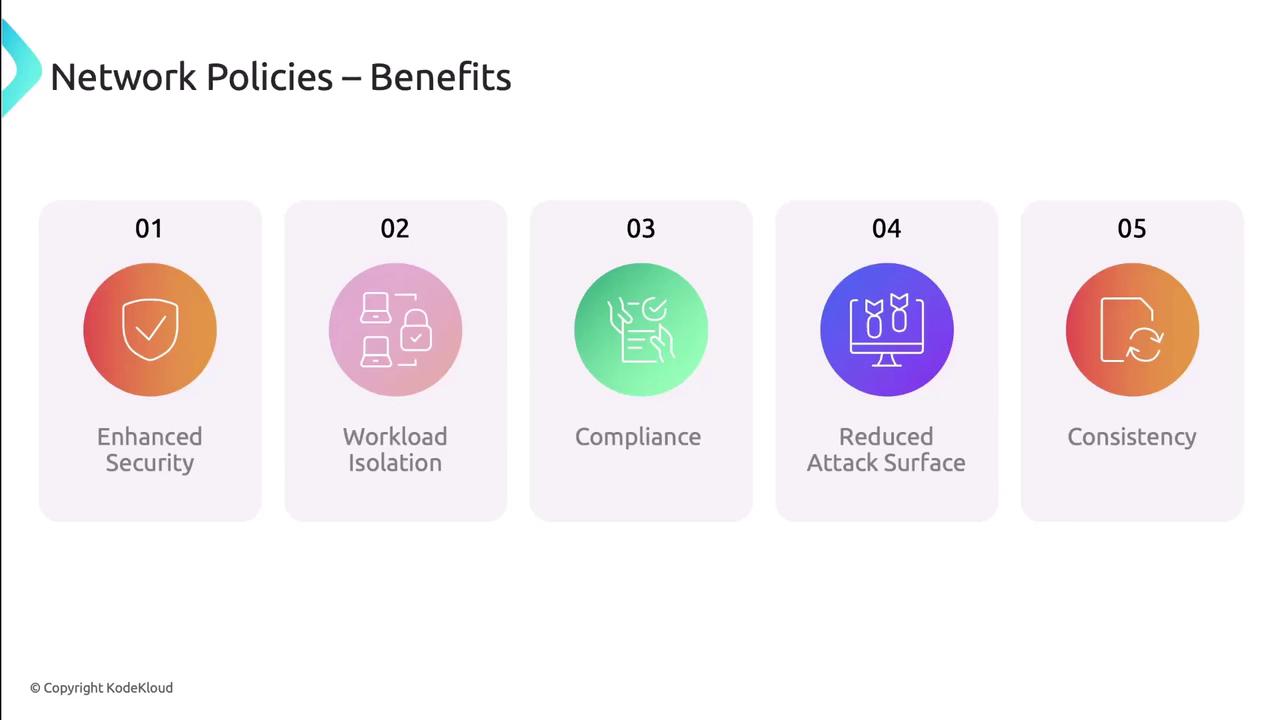
## Benefits of Network Policies
* Granular security controls by workload
* Isolation in multi-tenant clusters
* Compliance with [GDPR](https://gdpr.eu), [HIPAA](https://www.hhs.gov/hipaa/), [PCI DSS](https://www.pcisecuritystandards.org/)
* Reduced attack surface by blocking unused paths
* Consistent enforcement across applications
## Limitations
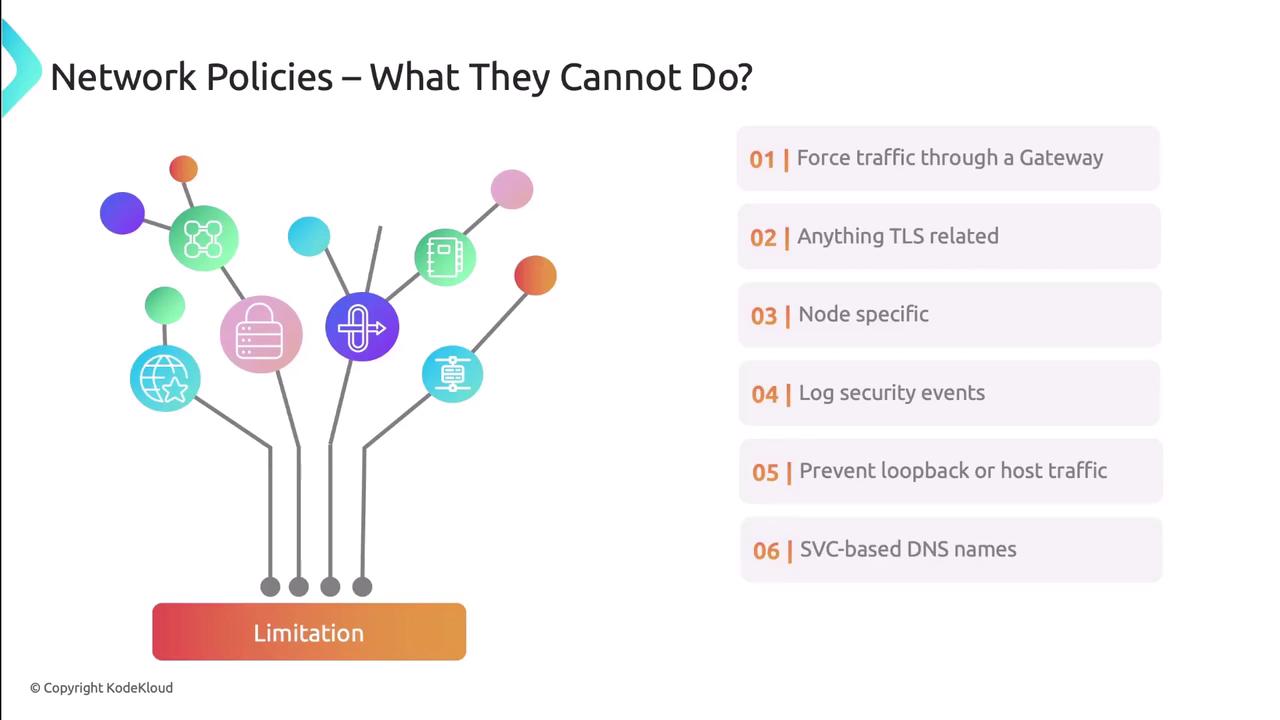
Network Policies operate at layers 3 & 4 and have some constraints:
* Cannot enforce a common gateway (service mesh can)
* No built-in TLS termination or deep packet inspection
* Cannot restrict host-level traffic or localhost loops
* No native allow/deny event logging
* Label-based only—cannot target Service objects
* No Layer 7 (HTTP/gRPC) filtering
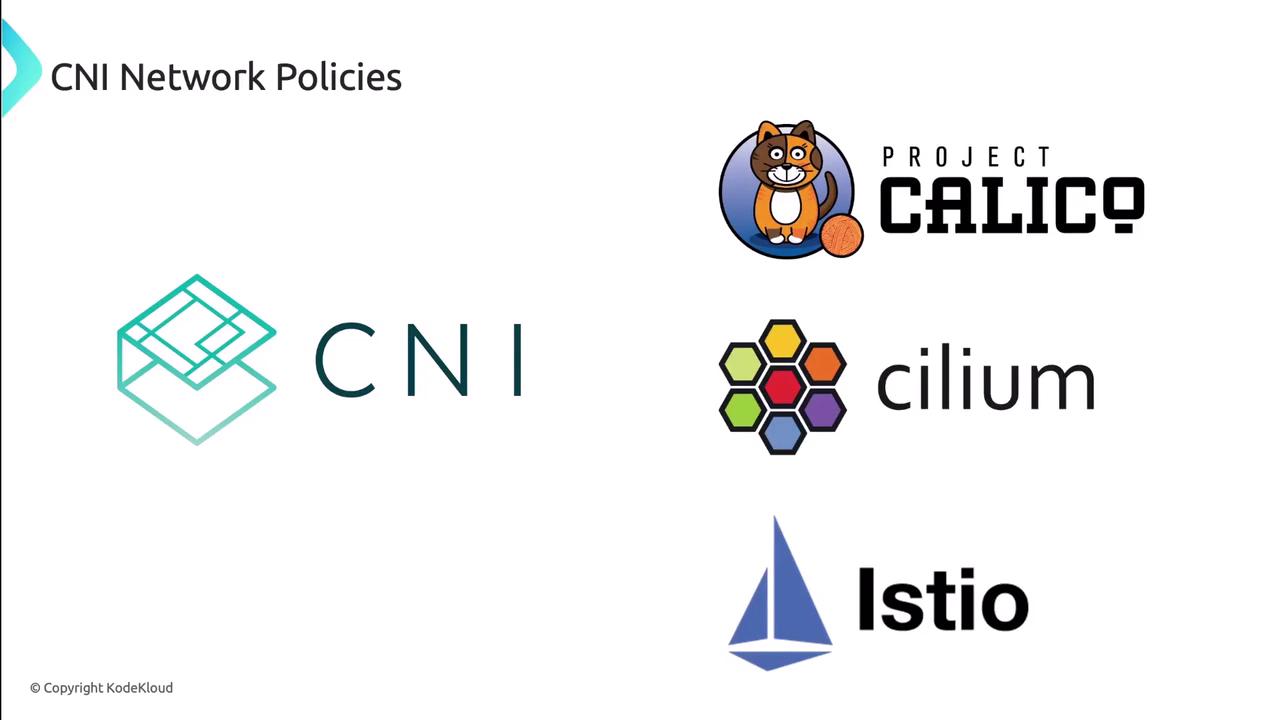
## CNI-Specific Enhancements
Several CNI providers extend Kubernetes Network Policies with advanced capabilities:
| CNI Plugin | Advanced Features |
| -------------- | ----------------------------------------------------------- |
| Project Calico | Global policies, BGP routing, NetworkSets |
| Cilium | Layer 7 HTTP/gRPC filtering, eBPF datapath, Hubble insights |
| Istio | Service mesh policies, mTLS, ingress/egress gateways |
## Next Steps
You now understand native Kubernetes Network Policies—how to control ingress and egress by pod, namespace, IP block, ports, and ranges. In the next lesson, we’ll apply these concepts in a real-world scenario.
## References
* [Kubernetes NetworkPolicy Documentation](https://kubernetes.io/docs/concepts/services-networking/network-policies/)
* [Project Calico](https://projectcalico.org)
* [Cilium](https://cilium.io)
* [Istio](https://istio.io)