> ## Documentation Index
> Fetch the complete documentation index at: https://notes.kodekloud.com/llms.txt
> Use this file to discover all available pages before exploring further.
# Ingress Overview
> This article provides an overview of Kubernetes Ingress, detailing its role in routing external traffic to services within a cluster.
Accessing applications from outside a Kubernetes cluster is essential for serving users at scale. Kubernetes uses an abstraction called **Ingress** to route external HTTP/HTTPS traffic to services within the cluster. By defining hostname- and path-based rules, Ingress acts as a reverse proxy or load balancer, enabling:
* Multiple services under a single IP
* SSL/TLS termination at the edge
* Name-based virtual hosting
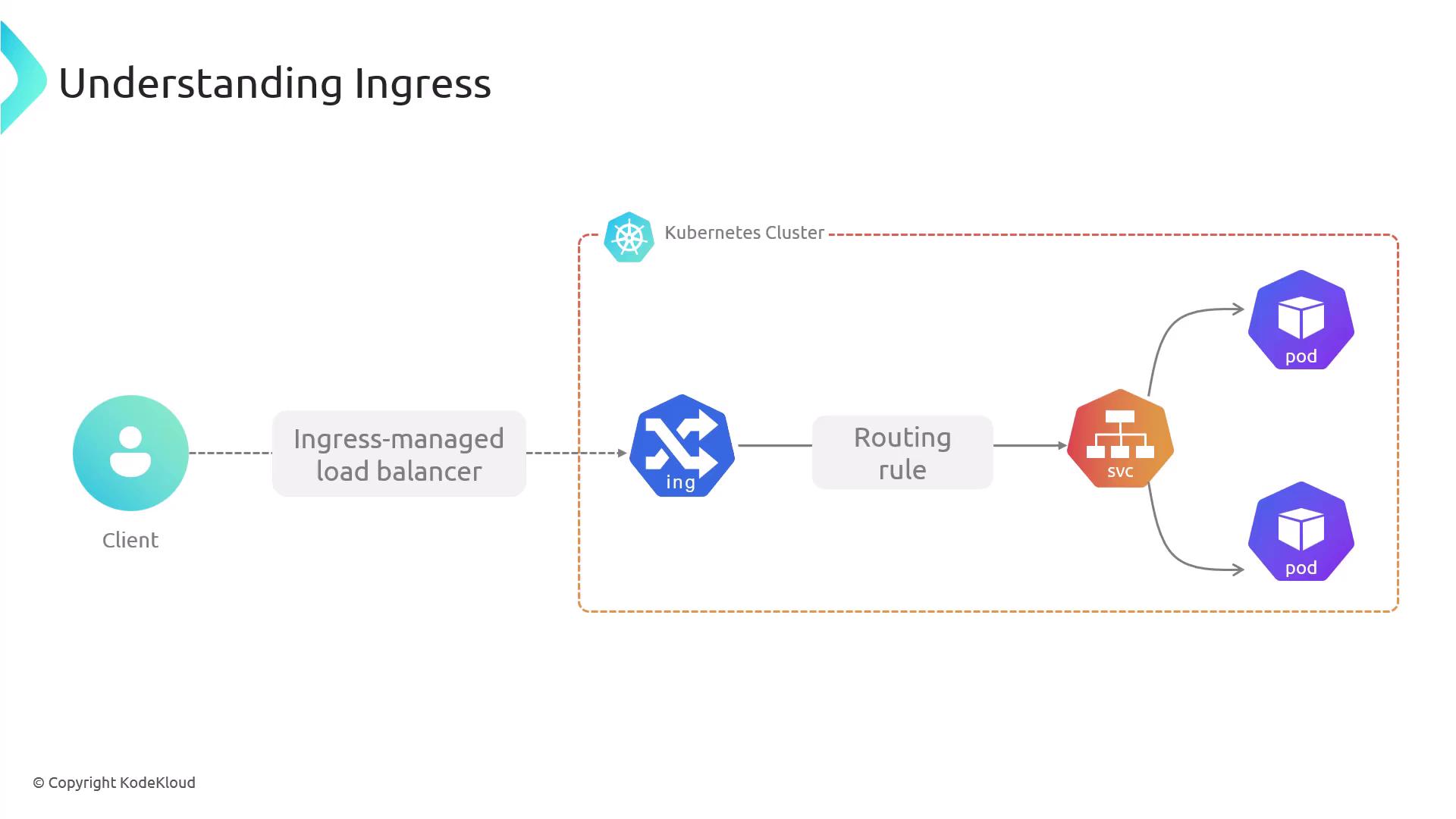
Creating an `Ingress` resource has no effect until you deploy an **Ingress Controller**, which watches those resources and configures the edge component—such as NGINX or a cloud load balancer—to implement your routing rules.
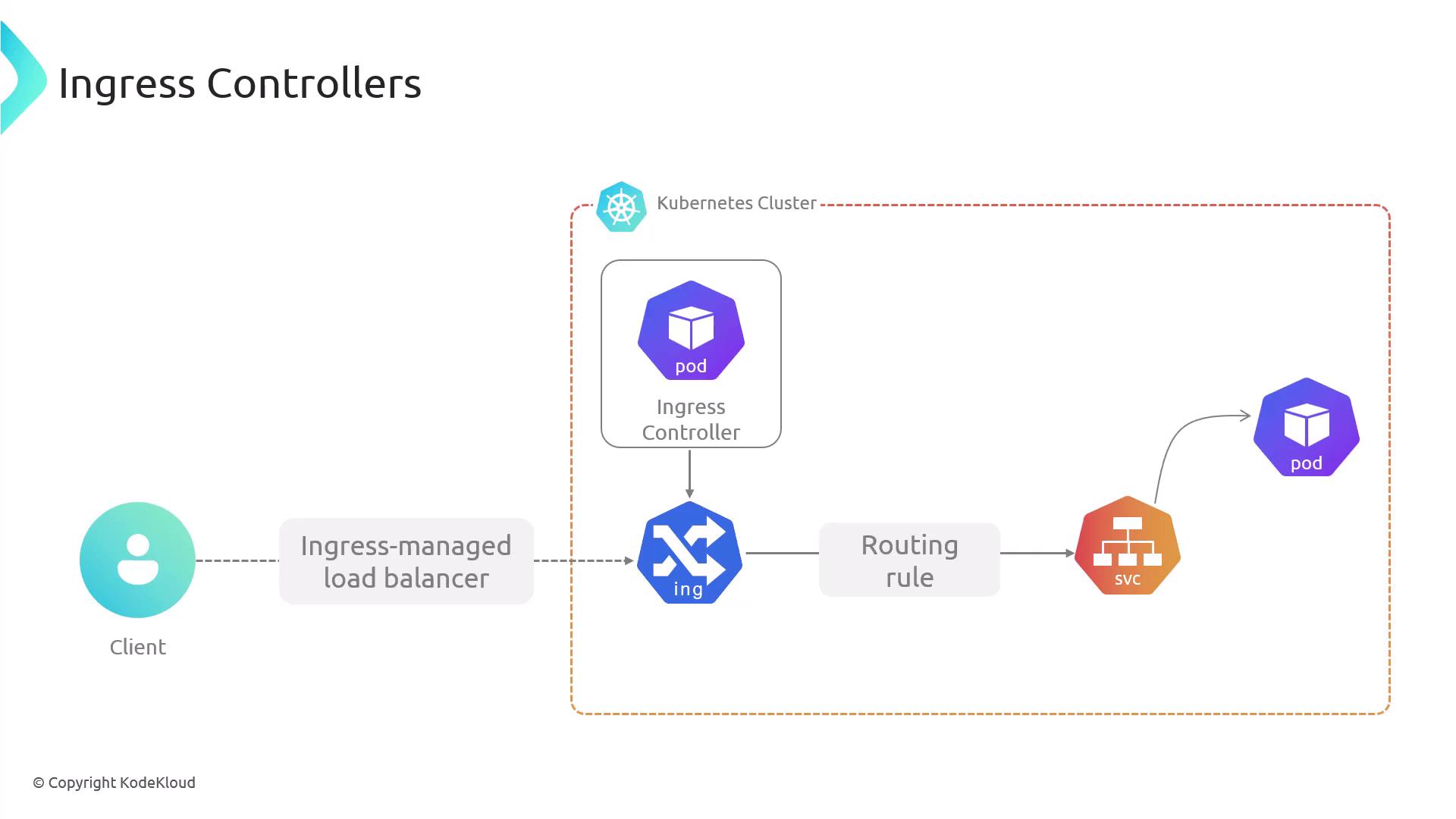
Ingress Controllers run as pods in your cluster, providing scalability and self-healing. Many offer SSL/TLS termination, authentication, and DNS integration. Some popular controllers include:
| Controller | Features |
| ------------------------ | ---------------------------------------- |
| NGINX Ingress Controller | Widely adopted, rich annotation support |
| Traefik | Dynamic configuration, Let’s Encrypt |
| HAProxy Ingress | High performance, advanced routing rules |
Cloud platforms like [AWS](https://aws.amazon.com), [GKE](https://cloud.google.com/kubernetes-engine), and [AKS](https://azure.microsoft.com/en-us/services/kubernetes-service/) also provide managed controllers that integrate with their load balancers and DNS services.
## Ingress vs. Service
| Aspect | Service (`NodePort`/`LoadBalancer`) | Ingress |
| --------------- | ----------------------------------- | -------------------- |
| Protocols | TCP/UDP, HTTP | HTTP/HTTPS only |
| Port Exposure | Arbitrary ports | Ports 80 and 443 |
| Routing | None | Host- and path-based |
| TLS Termination | Not supported | Built-in at the edge |
| Virtual Hosting | No | Name-based |
Services are straightforward to configure, but Ingress provides greater control over HTTP traffic management, security, and virtual hosting.
## Anatomy of an Ingress Resource
An Ingress resource uses the standard Kubernetes schema: `apiVersion`, `kind`, `metadata`, and `spec`. Key spec fields include:
1. Ingress Rules
2. Default Backend
3. Resource Backend
4. Path Types
5. Annotations
6. TLS Configuration
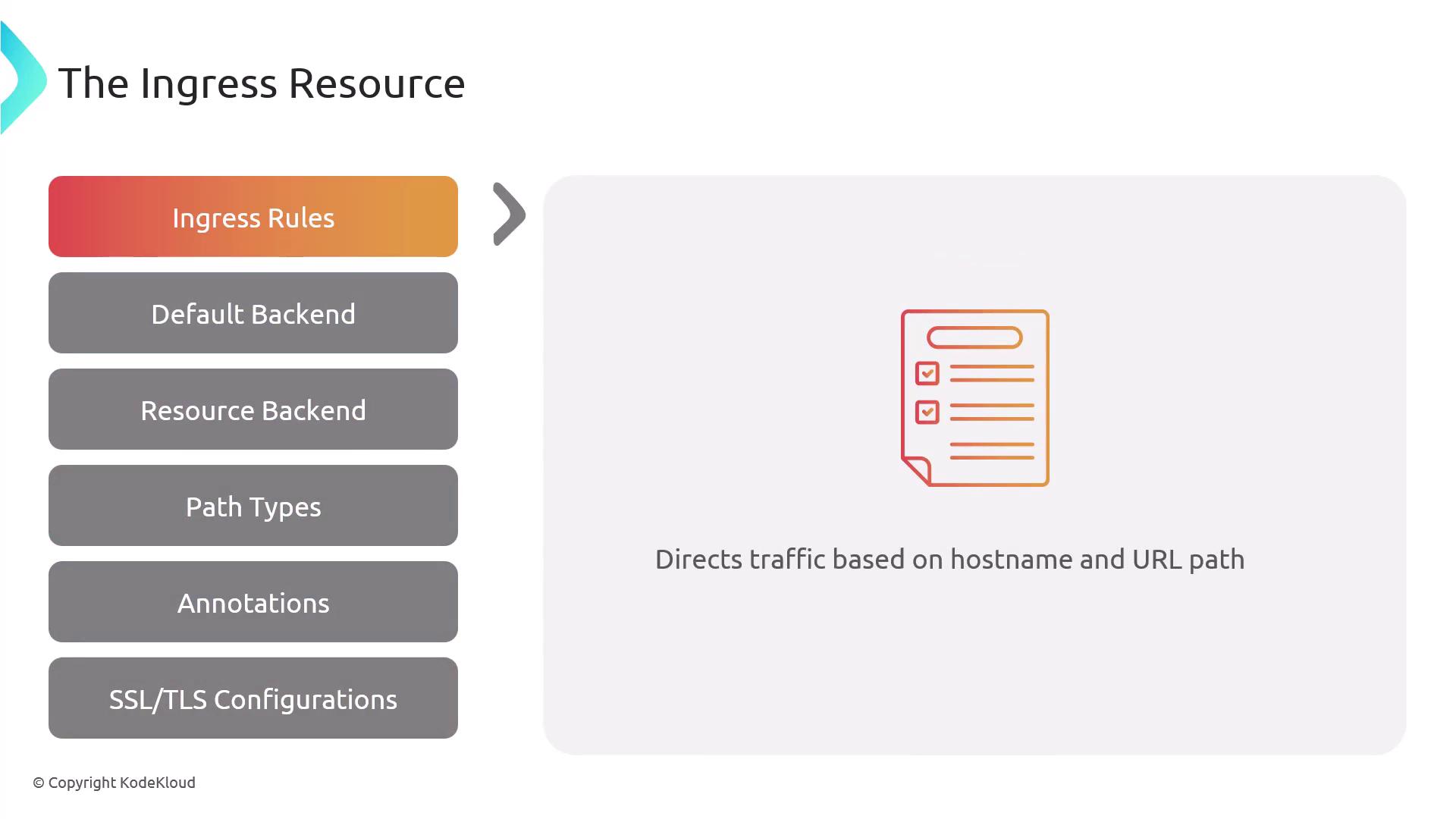
### 1. Ingress Rules
Rules map hostnames and URL paths to specific services and ports. You can route different paths or domains to separate backends.
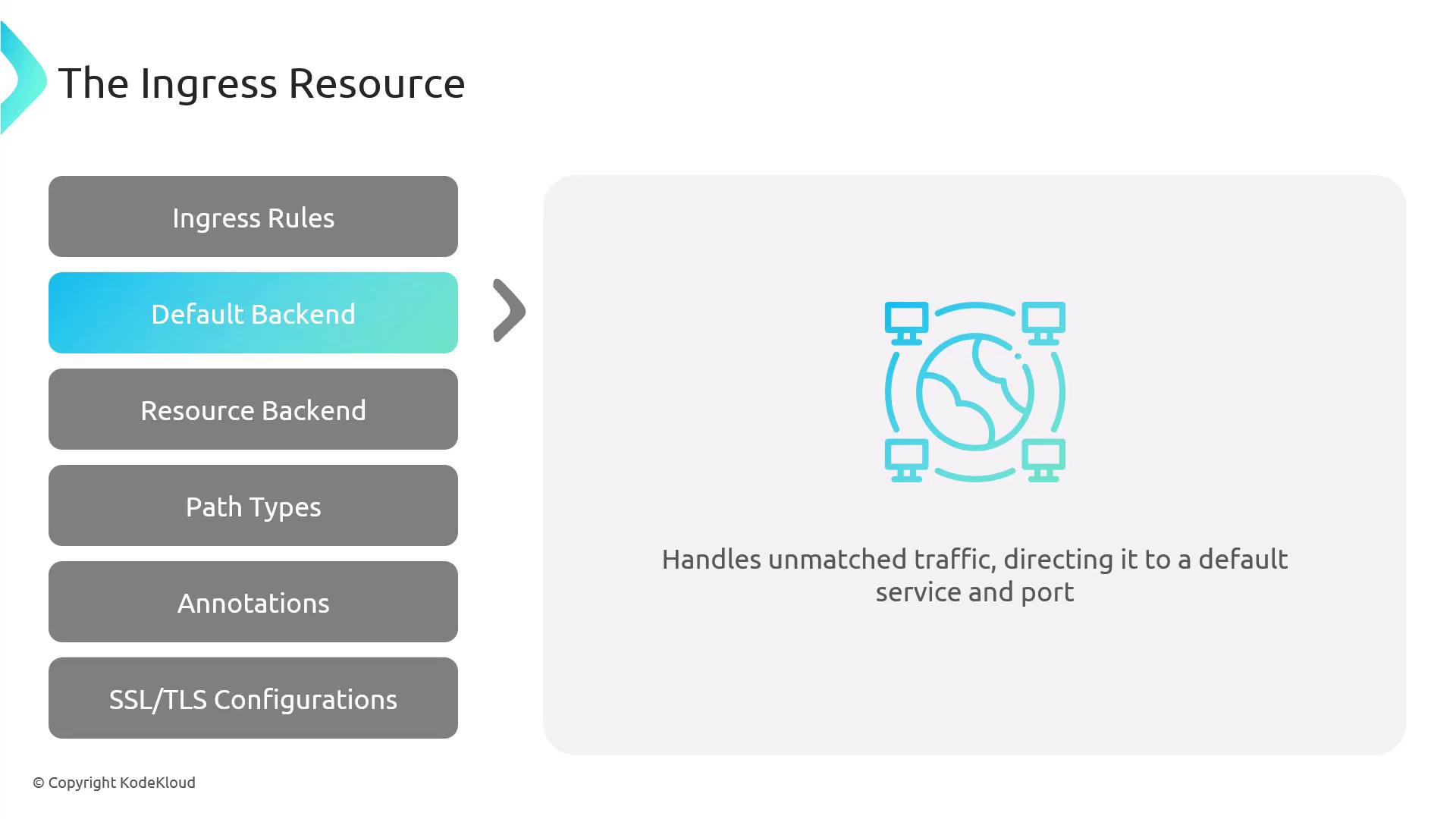
### 2. Default Backend
The default backend handles requests that don’t match any rule, forwarding them to a specified service and port.
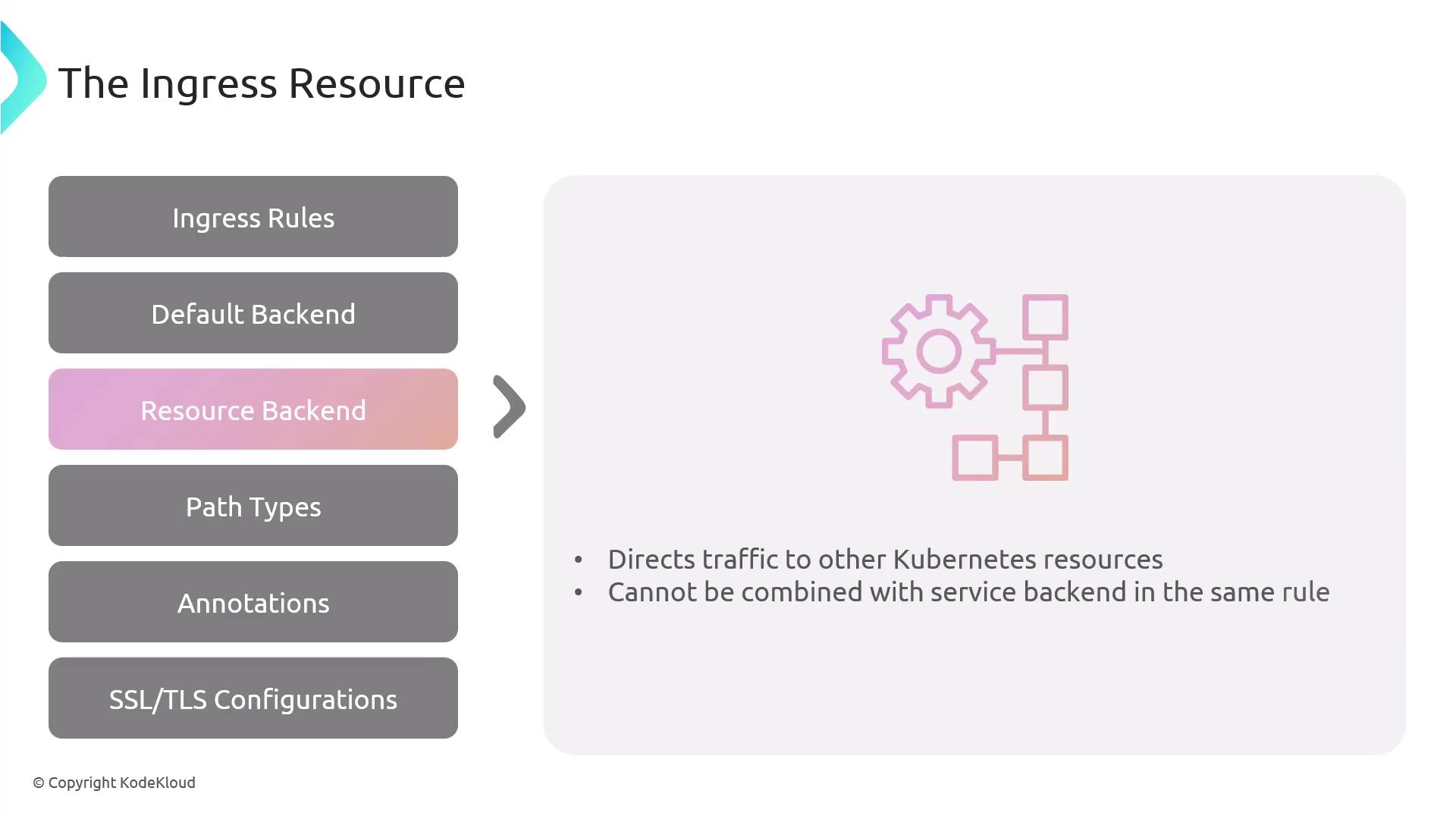
### 3. Resource Backend
You can reference another Kubernetes resource (in the same namespace) instead of a service. Mixing `service` and `resource` in the same backend is invalid.
Resource backends were supported in earlier APIs (e.g., `networking.k8s.io/v1beta1`) but are not part of the current `networking.k8s.io/v1` spec. Controller support varies.
### 4. Path Types
Path types determine how the Ingress Controller matches request URLs:
| Path Type | Behavior |
| ---------------------- | --------------------------------- |
| Exact | Matches the full path exactly |
| Prefix | Matches based on the URL prefix |
| ImplementationSpecific | Controller-defined matching logic |

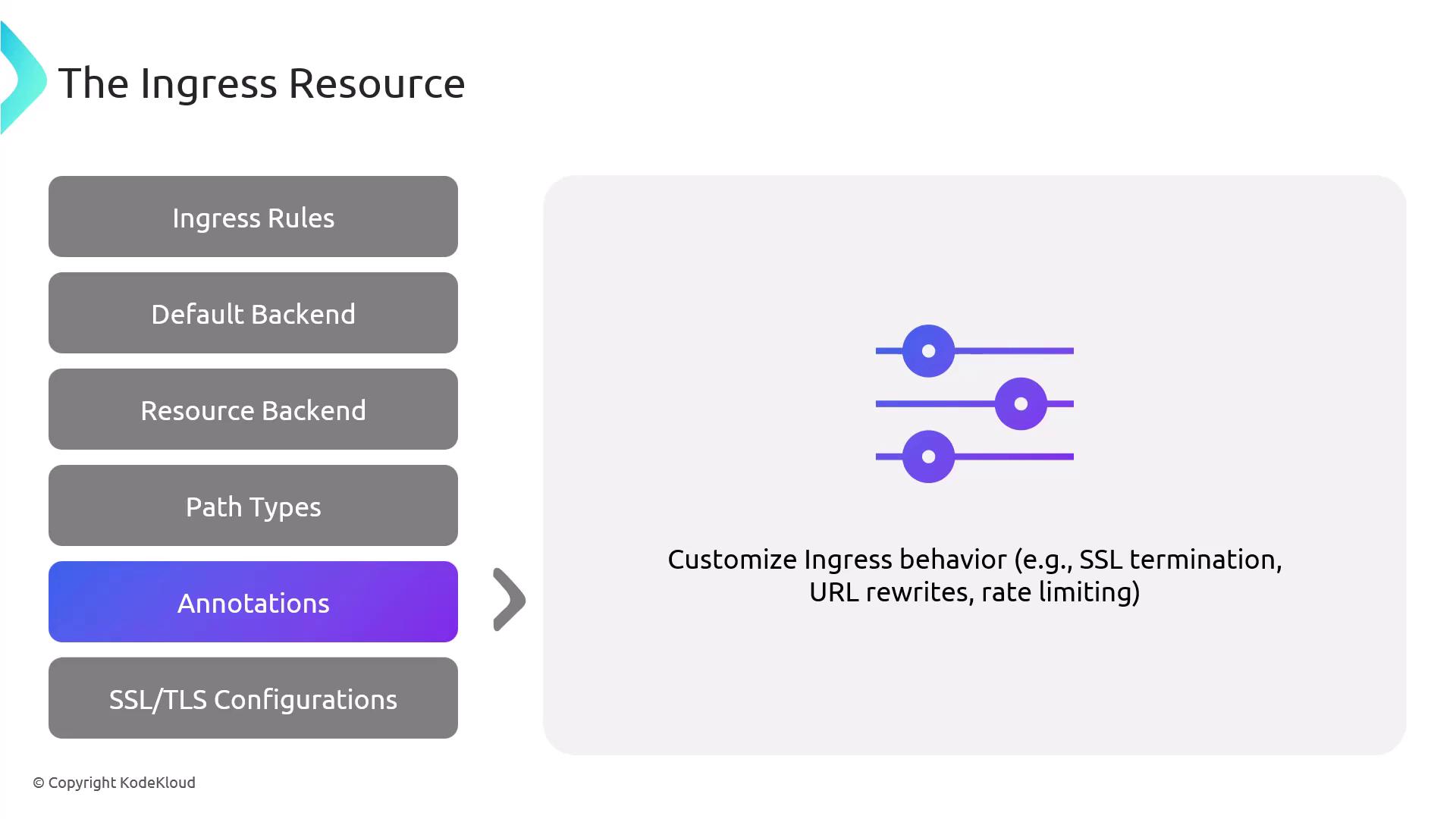
### 5. Annotations
Annotations enable controller-specific features like SSL redirection, URL rewrites, or rate limiting.
### 6. TLS Configuration
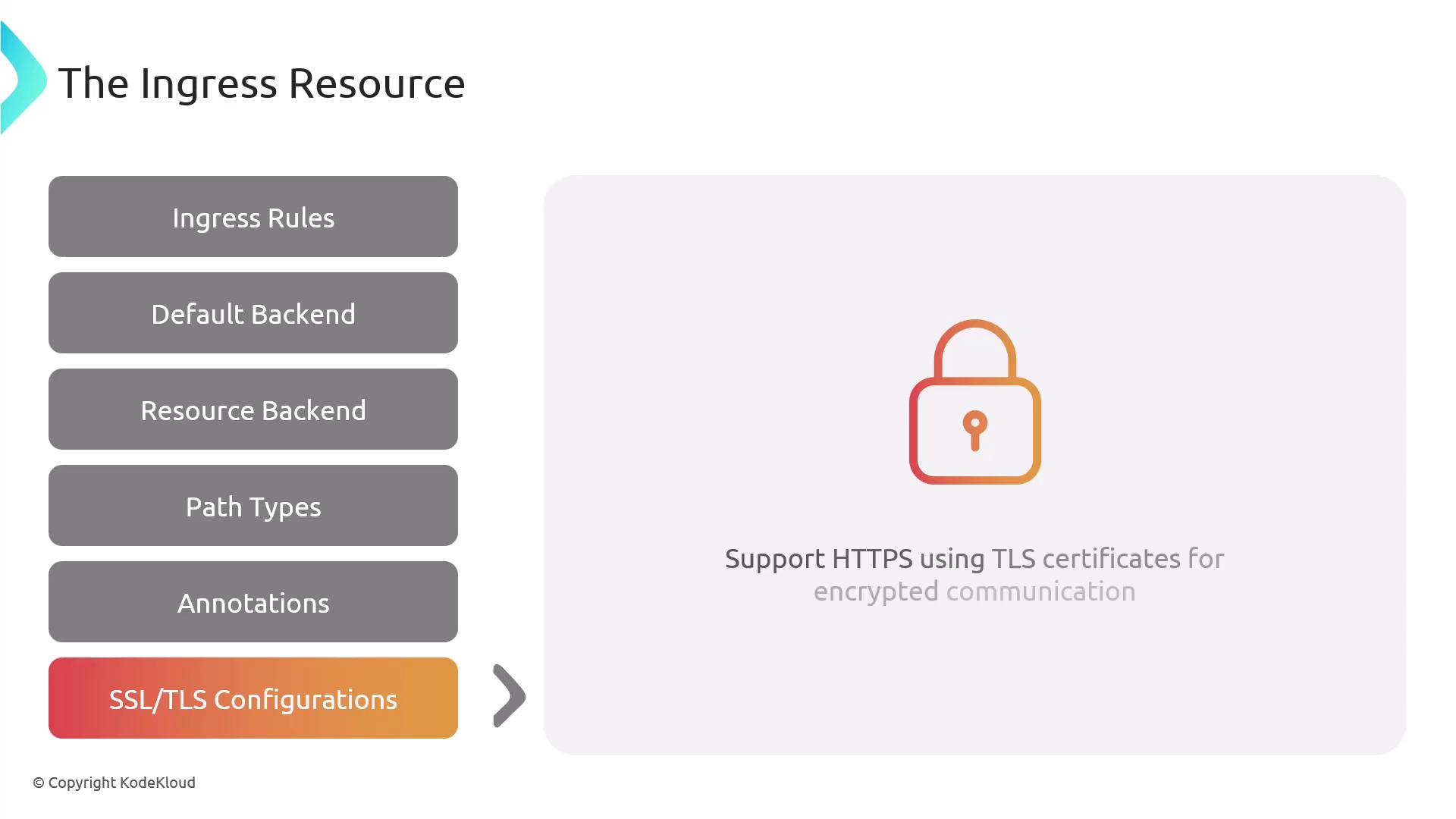
Specify TLS by referencing Kubernetes Secrets that store certificates and private keys. This configures HTTPS at the Ingress gateway.
## Minimal Ingress Example
This example defines a `defaultBackend` for unmatched requests and a rule that routes `example.com/web*` (prefix match) to `web-service:80`.
```yaml theme={null}
apiVersion: networking.k8s.io/v1
kind: Ingress
metadata:
name: example-ingress
namespace: default
spec:
defaultBackend:
service:
name: default-service
port:
number: 80
rules:
- host: "example.com"
http:
paths:
- path: /web
pathType: Prefix
backend:
service:
name: web-service
port:
number: 80
```
All traffic not matching `/web` is sent to `default-service:80`.
## Common Ingress Patterns
* **Single-Service Ingress**: Routes all traffic to one backend.
* **Simple Fan-Out**: Path-based routing to multiple services.
* **Name-Based Virtual Hosting**: Hostname-based routing for multiple domains.
* **TLS/SSL Termination**: Decrypts HTTPS at the edge and forwards HTTP to services.

Controller support and advanced features may vary. Use annotations or Custom Resource Definitions (CRDs) to extend behavior.
## Key Benefits of Ingress
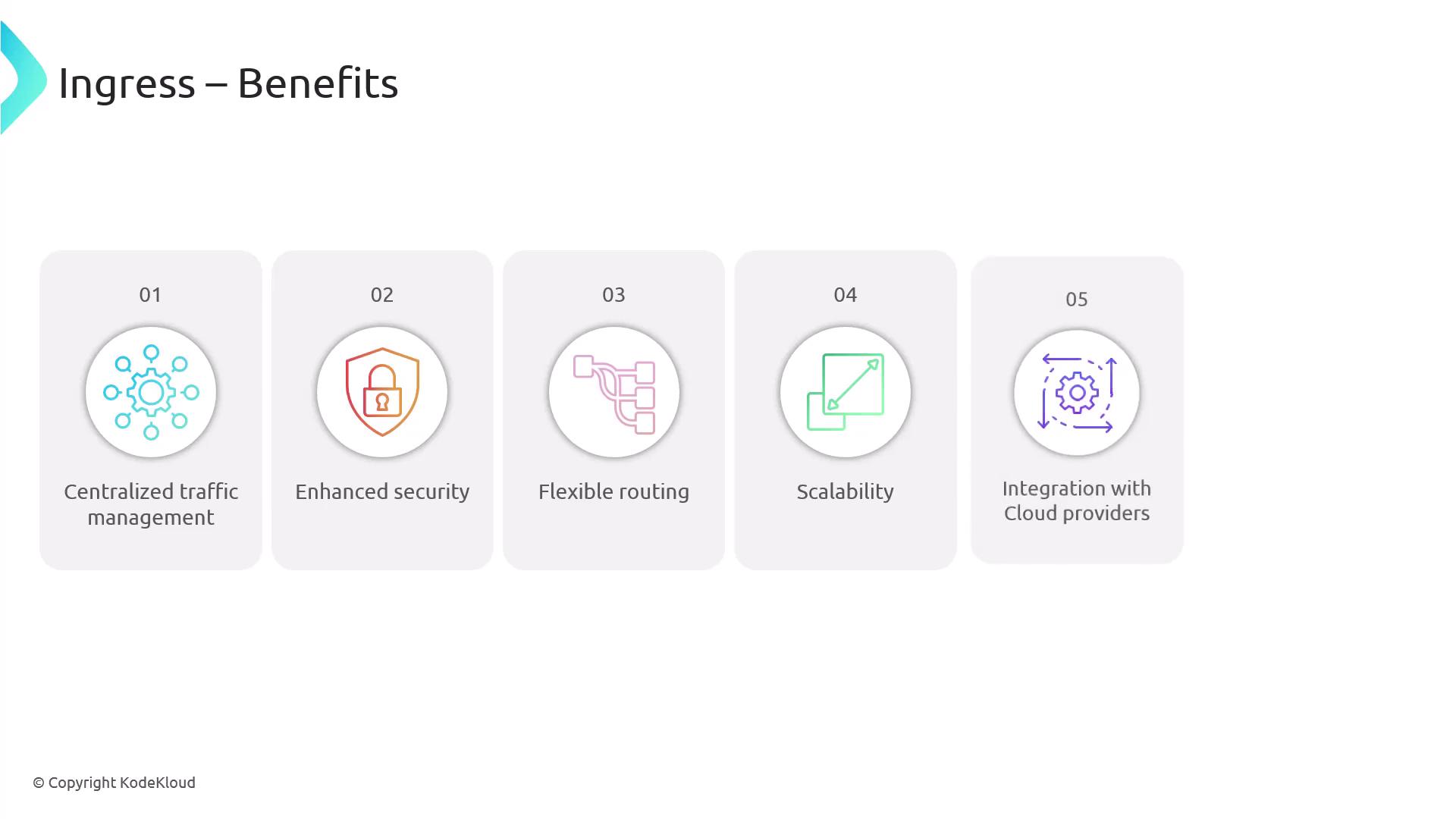
* Centralized traffic management through a single entry point
* Simplified certificate handling with edge SSL/TLS termination
* Flexible path- and host-based routing for complex architectures
* Auto-scaling and high availability via Kubernetes controllers
* Native integration with cloud load balancers, DNS, and managed certificates
Ingress gives you powerful, centralized control over external HTTP/HTTPS access to your Kubernetes workloads. Next, we’ll dive into Ingress Controllers and deployment strategies.