> ## Documentation Index
> Fetch the complete documentation index at: https://notes.kodekloud.com/llms.txt
> Use this file to discover all available pages before exploring further.
# Traefik Overview
> This article provides an overview of Traefik, a dynamic HTTP reverse proxy and load balancer for Kubernetes traffic management.
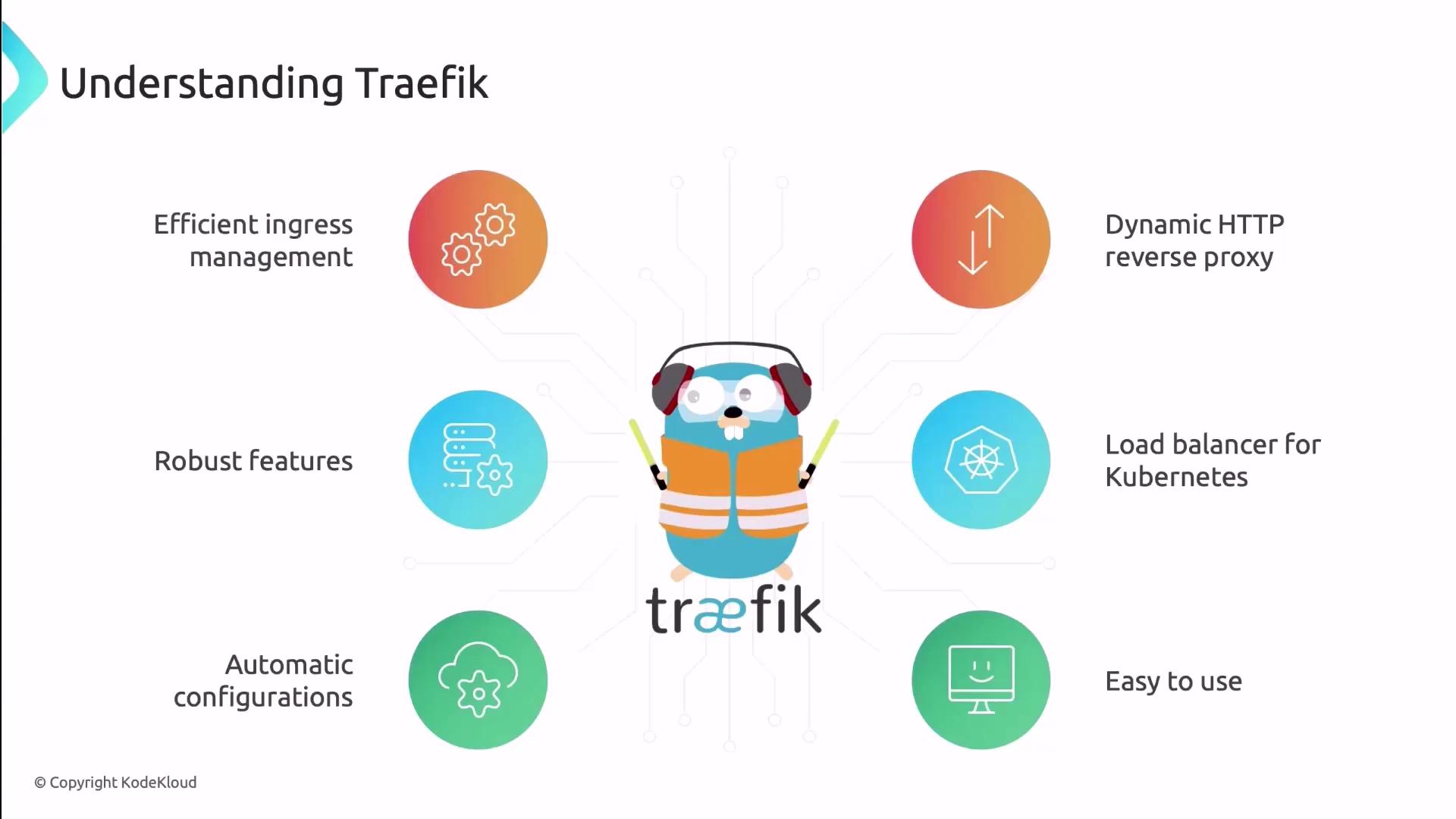
After thorough evaluation and cost analysis, Company X selected Traefik for its robust feature set and seamless **Kubernetes traffic management**. Traefik is a dynamic, highly configurable HTTP reverse proxy and load balancer. Its automatic configuration, ease of use, and extensibility make it an ideal Ingress solution for modern microservice architectures.
***
## Architecture and Design Principles
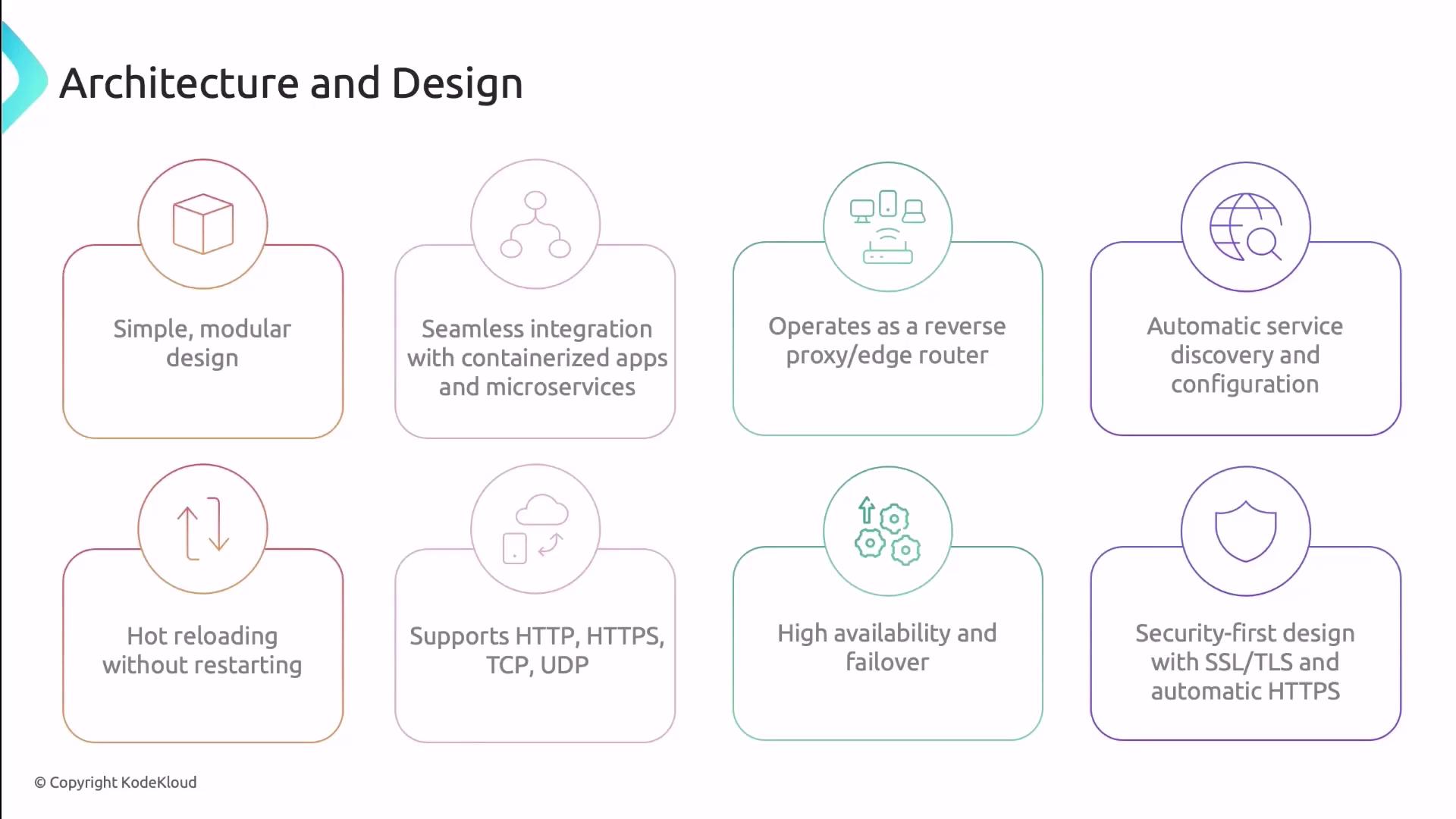
Traefik’s **edge router** architecture sits at the perimeter of your network, routing incoming requests to backend services using flexible rules. Its modular design adapts to container platforms without requiring manual reconfiguration.
Key principles:
* **Automatic Service Discovery**\
Traefik watches your orchestration platforms (Kubernetes, Docker, Marathon) and updates routes as services scale up or down—no restarts required.
* **Hot Reloading**\
Update both static (file-based) and dynamic (provider-based) settings on the fly. Configuration changes take effect instantly, ensuring zero downtime.
* **Modularity & Extensibility**\
Support for HTTP, HTTPS, TCP, and UDP protocols. Extend functionality with [Traefik plugins](https://doc.traefik.io/traefik/observability/providers/plugin/).
* **High Availability & Failover**\
Deploy Traefik in clusters with built-in health checks. When a service fails, traffic automatically reroutes to healthy instances.
* **Security-First Design**\
SSL/TLS termination, automatic HTTPS via Let’s Encrypt, and rich middleware for authentication, rate limiting, and more.
You can enable automatic HTTPS with Let’s Encrypt by configuring the `certificatesResolvers` section in your static configuration.
***
## Core Components
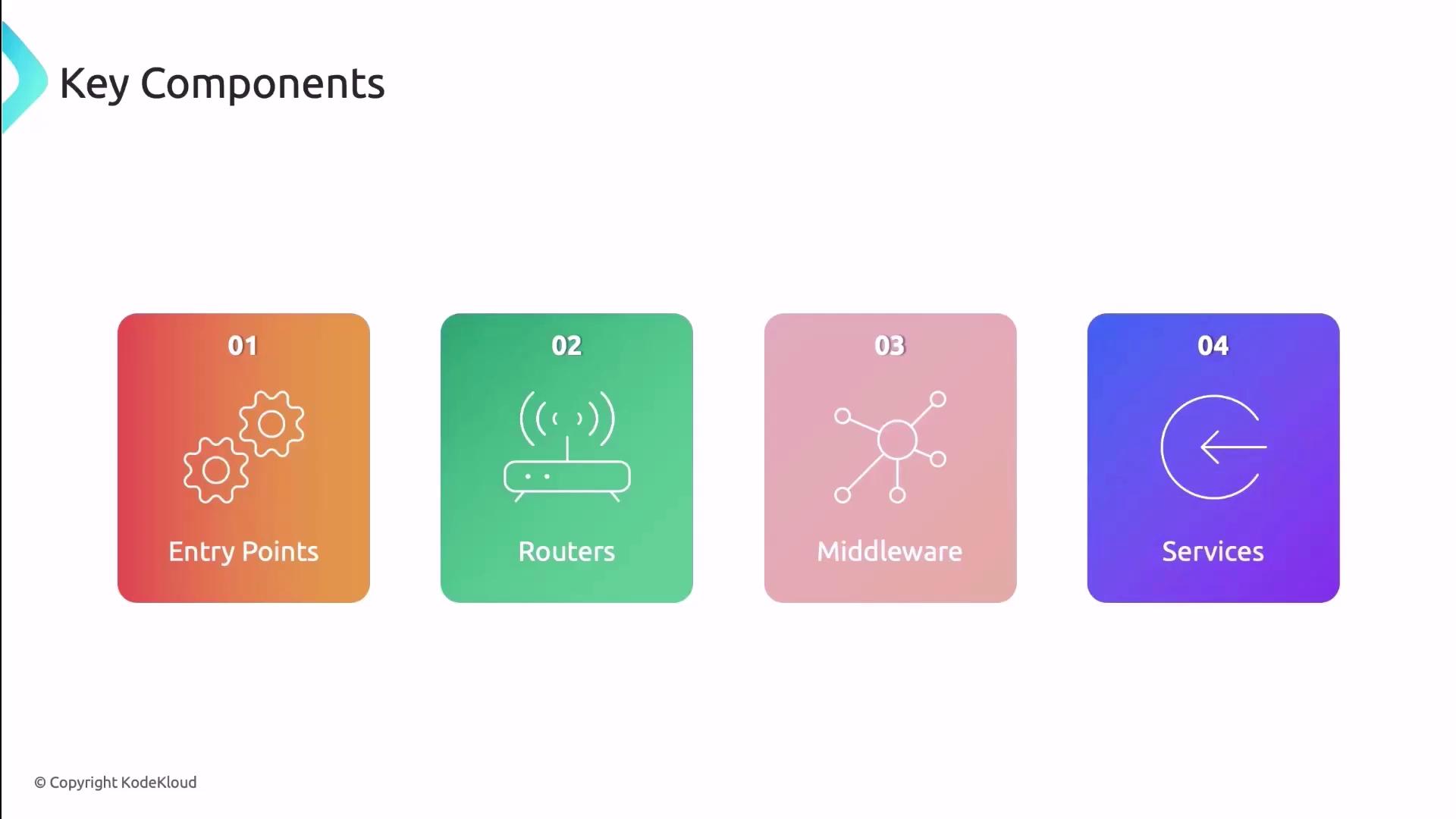
Traefik’s routing pipeline comprises four main building blocks:
| Component | Responsibility |
| ----------- | ---------------------------------------------------------------------------------------------- |
| EntryPoints | Defines the network ports (e.g., HTTP 80, HTTPS 443) where Traefik listens |
| Routers | Matches incoming requests (paths, headers, etc.) to rules and selects the correct service |
| Middleware | Transforms requests/responses (rate limiting, redirects, header modifications, authentication) |
| Services | Represents your backend workloads (Pods, containers, external services) |
Under the hood, **providers** continuously monitor your environment and update Traefik’s configuration, ensuring dynamic, zero-downtime updates.
***
## Key Features
Traefik stands out with a comprehensive feature set tailored for container-native environments:
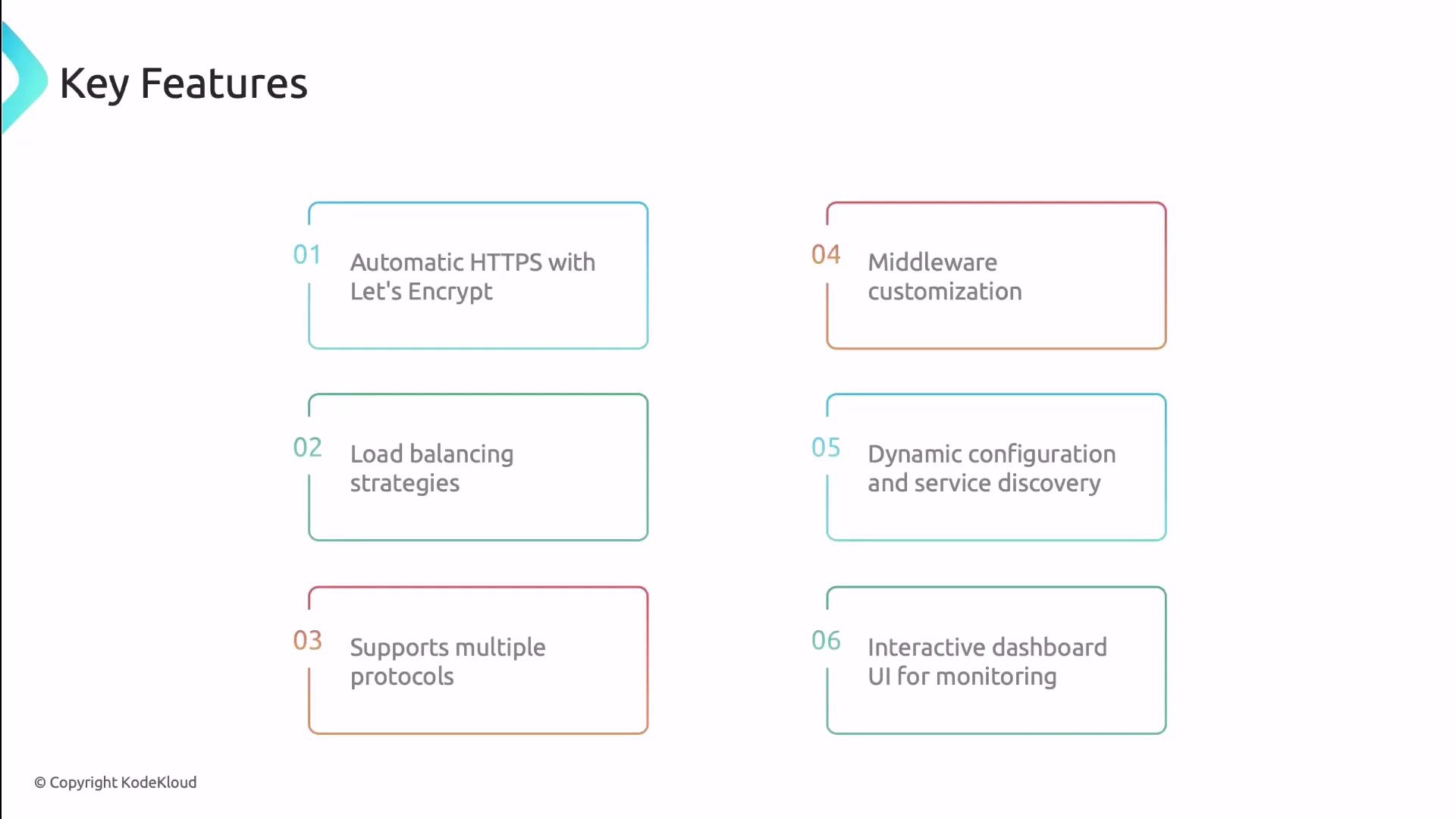
* **Automatic HTTPS**\
Leverage [Let’s Encrypt](https://letsencrypt.org) to obtain and renew TLS certificates without manual intervention.
* **Load Balancing**\
Choose from round-robin, least connections, or IP hash strategies to optimize traffic distribution.
* **Multi-Protocol Support**\
Beyond HTTP/HTTPS, route TCP and UDP traffic for WebSockets, databases, and custom applications.
* **Middleware Ecosystem**\
Apply built-in middlewares (authentication, rate limiting, headers, redirects) or develop custom plugins.
* **Dynamic Configuration & Service Discovery**\
Integrates with Kubernetes, Docker Swarm, and more—reflects changes in real time.
* **Interactive Dashboard**\
Monitor routers, services, middlewares, and metrics via a web UI.
***
## Deployment Options
Choose the deployment pattern that aligns with your operational model:
| Method | Description |
| --------------------------------- | --------------------------------------------------------------------------- |
| Kubernetes Deployment / DaemonSet | Run Traefik as a centralized Deployment or as a DaemonSet on each node |
| Helm Chart | Install and configure using the official [Helm chart](https://helm.sh/) |
| Manual YAML | Define RBAC, Services, and Deployment YAML manifests for full customization |
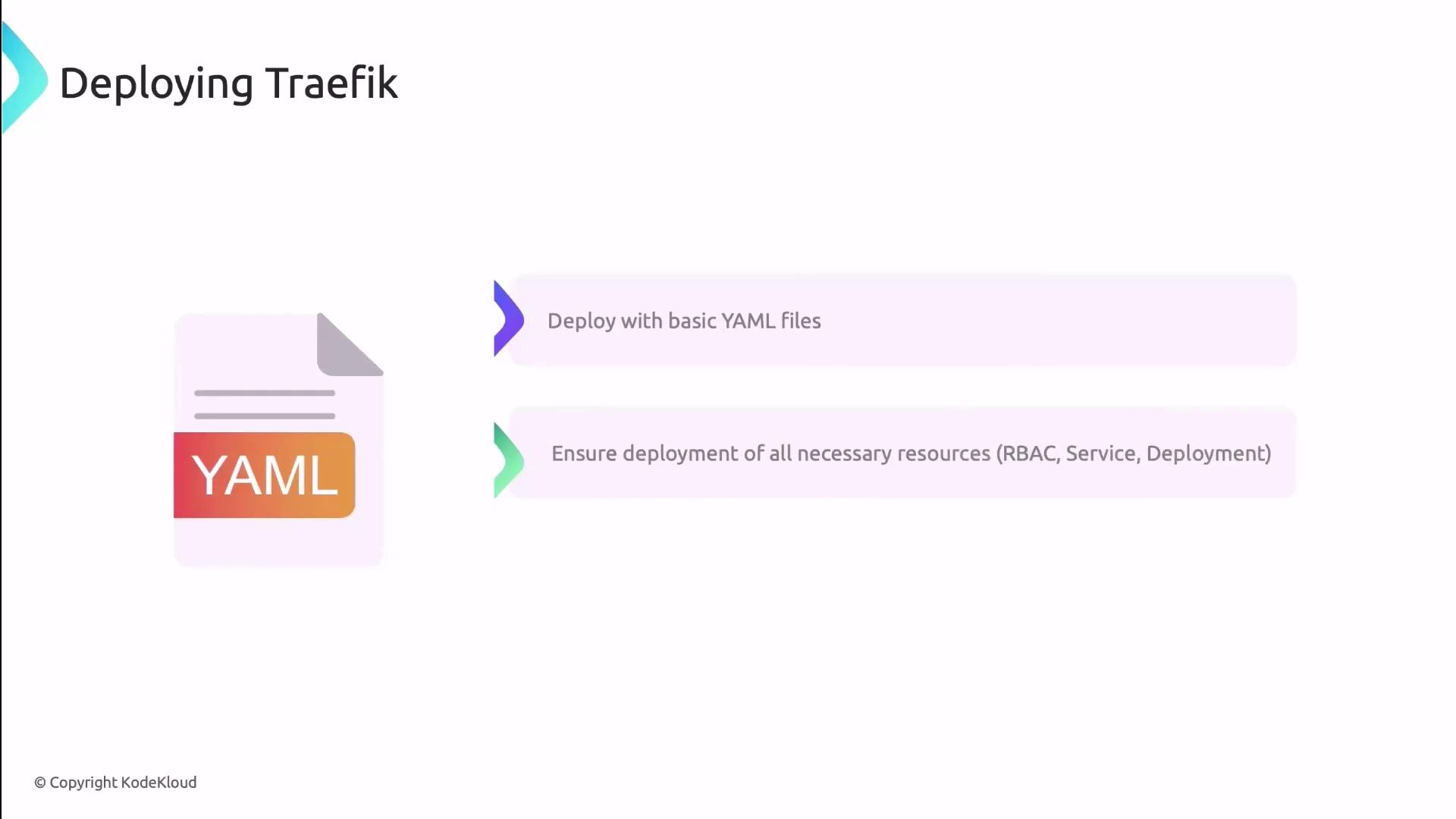
When crafting manual manifests, ensure you include RBAC rules to grant Traefik the required permissions in your cluster.
***
## Traefik Dashboard
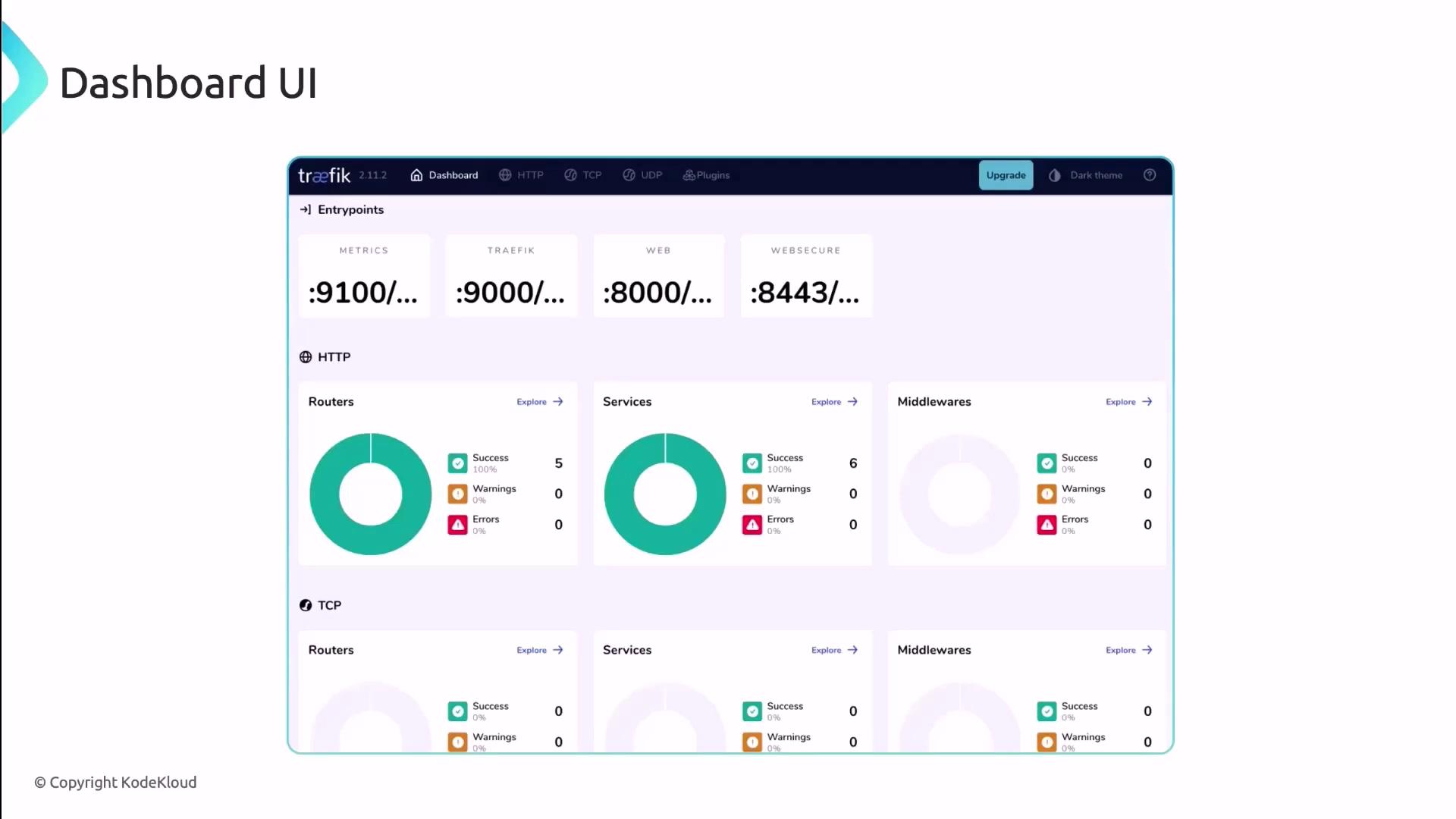
Access Traefik’s built-in dashboard for real-time visibility into your routing topology. The UI displays:
* Metrics for HTTP and TCP routers
* Status of services and middlewares
* Health checks and error rates
***
Now that we’ve reviewed Traefik’s architecture, components, and key capabilities, let’s move on to installing and configuring Traefik in your Kubernetes cluster.
## Links and References
* [Kubernetes Documentation](https://kubernetes.io/docs/)
* [Traefik Official Documentation](https://doc.traefik.io/traefik/)
* [Let’s Encrypt](https://letsencrypt.org)
* [Helm Charts](https://artifacthub.io/packages/helm/traefik/traefik)