> ## Documentation Index
> Fetch the complete documentation index at: https://notes.kodekloud.com/llms.txt
> Use this file to discover all available pages before exploring further.
# Endpoints and Endpoint Slices Overview
> This guide explains how Endpoints and Endpoint Slices work in Kubernetes, their roles in traffic routing, and how to inspect them.
Kubernetes Services provide a stable network endpoint for Pods, but under the hood, Services rely on two resources—**Endpoints** and **Endpoint Slices**—to map Service selectors to Pod IPs and ports. This guide explains how each resource works, their roles in traffic routing, and how to inspect them.
## Endpoints
An **Endpoint** object in Kubernetes keeps track of all Pod IPs and ports that back a Service. When you create a Service, Kubernetes uses its label selector to identify matching Pods and generates an Endpoints object with the same name.
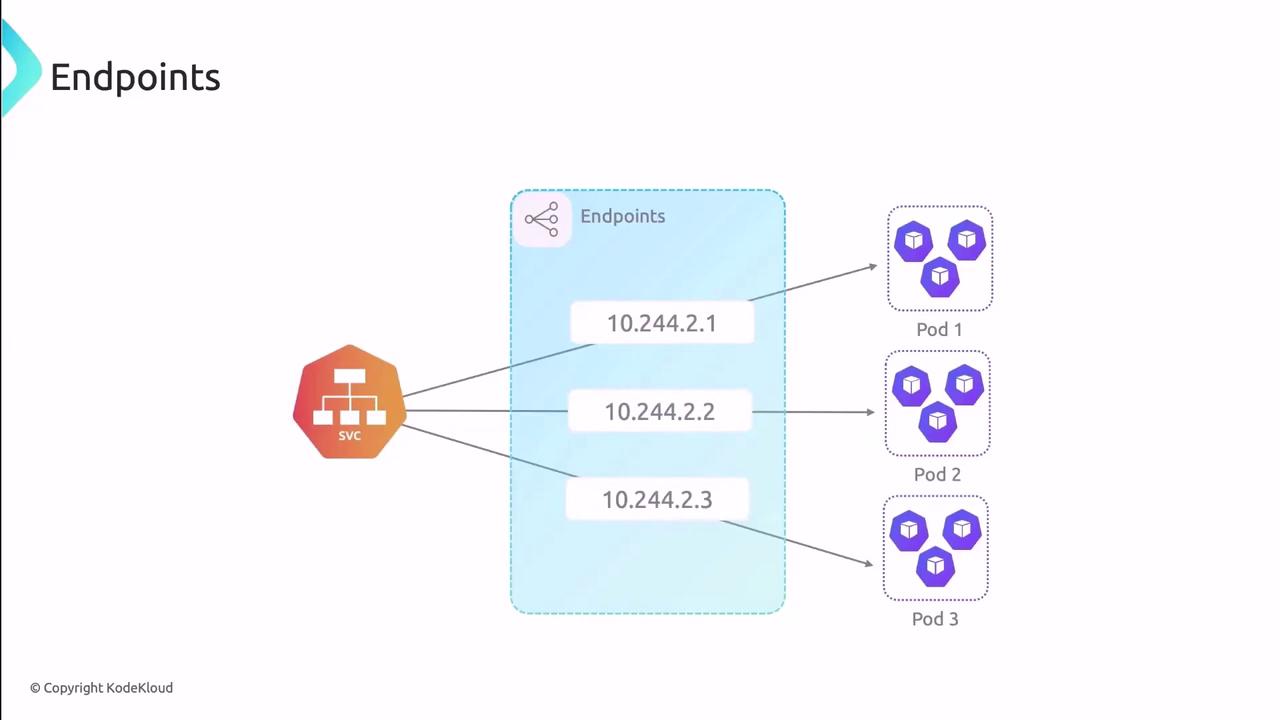
As Pods are created, deleted, or updated, the Endpoints object is managed automatically by the control plane—no manual edits are needed.
### Inspecting an Endpoints Object
Use `kubectl` to view the Endpoints backing a Service:
```bash theme={null}
kubectl get endpoints SERVICE_NAME -o yaml
```
Example output:
```yaml theme={null}
subsets:
- addresses:
- ip: 10.244.1.172
nodeName: node
targetRef:
kind: Pod
name: pod-name-5f68f556c8-25nb9
namespace: default
ports:
- name: HTTP
port: 80
protocol: TCP
```
Fields explained:
* `subsets`: Groups of addresses and ports.
* `addresses`: Lists Pod IPs and node names.
* `ports`: Indicates which port names and protocols are exposed.
### Limitations of Endpoints
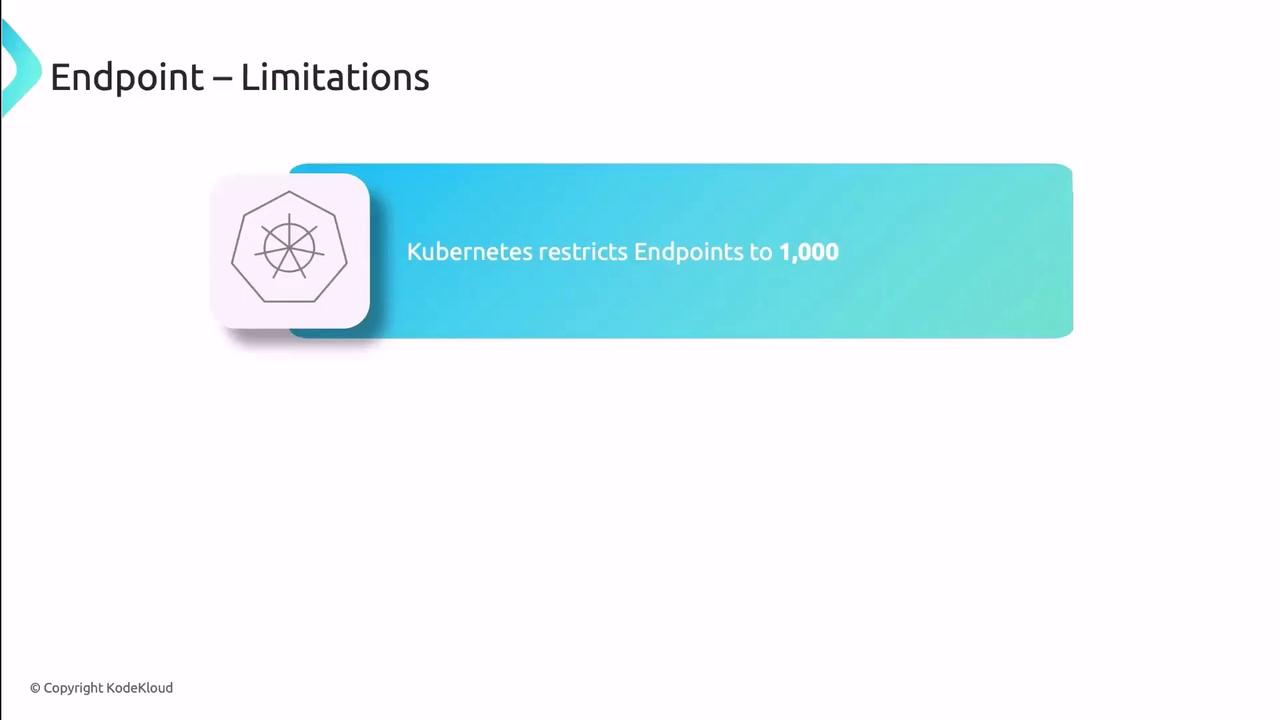
Each Endpoints object can hold up to **1,000 addresses**. In large clusters or high-scale environments, this cap may lead to performance bottlenecks or truncated endpoint lists.
| Resource | Maximum Addresses | Impact |
| --------- | ----------------- | --------------------------------------- |
| Endpoints | 1,000 | May require Service sharding or slicing |
## Endpoint Slices
Introduced as a beta feature in v1.17 and GA in v1.21, **Endpoint Slices** solve the scalability issues of Endpoints by splitting Pod endpoints into multiple, smaller objects. Each slice holds a subset of IPs, ports, and metadata, reducing control-plane load.
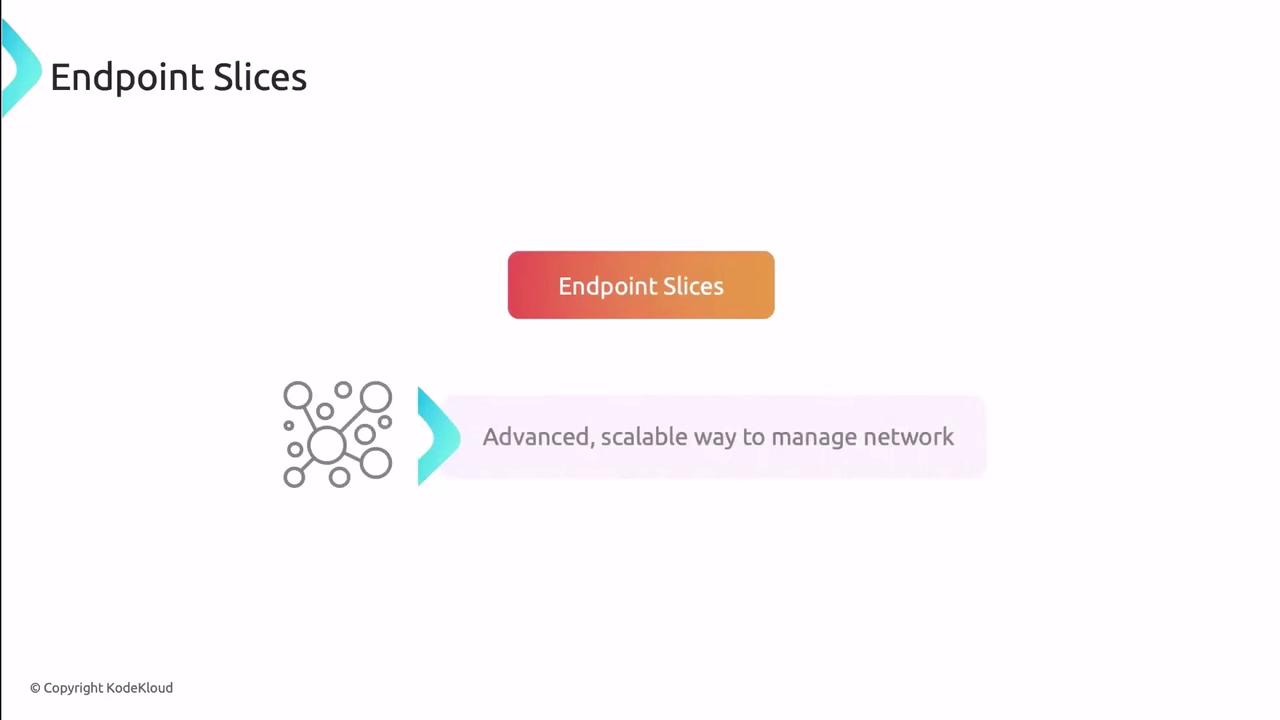
Endpoint Slices support optional fields like **topology hints**, enabling you to optimize traffic routing based on node labels or zones.
### How Endpoint Slices Work
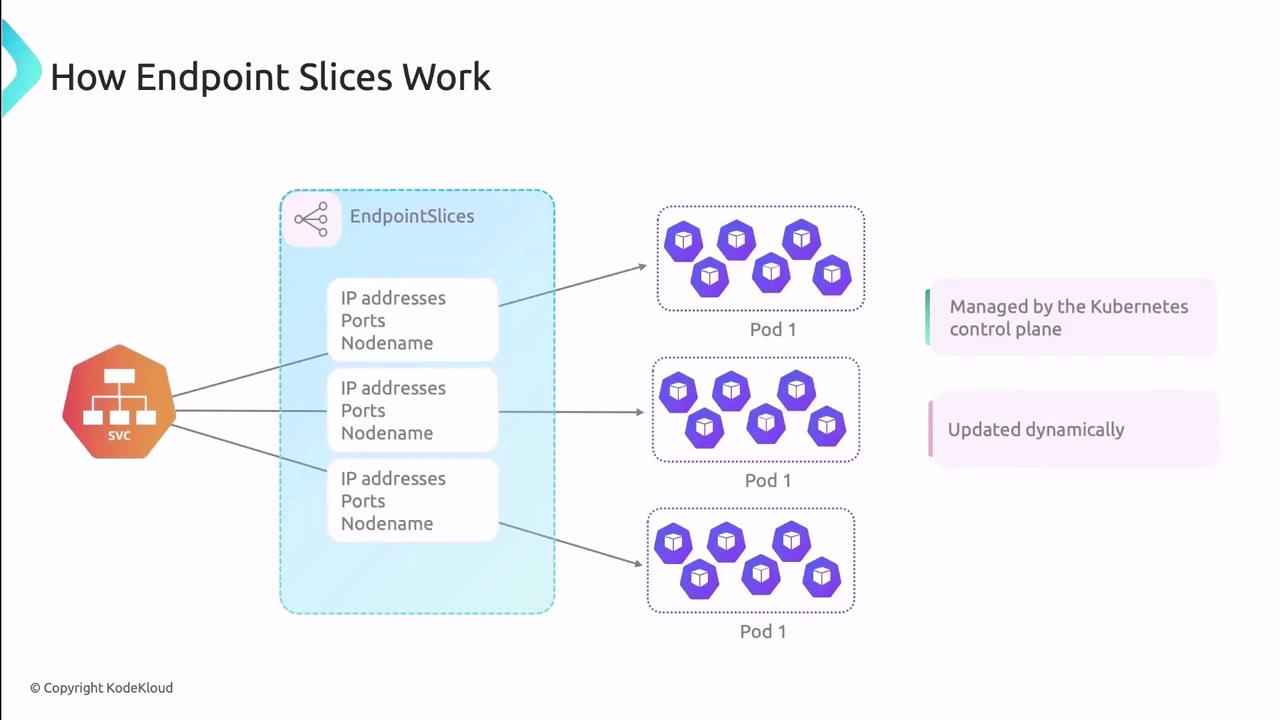
* **Slices per Service**: Multiple Endpoint Slice objects can coexist for one Service.
* **Subset Size**: By default, each slice holds up to 100 endpoints, configurable via the EndpointSlice API.
* **Automatic Updates**: The control plane synchronizes slices as Pods change state.
#### Viewing Endpoint Slices
```bash theme={null}
kubectl get endpointslices SERVICE_NAME-UID -o yaml
```
Sample YAML:
```yaml theme={null}
endpoints:
- addresses:
- 10.244.1.172
conditions:
ready: true
serving: true
terminating: false
nodeName: worker
targetRef:
kind: Pod
name: pod-name-5f68f556c8-25nb9
namespace: default
uid: e77f4587-6d20-48bb-b5f6-f6df51a886d
ports:
- name: http
port: 80
protocol: TCP
```
| Feature | Endpoints | Endpoint Slices |
| ------------------- | ---------- | ------------------------------------------------------ |
| Scalability | ≤1,000 IPs | Configurable slice size, multiple slices per Service |
| Metadata & Topology | Limited | Supports zone hints, custom labels |
| Control-Plane Load | Higher | Distributed across slices, fewer large updates overall |
## References
* [Kubernetes Endpoints Documentation](https://kubernetes.io/docs/concepts/services-networking/service/#endpoints)
* [Endpoint Slices Documentation](https://kubernetes.io/docs/concepts/services-networking/endpoint-slices/)
* [kubectl Cheat Sheet](https://kubernetes.io/docs/reference/kubectl/cheatsheet/)
* [Kubernetes Networking Deep Dive](https://kubernetes.io/blog/2020/09/03/kubernetes-networking-deep-dive/)