> ## Documentation Index
> Fetch the complete documentation index at: https://notes.kodekloud.com/llms.txt
> Use this file to discover all available pages before exploring further.
# Service Discovery and DNS Overview
> This article explains how service discovery in Kubernetes enables microservices to communicate without hard-coding IP addresses, utilizing environment variables and DNS.
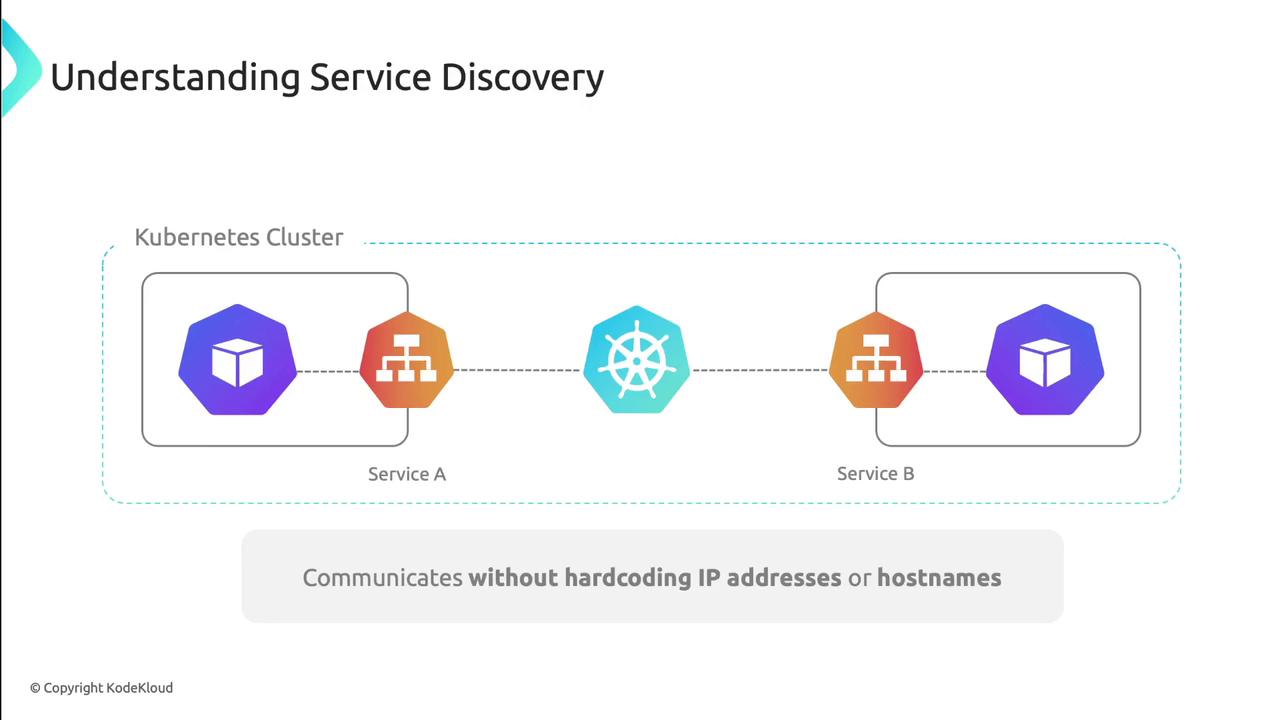
Service discovery ensures that microservices within a Kubernetes cluster can locate and communicate with each other without hard-coding IP addresses or hostnames. Kubernetes automates this process using environment variables and DNS, backed by EndpointSlices that track pod membership.
## How Service Discovery Works
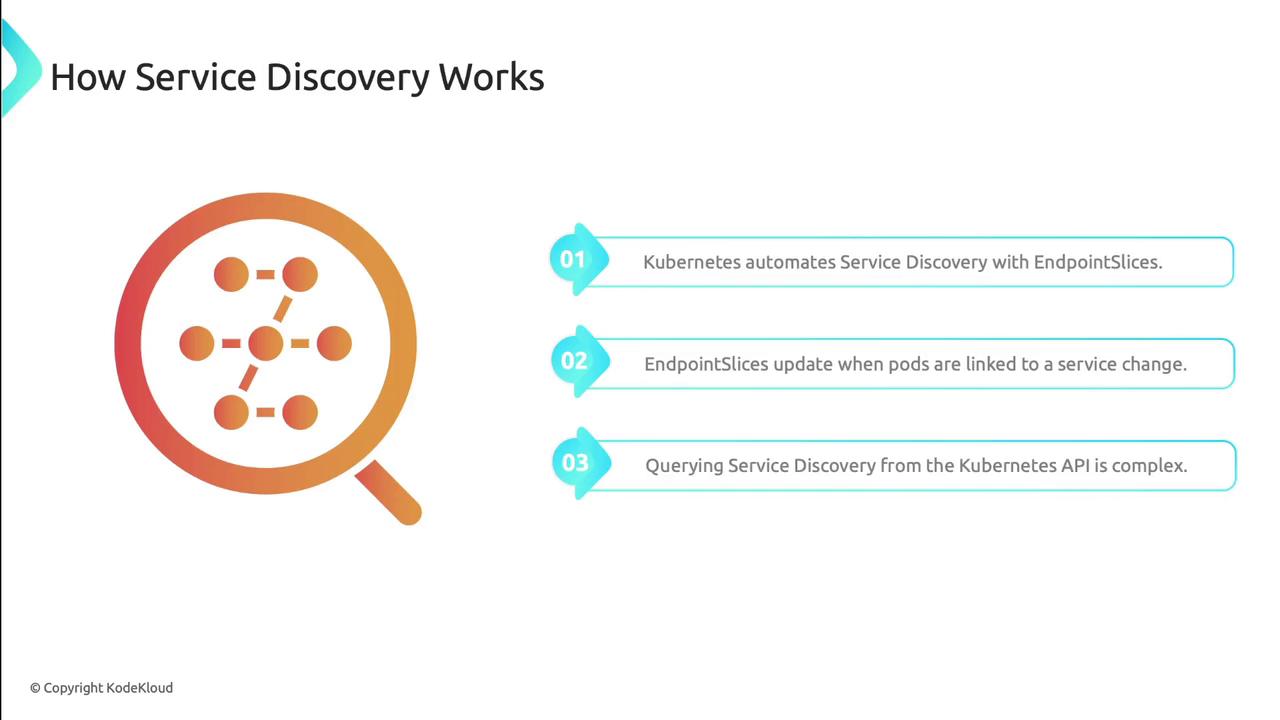
When pods are created, scaled, or terminated, Kubernetes updates EndpointSlices to record which pods back each Service. Although you can query these slices via the API server, Kubernetes provides higher-level abstractions to hide this complexity.
## Service Discovery Mechanisms
| Mechanism | Description | Pros | Cons |
| --------------------- | -------------------------------------------------- | ------------------------------------------ | -------------------------------------------------- |
| Environment Variables | Kubelet injects service host/port as env vars | Immediate access
Zero additional deps | Static at pod start
Namespace-scoped |
| DNS | CoreDNS (or kube-dns) auto-creates service records | Dynamic updates
Cross-namespace | Requires DNS service
Potential lookup latency |
## Environment Variables
When a pod is launched, the Kubelet generates environment variables for each Service in the same namespace. These include the service’s ClusterIP, ports, and protocol:
```text theme={null}
MY_APP_SERVICE_HOST=10.0.0.11
MY_APP_SERVICE_PORT=80
MY_APP_PORT=tcp://10.0.0.11:80
MY_APP_PORT_80_TCP=tcp://10.0.0.11:80
MY_APP_PORT_80_TCP_PROTO=tcp
MY_APP_PORT_80_TCP_PORT=80
MY_APP_PORT_80_TCP_ADDR=10.0.0.11
```
Example Service manifest that produces these variables:
```yaml theme={null}
apiVersion: v1
kind: Service
metadata:
name: my-app
spec:
selector:
app: my-app
ports:
- protocol: TCP
name: my-app
port: 80
targetPort: 80
type: ClusterIP
```
Service names are uppercased and dashes become underscores when generating environment variables. The Service must exist before the pod starts, since variables are injected at launch time.
## DNS-Based Service Discovery
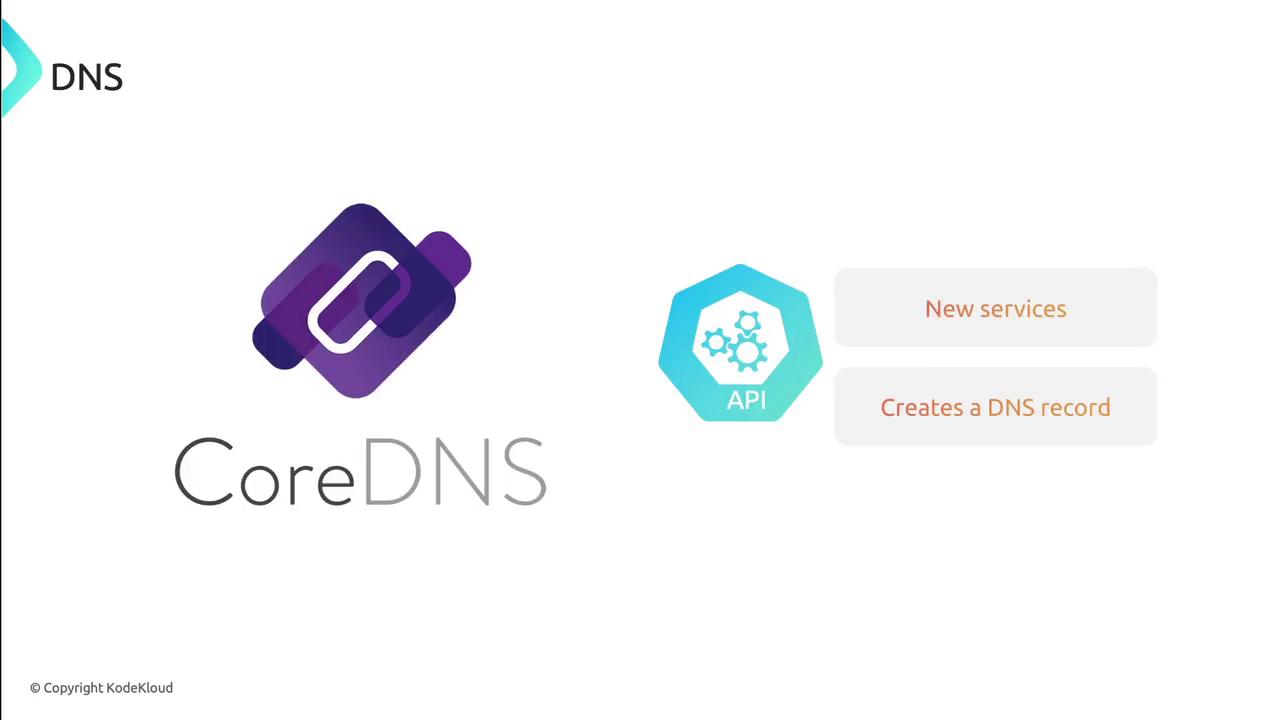
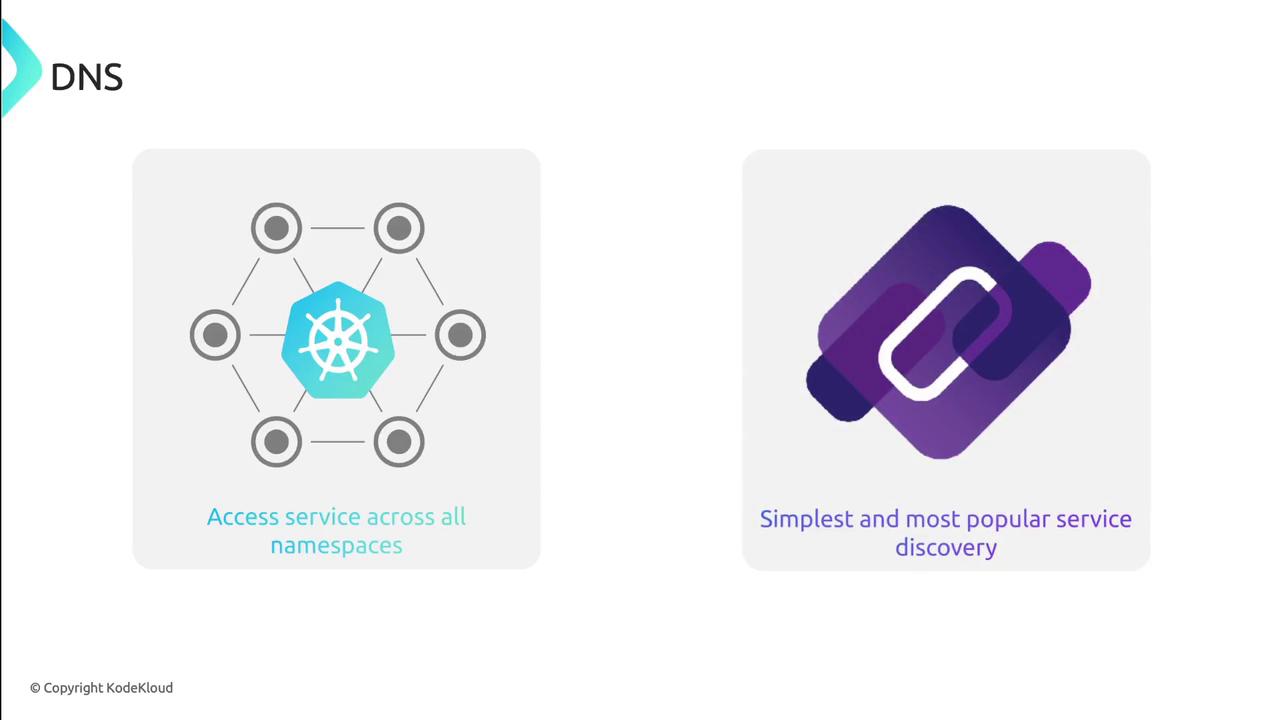
Deploy a DNS add-on (e.g., [CoreDNS](https://coredns.io/)) to enable DNS lookups for Services. CoreDNS watches the Kubernetes API and automatically creates DNS records whenever Services change.
### DNS Records
By default, Kubernetes creates both A and SRV records for each Service:
```text theme={null}
A record:
my-app.default.svc.cluster.local
SRV record:
_my-app._tcp.my-app.default.svc.cluster.local
```
Both records resolve to the service’s ClusterIP.
### Shortened DNS Names
Depending on the client’s namespace and search path, you can drop portions of the full DNS name:
* Outside the namespace: `my-app.default`
* Inside the namespace: `my-app`
The pod’s `/etc/resolv.conf` (configured by the kubelet) controls this:
```text theme={null}
search backup-system.svc.cluster.local svc.cluster.local cluster.local
nameserver 10.96.0.10
options ndots:5
```
DNS resolution first tries the pod’s namespace domain, then `svc.cluster.local`, and finally `cluster.local`.
If `ndots` is set too low, lookups may skip qualified names. Ensure `options ndots:5` (or higher) to allow short names in-cluster.
***
Let’s launch a Service on our cluster to see service discovery in action.
## References
* [Kubernetes Service Discovery](https://kubernetes.io/docs/concepts/services-networking/service/)
* [CoreDNS Documentation](https://coredns.io/)
* [Kubernetes EndpointSlices](https://kubernetes.io/docs/concepts/services-networking/endpoint-slices/)