> ## Documentation Index
> Fetch the complete documentation index at: https://notes.kodekloud.com/llms.txt
> Use this file to discover all available pages before exploring further.
# Services Overview
> Kubernetes Services provide stable network endpoints for pods, ensuring consistent communication across the cluster while abstracting their dynamic IPs.
Kubernetes Services provide a stable network endpoint for pods, abstracting their dynamic IPs and ensuring consistent communication across the cluster.
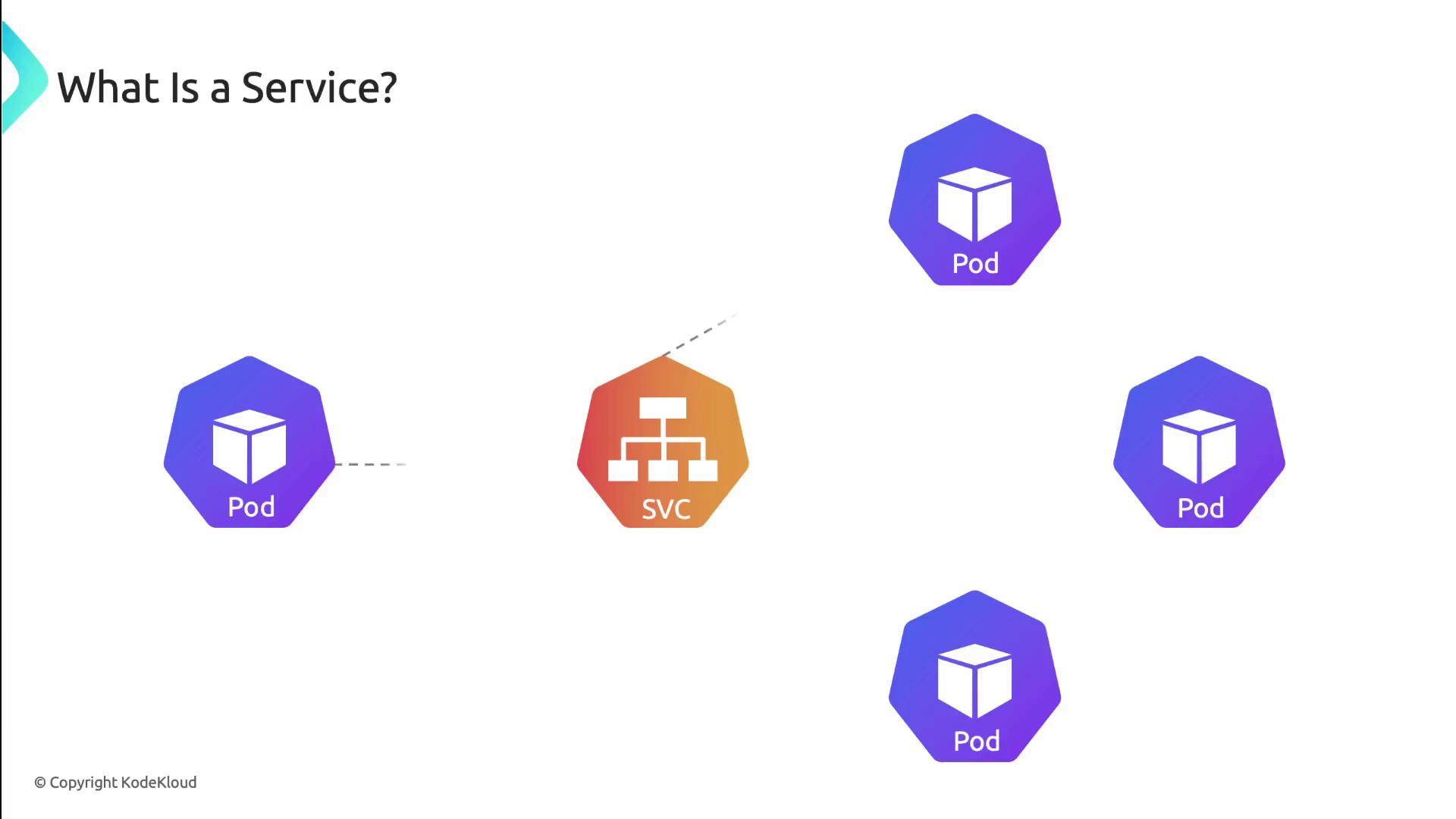
A Service definition looks like any other Kubernetes object. You give it a name, set a selector for matching pods, declare ports, and choose a Service type:
```yaml theme={null}
apiVersion: v1
kind: Service
metadata:
name: my-service
namespace: my-namespace
spec:
selector:
app: my-app
ports:
- protocol: TCP
port: 80 # Service port
targetPort: 8080 # Pod port
type: ClusterIP
```
* selector: `app: my-app` matches pods labeled accordingly.
* ports: exposes port 80 and forwards traffic to pod port 8080.
* type: `ClusterIP` (default) makes the Service reachable only within the cluster.
Kubernetes uses EndpointSlices to track pod endpoints automatically. Clients always connect to the Service IP, unaware of pod restarts or IP changes.
***
## Service Discovery
Kubernetes exposes Service endpoints to pods in two ways:
1. **Environment variables**\
The kubelet injects:
* `MY_SERVICE_SERVICE_HOST`
* `MY_SERVICE_SERVICE_PORT`\
into each container at startup.
2. **DNS**\
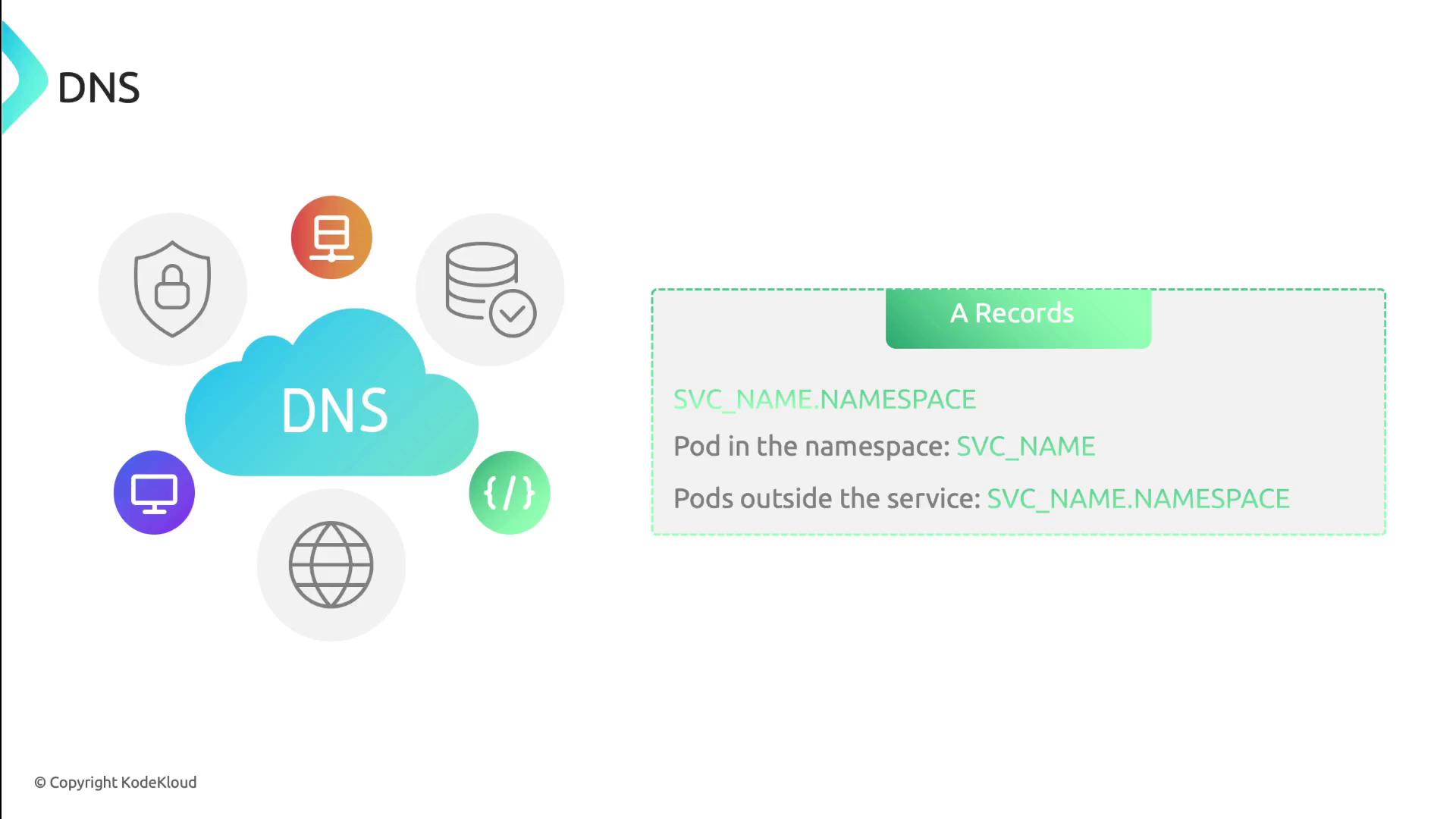
With [CoreDNS](https://coredns.io/) (or another DNS add-on), every Service gets an A record and SRV records:
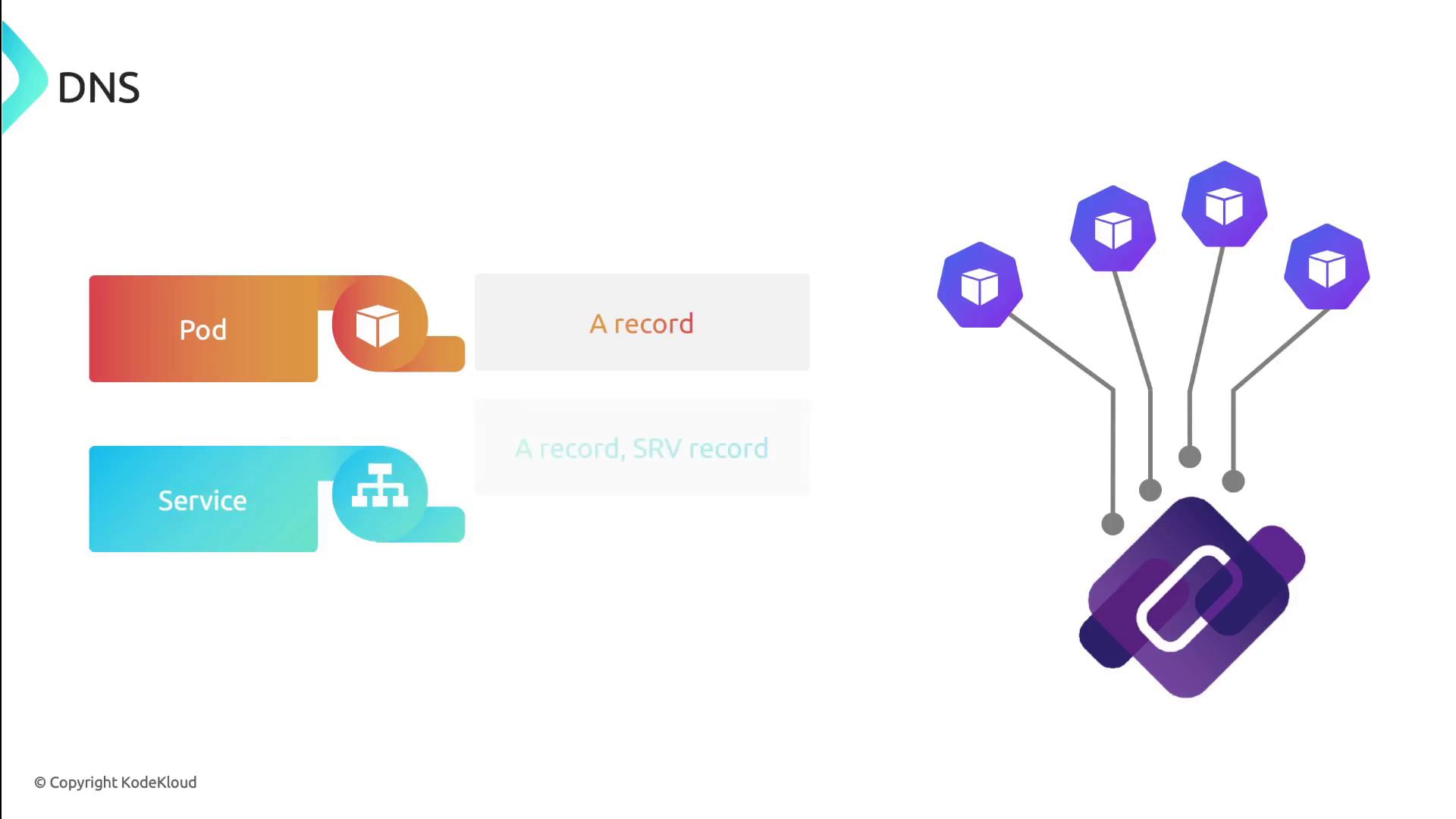
* **A record**: `service-name.namespace.svc.cluster.local`
* **SRV records**: one per named port, for example:
```text theme={null}
_http._tcp.my-service.my-namespace.svc.cluster.local
```
***
## Service Types
Kubernetes supports four Service types, each controlling how traffic reaches your application.
| Service Type | Exposure Scope | Port Mapping |
| ------------ | --------------------- | ---------------------------------- |
| ClusterIP | Internal cluster only | Virtual cluster IP |
| NodePort | Host nodes | NodeIP:`NodePort` |
| LoadBalancer | External via LB | Provisioned cloud load balancer IP |
| ExternalName | DNS redirection | CNAME record to external hostname |
### 1. ClusterIP
Exposes the Service on a cluster-internal IP address. Use it for internal microservice communications or when fronted by an Ingress.

### 2. NodePort
Allocates a port on each node’s IP. External clients use `NodeIP:NodePort` to reach the Service.

### 3. LoadBalancer
Integrates with cloud-provider load balancers. Kubernetes provisions an external load balancer and maps it to your Service.

### 4. ExternalName
Creates a DNS CNAME record that maps the Service to an external DNS name. No proxies or IPs are provisioned in the cluster.

`ExternalName` Services do not support port mapping or protocols. They simply return a DNS CNAME.
***
## Links and References
* [Kubernetes Services Concept](https://kubernetes.io/docs/concepts/services-networking/service/)
* [CoreDNS Documentation](https://coredns.io/)
* [DNS SRV Records (Wikipedia)](https://en.wikipedia.org/wiki/SRV_record)