> ## Documentation Index
> Fetch the complete documentation index at: https://notes.kodekloud.com/llms.txt
> Use this file to discover all available pages before exploring further.
# mTLS Overview
> This article covers mutual TLS (mTLS) fundamentals and its role in enhancing security for service-to-service communication in Kubernetes environments.
In this lesson, you’ll learn the fundamentals of mutual TLS (mTLS) and how it enhances security for service-to-service communication in Kubernetes. Although we’re not enabling mTLS on our Company X cluster right now, understanding these concepts is vital for any production-grade environment.
## What Is mTLS?
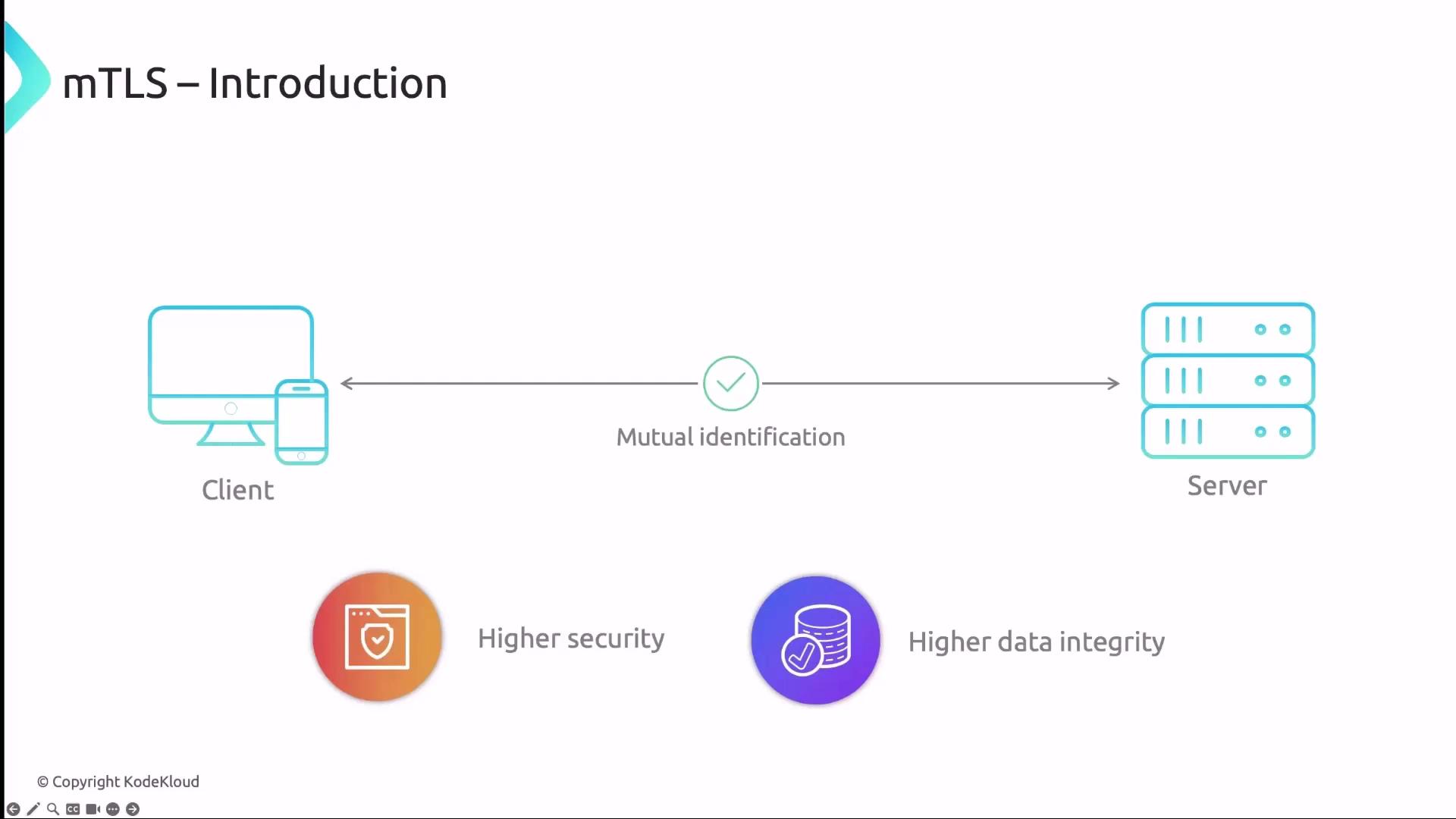
Mutual TLS (mTLS) is an extension of standard TLS that enforces authentication for both client and server using X.509 certificates. In a traditional TLS handshake:
1. Client sends a **Client Hello**.
2. Server responds with a **Server Hello** and presents its certificate.
3. Client verifies the server’s certificate.
mTLS adds two more critical steps:
4. Client sends its own certificate to the server.
5. Server verifies the client’s certificate.
This bidirectional verification ensures end-to-end encryption, prevents impersonation, and eliminates man-in-the-middle attacks.
Before deploying mTLS, ensure you have a Certificate Authority (CA) in place. Tools like [Cert-Manager](https://cert-manager.io/) can automate certificate issuance, rotation, and revocation.
## How mTLS Works
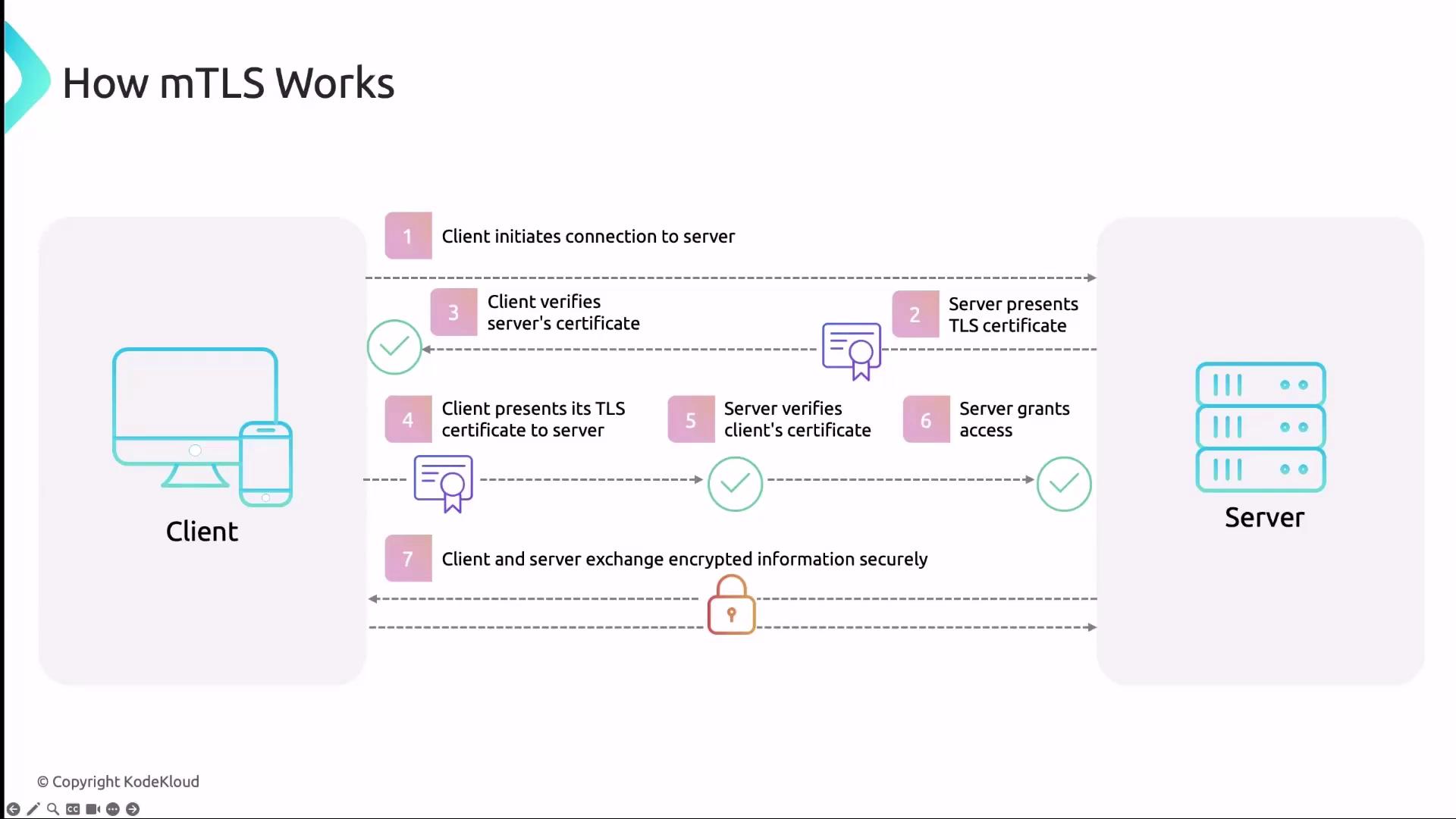
The mTLS handshake extends the standard TLS flow with certificate exchange on both sides:
1. **Client Hello:** Client initiates the handshake.
2. **Server Hello + Certificate:** Server replies with its certificate.
3. **Server Verification:** Client validates the server’s certificate against a trusted CA.
4. **Client Certificate:** Client presents its certificate to the server.
5. **Client Verification:** Server validates the client’s certificate.
6. **Secure Channel Established:** Both parties exchange encrypted data over the secure channel.
## Key Benefits of mTLS in Kubernetes
| Benefit | Description |
| -------------------------------- | ----------------------------------------------------------------------------------------- |
| Enhanced Security | Enforces mutual authentication to confirm both endpoints’ identities. |
| Man-in-the-Middle Protection | Prevents interceptors from decrypting or spoofing messages without valid certificates. |
| Data Integrity | Guarantees end-to-end encryption to protect confidentiality and message integrity. |
| Regulatory Compliance | Helps meet GDPR, HIPAA, PCI DSS, and other security standards. |
| Automated Certificate Management | Offloads cert lifecycle tasks (issuance, renewal, revocation) to tools like Cert-Manager. |
| Zero-Trust Alignment | Requires authentication for every connection, reinforcing a zero-trust security posture. |
## mTLS in Service Meshes
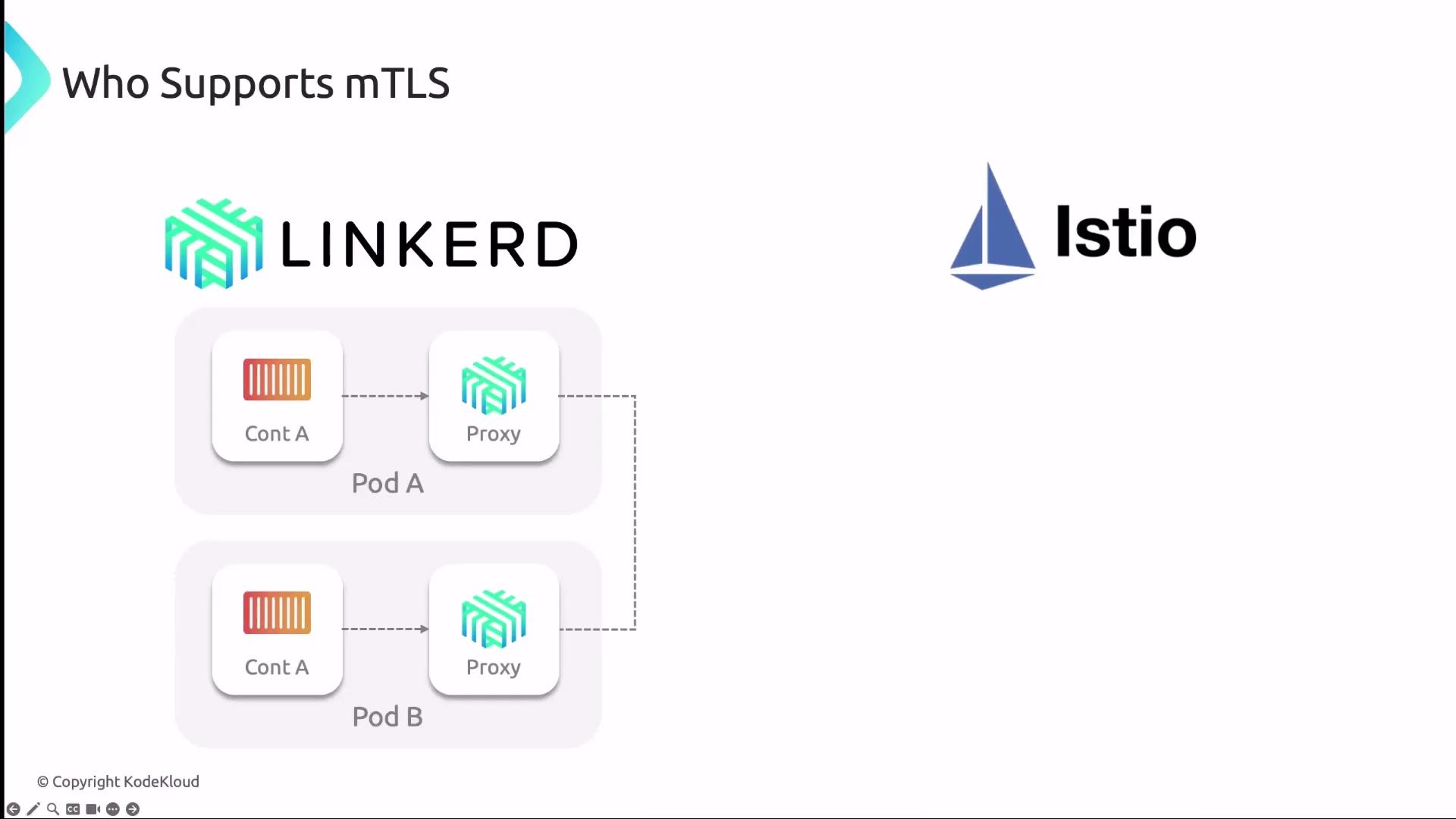
Several service meshes and CNI plugins offer built-in mTLS capabilities:
### Linkerd
Linkerd injects a lightweight sidecar proxy into each pod to:
* Manage all inbound/outbound traffic.
* Perform mTLS handshakes automatically.
* Rotate short-lived certificates via its control plane.
### Istio
Istio leverages Envoy sidecars:
* Istio’s built-in CA issues and auto-rotates certificates.
* Sidecars exchange and verify credentials against the Istio root CA.
* Establish encrypted tunnels between services.
### Cilium (Beta)
Cilium’s mTLS support is currently in beta. Refer to the official [Cilium documentation](https://docs.cilium.io/) for setup instructions and caveats.
## Best Practices for mTLS in Kubernetes
* Automate certificate lifecycle with [Cert-Manager](https://cert-manager.io/) or a similar tool.
* Deploy a service mesh (Istio, Linkerd) to simplify policy enforcement and certificate rotation.
* Integrate mTLS validation into CI/CD pipelines to catch misconfigurations early.
* Provide training and run regular workshops on certificate troubleshooting.
* Keep operational runbooks and troubleshooting guides up to date.
mTLS adds CPU/memory overhead for encryption and certificate checks. Plan resource allocation accordingly.
## Challenges and Considerations
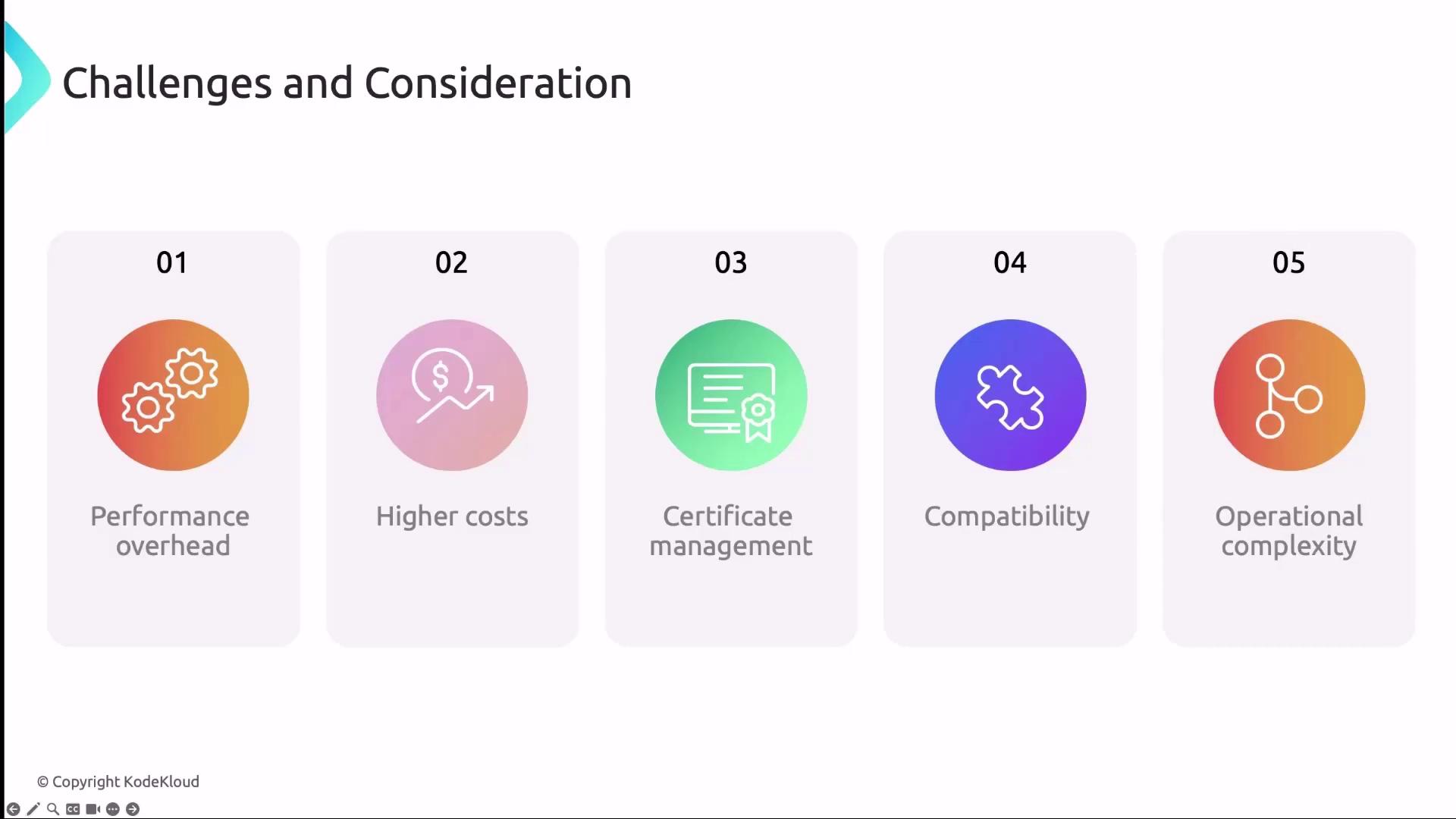
1. Performance overhead from encryption/decryption and additional handshakes.
2. Increased infrastructure and tooling costs.
3. Complexity in configuring and managing certificates—even with automation.
4. Compatibility gaps in legacy or third-party services.
5. Operational complexity requiring deeper security expertise.
***
## Further Reading
* [Kubernetes Networking Deep Dive: mTLS](https://kubernetes.io/docs/concepts/cluster-administration/networking/)
* [Istio Security Concepts](https://istio.io/latest/docs/concepts/security/)
* [Linkerd Security Overview](https://linkerd.io/2.11/security/)