> ## Documentation Index
> Fetch the complete documentation index at: https://notes.kodekloud.com/llms.txt
> Use this file to discover all available pages before exploring further.
# Cert Manager Deep Dive
> Explains cert-manager, a Kubernetes operator that automates TLS certificate issuance, renewal, and in-place Secret storage using Issuer and ClusterIssuer resources.
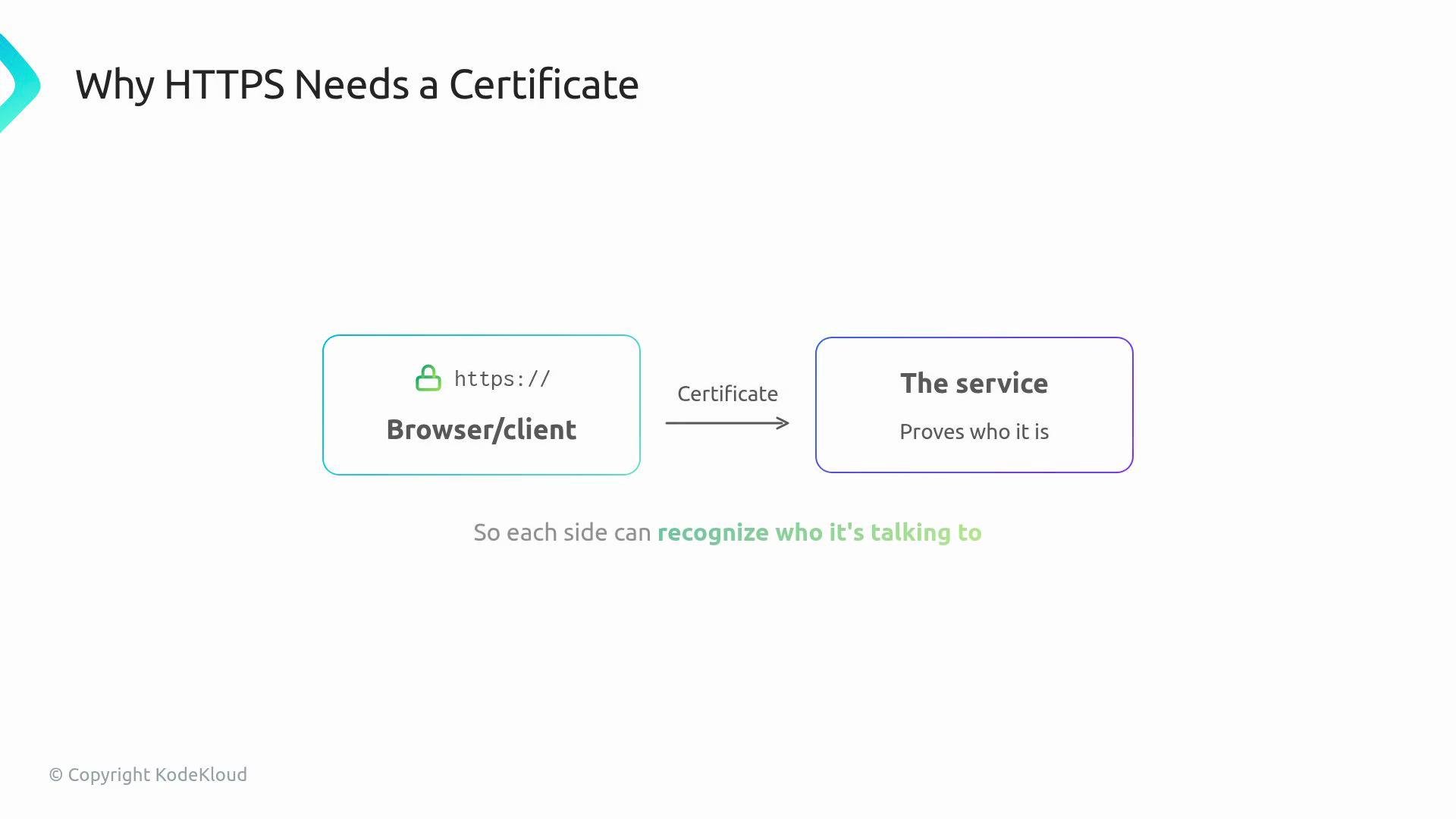
When an application uses HTTPS, a certificate proves the identity of the endpoint to browsers, clients, and other services. Certificates ensure encrypted traffic and trust between parties.
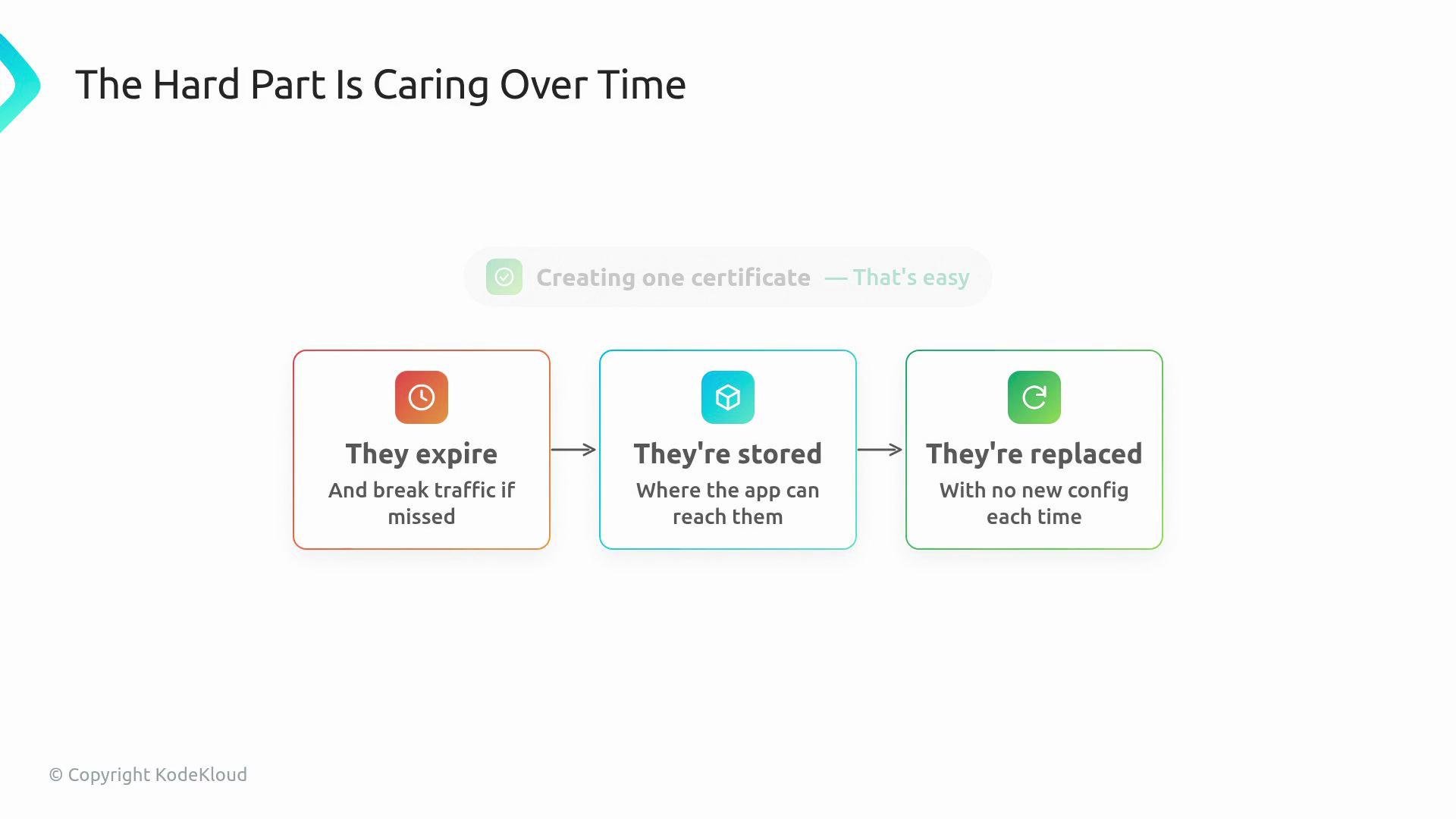
 Managing a single certificate by hand is straightforward. The real challenge is lifecycle management: certificates expire, they must be stored where applications can access them, and replacements should not require changing application configuration.
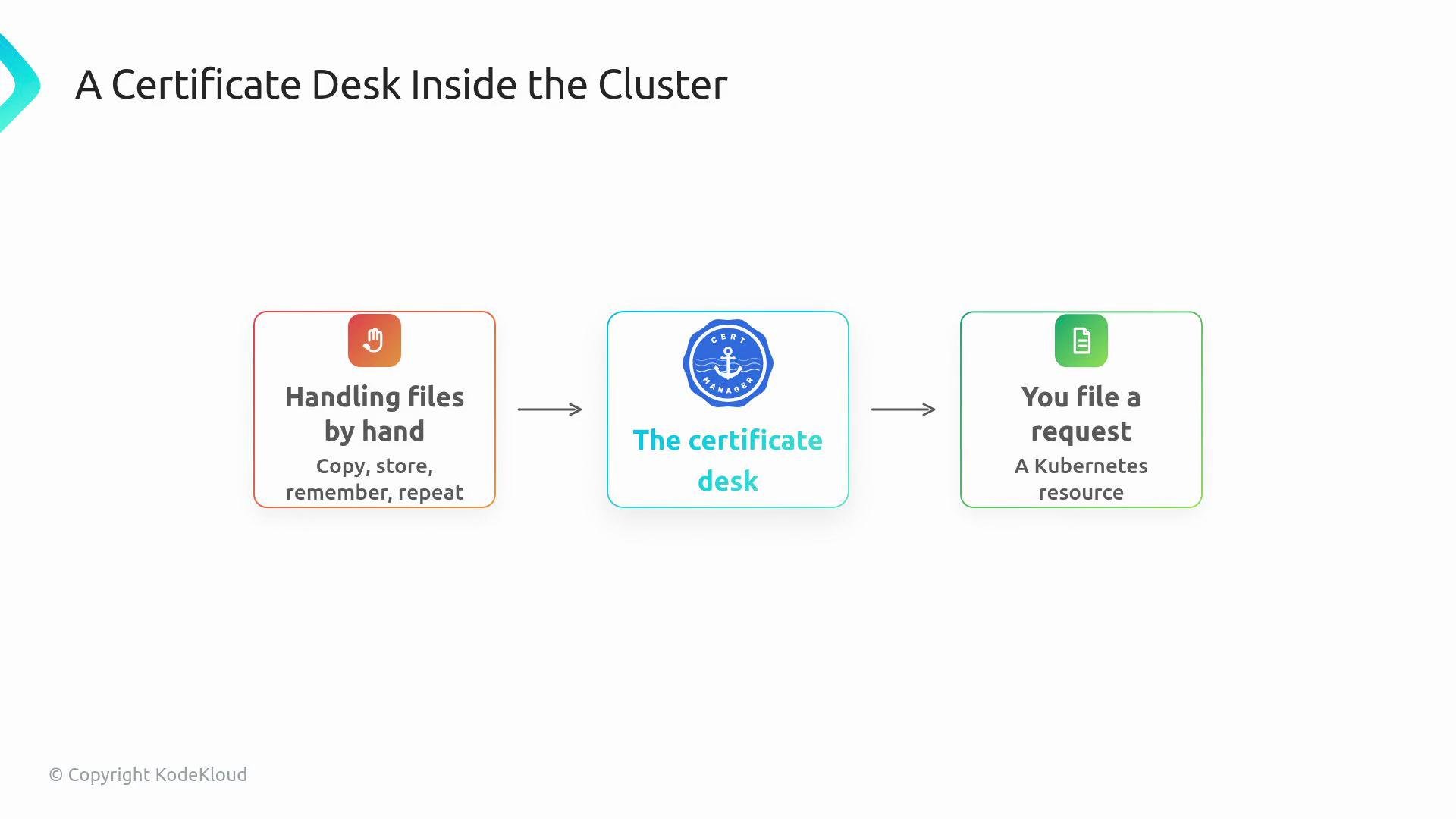
 cert-manager implements that lifecycle as a Kubernetes operator. You declare the certificate you want as a Kubernetes resource, cert-manager watches that resource, and it creates or updates a Kubernetes Secret containing the certificate and key. Think of cert-manager as a certificate desk inside the cluster: instead of managing files manually, developers file a Kubernetes request and let the operator reconcile the result.
 Key objects in cert-manager
* Certificate resource: a request that declares the DNS names (subject / SANs), the Issuer to use, and the target Secret name.
* Issuer / ClusterIssuer: the authority that fulfills the request by obtaining or issuing the certificate.
* Secret: where the resulting TLS material is stored (commonly `kubernetes.io/tls` with `tls.crt` and `tls.key`).
A typical Certificate request includes:
* DNS name(s) the certificate should cover.
* Which Issuer or ClusterIssuer should obtain the certificate.
* Which Kubernetes Secret should hold the TLS data.
Below is an example Certificate resource (minimal):
```yaml theme={null}
apiVersion: cert-manager.io/v1
kind: Certificate
metadata:
name: example-com-tls
namespace: default
spec:
dnsNames:
- example.com
- www.example.com
secretName: example-com-tls-secret
issuerRef:
name: letsencrypt-prod
kind: ClusterIssuer
```
And a minimal ClusterIssuer that uses Let’s Encrypt (ACME):
```yaml theme={null}
apiVersion: cert-manager.io/v1
kind: ClusterIssuer
metadata:
name: letsencrypt-prod
spec:
acme:
server: https://acme-v02.api.letsencrypt.org/directory
email: admin@example.com
privateKeySecretRef:
name: letsencrypt-prod-account-key
solvers:
- http01:
ingress:
class: nginx
```
Cert-manager writes the resulting certificate and private key into the target Secret. For TLS-type Secrets, the Secret contains the keys `tls.crt` and `tls.key`:
```yaml theme={null}
apiVersion: v1
kind: Secret
metadata:
name: example-com-tls-secret
namespace: default
type: kubernetes.io/tls
data:
tls.crt:
tls.key:
```
Keep this mental model:
Key objects in cert-manager
* Certificate resource: a request that declares the DNS names (subject / SANs), the Issuer to use, and the target Secret name.
* Issuer / ClusterIssuer: the authority that fulfills the request by obtaining or issuing the certificate.
* Secret: where the resulting TLS material is stored (commonly `kubernetes.io/tls` with `tls.crt` and `tls.key`).
A typical Certificate request includes:
* DNS name(s) the certificate should cover.
* Which Issuer or ClusterIssuer should obtain the certificate.
* Which Kubernetes Secret should hold the TLS data.
Below is an example Certificate resource (minimal):
```yaml theme={null}
apiVersion: cert-manager.io/v1
kind: Certificate
metadata:
name: example-com-tls
namespace: default
spec:
dnsNames:
- example.com
- www.example.com
secretName: example-com-tls-secret
issuerRef:
name: letsencrypt-prod
kind: ClusterIssuer
```
And a minimal ClusterIssuer that uses Let’s Encrypt (ACME):
```yaml theme={null}
apiVersion: cert-manager.io/v1
kind: ClusterIssuer
metadata:
name: letsencrypt-prod
spec:
acme:
server: https://acme-v02.api.letsencrypt.org/directory
email: admin@example.com
privateKeySecretRef:
name: letsencrypt-prod-account-key
solvers:
- http01:
ingress:
class: nginx
```
Cert-manager writes the resulting certificate and private key into the target Secret. For TLS-type Secrets, the Secret contains the keys `tls.crt` and `tls.key`:
```yaml theme={null}
apiVersion: v1
kind: Secret
metadata:
name: example-com-tls-secret
namespace: default
type: kubernetes.io/tls
data:
tls.crt:
tls.key:
```
Keep this mental model:
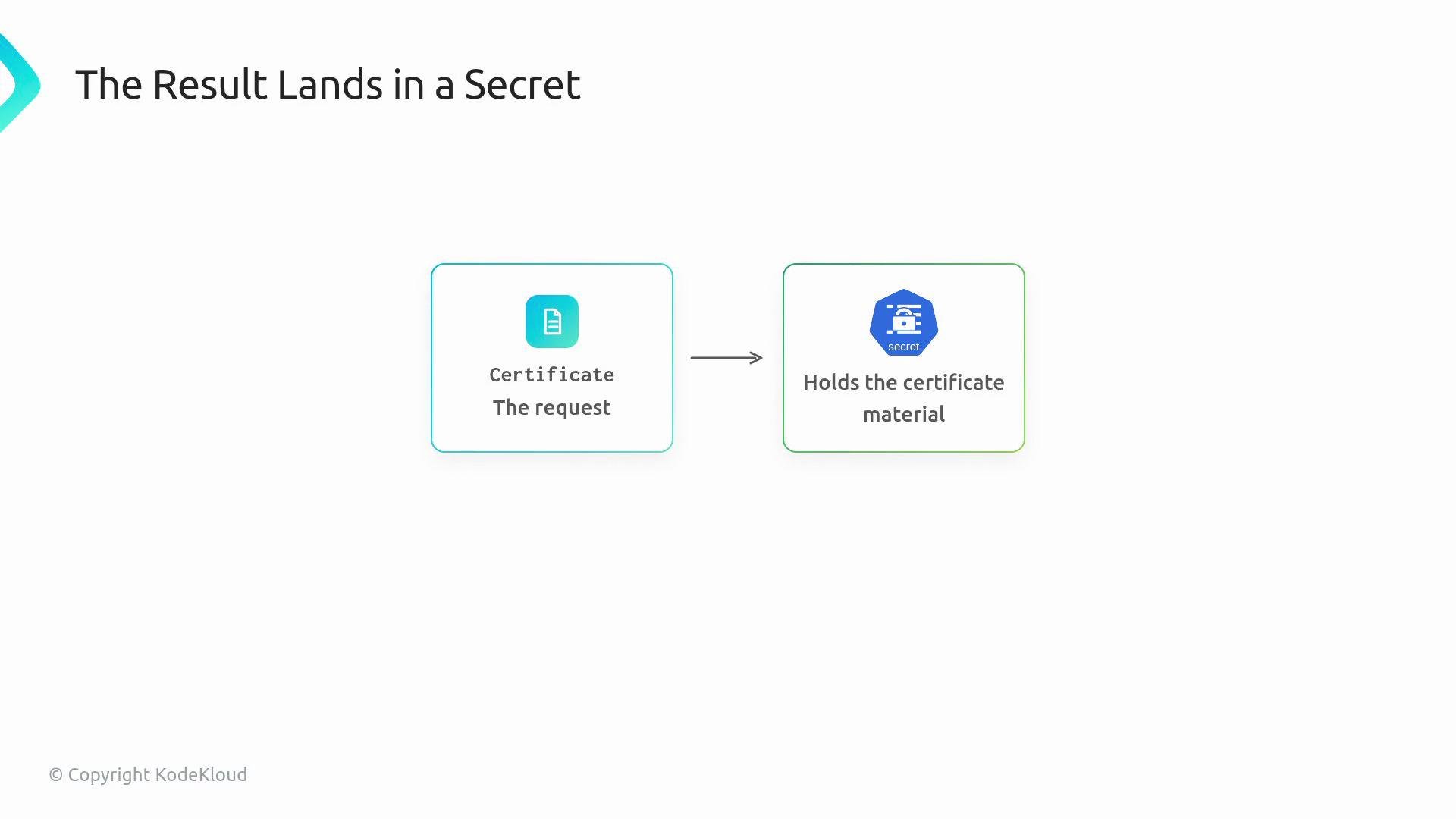 Certificate resource = request.\
Secret = output (contains `tls.crt` and `tls.key`).
Issuer vs ClusterIssuer
| Resource | Scope | Use case |
| ------------- | ---------------- | ------------------------------------------------------------------------------- |
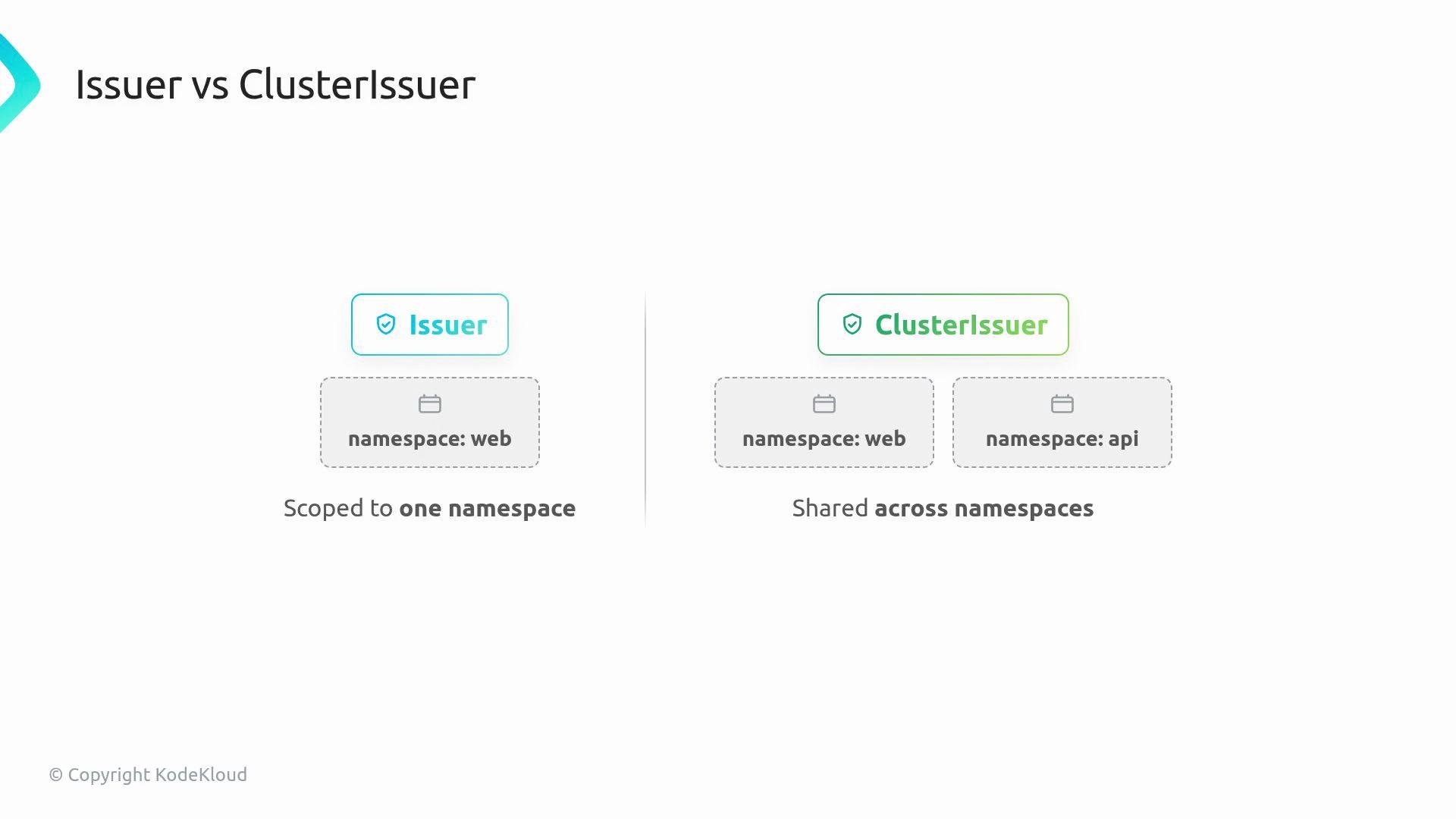
| Issuer | Namespace-scoped | Issuing certificates for resources inside a single namespace. |
| ClusterIssuer | Cluster-scoped | Share a single issuer (e.g., Let’s Encrypt account) across multiple namespaces. |
Certificate resource = request.\
Secret = output (contains `tls.crt` and `tls.key`).
Issuer vs ClusterIssuer
| Resource | Scope | Use case |
| ------------- | ---------------- | ------------------------------------------------------------------------------- |
| Issuer | Namespace-scoped | Issuing certificates for resources inside a single namespace. |
| ClusterIssuer | Cluster-scoped | Share a single issuer (e.g., Let’s Encrypt account) across multiple namespaces. |
 Renewal automation
Renewal is where cert-manager provides the greatest value. Certificates expire; cert-manager continuously monitors Certificate resources and requests replacements before expiry. Crucially, cert-manager updates the same Secret name in-place, so applications can keep referencing a stable Secret while its contents are rotated.
When cert-manager is installed you’ll typically see these components:
* Controller(s) that reconcile Certificate, Issuer, and other cert-manager CRs.
* Validating webhook that validates cert-manager resources against the API.
* CA injector (cainjector) which injects CA bundles where needed (for example, into webhook configurations).
Operational tips
* Verify the Certificate status: `kubectl describe certificate example-com-tls -n default`
* Confirm the Secret exists and includes `tls.crt` and `tls.key`: `kubectl get secret example-com-tls-secret -n default -o yaml`
* Troubleshoot with CertificateRequest objects and cert-manager controller logs when issuance fails.
cert-manager stores TLS material in a Secret of type `kubernetes.io/tls` with keys `tls.crt` (certificate chain) and `tls.key` (private key). Applications should reference the Secret name so cert-manager can update the data in-place during renewal. See [cert-manager documentation](https://cert-manager.io/) and Kubernetes TLS Secret docs: `https://kubernetes.io/docs/concepts/configuration/secret/#tls-secrets`.
Next steps
Install cert-manager in a lab cluster, create an Issuer or ClusterIssuer and a Certificate resource, and then confirm cert-manager issues the certificate and writes the TLS Secret for your workload. For production, integrate a trusted ACME CA (e.g., Let’s Encrypt) or your organization’s internal CA, and ensure DNS or HTTP challenge solvers are configured correctly.
Links and references
* cert-manager: [https://cert-manager.io/](https://cert-manager.io/)
* Let’s Encrypt: [https://letsencrypt.org](https://letsencrypt.org)
* Kubernetes TLS Secrets: [https://kubernetes.io/docs/concepts/configuration/secret/#tls-secrets](https://kubernetes.io/docs/concepts/configuration/secret/#tls-secrets)
Renewal automation
Renewal is where cert-manager provides the greatest value. Certificates expire; cert-manager continuously monitors Certificate resources and requests replacements before expiry. Crucially, cert-manager updates the same Secret name in-place, so applications can keep referencing a stable Secret while its contents are rotated.
When cert-manager is installed you’ll typically see these components:
* Controller(s) that reconcile Certificate, Issuer, and other cert-manager CRs.
* Validating webhook that validates cert-manager resources against the API.
* CA injector (cainjector) which injects CA bundles where needed (for example, into webhook configurations).
Operational tips
* Verify the Certificate status: `kubectl describe certificate example-com-tls -n default`
* Confirm the Secret exists and includes `tls.crt` and `tls.key`: `kubectl get secret example-com-tls-secret -n default -o yaml`
* Troubleshoot with CertificateRequest objects and cert-manager controller logs when issuance fails.
cert-manager stores TLS material in a Secret of type `kubernetes.io/tls` with keys `tls.crt` (certificate chain) and `tls.key` (private key). Applications should reference the Secret name so cert-manager can update the data in-place during renewal. See [cert-manager documentation](https://cert-manager.io/) and Kubernetes TLS Secret docs: `https://kubernetes.io/docs/concepts/configuration/secret/#tls-secrets`.
Next steps
Install cert-manager in a lab cluster, create an Issuer or ClusterIssuer and a Certificate resource, and then confirm cert-manager issues the certificate and writes the TLS Secret for your workload. For production, integrate a trusted ACME CA (e.g., Let’s Encrypt) or your organization’s internal CA, and ensure DNS or HTTP challenge solvers are configured correctly.
Links and references
* cert-manager: [https://cert-manager.io/](https://cert-manager.io/)
* Let’s Encrypt: [https://letsencrypt.org](https://letsencrypt.org)
* Kubernetes TLS Secrets: [https://kubernetes.io/docs/concepts/configuration/secret/#tls-secrets](https://kubernetes.io/docs/concepts/configuration/secret/#tls-secrets)