> ## Documentation Index
> Fetch the complete documentation index at: https://notes.kodekloud.com/llms.txt
> Use this file to discover all available pages before exploring further.
# Lab Solution Install And Combine Two Operators
> Explains installing cert-manager and Prometheus Operator in one namespace, creating their CRs, and verifying each operator reconciles only its own resources.
This lesson demonstrates how to run two independent Kubernetes operators in the same namespace without mixing ownership of their custom resources. You will install or verify two controllers, create the custom resources each operator manages, and confirm that each operator reconciles only its own resources.
* cert-manager: manages certificate lifecycle (Issuer, Certificate) and produces TLS Secrets.
* Prometheus Operator: manages monitoring lifecycle (ServiceMonitor, Prometheus) and generates the Prometheus workload.
These cert-manager components work together: the controller reconciles Certificate resources, the webhook validates cert-manager API requests, and cainjector injects CA trust data into Kubernetes resources.
Operators claim ownership only of the custom resources defined by their CRDs. Co-locating resources in the same Kubernetes namespace is useful for visibility, but it does not imply shared ownership or control.
## Prerequisites and overview
1. Confirm cert-manager and Prometheus Operator deployments are running.
2. Create a single namespace `combined` to host the application-facing custom resources (the operators themselves run in their own namespaces).
3. Apply cert-manager resources (Issuer + Certificate) and verify a TLS Secret is produced.
4. Apply Prometheus resources (Deployment, Service, ServiceMonitor, Prometheus) and verify the operator generates the Prometheus StatefulSet.
5. Validate that each operator only reconciles its own resources and verify the label selector match between Prometheus and the ServiceMonitor.
## Verify controllers and create namespace
Confirm both operator deployments are available, then create the `combined` namespace:
```bash theme={null}
# Check cert-manager components
kubectl -n cert-manager get deploy cert-manager cert-manager-webhook cert-manager-cainjector
# Check Prometheus Operator deployment
kubectl -n monitoring get deploy prometheus-operator
# Create the shared namespace for application-facing resources
kubectl create namespace combined
```
Example output:
```bash theme={null}
$ kubectl -n cert-manager get deploy cert-manager cert-manager-webhook cert-manager-cainjector
NAME READY UP-TO-DATE AVAILABLE AGE
cert-manager 1/1 1 1 2m13s
cert-manager-webhook 1/1 1 1 2m13s
cert-manager-cainjector 1/1 1 1 2m13s
$ kubectl -n monitoring get deploy prometheus-operator
NAME READY UP-TO-DATE AVAILABLE AGE
prometheus-operator 1/1 1 1 2m5s
```
Both sets of application-facing custom resources will live in the `combined` namespace while their controllers continue to run in separate operator namespaces.
## cert-manager resources (Issuer + Certificate)
Inspect the cert-manager resources: an Issuer (who signs) and a Certificate (what certificate is requested and which Secret should receive it). The Certificate in this lesson targets the Secret `web-tls` in namespace `combined`.
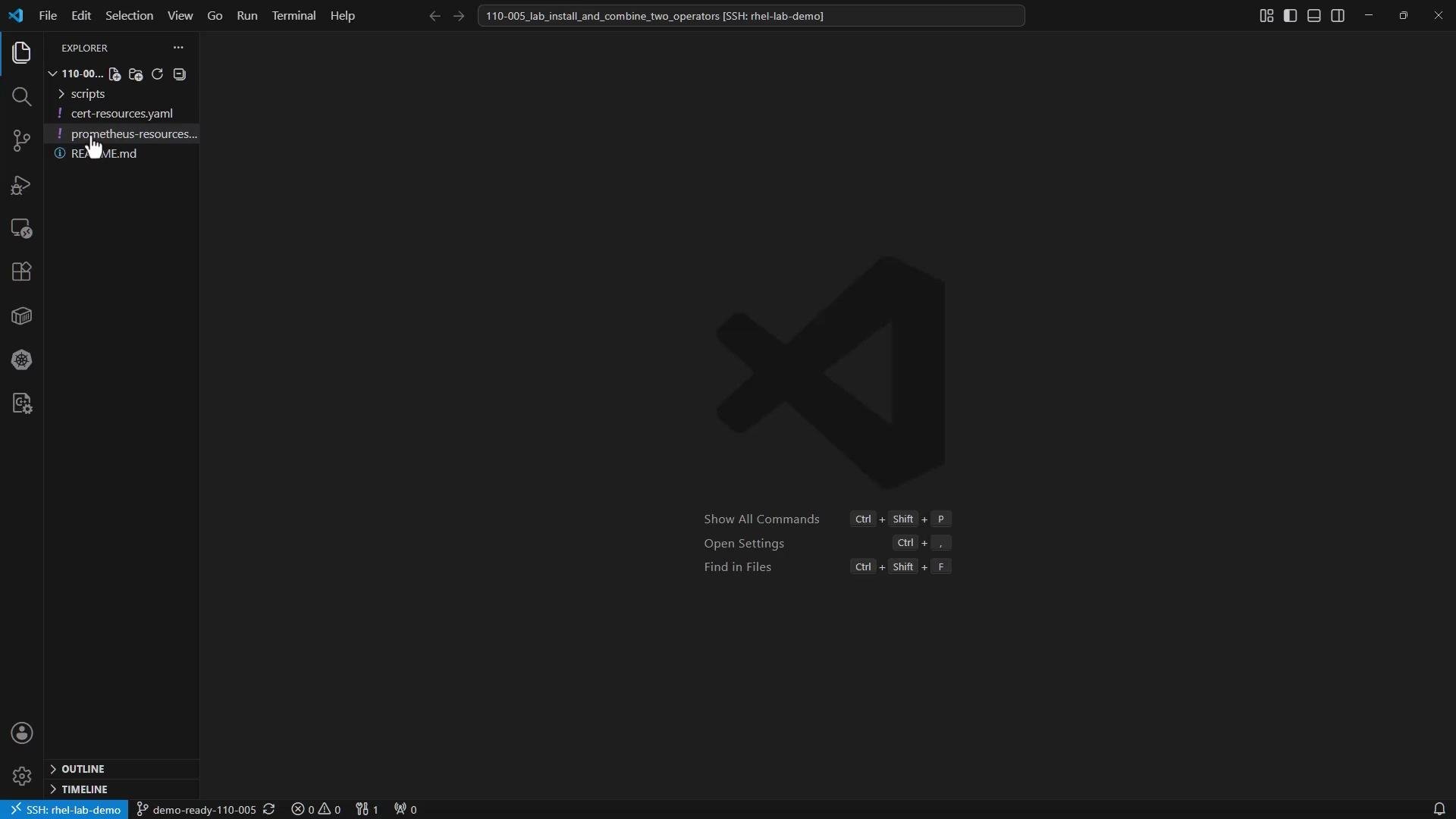 cert-resources.yaml:
```yaml theme={null}
apiVersion: cert-manager.io/v1
kind: Issuer
metadata:
name: selfsigned
namespace: combined
spec:
selfSigned: {}
---
apiVersion: cert-manager.io/v1
kind: Certificate
metadata:
name: web-tls
namespace: combined
spec:
secretName: web-tls
dnsNames:
- apps.kodekloud.com
issuerRef:
name: selfsigned
kind: Issuer
```
Apply the resources and wait for the Certificate to become Ready. The Ready condition means cert-manager has issued the certificate and populated the Secret.
```bash theme={null}
kubectl apply -f cert-resources.yaml
kubectl -n combined wait --for=condition=Ready certificate/web-tls --timeout=180s
```
Example output:
```text theme={null}
certificate.cert-manager.io/web-tls condition met
```
Verify the Secret type is `kubernetes.io/tls`, the standard type used by applications for TLS secrets:
```bash theme={null}
kubectl -n combined get secret web-tls -o jsonpath='{.type}{"\n"}'
```
Example output:
```text theme={null}
kubernetes.io/tls
```
## Prometheus resources (Deployment, Service, ServiceMonitor, Prometheus)
Next, create the monitoring resources that the Prometheus Operator will reconcile. This example includes:
* a small example Deployment that exports metrics,
* a Service exposing the metrics port,
* a ServiceMonitor that discovers the Service,
* a Prometheus custom resource that selects ServiceMonitors via labels.
prometheus-resources.yaml:
```yaml theme={null}
# Deployment for example-app (exports metrics)
apiVersion: apps/v1
kind: Deployment
metadata:
name: example-app
namespace: combined
labels:
app: example-app
spec:
replicas: 1
selector:
matchLabels:
app: example-app
template:
metadata:
labels:
app: example-app
spec:
containers:
- name: app
image: prom/node-exporter
ports:
- name: metrics
containerPort: 9100
---
# Service exposing the metrics port for the Deployment
apiVersion: v1
kind: Service
metadata:
name: example-app
namespace: combined
spec:
selector:
app: example-app
ports:
- name: metrics
port: 9100
targetPort: metrics
---
# ServiceMonitor that targets the Service by label
apiVersion: monitoring.coreos.com/v1
kind: ServiceMonitor
metadata:
name: example-app
namespace: combined
labels:
team: combined
spec:
selector:
matchLabels:
app: example-app
endpoints:
- port: metrics
---
# Prometheus custom resource that selects ServiceMonitors by label
apiVersion: monitoring.coreos.com/v1
kind: Prometheus
metadata:
name: combined
namespace: combined
spec:
serviceAccountName: prometheus
replicas: 1
serviceMonitorSelector:
matchLabels:
team: combined
```
Apply the Prometheus resources:
```bash theme={null}
kubectl apply -f prometheus-resources.yaml
```
Example apply output:
```bash theme={null}
deployment.apps/example-app created
service/example-app created
serviceaccount/prometheus created
clusterrole.rbac.authorization.k8s.io/prometheus-combined created
clusterrolebinding.rbac.authorization.k8s.io/prometheus-combined created
servicemonitor.monitoring.coreos.com/example-app created
prometheus.monitoring.coreos.com/combined created
```
The Prometheus Operator reconciles the Prometheus CR and will create the actual Prometheus StatefulSet. The generated StatefulSet name may vary by operator version; this example expects `prometheus-combined`.
```bash theme={null}
kubectl -n combined rollout status statefulset/prometheus-combined --timeout=300s
```
If the operator generated a differently named StatefulSet, find it with:
```bash theme={null}
kubectl -n combined get statefulset
```
## Quick reference: resources created in `combined` namespace
| Resource Type | Purpose | Example resource/name |
| --------------- | ----------------------------------------- | ------------------------------------------------- |
| Issuer | Signs certificates | `Issuer/selfsigned` |
| Certificate | Requests TLS certificate into a Secret | `Certificate/web-tls` |
| Secret | TLS secret produced by cert-manager | `Secret/web-tls` (type `kubernetes.io/tls`) |
| Deployment | Example app that exposes metrics | `Deployment/example-app` |
| Service | Exposes metrics port for scraping | `Service/example-app` |
| ServiceMonitor | Service discovery for Prometheus | `ServiceMonitor/example-app` |
| Prometheus (CR) | Operator-managed Prometheus configuration | `Prometheus/combined` |
| StatefulSet | Operator-generated Prometheus instance | `StatefulSet/prometheus-combined` (name may vary) |
## Validate operator ownership and selector match
List and inspect resources in the `combined` namespace to confirm both workflows coexist without ownership overlap:
* cert-manager produced `web-tls` Secret from the Certificate request.
* Prometheus Operator generated the Prometheus StatefulSet and included the ServiceMonitor in its scrape targets.
Finally, verify the label selector match between the Prometheus resource and the ServiceMonitor. Both values should be `combined` so the ServiceMonitor is included in Prometheus' configuration:
```bash theme={null}
# Get the serviceMonitorSelector label value from the Prometheus CR
kubectl -n combined get prometheus combined -o jsonpath='{.spec.serviceMonitorSelector.matchLabels.team}{"\n"}'
# Get the label value from the ServiceMonitor
kubectl -n combined get servicemonitor example-app -o jsonpath='{.metadata.labels.team}{"\n"}'
```
Expected output:
```text theme={null}
combined
combined
```
When these match, the Prometheus Operator includes the ServiceMonitor target in Prometheus' generated scrape configuration.
## Summary
You now have two operators performing different responsibilities within the same namespace:
* cert-manager issued a certificate and wrote a `kubernetes.io/tls` Secret for application consumption.
* Prometheus Operator generated the Prometheus StatefulSet and configured scraping via the ServiceMonitor you created.
Running multiple operators side-by-side is a common pattern; namespaces are convenient observation boundaries but do not change CR ownership. For more details see the operator projects:
* [cert-manager documentation](https://cert-manager.io/docs/)
* [Prometheus Operator documentation](https://prometheus-operator.dev/)
cert-resources.yaml:
```yaml theme={null}
apiVersion: cert-manager.io/v1
kind: Issuer
metadata:
name: selfsigned
namespace: combined
spec:
selfSigned: {}
---
apiVersion: cert-manager.io/v1
kind: Certificate
metadata:
name: web-tls
namespace: combined
spec:
secretName: web-tls
dnsNames:
- apps.kodekloud.com
issuerRef:
name: selfsigned
kind: Issuer
```
Apply the resources and wait for the Certificate to become Ready. The Ready condition means cert-manager has issued the certificate and populated the Secret.
```bash theme={null}
kubectl apply -f cert-resources.yaml
kubectl -n combined wait --for=condition=Ready certificate/web-tls --timeout=180s
```
Example output:
```text theme={null}
certificate.cert-manager.io/web-tls condition met
```
Verify the Secret type is `kubernetes.io/tls`, the standard type used by applications for TLS secrets:
```bash theme={null}
kubectl -n combined get secret web-tls -o jsonpath='{.type}{"\n"}'
```
Example output:
```text theme={null}
kubernetes.io/tls
```
## Prometheus resources (Deployment, Service, ServiceMonitor, Prometheus)
Next, create the monitoring resources that the Prometheus Operator will reconcile. This example includes:
* a small example Deployment that exports metrics,
* a Service exposing the metrics port,
* a ServiceMonitor that discovers the Service,
* a Prometheus custom resource that selects ServiceMonitors via labels.
prometheus-resources.yaml:
```yaml theme={null}
# Deployment for example-app (exports metrics)
apiVersion: apps/v1
kind: Deployment
metadata:
name: example-app
namespace: combined
labels:
app: example-app
spec:
replicas: 1
selector:
matchLabels:
app: example-app
template:
metadata:
labels:
app: example-app
spec:
containers:
- name: app
image: prom/node-exporter
ports:
- name: metrics
containerPort: 9100
---
# Service exposing the metrics port for the Deployment
apiVersion: v1
kind: Service
metadata:
name: example-app
namespace: combined
spec:
selector:
app: example-app
ports:
- name: metrics
port: 9100
targetPort: metrics
---
# ServiceMonitor that targets the Service by label
apiVersion: monitoring.coreos.com/v1
kind: ServiceMonitor
metadata:
name: example-app
namespace: combined
labels:
team: combined
spec:
selector:
matchLabels:
app: example-app
endpoints:
- port: metrics
---
# Prometheus custom resource that selects ServiceMonitors by label
apiVersion: monitoring.coreos.com/v1
kind: Prometheus
metadata:
name: combined
namespace: combined
spec:
serviceAccountName: prometheus
replicas: 1
serviceMonitorSelector:
matchLabels:
team: combined
```
Apply the Prometheus resources:
```bash theme={null}
kubectl apply -f prometheus-resources.yaml
```
Example apply output:
```bash theme={null}
deployment.apps/example-app created
service/example-app created
serviceaccount/prometheus created
clusterrole.rbac.authorization.k8s.io/prometheus-combined created
clusterrolebinding.rbac.authorization.k8s.io/prometheus-combined created
servicemonitor.monitoring.coreos.com/example-app created
prometheus.monitoring.coreos.com/combined created
```
The Prometheus Operator reconciles the Prometheus CR and will create the actual Prometheus StatefulSet. The generated StatefulSet name may vary by operator version; this example expects `prometheus-combined`.
```bash theme={null}
kubectl -n combined rollout status statefulset/prometheus-combined --timeout=300s
```
If the operator generated a differently named StatefulSet, find it with:
```bash theme={null}
kubectl -n combined get statefulset
```
## Quick reference: resources created in `combined` namespace
| Resource Type | Purpose | Example resource/name |
| --------------- | ----------------------------------------- | ------------------------------------------------- |
| Issuer | Signs certificates | `Issuer/selfsigned` |
| Certificate | Requests TLS certificate into a Secret | `Certificate/web-tls` |
| Secret | TLS secret produced by cert-manager | `Secret/web-tls` (type `kubernetes.io/tls`) |
| Deployment | Example app that exposes metrics | `Deployment/example-app` |
| Service | Exposes metrics port for scraping | `Service/example-app` |
| ServiceMonitor | Service discovery for Prometheus | `ServiceMonitor/example-app` |
| Prometheus (CR) | Operator-managed Prometheus configuration | `Prometheus/combined` |
| StatefulSet | Operator-generated Prometheus instance | `StatefulSet/prometheus-combined` (name may vary) |
## Validate operator ownership and selector match
List and inspect resources in the `combined` namespace to confirm both workflows coexist without ownership overlap:
* cert-manager produced `web-tls` Secret from the Certificate request.
* Prometheus Operator generated the Prometheus StatefulSet and included the ServiceMonitor in its scrape targets.
Finally, verify the label selector match between the Prometheus resource and the ServiceMonitor. Both values should be `combined` so the ServiceMonitor is included in Prometheus' configuration:
```bash theme={null}
# Get the serviceMonitorSelector label value from the Prometheus CR
kubectl -n combined get prometheus combined -o jsonpath='{.spec.serviceMonitorSelector.matchLabels.team}{"\n"}'
# Get the label value from the ServiceMonitor
kubectl -n combined get servicemonitor example-app -o jsonpath='{.metadata.labels.team}{"\n"}'
```
Expected output:
```text theme={null}
combined
combined
```
When these match, the Prometheus Operator includes the ServiceMonitor target in Prometheus' generated scrape configuration.
## Summary
You now have two operators performing different responsibilities within the same namespace:
* cert-manager issued a certificate and wrote a `kubernetes.io/tls` Secret for application consumption.
* Prometheus Operator generated the Prometheus StatefulSet and configured scraping via the ServiceMonitor you created.
Running multiple operators side-by-side is a common pattern; namespaces are convenient observation boundaries but do not change CR ownership. For more details see the operator projects:
* [cert-manager documentation](https://cert-manager.io/docs/)
* [Prometheus Operator documentation](https://prometheus-operator.dev/)