> ## Documentation Index
> Fetch the complete documentation index at: https://notes.kodekloud.com/llms.txt
> Use this file to discover all available pages before exploring further.
# Section Overview
> Guidance on designing strict Kubernetes CustomResourceDefinitions to enforce schemas, defaults, enums, CEL validations, operational subresources, and safe versioning to prevent cross-environment validation failures.
You have a new Custom Resource running in your dev cluster and everything looks normal:
```bash theme={null}
$ kubectl apply -f photo.yaml --context dev
photo.kodekloud.dev/vacation-2024 created
$ kubectl get photo --context dev
NAME QUALITY AGE
vacation-2024 ultra 5s
```
However, applying the same object to staging fails with a validation error:
```bash theme={null}
$ kubectl apply -f photo.yaml --context staging
The Photo "vacation-2024" is invalid:
```
This kind of environment-dependent rejection usually points to a CRD that was never strict enough. A permissive schema can let invalid or incomplete objects be created in one environment and then cause validation failures in another.
For example, this simplified CRD lacks sufficient constraints (note how minimal the schema is):
```yaml theme={null}
# photo-crd.yaml (v1alpha1) - simplified to illustrate missing constraints
spec:
versions:
- name: v1alpha1
served: true
storage: true
schema:
openAPIV3Schema:
type: object
properties:
quality:
type: string
```
Too often teams treat CRD registration as a one-line step:
```bash theme={null}
$ kubectl apply -f crd.yaml
```
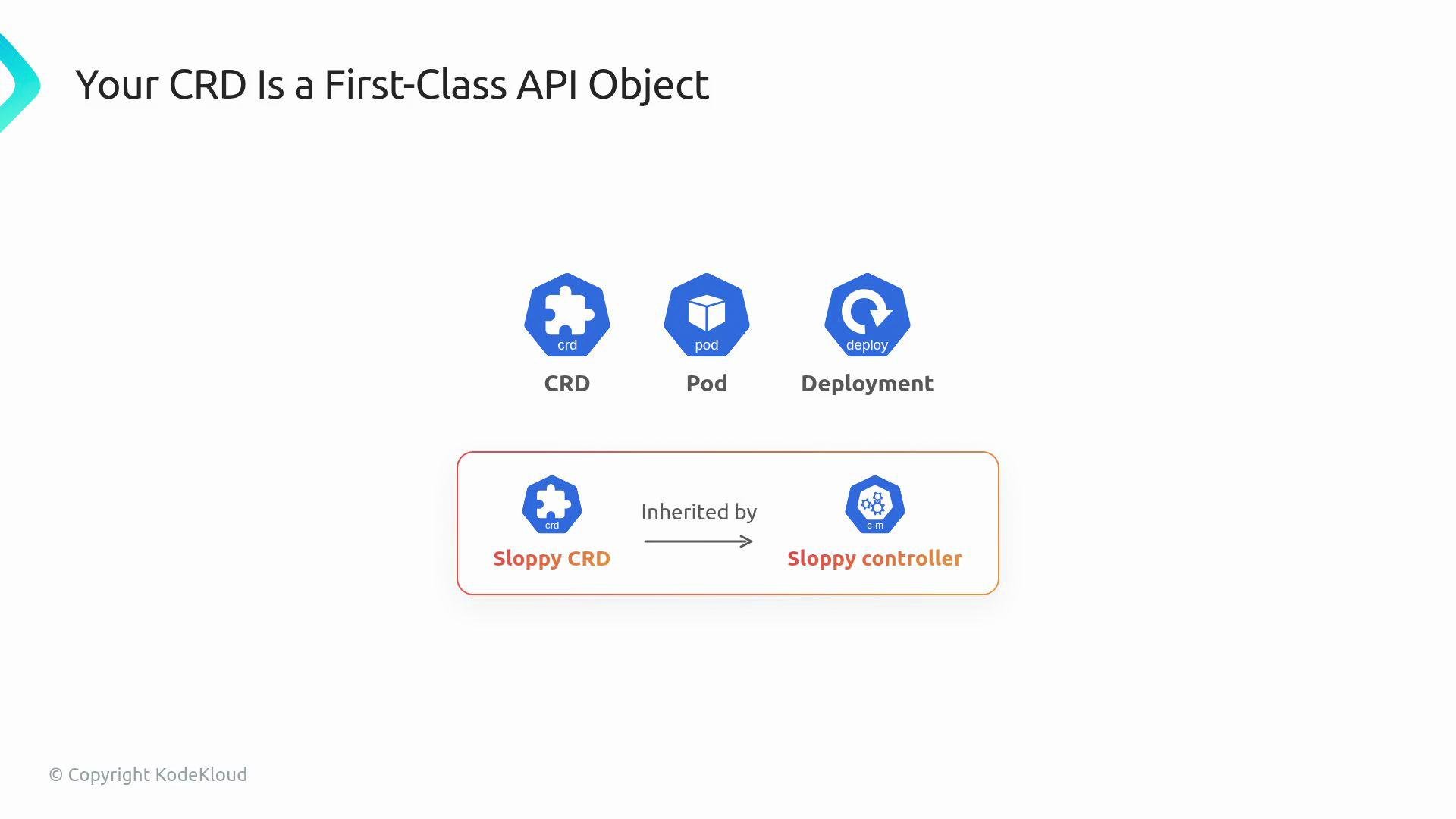
but a CRD is more than a registration; it's an API contract. The Kubernetes API server enforces this contract like a strict clerk validating filled forms: the CRD is the blank template and the Custom Resource (CR) is the completed form. If the template (CRD) is sloppy, every controller and user interacting with your API inherits those design problems.
You will start with the fundamentals: what a Custom Resource is at the API server level, and the difference between the resource (CR) and its definition (CRD).
 Treat a CRD as a stable API contract, not a temporary convenience. Design the schema intentionally: names, required fields, allowed values, and update strategy matter.
## Reproducing the problem
* Dev cluster: permissive CRD allowed the invalid object.
* Staging cluster: CRD is stricter (or the same stricter server-side checks), so the same object is rejected.
* Result: you must perform a CRD version bump, migrate objects, and explain a breaking change to stakeholders.
Versioning a CRD and migrating existing resources can be a breaking change. Plan migration strategies (conversion webhooks, storage versioning) before changing schemas in production.
## Why permissive schemas fail
Permissive OpenAPI schemas let invalid or malformed objects be stored somewhere; when another cluster has more accurate validations (or the API server enforces additional checks such as CEL validations), those same objects will be blocked. The root cause is treating the CRD as an afterthought rather than as the authoritative API contract.
## Designing a robust CRD
When authoring a CRD, explicitly design:
* Structural schema: use `type: object` and `properties` to make the shape explicit.
* Required fields: prevent runtime panics and make controllers simpler.
* Defaults: populate sane defaults so clients don't need to supply every field.
* Enums and format checks: restrict values to known-good options.
* CEL validations: express rules OpenAPI cannot, enforced at admission time.
* Operational subresources and UX enhancements (status, scale, printer columns, shortNames).
Example structural schema with validations:
```yaml theme={null}
openAPIV3Schema:
type: object # structural schema
required:
- size # required fields
properties:
size:
type: string
default: "1Gi" # default
quality:
type: string
enum:
- "low" # enum
- "high"
x-kubernetes-validations:
- rule: "self.size != ''" # CEL
```
CEL (Common Expression Language) is evaluated by the API server at admission time and allows rules that OpenAPI cannot express (for example, cross-field validation or regex-like checks). Use CEL to catch invalid combinations early.
## Operational extras — improve usability
Small CRD additions greatly improve day-to-day usability for users and operators. The following table summarizes commonly-used operational settings and why they matter:
| Feature | Benefit | Notes / Example |
| -------------------- | -------------------------------------------------------- | ------------------------------------------------------------- |
| `status` subresource | Allows controller to update status independently of spec | Avoids update conflicts between users and controllers |
| `scale` subresource | Enables `kubectl scale` and HPA integration | Map `.spec.replicas` and `.status.replicas` appropriately |
| Printer columns | `kubectl get` shows useful columns | Example: add `quality` and `age` columns for quick visibility |
| `shortNames` | Saves typing for users | Example: `shortNames: ["ph"]` to allow `kubectl get ph` |
| Defaults & enums | Prevents invalid inputs and reduces client burden | Defaults reduce required input, enums restrict values |
Examples of expected operational interactions:
```bash theme={null}
# examples of operational expectations
kubectl scale photo vacation-2024 --replicas=3
kubectl get photo vacation-2024 -o wide # shows printer columns
```
## Practical next steps in this lesson
* Manually author a CRD (no KubeBuilder scaffolding) to expose the fields you need, the `versions` block, and the OpenAPI v3 schema.
* Add required fields, defaults, enums, and CEL validations to ensure the API rejects bad input at apply time.
* Add `status` and `scale` subresources and printer columns for operational ergonomics.
* Learn version bumping and migration patterns so schema evolution is safe in production.
By the end of this article you will be able to read any CRD and judge whether it was designed well, and you will know how to improve or evolve it safely.
## Links and references
* [KubeBuilder Book](https://book.kubebuilder.io/)
* [Kubernetes CEL validation docs](https://kubernetes.io/docs/reference/using-api/validation/)
* [Kubernetes CustomResourceDefinition API](https://kubernetes.io/docs/reference/generated/kubernetes-api/v1.27/#customresourcedefinition-v1-apiextensions-k8s-io)
Treat a CRD as a stable API contract, not a temporary convenience. Design the schema intentionally: names, required fields, allowed values, and update strategy matter.
## Reproducing the problem
* Dev cluster: permissive CRD allowed the invalid object.
* Staging cluster: CRD is stricter (or the same stricter server-side checks), so the same object is rejected.
* Result: you must perform a CRD version bump, migrate objects, and explain a breaking change to stakeholders.
Versioning a CRD and migrating existing resources can be a breaking change. Plan migration strategies (conversion webhooks, storage versioning) before changing schemas in production.
## Why permissive schemas fail
Permissive OpenAPI schemas let invalid or malformed objects be stored somewhere; when another cluster has more accurate validations (or the API server enforces additional checks such as CEL validations), those same objects will be blocked. The root cause is treating the CRD as an afterthought rather than as the authoritative API contract.
## Designing a robust CRD
When authoring a CRD, explicitly design:
* Structural schema: use `type: object` and `properties` to make the shape explicit.
* Required fields: prevent runtime panics and make controllers simpler.
* Defaults: populate sane defaults so clients don't need to supply every field.
* Enums and format checks: restrict values to known-good options.
* CEL validations: express rules OpenAPI cannot, enforced at admission time.
* Operational subresources and UX enhancements (status, scale, printer columns, shortNames).
Example structural schema with validations:
```yaml theme={null}
openAPIV3Schema:
type: object # structural schema
required:
- size # required fields
properties:
size:
type: string
default: "1Gi" # default
quality:
type: string
enum:
- "low" # enum
- "high"
x-kubernetes-validations:
- rule: "self.size != ''" # CEL
```
CEL (Common Expression Language) is evaluated by the API server at admission time and allows rules that OpenAPI cannot express (for example, cross-field validation or regex-like checks). Use CEL to catch invalid combinations early.
## Operational extras — improve usability
Small CRD additions greatly improve day-to-day usability for users and operators. The following table summarizes commonly-used operational settings and why they matter:
| Feature | Benefit | Notes / Example |
| -------------------- | -------------------------------------------------------- | ------------------------------------------------------------- |
| `status` subresource | Allows controller to update status independently of spec | Avoids update conflicts between users and controllers |
| `scale` subresource | Enables `kubectl scale` and HPA integration | Map `.spec.replicas` and `.status.replicas` appropriately |
| Printer columns | `kubectl get` shows useful columns | Example: add `quality` and `age` columns for quick visibility |
| `shortNames` | Saves typing for users | Example: `shortNames: ["ph"]` to allow `kubectl get ph` |
| Defaults & enums | Prevents invalid inputs and reduces client burden | Defaults reduce required input, enums restrict values |
Examples of expected operational interactions:
```bash theme={null}
# examples of operational expectations
kubectl scale photo vacation-2024 --replicas=3
kubectl get photo vacation-2024 -o wide # shows printer columns
```
## Practical next steps in this lesson
* Manually author a CRD (no KubeBuilder scaffolding) to expose the fields you need, the `versions` block, and the OpenAPI v3 schema.
* Add required fields, defaults, enums, and CEL validations to ensure the API rejects bad input at apply time.
* Add `status` and `scale` subresources and printer columns for operational ergonomics.
* Learn version bumping and migration patterns so schema evolution is safe in production.
By the end of this article you will be able to read any CRD and judge whether it was designed well, and you will know how to improve or evolve it safely.
## Links and references
* [KubeBuilder Book](https://book.kubebuilder.io/)
* [Kubernetes CEL validation docs](https://kubernetes.io/docs/reference/using-api/validation/)
* [Kubernetes CustomResourceDefinition API](https://kubernetes.io/docs/reference/generated/kubernetes-api/v1.27/#customresourcedefinition-v1-apiextensions-k8s-io)