> ## Documentation Index
> Fetch the complete documentation index at: https://notes.kodekloud.com/llms.txt
> Use this file to discover all available pages before exploring further.
# Course Roadmap What Youll Build
> Building a Kubernetes web app operator with Kubebuilder, covering CRDs, reconcile logic, Deployment Service ConfigMap management, status, validation, finalizers, packaging, and alternative workflows
This course makes one simple promise: you will build an operator you can understand. Not just define one, and not just install one — you'll build the pieces and watch them work together.
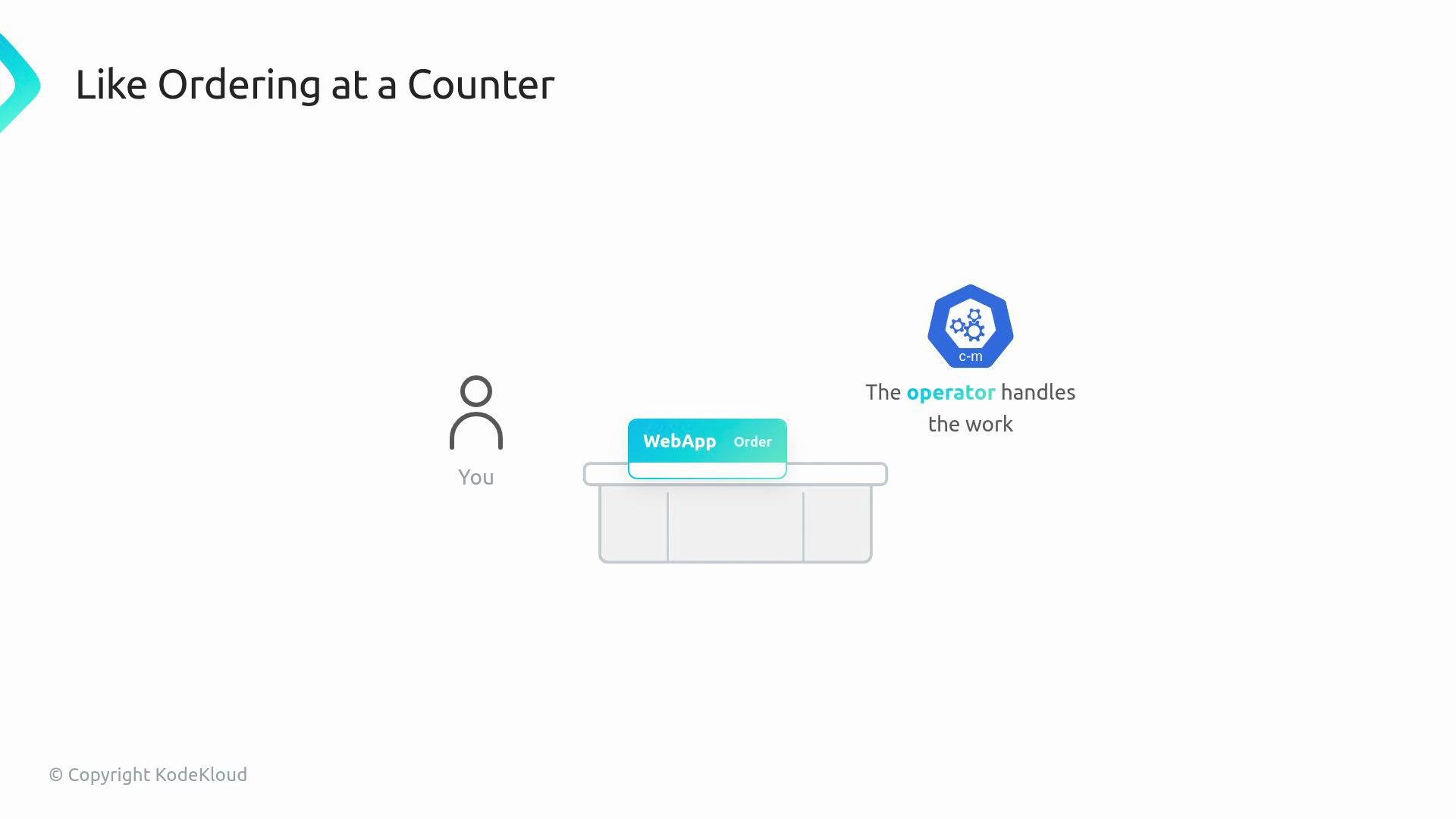
 Think of the web app operator like ordering a simple meal at a counter. The customer specifies what they want, and the kitchen handles the steps behind the curtain. In this lesson, a user creates a single web app resource; the operator takes care of the Kubernetes objects required to run that app.
 What the web app resource contains
* The resource’s spec is where users express desired state. For a simple web app, common fields include:
* `image` — the container image to run
* `replicas` — how many copies (Pods) should run
Table: common spec fields
| Field | Purpose | Example |
| ---------- | ------------------------------ | ------------ |
| `image` | Container image for the app | `nginx:1.21` |
| `replicas` | Desired number of Pod replicas | `3` |
What the operator creates for you
Behind each web app object, the controller will create and reconcile three child Kubernetes objects. These ensure the app runs reliably and is discoverable:
| Resource Type | Purpose | What it manages |
| ------------- | ---------------------------------------------------------------- | ------------------------------------------------------ |
| Deployment | Declares and maintains the set of Pods, handling rolling updates | Replica count, Pod template, update strategy |
| Service | Exposes a stable network name and endpoint to other clients | Stable cluster IP / DNS name and port mapping |
| ConfigMap | Stores configuration as key/value pairs for Pods to consume | App settings, environment variables, non-secret config |
Starting with the API: CRDs
You begin on the API side. A CustomResourceDefinition (CRD) teaches Kubernetes that a `WebApp` (or similar) is a valid API object. After installing the CRD you can create web app resources and inspect how Kubernetes accepts, stores, and validates them.
Scaffolding with Kubebuilder
We use [Kubebuilder](https://book.kubebuilder.io/) to scaffold the operator project. Kubebuilder generates the project structure, boilerplate files, and controller entry points so you don't start from an empty folder. You will examine the generated code and then add your reconcile logic.
Kubebuilder gives you a solid starting point: CRD manifests, `api/` types, and controller skeletons. Use the scaffold to focus on reconcile logic rather than plumbing.
The reconcile loop
Reconcile is the controller’s watch-and-fix function. In practice the reconcile loop:
* Reads the web app resource (desired state)
* Compares it to the actual cluster state
* Creates or updates the Deployment, Service, and ConfigMap so the cluster matches the spec
You’ll implement reconcile logic that ensures children are created and updated idempotently, and that ownership is correctly set so garbage collection works.
User feedback, safety, and packaging
Once basic reconciliation works, you add features that make the operator production-ready:
* Status and events — surface what the operator has done and why
* Validation — reject invalid web app specs before they’re persisted
* Finalizers — let the controller clean up child resources before deletion completes
* Packaging — build the controller into a container image that runs inside the cluster
Alternative development workflows
This course focuses on a controller built with Kubebuilder, but you’ll also compare other approaches:
What the web app resource contains
* The resource’s spec is where users express desired state. For a simple web app, common fields include:
* `image` — the container image to run
* `replicas` — how many copies (Pods) should run
Table: common spec fields
| Field | Purpose | Example |
| ---------- | ------------------------------ | ------------ |
| `image` | Container image for the app | `nginx:1.21` |
| `replicas` | Desired number of Pod replicas | `3` |
What the operator creates for you
Behind each web app object, the controller will create and reconcile three child Kubernetes objects. These ensure the app runs reliably and is discoverable:
| Resource Type | Purpose | What it manages |
| ------------- | ---------------------------------------------------------------- | ------------------------------------------------------ |
| Deployment | Declares and maintains the set of Pods, handling rolling updates | Replica count, Pod template, update strategy |
| Service | Exposes a stable network name and endpoint to other clients | Stable cluster IP / DNS name and port mapping |
| ConfigMap | Stores configuration as key/value pairs for Pods to consume | App settings, environment variables, non-secret config |
Starting with the API: CRDs
You begin on the API side. A CustomResourceDefinition (CRD) teaches Kubernetes that a `WebApp` (or similar) is a valid API object. After installing the CRD you can create web app resources and inspect how Kubernetes accepts, stores, and validates them.
Scaffolding with Kubebuilder
We use [Kubebuilder](https://book.kubebuilder.io/) to scaffold the operator project. Kubebuilder generates the project structure, boilerplate files, and controller entry points so you don't start from an empty folder. You will examine the generated code and then add your reconcile logic.
Kubebuilder gives you a solid starting point: CRD manifests, `api/` types, and controller skeletons. Use the scaffold to focus on reconcile logic rather than plumbing.
The reconcile loop
Reconcile is the controller’s watch-and-fix function. In practice the reconcile loop:
* Reads the web app resource (desired state)
* Compares it to the actual cluster state
* Creates or updates the Deployment, Service, and ConfigMap so the cluster matches the spec
You’ll implement reconcile logic that ensures children are created and updated idempotently, and that ownership is correctly set so garbage collection works.
User feedback, safety, and packaging
Once basic reconciliation works, you add features that make the operator production-ready:
* Status and events — surface what the operator has done and why
* Validation — reject invalid web app specs before they’re persisted
* Finalizers — let the controller clean up child resources before deletion completes
* Packaging — build the controller into a container image that runs inside the cluster
Alternative development workflows
This course focuses on a controller built with Kubebuilder, but you’ll also compare other approaches:
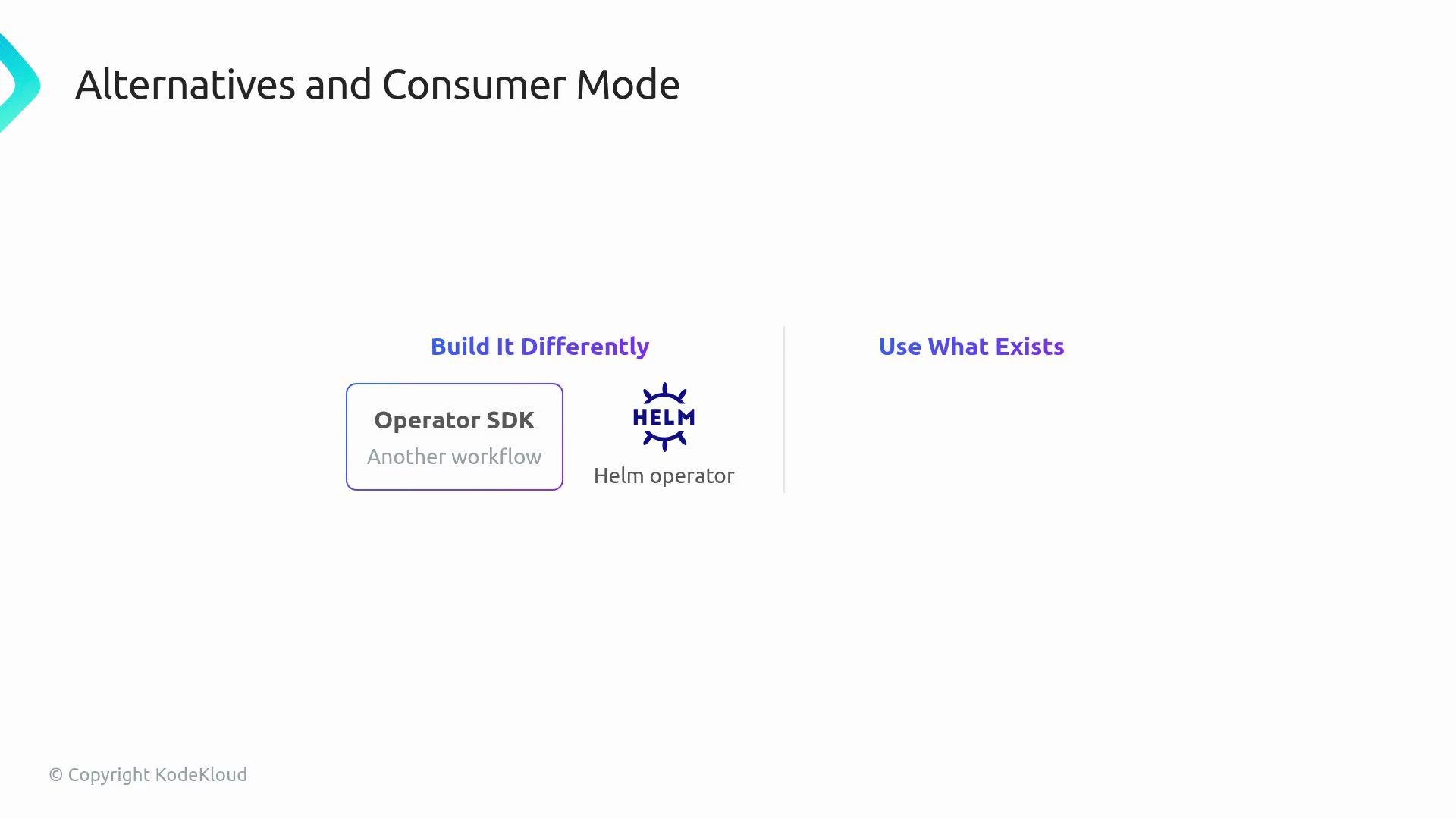 | Approach | When to use | Links |
| ------------------: | ------------------------------------------------------------------ | ------------------------------------------------------------------------------------- |
| SDK-style (Go/etc.) | When you want full control over reconcile logic and lifecycle | [Operator SDK](https://sdk.operatorframework.io/) |
| Helm-based operator | When you already have a Helm chart and want to expose it via a CRD | [Helm operator examples](https://learn.kodekloud.com/user/courses/helm-for-beginners) |
Real-world operators
Near the end of the course you’ll switch into consumer mode and inspect established operators to see how they solve similar problems in production, for example:
* `cert-manager` — certificate management for Kubernetes ([docs](https://cert-manager.io/docs/))
* Prometheus Operator — monitoring and observability patterns ([prometheus-operator.dev](https://prometheus-operator.dev/))
Next steps
The path is approachable but thorough: one web app object → a controller that watches it → Kubernetes objects created behind it → then status, validation, cleanup, packaging, and real-world comparisons, added one step at a time.
Next up: start with CRDs — the API side.
| Approach | When to use | Links |
| ------------------: | ------------------------------------------------------------------ | ------------------------------------------------------------------------------------- |
| SDK-style (Go/etc.) | When you want full control over reconcile logic and lifecycle | [Operator SDK](https://sdk.operatorframework.io/) |
| Helm-based operator | When you already have a Helm chart and want to expose it via a CRD | [Helm operator examples](https://learn.kodekloud.com/user/courses/helm-for-beginners) |
Real-world operators
Near the end of the course you’ll switch into consumer mode and inspect established operators to see how they solve similar problems in production, for example:
* `cert-manager` — certificate management for Kubernetes ([docs](https://cert-manager.io/docs/))
* Prometheus Operator — monitoring and observability patterns ([prometheus-operator.dev](https://prometheus-operator.dev/))
Next steps
The path is approachable but thorough: one web app object → a controller that watches it → Kubernetes objects created behind it → then status, validation, cleanup, packaging, and real-world comparisons, added one step at a time.
Next up: start with CRDs — the API side.