> ## Documentation Index
> Fetch the complete documentation index at: https://notes.kodekloud.com/llms.txt
> Use this file to discover all available pages before exploring further.
# When To Build An Operator Vs Use Helm
> Guidance for choosing between Kubernetes Helm charts and Operators, weighing simplicity versus continuous, application-aware reconciliation and when to build an operator.
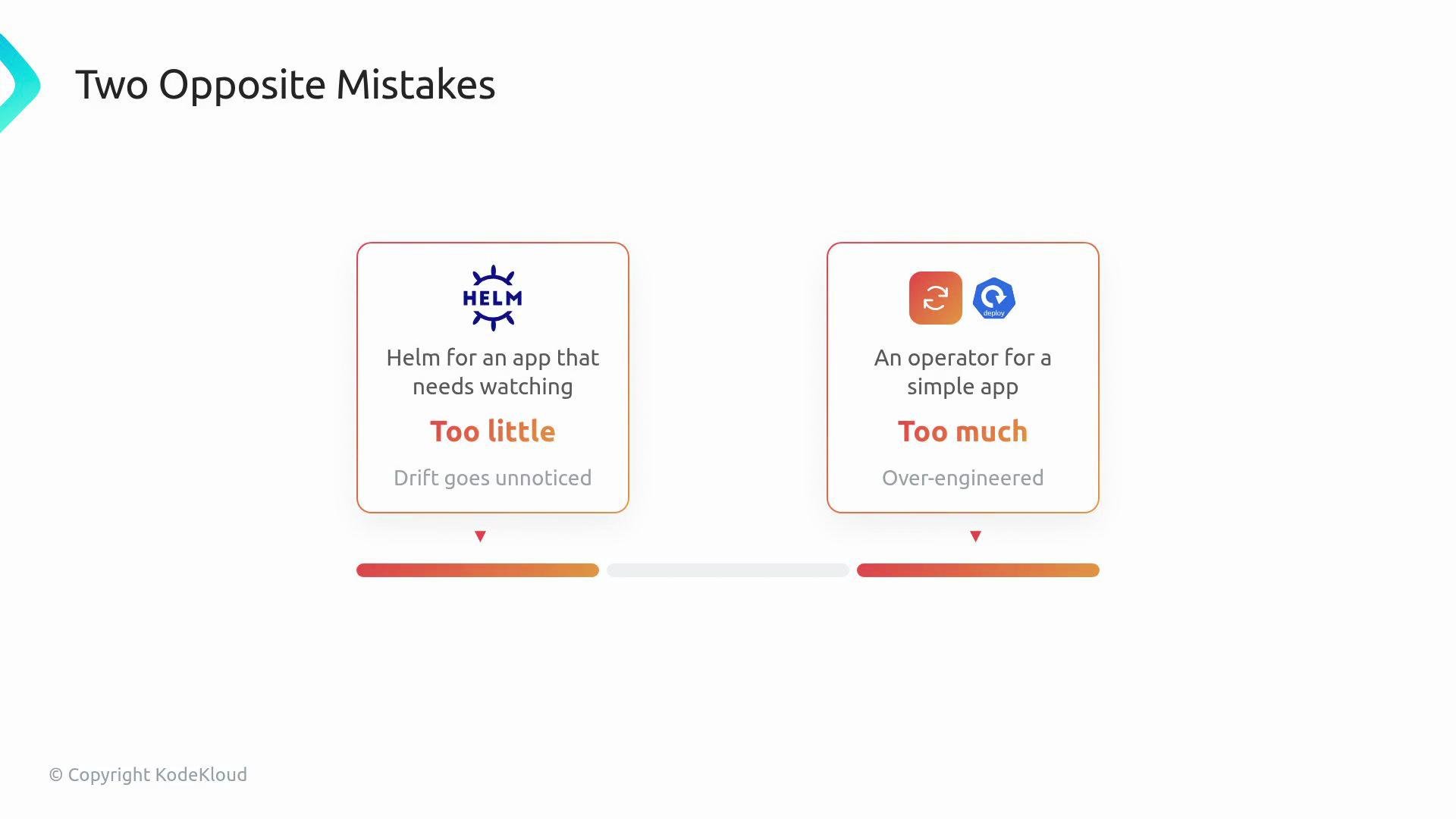
Choosing between a Helm chart and a Kubernetes Operator is a common architectural decision. Two costly mistakes to avoid:
* Building an Operator when a Helm chart would have been sufficient (over-engineering).
* Using Helm for an application that requires a continuously running controller (insufficient automation).
 A simple analogy helps clarify the difference:
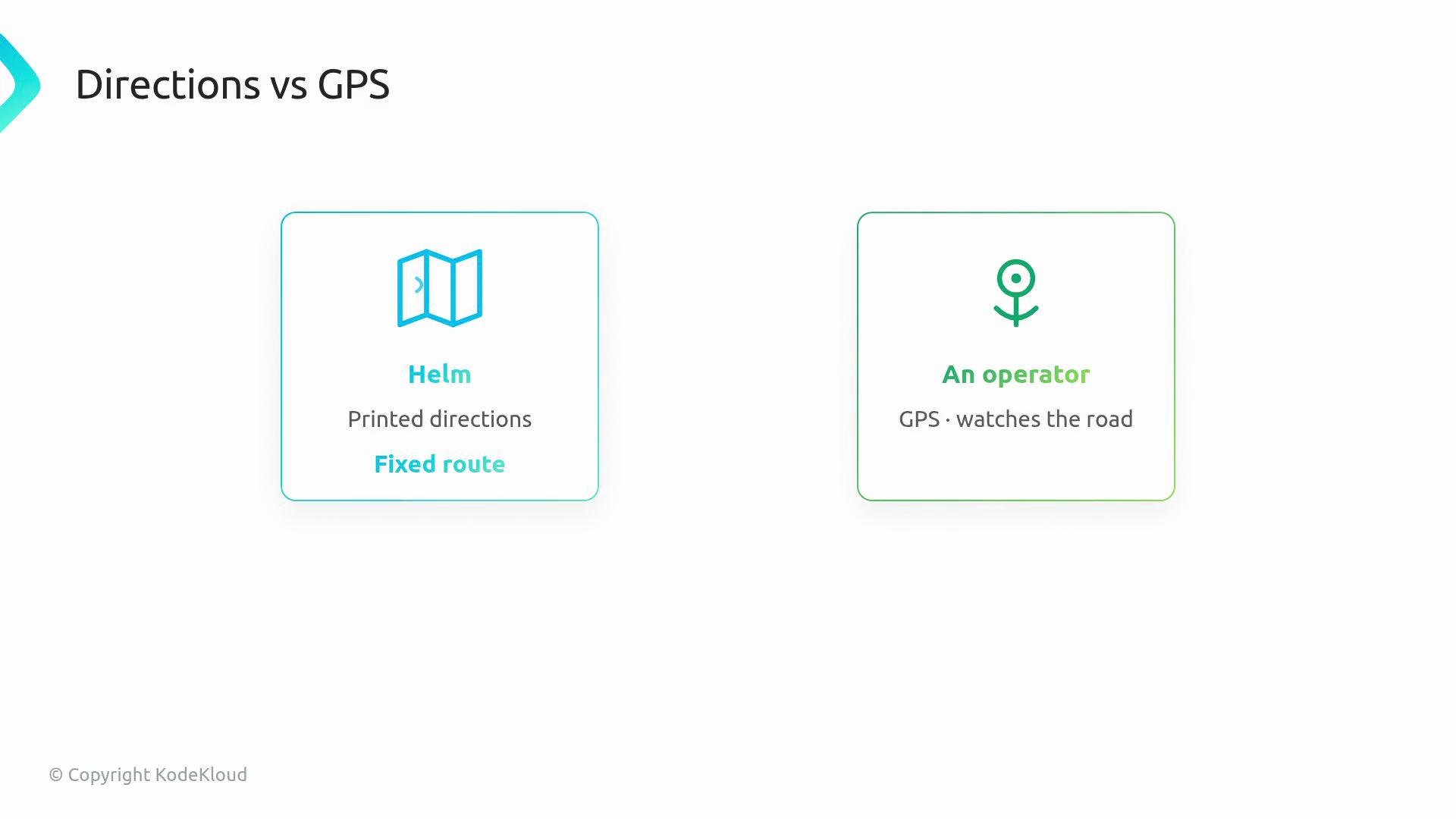
* Helm is like printing directions before you leave: you choose a destination, print the route, and follow it. That’s fine if nothing unexpected happens on the road.
* An Operator is like an active GPS: it watches the road continuously and can react when traffic, closures, or wrong turns appear.
A simple analogy helps clarify the difference:
* Helm is like printing directions before you leave: you choose a destination, print the route, and follow it. That’s fine if nothing unexpected happens on the road.
* An Operator is like an active GPS: it watches the road continuously and can react when traffic, closures, or wrong turns appear.
 What Helm provides
* Helm packages Kubernetes YAML templates into charts, simplifying installs, upgrades, and rollbacks.
* For many workloads—Deployments, Services, ConfigMaps, and a few standard objects—Helm is the right tool: it renders templates, applies manifests, and tracks release history.
* Helm’s lifecycle is concentrated around install/upgrade/rollback; it does not run a continuous reconciliation loop.
Example Helm install output:
```bash theme={null}
$ helm install myapp ./chart
NAME: myapp
LAST DEPLOYED: 2025-01-01 12:00:00
NAMESPACE: default
STATUS: deployed
REVISION: 1
NOTES:
1. Get the application at:
http://myapp.default.svc.cluster.local
```
What an Operator provides
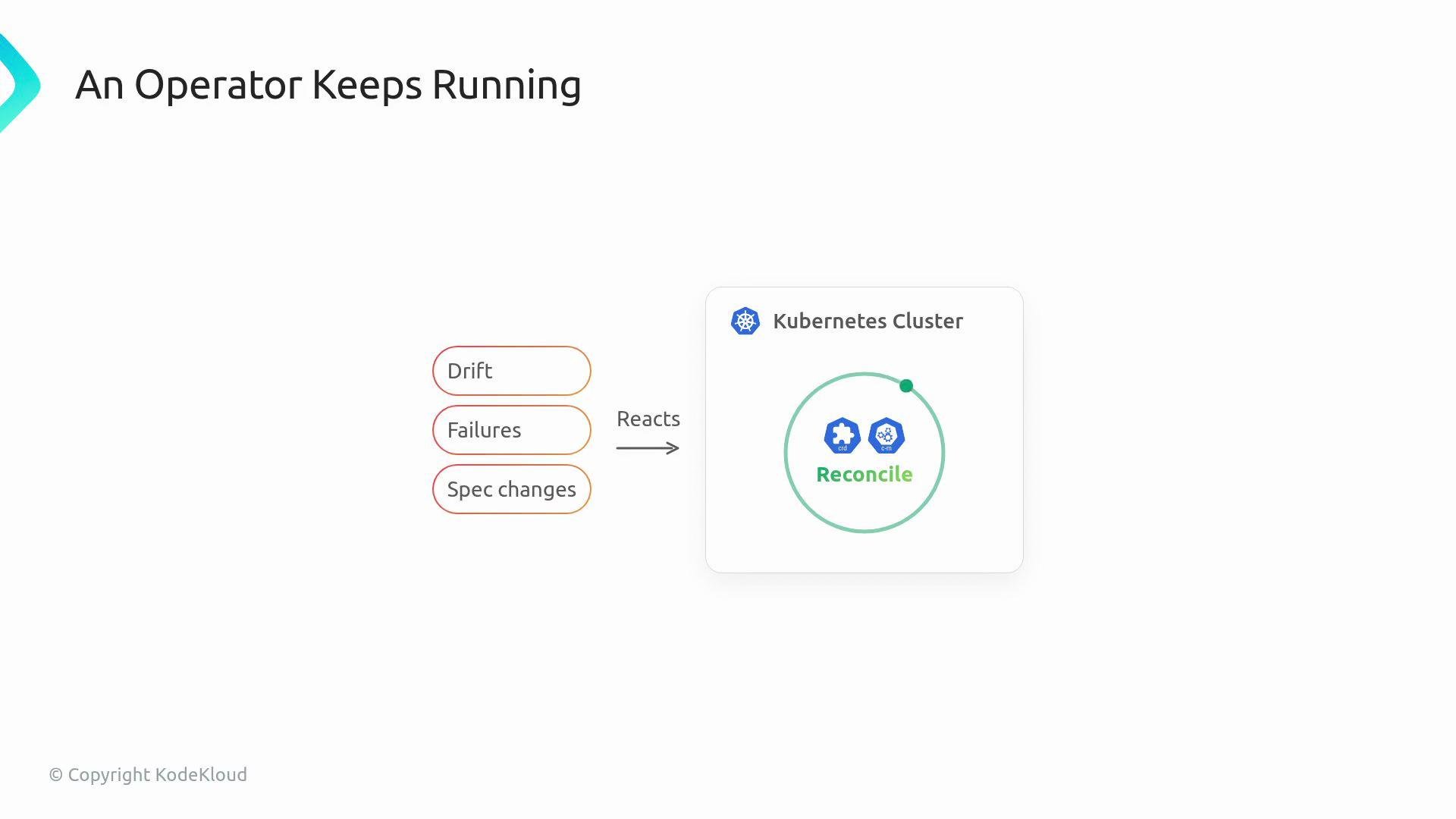
* An Operator is a continuously running controller inside the cluster that watches resources (often Custom Resources), compares desired vs actual state, and reconciles differences over time.
* Operators encode domain knowledge and operational logic in code, enabling application-aware automation that static templates cannot provide.
What Helm provides
* Helm packages Kubernetes YAML templates into charts, simplifying installs, upgrades, and rollbacks.
* For many workloads—Deployments, Services, ConfigMaps, and a few standard objects—Helm is the right tool: it renders templates, applies manifests, and tracks release history.
* Helm’s lifecycle is concentrated around install/upgrade/rollback; it does not run a continuous reconciliation loop.
Example Helm install output:
```bash theme={null}
$ helm install myapp ./chart
NAME: myapp
LAST DEPLOYED: 2025-01-01 12:00:00
NAMESPACE: default
STATUS: deployed
REVISION: 1
NOTES:
1. Get the application at:
http://myapp.default.svc.cluster.local
```
What an Operator provides
* An Operator is a continuously running controller inside the cluster that watches resources (often Custom Resources), compares desired vs actual state, and reconciles differences over time.
* Operators encode domain knowledge and operational logic in code, enabling application-aware automation that static templates cannot provide.
 When to choose an Operator
Reach for an Operator when you require Day 2 operational behaviors—tasks that occur after the initial install and need active monitoring, sequencing, or safety checks:
* Backups and restores that must guarantee correctness
* Automated failover with data-safety validation and fencing
* Certificate renewal and rotation workflows
* Coordinated or rolling upgrades that require application-aware sequencing
* Safe cleanup and garbage collection with dependency awareness
* Managing many tenant-specific instances with policy-driven automation
* Encoding runbook logic: check conditions and perform dependent steps only when safe
These tasks require domain-specific decisions that a controller can encode and execute; Helm alone cannot perform continuous reconciliation or complex operational decisions.
When Helm is sufficient
* Simple, declarative deployments where templating and lifecycle commands are enough
* Applications that don’t require ongoing, application-aware automation or stateful orchestration
* Teams that want to minimize engineering overhead and maintain chart-driven workflows
Comparison: Helm vs Operator
| Concern | Use Helm | Use an Operator |
| ------------------------------- | -------------: | -------------------------------------------------: |
| Packaging and templating | Yes | Possible (but heavier) |
| Install / Upgrade / Rollback | Yes (built-in) | Yes, but typically implemented by controller logic |
| Continuous reconciliation | No | Yes |
| Application-aware runbook logic | No | Yes |
| Stateful failover coordination | No | Yes |
| Low development overhead | Yes | No (requires coding and ongoing maintenance) |
A hybrid option: Helm-based Operators
There’s a middle path called a Helm-based operator: expose a Custom Resource to users while using an existing Helm chart under the hood. This pattern is useful when:
* The chart already expresses the desired resources, but you want a Kubernetes-native API (CRD) and lightweight reconciliation.
* You need some automated reconciliation or simple lifecycle hooks without writing a full controller from scratch.
Use Helm when your primary need is packaging, templated manifests, and declarative installs/upgrades. Use an Operator when the application requires ongoing, application-aware operations and continuous reconciliation.
Avoid over-engineering: don’t build an Operator just because it’s possible. Conversely, don’t rely solely on Helm for applications that require continuous, domain-aware automation—this can lead to unnoticed configuration drift and outages.
Decision rule (practical)
* If your application needs a watcher with domain logic that runs continuously to reconcile state, build an Operator.
* If your application is well-described by templates and lifecycle commands, stick with Helm.
Links and references
* [Kubernetes Documentation](https://kubernetes.io/docs/)
* [Helm Documentation](https://helm.sh/docs/)
* [Operator SDK](https://sdk.operatorframework.io/)
When to choose an Operator
Reach for an Operator when you require Day 2 operational behaviors—tasks that occur after the initial install and need active monitoring, sequencing, or safety checks:
* Backups and restores that must guarantee correctness
* Automated failover with data-safety validation and fencing
* Certificate renewal and rotation workflows
* Coordinated or rolling upgrades that require application-aware sequencing
* Safe cleanup and garbage collection with dependency awareness
* Managing many tenant-specific instances with policy-driven automation
* Encoding runbook logic: check conditions and perform dependent steps only when safe
These tasks require domain-specific decisions that a controller can encode and execute; Helm alone cannot perform continuous reconciliation or complex operational decisions.
When Helm is sufficient
* Simple, declarative deployments where templating and lifecycle commands are enough
* Applications that don’t require ongoing, application-aware automation or stateful orchestration
* Teams that want to minimize engineering overhead and maintain chart-driven workflows
Comparison: Helm vs Operator
| Concern | Use Helm | Use an Operator |
| ------------------------------- | -------------: | -------------------------------------------------: |
| Packaging and templating | Yes | Possible (but heavier) |
| Install / Upgrade / Rollback | Yes (built-in) | Yes, but typically implemented by controller logic |
| Continuous reconciliation | No | Yes |
| Application-aware runbook logic | No | Yes |
| Stateful failover coordination | No | Yes |
| Low development overhead | Yes | No (requires coding and ongoing maintenance) |
A hybrid option: Helm-based Operators
There’s a middle path called a Helm-based operator: expose a Custom Resource to users while using an existing Helm chart under the hood. This pattern is useful when:
* The chart already expresses the desired resources, but you want a Kubernetes-native API (CRD) and lightweight reconciliation.
* You need some automated reconciliation or simple lifecycle hooks without writing a full controller from scratch.
Use Helm when your primary need is packaging, templated manifests, and declarative installs/upgrades. Use an Operator when the application requires ongoing, application-aware operations and continuous reconciliation.
Avoid over-engineering: don’t build an Operator just because it’s possible. Conversely, don’t rely solely on Helm for applications that require continuous, domain-aware automation—this can lead to unnoticed configuration drift and outages.
Decision rule (practical)
* If your application needs a watcher with domain logic that runs continuously to reconcile state, build an Operator.
* If your application is well-described by templates and lifecycle commands, stick with Helm.
Links and references
* [Kubernetes Documentation](https://kubernetes.io/docs/)
* [Helm Documentation](https://helm.sh/docs/)
* [Operator SDK](https://sdk.operatorframework.io/)