> ## Documentation Index
> Fetch the complete documentation index at: https://notes.kodekloud.com/llms.txt
> Use this file to discover all available pages before exploring further.
# What You Built The WebApp Operator Victory Lap
> Guide to building a WebApp Kubernetes operator that uses CRDs, reconcile loops, child resources, finalizers, status, events, and production readiness practices.
Take a moment to review the path you’ve traveled building the WebApp operator. What started as a simple idea — “I want a single Kubernetes object to describe a small web application” — became a working controller pattern that turns intent into cluster behavior.
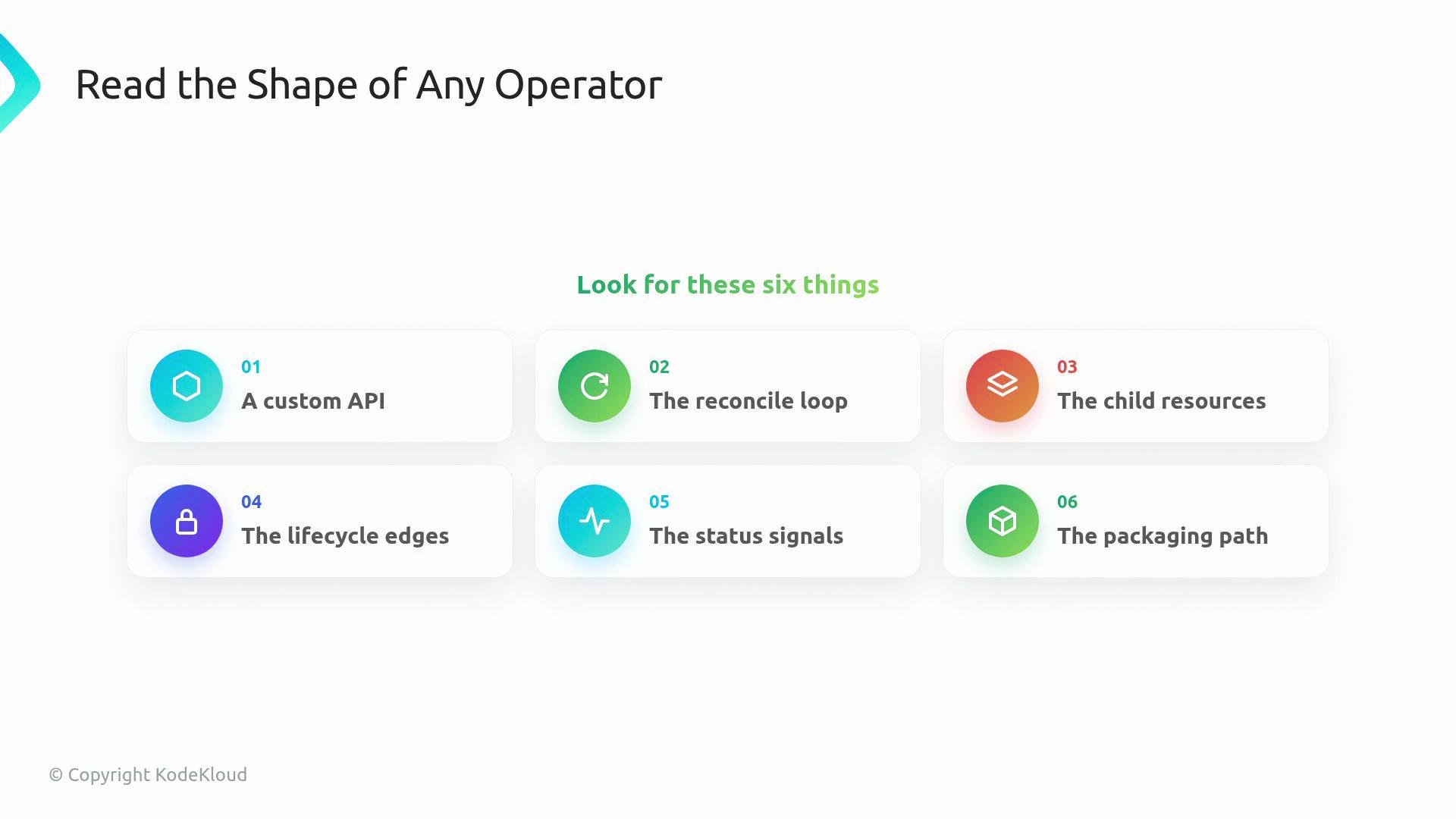
At a high level, the operator you built contains these recurring elements:
* A custom API (CRD) that expresses intent.
* A controller with a reconcile loop that enforces that intent.
* Child resources (Deployments, Services, ConfigMaps) that implement the desired state.
* Lifecycle edges (finalizers, ownerReferences) to manage deletion and ownership.
* Status and events to surface operator state to users.
* Packaging/deployment for running the controller in a real cluster.
The first win: the API. A CustomResourceDefinition made `WebApp` a first-class resource. The `spec` lets users declare a promise (for example, which container image and how many replicas). This single object simplifies the user experience — they no longer need to assemble each Kubernetes detail manually.
The controller gives that API a heartbeat. Reconcile loops watch `WebApp` objects, compare desired state to actual cluster state, and move the cluster toward the specification. That compare-and-fix loop is the center of the operator pattern: the user declares a desired state, and the controller works continuously to align reality with that request.
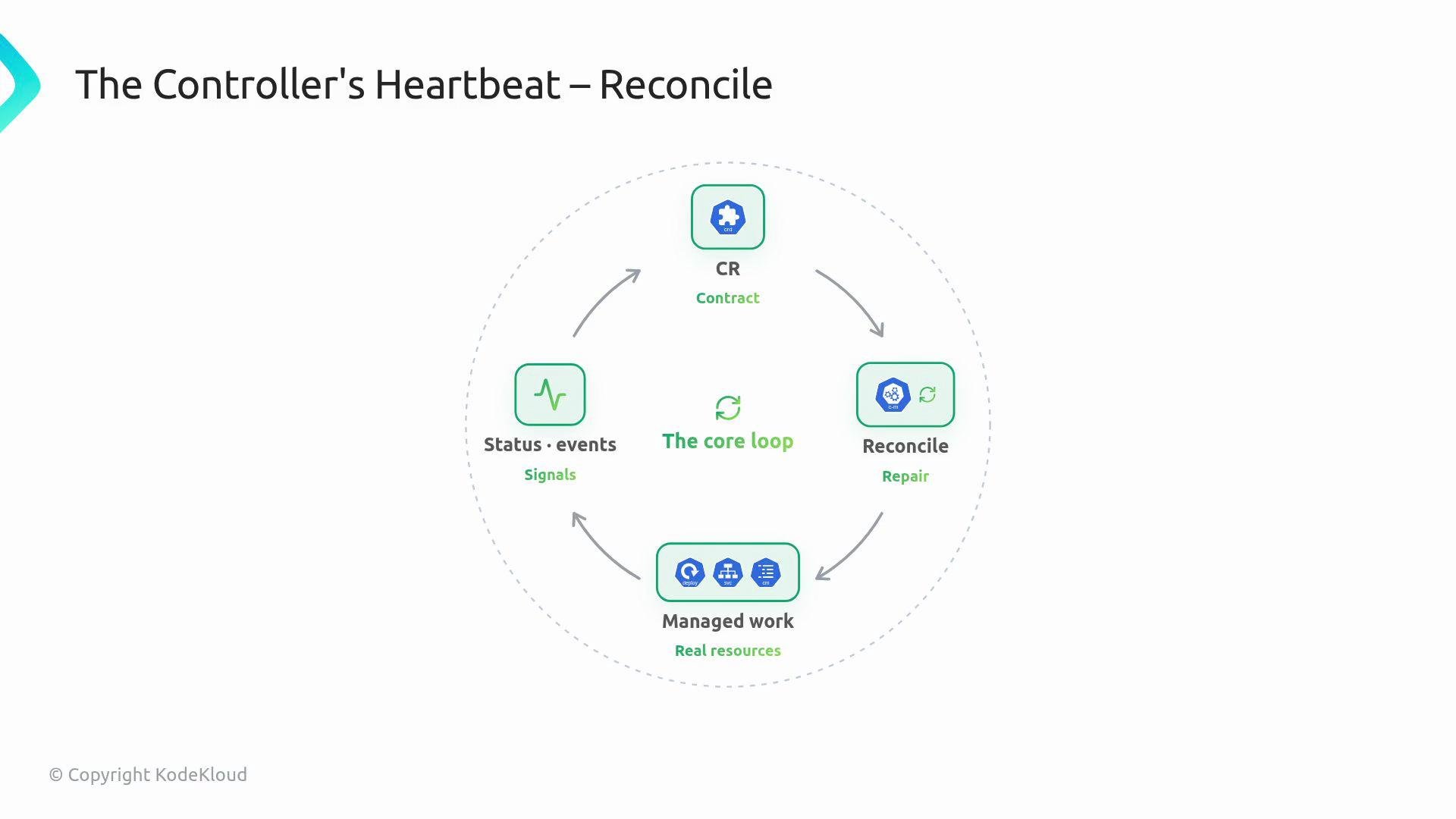 You implemented the child resources that make the web app real. A `Deployment` runs the application Pods, a `Service` provides a stable network entry, and a `ConfigMap` carries configuration. Those YAML manifests are no longer ad-hoc files — they are resources that the controller creates and maintains from the parent `WebApp` CR.
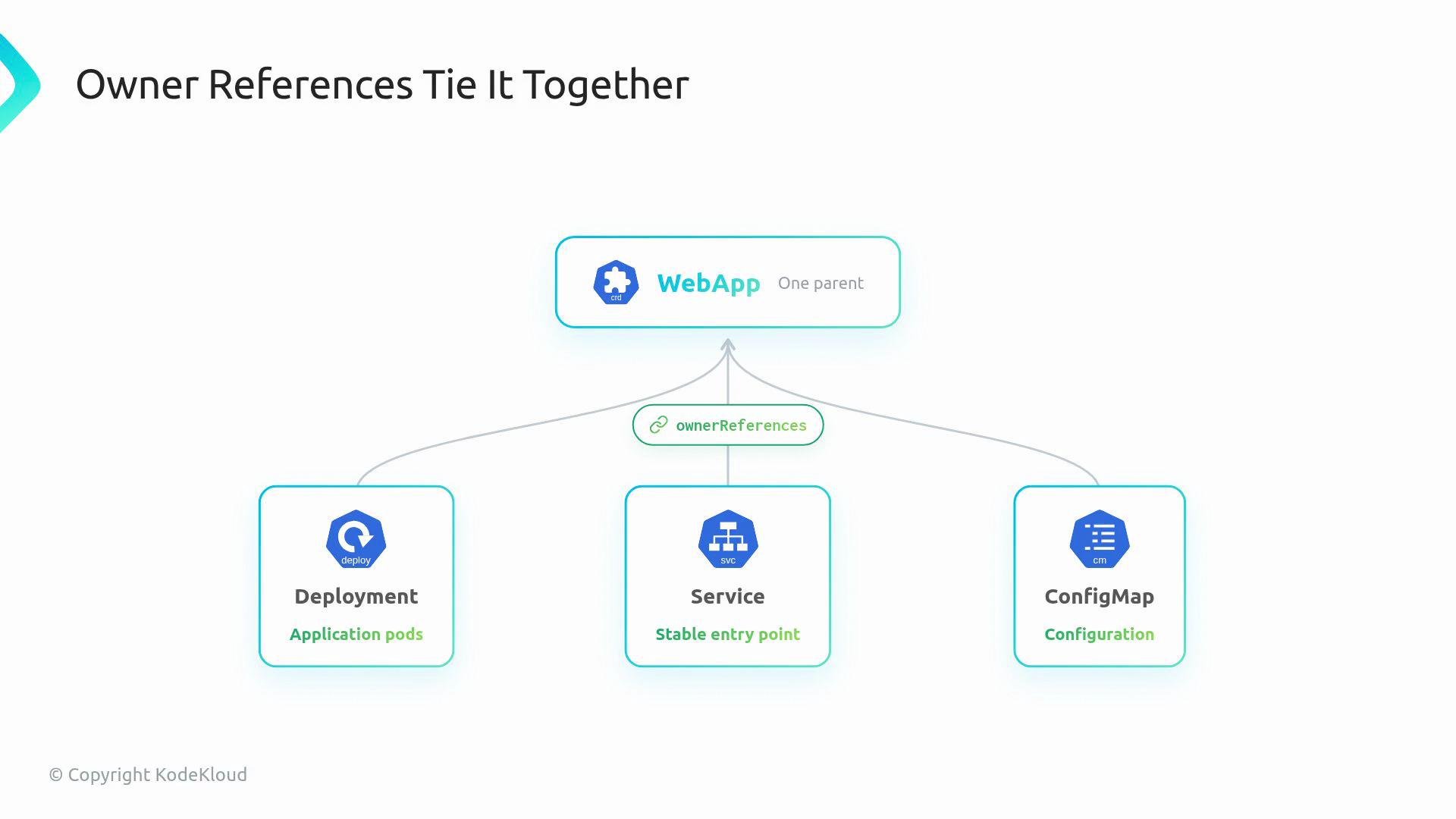
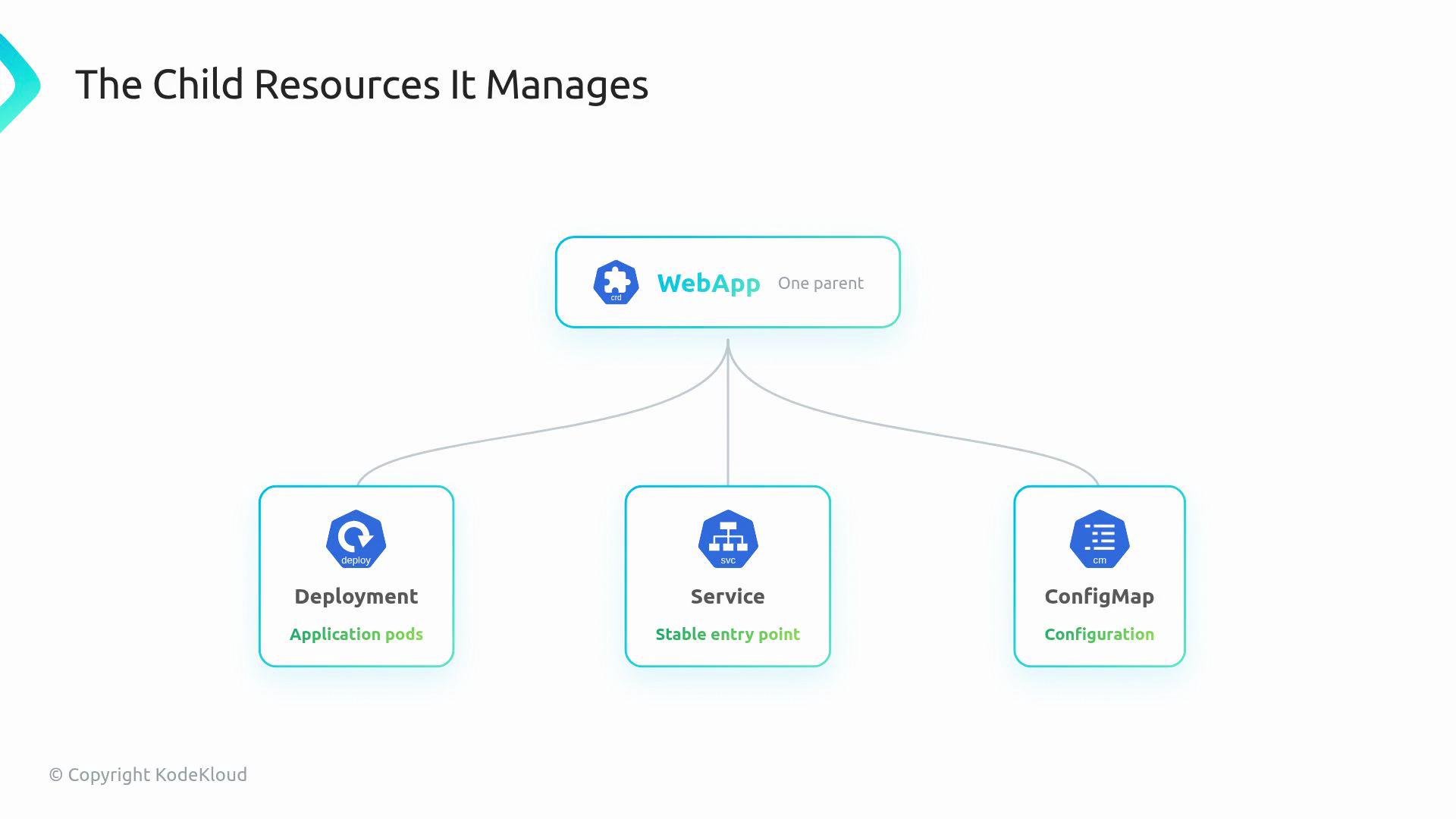 OwnerReferences connected those children back to the parent CR. With ownerReferences in place, Kubernetes knows the ownership relationship and can garbage-collect or reason about the hierarchy instead of treating every object as unrelated.
 Status and events make the operator readable from the outside. `status` fields report what the controller observed so users don’t need to inspect every child resource. Events are short, human-friendly signals recorded as separate Kubernetes Event objects when meaningful things happen (Events are not a subfield of `status`). Together, they turn an otherwise silent controller into something a user can understand quickly.
Use `status` for persistent operator-observed state (conditions, replica counts, URLs). Use Events for transient, human-readable signals like "Deployment created" or "ScalingReplicaSet". Events are stored separately as Event objects in Kubernetes.
Example `status` snippet:
```yaml theme={null}
status:
phase: Ready
readyReplicas: 3
url: web-app.svc
```
Example Events (Events are separate Kubernetes objects; shown here to illustrate typical messages):
```yaml theme={null}
# Example events
- type: Normal
reason: Created
message: "Deployment web-app created"
- type: Normal
reason: ScalingReplicaSet
message: "Scaled replicas 1 → 3"
- type: Normal
reason: Ready
message: "All pods available"
```
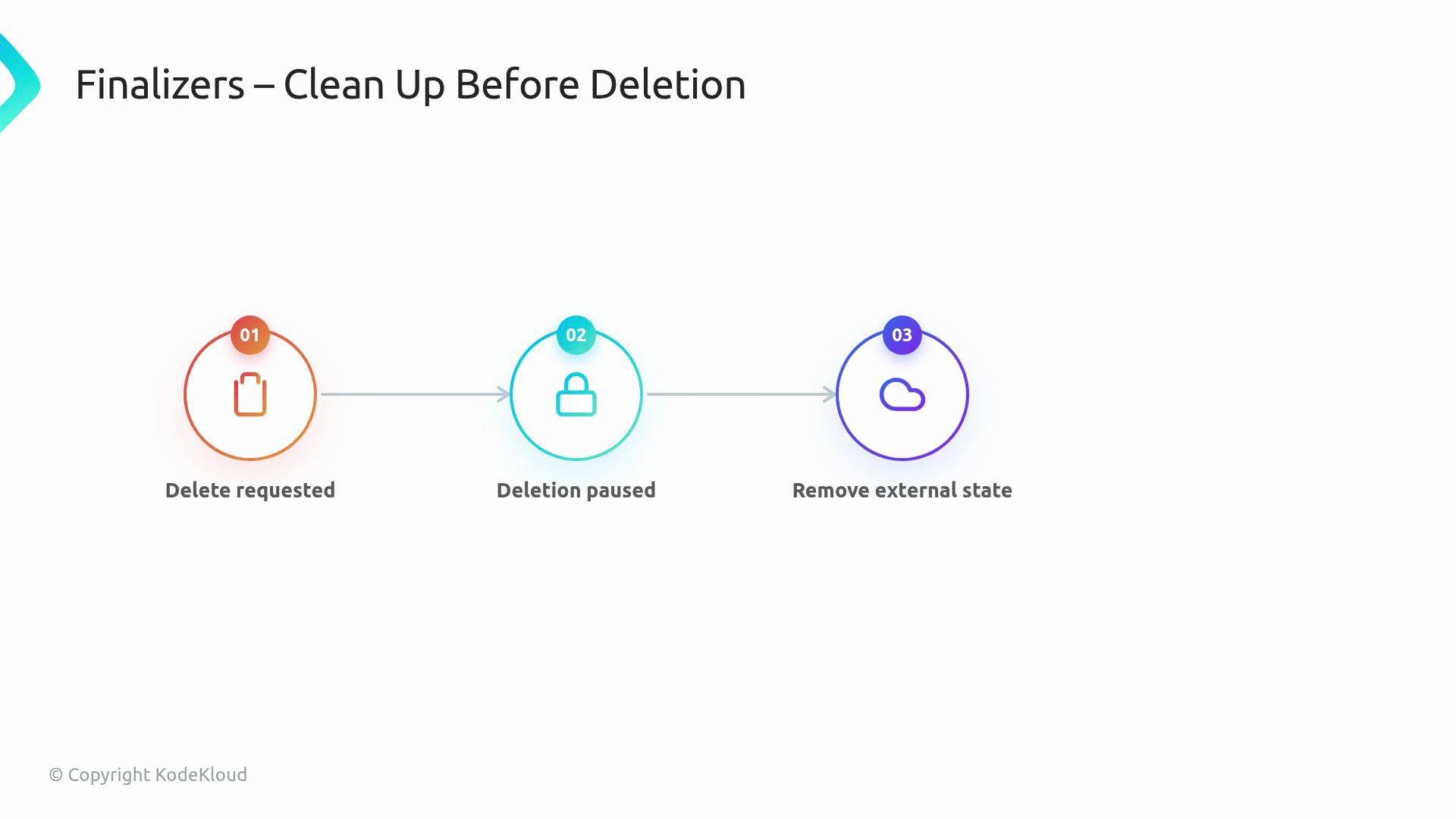
Finalizers show how operators handle cleanup that Kubernetes cannot perform automatically. When deletion is requested, a finalizer pauses deletion until the controller can remove external state (DNS entries, cloud resources, or other dependencies). This lifecycle edge is common in production operators and one you have practiced.
Finalizers must be removed after cleanup completes. Leaving finalizers in place can permanently block resource deletion — ensure your controller handles cleanup and then removes the finalizer.
Status and events make the operator readable from the outside. `status` fields report what the controller observed so users don’t need to inspect every child resource. Events are short, human-friendly signals recorded as separate Kubernetes Event objects when meaningful things happen (Events are not a subfield of `status`). Together, they turn an otherwise silent controller into something a user can understand quickly.
Use `status` for persistent operator-observed state (conditions, replica counts, URLs). Use Events for transient, human-readable signals like "Deployment created" or "ScalingReplicaSet". Events are stored separately as Event objects in Kubernetes.
Example `status` snippet:
```yaml theme={null}
status:
phase: Ready
readyReplicas: 3
url: web-app.svc
```
Example Events (Events are separate Kubernetes objects; shown here to illustrate typical messages):
```yaml theme={null}
# Example events
- type: Normal
reason: Created
message: "Deployment web-app created"
- type: Normal
reason: ScalingReplicaSet
message: "Scaled replicas 1 → 3"
- type: Normal
reason: Ready
message: "All pods available"
```
Finalizers show how operators handle cleanup that Kubernetes cannot perform automatically. When deletion is requested, a finalizer pauses deletion until the controller can remove external state (DNS entries, cloud resources, or other dependencies). This lifecycle edge is common in production operators and one you have practiced.
Finalizers must be removed after cleanup completes. Leaving finalizers in place can permanently block resource deletion — ensure your controller handles cleanup and then removes the finalizer.
 Validation prevents invalid states from entering the cluster in the first place. Use CRD schema validation and admission controls to reject malformed requests early — it’s much easier to prevent bad input than to reconcile it later.
```yaml theme={null}
# Invalid request example
image: n@inx
replicas: -3
```
You also pushed the operator beyond local development: you packaged and deployed the manager, compared different toolchains, and explored real, production operators like cert-manager and the Prometheus Operator. Seeing how other operators are structured expands your mental model — the same operator pattern can appear in a custom controller, a Helm-based operator, or a mature upstream operator.
Validation prevents invalid states from entering the cluster in the first place. Use CRD schema validation and admission controls to reject malformed requests early — it’s much easier to prevent bad input than to reconcile it later.
```yaml theme={null}
# Invalid request example
image: n@inx
replicas: -3
```
You also pushed the operator beyond local development: you packaged and deployed the manager, compared different toolchains, and explored real, production operators like cert-manager and the Prometheus Operator. Seeing how other operators are structured expands your mental model — the same operator pattern can appear in a custom controller, a Helm-based operator, or a mature upstream operator.
 Quick reference — core operator components and examples:
| Component | Purpose | Example / How it appears |
| ---------------- | ------------------------------------------: | :-------------------------------------- |
| Custom API (CRD) | Express desired state | `spec.image`, `spec.replicas` |
| Reconcile loop | Enforce desired state | Controller `Reconcile` function |
| Child resources | Real cluster primitives | `Deployment`, `Service`, `ConfigMap` |
| OwnerReferences | Ownership & garbage collection | `metadata.ownerReferences` on children |
| Finalizers | Clean up external resources before deletion | `metadata.finalizers` |
| Status & Events | Surface controller observations & signals | `status.conditions`, Event objects |
| Packaging | Run the controller in-cluster | Deployment for the manager, Helm charts |
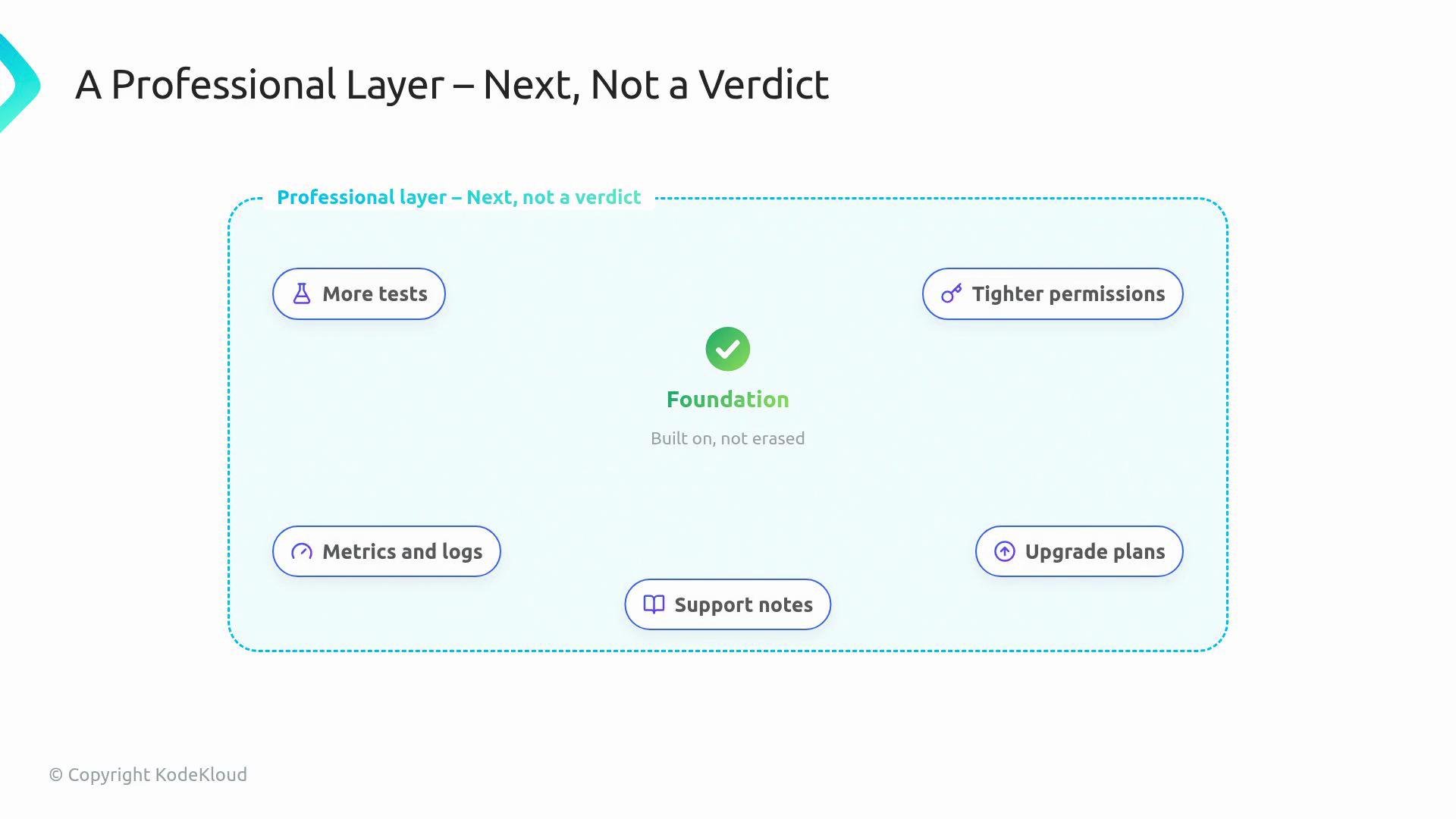
There is a professional layer beyond this lesson, but it should read like “next steps” — not a judgement. Teams harden operators by adding more tests, tightening RBAC and permissions, monitoring metrics and logs, planning upgrades, and authoring runbooks and support notes. These practices make an operator trustworthy in shared environments.
Quick reference — core operator components and examples:
| Component | Purpose | Example / How it appears |
| ---------------- | ------------------------------------------: | :-------------------------------------- |
| Custom API (CRD) | Express desired state | `spec.image`, `spec.replicas` |
| Reconcile loop | Enforce desired state | Controller `Reconcile` function |
| Child resources | Real cluster primitives | `Deployment`, `Service`, `ConfigMap` |
| OwnerReferences | Ownership & garbage collection | `metadata.ownerReferences` on children |
| Finalizers | Clean up external resources before deletion | `metadata.finalizers` |
| Status & Events | Surface controller observations & signals | `status.conditions`, Event objects |
| Packaging | Run the controller in-cluster | Deployment for the manager, Helm charts |
There is a professional layer beyond this lesson, but it should read like “next steps” — not a judgement. Teams harden operators by adding more tests, tightening RBAC and permissions, monitoring metrics and logs, planning upgrades, and authoring runbooks and support notes. These practices make an operator trustworthy in shared environments.
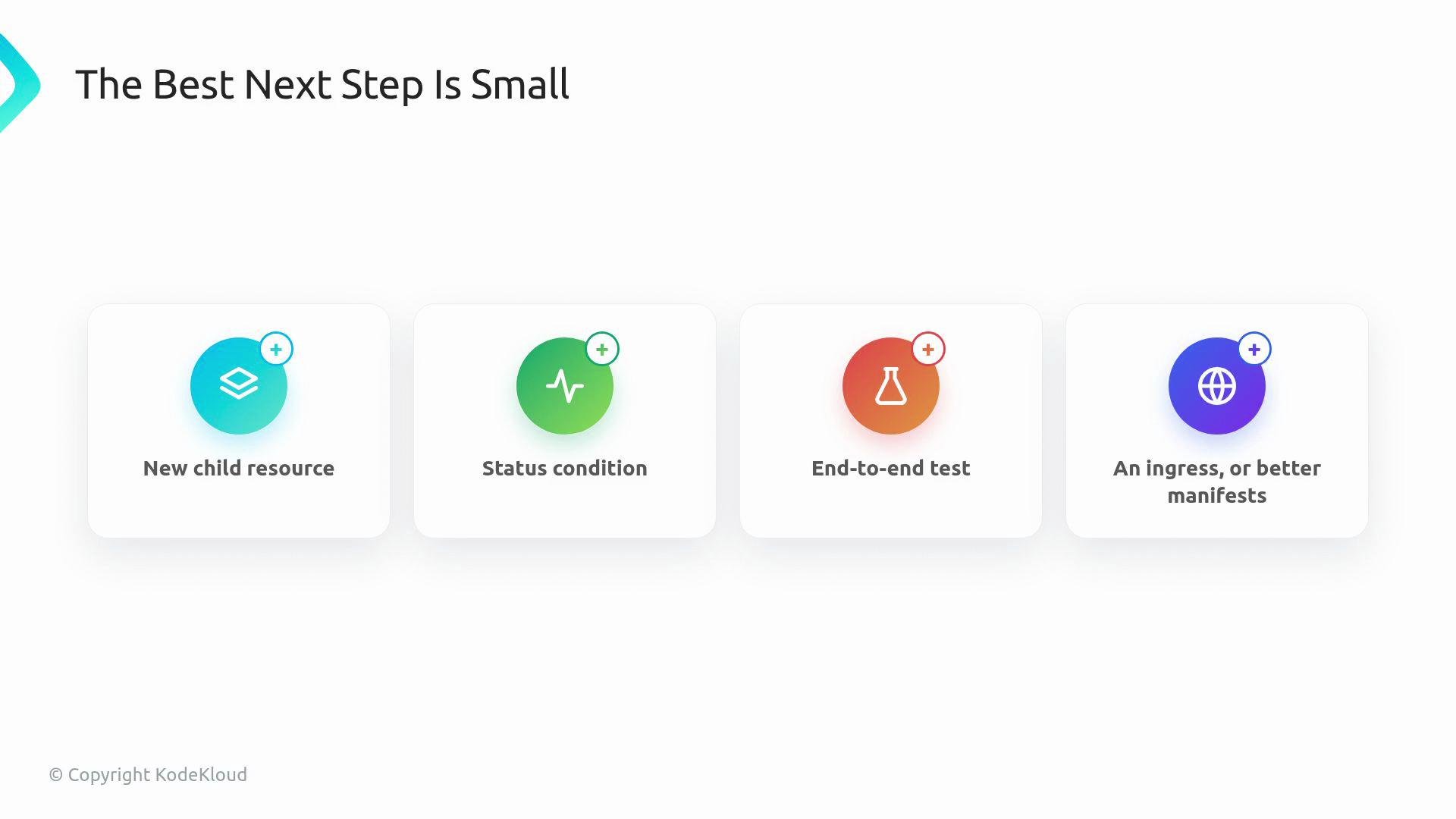
 The best next steps are small and concrete. Pick one of these incremental improvements and ship it:
 Suggested small improvements:
* Add a new child resource (e.g., a `HorizontalPodAutoscaler` or `Ingress`).
* Add a status condition to represent a useful operator state.
* Add one end-to-end test that verifies reconcile behavior.
* Improve example manifests so another person can try the operator quickly.
You can now explain the operator promise in plain terms: a user declares desired state in Kubernetes, and a controller keeps the real cluster aligned with that promise. You built that path with the WebApp operator — and that foundation will help you read, extend, and trust other operators in the future.
Links and references
* [CustomResourceDefinitions (CRDs)](https://kubernetes.io/docs/tasks/extend-kubernetes/custom-resources/custom-resource-definitions/)
* [Owner References and Dependents](https://kubernetes.io/docs/concepts/overview/working-with-objects/owners-dependents/)
* [Events in Kubernetes](https://kubernetes.io/docs/reference/generated/kubernetes-api/v1.27/#event-v1-core)
* [Finalizers in Kubernetes](https://kubernetes.io/docs/concepts/overview/working-with-objects/finalizers/)
* [Ingress — Services and Networking](https://kubernetes.io/docs/concepts/services-networking/ingress/)
* cert-manager: [https://cert-manager.io/](https://cert-manager.io/)
* Prometheus Operator: [https://github.com/prometheus-operator/prometheus-operator](https://github.com/prometheus-operator/prometheus-operator)
Suggested small improvements:
* Add a new child resource (e.g., a `HorizontalPodAutoscaler` or `Ingress`).
* Add a status condition to represent a useful operator state.
* Add one end-to-end test that verifies reconcile behavior.
* Improve example manifests so another person can try the operator quickly.
You can now explain the operator promise in plain terms: a user declares desired state in Kubernetes, and a controller keeps the real cluster aligned with that promise. You built that path with the WebApp operator — and that foundation will help you read, extend, and trust other operators in the future.
Links and references
* [CustomResourceDefinitions (CRDs)](https://kubernetes.io/docs/tasks/extend-kubernetes/custom-resources/custom-resource-definitions/)
* [Owner References and Dependents](https://kubernetes.io/docs/concepts/overview/working-with-objects/owners-dependents/)
* [Events in Kubernetes](https://kubernetes.io/docs/reference/generated/kubernetes-api/v1.27/#event-v1-core)
* [Finalizers in Kubernetes](https://kubernetes.io/docs/concepts/overview/working-with-objects/finalizers/)
* [Ingress — Services and Networking](https://kubernetes.io/docs/concepts/services-networking/ingress/)
* cert-manager: [https://cert-manager.io/](https://cert-manager.io/)
* Prometheus Operator: [https://github.com/prometheus-operator/prometheus-operator](https://github.com/prometheus-operator/prometheus-operator)