> ## Documentation Index
> Fetch the complete documentation index at: https://notes.kodekloud.com/llms.txt
> Use this file to discover all available pages before exploring further.
# Course Introduction
> This course teaches application developers how to troubleshoot Kubernetes issues through real-world scenarios and hands-on labs.
Welcome to Kubernetes Troubleshooting for Application Developers! I'm Nourhan Khaled, your instructor for this course.
Learning Kubernetes from tutorials is one thing, but deploying a production application introduces a unique set of challenges that often feel like you're constantly putting out fires. This lesson bridges the gap between theory and practice—the very course I wish I had during those frustrating debugging sessions.
Ensure you have a basic understanding of Kubernetes resources such as pods, deployments, services, storage, and network policies before you begin.
## Course Overview
We start with a concise refresher on essential kubectl commands for troubleshooting common Kubernetes errors. Then, the course dives into real-world scenarios that mirror the challenges you may face in production environments. You’ll learn how to inspect resources, identify failures, and apply fixes in a structured and repeatable way.
## Hands-On Troubleshooting
This course stands out because you'll troubleshoot and resolve issues in real time—exactly as I do in my day-to-day work. We’ll cover pod configuration errors, deployment rollouts, container image problems, and more, guiding you through each step with clear explanations and best practices.
## Real-World Scenarios
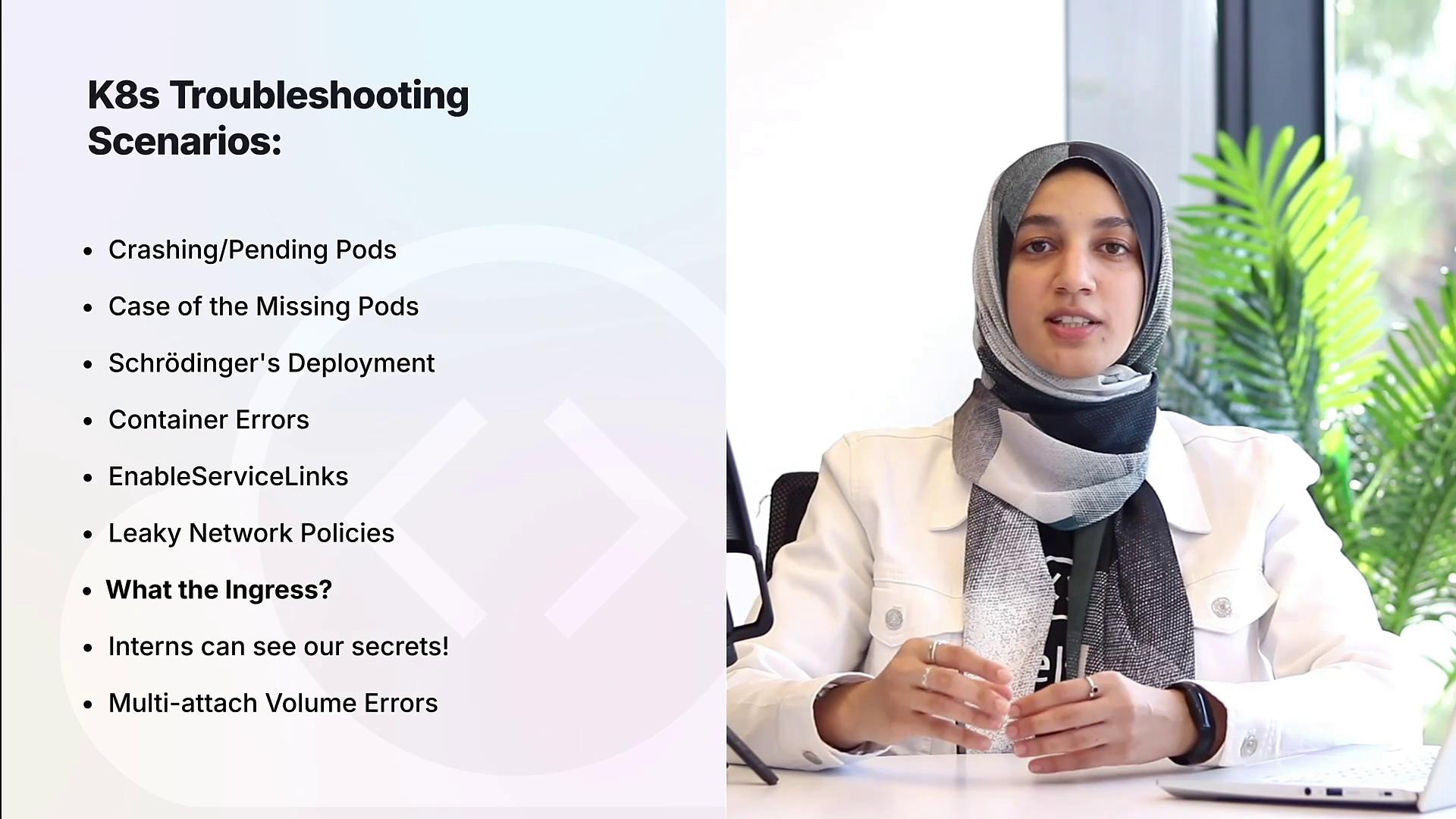
Throughout the lesson, you will explore a range of troubleshooting challenges including:
* Pod configuration errors
* Deployment and rollout issues
* Container settings and image pull problems
* Networking challenges such as service misconfigurations, network policies, and ingress troubleshooting
* Diagnosing RBAC and storage-related issues
Always test changes in a controlled environment before applying fixes to production. Insufficient testing can lead to unexpected disruptions.
## Hands-On Labs
Like all KodeKloud courses, this lesson features multiple hands-on labs. These browser-based labs enable you to immediately apply the troubleshooting techniques you learn, ensuring you gain practical, real-world experience.
If you're ready for a challenge, enroll now and start mastering Kubernetes troubleshooting!