> ## Documentation Index
> Fetch the complete documentation index at: https://notes.kodekloud.com/llms.txt
> Use this file to discover all available pages before exploring further.
# Kubernetes Services
> This article provides an overview of Kubernetes services and their importance for maintaining application connectivity within a cluster.
In this article, we will provide an overview of Kubernetes services and explain why they are critical for maintaining consistent application connectivity within a cluster.
Pods are the smallest deployable units in Kubernetes. When running an application, you encapsulate it within a pod. However, pods are ephemeral—they can be created or terminated at any time to align with the desired cluster state managed by Deployments. For applications to function correctly, pods must reliably find and communicate with each other within the cluster.
Each pod receives its own IP address, which enables direct communication. However, because these IP addresses may change frequently, using them directly for component communication (for example, a front-end service communicating with a back-end service) becomes challenging. This is where Kubernetes services are essential.
Kubernetes services provide a stable abstraction over a dynamic set of pods. By leveraging labels, a service can select the appropriate pods from a larger pool, ensuring consistent connectivity even when pods are terminated and recreated. The service is assigned its own IP address, enabling applications to communicate through the service rather than connecting to individual pod IPs.
Kubernetes services simplify networking between dynamically changing pod environments by abstracting communication through stable service endpoints.
## Types of Kubernetes Services
There are three primary types of Kubernetes services:
1. **ClusterIP**\
This is the default service type. It creates an internal-only service to facilitate communication between applications within the cluster.
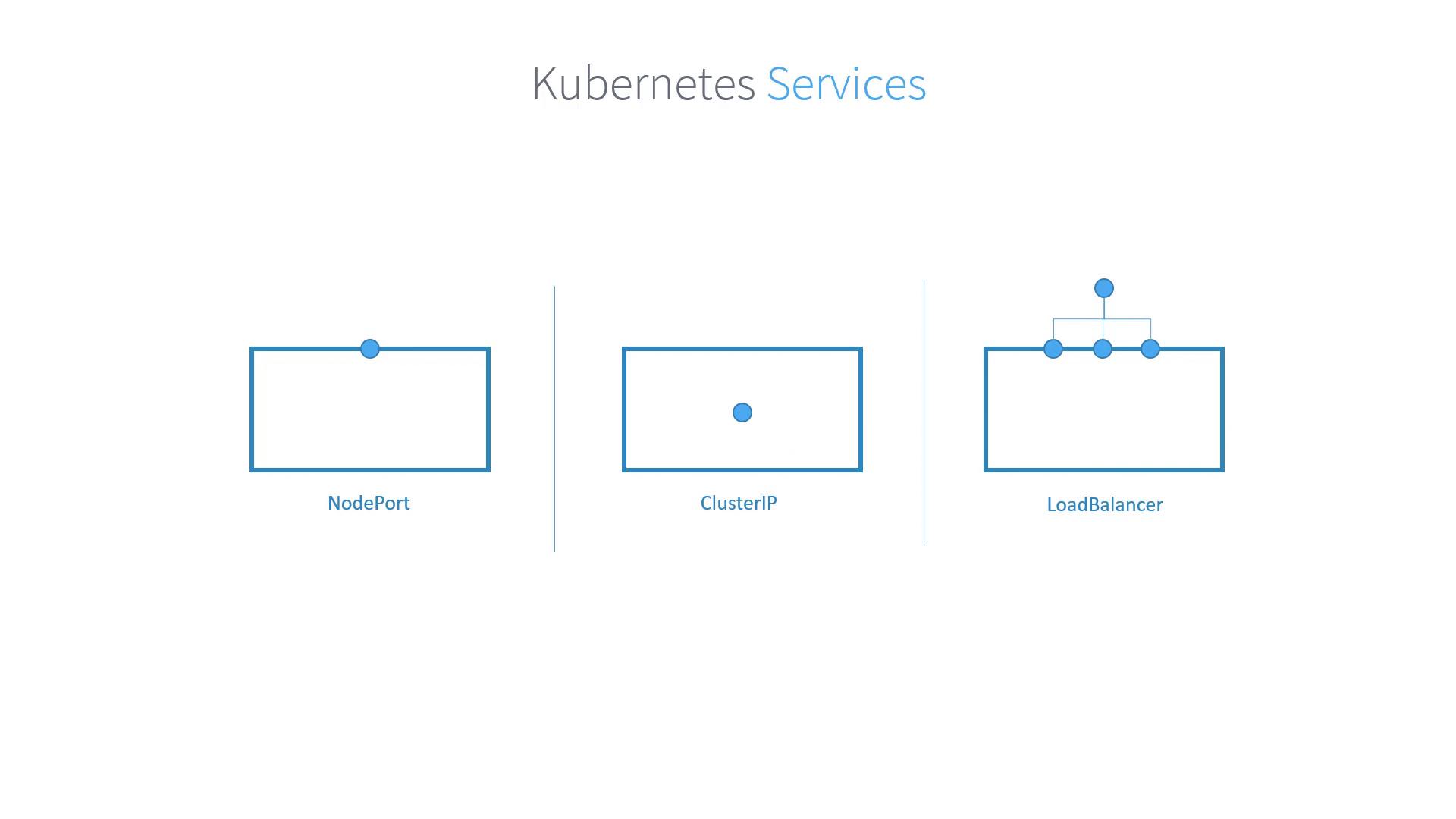
2. **NodePort**\
This service type exposes the application on a specified port on every node in the cluster. It makes the application accessible from outside the cluster, although the access is limited to the node IP addresses and the allocated port.
3. **LoadBalancer**\
Supported by specific cloud providers, this service type is similar to NodePort but integrates with an external load balancer. This external component routes traffic to the application’s exposed ports on the nodes, providing a more robust solution for external access.
## Quick Comparison
| Service Type | Description | Use Case |
| ------------ | ------------------------------------------------------------ | ------------------------------------------------------------------- |
| ClusterIP | Internal-only communication within the cluster | Inter-pod communication |
| NodePort | Exposes service on each node's IP at a static port | External access using a fixed node port |
| LoadBalancer | Routes external traffic via a cloud provider's load balancer | Production environments requiring high availability and scalability |
This overview covers the core concepts of Kubernetes services and clarifies the differences between the available types. By using Kubernetes services, you can ensure stable and reliable inter-pod connectivity while abstracting the dynamic nature of individual pod IP addresses.
Thank you for reading this article. We look forward to exploring more Kubernetes and cloud-native topics in our next lesson.