> ## Documentation Index
> Fetch the complete documentation index at: https://notes.kodekloud.com/llms.txt
> Use this file to discover all available pages before exploring further.
# Pod Security
> This article explores Kubernetes Pod Security features to prevent excessive privileges in Pods, detailing legacy policies and safe configuration practices.
In this lesson, we explore how Kubernetes Pod Security features help you prevent Pods from running with excessive privileges. You’ll learn about legacy Pod Security Policies (PSP), why they were replaced, and how to configure safe defaults in your cluster.
## Example Pod with Unsafe Configuration
Below is a Pod manifest that uses an Ubuntu image but grants dangerous privileges:
```yaml theme={null}
apiVersion: v1
kind: Pod
metadata:
name: sample-pod
spec:
containers:
- name: ubuntu
image: ubuntu
command: ["sleep", "3600"]
securityContext:
privileged: true
runAsUser: 0
capabilities:
add: ["CAP_SYS_BOOT"]
volumes:
- name: data-volume
hostPath:
path: /data
type: Directory
```
### Risky Settings Explained
* `privileged: true`\
Grants the container root privileges on the host.
* `runAsUser: 0`\
Forces the container process to run as the host’s root.
* `CAP_SYS_BOOT`\
Adds a capability that allows rebooting the host.
* `hostPath` volume\
Exposes the host file system, increasing your cluster’s attack surface.
Allowing `privileged` containers or `hostPath` volumes can compromise the security and stability of your entire cluster.
## Evolution of Pod Security in Kubernetes
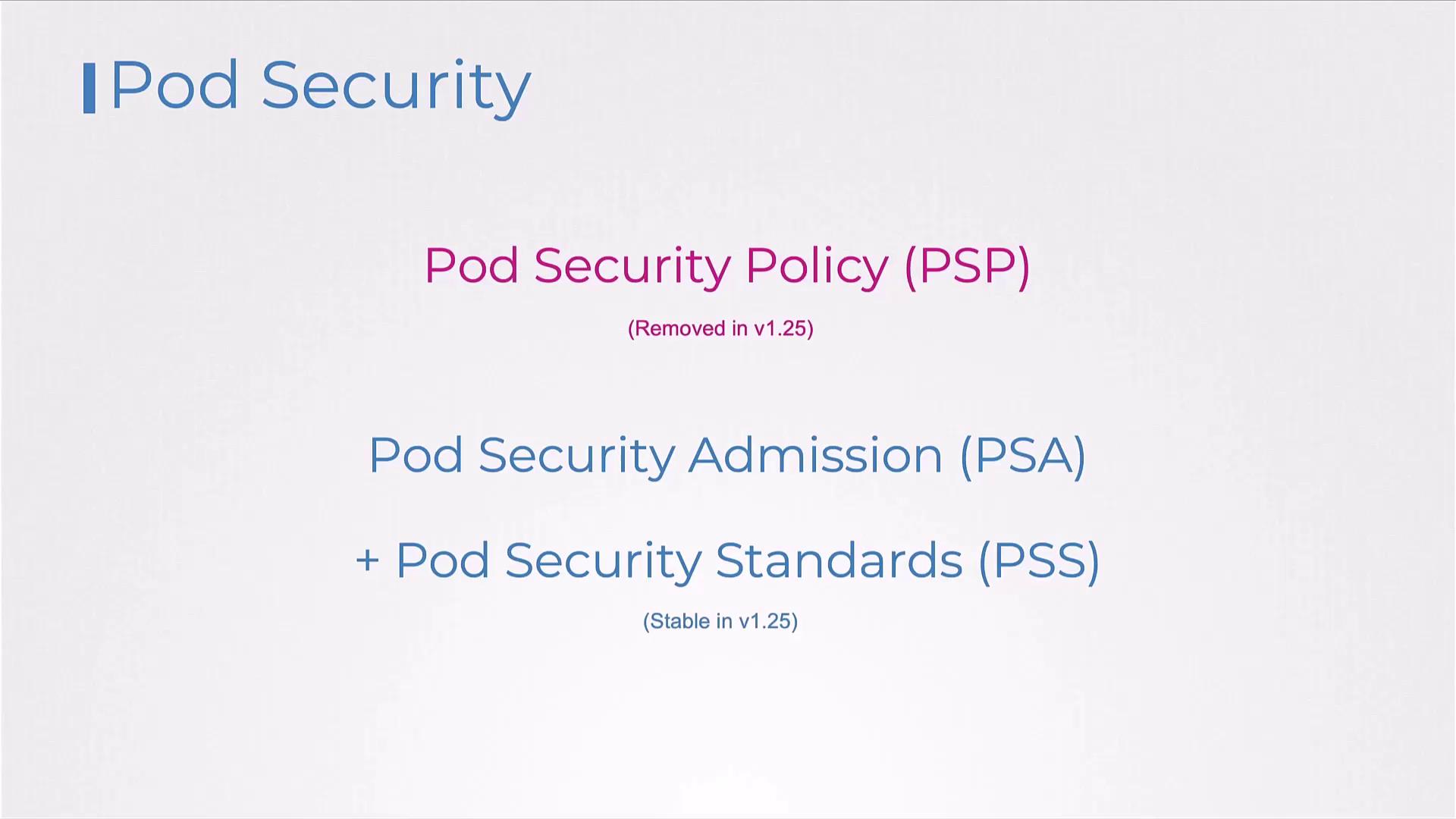
Kubernetes originally enforced Pod restrictions through **Pod Security Policies (PSP)**. As of **v1.25**, PSP was removed in favor of the simpler, namespace-scoped **Pod Security Admission** (PSA) and **Pod Security Standards** (PSS), which are now stable.
## Pod Security Policies (PSP)
PSP was a cluster-level admission controller that validated each Pod creation request against defined policy objects. If a request violated any rule, it was rejected.
### Enabling the PSP Admission Controller
On your API server, include `PodSecurityPolicy` in the admission plugins:
```bash theme={null}
ExecStart=/usr/local/bin/kube-apiserver \
--advertise-address=${INTERNAL_IP} \
--allow-privileged=true \
--authorization-mode=Node,RBAC \
--enable-admission-plugins=PodSecurityPolicy \
--service-cluster-ip-range=10.32.0.0/24 \
--service-node-port-range=30000-32767 \
# …other flags…
```
### Defining a Basic PSP
A minimal PSP that disallows privileged containers:
```yaml theme={null}
apiVersion: policy/v1beta1
kind: PodSecurityPolicy
metadata:
name: example-psp
spec:
privileged: false
seLinux:
rule: RunAsAny
supplementalGroups:
rule: RunAsAny
runAsUser:
rule: RunAsAny
fsGroup:
rule: RunAsAny
volumes:
- '*'
```
### Creating a More Restrictive PSP
Tighten policies to enforce non-root users, drop capabilities, and restrict volumes:
```yaml theme={null}
apiVersion: policy/v1beta1
kind: PodSecurityPolicy
metadata:
name: example-psp-restrictive
spec:
privileged: false
seLinux:
rule: RunAsAny
supplementalGroups:
rule: RunAsAny
runAsUser:
rule: MustRunAsNonRoot
requiredDropCapabilities:
- CAP_SYS_BOOT
defaultAddCapabilities:
- CAP_SYS_TIME
volumes:
- persistentVolumeClaim
```
Key restrictions:
* `requiredDropCapabilities` removes dangerous capabilities by default.
* `defaultAddCapabilities` lets you explicitly add safe capabilities.
* Volume types are limited to `persistentVolumeClaim`—no host-mounted paths.
## Granting PSP Access via RBAC
Even with PSP enabled, you must grant subjects permission to use a specific PSP object.
### Role for PSP Usage
```yaml theme={null}
apiVersion: rbac.authorization.k8s.io/v1
kind: Role
metadata:
name: psp-example-role
rules:
- apiGroups: ["policy"]
resources: ["podsecuritypolicies"]
resourceNames: ["example-psp"]
verbs: ["use"]
```
### RoleBinding to a ServiceAccount
```yaml theme={null}
apiVersion: rbac.authorization.k8s.io/v1
kind: RoleBinding
metadata:
name: psp-example-rolebinding
subjects:
- kind: ServiceAccount
name: default
namespace: default
roleRef:
apiGroup: rbac.authorization.k8s.io
kind: Role
name: psp-example-role
```
Without these RBAC bindings, **all** Pod creation requests will be denied once the PSP admission plugin is enabled.
## Common Challenges with PSP
* Not enabled by default—manual API server configuration is required.
* Complex policy rollout—existing clusters must define PSPs for every use case.
* RBAC overhead—each user or service account needs separate Role and RoleBinding.
* Controller workloads (Deployments, DaemonSets) also require PSP access.
* PSP could mutate Pod specs (e.g., add default capabilities), a feature not carried over to PSA.
## Transition to Pod Security Admission (PSA)
Pod Security Admission and Pod Security Standards simplify namespace-level enforcement without PSP’s RBAC complexity or mutating behavior.
| Aspect | Pod Security Policy (PSP) | Pod Security Admission (PSA) |
| ------------------- | ------------------------------- | ----------------------------------------- |
| Scope | Cluster-wide | Namespace |
| Lifecycle | Deprecated/Removed (v1.25) | Stable since v1.25 |
| RBAC Complexity | High (Roles & Bindings per PSP) | Lower (Namespace annotations) |
| Mutating Capability | Yes | No |
| Configuration | Custom CRDs | Built-in `enforce`, `audit`, `warn` modes |
## Links and References
* [Kubernetes Pod Security Admission](https://kubernetes.io/docs/concepts/security/pod-security-admission/)
* [Pod Security Standards](https://kubernetes.io/docs/concepts/security/pod-security-standards/)
* [Kubernetes API Server Admission Controllers](https://kubernetes.io/docs/reference/command-line-tools-reference/kube-apiserver/)
## Next Steps
1. Migrate legacy PSPs to PSA by annotating namespaces.
2. Choose a Pod Security Standard (`restricted`, `baseline`, `privileged`) per namespace.
3. Monitor audit events before enforcing stricter policies.