> ## Documentation Index
> Fetch the complete documentation index at: https://notes.kodekloud.com/llms.txt
> Use this file to discover all available pages before exploring further.
# Securing Container Networking
> This guide outlines strategies to enhance network security for Kubernetes containers, addressing communication vulnerabilities in a flat network model.
Containers in Kubernetes communicate over a flat, cluster-wide network by default. While this architecture simplifies connectivity, it can expose your workloads to various security threats. In this guide, we’ll walk through four essential strategies to tighten your cluster’s network security.
## Kubernetes’s Flat Network Model
By default, Kubernetes implements a flat network where:
* Each Pod receives a unique IP address.
* Containers within the same Pod share network namespace, IP, and port space.
* Pods communicate directly, without NAT.
* DNS resolves Services to enable Pod-to-Service calls.
* External traffic is routed through [Ingress controllers](https://kubernetes.io/docs/concepts/services-networking/ingress-controllers/) or external [LoadBalancers](https://kubernetes.io/docs/concepts/services-networking/service/#loadbalancer).
Running with an open, flat network model means **any Pod can talk to any other Pod** by default. Always apply security controls before deploying production workloads.
## Network Security Focus Areas
| Security Area | Tooling/Feature | Purpose |
| -------------------------------- | ----------------------------- | --------------------------------------------- |
| Pod-to-Pod Traffic Control | Network Policies | Restrict ingress/egress at the Pod level |
| Service-to-Service Communication | Service Mesh (Istio, Linkerd) | Enforce mTLS, advanced routing, observability |
| Node-to-Node Encryption | Calico with IPsec / WireGuard | Encrypt inter-node traffic |
| Workload Isolation | Namespaces & Network Policies | Limit blast radius through segment isolation |
***
## 1. Restricting Pod Communication with Network Policies
By default, all Pod-to-Pod traffic is permitted. To establish a secure baseline, use a **deny-by-default** policy:
```yaml theme={null}
apiVersion: networking.k8s.io/v1
kind: NetworkPolicy
metadata:
name: deny-all
namespace: default
spec:
podSelector: {}
policyTypes:
- Ingress
- Egress
ingress: []
egress: []
```
This policy blocks **all** incoming and outgoing traffic in the `default` namespace. You can then layer on additional policies to explicitly allow necessary connections.
After applying a deny-all policy, define granular allow rules for DNS, API server access, and any other required services.
***
## 2. Service-to-Service Security with a Service Mesh
Deploying a service mesh such as [Istio](https://istio.io/) or [Linkerd](https://linkerd.io/) adds powerful features:
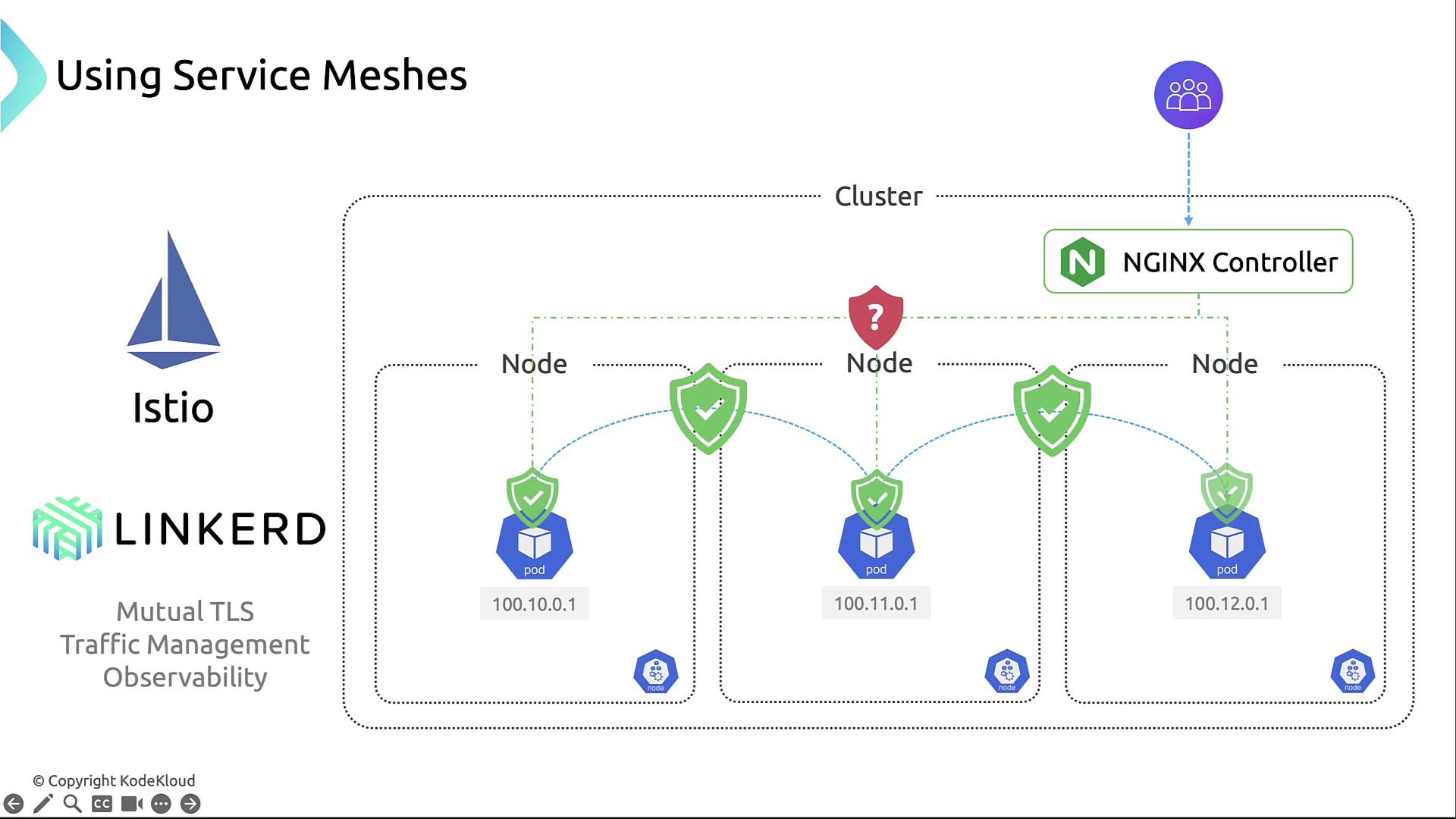
* Mutual TLS (mTLS) encrypts and authenticates service-to-service calls.
* Fine-grained traffic management: retries, timeouts, and routing rules.
* Built-in telemetry, metrics, and logs for full observability.
By enforcing mTLS, Istio can prevent man-in-the-middle attacks and ensure only authenticated services can communicate.
***
## 3. Encrypting Network Traffic Between Nodes
Protect data in transit at the network layer by enabling encryption with CNI plugins like Calico:
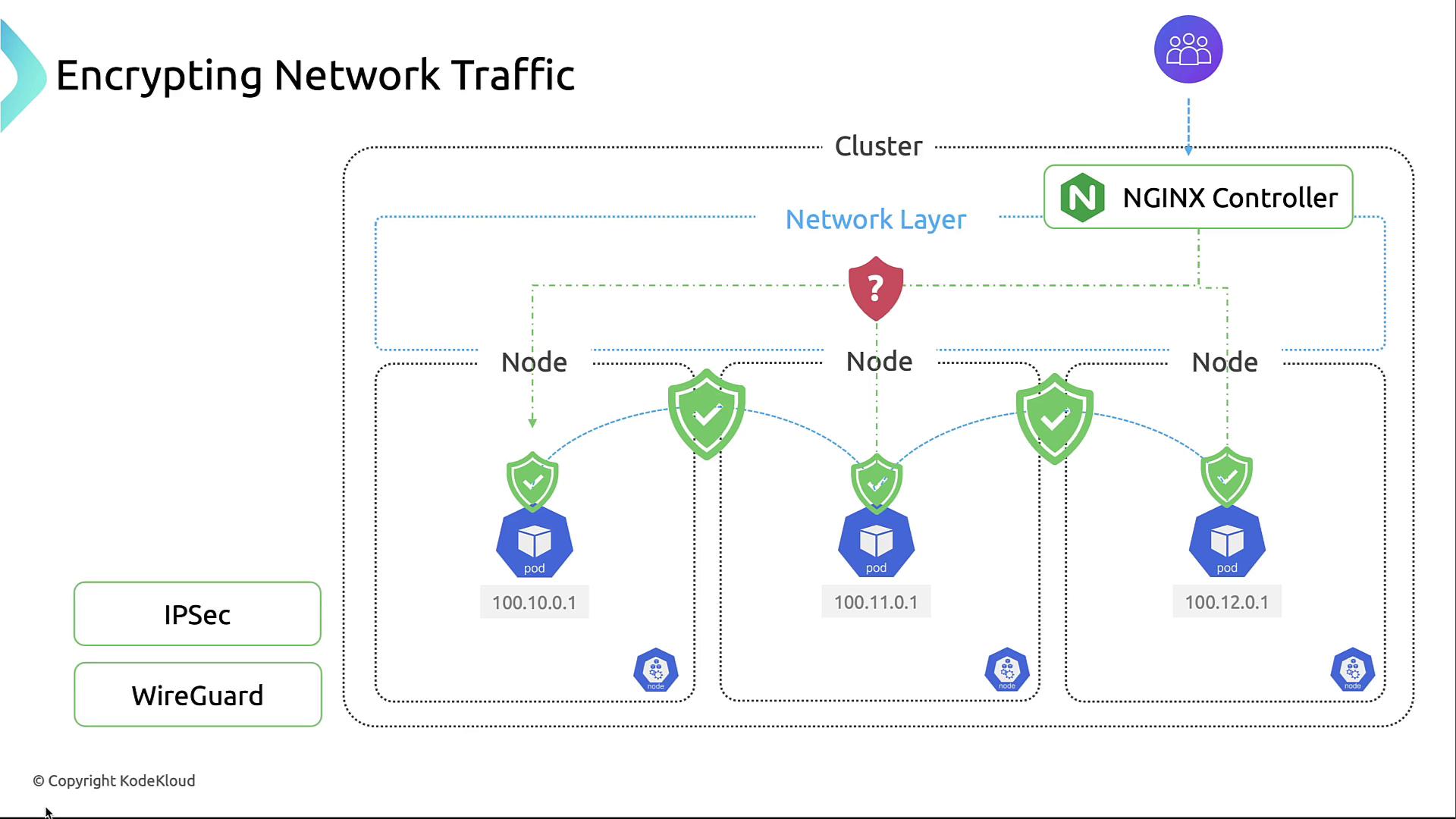
* **Calico + IPsec**: Encrypts all inter-node traffic without requiring additional hardware.
* **WireGuard**: A lightweight, high-performance VPN alternative.
Configuring IPsec in Calico ensures confidentiality and integrity for pod networking across nodes.
***
## 4. Isolating Sensitive Workloads
Segregate critical applications into dedicated namespaces and apply strict policies to reduce lateral movement:
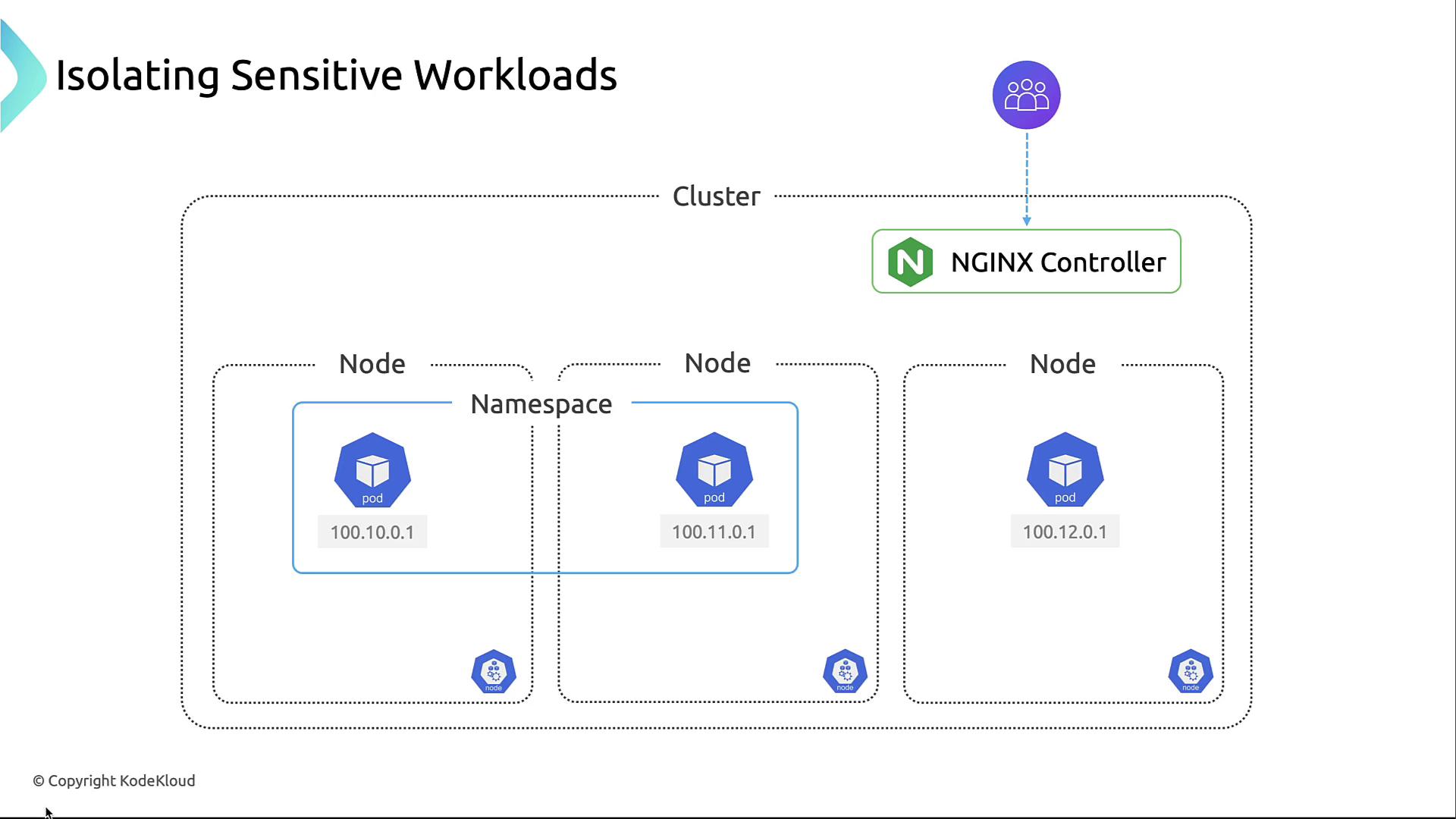
By combining namespaces with network policies, you can limit which teams or services can communicate, containing any potential breach.
***
## Summary
To recap:
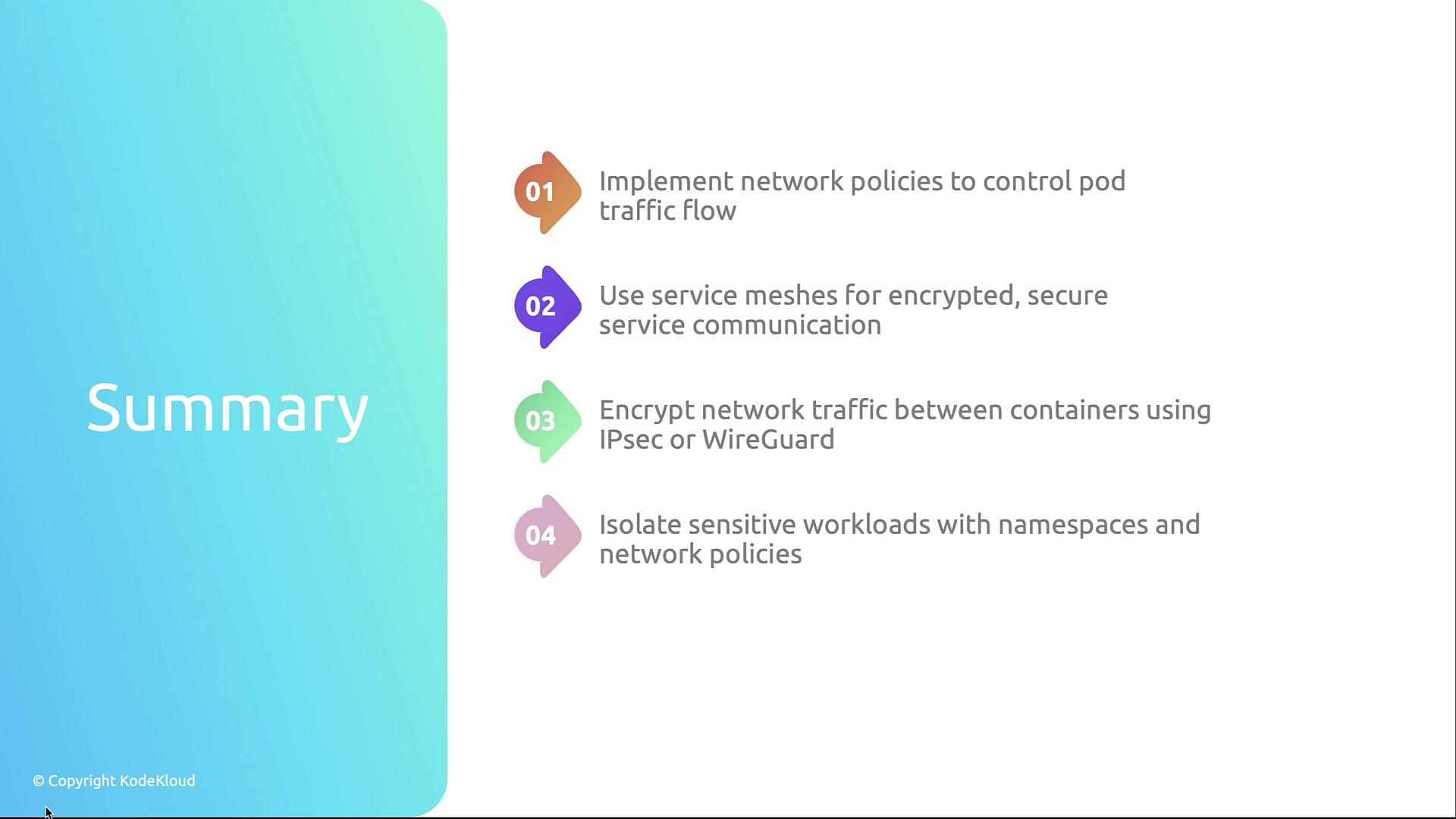
1. Define **Network Policies** to control Pod-level traffic.
2. Deploy a **Service Mesh** for mTLS and advanced routing.
3. Encrypt inter-node traffic with **IPsec** or **WireGuard**.
4. Use **Namespaces and strict policies** to isolate workloads.
## Links and References
* [Kubernetes Documentation](https://kubernetes.io/docs/)
* [Istio](https://istio.io/)
* [Linkerd](https://linkerd.io/)
* [Calico](https://www.projectcalico.org/)
* [IPsec](https://en.wikipedia.org/wiki/IPsec)
* [WireGuard](https://www.wireguard.com/)