> ## Documentation Index
> Fetch the complete documentation index at: https://notes.kodekloud.com/llms.txt
> Use this file to discover all available pages before exploring further.
# Securing Container Runtime
> This article discusses securing container runtimes in Kubernetes, focusing on transitioning from Docker to containerd or CRI-O for enhanced security.
Ensuring a secure container runtime on each compute node is vital for any production-grade Kubernetes cluster. While Docker was the historical default, Kubernetes now natively supports **containerd** and **CRI-O**—runtimes designed for tighter integration and stronger security.
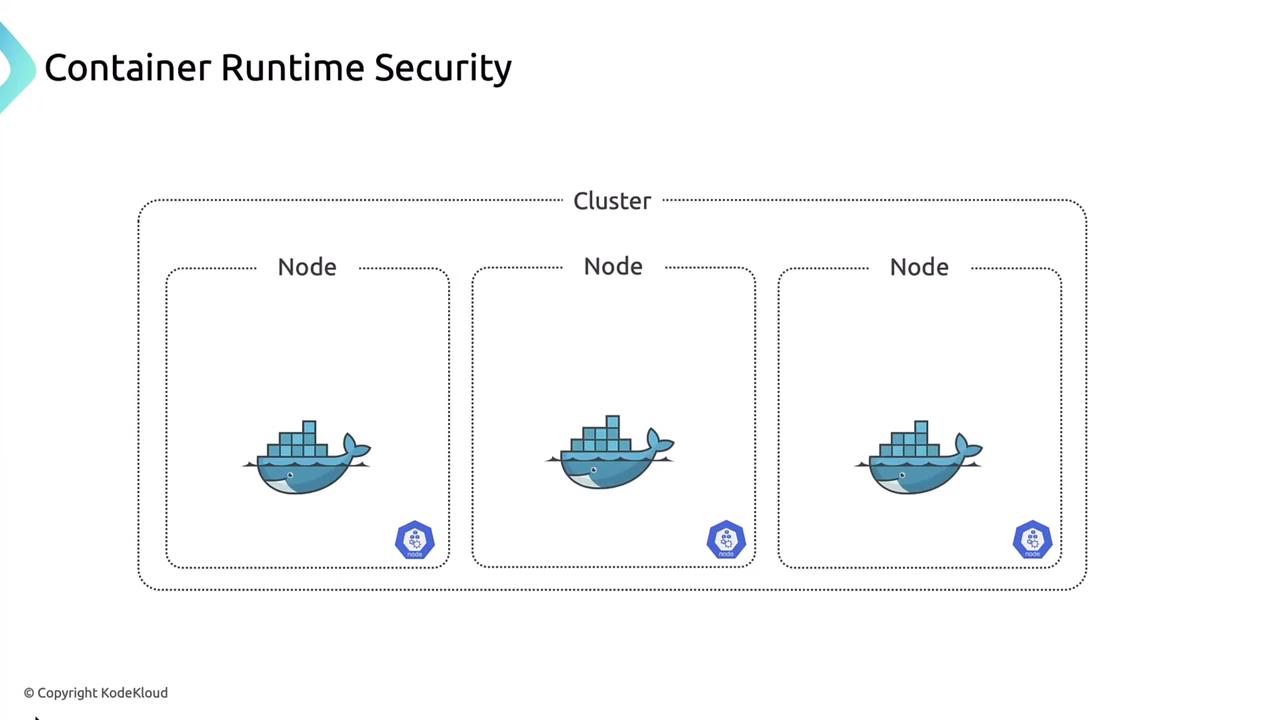
## Why Migrate from Docker?
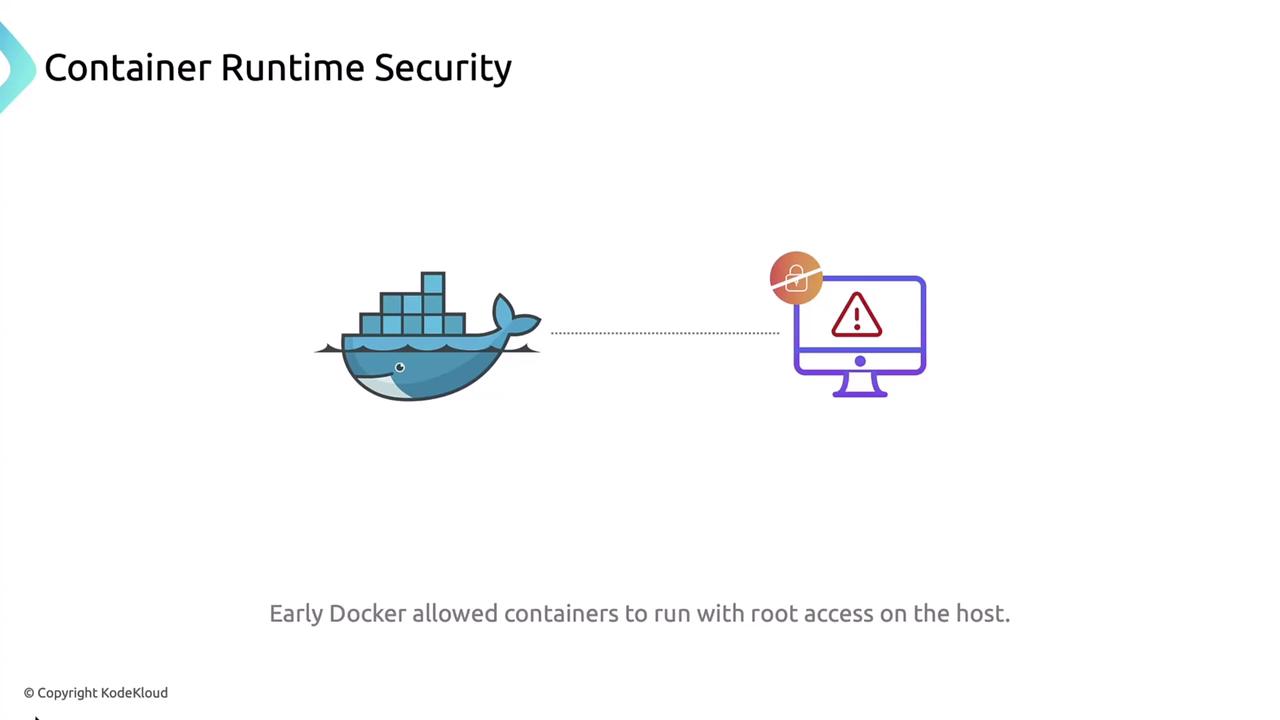
Docker’s early releases suffered from a critical vulnerability that allowed containers to execute with root privileges on the host. Modern container runtimes mitigate this risk by adhering to the Container Runtime Interface (CRI).
## Common Container Runtime Vulnerabilities
Several high-profile CVEs have underscored the need for a secure runtime:
| Vulnerability | Impact |
| ---------------------------- | ----------------------------------------------------------- |
| Dirty COW | Linux kernel flaw allowing unauthorized root access |
| runc container breakout | Overwriting the `runc` binary to gain host-level privileges |
| Docker container escape | Accessing sensitive host files from within a container |
| containerd denial of service | Forcing a host DoS via containerd resource exhaustion |
| CRI-O container escapes | Breaking out of CRI-O sandbox to the host |
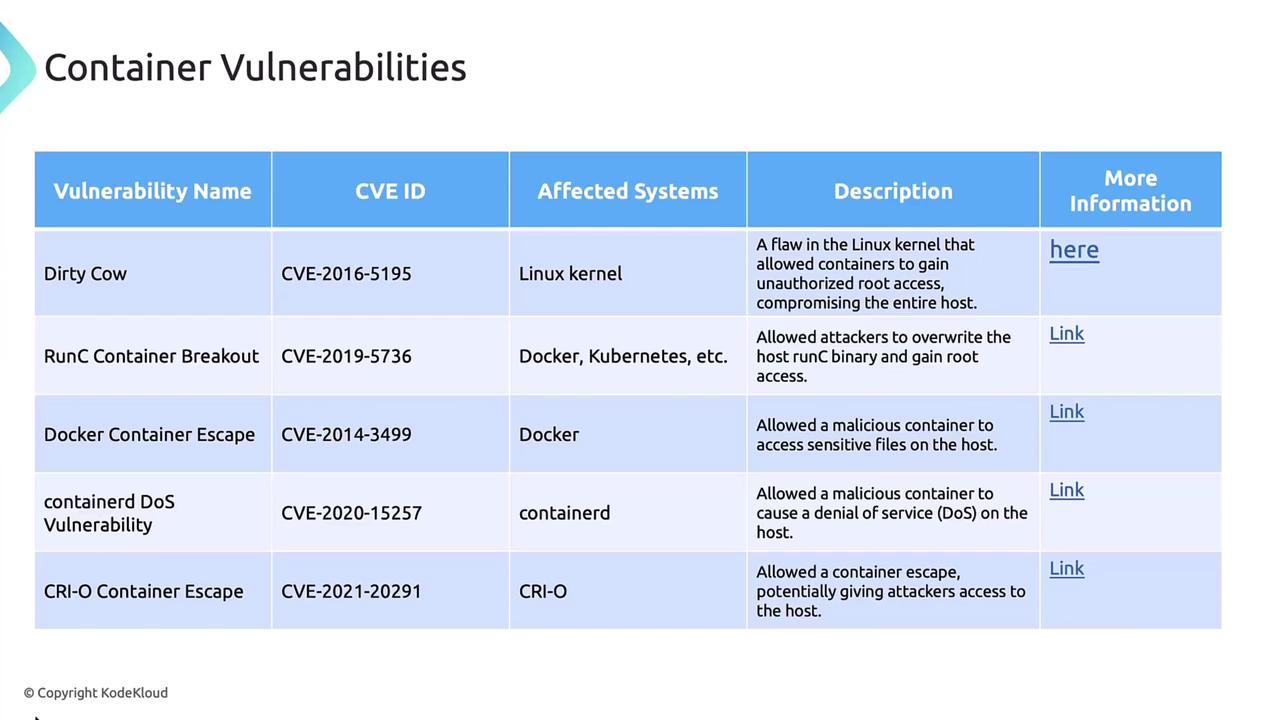
> For a complete list of CVEs and mitigation steps, refer to your runtime’s security advisories.
## 1. Regular Updates and Patching
Keeping containerd, CRI-O or Docker packages up to date is a straightforward way to close known security gaps.
```bash theme={null}
sudo apt-get update
sudo apt-get install containerd
```
Always consult the [official Kubernetes container runtimes guide](https://kubernetes.io/docs/setup/production-environment/container-runtimes/) for platform-specific instructions.
## 2. Least-Privilege Execution
Avoid running containers as `root`. Assign non-root UIDs/GIDs to limit blast radius:
```yaml theme={null}
apiVersion: v1
kind: Pod
metadata:
name: least-privilege-pod
spec:
securityContext:
runAsUser: 1000
runAsGroup: 3000
containers:
- name: app
image: my-app-image
```
Failing to specify `runAsUser` can expose your host to privilege escalation if a container is compromised.
## 3. Enforce a Read-Only Filesystem
Prevent on-disk tampering by mounting the root filesystem as read-only:
```yaml theme={null}
apiVersion: v1
kind: Pod
metadata:
name: readonly-pod
spec:
containers:
- name: app
image: my-app-image
securityContext:
readOnlyRootFilesystem: true
```
## 4. Resource Limits
Define CPU and memory limits to protect the node from denial-of-service attacks:
```yaml theme={null}
apiVersion: v1
kind: Pod
metadata:
name: resource-limits-pod
spec:
containers:
- name: app
image: my-app-image
resources:
limits:
memory: "512Mi"
cpu: "1"
```
## 5. Mandatory Access Control (SELinux & AppArmor)
### SELinux
```yaml theme={null}
apiVersion: v1
kind: Pod
metadata:
name: selinux-demo
spec:
containers:
- name: nginx
image: nginx
securityContext:
seLinuxOptions:
user: "system_u"
role: "system_r"
type: "spc_t"
level: "s0:c123,c456"
```
### AppArmor
```yaml theme={null}
apiVersion: v1
kind: Pod
metadata:
name: apparmor-demo
annotations:
container.apparmor.security.beta.Kubernetes.io/app: localhost/my-apparmor-profile
spec:
containers:
- name: app
image: my-app-image
```
## 6. Transition to containerd or CRI-O
Docker support is deprecated in newer Kubernetes releases. Migrate to **containerd** or **CRI-O** for enhanced security, performance, and forward compatibility.
Update your node bootstrapping scripts or configuration management to use the CRI socket (`/run/containerd/containerd.sock` or `/var/run/crio/crio.sock`).
## 7. Monitoring, Logging & Auditing
Centralize logs and metrics to detect runtime anomalies:
* Fluentd, Logstash, Elasticsearch for log aggregation
* Prometheus & Grafana for metrics
* Kubernetes Audit Logs for API event tracking
## References
* [Kubernetes Container Runtimes](https://kubernetes.io/docs/setup/production-environment/container-runtimes/)
* [Docker Security](https://docs.docker.com/engine/security/)
* [containerd Documentation](https://containerd.io/docs/)
* [CRI-O GitHub](https://github.com/cri-o/cri-o)