> ## Documentation Index
> Fetch the complete documentation index at: https://notes.kodekloud.com/llms.txt
> Use this file to discover all available pages before exploring further.
# Securing Kube Proxy
> This guide covers best practices for securing kube-proxy in Kubernetes, including configuration management, encryption, audit logging, and access control.
Kube-proxy runs on every Kubernetes node, enforcing network rules that allow pods, services, and external clients to communicate. Securing kube-proxy is vital to safeguard your cluster against misconfigurations and attacks. In this guide, you’ll learn how to locate and lock down kube-proxy’s configuration, enforce encrypted communication, enable audit logging, and follow security best practices.
***
## 1. Locate the Kube-Proxy Process and Configuration
Identify the running kube-proxy and its config file:
```bash theme={null}
joe@ubuntu:~$ ps -ef | grep kube-proxy
root 5351 5134 0 04:22 ? 00:00:04 /usr/local/bin/kube-proxy \
--config=/var/lib/kube-proxy/config.conf \
--hostname-override=controlplane --color=auto kube-proxy
```
The `--config` flag points to the primary configuration:
```yaml theme={null}
apiVersion: kubeproxy.config.k8s.io/v1alpha1
bindAddress: 0.0.0.0
bindAddressHardFail: false
clientConnection:
acceptContentTypes: ""
burst: 0
contentType: ""
kubeconfig: /var/lib/kube-proxy/kubeconfig.conf
qps: 0
clusterCIDR: 172.17.0.0/16
```
The `kubeconfig` entry specifies where kube-proxy retrieves its API credentials.
***
## 2. Secure the kubeconfig File
Protecting the kubeconfig file prevents unauthorized access to the API server.
### 2.1 Verify Permissions and Ownership
Use a table to validate file permissions and ownership:
| File | Permissions | Owner |
| ------------------------------------- | ------------ | --------- |
| `/var/lib/kube-proxy/config.conf` | 644 | root:root |
| `/var/lib/kube-proxy/kubeconfig.conf` | 600 (or 644) | root:root |
```bash theme={null}
# Check permission
stat -c %a /var/lib/kube-proxy/kubeconfig.conf
# Check owner and group
stat -c %U:%G /var/lib/kube-proxy/kubeconfig.conf
```
Always grant the minimum file permissions needed. Restrict write access to root (600) wherever possible.
***
## 3. Enforce TLS Encryption for API Connectivity
Open the kubeconfig to confirm TLS settings and service-account authentication:
```yaml theme={null}
apiVersion: v1
kind: Config
clusters:
- cluster:
certificate-authority: /var/run/secrets/kubernetes.io/serviceaccount/ca.crt
server: https://controlplane:6443
name: default
contexts:
- context:
cluster: default
namespace: default
user: default
name: default
current-context: default
users:
- name: default
user:
tokenFile: /var/run/secrets/kubernetes.io/serviceaccount/token
```
* `certificate-authority` ensures the API server’s certificate is validated.
* `server: https://…` enforces encrypted HTTPS connections.
* Service-account `tokenFile` grants authenticated, RBAC-controlled access.
***
## 4. Enable Audit Logging
Audit logs help you monitor all kube-proxy actions and detect suspicious activity.
1. **Create an audit policy** (e.g., `/etc/kubernetes/audit-policy.yaml`):
```yaml theme={null}
apiVersion: audit.k8s.io/v1
kind: Policy
rules:
# Log all actions by kube-proxy
- level: Metadata
users: ["system:kube-proxy"]
# Optionally monitor changes to core resources
- level: Metadata
resources:
- group: ""
resources: ["pods", "services", "endpoints"]
# Skip logging for all other requests
- level: None
```
2. **Stream audit events** to verify logs:
```bash theme={null}
tail -f /var/log/audit/audit.log | jq .objectRef.resource
```
Ensure sufficient disk space and retention policies for your audit logs to prevent data loss.
***
## Summary of Best Practices
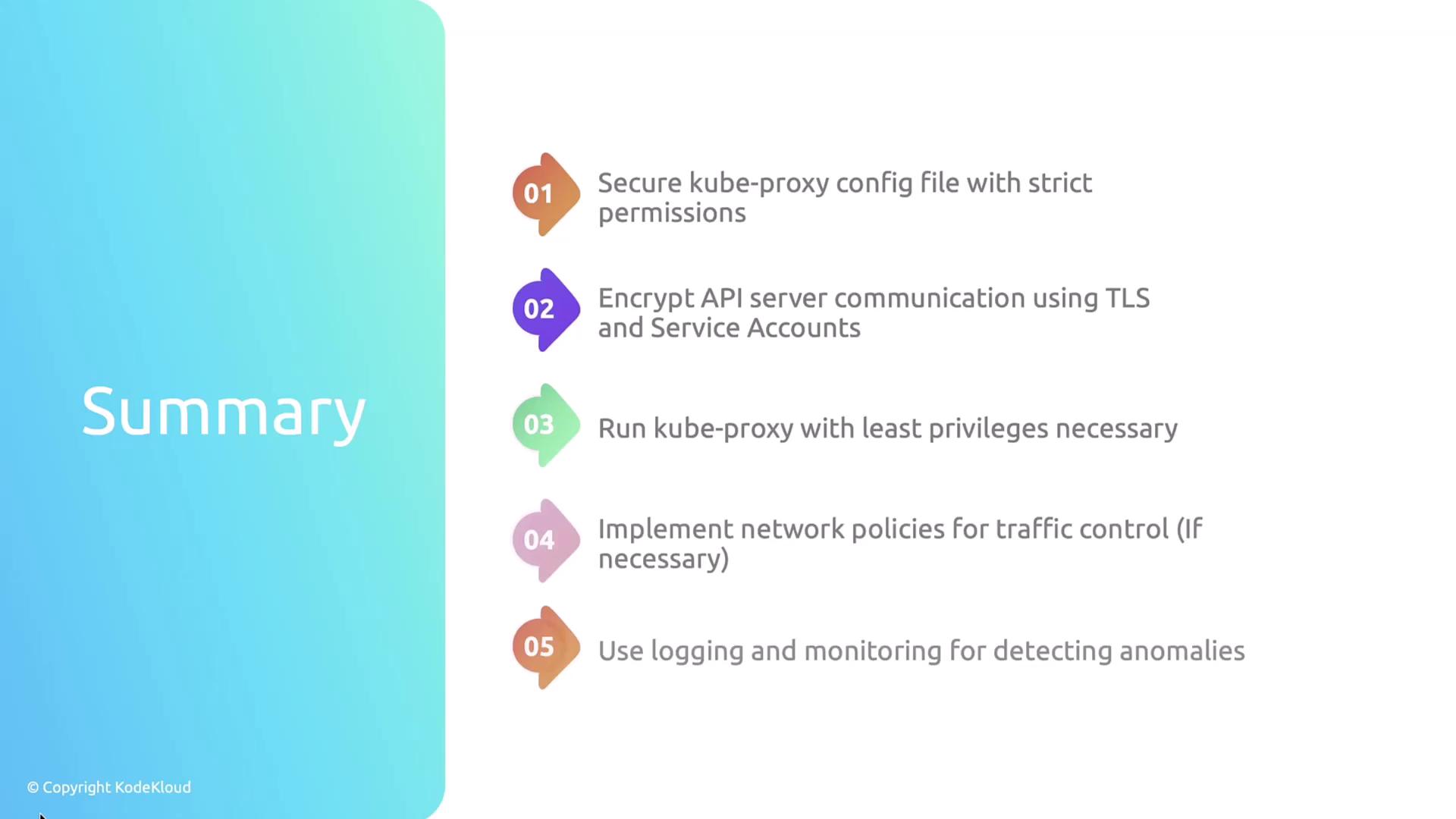
* Secure and limit access to `/var/lib/kube-proxy/config.conf` and `kubeconfig.conf`.
* Enforce TLS and service-account authentication for API traffic.
* Run kube-proxy with least privilege.
* Apply NetworkPolicies to control pod-to-pod traffic.
* Enable logging and monitoring to detect anomalies.
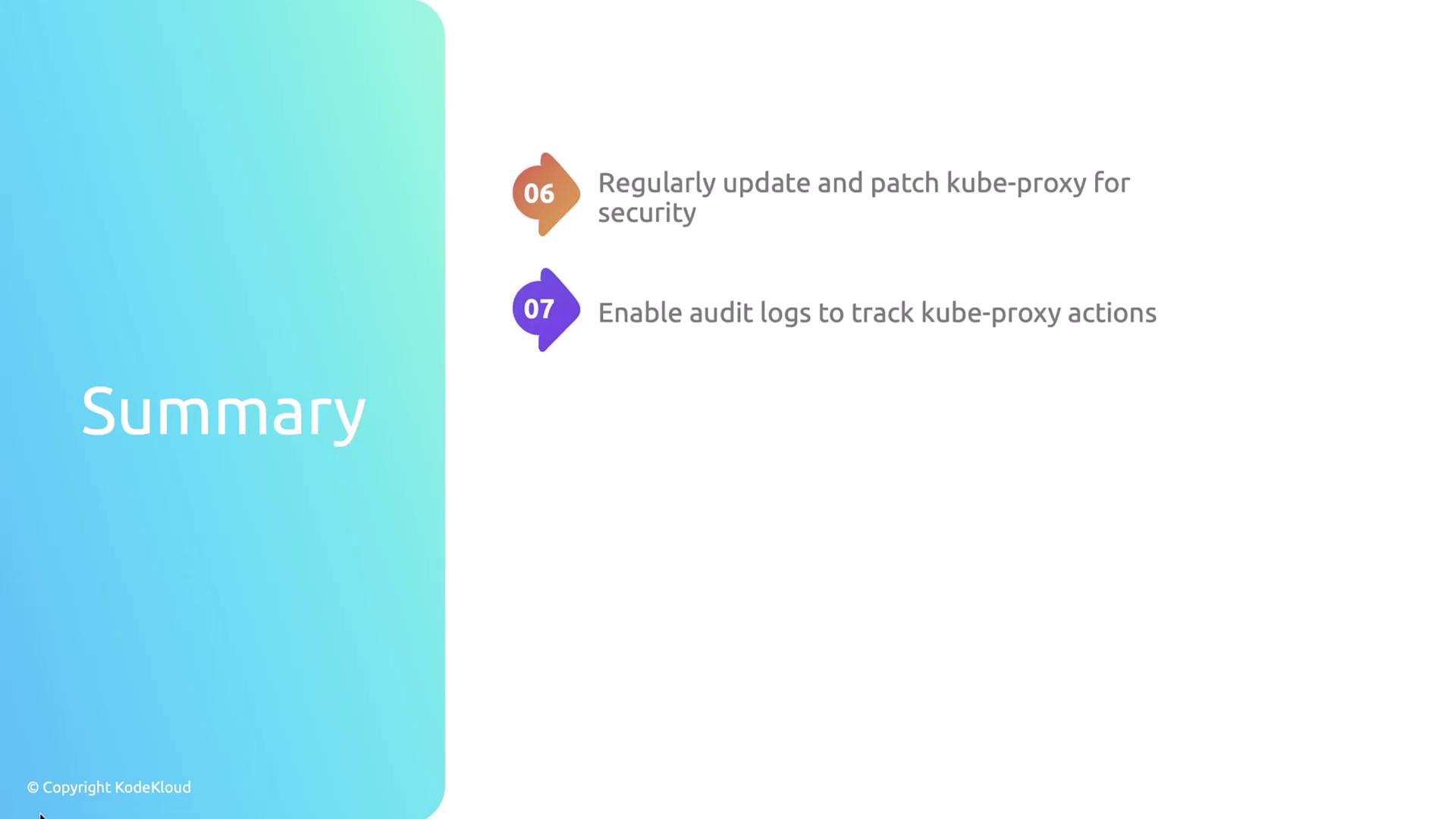
* Keep kube-proxy updated with the latest security patches.
* Enable and review audit logs to track every kube-proxy action.
## Further Reading and References
* [Kubernetes Official Documentation](https://kubernetes.io/docs/)
* [API Auditing in Kubernetes](https://kubernetes.io/docs/tasks/debug/debug-cluster/audit/)
* [Managing Kubernetes ServiceAccounts](https://kubernetes.io/docs/reference/access-authn-authz/service-accounts-admin/)