> ## Documentation Index
> Fetch the complete documentation index at: https://notes.kodekloud.com/llms.txt
> Use this file to discover all available pages before exploring further.
# Authentication
> This lesson covers authenticating access to a Kubernetes cluster, detailing methods and configurations for securing API server interactions.
Welcome to this lesson on authenticating access to a Kubernetes cluster. A cluster consists of multiple physical or virtual nodes and several internal components working together to run your workloads. It’s crucial to secure management access by verifying identities for anyone or anything interacting with the API server.
Actors interacting with the cluster:
| Actor | Description | Examples |
| --------------- | ------------------------------------------ | ----------------------------------- |
| Administrators | Manage infrastructure and policies | Cluster operators, DevOps engineers |
| Developers | Deploy and maintain applications | CI/CD engineers, application owners |
| Robotic Clients | Automated systems accessing the API server | Monitoring tools, pipelines |
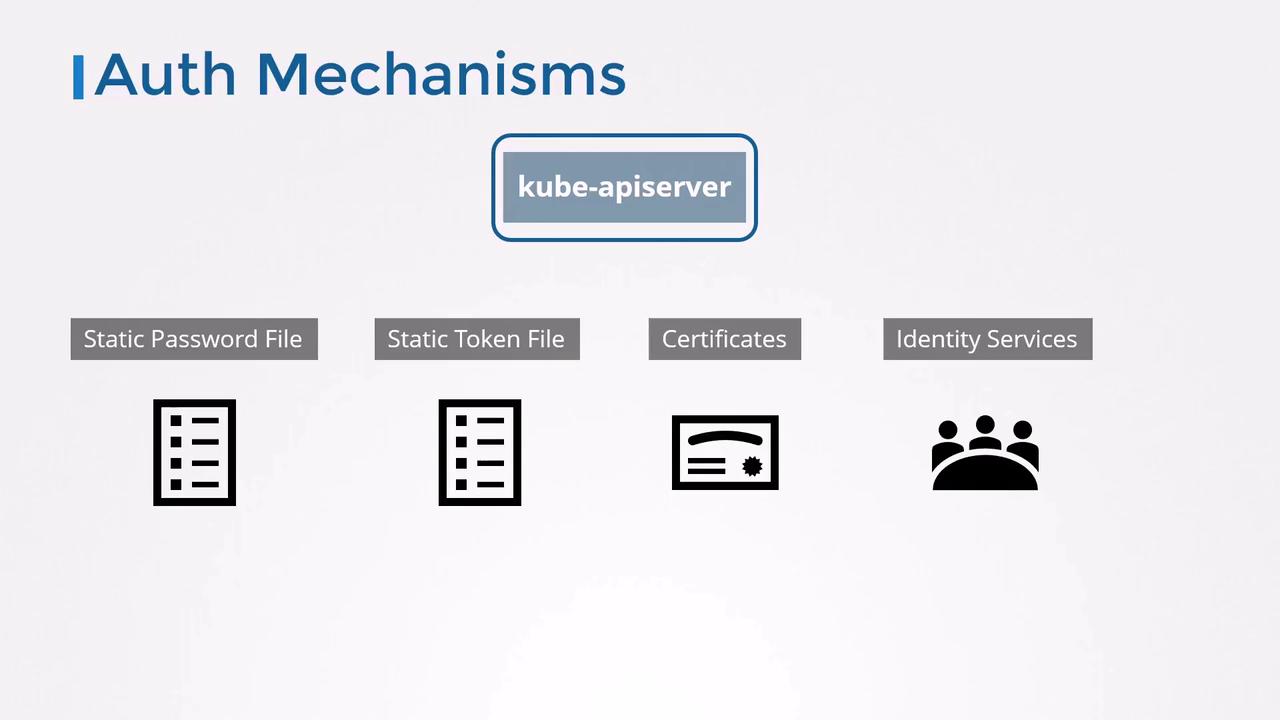
Kubernetes relies on external identity sources (files, certificates, identity services like LDAP or OIDC) for human user authentication, while it internally manages *service accounts*. All requests pass through the **kube-apiserver**, which authenticates before authorizing.
Supported authentication methods:
| Method | Description |
| ------------------------- | ----------------------------------------------------------------- |
| Static Password File | CSV listing `username`, `password`, `UID`, \[optional groups] |
| Static Token File | CSV listing bearer `token`, `username`, `UID`, \[optional groups] |
| Client Certificates | X.509 certificates for users |
| External Identity Service | LDAP, OIDC, webhook token authentication |
***
## 1. Static Password File
The simplest approach uses a CSV file with one line per user:
```csv theme={null}
password123,user1,u0001,group1
password123,user2,u0002,group1
password123,user3,u0003,group2
password123,user4,u0004,group2
password123,user5,u0005,group2
```
### Configuring the API Server
Choose your setup:
1. **Systemd unit** (`/etc/systemd/system/kube-apiserver.service`):
```shell theme={null}
ExecStart=/usr/local/bin/kube-apiserver \
--advertise-address=${INTERNAL_IP} \
--allow-privileged=true \
--authorization-mode=Node,RBAC \
--bind-address=0.0.0.0 \
--etcd-servers=https://127.0.0.1:2379 \
--service-cluster-ip-range=10.32.0.0/24 \
--service-node-port-range=30000-32767 \
--runtime-config=api/all \
--enable-swagger-ui=true \
--event-ttl=1h \
--v=2 \
--basic-auth-file=/path/to/user-details.csv
```
2. **kubeadm** (edit `/etc/kubernetes/manifests/kube-apiserver.yaml` under `spec.containers.command`):
```yaml theme={null}
apiVersion: v1
kind: Pod
metadata:
name: kube-apiserver
namespace: kube-system
spec:
containers:
- name: kube-apiserver
image: k8s.gcr.io/kube-apiserver-amd64:v1.11.3
command:
- kube-apiserver
- --authorization-mode=Node,RBAC
- --allow-privileged=true
- --advertise-address=172.17.0.107
- --etcd-servers=https://127.0.0.1:2379
- --service-cluster-ip-range=10.32.0.0/24
- --service-node-port-range=30000-32767
- --runtime-config=api/all
- --enable-bootstrap-token-auth=true
- --enable-swagger-ui=true
- --event-ttl=1h
- --v=2
- --basic-auth-file=/path/to/user-details.csv
```
After saving changes, the API server will restart automatically (kubeadm) or after reloading your systemd unit.
### Testing Password Authentication
```bash theme={null}
curl -u user1:password123 https://:6443/api/v1/nodes
```
***
## 2. Static Token File
Bearer tokens offer another static method. Create a CSV containing tokens:
```csv theme={null}
KpjCVbI7cCEAHYPkByTizRb7gulcUc4B,user0,u0010,group1
rJjncHmvtXHc6MlWQddhtvNyyhgTdxSC,user1,u0011,group1
mjoOFTEiFOKL9toikaRNtt59ePtczZSq,user2,u0012,group2
PG41IXhs7QjqWkmBkvG9gICloYuQzI,user3,u0013,group2
```
Add to your API server flags:
```shell theme={null}
--token-auth-file=/path/to/user-token-details.csv
```
### Testing Token Authentication
```bash theme={null}
curl -H "Authorization: Bearer KpjCVbI7cCEAHYPkByTizRb7gulcUc4B" \
https://:6443/api/v1/namespaces
```
***
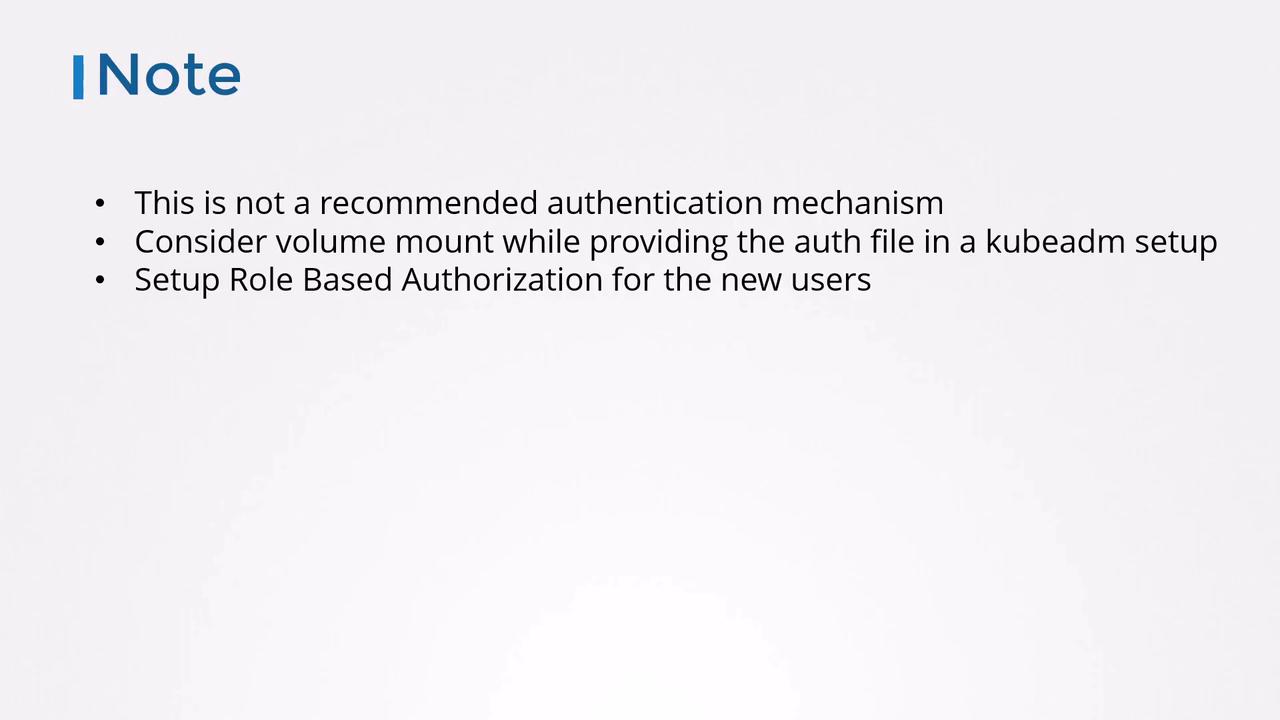
Storing usernames, passwords, or tokens in plain text is **not recommended** for production. Use secure vaults or external identity providers for sensitive environments.
## Security Considerations
* For **kubeadm** clusters, mount your credential files into the API server Pod via a volume.
* Protect files with restrictive filesystem permissions (`chmod 600`).
* After authenticating users, configure [Role-Based Access Control (RBAC)](https://kubernetes.io/docs/reference/access-authn-authz/rbac/) to grant least-privilege permissions.
***
Next, we’ll explore certificate-based authentication and how Kubernetes components use TLS certificates to secure communication.