> ## Documentation Index
> Fetch the complete documentation index at: https://notes.kodekloud.com/llms.txt
> Use this file to discover all available pages before exploring further.
# Pod Security Standards Pod Security Admissions
> This article explains Pod Security Admission and Pod Security Standards in Kubernetes, detailing their features, profiles, and configuration for enhanced security.
In this lesson, we’ll dive into [Pod Security Admission (PSA)](https://kubernetes.io/docs/concepts/security/pod-security-admission/) and [Pod Security Standards (PSS)](https://kubernetes.io/docs/concepts/security/pod-security-standards/). Introduced via [KEP 2579](https://github.com/kubernetes/enhancements/tree/master/keps/sig-auth/2579-psp-migration), PSA replaces Pod Security Policies (PSP) with a safer, simpler, and extensible solution. For advanced checks, you can integrate external tools like [OPA Gatekeeper](https://open-policy-agent.github.io/gatekeeper/).
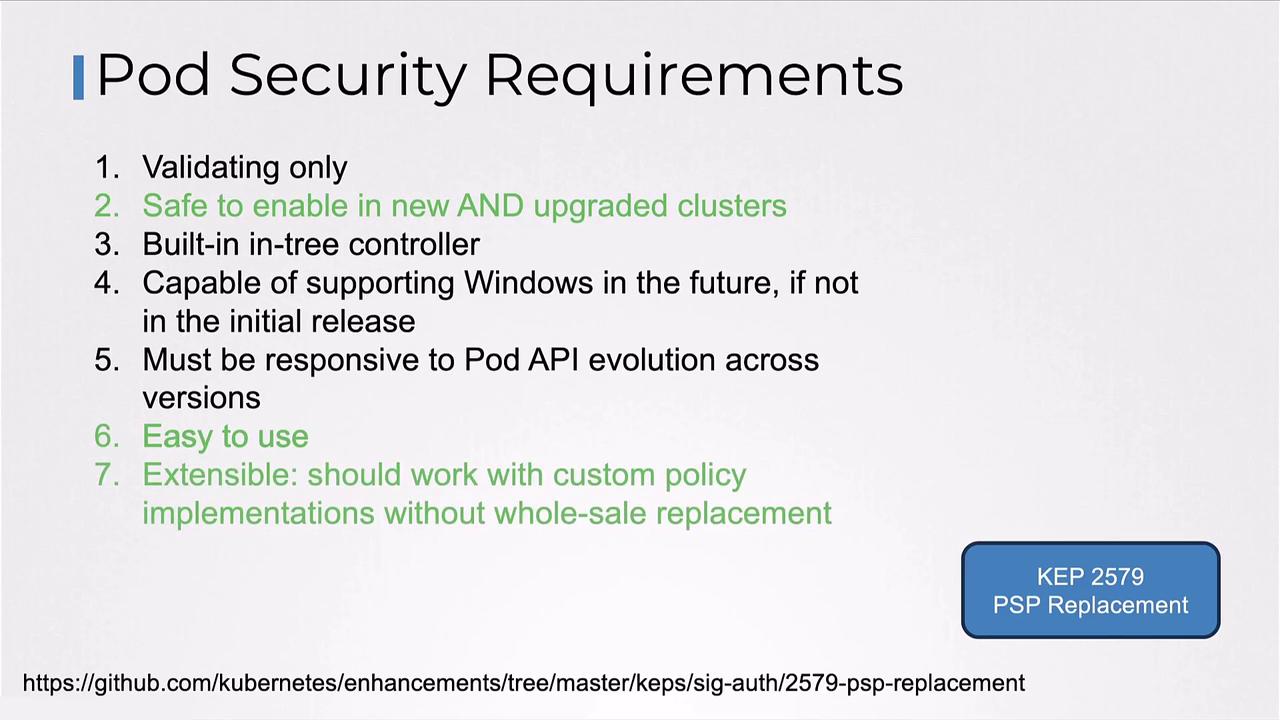
## Pod Security Admission Overview
PSA is an **Admission Controller** enabled by default in Kubernetes.\
Verify it by inspecting the API server’s enabled plugins:
```bash theme={null}
kubectl exec -n kube-system kube-apiserver-controlplane -it -- \
kube-apiserver -h | grep enable-admission-plugins
```
You should see `PodSecurity` listed.
Configure PSA at the **namespace level** by adding labels:
```bash theme={null}
kubectl label namespace pod-security.kubernetes.io/=
```
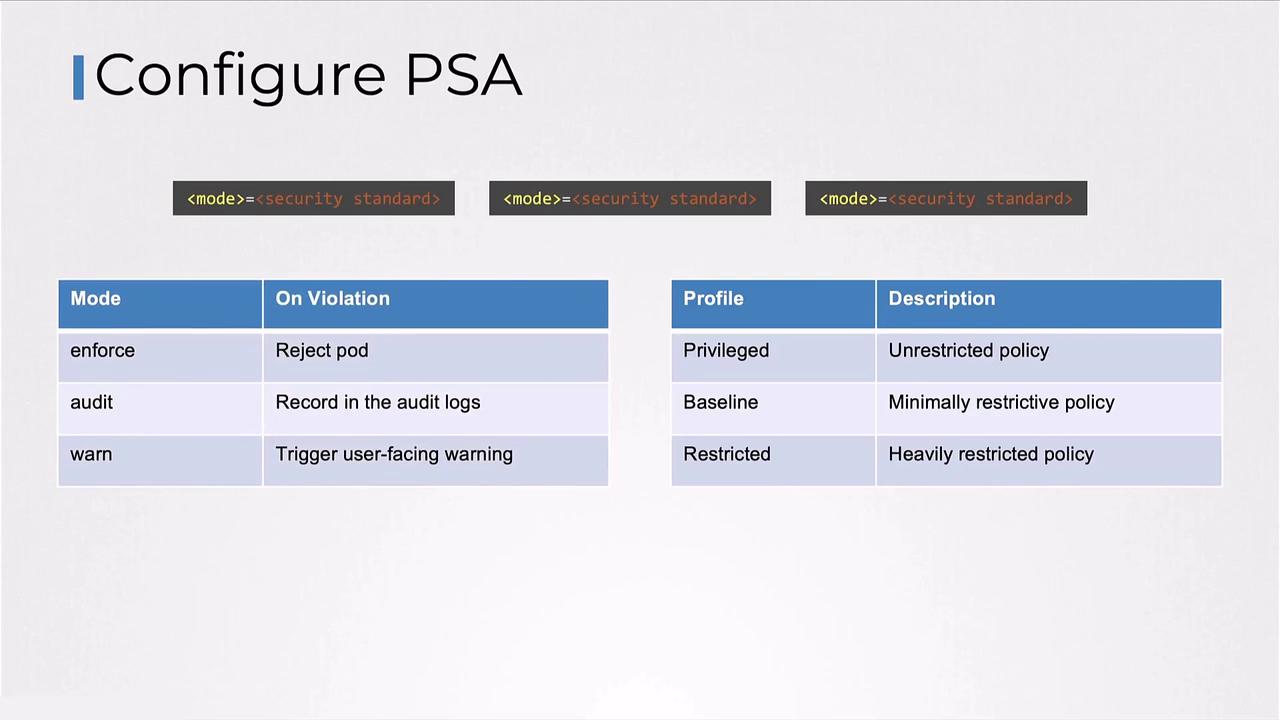
PSA modes (`enforce`, `audit`, `warn`) and profiles (`privileged`, `baseline`, `restricted`) can be combined to meet your security requirements.
## Pod Security Standards: Built-in Profiles
PSA offers three out-of-the-box profiles:
| Profile | Description | Use Case |
| ---------- | --------------------------------------------------- | --------------------------------- |
| privileged | Unrestricted; allows all capabilities | Debugging, system-level tooling |
| baseline | Minimal restrictions; prevents privilege escalation | Most standard applications |
| restricted | Strict hardening; follows best practices | High-security or compliance needs |
## Pod Security Admission Modes
A mode controls PSA’s response to policy violations:
| Mode | Action on Violation |
| ------- | ------------------------------------------- |
| enforce | Rejects non-compliant pod creation requests |
| audit | Logs an audit event; allows the pod |
| warn | Emits a user-facing warning; allows the pod |
You can combine modes and profiles, for example:
* `warn+restricted` — pods are allowed, violations generate warnings
* `enforce+restricted` — non-compliant pods are blocked
## Profile Details
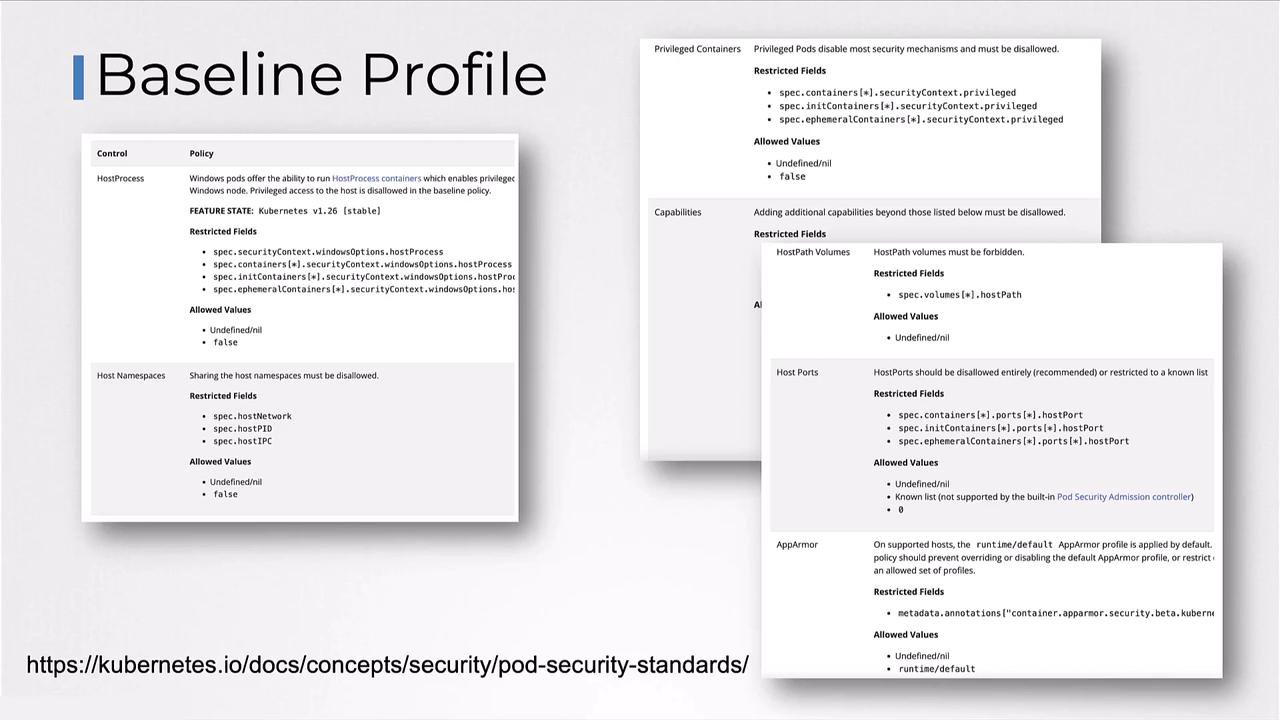
### Baseline Profile
Designed for ease of adoption, the baseline profile prevents unauthorized privilege escalation while maintaining compatibility.
### Restricted Profile
Enforces the latest pod-hardening best practices. Be aware that compatibility issues may arise.
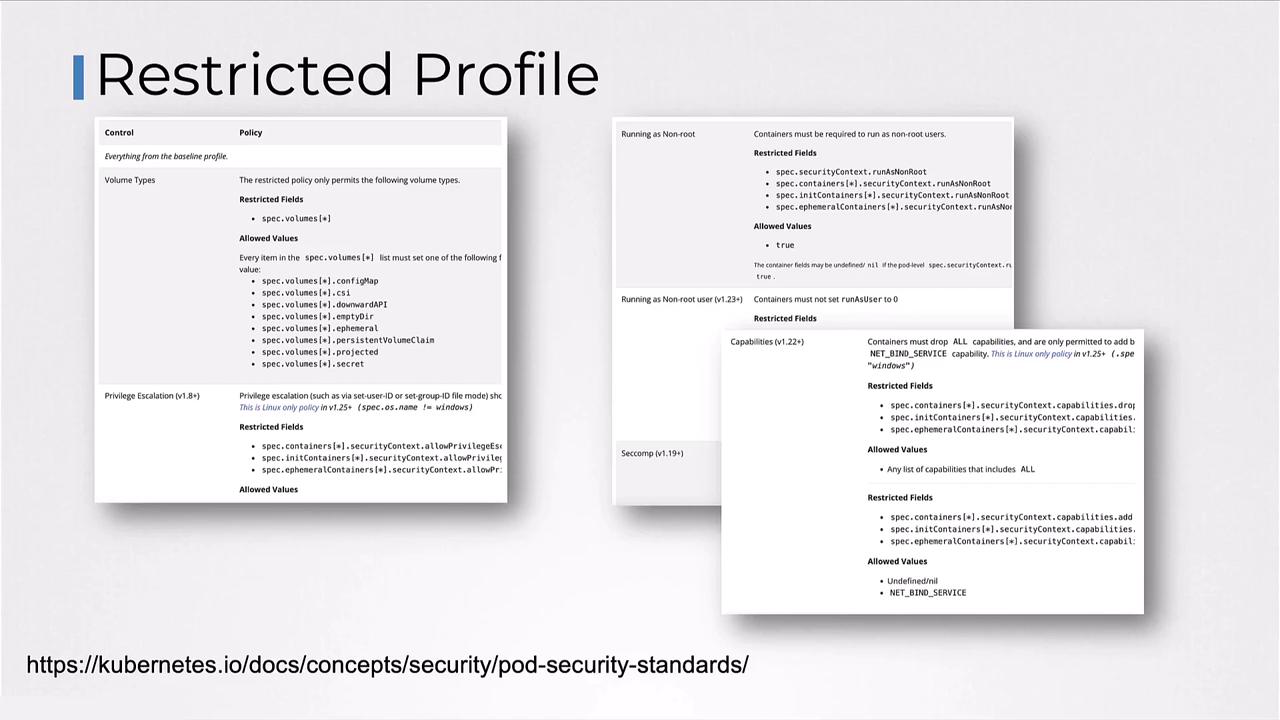
The restricted profile may require you to update container images or init scripts to comply with stricter defaults.
### Privileged Profile
Applies no restrictions; all capabilities are allowed. Use with caution.
## Applying Profiles to Namespaces
Label your namespaces to enforce specific profiles and modes:
```bash theme={null}
kubectl label namespace payroll pod-security.kubernetes.io/enforce=restricted
kubectl label namespace hr pod-security.kubernetes.io/enforce=baseline
kubectl label namespace dev pod-security.kubernetes.io/warn=restricted
```
* In **payroll**: any pod violating the restricted policy is **rejected**.
* In **hr**: only pods meeting the baseline policy are **allowed**.
* In **dev**: all pods are created, but restricted violations **generate warnings**.
***
## References
* [Kubernetes Documentation: Pod Security Admission](https://kubernetes.io/docs/concepts/security/pod-security-admission/)
* [Kubernetes Documentation: Pod Security Standards](https://kubernetes.io/docs/concepts/security/pod-security-standards/)
* [OPA Gatekeeper](https://open-policy-agent.github.io/gatekeeper/)
* [KEP 2579: PSP Migration](https://github.com/kubernetes/enhancements/tree/master/keps/sig-auth/2579-psp-migration)