> ## Documentation Index
> Fetch the complete documentation index at: https://notes.kodekloud.com/llms.txt
> Use this file to discover all available pages before exploring further.

# Artifact Repository and Image Security

> This article discusses the importance of artifact repositories and image security in containerization, highlighting risks and best practices for managing container images.

## Containerization Benefits

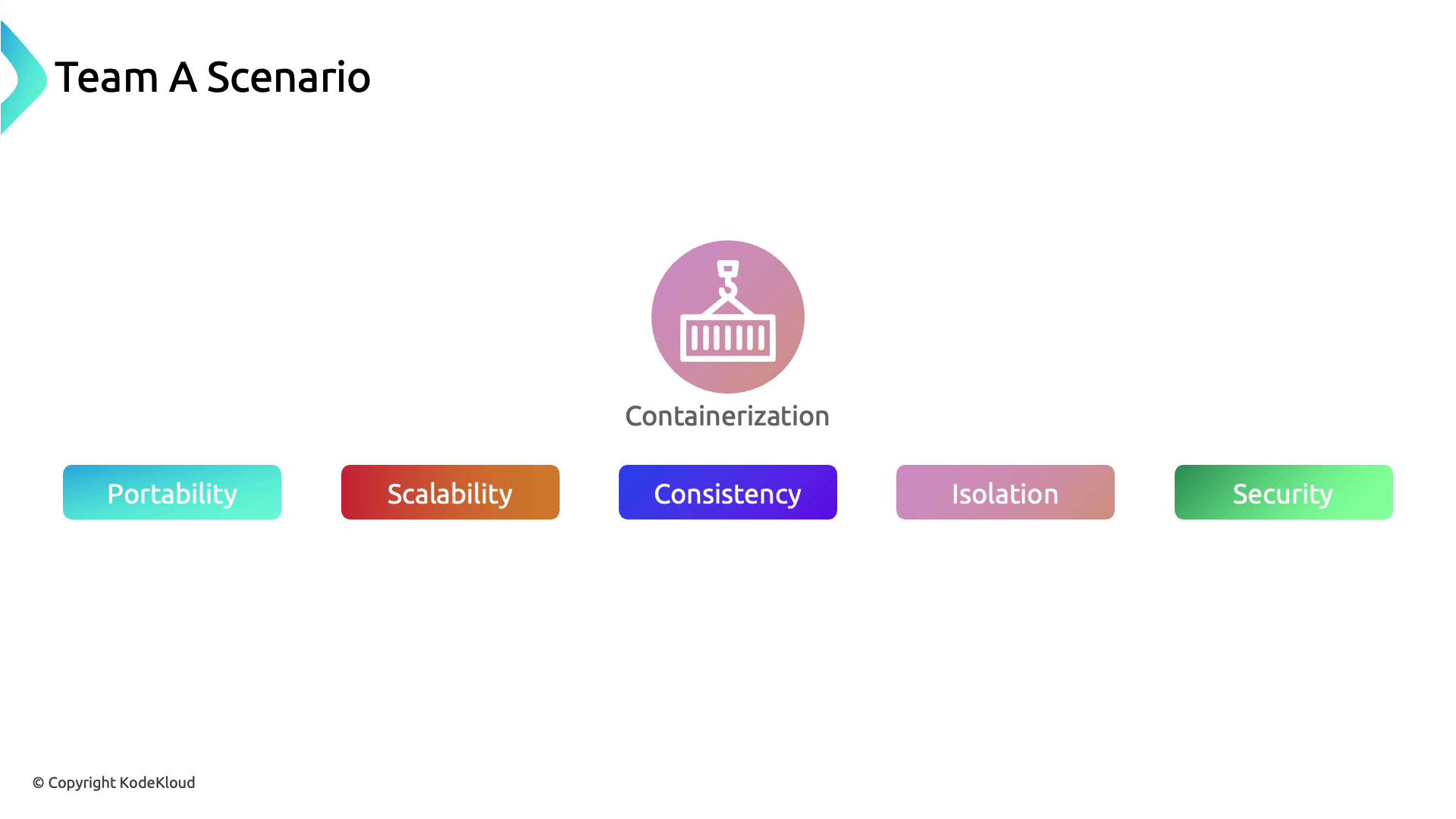
Team A selected containerization for their CRM application to achieve:

* Portability
* Scalability
* Consistency
* Isolation
* Enhanced security
<Frame>
  ![The image illustrates a "Team A Scenario" focusing on containerization, highlighting key benefits such as portability, scalability, consistency, isolation, and security.](https://kodekloud.com/kk-media/image/upload/v1752880835/notes-assets/images/Kubernetes-and-Cloud-Native-Security-Associate-KCSA-Artifact-Repository-and-Image-Security/team-a-scenario-containerization-benefits.jpg)
</Frame>

## Risk of Untrusted Base Images

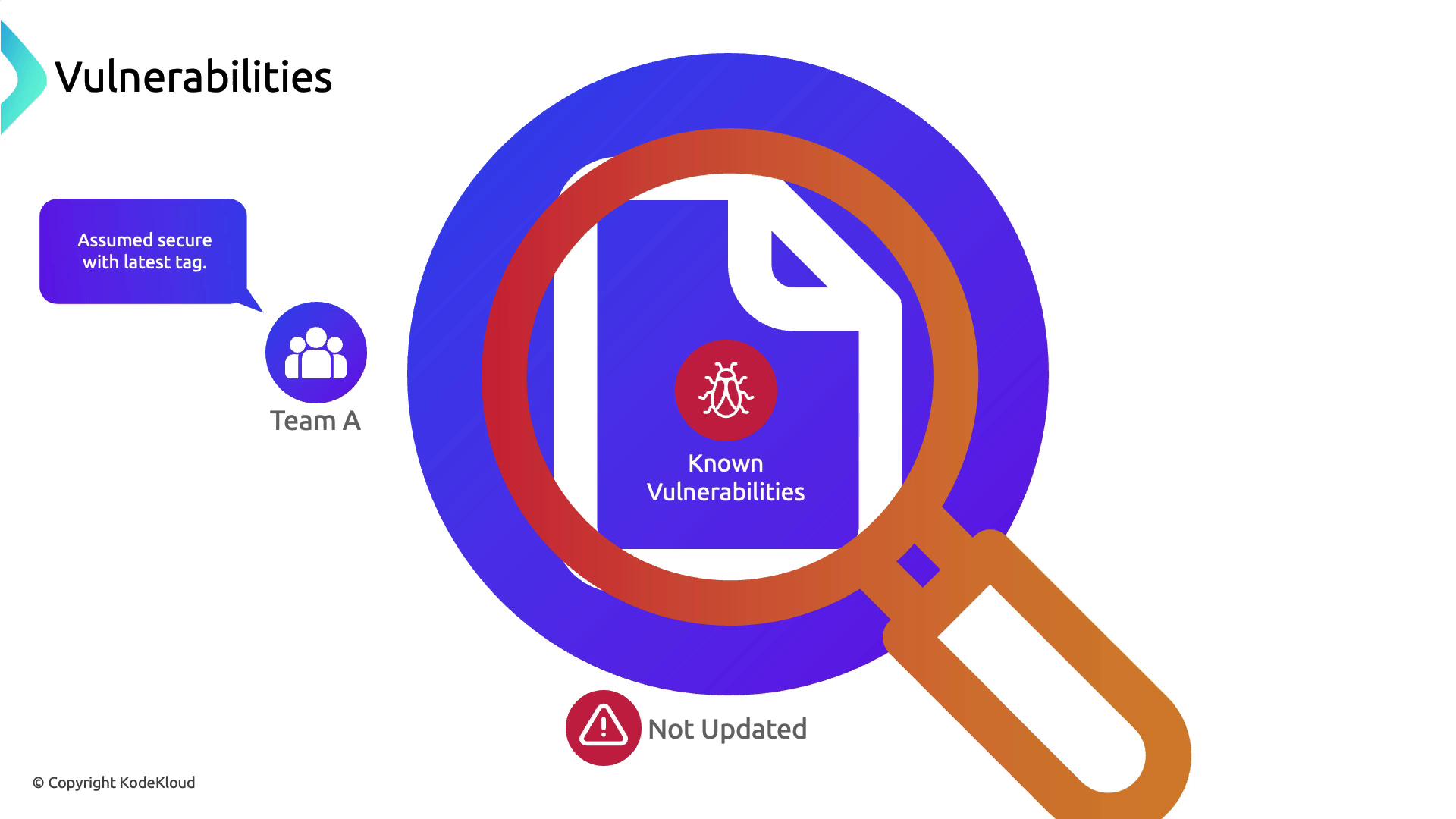
In the rush to deploy, Team A used a `latest`-tagged base image from Docker Hub without verifying its origin or maintenance status. While the container spun up successfully, the CRM soon experienced performance degradation and instability.
<Frame>
  ![The image illustrates a concept of software vulnerabilities, showing a document with a bug icon under a magnifying glass, labeled "Known Vulnerabilities," and mentions that Team A assumes it is secure with the latest tag, but it is not updated.](https://kodekloud.com/kk-media/image/upload/v1752880837/notes-assets/images/Kubernetes-and-Cloud-Native-Security-Associate-KCSA-Artifact-Repository-and-Image-Security/software-vulnerabilities-known-bug.jpg)
</Frame>

A deep dive revealed multiple unpatched CVEs in the `latest` image, which attackers exploited to compromise data integrity and leak customer information.
<Frame>
  ![The image illustrates vulnerabilities in software, highlighting a magnifying glass over a Docker logo with a bug icon, and mentions "Latest" and "Not Always Updated or Secure."](https://kodekloud.com/kk-media/image/upload/v1752880838/notes-assets/images/Kubernetes-and-Cloud-Native-Security-Associate-KCSA-Artifact-Repository-and-Image-Security/docker-vulnerabilities-magnifying-glass.jpg)
</Frame>

<Callout icon="triangle-alert" color="#FF6B6B">
  Relying on the `latest` tag does not ensure up-to-date security patches. Image maintainers can assign it arbitrarily, leaving you exposed to risks.
</Callout>

## Integrating Vulnerability Scanning

To prevent future incidents, Team A added automated scanning tools into their CI/CD pipeline:

```bash theme={null}
# Scan with Trivy
trivy image --severity HIGH,CRITICAL team-a/crm:stable

# Scan with Clair via clair-scanner
clair-scanner --ip $(hostname -I | awk '{print $1}') team-a/crm:stable
```
<Frame>
  ![The image shows logos for two vulnerability scanning tools, Trivy and Clair, with their names displayed below each logo.](https://kodekloud.com/kk-media/image/upload/v1752880840/notes-assets/images/Kubernetes-and-Cloud-Native-Security-Associate-KCSA-Artifact-Repository-and-Image-Security/trivy-clair-vulnerability-scanners.jpg)
</Frame>

| Scanner | Description                                  | Command Example                        |
| ------- | -------------------------------------------- | -------------------------------------- |
| Trivy   | Lightweight, fast vulnerability scanner      | `trivy image <image>`                  |
| Clair   | Static analysis of vulnerabilities in images | `clair-scanner --ip <host-ip> <image>` |

## Adopting Minimal Official Base Images

After remediating all discovered flaws, Team A switched to an officially maintained minimal image (Ubuntu or Alpine). This approach reduces the attack surface and ensures timely security updates.
<Frame>
  ![The image shows logos of Ubuntu and Alpine Linux with the label "Official, minimal base image" above them, under the title "Minimal Base Image."](https://kodekloud.com/kk-media/image/upload/v1752880841/notes-assets/images/Kubernetes-and-Cloud-Native-Security-Associate-KCSA-Artifact-Repository-and-Image-Security/ubuntu-alpine-minimal-base-image.jpg)
</Frame>

## Understanding Build Artifacts

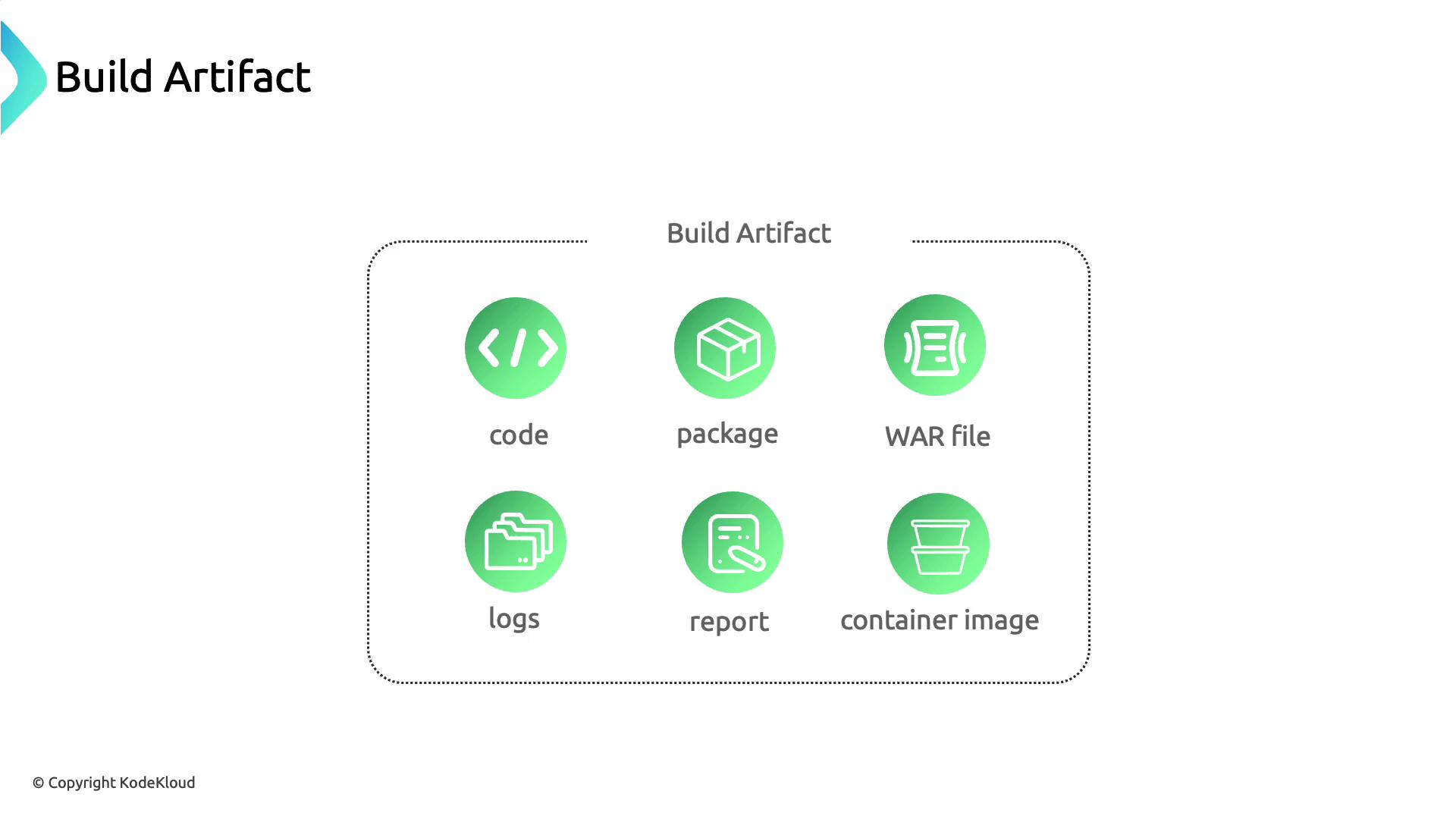
Any output from your build process—compiled binaries, JAR/WAR files, logs, reports, and especially container images—counts as a build artifact.
<Frame>
  ![The image is a diagram titled "Build Artifact" showing six components: code, package, WAR file, logs, report, and container image, each represented by an icon.](https://kodekloud.com/kk-media/image/upload/v1752880842/notes-assets/images/Kubernetes-and-Cloud-Native-Security-Associate-KCSA-Artifact-Repository-and-Image-Security/build-artifact-diagram-components.jpg)
</Frame>

Securely managing container images requires a centralized artifact repository, which supports your CI/CD workflow and ensures consistent distribution.

## Storing Container Images

While Docker Hub is popular for hosting images, it has limited access controls and no built-in vulnerability scanning.
<Frame>
  ![The image shows logos for Docker Hub and JFrog under the title "Storing Container Images."](https://kodekloud.com/kk-media/image/upload/v1752880843/notes-assets/images/Kubernetes-and-Cloud-Native-Security-Associate-KCSA-Artifact-Repository-and-Image-Security/docker-hub-jfrog-container-images.jpg)
</Frame>

| Repository        | Access Control | Scanning   | Image Signing |
| ----------------- | -------------- | ---------- | ------------- |
| Docker Hub        | Basic          | No         | No            |
| Nexus Repository  | Fine-grained   | Via add-on | Limited       |
| GitHub Packages   | Fine-grained   | Yes        | Yes           |
| JFrog Artifactory | Fine-grained   | Yes        | Yes           |

## Advanced Artifact Repositories

For stricter compliance, consider:

* Nexus Repository ([https://www.sonatype.com/nexus-repository-oss](https://www.sonatype.com/nexus-repository-oss))
* GitHub Packages ([https://github.com/features/packages](https://github.com/features/packages))
* JFrog Artifactory ([https://jfrog.com/artifactory/](https://jfrog.com/artifactory/))
<Frame>
  ![The image shows logos of popular artifact repositories: Nexus Repository, GitHub Packages, and JFrog Artifactory.](https://kodekloud.com/kk-media/image/upload/v1752880844/notes-assets/images/Kubernetes-and-Cloud-Native-Security-Associate-KCSA-Artifact-Repository-and-Image-Security/artifact-repositories-logos.jpg)
</Frame>

### JFrog Artifactory Security

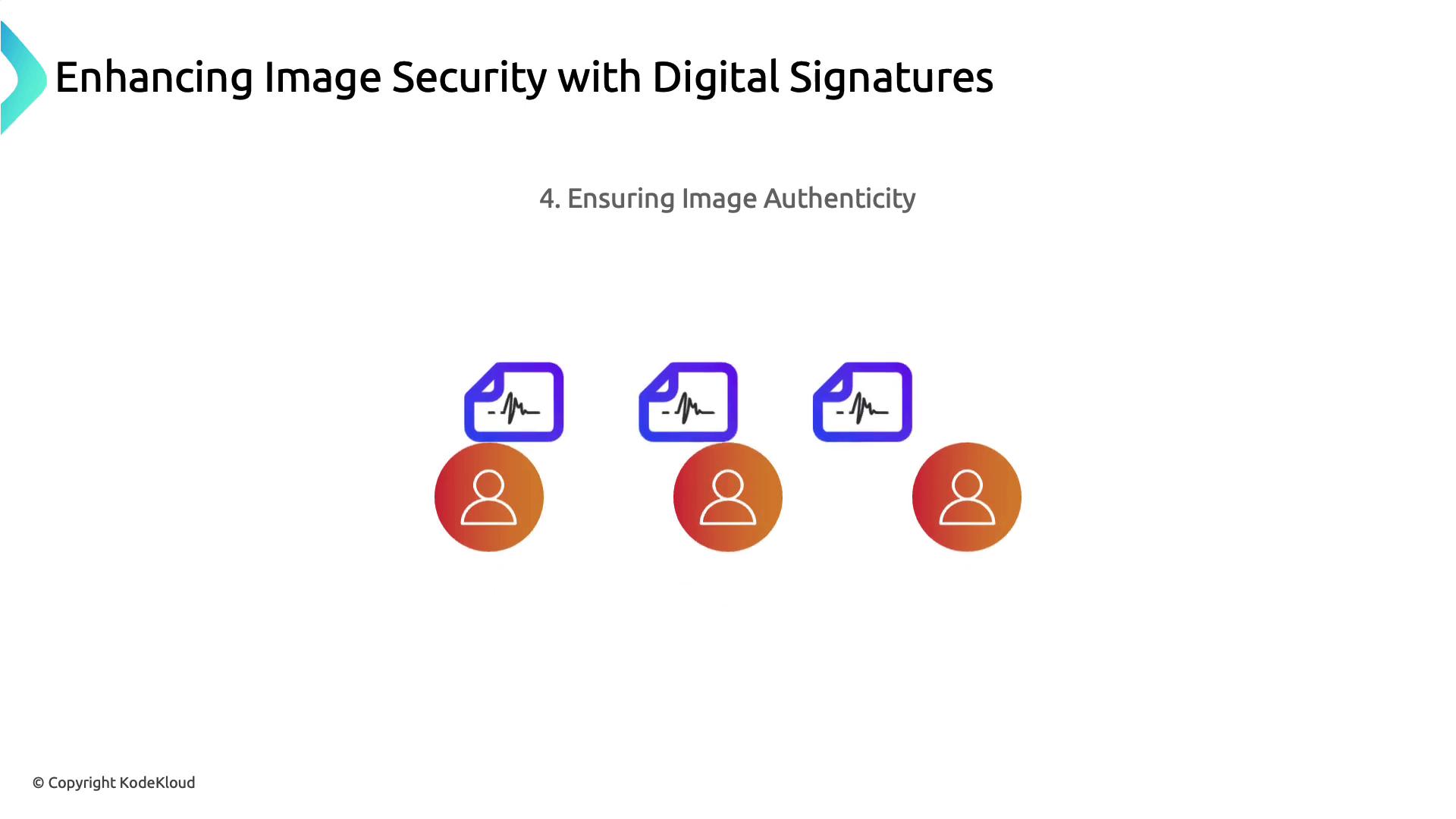
JFrog Artifactory continuously scans stored images, integrates with vulnerability tools, and can enforce digital signatures to guarantee image authenticity.
<Frame>
  ![The image features the JFrog Artifactory logo with a description stating it continuously checks stored images for security weaknesses by integrating with security scanning tools.](https://kodekloud.com/kk-media/image/upload/v1752880845/notes-assets/images/Kubernetes-and-Cloud-Native-Security-Associate-KCSA-Artifact-Repository-and-Image-Security/jfrog-artifactory-security-scanning.jpg)
</Frame>

<Callout icon="lightbulb" color="#1CB2FE">
  Digital signatures on images detect unauthorized modifications and improve supply chain security.
</Callout>

<Frame>
  ![The image illustrates the concept of enhancing image security with digital signatures, focusing on ensuring image authenticity. It features icons of digital signatures and user symbols.](https://kodekloud.com/kk-media/image/upload/v1752880846/notes-assets/images/Kubernetes-and-Cloud-Native-Security-Associate-KCSA-Artifact-Repository-and-Image-Security/image-security-digital-signatures.jpg)
</Frame>

## Next Steps

1. Integrate automated scans in your CI/CD pipeline.
2. Standardize on minimal, official base images.
3. Use a robust artifact repository with access controls and signing.
4. Continuously monitor and update images to address new vulnerabilities.

## Links and References

* [Trivy GitHub Repository](https://github.com/aquasecurity/trivy)
* [Clair GitHub Repository](https://github.com/quay/clair)
* [Docker Hub](https://hub.docker.com/)
* [Nexus Repository](https://www.sonatype.com/nexus-repository-oss)
* [GitHub Packages](https://github.com/features/packages)
* [JFrog Artifactory](https://jfrog.com/artifactory/)

<CardGroup>
  <Card title="Watch Video" icon="video" cta="Learn more" href="https://learn.kodekloud.com/user/courses/kubernetes-and-cloud-native-security-associate-kcsa/module/a0ddd095-0114-4aa4-b3a5-2b31e773f241/lesson/6c0a9809-bf14-4680-b340-5d84343ad6c8" />
</CardGroup>
