> ## Documentation Index
> Fetch the complete documentation index at: https://notes.kodekloud.com/llms.txt
> Use this file to discover all available pages before exploring further.
# Observability Overview
> This article explores monitoring Kubernetes clusters for abnormal behavior, cyber attacks, and security breaches using observability techniques and tools like Falco.
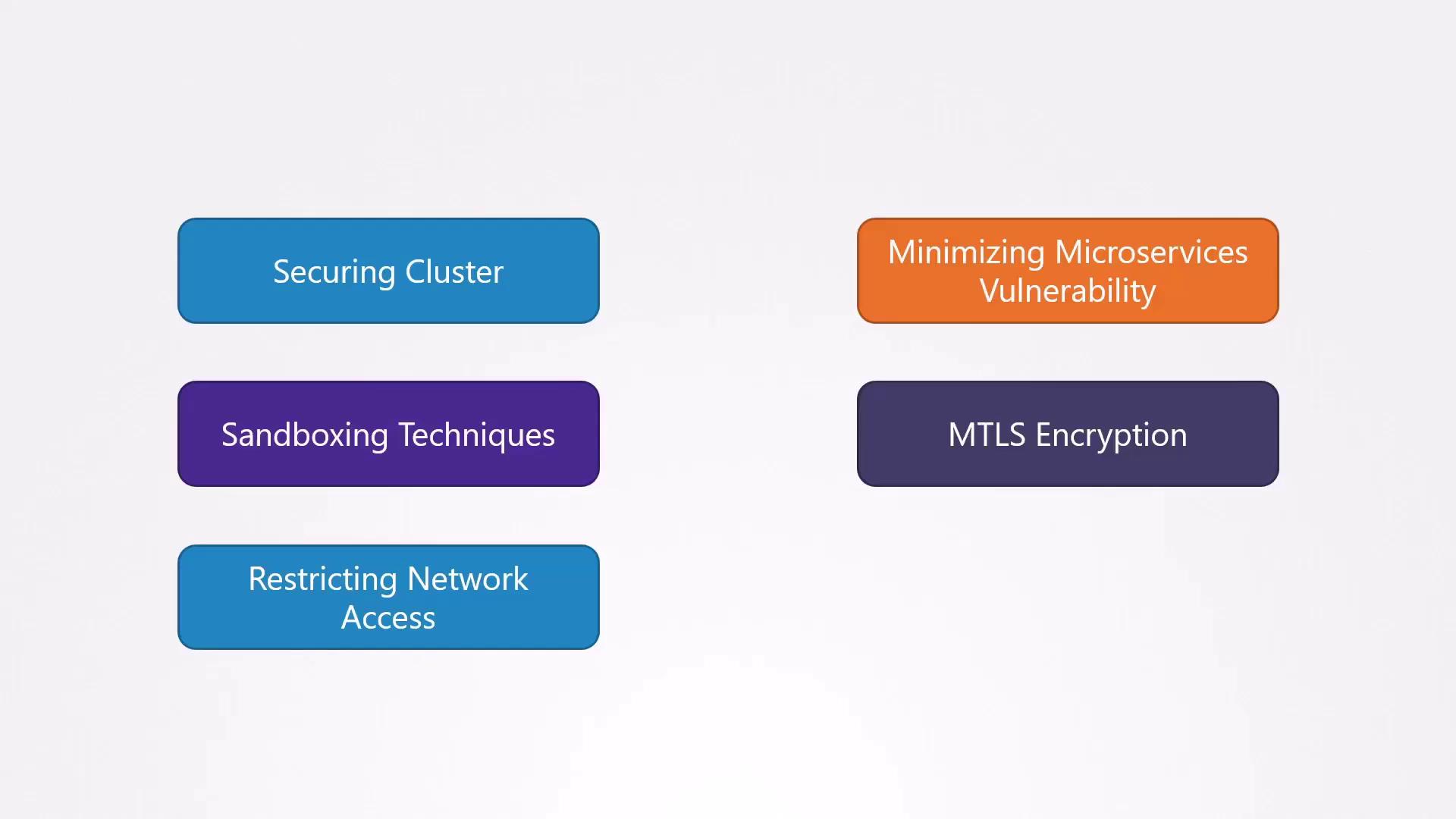
In this lesson, we’ll explore how to monitor your Kubernetes clusters for abnormal behavior, ongoing cyber attacks, and security breaches. Even with hardened control planes, workload isolation, sandboxing, mTLS, and strict network policies, attackers may eventually find a way in. Observability lets us detect compromises early, reduce the blast radius, and recover swiftly.
Throughout this course, we’ve covered techniques to secure Kubernetes infrastructure:
## Why Early Detection Matters
It might seem that once an attacker breaches your perimeter, the damage is done. However, just as banks now send instant alerts for credit card transactions to limit fraud, rapid detection in Kubernetes prevents lateral movement and stops attackers before they can escalate privileges or exfiltrate data.
## Real-World Analogy: Credit Card Alerts
Imagine your debit card is stolen. In the past, you might not notice fraudulent withdrawals until reviewing your statement days later. Today, banks send instant notifications, allow you to revert unauthorized transactions, and let you set spending limits:
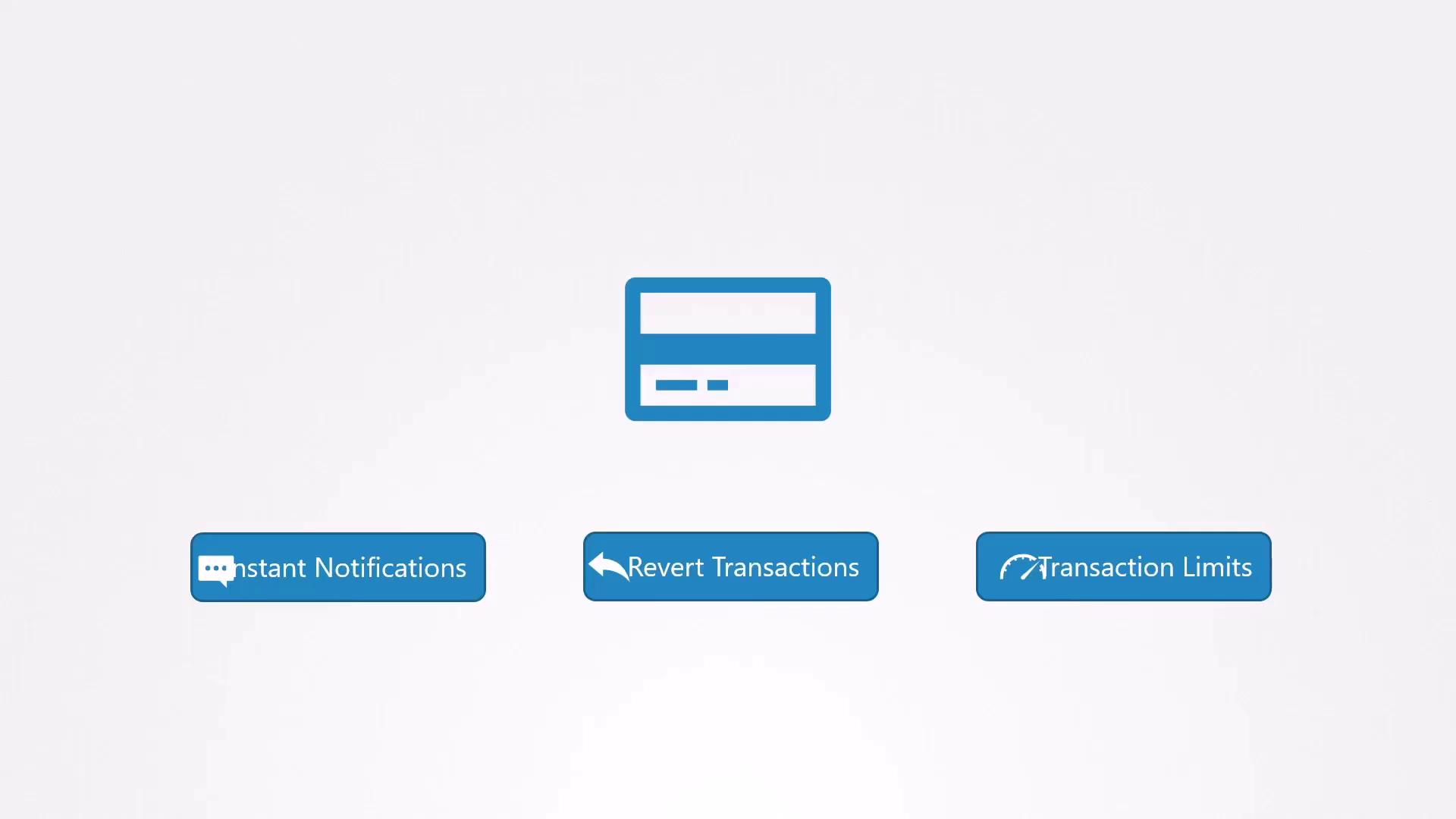
Similarly, when a container is compromised:
* Instant alerts tell you *when* and *where* the breach happened.
* Automated workflows can isolate or replace affected pods.
* Policy limits (e.g., resource quotas, network policies) contain the impact.
## Detecting Breaches in Kubernetes
Once a container is breached, rapid detection prevents further spread:
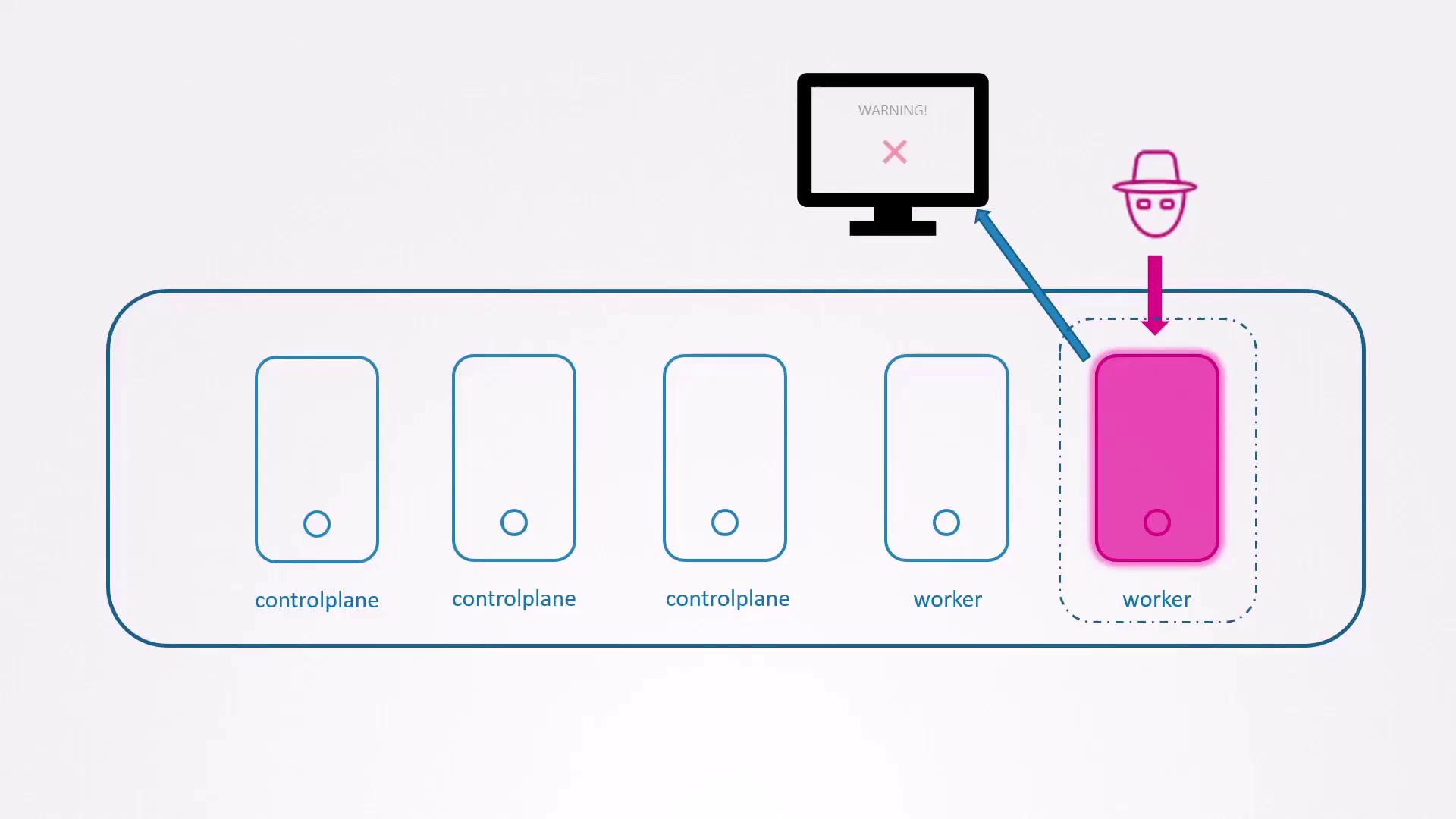
What we need is a runtime security tool that inspects syscalls and flags suspicious activities in real time. Enter **Falco**.
## Introducing Falco
[Falco](https://falco.org) is an open-source runtime security project by Sysdig. It hooks into the Linux kernel to capture syscalls from containers and applies rules to detect:
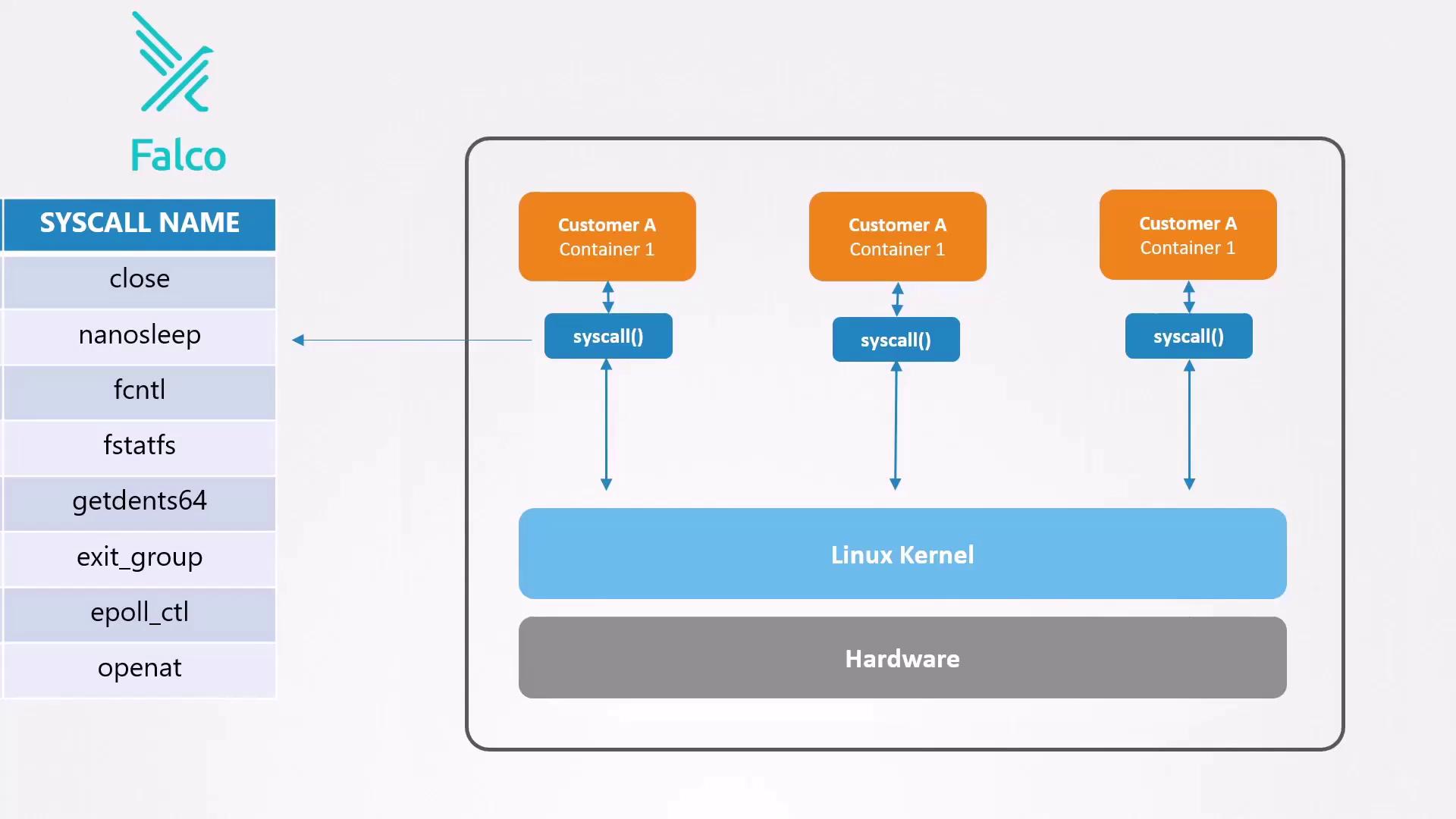
* **Unexpected shell access** inside a container
* **Reading sensitive files** like `/etc/shadow`
* **Deleting or truncating logs** to cover tracks
Falco requires privileged permissions to monitor syscalls. Make sure to deploy it with appropriate security contexts and RBAC settings.
## Common Indicators of Compromise
| Suspicious Activity | Description |
| --------------------------------- | ----------------------------------------------------------- |
| Unexpected shell in container | `kubectl exec -ti -- bash` opens an interactive shell |
| Accessing password hashes | `cat /etc/shadow` |
| Deleting or truncating audit logs | `> /opt/logs/audit.log` |
Example session that Falco would flag:
```bash theme={null}
# Open a shell in the nginx-master pod
kubectl exec -ti nginx-master -- bash
# Attempt to view password hashes
cat /etc/shadow
# Erase audit logs
> /opt/logs/audit.log
```
Even legitimate administrative tasks can generate alerts—allowing you to confirm whether activity is expected or malicious.
Suppressing Falco alerts for critical rules can blind you to real threats. Tune rules carefully rather than disabling them.
## Next Steps
In the next lesson, we’ll install Falco in our Kubernetes cluster, configure its ruleset, and integrate it with notification channels to ensure you receive alerts via Slack, email, or PagerDuty when anomalies occur.
***
## Links and References
* [Falco Official Website](https://falco.org)
* [Kubernetes Documentation](https://kubernetes.io/docs/)
* [Securing Kubernetes Clusters](https://kubernetes.io/docs/concepts/security/overview/)