> ## Documentation Index
> Fetch the complete documentation index at: https://notes.kodekloud.com/llms.txt
> Use this file to discover all available pages before exploring further.
# Supply Chain Security Minimize base image footprint
> This lesson focuses on reducing Docker image attack surfaces and disk usage by constructing minimal, secure containers.
Welcome to this lesson on reducing the attack surface and disk usage of Docker images. In this guide, we’ll explore the differences between base and parent images, and share best practices for constructing minimal, secure containers.
## Understanding Parent vs Base Images
Every Docker build begins with a `FROM` instruction. The image you specify is your **parent image**, and its ancestors are known as **base images**. Tracing the lineage helps you understand what gets into your final artifact.
```dockerfile theme={null}
# 1. Your application image
FROM httpd
COPY index.html /usr/local/apache2/htdocs/index.html
```
Here, `httpd` is the *parent*. But what is `httpd` built from?
```dockerfile theme={null}
# 2. The httpd image
FROM debian:buster-slim
ENV HTTPD_PREFIX=/usr/local/apache2
ENV PATH=$HTTPD_PREFIX/bin:$PATH
WORKDIR $HTTPD_PREFIX
# ...install Apache HTTP Server...
```
And finally:
```dockerfile theme={null}
# 3. The Debian image
FROM scratch
ADD rootfs.tar.xz /
CMD ["bash"]
```
When an image starts `FROM scratch`, it sits at the bottom of the chain—there are no layers beneath it.
Images built `FROM scratch` are true minimal bases. Everything in your container must be added explicitly.
## Best Practices for Building Minimal Images
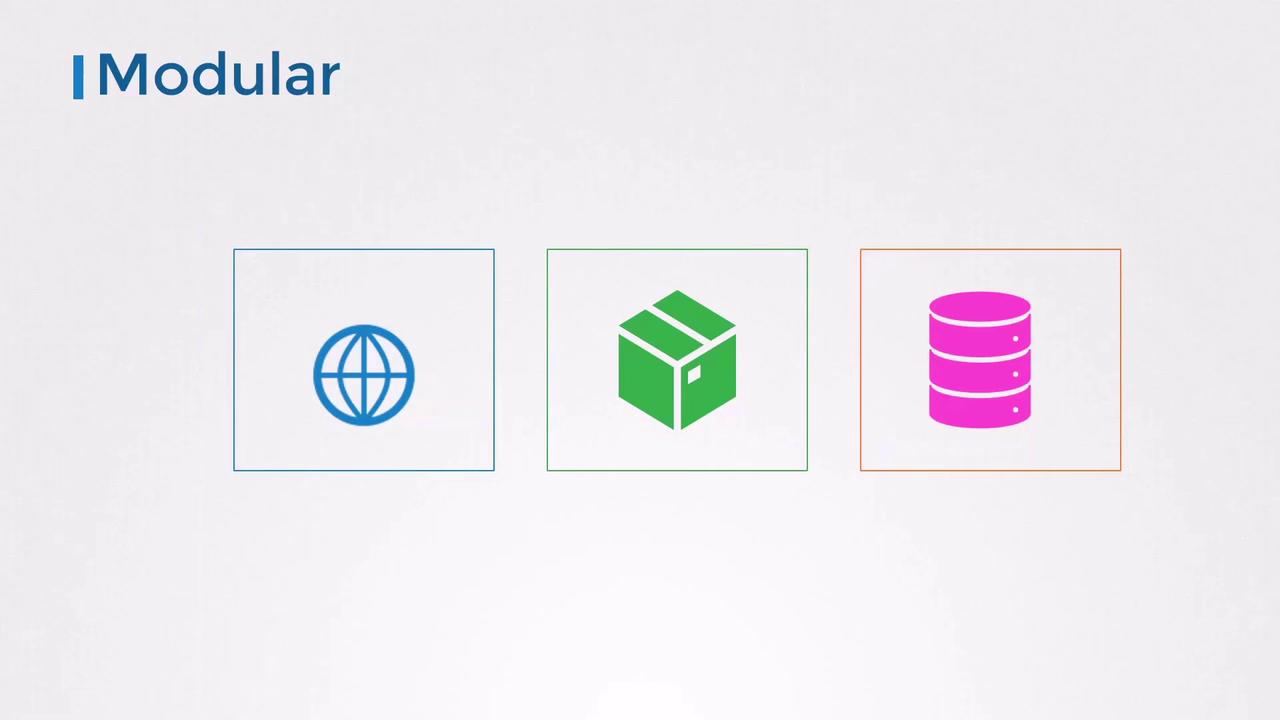
1. **Design for Modularity**\
Build one service per image. Compose them together at runtime for scalability and separation of concerns.
2. **Keep Containers Stateless**\
Containers should be ephemeral. Persist data in external volumes or managed services like [Redis](https://redis.io).
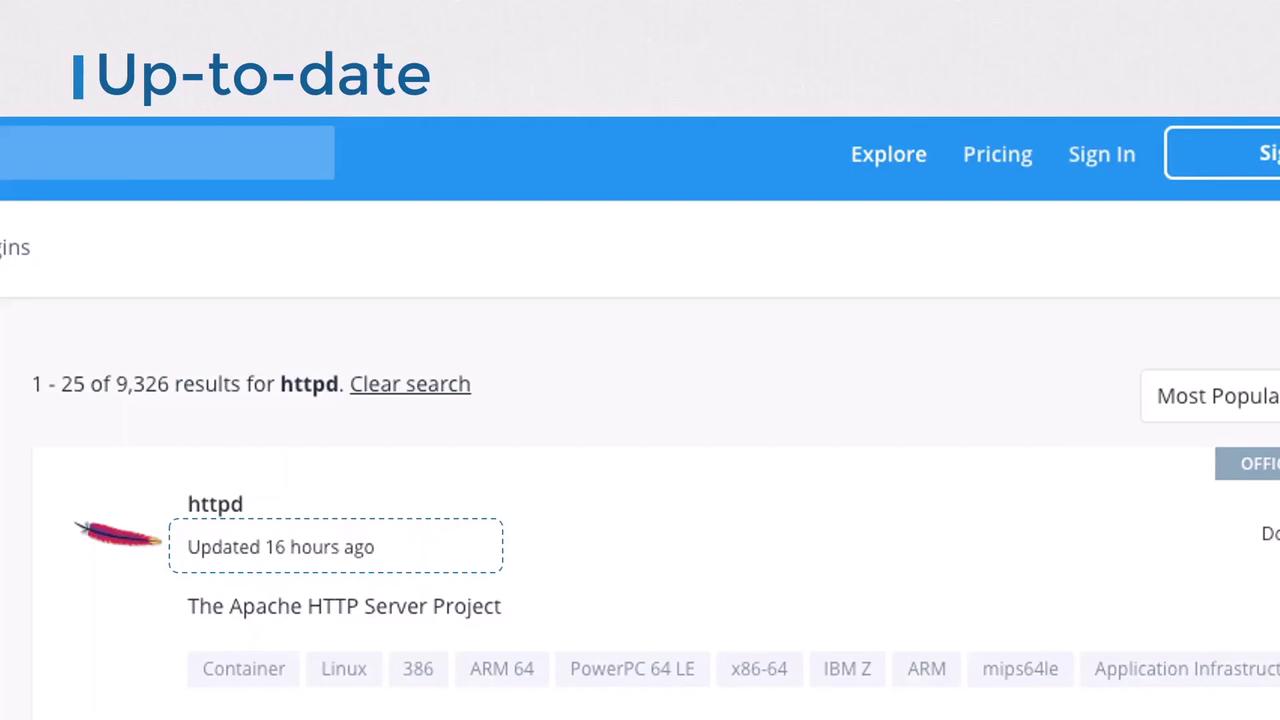
3. **Choose an Appropriate Base**\
Official, regularly-updated images (e.g., `nginx`, `httpd`) reduce risk. Verify publishers and check update frequency.
```dockerfile theme={null}
FROM httpd:2.4-alpine
COPY index.html /usr/local/apache2/htdocs/index.html
```
4. **Keep Images Small**
* Start from minimal OS distributions (Alpine, Debian Slim).
* Only install required libraries.
* Clean up caches and package metadata.
* Remove build tools (`curl`, `wget`, package managers) after install.
* Use multi-stage builds for production artifacts.
| Strategy | Description | Example Snippet |
| --------------------- | --------------------------------------- | ---------------------------------------------------------------------- |
| Multi-stage builds | Separate build and runtime dependencies | `FROM golang:1.19 AS builder`
`RUN go build -o app .` |
| Minimal OS | Use Alpine or slim variants | `FROM python:3.10-alpine` |
| Cleanup after install | Remove package caches and temp files | `RUN apk add --no-cache build-base && \`
` apk del build-base` |
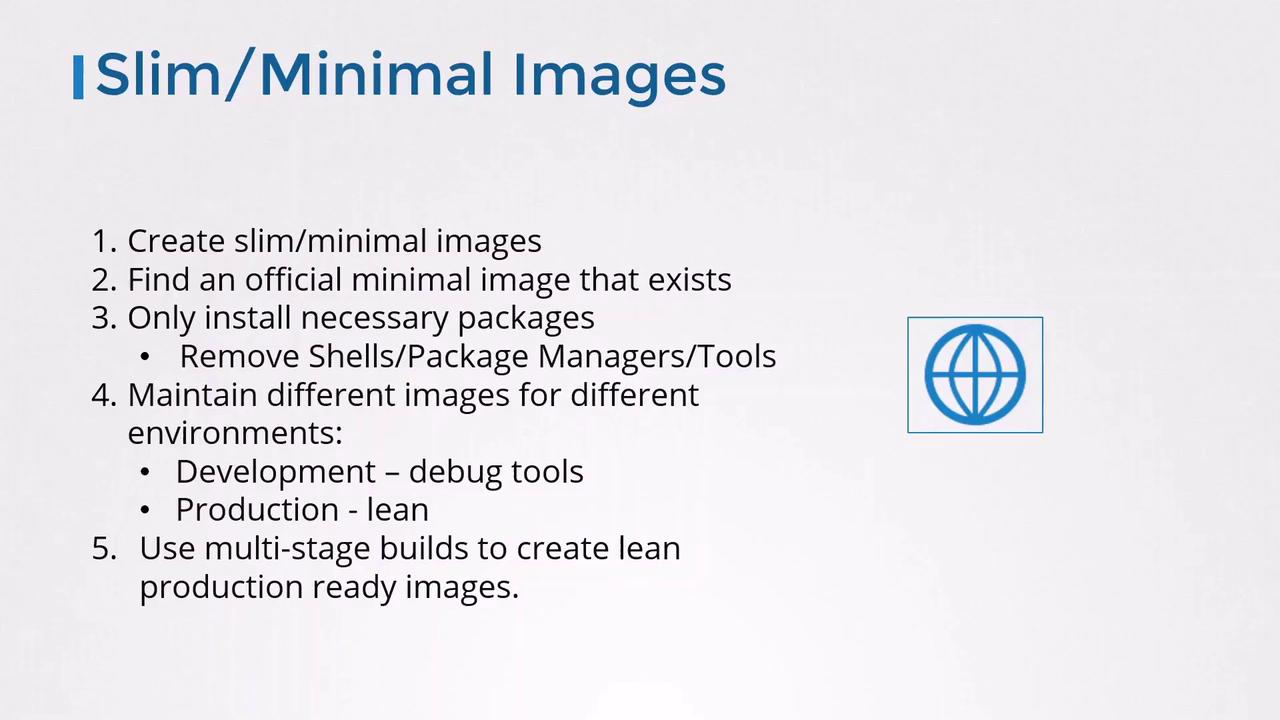
Leaving package managers or shells in production images increases the attack surface. Always strip out unused binaries.
One popular set of ultra-minimal images is [Google’s Distroless](https://github.com/GoogleContainerTools/distroless), which include only your app and runtime libraries—no shell, no package manager.
## Security Benefits of Minimal Images
Smaller images have fewer components to scan—and fewer vulnerabilities. For instance, scanning the Debian-based `httpd` image with [Trivy](https://github.com/aquasecurity/trivy) reports:
```bash theme={null}
trivy image httpd
httpd (debian 10.8)
====================
Total: 124 (UNKNOWN: 0, LOW: 88, MEDIUM: 9, HIGH: 25, CRITICAL: 2)
```
Switching to an Alpine-based `httpd` drops known issues to zero:
| Image | OS | Total Vulnerabilities | High / Critical |
| ----------------------- | ------------- | --------------------- | --------------- |
| `httpd:2.4-buster-slim` | Debian Buster | 124 | 27 |
| `httpd:2.4-alpine` | Alpine Linux | 0 | 0 |
## References
* [Docker Official Images](https://hub.docker.com/search?q=\&type=image)
* [Trivy Vulnerability Scanner](https://github.com/aquasecurity/trivy)
* [Google Distroless Images](https://github.com/GoogleContainerTools/distroless)