> ## Documentation Index
> Fetch the complete documentation index at: https://notes.kodekloud.com/llms.txt
> Use this file to discover all available pages before exploring further.
# Supply Chain Security Scan images for known vulnerabilities
> This guide covers container image scanning, CVEs, CVSS ratings, and using Trivy to detect and remediate vulnerabilities in container images.
Container image scanning is a critical step in supply-chain security. In this guide, you’ll learn about CVEs, CVSS ratings, and how to use Trivy to automatically detect and remediate known vulnerabilities in your container images.
## What Is a CVE?
**Common Vulnerabilities and Exposures (CVE)** is the industry-standard database for public security flaws. Each vulnerability gets a unique identifier, helping you avoid duplicates and streamline research.
Visit the [CVE Database](https://cve.mitre.org/) to search for published vulnerabilities and track remediation status.

Typical CVE categories include:
* Unauthorized access bypasses (e.g., confidential data exposure)
* Denial-of-service or performance degradation bugs
## Understanding CVSS Severity Ratings
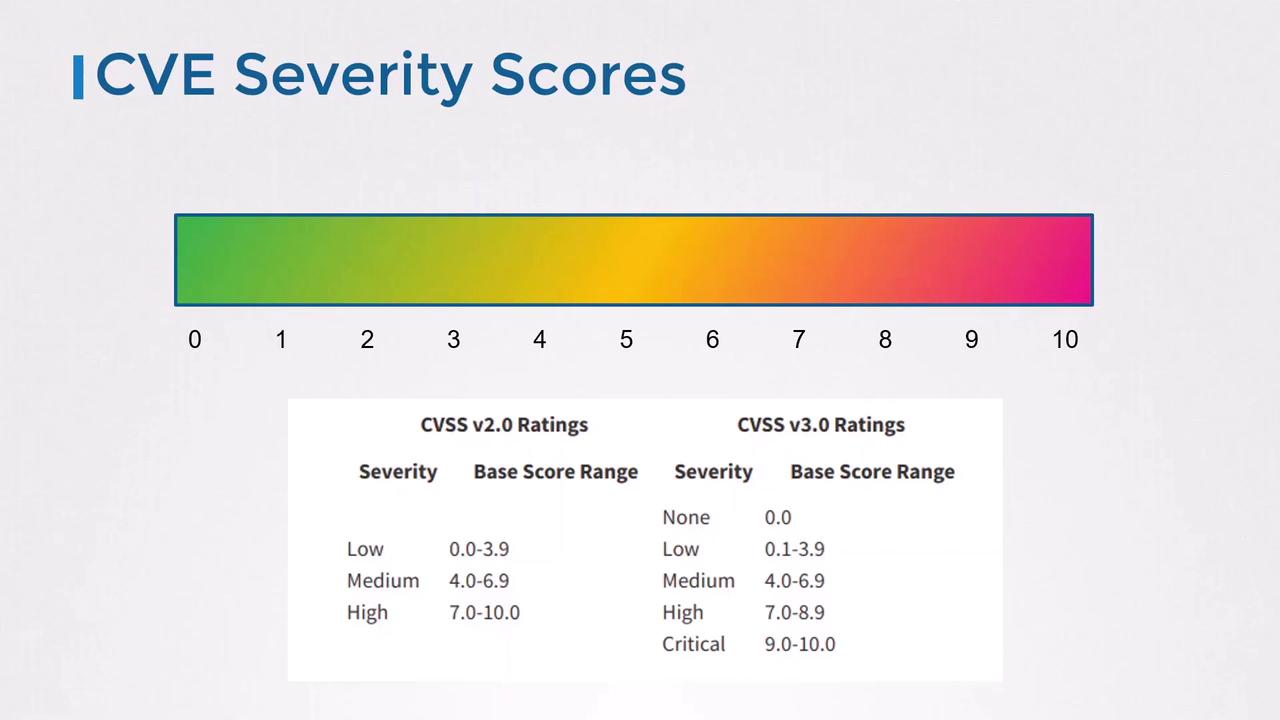
The [Common Vulnerability Scoring System (CVSS)](https://www.first.org/cvss/) provides both a numeric score (0–10) and a qualitative severity label. Use the table below to interpret scores:
| Severity | CVSS Score Range |
| -------- | ---------------- |
| None | 0.0 |
| Low | 0.1 – 3.9 |
| Medium | 4.0 – 6.9 |
| High | 7.0 – 8.9 |
| Critical | 9.0 – 10.0 |
## Example: CVE-2020-5911
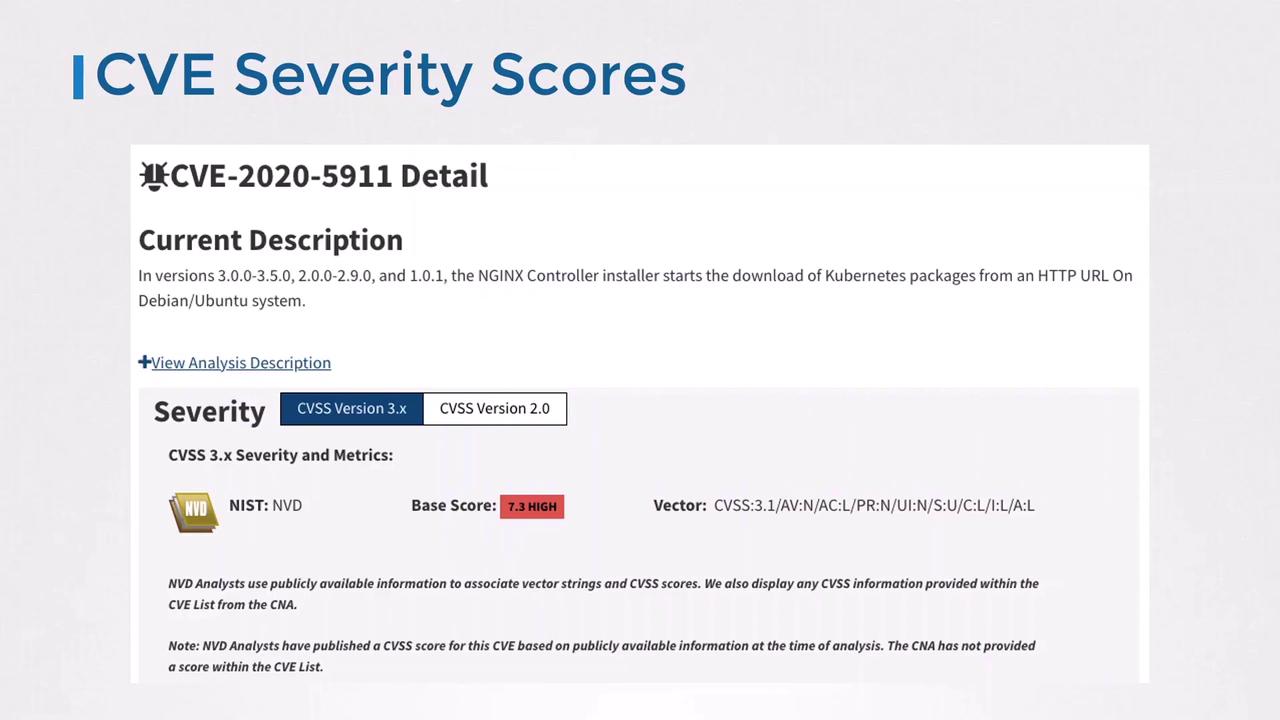
**CVE-2020-5911** affects the NGINX Ingress Controller installer on Debian/Ubuntu by downloading packages over HTTP instead of HTTPS. Its CVSS base score is **7.3 (High)**, indicating a serious risk.
## Why Scan Container Images?
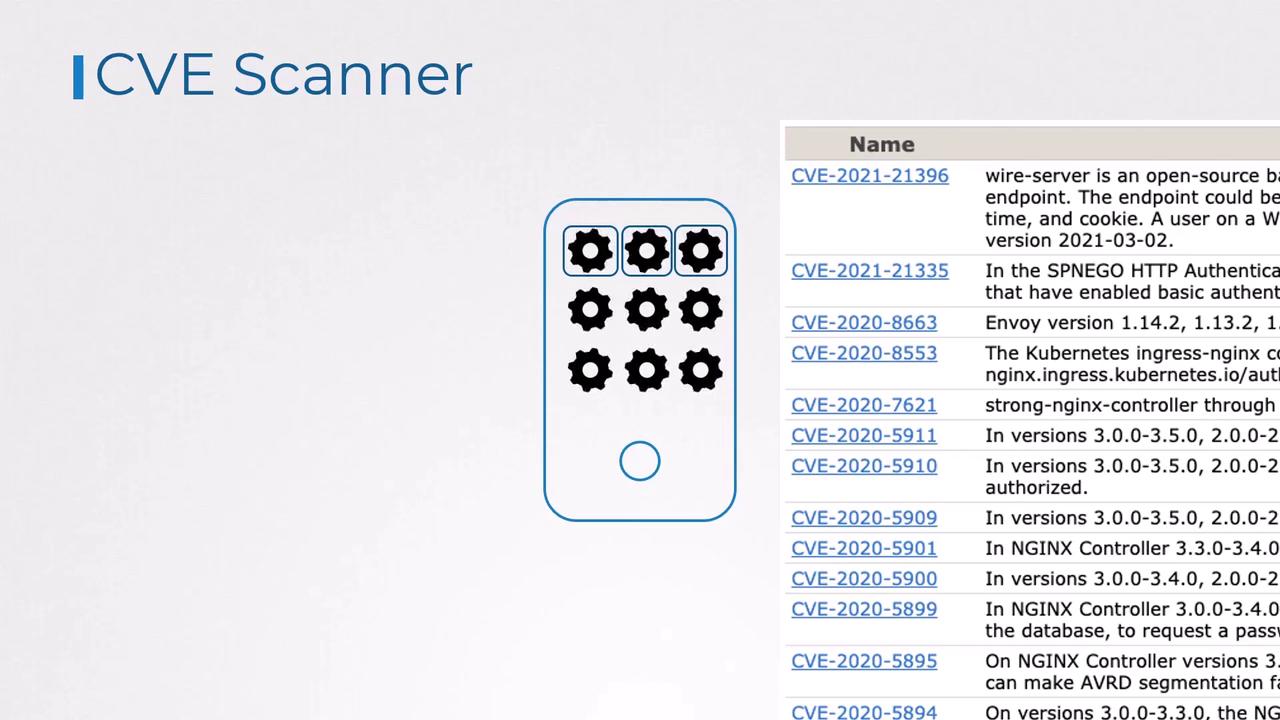
Containers often bundle multiple libraries and OS packages, each a potential vector for attacks. Automated scanners help you:
* Identify and upgrade vulnerable packages
* Apply patches or workarounds
* Remove unused components to reduce risk
## Container Vulnerability Scanner: Trivy
[Trivy](https://github.com/aquasecurity/trivy) by Aqua Security is a fast, user-friendly scanner that integrates easily into Docker workflows and CI/CD pipelines.
### Installing Trivy on Debian/Ubuntu
```bash theme={null}
sudo apt-get update
sudo apt-get install -y wget apt-transport-https gnupg lsb-release
wget -qO - https://aquasecurity.github.io/trivy-repo/deb/public.key | sudo apt-key add -
echo "deb https://aquasecurity.github.io/trivy-repo/deb $(lsb_release -sc) main" \
| sudo tee /etc/apt/sources.list.d/trivy.list
sudo apt-get update
sudo apt-get install -y trivy
```
### Running a Basic Scan
```bash theme={null}
trivy image nginx:1.18.0
```
```plaintext theme={null}
2021-03-21T02:54:18.240Z INFO Detecting Debian vulnerabilities...
2021-03-21T02:54:18.295Z INFO Trivy skips scanning programming language libraries because no supported file was detected
nginx:1.18.0 (debian 10.8)
Total: 155 (UNKNOWN: 0, LOW: 110, MEDIUM: 9, HIGH: 33, CRITICAL: 3)
LIBRARY VULNERABILITY ID SEVERITY INSTALLED VERSION FIXED VERSION TITLE
-------------------------------------------------------------------------------------------------------
apt CVE-2011-3374 LOW 1.8.2.2 Incorrect handling in apt-key
bash CVE-2019-18276 MEDIUM 5.0-4 When effective UID != real UID
coreutils CVE-2016-2781 MEDIUM 8.30-3 Session escape in chroot
curl CVE-2020-8169 HIGH 7.64.0-4+deb10u1 libcurl: partial password leak
...
```
## Filtering and Advanced Options
```bash theme={null}
# Only CRITICAL and HIGH
trivy image --severity CRITICAL,HIGH nginx:1.18.0
# Skip vulnerabilities without available fixes
trivy image --ignore-unfixed nginx:1.18.0
# Scan a saved tar archive
docker save nginx:1.18.0 > nginx.tar
trivy image --input nginx.tar
```
Using `--ignore-unfixed` can hide critical risks if no patch is available. Always review the full report before deployment.
## Reduce Your Image’s Attack Surface
Smaller base images generally contain fewer vulnerabilities. Compare these scan results:
| Image | Total CVEs |
| --------------------- | ---------- |
| nginx:1.18.0 (debian) | 155 |
| nginx:1.18.0-alpine | 0 |
Always prefer minimal, official base images.
## Image Scanning Best Practices
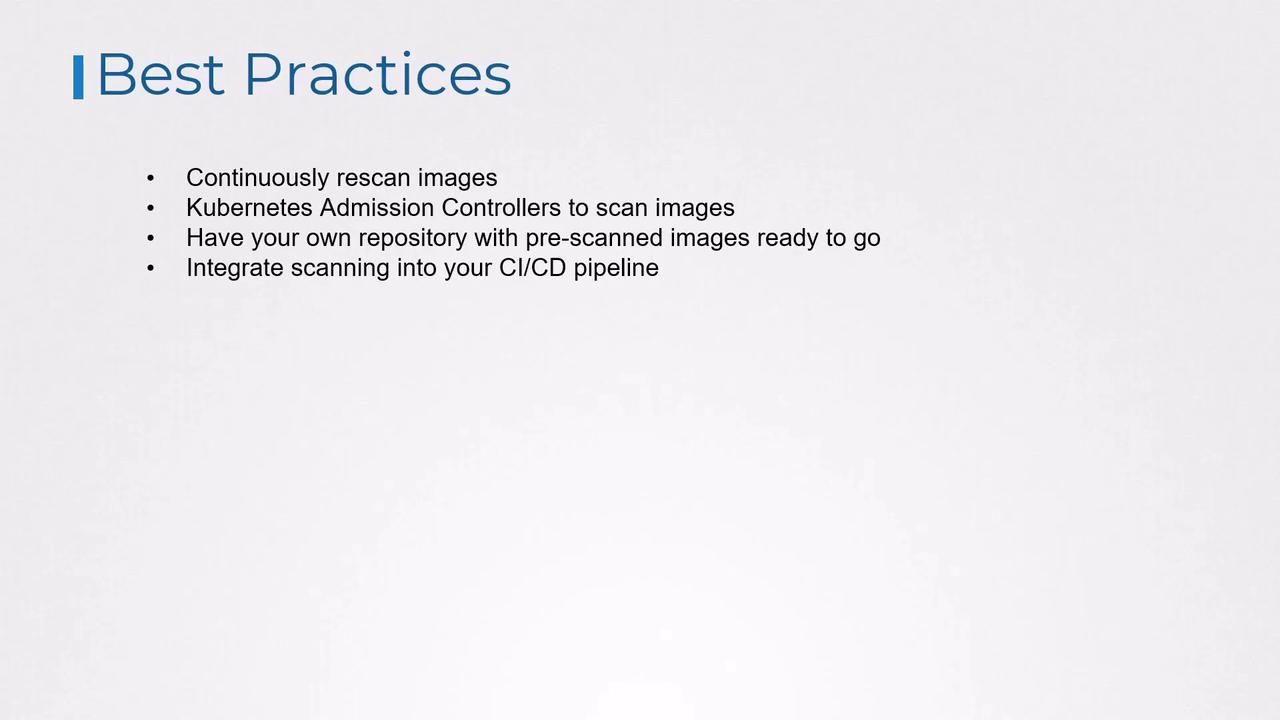
* Continuously re-scan images to catch newly disclosed CVEs
* Enforce admission controls to block or quarantine unscanned or unsafe images
* Maintain an internal registry of pre-scanned, approved images for rapid rollouts
* Integrate scanning into CI/CD pipelines so that every build is audited at source
***
## Links and References
* [CVE Database](https://cve.mitre.org/)
* [CVSS v3 Specification](https://www.first.org/cvss/specification-document)
* [Trivy GitHub Repository](https://github.com/aquasecurity/trivy)