> ## Documentation Index
> Fetch the complete documentation index at: https://notes.kodekloud.com/llms.txt
> Use this file to discover all available pages before exploring further.
# Kustomize Problem Statement Idealogy
> This guide examines Kustomizes role in managing Kubernetes manifests across environments without duplicating YAML files.
In this guide, we’ll examine why Kustomize exists and how it helps you manage Kubernetes manifests across multiple environments without duplicating YAML files. You’ll learn:
* The drawbacks of maintaining separate manifests for each environment
* Core Kustomize concepts: **Bases** and **Overlays**
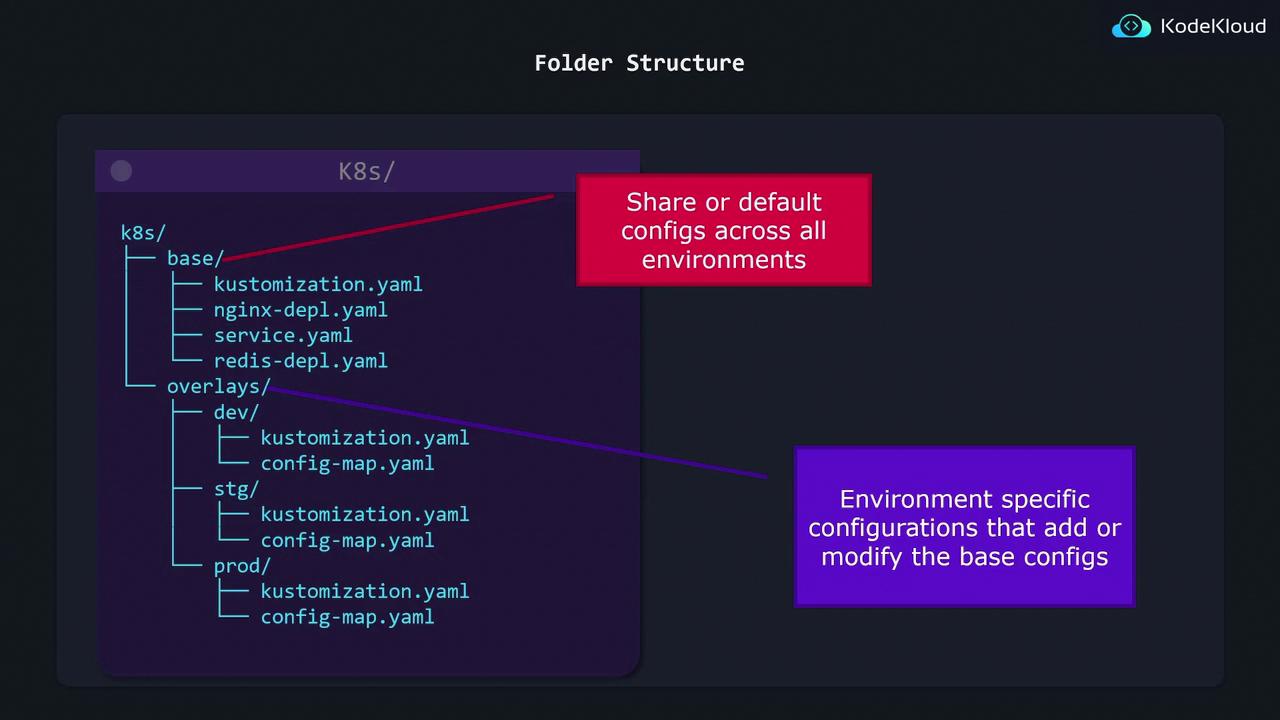
* Folder structure best practices
* How to apply Kustomize with `kubectl`
***
## The Pain of Duplicated Manifests
Imagine you have a simple NGINX Deployment that you want to run in **dev**, **stg**, and **prod**, varying only the `replicas` count:
```yaml theme={null}
# base/nginx-deployment.yaml
apiVersion: apps/v1
kind: Deployment
metadata:
name: nginx-deployment
spec:
replicas: 1
selector:
matchLabels:
component: nginx
template:
metadata:
labels:
component: nginx
spec:
containers:
- name: nginx
image: nginx
```
A naïve solution is to copy this into three folders and change only the `replicas` value:
```bash theme={null}
├── dev/nginx.yaml # replicas: 1
├── stg/nginx.yaml # replicas: 2
└── prod/nginx.yaml # replicas: 5
```
kubectl apply -f dev/\
kubectl apply -f stg/\
kubectl apply -f prod/
Any update to the base spec—like adding an annotation—must be repeated in each folder. This quickly leads to **configuration drift** and inconsistent deployments.
***
## Introducing Kustomize: Base + Overlays
Kustomize solves duplication by splitting your manifests into two layers:
| Concept | Purpose | File Example |
| ------- | --------------------------------------- | --------------------------------- |
| Base | Shared resources and default values | `base/nginx-deployment.yaml` |
| Overlay | Environment-specific patches and config | `overlays/stg/kustomization.yaml` |
### How It Works
1. **Base**: Contains common resources (Deployments, Services, ConfigMaps).
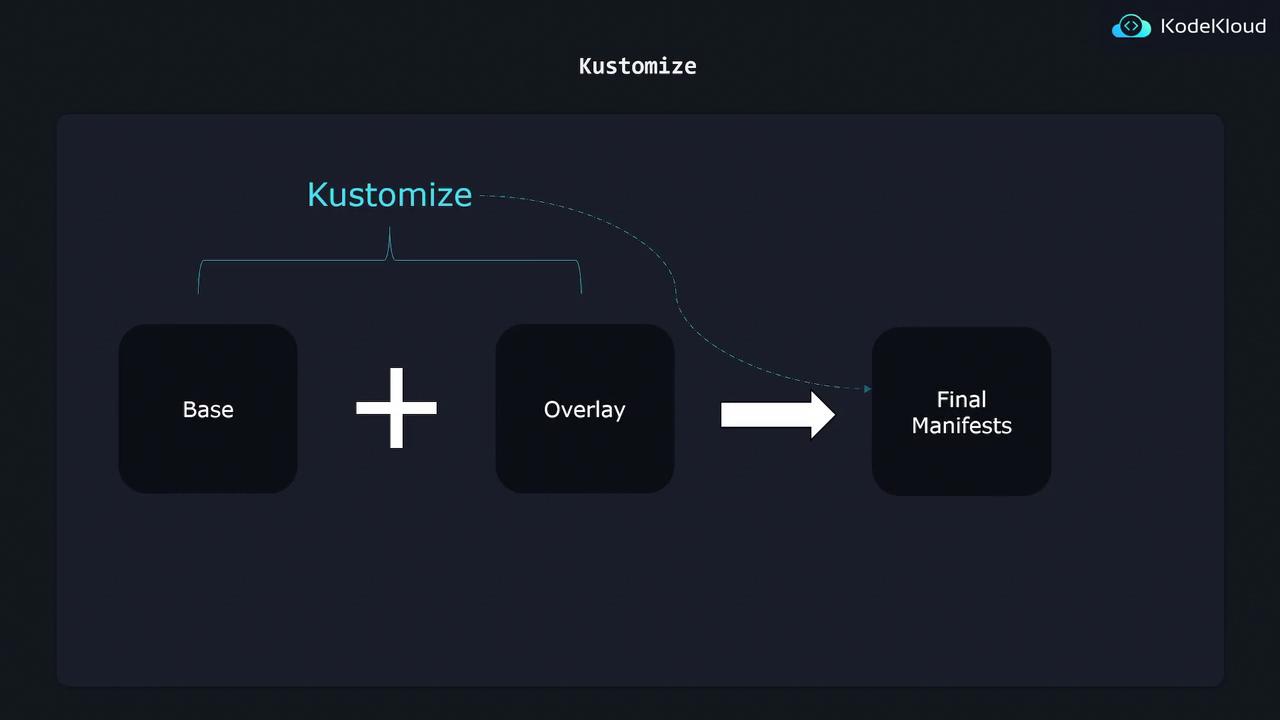
2. **Overlay**: References the base and applies patches (e.g., change replica count).
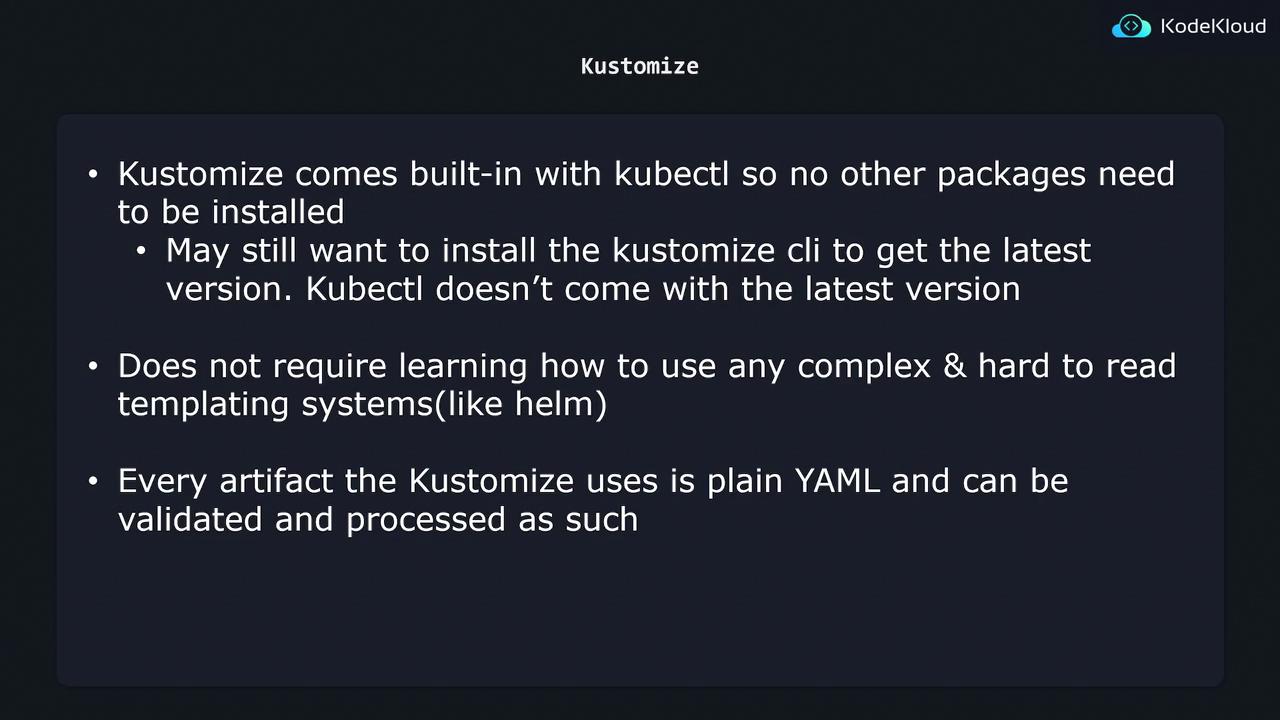
You can use `kubectl kustomize` (or `kubectl apply -k`) without installing any extra tools. Everything remains plain YAML—no templating language to learn!
***
## Defining Your Base
Create a `base/` folder with a `kustomization.yaml` that lists all shared resources:
```bash theme={null}
k8s/
└── base/
├── kustomization.yaml
├── nginx-deployment.yaml
├── service.yaml
└── redis-deployment.yaml
```
```yaml theme={null}
# base/kustomization.yaml
resources:
- nginx-deployment.yaml
- service.yaml
- redis-deployment.yaml
```
***
## Creating Overlays
Each environment overlay only needs to patch what’s different. For example, staging increases the replica count:
```bash theme={null}
k8s/
└── overlays/
├── stg/
│ ├── kustomization.yaml
│ └── config-map.yaml
└── prod/
├── kustomization.yaml
└── config-map.yaml
```
```yaml theme={null}
# overlays/stg/kustomization.yaml
bases:
- ../../base
patches:
- patch: |-
apiVersion: apps/v1
kind: Deployment
metadata:
name: nginx-deployment
spec:
replicas: 2
target:
kind: Deployment
name: nginx-deployment
```
***
## Building and Applying Final Manifests
When you run Kustomize, it merges the base plus your overlay to produce the final manifest:
```bash theme={null}
# Generate and apply the staging manifests
kubectl apply -k overlays/stg/
```
***
## kubectl + Kustomize Integration
Kustomize is bundled with `kubectl`, so you can work with it immediately:
```bash theme={null}
# Preview changes without applying
kubectl kustomize overlays/prod/
# Directly apply merged YAML
kubectl apply -k overlays/prod/
```
***
## Summary
By separating **Bases** and **Overlays**, Kustomize lets you:
* Maintain **one source of truth** for shared configurations
* Apply **minimal patches** per environment
* Eliminate manifest duplication and drift
* Use **plain YAML**—no templating
For more details, check out the [official Kustomize documentation](https://kubectl.docs.kubernetes.io/references/kustomize/).
## Links and References
* [Kubernetes Concepts](https://kubernetes.io/docs/concepts/)
* [kubectl apply -k](https://kubectl.docs.kubernetes.io/references/kustomize/kustomize/)
* [Kustomize GitHub Repository](https://github.com/kubernetes-sigs/kustomize)