> ## Documentation Index
> Fetch the complete documentation index at: https://notes.kodekloud.com/llms.txt
> Use this file to discover all available pages before exploring further.
# Kustomize vs Helm
> This article compares Helm and Kustomize, two tools for managing Kubernetes manifests, highlighting their strengths, workflows, and trade-offs.
In this article, we’ll compare **Helm** and **Kustomize**—two popular methods for managing Kubernetes manifests across different environments. Understanding their strengths, workflows, and trade-offs will help you select the best fit for your project.
## How Helm Works: Go-Templating in YAML
Helm uses Go templates to inject dynamic values into your Kubernetes manifests. Placeholders in the form of `{{ .Values.variable }}` are replaced at deploy time based on a `values.yaml` file.
```yaml theme={null}
# templates/nginx-deployment.yaml
apiVersion: apps/v1
kind: Deployment
metadata:
name: {{ .Values.name }}
spec:
replicas: {{ .Values.replicaCount }}
selector:
matchLabels:
app: {{ .Values.name }}
template:
metadata:
labels:
app: {{ .Values.name }}
spec:
containers:
- name: {{ .Chart.Name }}
image: "nginx:{{ .Values.image.tag }}"
```
```yaml theme={null}
# values.yaml
replicaCount: 1
image:
tag: "2.4.4"
name: "my-app"
```
When you run `helm install my-app ./chart -f values.yaml`, Helm merges the values into the templates, producing valid Kubernetes YAML:
```yaml theme={null}
apiVersion: apps/v1
kind: Deployment
metadata:
name: my-app
spec:
replicas: 1
selector:
matchLabels:
app: my-app
template:
metadata:
labels:
app: my-app
spec:
containers:
- name: my-chart
image: "nginx:2.4.4"
```
Use `--values` (or `-f`) to specify different environment files, e.g., `-f values.prod.yaml`.
## Helm Chart Structure
A typical Helm chart directory might look like:
```text theme={null}
k8s/
├── environments/
│ ├── values.dev.yaml
│ ├── values.stg.yaml
│ └── values.prod.yaml
└── templates/
├── nginx-deployment.yaml
├── nginx-service.yaml
├── db-deployment.yaml
└── db-service.yaml
```
* **templates/**: Kubernetes manifests with Go templating syntax.
* **environments/**: Separate `values.*.yaml` files for each environment.
## Feature Comparison
| Feature | Helm | Kustomize |
| ----------------------------- | ---------------------------------------------------- | ------------------------------ |
| Template Syntax | Go templates (`{{ }}`) | Pure YAML overlays and patches |
| Conditional Logic & Loops | ✔️ Supports `if`, `range`, custom functions | ❌ Not supported |
| Packaging & Versioning | ✔️ Full-fledged chart packaging, dependencies, hooks | ❌ No built-in packaging |
| Valid YAML Before Rendering | ❌ Not valid until `helm template` runs | ✔️ Always valid YAML |
| Native Kubernetes Integration | ✔️ Widely adopted, independent CLI | ✔️ Built into `kubectl` |
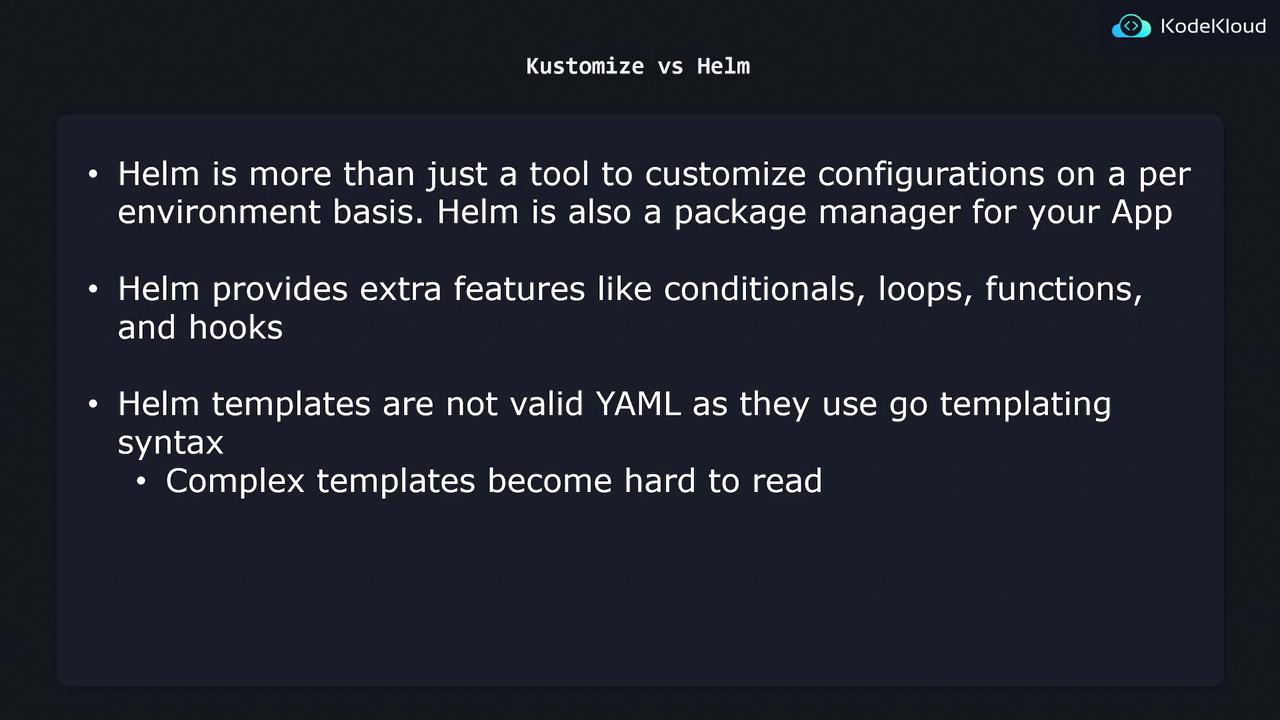
Complex Helm charts with extensive logic can become hard to read and maintain. Ensure you document templates and values clearly.
## Trade-offs: When to Use Each Tool
* **Use Helm if**\
• You need advanced templating (conditionals, loops, custom functions)\
• You want packaging, versioning, and chart dependencies\
• You require lifecycle hooks (e.g., pre-install, post-upgrade)
* **Use Kustomize if**\
• You prefer pure YAML without an extra rendering step\
• You want easy-to-read overlays and patches\
• Your customization needs are straightforward (e.g., changing images, labels)
Balance your project’s complexity and team familiarity when choosing between the two.
## References
* [Helm Documentation](https://helm.sh/docs/)
* [Kustomize Documentation](https://kustomize.io/)
* [Kubernetes Basics](https://kubernetes.io/docs/concepts/overview/what-is-kubernetes/)