> ## Documentation Index
> Fetch the complete documentation index at: https://notes.kodekloud.com/llms.txt
> Use this file to discover all available pages before exploring further.
# What are Agents
> Explains how LangChain agents combine LLMs, memory, tools, and RAG to orchestrate multi-step reliable workflows that mitigate LLM limitations like hallucinations and lack of internet
Welcome back to the final lesson in the "Building Agents" series.
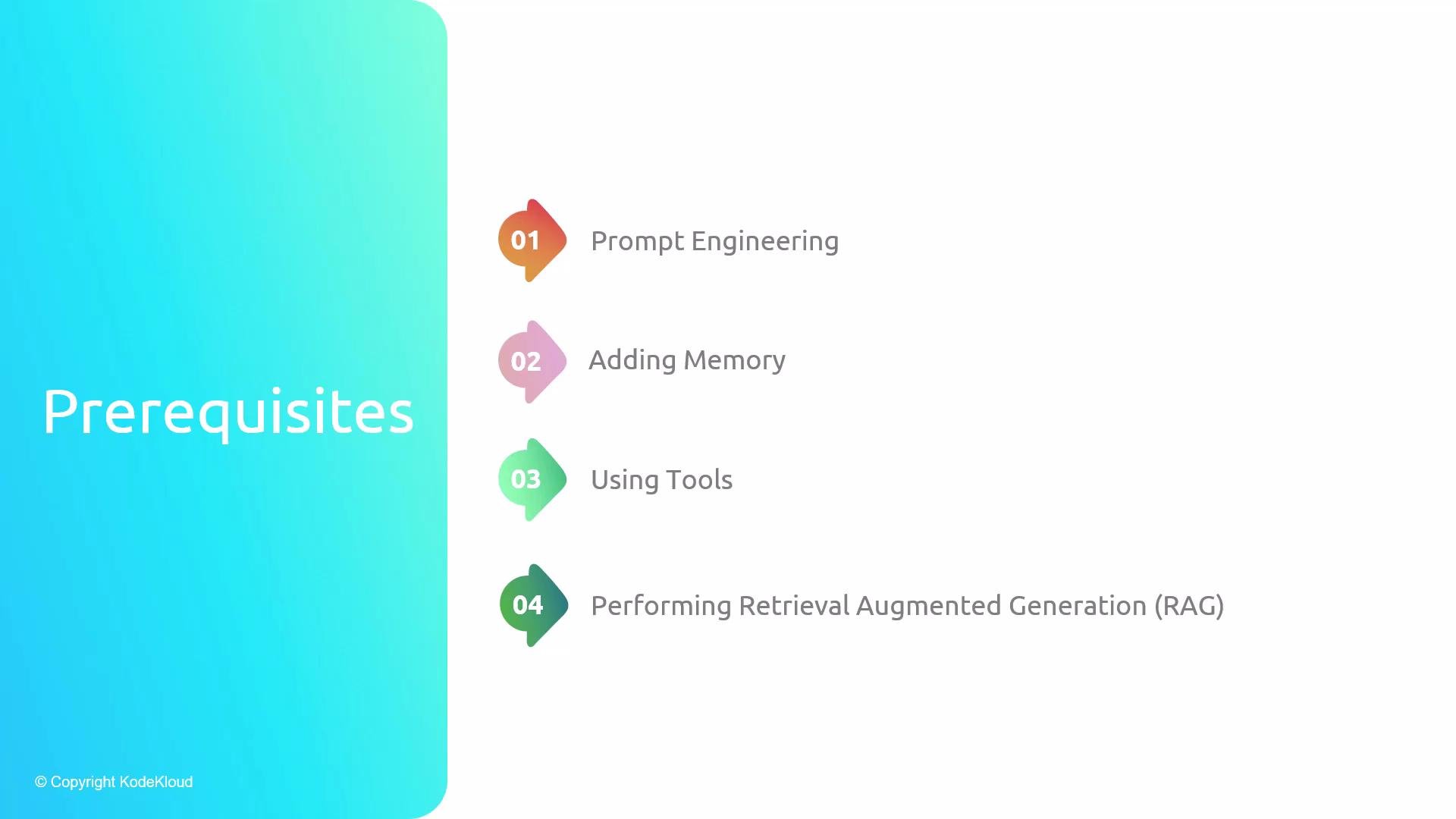
In this lesson we combine prompt engineering, memory, tools, and Retrieval-Augmented Generation (RAG) to build a practical agent. We'll explain why agents are useful, how they address common LLM limitations, and show the typical architecture and operational flow you'll implement with LangChain.
This lesson ties together previous concepts: prompt engineering, memory systems, tool integration, and RAG. If you followed earlier lessons, you’ll recognize the building blocks used here to create reliable, multi-step agents.
 ## Key observations about large language models (LLMs)
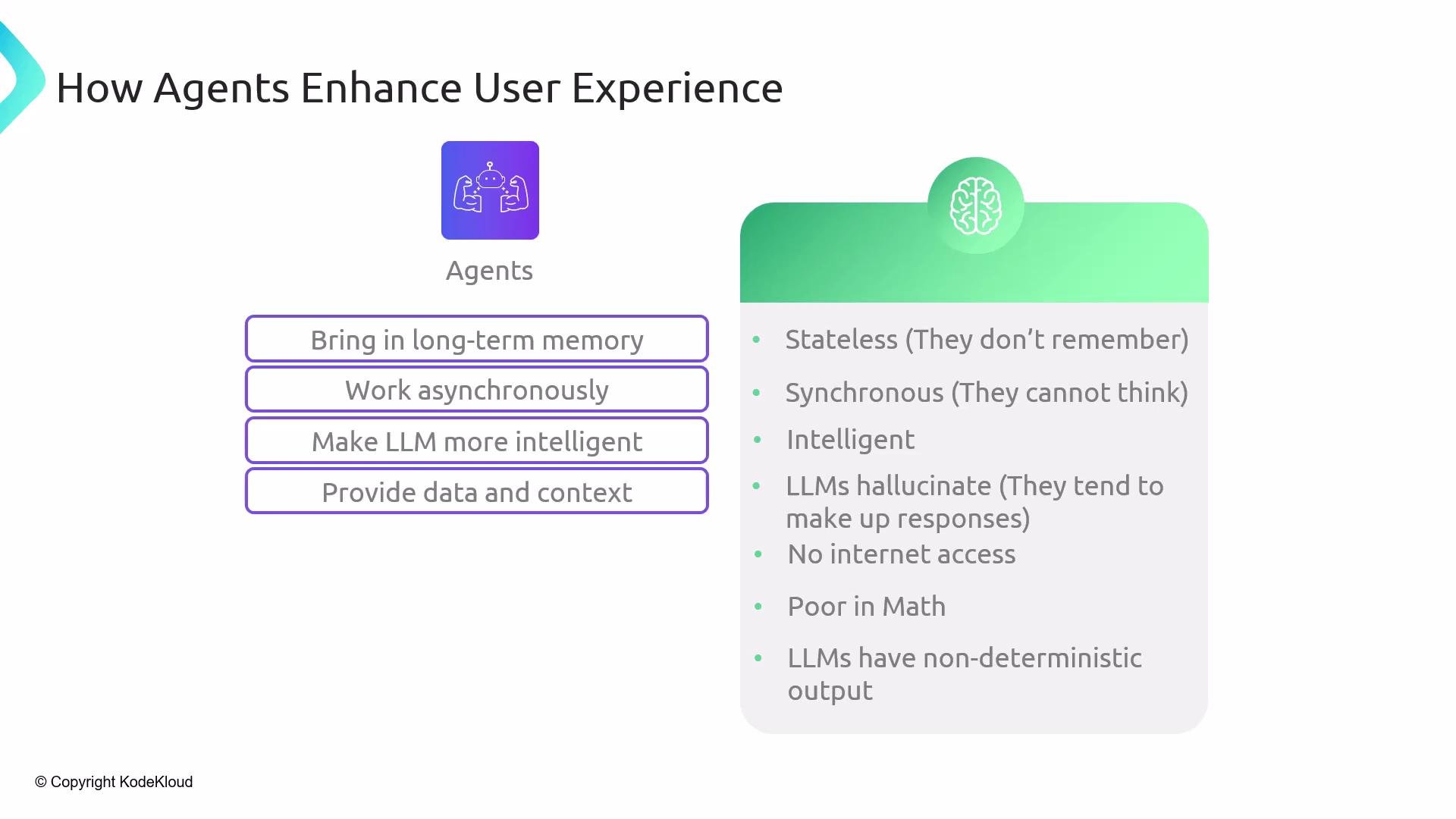
* Stateless by default: a single API call does not persist knowledge across sessions unless you provide history or attach memory.
* Sub-symbolic: LLMs learn statistical patterns in text and don't perform symbolic reasoning unless guided.
* Variable reasoning ability: models like [GPT-4](https://platform.openai.com/docs/models/gpt-4) often show strong reasoning, while smaller models may struggle.
* Hallucination risk: LLMs can invent facts when asked about topics outside their knowledge or training data.
* No native internet access: LLMs are limited by training cutoffs unless you add retrieval or browsing tools.
* Limited precision for math: complex calculations can be incorrect without an external tool.
* Non-deterministic outputs: repeated prompts can produce different results without strict formatting and output parsing.
LLMs can hallucinate and produce incorrect or outdated facts. Use retrieval (RAG), authoritative tools, and output validation to ground model outputs before acting on them.
## How we address these limitations
Use of modular components—memory, retrieval, tools, and output parsers—lets agents mitigate typical LLM weaknesses. The following table maps common LLM issues to the practical solutions agents provide:
| LLM limitation | Agent solution | Typical LangChain module or approach |
| -------------------------------- | -------------------------------------------------: | ----------------------------------------------- |
| Statelessness | Persist history with short- and long-term memory | Message history, memory modules |
| Hallucination / Knowledge cutoff | Ground responses via retrieval (RAG) | Vector DBs, retrievers, RAG pipelines |
| Poor math / precise computation | Delegate to deterministic tools | Python REPL tool, calculators |
| Non-deterministic output | Enforce formats and parse outputs | Output parsers, strict prompt templates |
| No internet access | Invoke search/browsing tools or APIs | Web search, browsing tools, custom API tools |
| Complex reasoning | Decompose using chain-of-thought or ReAct patterns | Chains, scratchpad, stepwise reasoning patterns |
LangChain provides ready-made primitives to implement each of these solutions, and agents orchestrate them into a cohesive workflow.
## What are LangChain agents?
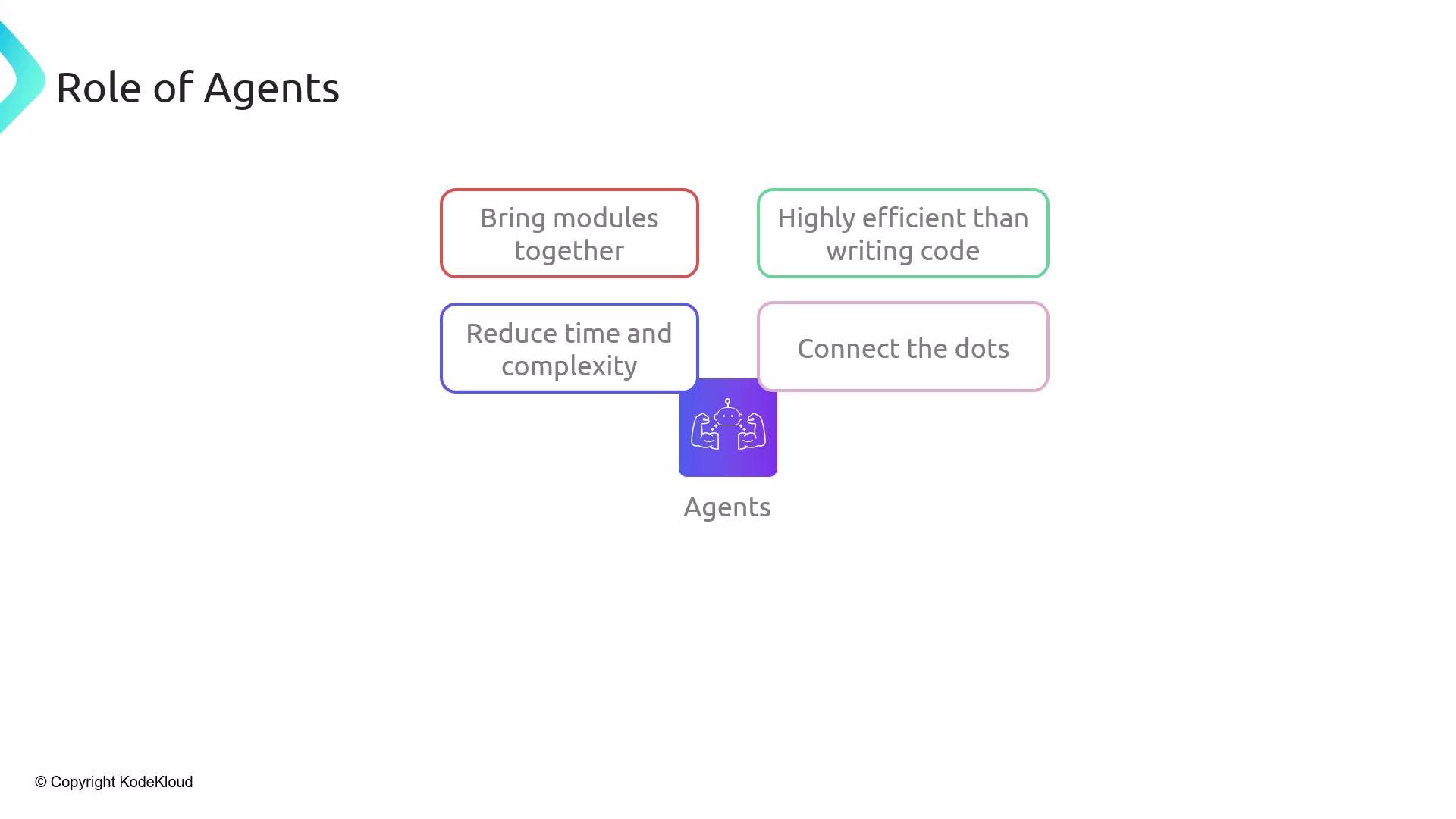
Agents in LangChain are orchestrators that combine an LLM “brain” with external capabilities: tools (search, APIs, Python REPL), memory stores (short- and long-term), retrieval systems (for RAG), and structured prompting. Instead of wiring many primitives together manually, an agent coordinates thinking (LLM reasoning) and acting (tool execution), reducing development time and complexity.
## Key observations about large language models (LLMs)
* Stateless by default: a single API call does not persist knowledge across sessions unless you provide history or attach memory.
* Sub-symbolic: LLMs learn statistical patterns in text and don't perform symbolic reasoning unless guided.
* Variable reasoning ability: models like [GPT-4](https://platform.openai.com/docs/models/gpt-4) often show strong reasoning, while smaller models may struggle.
* Hallucination risk: LLMs can invent facts when asked about topics outside their knowledge or training data.
* No native internet access: LLMs are limited by training cutoffs unless you add retrieval or browsing tools.
* Limited precision for math: complex calculations can be incorrect without an external tool.
* Non-deterministic outputs: repeated prompts can produce different results without strict formatting and output parsing.
LLMs can hallucinate and produce incorrect or outdated facts. Use retrieval (RAG), authoritative tools, and output validation to ground model outputs before acting on them.
## How we address these limitations
Use of modular components—memory, retrieval, tools, and output parsers—lets agents mitigate typical LLM weaknesses. The following table maps common LLM issues to the practical solutions agents provide:
| LLM limitation | Agent solution | Typical LangChain module or approach |
| -------------------------------- | -------------------------------------------------: | ----------------------------------------------- |
| Statelessness | Persist history with short- and long-term memory | Message history, memory modules |
| Hallucination / Knowledge cutoff | Ground responses via retrieval (RAG) | Vector DBs, retrievers, RAG pipelines |
| Poor math / precise computation | Delegate to deterministic tools | Python REPL tool, calculators |
| Non-deterministic output | Enforce formats and parse outputs | Output parsers, strict prompt templates |
| No internet access | Invoke search/browsing tools or APIs | Web search, browsing tools, custom API tools |
| Complex reasoning | Decompose using chain-of-thought or ReAct patterns | Chains, scratchpad, stepwise reasoning patterns |
LangChain provides ready-made primitives to implement each of these solutions, and agents orchestrate them into a cohesive workflow.
## What are LangChain agents?
Agents in LangChain are orchestrators that combine an LLM “brain” with external capabilities: tools (search, APIs, Python REPL), memory stores (short- and long-term), retrieval systems (for RAG), and structured prompting. Instead of wiring many primitives together manually, an agent coordinates thinking (LLM reasoning) and acting (tool execution), reducing development time and complexity.
 ## Agents bring flexibility and scale
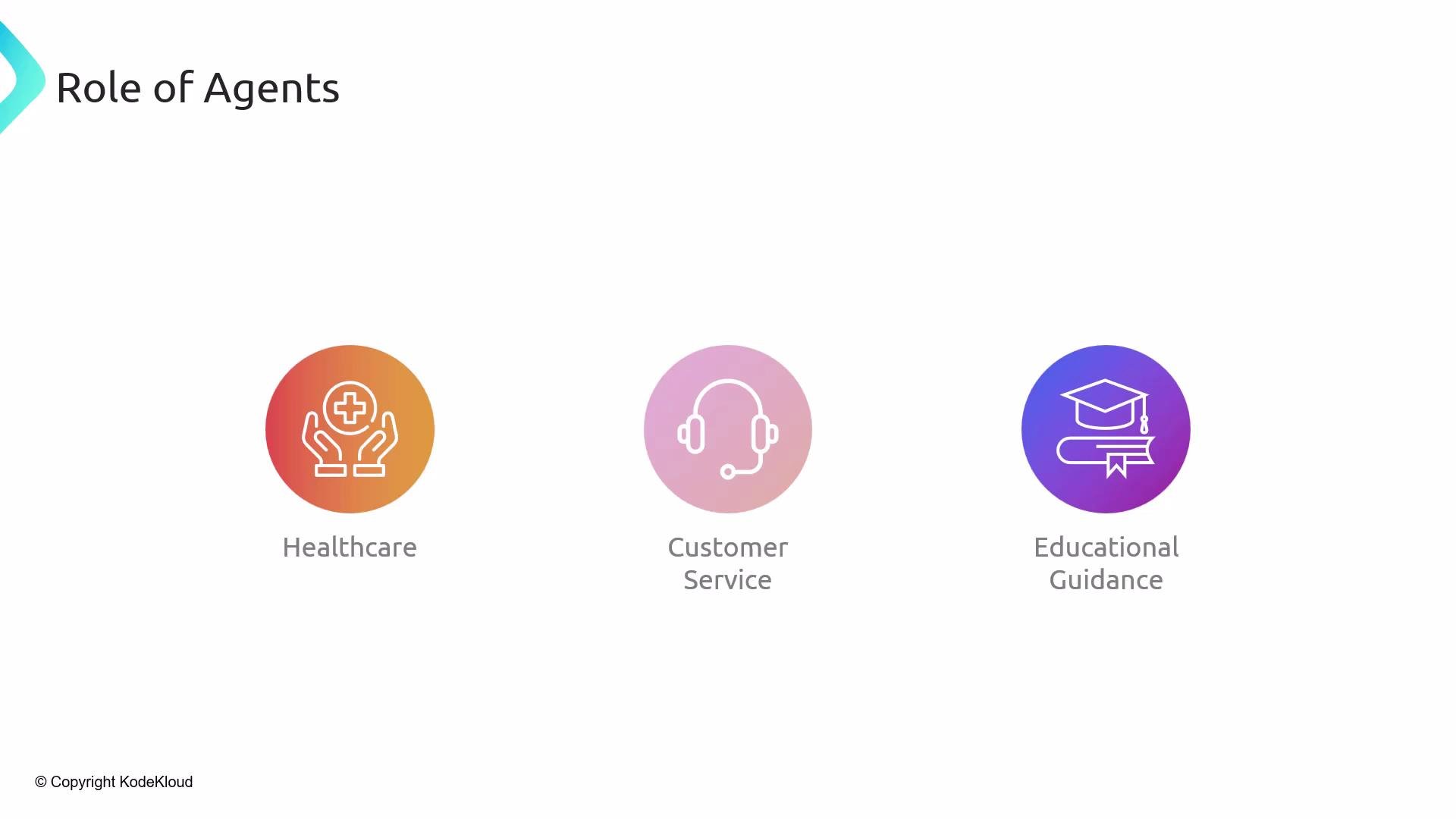
Agents can be adapted to many domains — healthcare, customer service, education, travel, scheduling, and more. By orchestrating a sequence of reasoning steps, tool calls, and stored context, agents usually provide a better user experience than a single LLM reply.
## Agents bring flexibility and scale
Agents can be adapted to many domains — healthcare, customer service, education, travel, scheduling, and more. By orchestrating a sequence of reasoning steps, tool calls, and stored context, agents usually provide a better user experience than a single LLM reply.
 Agents also allow human-in-the-loop workflows for verification or approvals and ensure the model has appropriate context and instructions before outputting a final answer.
## How agents address LLM limitations (detailed)
* Statelessness: Agents attach message history and memory stores under the hood so past interactions inform current decisions.
* Synchronous APIs: Agents can manage background or multi-step workflows that appear asynchronous from the user’s perspective (e.g., spawn a long-running task and report back).
* Reasoning: Agents support chain-of-thought style decomposition and stepwise approaches so the LLM reasons with intermediate context.
* Hallucination: Agents ground answers by retrieving authoritative documents or calling APIs.
* Internet access: Agents invoke browsing/search and other external APIs to get up-to-date information.
* Math: Agents call a Python tool or calculator for precise computations.
* Structured outputs: Agents enforce JSON, XML, CSV, or markdown using output parsers and strict prompt templates.
Agents also allow human-in-the-loop workflows for verification or approvals and ensure the model has appropriate context and instructions before outputting a final answer.
## How agents address LLM limitations (detailed)
* Statelessness: Agents attach message history and memory stores under the hood so past interactions inform current decisions.
* Synchronous APIs: Agents can manage background or multi-step workflows that appear asynchronous from the user’s perspective (e.g., spawn a long-running task and report back).
* Reasoning: Agents support chain-of-thought style decomposition and stepwise approaches so the LLM reasons with intermediate context.
* Hallucination: Agents ground answers by retrieving authoritative documents or calling APIs.
* Internet access: Agents invoke browsing/search and other external APIs to get up-to-date information.
* Math: Agents call a Python tool or calculator for precise computations.
* Structured outputs: Agents enforce JSON, XML, CSV, or markdown using output parsers and strict prompt templates.
 ## Typical agent architecture
At a high level:
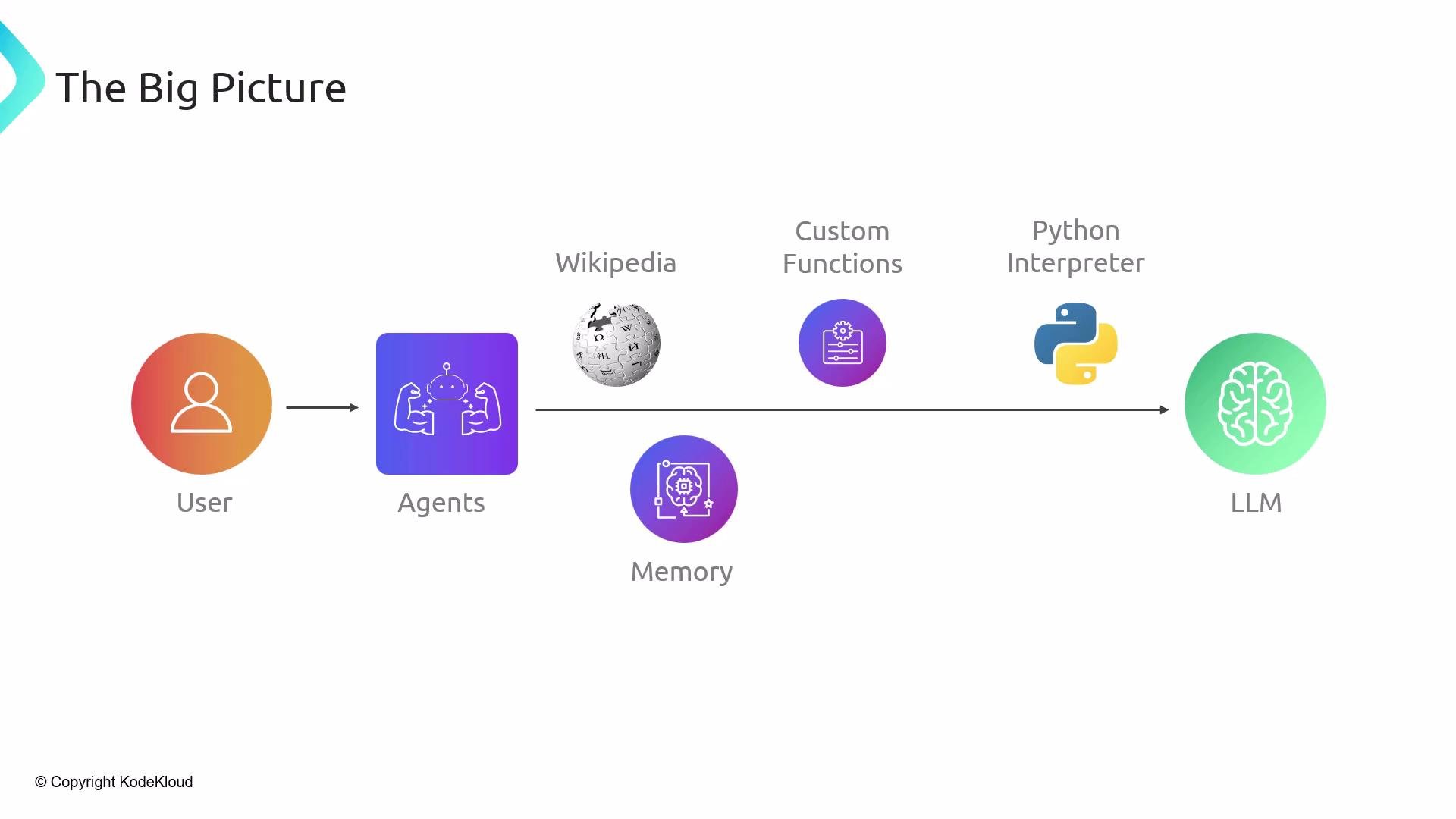
* User sends a query to the agent.
* The agent uses an LLM as the reasoning core.
* The agent has access to tools (Wikipedia/search, custom APIs, Python interpreter), memory stores, a scratchpad for intermediate reasoning, and advanced prompting strategies (chain-of-thought, ReAct).
* The agent automates tool selection and prompt engineering to fulfill the user’s request.
## Typical agent architecture
At a high level:
* User sends a query to the agent.
* The agent uses an LLM as the reasoning core.
* The agent has access to tools (Wikipedia/search, custom APIs, Python interpreter), memory stores, a scratchpad for intermediate reasoning, and advanced prompting strategies (chain-of-thought, ReAct).
* The agent automates tool selection and prompt engineering to fulfill the user’s request.
 ## How an agent operates — step-by-step
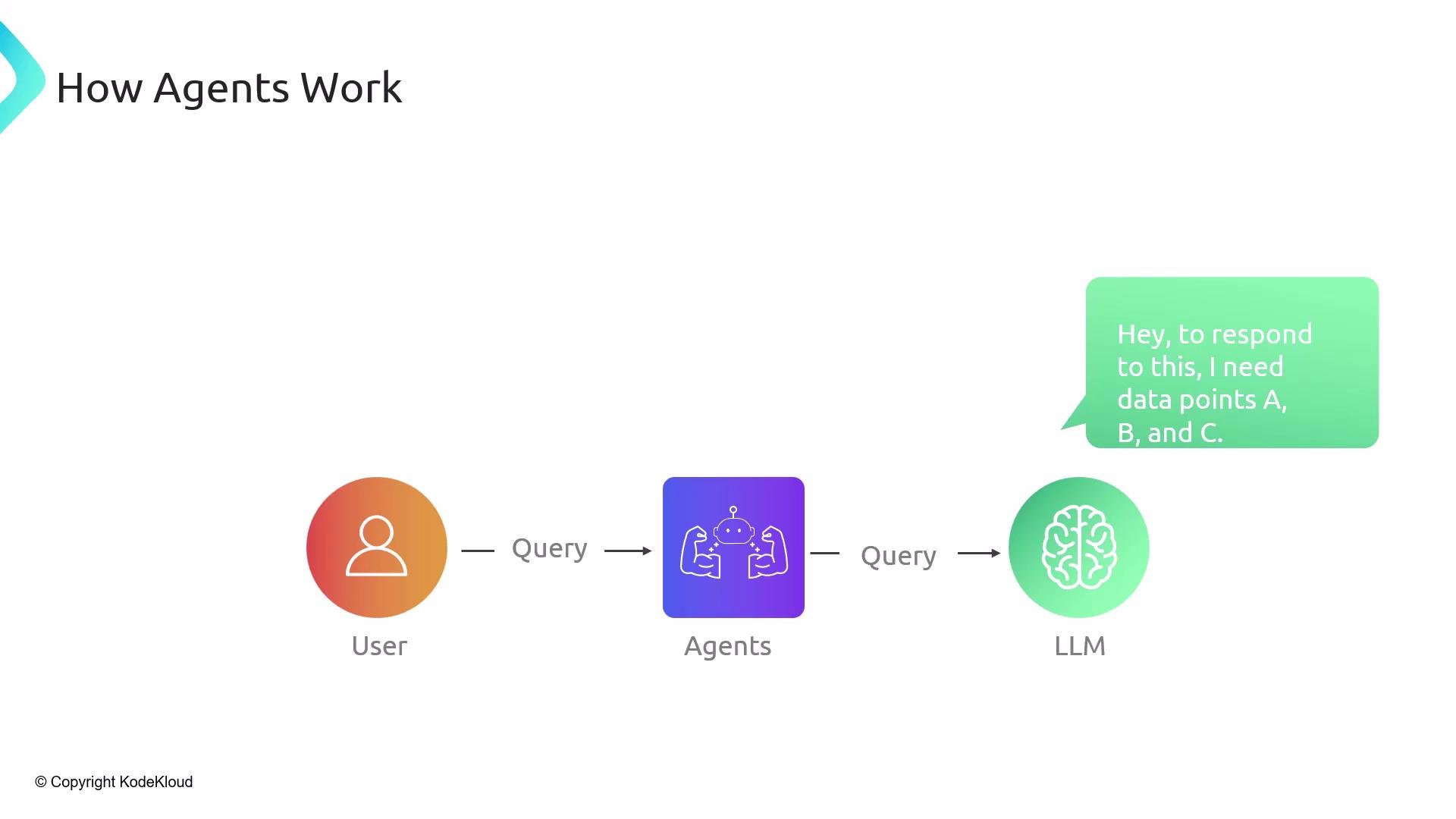
1. User sends a query to the agent.
2. Agent prompts the LLM to determine what additional information or actions are required.
3. LLM identifies needed data points or sub-steps (A, B, C).
4. Agent maps those needs to tools and executes them (search, API call, Python computation); results are passed back to the LLM.
5. LLM updates its plan or requests more resources; the agent repeats tool use and reasoning until completion.
6. Agent assembles a structured response and returns it to the user.
This interleaving of LLM reasoning and deterministic actions allows agents to complete multi-step tasks that a single model call could not reliably accomplish.
## How an agent operates — step-by-step
1. User sends a query to the agent.
2. Agent prompts the LLM to determine what additional information or actions are required.
3. LLM identifies needed data points or sub-steps (A, B, C).
4. Agent maps those needs to tools and executes them (search, API call, Python computation); results are passed back to the LLM.
5. LLM updates its plan or requests more resources; the agent repeats tool use and reasoning until completion.
6. Agent assembles a structured response and returns it to the user.
This interleaving of LLM reasoning and deterministic actions allows agents to complete multi-step tasks that a single model call could not reliably accomplish.
 ## Example interaction
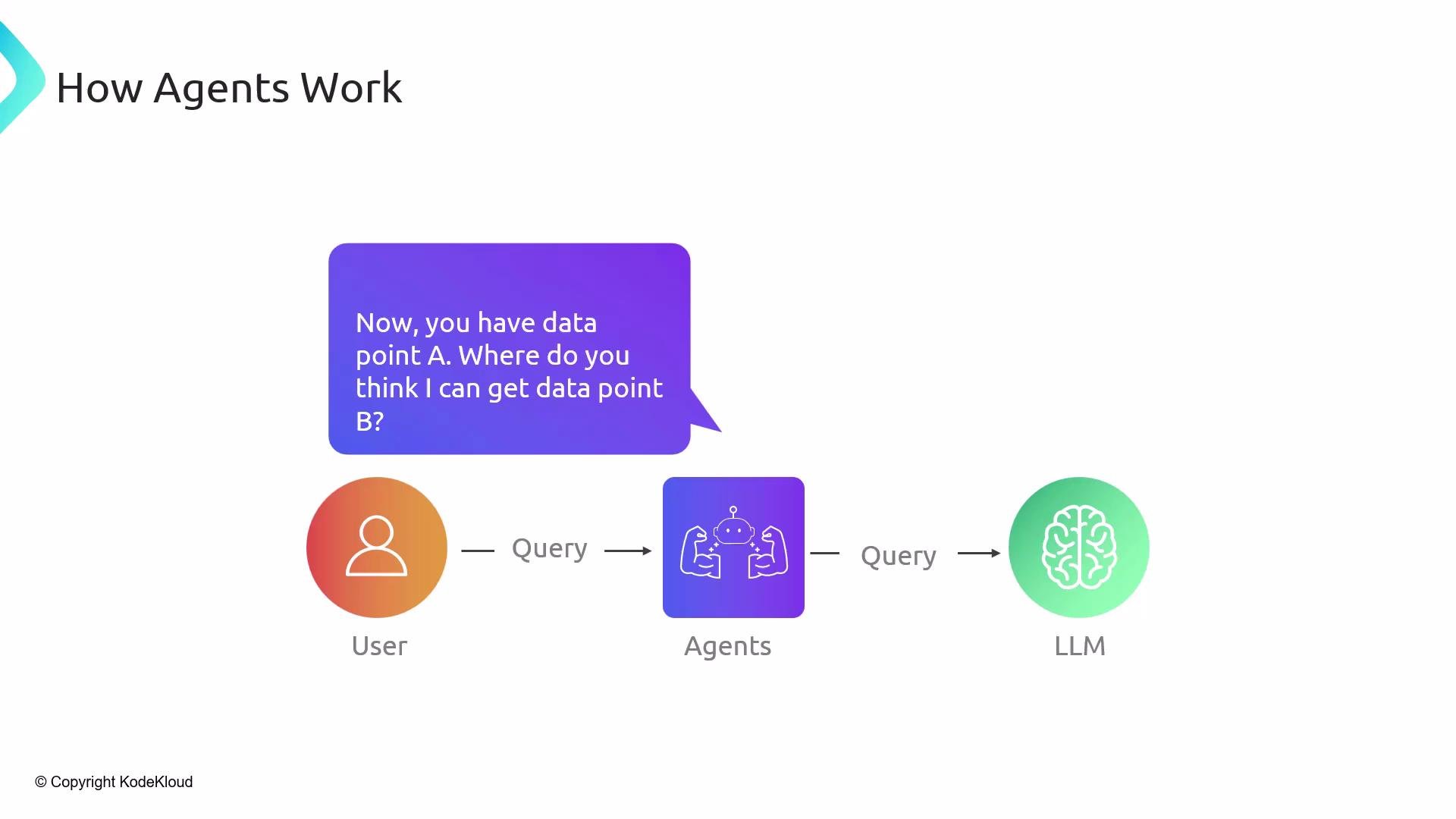
* LLM requests data point A → agent runs a web search tool and returns results.
* LLM requests data point B → agent queries Wikipedia and returns results.
* LLM combines both results, optionally calls a Python tool for calculations, formats the final output, and returns it to the user.
Agents coordinate tool calls and LLM reasoning iteratively until the user’s objective is achieved.
## Example interaction
* LLM requests data point A → agent runs a web search tool and returns results.
* LLM requests data point B → agent queries Wikipedia and returns results.
* LLM combines both results, optionally calls a Python tool for calculations, formats the final output, and returns it to the user.
Agents coordinate tool calls and LLM reasoning iteratively until the user’s objective is achieved.
 ## Representative agent use cases
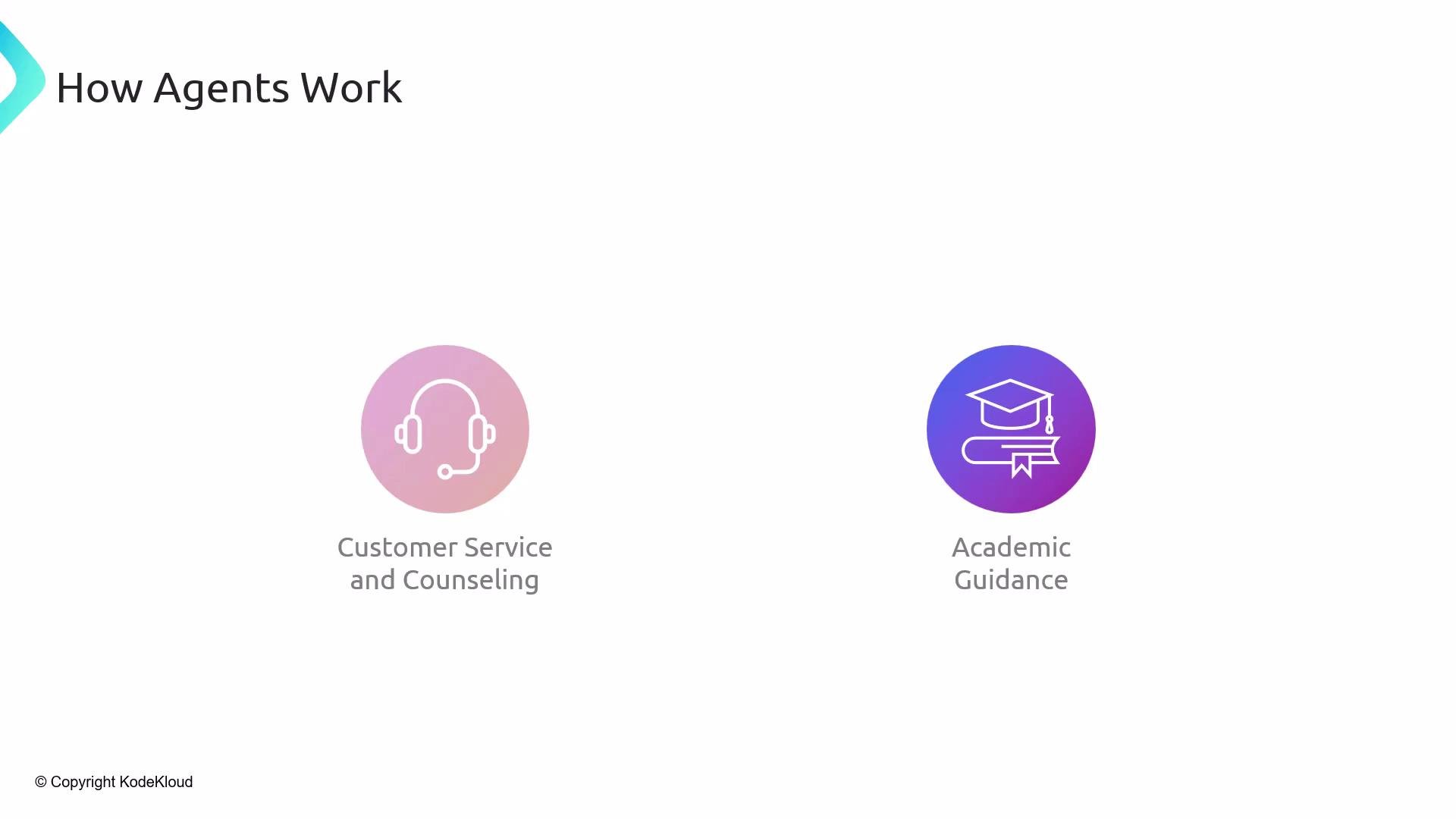
| Use case | Description |
| --------------------------- | ------------------------------------------------------------------------------------------ |
| Customer support automation | Handle multi-turn troubleshooting, fetch knowledge-base articles, and escalate when needed |
| Student tutoring | Break down problems, retrieve references, and show worked solutions step-by-step |
| Travel planning | Compare flights/hotels, build itineraries, and book reservations via APIs |
| Meeting scheduling | Read calendar availability and manage invites across providers |
| Domain-specific agents | Integrate internal APIs and private data sources for tailored workflows |
Agents automate complex, multi-step tasks by combining LLM reasoning with deterministic tools and data.
## Representative agent use cases
| Use case | Description |
| --------------------------- | ------------------------------------------------------------------------------------------ |
| Customer support automation | Handle multi-turn troubleshooting, fetch knowledge-base articles, and escalate when needed |
| Student tutoring | Break down problems, retrieve references, and show worked solutions step-by-step |
| Travel planning | Compare flights/hotels, build itineraries, and book reservations via APIs |
| Meeting scheduling | Read calendar availability and manage invites across providers |
| Domain-specific agents | Integrate internal APIs and private data sources for tailored workflows |
Agents automate complex, multi-step tasks by combining LLM reasoning with deterministic tools and data.
 ## Wrap-up
Agents are orchestrators: they combine LLMs, tools, memory, and prompt engineering into robust, reliable workflows. In this lesson you learned:
* Why agents are necessary and what problems they solve.
* How agents improve LLM reliability using memory, tools, and RAG.
* Typical architecture and the step-by-step agent runtime loop.
* Example scenarios and concrete use cases.
This lesson will be followed by demos that build end-to-end agents so you can see these concepts in action and apply them to real projects.
## Links and references
* [LangChain](https://langchain.com)
* Retrieval-Augmented Generation (RAG): [https://arxiv.org/abs/2005.11401](https://arxiv.org/abs/2005.11401)
* ReAct (Reason+Act): [https://arxiv.org/abs/2210.03307](https://arxiv.org/abs/2210.03307)
* [GPT-4 model details](https://platform.openai.com/docs/models/gpt-4)
* [Python](https://www.python.org/)
## Wrap-up
Agents are orchestrators: they combine LLMs, tools, memory, and prompt engineering into robust, reliable workflows. In this lesson you learned:
* Why agents are necessary and what problems they solve.
* How agents improve LLM reliability using memory, tools, and RAG.
* Typical architecture and the step-by-step agent runtime loop.
* Example scenarios and concrete use cases.
This lesson will be followed by demos that build end-to-end agents so you can see these concepts in action and apply them to real projects.
## Links and references
* [LangChain](https://langchain.com)
* Retrieval-Augmented Generation (RAG): [https://arxiv.org/abs/2005.11401](https://arxiv.org/abs/2005.11401)
* ReAct (Reason+Act): [https://arxiv.org/abs/2210.03307](https://arxiv.org/abs/2210.03307)
* [GPT-4 model details](https://platform.openai.com/docs/models/gpt-4)
* [Python](https://www.python.org/)