> ## Documentation Index
> Fetch the complete documentation index at: https://notes.kodekloud.com/llms.txt
> Use this file to discover all available pages before exploring further.
# LLM Response
> Guidance on requesting, parsing, validating, and normalizing LLM outputs with examples for date handling, schema enforcement, and security to ensure reliable and safe consumption
LLMs return text that your application must often parse and validate before use. The model can provide plain strings, semi-structured text, or strictly structured formats (JSON, CSV, XML). Because LLM outputs can vary in formatting and content, you should design a robust parsing and validation layer that coerces or rejects unexpected formats and normalizes values (dates, numbers, enums) before further processing.
For example, when an LLM supplies a date string, you must parse and validate that string so it can be converted into a proper date object for arithmetic. The more explicit you are about the expected output schema in the prompt, the easier and safer parsing becomes.
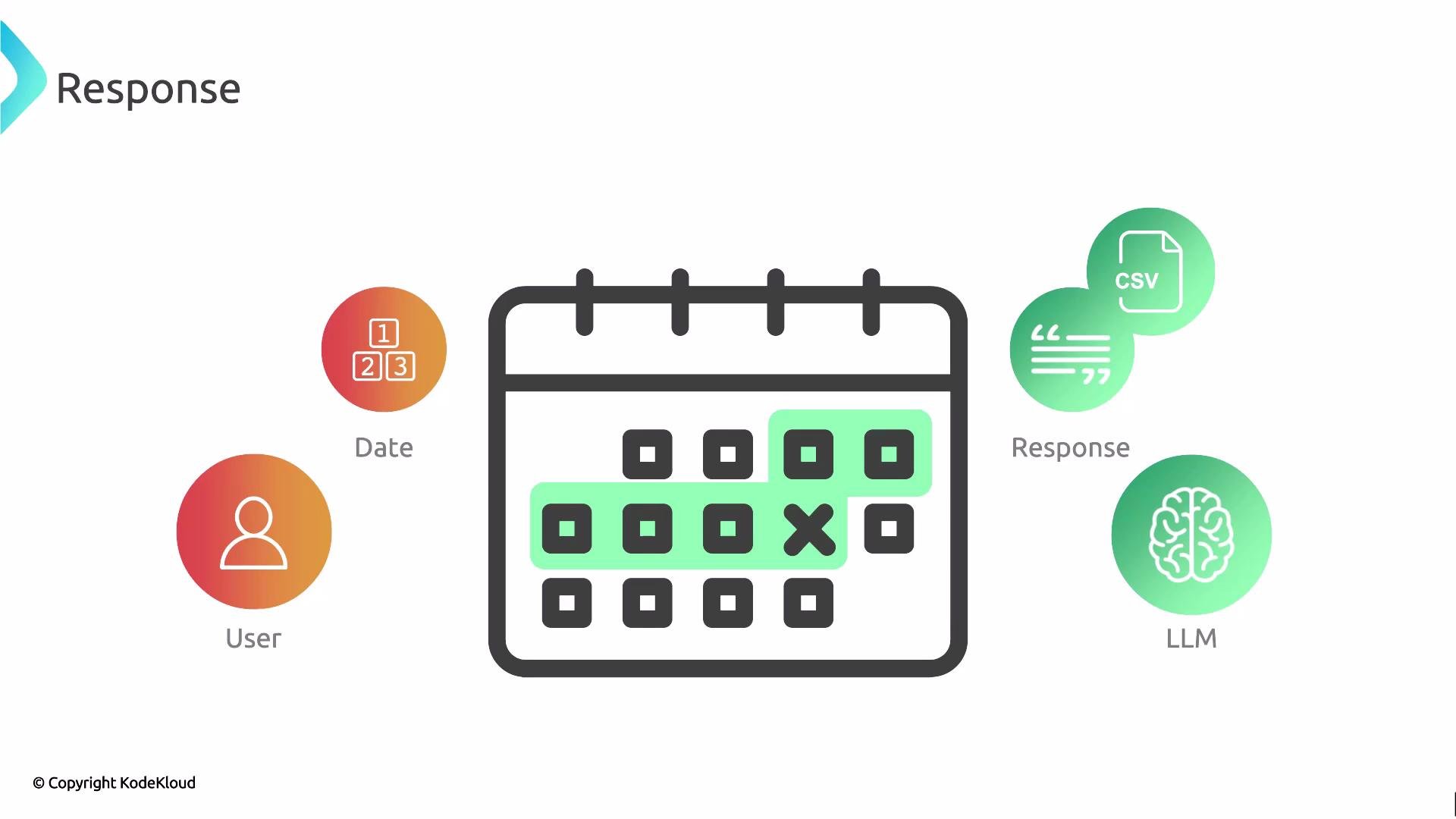 After receiving the LLM response, apply these steps in order:
* Detect the format (plain text vs. requested JSON/CSV/XML).
* Validate the structure (required keys, value types, allowed enums).
* Normalize values (parse ISO-8601 dates, trim whitespace, coerce numbers).
* Apply domain-specific checks (ranges, cross-field consistency).
* Fail fast or fallback to safe defaults when validation fails.
Always ask the LLM for a clear output format (for example, `JSON` with explicit keys). Validate and sanitize the returned data before using it in production. Consider schema validation libraries (e.g., `pydantic`, `jsonschema`) for reliable enforcement.
Example: parsing an ISO-8601 date string returned by the LLM and computing the difference in days (Python)
```python theme={null}
from datetime import date
# Suppose the LLM returned this ISO-8601 date string:
llm_date_str = "2026-07-16"
# Convert to a date object and compute difference
date_from_llm = date.fromisoformat(llm_date_str)
today = date.today()
delta = today - date_from_llm
print(f"Days between: {abs(delta.days)}")
```
Notes for Python example:
* Prefer `date.fromisoformat()` for `YYYY-MM-DD`. It raises `ValueError` for invalid formats, which you should catch and handle.
* For timestamps with time and timezone, use `datetime.fromisoformat()` or a robust parser like `dateutil.parser.isoparse()`.
Example: parse a date string in JavaScript and compute days difference
```javascript theme={null}
const llmDateStr = "2026-07-16";
// Parse as UTC midnight to avoid local timezone interpretation of "YYYY-MM-DD"
const dateFromLLM = new Date(llmDateStr + "T00:00:00Z");
const today = new Date();
const msPerDay = 24 * 60 * 60 * 1000;
const diffDays = Math.abs(Math.round((today - dateFromLLM) / msPerDay));
console.log(`Days between: ${diffDays}`);
```
Notes for JavaScript example:
* Appending `"T00:00:00Z"` forces UTC parsing for `YYYY-MM-DD` inputs and avoids off-by-one-day errors from local timezone offsets.
* For more complex datetime handling, consider a library like `luxon` or `date-fns`.
Key practices for reliably consuming LLM output
| Area | Recommendation | Example / Tools |
| -------------- | ------------------------------------------------------------------------ | --------------------------------------------------------- |
| Output schema | Request a strict format (e.g., `JSON` with explicit keys) | Prompt: `Return {"date": "YYYY-MM-DD", "reason": "..."} ` |
| Validation | Use schema validation and type checks | `jsonschema`, `pydantic`, `zod` |
| Date parsing | Prefer ISO-8601; specify exact format in prompt | `date.fromisoformat()`, `dateutil`, `luxon` |
| Error handling | Provide safe fallbacks and clear error messages | Retry, ask the model to reformat, or reject input |
| Security | Never trust unvalidated LLM output in security- or safety-critical flows | Sanitize before executing or storing |
Do not execute or evaluate code, commands, or markup produced by an LLM without strict validation. Treat LLM output as untrusted data: validate structure, types, ranges, and content before use.
Example prompt patterns you can use to force structured output
* Minimal JSON schema prompt:
```{"date":"2026-07-16","summary":"No text provided to analyze; awaiting input."} theme={null}
Return a JSON object with keys: "date" (YYYY-MM-DD), "summary" (short string).
```
* JSON schema with validation hints:
```{"date":"2026-07-16", "status":"pending"} theme={null}
Return JSON: {"date":"YYYY-MM-DD", "status":"one of [approved, denied, pending]"}
```
References and further reading
* JSON Schema: [https://json-schema.org/](https://json-schema.org/)
* Python date handling (`datetime`): [https://docs.python.org/3/library/datetime.html](https://docs.python.org/3/library/datetime.html)
* ISO 8601 date format overview: [https://en.wikipedia.org/wiki/ISO\_8601](https://en.wikipedia.org/wiki/ISO_8601)
* JavaScript Date pitfalls and timezone handling: [https://developer.mozilla.org/en-US/docs/Web/JavaScript/Reference/Global\_Objects/Date](https://developer.mozilla.org/en-US/docs/Web/JavaScript/Reference/Global_Objects/Date)
By specifying explicit output formats, validating responses, and normalizing values, you make LLM-driven applications more robust, predictable, and secure.
After receiving the LLM response, apply these steps in order:
* Detect the format (plain text vs. requested JSON/CSV/XML).
* Validate the structure (required keys, value types, allowed enums).
* Normalize values (parse ISO-8601 dates, trim whitespace, coerce numbers).
* Apply domain-specific checks (ranges, cross-field consistency).
* Fail fast or fallback to safe defaults when validation fails.
Always ask the LLM for a clear output format (for example, `JSON` with explicit keys). Validate and sanitize the returned data before using it in production. Consider schema validation libraries (e.g., `pydantic`, `jsonschema`) for reliable enforcement.
Example: parsing an ISO-8601 date string returned by the LLM and computing the difference in days (Python)
```python theme={null}
from datetime import date
# Suppose the LLM returned this ISO-8601 date string:
llm_date_str = "2026-07-16"
# Convert to a date object and compute difference
date_from_llm = date.fromisoformat(llm_date_str)
today = date.today()
delta = today - date_from_llm
print(f"Days between: {abs(delta.days)}")
```
Notes for Python example:
* Prefer `date.fromisoformat()` for `YYYY-MM-DD`. It raises `ValueError` for invalid formats, which you should catch and handle.
* For timestamps with time and timezone, use `datetime.fromisoformat()` or a robust parser like `dateutil.parser.isoparse()`.
Example: parse a date string in JavaScript and compute days difference
```javascript theme={null}
const llmDateStr = "2026-07-16";
// Parse as UTC midnight to avoid local timezone interpretation of "YYYY-MM-DD"
const dateFromLLM = new Date(llmDateStr + "T00:00:00Z");
const today = new Date();
const msPerDay = 24 * 60 * 60 * 1000;
const diffDays = Math.abs(Math.round((today - dateFromLLM) / msPerDay));
console.log(`Days between: ${diffDays}`);
```
Notes for JavaScript example:
* Appending `"T00:00:00Z"` forces UTC parsing for `YYYY-MM-DD` inputs and avoids off-by-one-day errors from local timezone offsets.
* For more complex datetime handling, consider a library like `luxon` or `date-fns`.
Key practices for reliably consuming LLM output
| Area | Recommendation | Example / Tools |
| -------------- | ------------------------------------------------------------------------ | --------------------------------------------------------- |
| Output schema | Request a strict format (e.g., `JSON` with explicit keys) | Prompt: `Return {"date": "YYYY-MM-DD", "reason": "..."} ` |
| Validation | Use schema validation and type checks | `jsonschema`, `pydantic`, `zod` |
| Date parsing | Prefer ISO-8601; specify exact format in prompt | `date.fromisoformat()`, `dateutil`, `luxon` |
| Error handling | Provide safe fallbacks and clear error messages | Retry, ask the model to reformat, or reject input |
| Security | Never trust unvalidated LLM output in security- or safety-critical flows | Sanitize before executing or storing |
Do not execute or evaluate code, commands, or markup produced by an LLM without strict validation. Treat LLM output as untrusted data: validate structure, types, ranges, and content before use.
Example prompt patterns you can use to force structured output
* Minimal JSON schema prompt:
```{"date":"2026-07-16","summary":"No text provided to analyze; awaiting input."} theme={null}
Return a JSON object with keys: "date" (YYYY-MM-DD), "summary" (short string).
```
* JSON schema with validation hints:
```{"date":"2026-07-16", "status":"pending"} theme={null}
Return JSON: {"date":"YYYY-MM-DD", "status":"one of [approved, denied, pending]"}
```
References and further reading
* JSON Schema: [https://json-schema.org/](https://json-schema.org/)
* Python date handling (`datetime`): [https://docs.python.org/3/library/datetime.html](https://docs.python.org/3/library/datetime.html)
* ISO 8601 date format overview: [https://en.wikipedia.org/wiki/ISO\_8601](https://en.wikipedia.org/wiki/ISO_8601)
* JavaScript Date pitfalls and timezone handling: [https://developer.mozilla.org/en-US/docs/Web/JavaScript/Reference/Global\_Objects/Date](https://developer.mozilla.org/en-US/docs/Web/JavaScript/Reference/Global_Objects/Date)
By specifying explicit output formats, validating responses, and normalizing values, you make LLM-driven applications more robust, predictable, and secure.