> ## Documentation Index
> Fetch the complete documentation index at: https://notes.kodekloud.com/llms.txt
> Use this file to discover all available pages before exploring further.
# Prompts and LLM
> Guide to prompt engineering and how prompts interact with large language models, covering design elements, best practices, limitations, and evaluation.
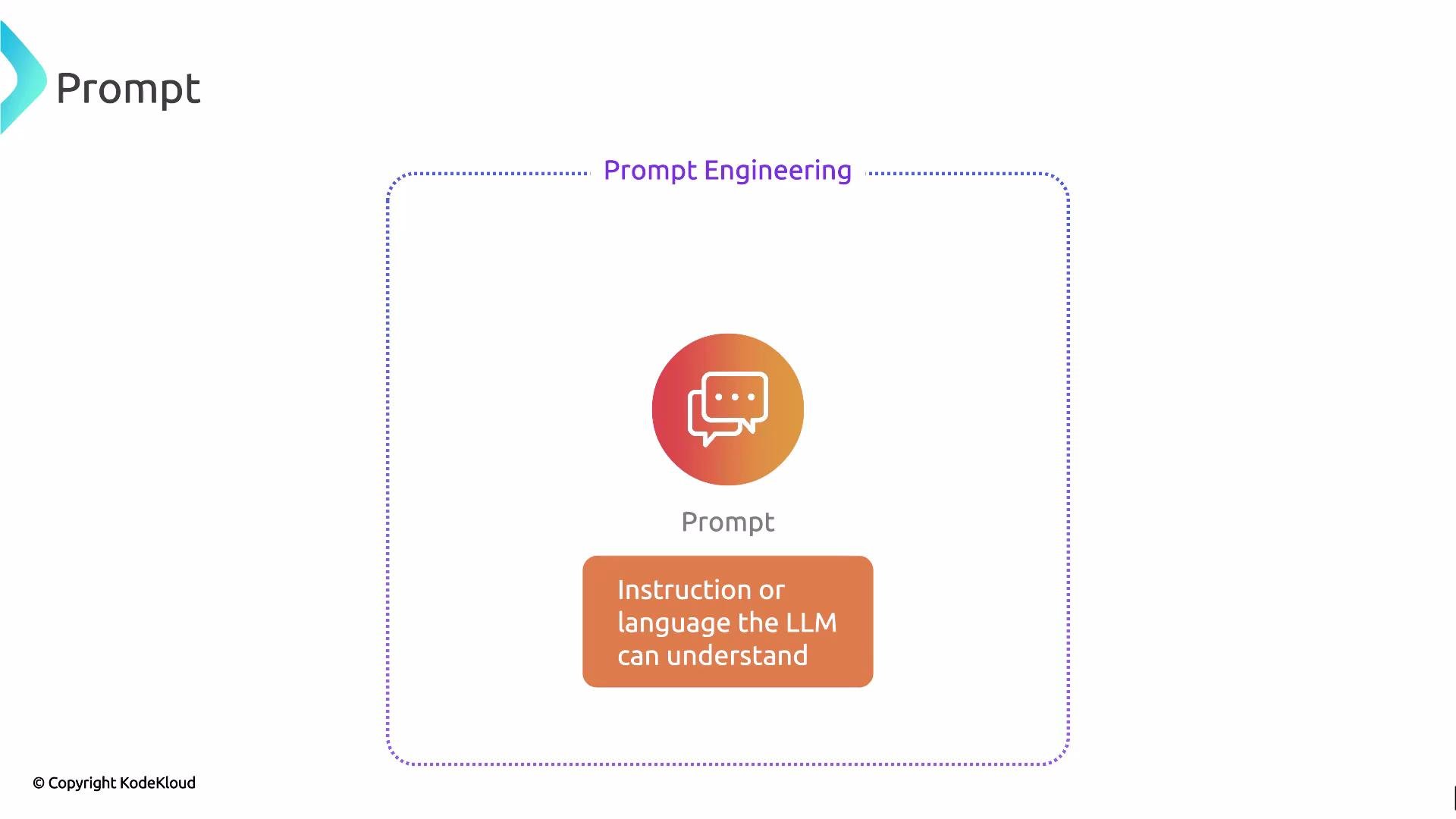
A prompt is the instruction or input you give a large language model (LLM) to get a desired response. It defines both the syntax and semantics of the request: what the model should do, what context to consider, and any constraints on the output. Well-crafted prompts help the model understand intent and produce responses that are relevant, accurate, and coherent.
Prompts can be used in many interaction styles:
* Single-turn Q\&A (one input, one output).
* Completion tasks (continue a partial text).
* Multi-turn conversations (iteratively refining requests and replies).
The discipline of designing these inputs—choosing the right words, structure, context, and constraints—is called prompt engineering. This document covers the essentials of prompt engineering and how it relates to LLMs, without diving into advanced techniques.
 Prompt design: key elements
* Instruction: A clear directive of the desired task (e.g., "Summarize the following report in two paragraphs.").
* Context: Relevant information, documents, or examples the model should use.
* Constraints: Output format, length limits, style, or safety rules (e.g., JSON output only).
* Demonstrations: Few-shot examples showing input → desired output (helps when you need specific structure).
* Role or persona: Framing the model as an expert or role (e.g., "You are a senior data scientist.").
Table — Prompt elements and examples
| Element | Purpose | Example |
| ------------------ | ------------------------- | --------------------------------------------------- |
| Instruction | Directs the task | `Translate the text to French.` |
| Context | Provides supporting data | `Article: "..."` |
| Constraints | Enforces format or limits | `Return a JSON object with keys: summary, keywords` |
| Example (few-shot) | Shows desired mapping | `Input: "Bug report" → Output: "5-line summary"` |
| Role | Provides tone/persona | `You are an expert UX writer.` |
Clear, concise prompts with explicit output constraints (format, examples, length) consistently produce more reliable model responses. Use few-shot examples when you need a strict or unusual output structure.
Crafting the right prompt matters: small changes in wording, ordering, or context can significantly affect the model’s output quality. After defining a prompt, the next core component is the LLM itself.
What is an LLM?
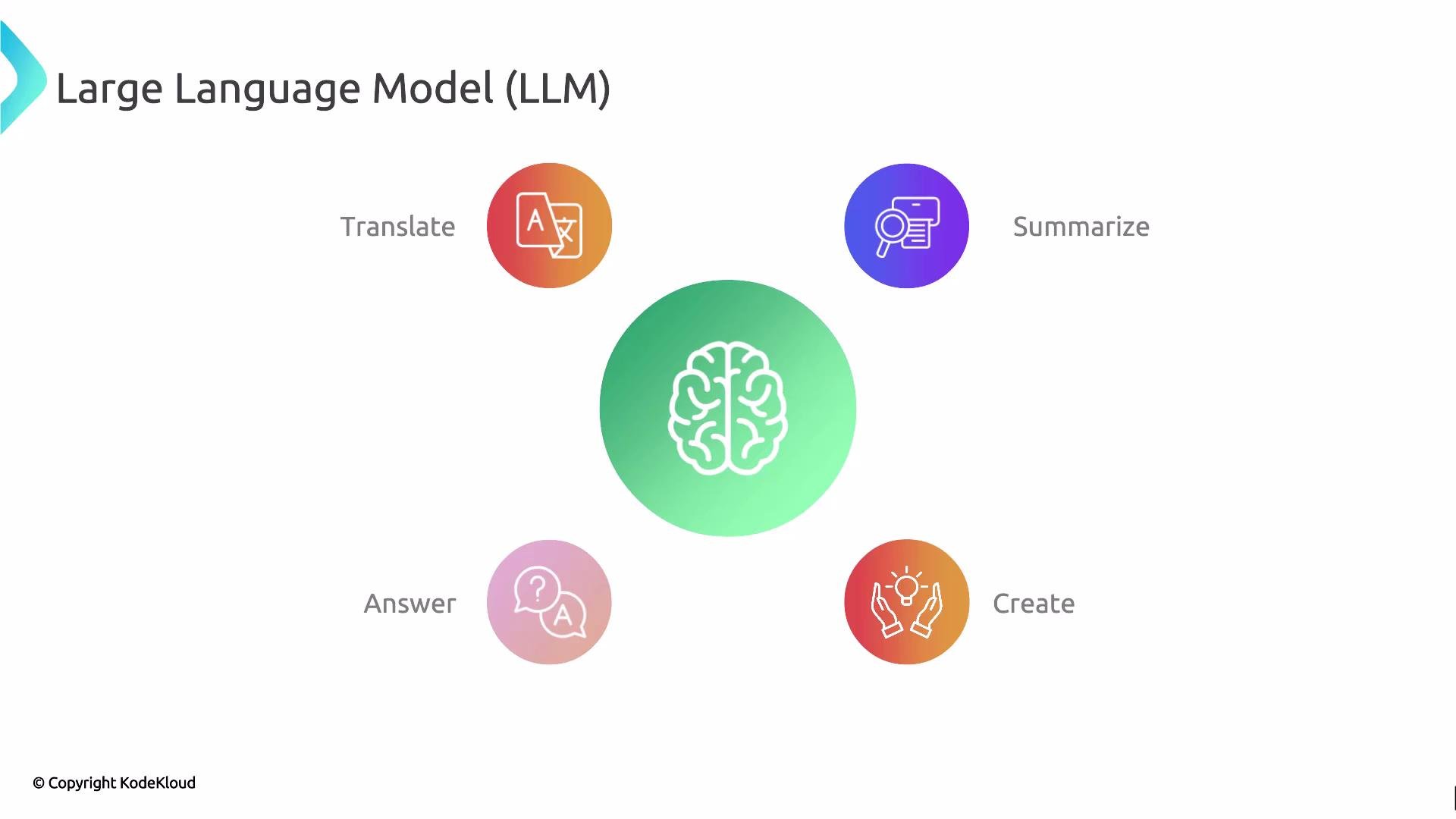
An LLM (Large Language Model) is the "brain" of language-based applications. Trained on massive datasets, LLMs can understand, generate, and interact in natural languages. They take prompts as inputs and perform tasks like translation, summarization, question answering, classification, and content generation.
Typical LLM capabilities:
* Text generation and completion
* Summarization and paraphrasing
* Question answering over provided context
* Translation between languages
* Instruction execution (e.g., code generation, data transformation)
Prompt design: key elements
* Instruction: A clear directive of the desired task (e.g., "Summarize the following report in two paragraphs.").
* Context: Relevant information, documents, or examples the model should use.
* Constraints: Output format, length limits, style, or safety rules (e.g., JSON output only).
* Demonstrations: Few-shot examples showing input → desired output (helps when you need specific structure).
* Role or persona: Framing the model as an expert or role (e.g., "You are a senior data scientist.").
Table — Prompt elements and examples
| Element | Purpose | Example |
| ------------------ | ------------------------- | --------------------------------------------------- |
| Instruction | Directs the task | `Translate the text to French.` |
| Context | Provides supporting data | `Article: "..."` |
| Constraints | Enforces format or limits | `Return a JSON object with keys: summary, keywords` |
| Example (few-shot) | Shows desired mapping | `Input: "Bug report" → Output: "5-line summary"` |
| Role | Provides tone/persona | `You are an expert UX writer.` |
Clear, concise prompts with explicit output constraints (format, examples, length) consistently produce more reliable model responses. Use few-shot examples when you need a strict or unusual output structure.
Crafting the right prompt matters: small changes in wording, ordering, or context can significantly affect the model’s output quality. After defining a prompt, the next core component is the LLM itself.
What is an LLM?
An LLM (Large Language Model) is the "brain" of language-based applications. Trained on massive datasets, LLMs can understand, generate, and interact in natural languages. They take prompts as inputs and perform tasks like translation, summarization, question answering, classification, and content generation.
Typical LLM capabilities:
* Text generation and completion
* Summarization and paraphrasing
* Question answering over provided context
* Translation between languages
* Instruction execution (e.g., code generation, data transformation)
 Why LLM outputs can feel human-like
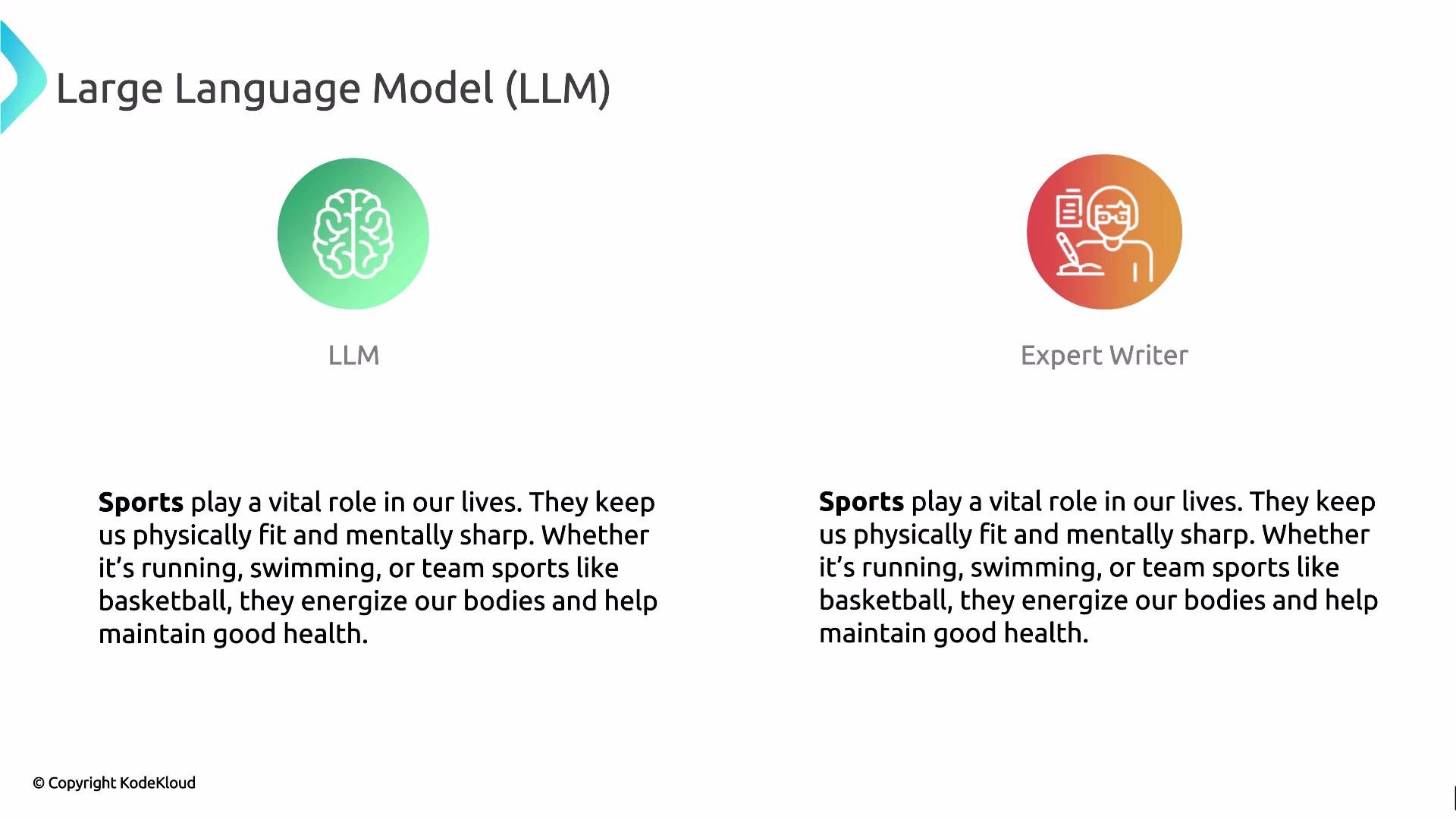
Because of their size and training data, LLMs often produce text that resembles human-authored content. For many tasks, model-generated output can be difficult to distinguish from expert writing and—when prompted carefully—can match or exceed human clarity and completeness on specific tasks.
Why LLM outputs can feel human-like
Because of their size and training data, LLMs often produce text that resembles human-authored content. For many tasks, model-generated output can be difficult to distinguish from expert writing and—when prompted carefully—can match or exceed human clarity and completeness on specific tasks.
 Best practices for prompt engineering
* Start with a clear instruction and measurable constraints (e.g., "Produce 3 bullet points").
* Provide context/contextual documents for factual tasks (e.g., relevant paragraphs or data).
* Use few-shot examples when structure matters.
* Specify format explicitly (e.g., JSON, Markdown, CSV).
* Iterate and test—small wording changes often produce big differences.
* Add safety constraints and content filters when exposing models to public inputs.
Common pitfalls and limitations
* Ambiguous prompts yield inconsistent or vague outputs.
* Models can "hallucinate" confidently—generate plausible but incorrect facts.
* Sensitive or private information should not be passed to third-party models without review.
* Overly long or noisy context can dilute the model’s ability to prioritize relevant facts.
LLMs may produce incorrect or fabricated information. Always validate model outputs against trusted sources for critical or factual tasks, and implement guardrails for sensitive use cases.
Evaluation and iteration
* Evaluate outputs with metrics relevant to your use case (accuracy, BLEU/ROUGE for translation/summarization, human review).
* Use automated checks for format and basic correctness (e.g., schema validation for JSON).
* Maintain a feedback loop: collect user corrections and refine prompts and examples.
Links and references
* [LangChain](https://python.langchain.com/en/latest/) — integration utilities and prompt templates.
* [OpenAI Prompting Guide](https://platform.openai.com/docs/guides) — best practices and examples.
* [Prompt Engineering Resources](https://github.com/dair-ai/Prompt-Engineering-Guide) — community-curated techniques.
Summary
Prompts are the primary interface to LLMs; good prompt engineering combines clear instructions, well-structured context, explicit constraints, and iterative testing. Pair these techniques with rigorous validation to build reliable, useful language applications.
Best practices for prompt engineering
* Start with a clear instruction and measurable constraints (e.g., "Produce 3 bullet points").
* Provide context/contextual documents for factual tasks (e.g., relevant paragraphs or data).
* Use few-shot examples when structure matters.
* Specify format explicitly (e.g., JSON, Markdown, CSV).
* Iterate and test—small wording changes often produce big differences.
* Add safety constraints and content filters when exposing models to public inputs.
Common pitfalls and limitations
* Ambiguous prompts yield inconsistent or vague outputs.
* Models can "hallucinate" confidently—generate plausible but incorrect facts.
* Sensitive or private information should not be passed to third-party models without review.
* Overly long or noisy context can dilute the model’s ability to prioritize relevant facts.
LLMs may produce incorrect or fabricated information. Always validate model outputs against trusted sources for critical or factual tasks, and implement guardrails for sensitive use cases.
Evaluation and iteration
* Evaluate outputs with metrics relevant to your use case (accuracy, BLEU/ROUGE for translation/summarization, human review).
* Use automated checks for format and basic correctness (e.g., schema validation for JSON).
* Maintain a feedback loop: collect user corrections and refine prompts and examples.
Links and references
* [LangChain](https://python.langchain.com/en/latest/) — integration utilities and prompt templates.
* [OpenAI Prompting Guide](https://platform.openai.com/docs/guides) — best practices and examples.
* [Prompt Engineering Resources](https://github.com/dair-ai/Prompt-Engineering-Guide) — community-curated techniques.
Summary
Prompts are the primary interface to LLMs; good prompt engineering combines clear instructions, well-structured context, explicit constraints, and iterative testing. Pair these techniques with rigorous validation to build reliable, useful language applications.