> ## Documentation Index
> Fetch the complete documentation index at: https://notes.kodekloud.com/llms.txt
> Use this file to discover all available pages before exploring further.
# Parsing Model Output
> Explains converting LLM text into structured, validated data using format instructions and output parsers to produce typed objects like JSON, XML, YAML or Pydantic models for reliable integration.
This module covers model output handling—how to get structured, validated data back from large language models (LLMs). While earlier lessons focused on inputs and prompts, here we emphasize turning the LLM’s naturally textual output into reliable, typed data your application can consume: JSON, XML, YAML, CSV, or language-specific objects.
Large language models generate text by default. To integrate that text into production systems you typically:
1. Instruct the model, in the prompt, to produce a specific format (for example `JSON`, `XML`, `CSV`, or `YAML`), and provide a schema or examples.
2. Parse, validate, and transform the returned text into the target schema or runtime data structure (e.g., a Pydantic model, dataclass, or XML object).
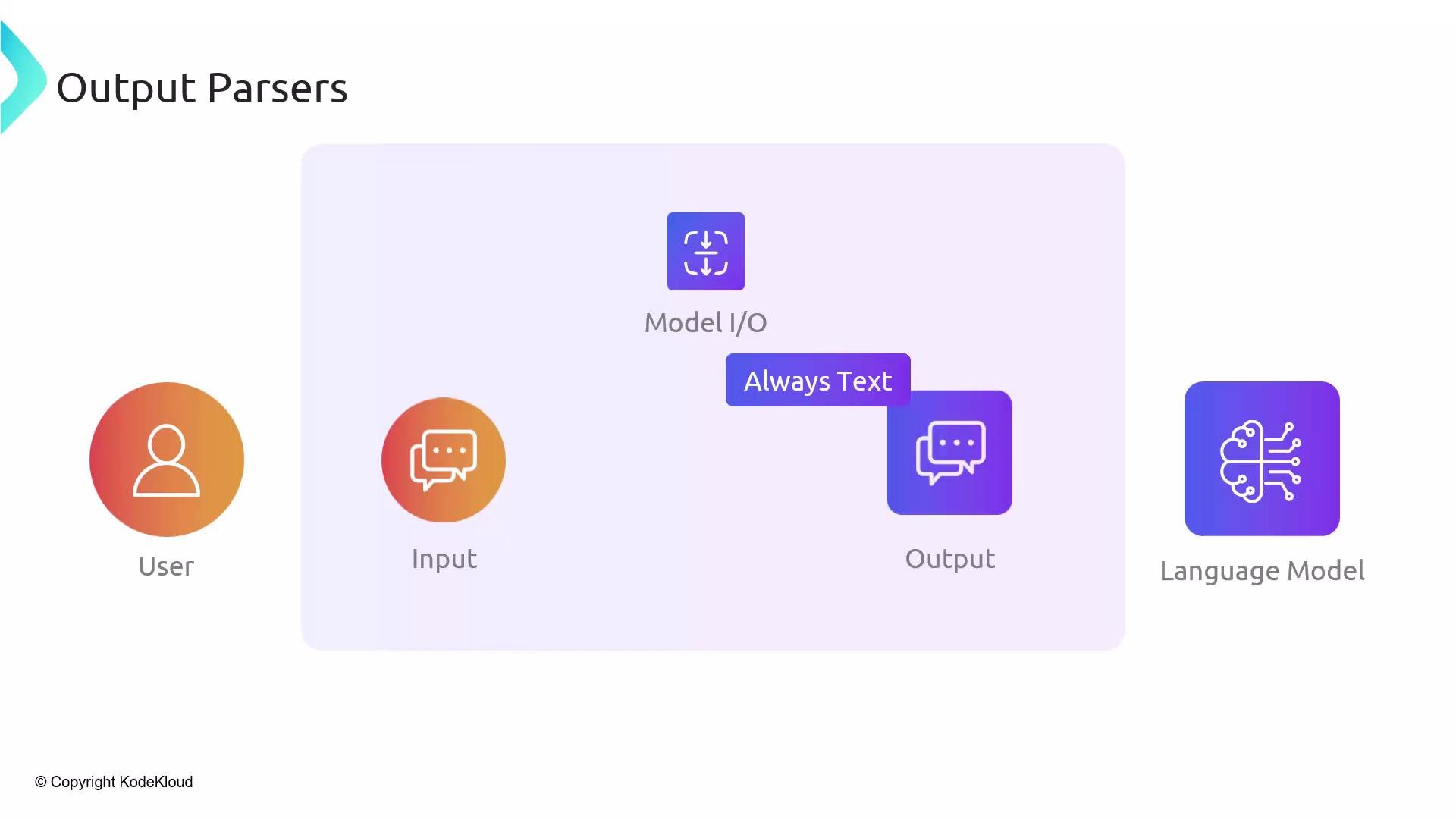 Prompt instructions should be explicit: specify the exact format, provide a schema or examples, and include the machine-readable format instructions the parser generates. Even with strict instructions, models can and do deviate—extra commentary, stray punctuation, or slightly malformed JSON are common—so make parsing and validation part of your pipeline.
LangChain’s output parser utilities address both sides of this problem:
* They generate format instructions to include in your prompt, so the model knows the precise structure you expect.
* They offer parsers that convert the model’s textual output into typed objects (for example, Pydantic models), or into other markup languages (XML/YAML), making the output immediately consumable.
Prompt instructions should be explicit: specify the exact format, provide a schema or examples, and include the machine-readable format instructions the parser generates. Even with strict instructions, models can and do deviate—extra commentary, stray punctuation, or slightly malformed JSON are common—so make parsing and validation part of your pipeline.
LangChain’s output parser utilities address both sides of this problem:
* They generate format instructions to include in your prompt, so the model knows the precise structure you expect.
* They offer parsers that convert the model’s textual output into typed objects (for example, Pydantic models), or into other markup languages (XML/YAML), making the output immediately consumable.
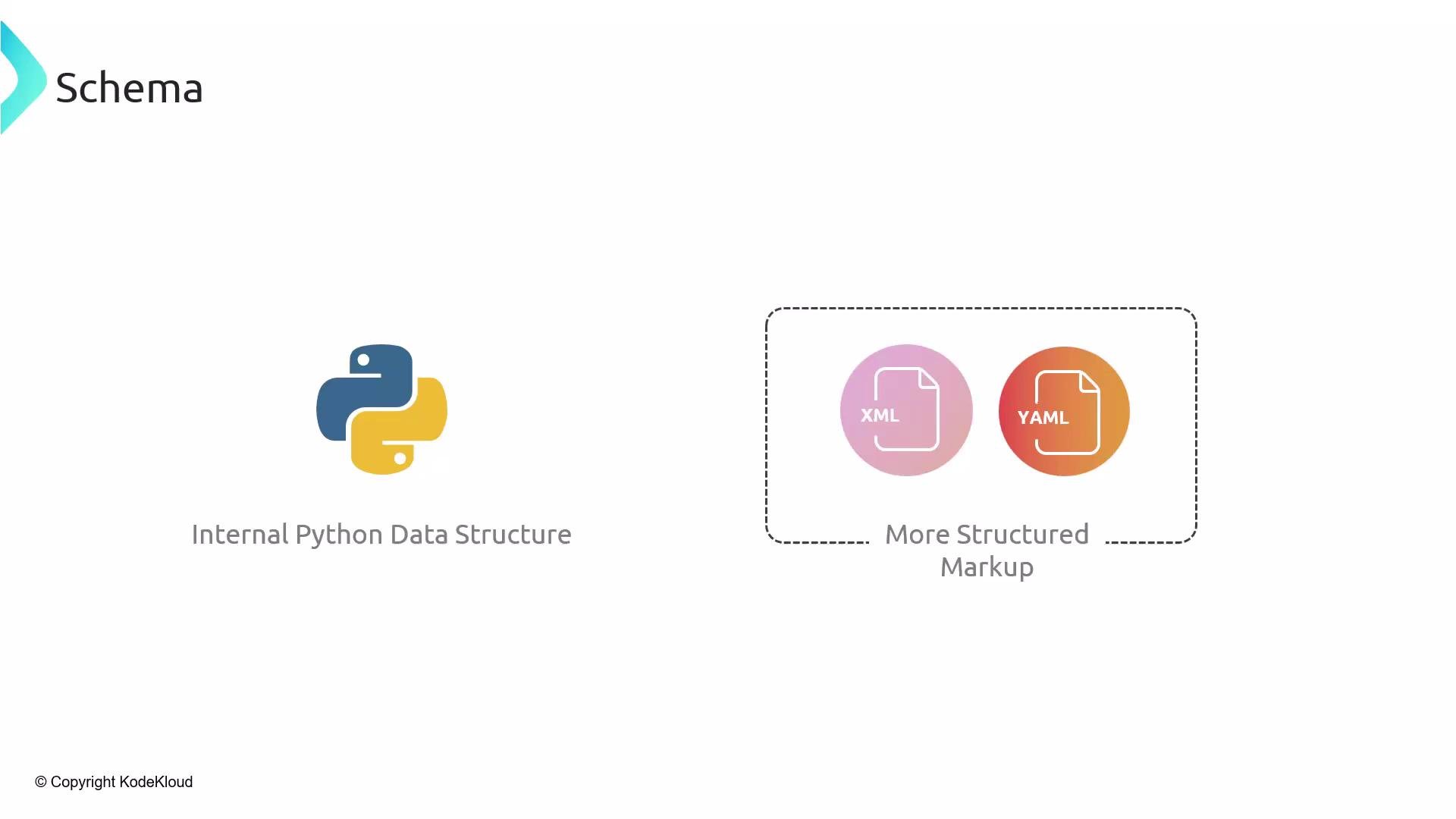 This workflow is especially useful when you let an LLM do domain-specific extraction or transformation but need to integrate the results with other systems reliably.
Key steps summary:
* Add the parser’s format instructions to the prompt so the model returns data that matches the expected schema.
* Parse the returned text into a typed structure (e.g., a Pydantic model) to enforce types and validation.
* Handle parsing errors and edge cases gracefully—never assume a perfect output.
Recommended formats and typical use cases:
| Output Format | When to Use | Example |
| ------------------------- | ----------------------------------------------------------------- | ----------------------------------- |
| JSON | Structured data exchanged between services or stored in databases | API responses, analytics events |
| YAML | Human-editable configuration or templates | Config files, deployment manifests |
| XML | Interoperability with legacy systems or specific schemas | SOAP integrations, document formats |
| CSV | Tabular exports or simple ETL pipelines | Reports, data ingestion |
| Language-specific objects | Direct use inside application code | `Pydantic` models, dataclasses |
Below is a concise, practical example using LangChain’s `PydanticOutputParser`. It shows how to instruct the model to produce JSON matching a Pydantic schema, then parse that JSON into a typed Python object.
```python theme={null}
from pydantic import BaseModel
from langchain.output_parsers import PydanticOutputParser
from langchain.prompts import PromptTemplate
from langchain.chat_models import ChatOpenAI
from langchain import LLMChain
# Define the target schema
class Person(BaseModel):
name: str
age: int
email: str
# Create a Pydantic output parser
parser = PydanticOutputParser(pydantic_object=Person)
format_instructions = parser.get_format_instructions()
# Build a prompt that includes the parser's format instructions
prompt = PromptTemplate(
input_variables=["text", "format_instructions"],
template="Extract the person's information from the following text. Respond only in JSON that follows the schema exactly.\n\n{format_instructions}\n\nText:\n{text}"
)
# Prepare the LLM chain and run it
llm = ChatOpenAI(temperature=0)
chain = LLMChain(llm=llm, prompt=prompt)
raw_output = chain.run({"text": "Alice, 30, alice@example.com", "format_instructions": format_instructions})
# Parse the model output into a Pydantic model instance
person = parser.parse(raw_output)
print(person) # Person(name='Alice', age=30, email='alice@example.com')
print(person.dict()) # {'name': 'Alice', 'age': 30, 'email': 'alice@example.com'}
```
Best practices when using output parsers
* Include the parser’s format instructions in the prompt so the LLM knows the expected structure.
* Always validate and handle parsing errors—models can still produce malformed or extra text.
* Use temperature 0 (or low values) for more deterministic outputs when format strictness matters.
* Consider tolerant post-processing strategies (strip extra commentary, repair minor JSON issues) when the model frequently deviates.
* Log raw model outputs and parsing errors to help iterate on prompt wording and parser configuration.
Always validate model outputs before using them in production. Even with strict format instructions, the model may produce additional text or malformed structures—handle parsing errors and sanitize input for downstream systems.
Further reading and references
* LangChain documentation and output parser utilities: [https://learn.kodekloud.com/user/courses/langchain](https://learn.kodekloud.com/user/courses/langchain)
* Pydantic: [https://pydantic-docs.helpmanual.io/](https://pydantic-docs.helpmanual.io/)
* Best practices for prompt engineering: [https://www.prompting.guide/](https://www.prompting.guide/)
These resources show alternative output parsers and transformation strategies you can use to safely and reliably consume model outputs across different languages and runtime environments.
This workflow is especially useful when you let an LLM do domain-specific extraction or transformation but need to integrate the results with other systems reliably.
Key steps summary:
* Add the parser’s format instructions to the prompt so the model returns data that matches the expected schema.
* Parse the returned text into a typed structure (e.g., a Pydantic model) to enforce types and validation.
* Handle parsing errors and edge cases gracefully—never assume a perfect output.
Recommended formats and typical use cases:
| Output Format | When to Use | Example |
| ------------------------- | ----------------------------------------------------------------- | ----------------------------------- |
| JSON | Structured data exchanged between services or stored in databases | API responses, analytics events |
| YAML | Human-editable configuration or templates | Config files, deployment manifests |
| XML | Interoperability with legacy systems or specific schemas | SOAP integrations, document formats |
| CSV | Tabular exports or simple ETL pipelines | Reports, data ingestion |
| Language-specific objects | Direct use inside application code | `Pydantic` models, dataclasses |
Below is a concise, practical example using LangChain’s `PydanticOutputParser`. It shows how to instruct the model to produce JSON matching a Pydantic schema, then parse that JSON into a typed Python object.
```python theme={null}
from pydantic import BaseModel
from langchain.output_parsers import PydanticOutputParser
from langchain.prompts import PromptTemplate
from langchain.chat_models import ChatOpenAI
from langchain import LLMChain
# Define the target schema
class Person(BaseModel):
name: str
age: int
email: str
# Create a Pydantic output parser
parser = PydanticOutputParser(pydantic_object=Person)
format_instructions = parser.get_format_instructions()
# Build a prompt that includes the parser's format instructions
prompt = PromptTemplate(
input_variables=["text", "format_instructions"],
template="Extract the person's information from the following text. Respond only in JSON that follows the schema exactly.\n\n{format_instructions}\n\nText:\n{text}"
)
# Prepare the LLM chain and run it
llm = ChatOpenAI(temperature=0)
chain = LLMChain(llm=llm, prompt=prompt)
raw_output = chain.run({"text": "Alice, 30, alice@example.com", "format_instructions": format_instructions})
# Parse the model output into a Pydantic model instance
person = parser.parse(raw_output)
print(person) # Person(name='Alice', age=30, email='alice@example.com')
print(person.dict()) # {'name': 'Alice', 'age': 30, 'email': 'alice@example.com'}
```
Best practices when using output parsers
* Include the parser’s format instructions in the prompt so the LLM knows the expected structure.
* Always validate and handle parsing errors—models can still produce malformed or extra text.
* Use temperature 0 (or low values) for more deterministic outputs when format strictness matters.
* Consider tolerant post-processing strategies (strip extra commentary, repair minor JSON issues) when the model frequently deviates.
* Log raw model outputs and parsing errors to help iterate on prompt wording and parser configuration.
Always validate model outputs before using them in production. Even with strict format instructions, the model may produce additional text or malformed structures—handle parsing errors and sanitize input for downstream systems.
Further reading and references
* LangChain documentation and output parser utilities: [https://learn.kodekloud.com/user/courses/langchain](https://learn.kodekloud.com/user/courses/langchain)
* Pydantic: [https://pydantic-docs.helpmanual.io/](https://pydantic-docs.helpmanual.io/)
* Best practices for prompt engineering: [https://www.prompting.guide/](https://www.prompting.guide/)
These resources show alternative output parsers and transformation strategies you can use to safely and reliably consume model outputs across different languages and runtime environments.