> ## Documentation Index
> Fetch the complete documentation index at: https://notes.kodekloud.com/llms.txt
> Use this file to discover all available pages before exploring further.
# Memory
> Explains how LLMs are stateless and how LangChain adds short term and long term memory layers to persist and retrieve conversation context across sessions
In this lesson we explain how large language models (LLMs) handle memory, why they are effectively stateless, and how LangChain adds short-term and long-term memory layers so your application can "remember" across requests and sessions.
Key points:
* LLMs are stateless: each API call is independent and only has access to the prompt/context you send in that call.
* To make an LLM behave as if it remembers prior turns, you must include the relevant history in the prompt.
* LangChain provides memory components that automate collecting, persisting, and retrieving conversation context.
## Short-term vs Long-term memory
| Memory Type | Purpose | Typical Storage | When to use |
| ----------------- | --------------------------------------------------------------------- | ---------------------------------------------------------------- | ---------------------------------------------------------------- |
| Short-term memory | Maintain immediate conversational context within a session | In-memory buffers (session/process) | Chat sessions, transient context, turn-by-turn conversation |
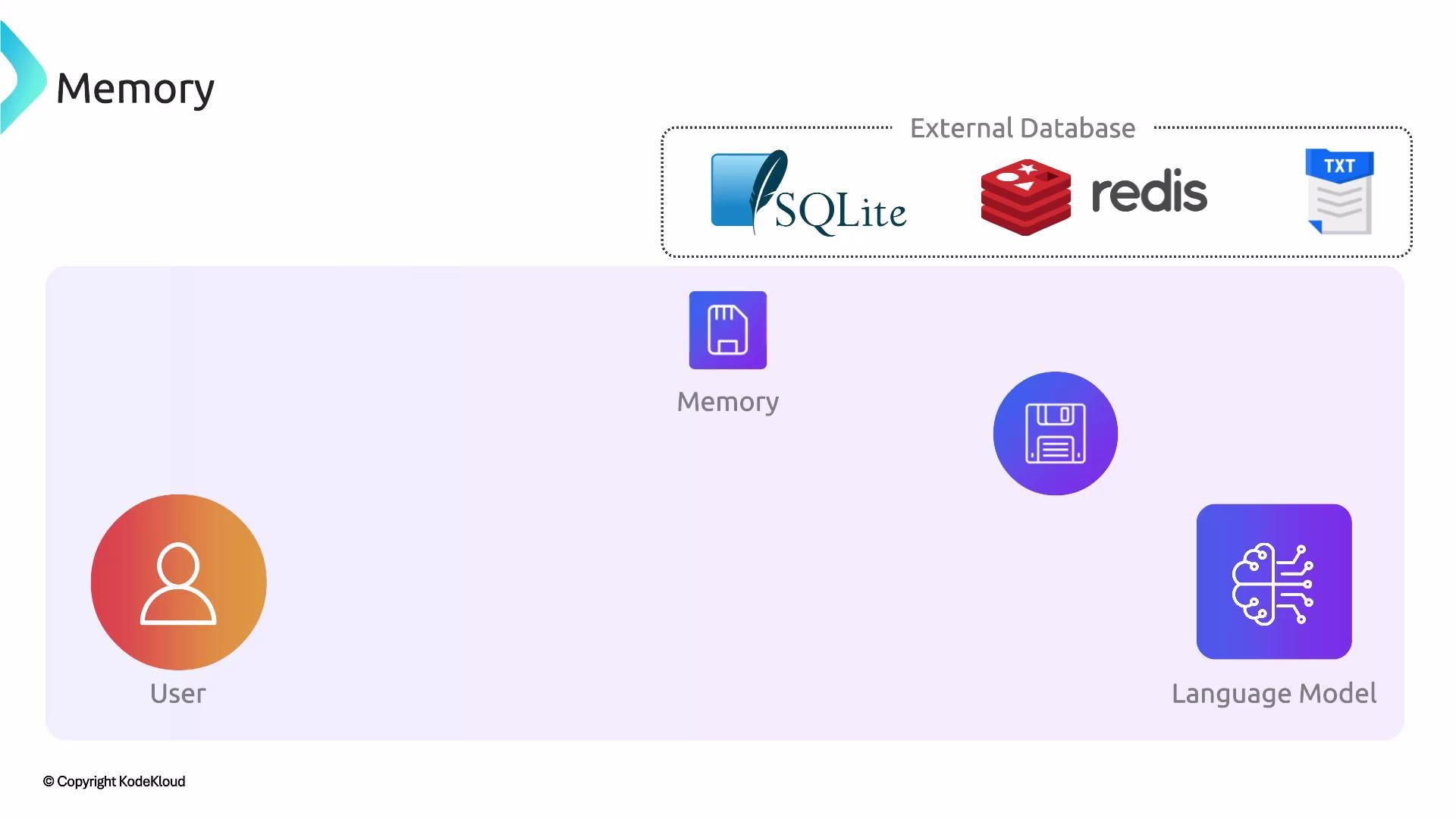
| Long-term memory | Persist facts, user profiles, or conversation history across sessions | External stores: `SQLite`, `Redis`, flat files, or vector stores | User preferences, searchable historical context, knowledge bases |
Short-term memory makes the model appear to remember during a single session by re-injecting prior messages into the prompt. Long-term memory persists important facts externally and retrieves only the most relevant items when composing a new prompt so the LLM can leverage past information without exceeding context limits.
## How LangChain implements memory
LangChain provides several built-in memory implementations:
* Conversation buffers: keep a running transcript.
* Summary memory: compress older context into a summary.
* Windowed buffers: keep only the latest N turns.
* Integrations with external stores: allow you to persist to databases or vector stores for retrieval later.
These abstractions let you focus on what to store, what to retrieve, and when to surface it to the LLM.
 ## Example: short-term conversational memory with LangChain
The following shows a simple in-memory conversational setup using LangChain's `ConversationBufferMemory`. This keeps conversation context for the lifetime of the process/session.
```python theme={null}
from langchain.chat_models import ChatOpenAI
from langchain.chains import ConversationChain
from langchain.memory import ConversationBufferMemory
# Initialize the chat model
llm = ChatOpenAI(temperature=0.0)
# Create an in-memory conversation buffer (short-term memory)
memory = ConversationBufferMemory()
# Create a conversation chain that automatically uses the memory
conversation = ConversationChain(llm=llm, memory=memory, verbose=True)
# Interact; memory keeps the conversation context for this session
conversation.predict(input="Hi, I'm Alice.")
conversation.predict(input="What did I tell you my name was?")
```
This pattern is appropriate when you only need memory during an active session. If the process restarts, the in-memory buffer is lost.
## Pattern for long-term memory
For long-term memory use the following pattern:
1. Extract and persist important snippets or facts during interactions to an external store (e.g., `SQLite`, `Redis`, or a vector DB).
2. At the start of a new session (or before answering a query), retrieve the most relevant items from that store.
3. Inject these retrieved items as context (or build a retrieved context) into the prompt so the LLM can use them when generating a response.
This lets memory survive process restarts and scale across multiple users or sessions while keeping the prompt size manageable.
Short-term memory exists only while a session or process runs. To retain information across sessions, persist it externally (for example `SQLite`, `Redis`, or a vector database). Retrieve and include only the most relevant items to fit within the model's context window.
Be mindful of privacy, security, and data retention when storing user data. Persisted memory may contain sensitive information—apply appropriate encryption, access controls, and retention policies.
## Design considerations
When designing memory for your application, consider:
* Token/context limits: Only include the most relevant history to avoid exceeding the model's context window. Use summarization or windowed buffers to limit tokens.
* Relevance and retrieval: Use embeddings and vector retrieval (or similarity search) to find the most useful past items to include in a prompt.
* Privacy and compliance: Avoid storing unnecessary sensitive data. Implement encryption, anonymization, and deletion policies as needed.
* Cost and latency: External retrieval adds latency and cost. Cache frequently-used retrievals and balance recall depth with performance.
## Links and references
* LangChain course: [https://learn.kodekloud.com/user/courses/langchain](https://learn.kodekloud.com/user/courses/langchain)
* Mastering Generative AI with OpenAI: [https://learn.kodekloud.com/user/courses/mastering-generative-ai-with-openai](https://learn.kodekloud.com/user/courses/mastering-generative-ai-with-openai)
* SQLite: [https://www.sqlite.org/](https://www.sqlite.org/)
* Redis: [https://redis.io/](https://redis.io/)
* Vector databases and retrieval: [https://learn.kodekloud.com/user/courses/vector-database-for-genai](https://learn.kodekloud.com/user/courses/vector-database-for-genai)
These resources will help you choose the right memory pattern and persistence mechanism for your LLM application.
## Example: short-term conversational memory with LangChain
The following shows a simple in-memory conversational setup using LangChain's `ConversationBufferMemory`. This keeps conversation context for the lifetime of the process/session.
```python theme={null}
from langchain.chat_models import ChatOpenAI
from langchain.chains import ConversationChain
from langchain.memory import ConversationBufferMemory
# Initialize the chat model
llm = ChatOpenAI(temperature=0.0)
# Create an in-memory conversation buffer (short-term memory)
memory = ConversationBufferMemory()
# Create a conversation chain that automatically uses the memory
conversation = ConversationChain(llm=llm, memory=memory, verbose=True)
# Interact; memory keeps the conversation context for this session
conversation.predict(input="Hi, I'm Alice.")
conversation.predict(input="What did I tell you my name was?")
```
This pattern is appropriate when you only need memory during an active session. If the process restarts, the in-memory buffer is lost.
## Pattern for long-term memory
For long-term memory use the following pattern:
1. Extract and persist important snippets or facts during interactions to an external store (e.g., `SQLite`, `Redis`, or a vector DB).
2. At the start of a new session (or before answering a query), retrieve the most relevant items from that store.
3. Inject these retrieved items as context (or build a retrieved context) into the prompt so the LLM can use them when generating a response.
This lets memory survive process restarts and scale across multiple users or sessions while keeping the prompt size manageable.
Short-term memory exists only while a session or process runs. To retain information across sessions, persist it externally (for example `SQLite`, `Redis`, or a vector database). Retrieve and include only the most relevant items to fit within the model's context window.
Be mindful of privacy, security, and data retention when storing user data. Persisted memory may contain sensitive information—apply appropriate encryption, access controls, and retention policies.
## Design considerations
When designing memory for your application, consider:
* Token/context limits: Only include the most relevant history to avoid exceeding the model's context window. Use summarization or windowed buffers to limit tokens.
* Relevance and retrieval: Use embeddings and vector retrieval (or similarity search) to find the most useful past items to include in a prompt.
* Privacy and compliance: Avoid storing unnecessary sensitive data. Implement encryption, anonymization, and deletion policies as needed.
* Cost and latency: External retrieval adds latency and cost. Cache frequently-used retrievals and balance recall depth with performance.
## Links and references
* LangChain course: [https://learn.kodekloud.com/user/courses/langchain](https://learn.kodekloud.com/user/courses/langchain)
* Mastering Generative AI with OpenAI: [https://learn.kodekloud.com/user/courses/mastering-generative-ai-with-openai](https://learn.kodekloud.com/user/courses/mastering-generative-ai-with-openai)
* SQLite: [https://www.sqlite.org/](https://www.sqlite.org/)
* Redis: [https://redis.io/](https://redis.io/)
* Vector databases and retrieval: [https://learn.kodekloud.com/user/courses/vector-database-for-genai](https://learn.kodekloud.com/user/courses/vector-database-for-genai)
These resources will help you choose the right memory pattern and persistence mechanism for your LLM application.