> ## Documentation Index
> Fetch the complete documentation index at: https://notes.kodekloud.com/llms.txt
> Use this file to discover all available pages before exploring further.
# Key Libraries
> Overview of LangChain's layered ecosystem explaining Core runtime, community integrations, and the primary library for building chains agents and retrievers.
Hello and welcome back.
Before we dive deeper into LangChain’s core concepts, this lesson provides a high-level map of the LangChain ecosystem — practical tips and pointers to help you navigate its libraries and integrations.
At a glance, LangChain is organized across multiple libraries and a growing ecosystem. To reason about it as a developer, it helps to separate the stack into three layers you’ll encounter repeatedly:
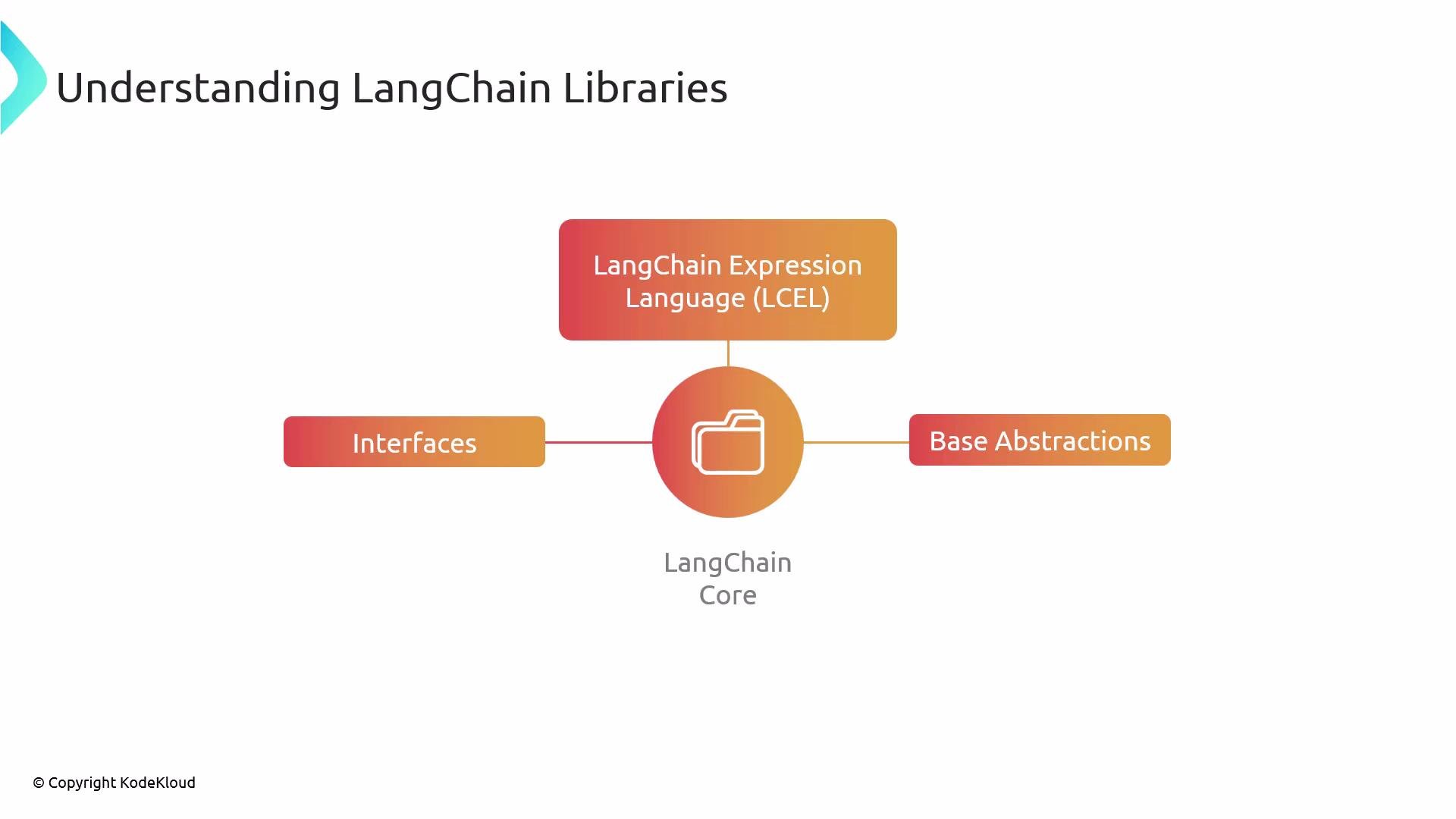
1. LangChain Core
* LangChain Core is the runtime and the set of base abstractions. It provides the execution environment for chains, agents, tools, and other high-level constructs.
* Core defines interfaces and base classes that concrete implementations must follow.
* One of the most powerful features in Core is LCEL (LangChain Expression Language), which you’ll study later in the course. LCEL expresses runtime behavior and wiring between components.
 2. LangChain Community (third-party integrations)
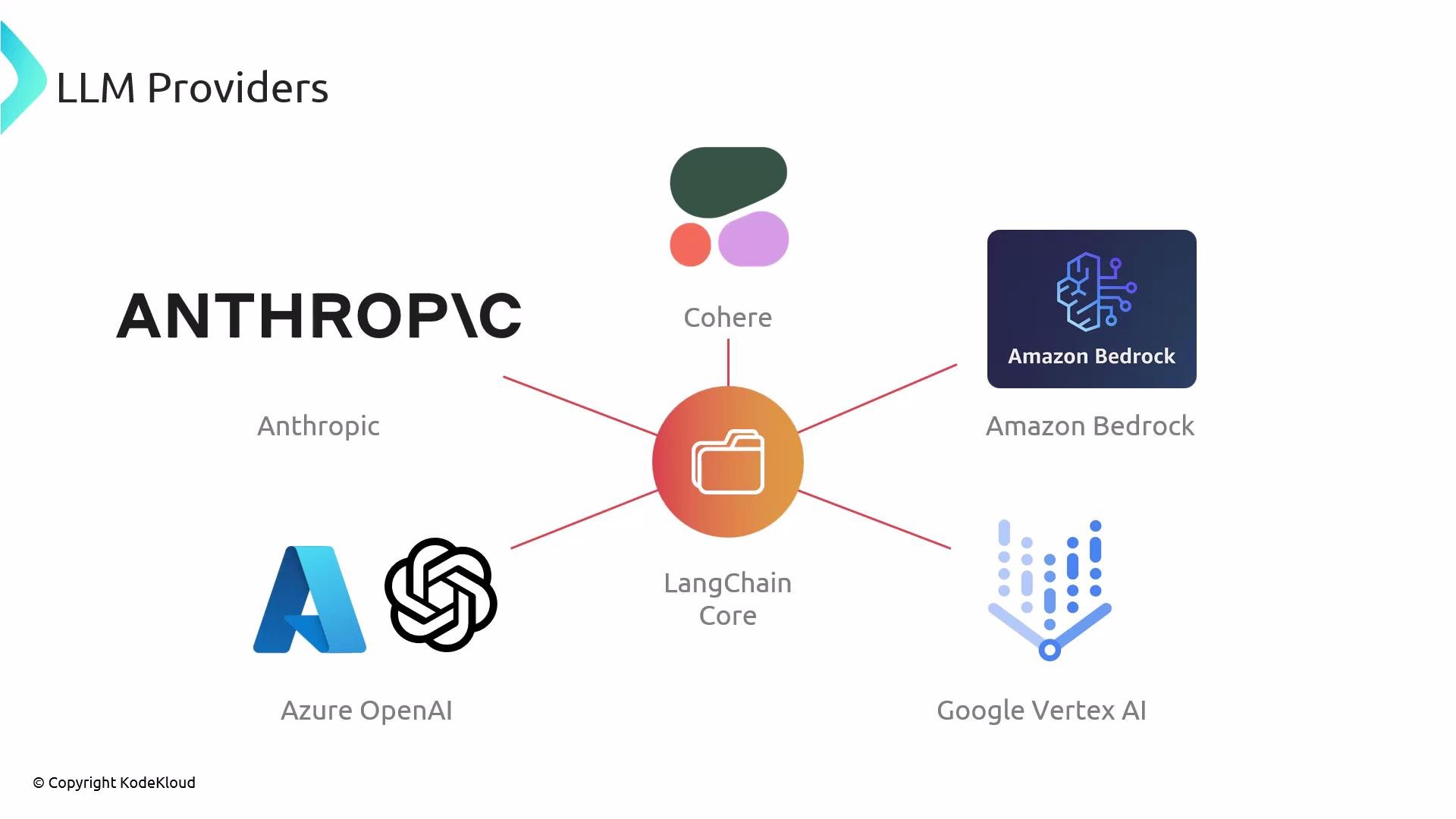
* The community packages provide concrete implementations that satisfy Core’s abstractions: LLM provider adapters, vector database connectors, document loaders, retrievers, and many tools.
* Use these community integrations to connect to providers such as [OpenAI](https://openai.com), [Anthropic](https://www.anthropic.com), [Cohere](https://cohere.com), [Amazon Bedrock](https://aws.amazon.com/bedrock/), [Azure OpenAI](https://learn.microsoft.com/en-us/azure/cognitive-services/openai/), and [Google Vertex AI](https://cloud.google.com/vertex-ai). These packages implement the interfaces and base classes defined in LangChain Core.
2. LangChain Community (third-party integrations)
* The community packages provide concrete implementations that satisfy Core’s abstractions: LLM provider adapters, vector database connectors, document loaders, retrievers, and many tools.
* Use these community integrations to connect to providers such as [OpenAI](https://openai.com), [Anthropic](https://www.anthropic.com), [Cohere](https://cohere.com), [Amazon Bedrock](https://aws.amazon.com/bedrock/), [Azure OpenAI](https://learn.microsoft.com/en-us/azure/cognitive-services/openai/), and [Google Vertex AI](https://cloud.google.com/vertex-ai). These packages implement the interfaces and base classes defined in LangChain Core.
 3. LangChain (the primary library implementation)
* The main LangChain library builds on Core by providing ready-to-use implementations of many abstractions: chains, agents, retrieval strategies, and other high-level building blocks used to assemble an application’s cognitive architecture.
* In practice, you’ll use the primary LangChain package for application-level components and community packages to plug in provider-specific implementations (LLMs, vector DBs, loaders, etc.).
In short: LangChain Core defines the runtime and abstract building blocks (including `LCEL`). Community packages implement those abstractions for specific providers and tools. The primary LangChain library offers concrete, opinionated implementations so you can compose chains, agents, and retrieval workflows without reimplementing core logic.
Callouts and quick guidance
When architecting a LangChain application, think in layers: design your logic against Core abstractions (chains, retrievers, tools), then swap community integrations (LLMs, vector DBs, loaders) to suit your provider, budget, and latency requirements. This yields portable, testable code.
Summary table — Layers at a glance
| Layer | Role | Typical examples / usage |
| ------------------- | ---------------------------------------------- | ----------------------------------------------------------------------------------------------------------------- |
| LangChain Core | Runtime + abstract interfaces | `LCEL`, chain/agent interfaces, base abstractions |
| LangChain Community | Provider-specific implementations | OpenAI, Anthropic, Cohere, Amazon Bedrock, Azure OpenAI, Google Vertex AI; vector DB connectors, document loaders |
| LangChain (primary) | Opinionated, application-level implementations | Ready-made chains, agents, retrievers, memory modules |
When to use each layer
* Use Core when defining architecture and writing code against abstract interfaces so components can be swapped easily.
* Use Community packages to integrate the specific LLMs, vector stores, or data loaders you need.
* Use the primary LangChain library for fast iteration and production-ready building blocks (chains, tools, agents) that wire Core abstractions together.
This structure becomes clearer once you study LCEL, runtime behavior, and concrete usage examples. For further reading and provider documentation, see the links below.
Links and references
* [LangChain Documentation (Python)](https://python.langchain.com/en/latest/)
* [OpenAI](https://openai.com)
* [Anthropic](https://www.anthropic.com)
* [Cohere](https://cohere.com)
* [Amazon Bedrock](https://aws.amazon.com/bedrock/)
* [Azure OpenAI](https://learn.microsoft.com/en-us/azure/cognitive-services/openai/)
* [Google Vertex AI](https://cloud.google.com/vertex-ai)
3. LangChain (the primary library implementation)
* The main LangChain library builds on Core by providing ready-to-use implementations of many abstractions: chains, agents, retrieval strategies, and other high-level building blocks used to assemble an application’s cognitive architecture.
* In practice, you’ll use the primary LangChain package for application-level components and community packages to plug in provider-specific implementations (LLMs, vector DBs, loaders, etc.).
In short: LangChain Core defines the runtime and abstract building blocks (including `LCEL`). Community packages implement those abstractions for specific providers and tools. The primary LangChain library offers concrete, opinionated implementations so you can compose chains, agents, and retrieval workflows without reimplementing core logic.
Callouts and quick guidance
When architecting a LangChain application, think in layers: design your logic against Core abstractions (chains, retrievers, tools), then swap community integrations (LLMs, vector DBs, loaders) to suit your provider, budget, and latency requirements. This yields portable, testable code.
Summary table — Layers at a glance
| Layer | Role | Typical examples / usage |
| ------------------- | ---------------------------------------------- | ----------------------------------------------------------------------------------------------------------------- |
| LangChain Core | Runtime + abstract interfaces | `LCEL`, chain/agent interfaces, base abstractions |
| LangChain Community | Provider-specific implementations | OpenAI, Anthropic, Cohere, Amazon Bedrock, Azure OpenAI, Google Vertex AI; vector DB connectors, document loaders |
| LangChain (primary) | Opinionated, application-level implementations | Ready-made chains, agents, retrievers, memory modules |
When to use each layer
* Use Core when defining architecture and writing code against abstract interfaces so components can be swapped easily.
* Use Community packages to integrate the specific LLMs, vector stores, or data loaders you need.
* Use the primary LangChain library for fast iteration and production-ready building blocks (chains, tools, agents) that wire Core abstractions together.
This structure becomes clearer once you study LCEL, runtime behavior, and concrete usage examples. For further reading and provider documentation, see the links below.
Links and references
* [LangChain Documentation (Python)](https://python.langchain.com/en/latest/)
* [OpenAI](https://openai.com)
* [Anthropic](https://www.anthropic.com)
* [Cohere](https://cohere.com)
* [Amazon Bedrock](https://aws.amazon.com/bedrock/)
* [Azure OpenAI](https://learn.microsoft.com/en-us/azure/cognitive-services/openai/)
* [Google Vertex AI](https://cloud.google.com/vertex-ai)