> ## Documentation Index
> Fetch the complete documentation index at: https://notes.kodekloud.com/llms.txt
> Use this file to discover all available pages before exploring further.
# Strategies for Context Overflow
> Techniques to manage LLM context overflow by prioritizing recent turns, summarizing history, filtering roles, chunking, and using memory snapshots to preserve crucial information and prevent degraded responses
Context overflow occurs when the combined size of your prompt and chat history exceeds a model’s token window. Common model windows are 8K, 16K, or 100K tokens, but every model has a finite context length. When the input exceeds that window, earlier parts of the conversation are typically truncated, which can lead to degraded responses, broken references, or hallucinations. Models and APIs rarely warn you; many implementations drop tokens from the start or middle until the input fits, so crucial system instructions or user preferences can vanish silently unless you design for it.
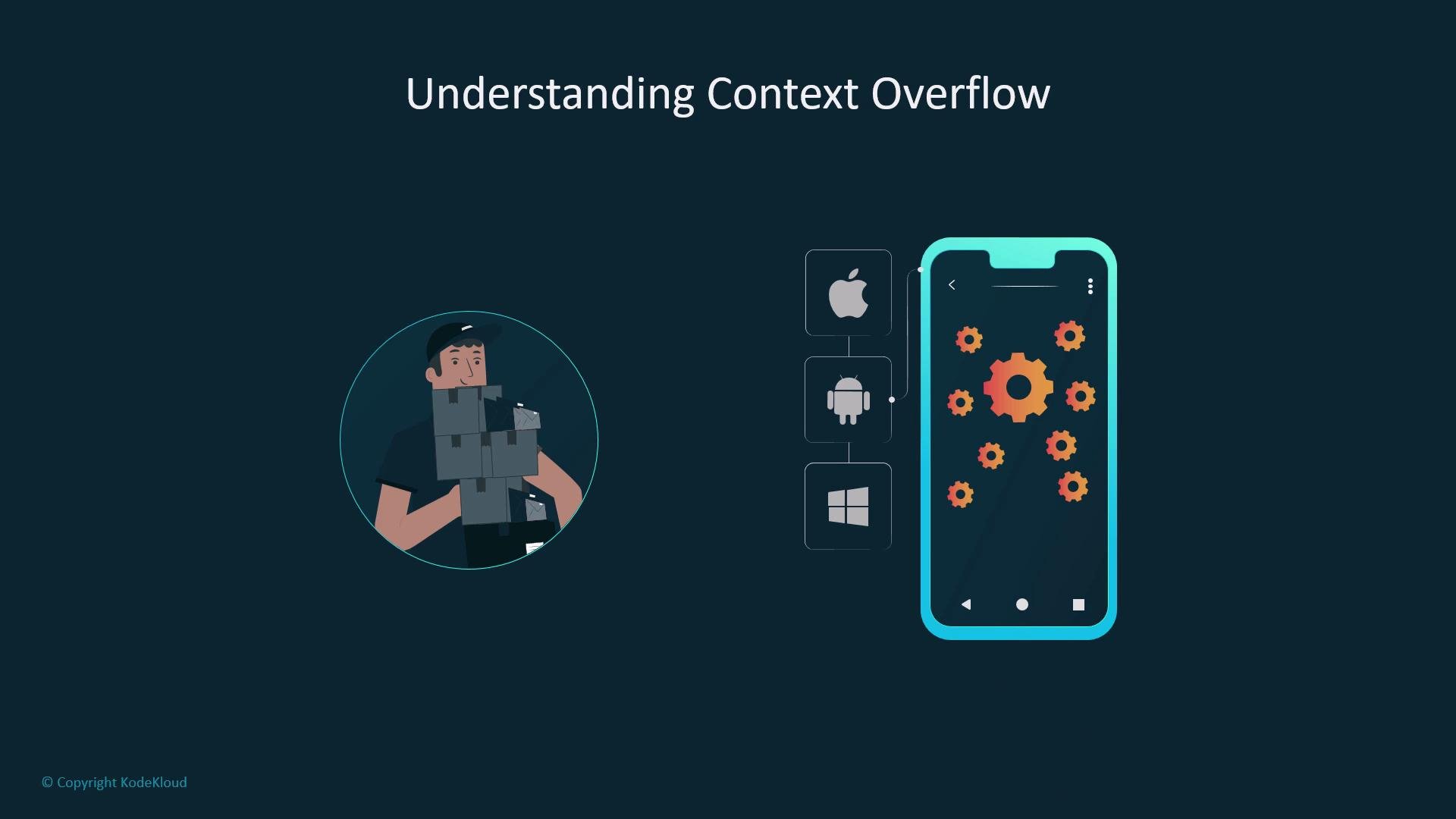 Understanding where a model drifts and what context matters most is the first step to preventing failures. A useful mental model is a delivery cart: if you cram too many packages, some will fall off the back. In chat flows the oldest messages are the most likely to be dropped while the newest remain.
Below are practical, tested strategies you can apply singly or in combination depending on the application type (chatbot, document agent, long-form assistant, multi-turn planner, etc.).
## Strategy summaries
| Strategy | When to use | Benefit |
| ----------------------------------------------- | --------------------------------------------------------------------------- | --------------------------------------------------------------- |
| Prioritize recent turns (truncate from the top) | Transactional flows — summarization, single-question answering, short chats | Keeps prompt focused on the most relevant messages |
| Summarize or compress older exchanges | Long-running sessions where user preferences and state matter | Retains essential info while saving tokens |
| Role-based filtering | Agent systems with tool outputs, logs, or verbose system messages | Removes noisy, low-value messages first |
| Chunking with recency bias | Multi-topic or multi-step workflows | Preserves coherent chunks of context instead of scattered turns |
| Memory snapshots + external storage | Sessions with logical milestones or persistent memory needs | Enables retrieval of relevant history without pulling full logs |
| Combine techniques | All complex applications | Balances freshness, relevance, and token budgets |
## 1) Prioritize recent turns (truncate from the top)
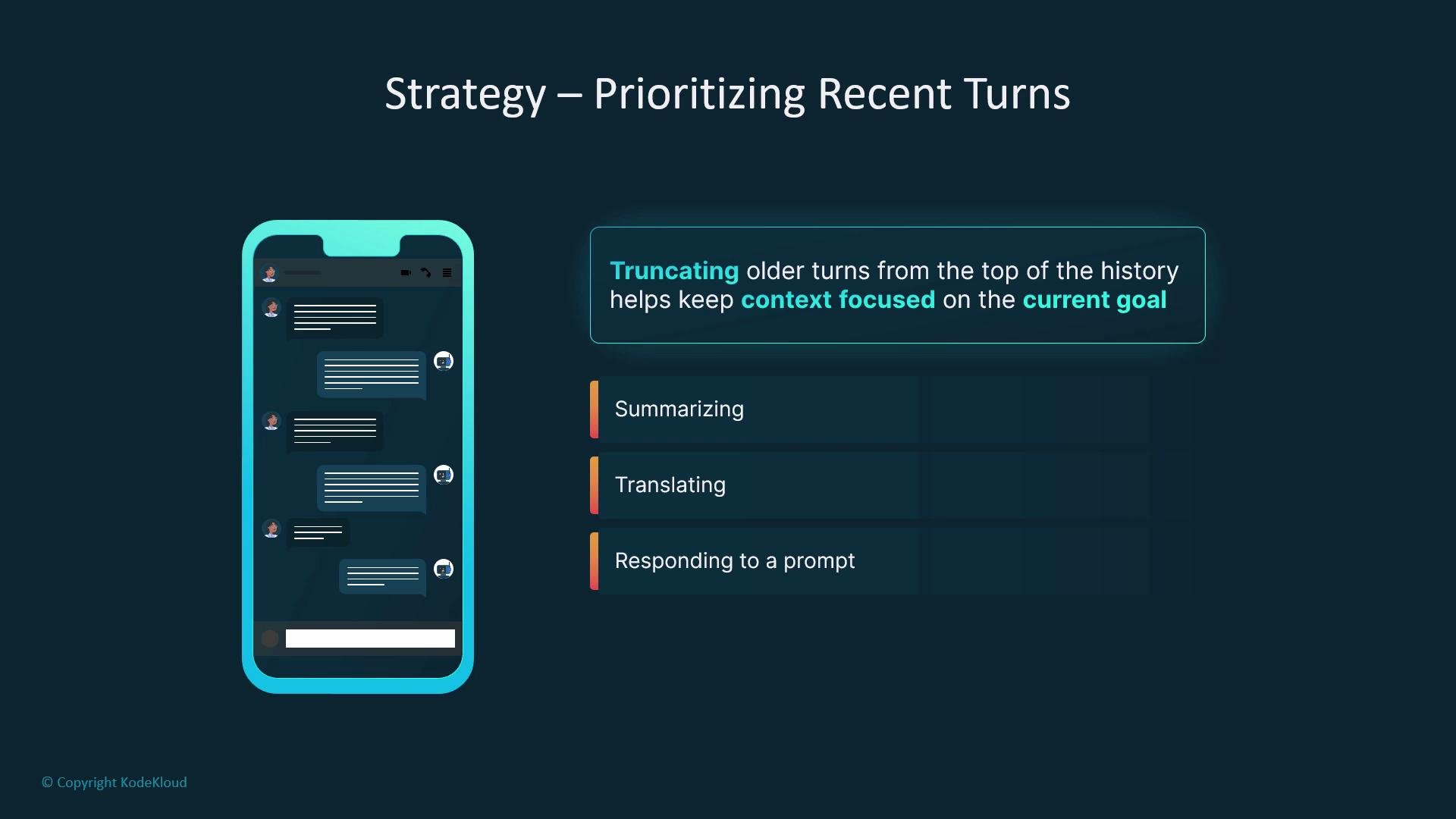
Many conversations are driven by the most recent user and assistant exchanges. For transactional tasks — summarization, translation, or answering a single question — trimming older turns from the start of the history often preserves the necessary context and keeps the prompt focused.
* When to use: short sessions or tasks where the latest messages determine intent.
* Trade-offs: simple and effective, but may discard important earlier setup or constraints.
Understanding where a model drifts and what context matters most is the first step to preventing failures. A useful mental model is a delivery cart: if you cram too many packages, some will fall off the back. In chat flows the oldest messages are the most likely to be dropped while the newest remain.
Below are practical, tested strategies you can apply singly or in combination depending on the application type (chatbot, document agent, long-form assistant, multi-turn planner, etc.).
## Strategy summaries
| Strategy | When to use | Benefit |
| ----------------------------------------------- | --------------------------------------------------------------------------- | --------------------------------------------------------------- |
| Prioritize recent turns (truncate from the top) | Transactional flows — summarization, single-question answering, short chats | Keeps prompt focused on the most relevant messages |
| Summarize or compress older exchanges | Long-running sessions where user preferences and state matter | Retains essential info while saving tokens |
| Role-based filtering | Agent systems with tool outputs, logs, or verbose system messages | Removes noisy, low-value messages first |
| Chunking with recency bias | Multi-topic or multi-step workflows | Preserves coherent chunks of context instead of scattered turns |
| Memory snapshots + external storage | Sessions with logical milestones or persistent memory needs | Enables retrieval of relevant history without pulling full logs |
| Combine techniques | All complex applications | Balances freshness, relevance, and token budgets |
## 1) Prioritize recent turns (truncate from the top)
Many conversations are driven by the most recent user and assistant exchanges. For transactional tasks — summarization, translation, or answering a single question — trimming older turns from the start of the history often preserves the necessary context and keeps the prompt focused.
* When to use: short sessions or tasks where the latest messages determine intent.
* Trade-offs: simple and effective, but may discard important earlier setup or constraints.
 When truncating, never discard persistent system instructions, user preferences, or critical configuration the assistant relies on. Losing these can break correctness even if recent turns remain intact.
## 2) Summarize or compress older exchanges
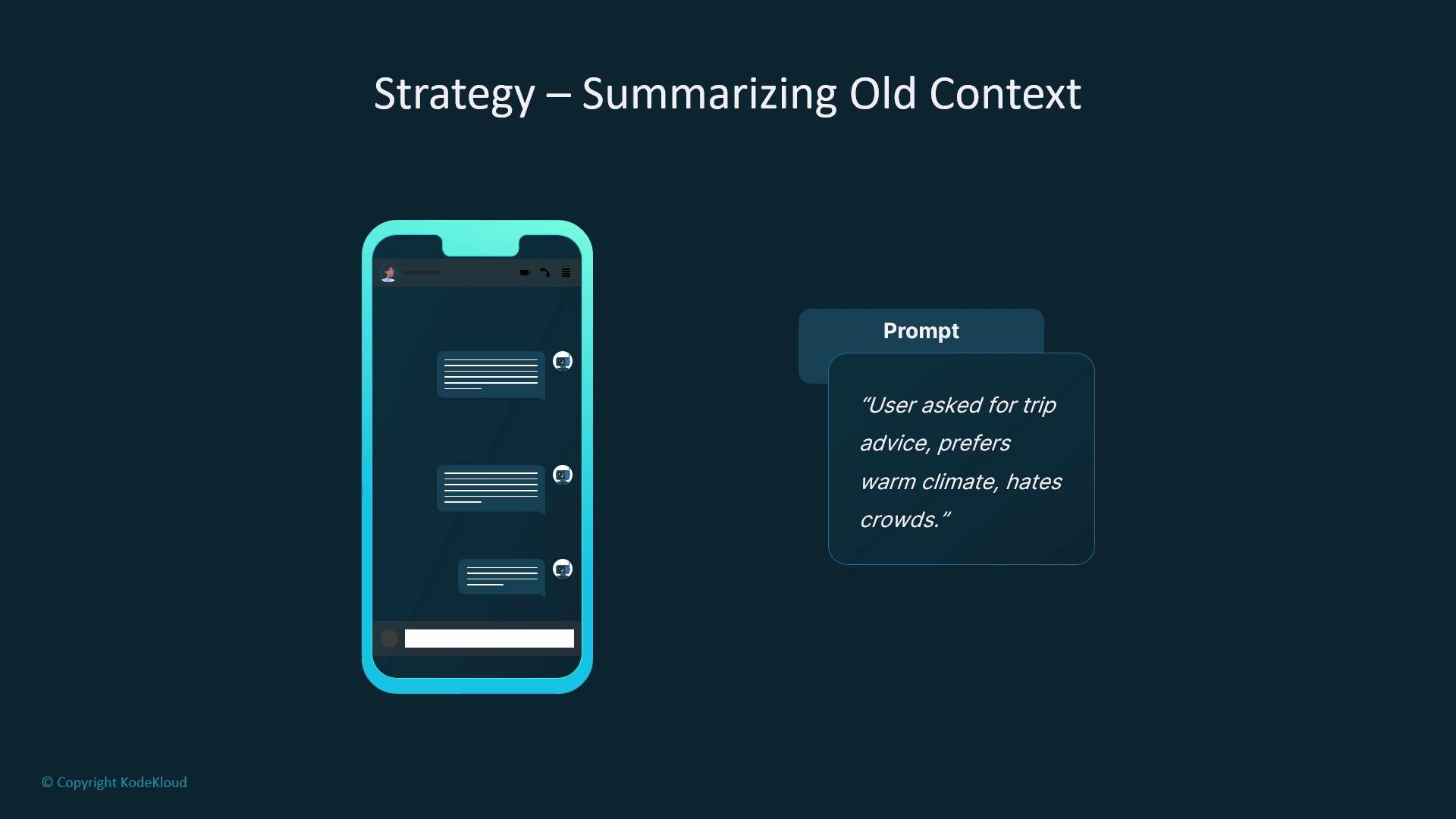
Instead of preserving every earlier message verbatim, collapse groups of past messages into a concise summary, e.g., “User asked for trip advice; prefers warm climates; avoids crowds.” This preserves the essentials while saving tokens.
* How to produce summaries:
* Use another LLM node to create a compact summary.
* Implement reducer functions with deterministic rules.
* Store structured key-value facts (e.g., user preferences) rather than full dialogue text.
* Best practice: save structured summaries (preferences, constraints, important facts) so they can be reinserted into prompts only when needed.
When truncating, never discard persistent system instructions, user preferences, or critical configuration the assistant relies on. Losing these can break correctness even if recent turns remain intact.
## 2) Summarize or compress older exchanges
Instead of preserving every earlier message verbatim, collapse groups of past messages into a concise summary, e.g., “User asked for trip advice; prefers warm climates; avoids crowds.” This preserves the essentials while saving tokens.
* How to produce summaries:
* Use another LLM node to create a compact summary.
* Implement reducer functions with deterministic rules.
* Store structured key-value facts (e.g., user preferences) rather than full dialogue text.
* Best practice: save structured summaries (preferences, constraints, important facts) so they can be reinserted into prompts only when needed.
 Store concise user preferences and persistent facts as structured summaries so they can be re-inserted into the prompt when needed without exhausting the token budget.
## 3) Role-based filtering
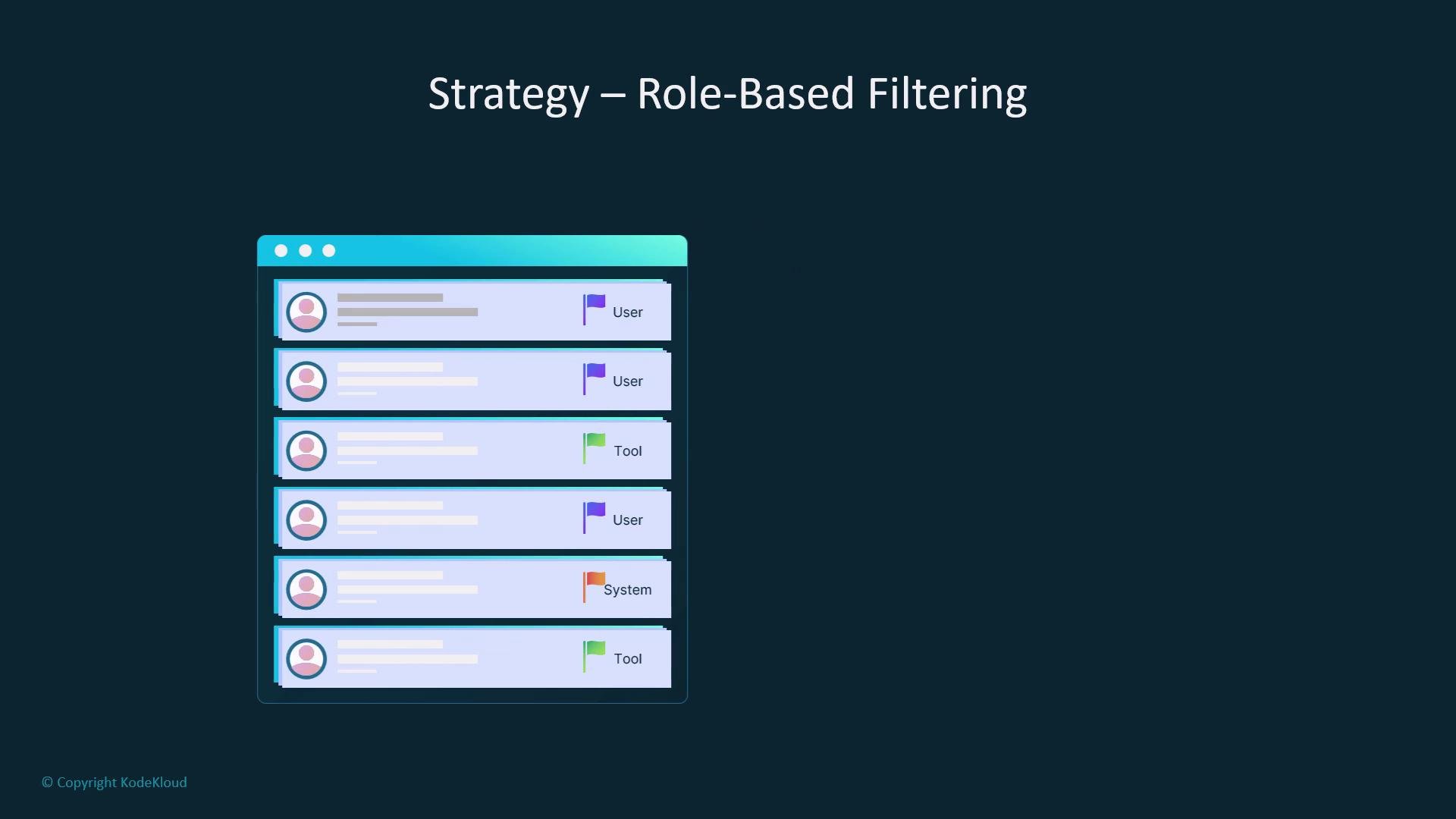
Drop or downweight messages by role. Tool outputs, debug traces, or verbose system logs are often lower value than user inputs and assistant replies—preserve the latter first.
* Strategy: assign priorities by role (e.g., user > assistant > tool > system logs) and prune lower-priority content when nearing the token limit.
* Result: retains the conversational thread while removing noisy content.
Store concise user preferences and persistent facts as structured summaries so they can be re-inserted into the prompt when needed without exhausting the token budget.
## 3) Role-based filtering
Drop or downweight messages by role. Tool outputs, debug traces, or verbose system logs are often lower value than user inputs and assistant replies—preserve the latter first.
* Strategy: assign priorities by role (e.g., user > assistant > tool > system logs) and prune lower-priority content when nearing the token limit.
* Result: retains the conversational thread while removing noisy content.
 ## 4) Chunking with recency bias
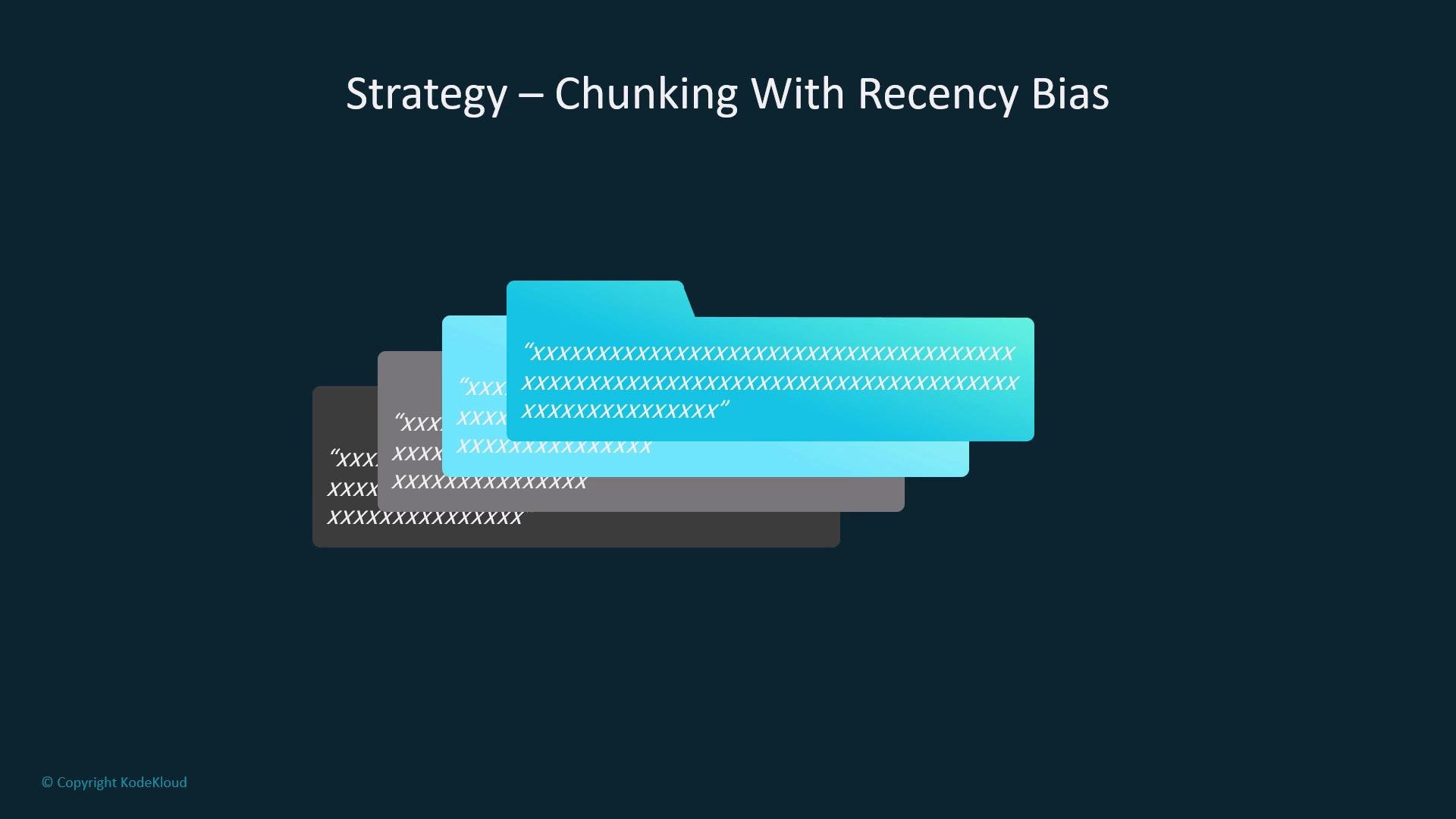
Group messages into semantic or task-based chunks (by session, topic, or milestone). When overflow occurs, evict whole older chunks while keeping recent ones intact—this mirrors human short-term memory and preserves coherence within retained chunks.
* Example approach:
* Partition conversation into chunks per topic or step.
* When trimming, drop older chunks rather than scattered lines.
## 4) Chunking with recency bias
Group messages into semantic or task-based chunks (by session, topic, or milestone). When overflow occurs, evict whole older chunks while keeping recent ones intact—this mirrors human short-term memory and preserves coherence within retained chunks.
* Example approach:
* Partition conversation into chunks per topic or step.
* When trimming, drop older chunks rather than scattered lines.
 ## 5) Memory snapshots and external storage
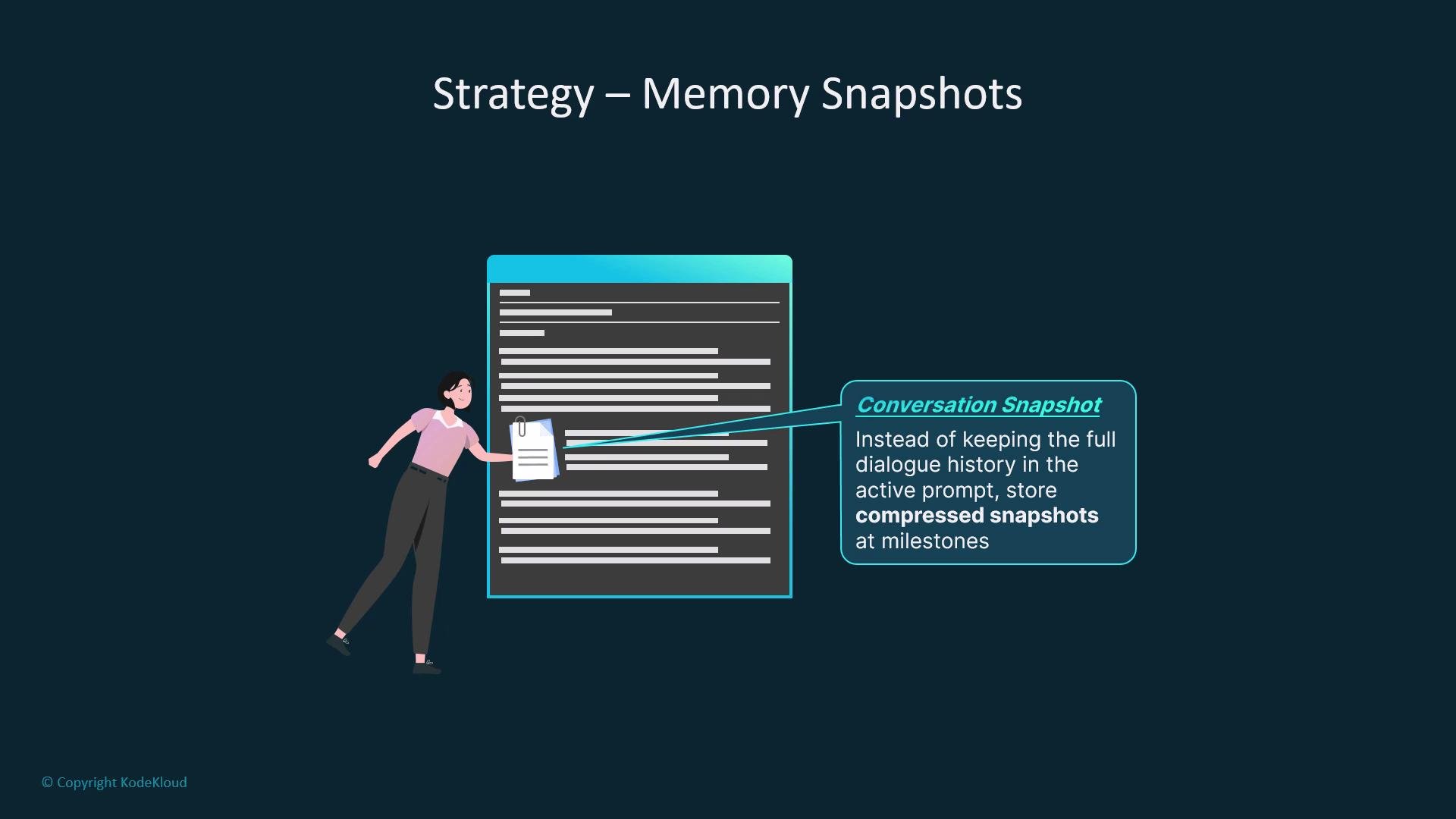
At logical milestones (e.g., task completion, end of a step), store compressed snapshots of the dialogue or session state. When the active prompt must remain small, retrieve the most relevant snapshot instead of loading the whole history.
* Storage options:
* Vector databases for semantic search and retrieval.
* Document stores or key-value systems for structured facts.
* Example: store a snapshot like `Session 2026-05-01: planning Paris trip — prefers museums, budget $2000` and use semantic search to pull relevant snapshots.
## 5) Memory snapshots and external storage
At logical milestones (e.g., task completion, end of a step), store compressed snapshots of the dialogue or session state. When the active prompt must remain small, retrieve the most relevant snapshot instead of loading the whole history.
* Storage options:
* Vector databases for semantic search and retrieval.
* Document stores or key-value systems for structured facts.
* Example: store a snapshot like `Session 2026-05-01: planning Paris trip — prefers museums, budget $2000` and use semantic search to pull relevant snapshots.
 Reference: see resources on vector DBs for GenAI workflows such as `https://learn.kodekloud.com/user/courses/vector-database-for-genai`.
## 6) Combine techniques and iterate
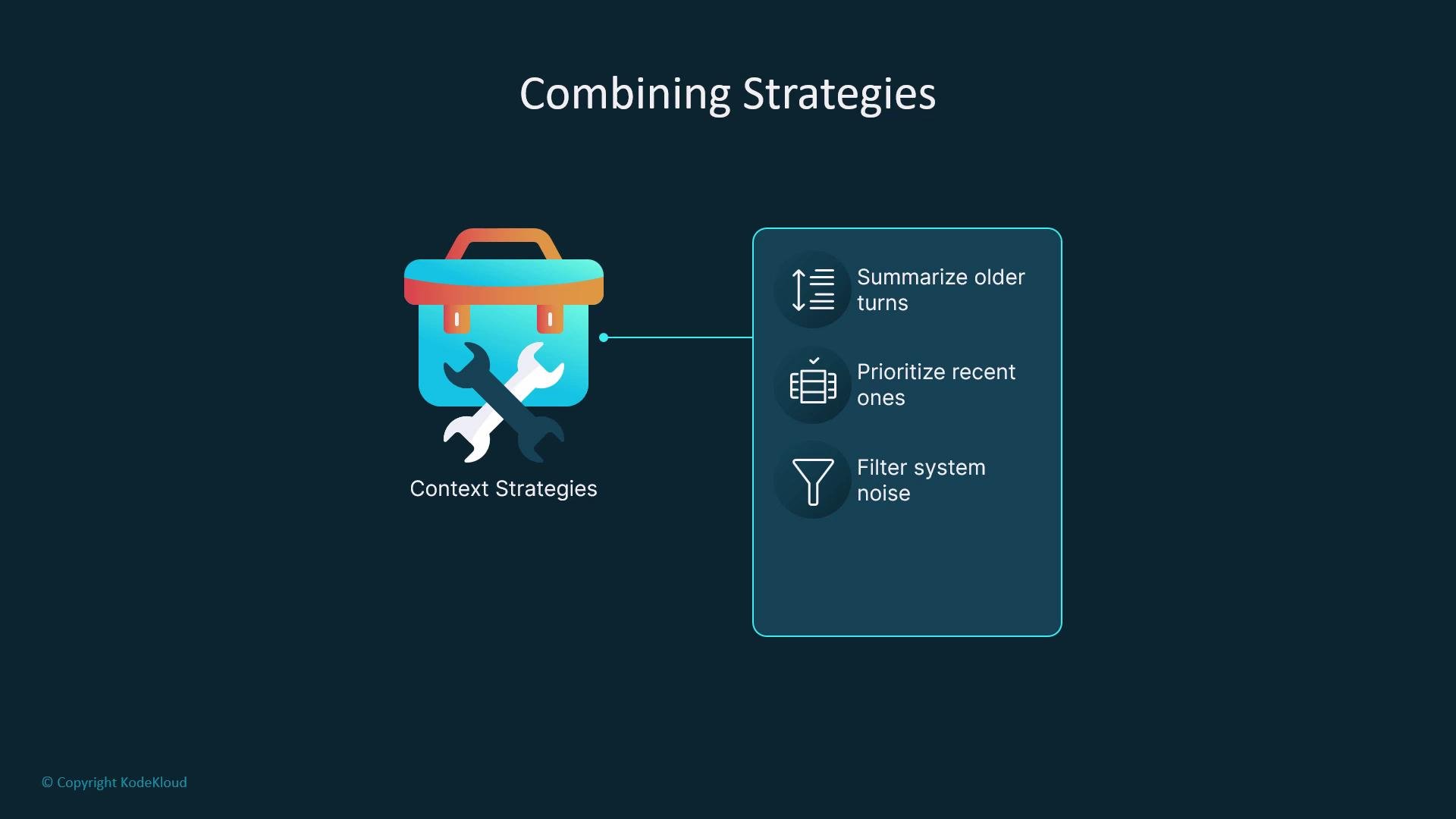
No single method is optimal for every application. Combine summarization, role-based filtering, chunking, and snapshots to create a predictable policy for your workflow.
* Test different mixes against real usage patterns.
* Tailor the balance of freshness vs. historical coverage depending on app type:
* Chatbots benefit from recency prioritization + role-based filtering.
* Long-form assistants benefit from summarization + snapshots.
* Multi-step planners benefit from chunking + memory snapshots.
Reference: see resources on vector DBs for GenAI workflows such as `https://learn.kodekloud.com/user/courses/vector-database-for-genai`.
## 6) Combine techniques and iterate
No single method is optimal for every application. Combine summarization, role-based filtering, chunking, and snapshots to create a predictable policy for your workflow.
* Test different mixes against real usage patterns.
* Tailor the balance of freshness vs. historical coverage depending on app type:
* Chatbots benefit from recency prioritization + role-based filtering.
* Long-form assistants benefit from summarization + snapshots.
* Multi-step planners benefit from chunking + memory snapshots.
 ## Key operational points (checklist)
* Identify what must never be dropped (system prompts, safety constraints, user preferences) and mark these as highest priority.
* Define deterministic policies for:
* Automatic summarization frequency and format.
* Chunk eviction rules and sizes.
* External snapshot cadence and retrieval logic.
* Monitor model outputs for drift or hallucinations as policies evolve and iterate on thresholds.
* Quick checklist:
* [ ] Protect system prompts and safety instructions.
* [ ] Persist user preferences as structured data.
* [ ] Implement semantic search on snapshots for retrieval.
* [ ] Log and review examples where truncation caused errors.
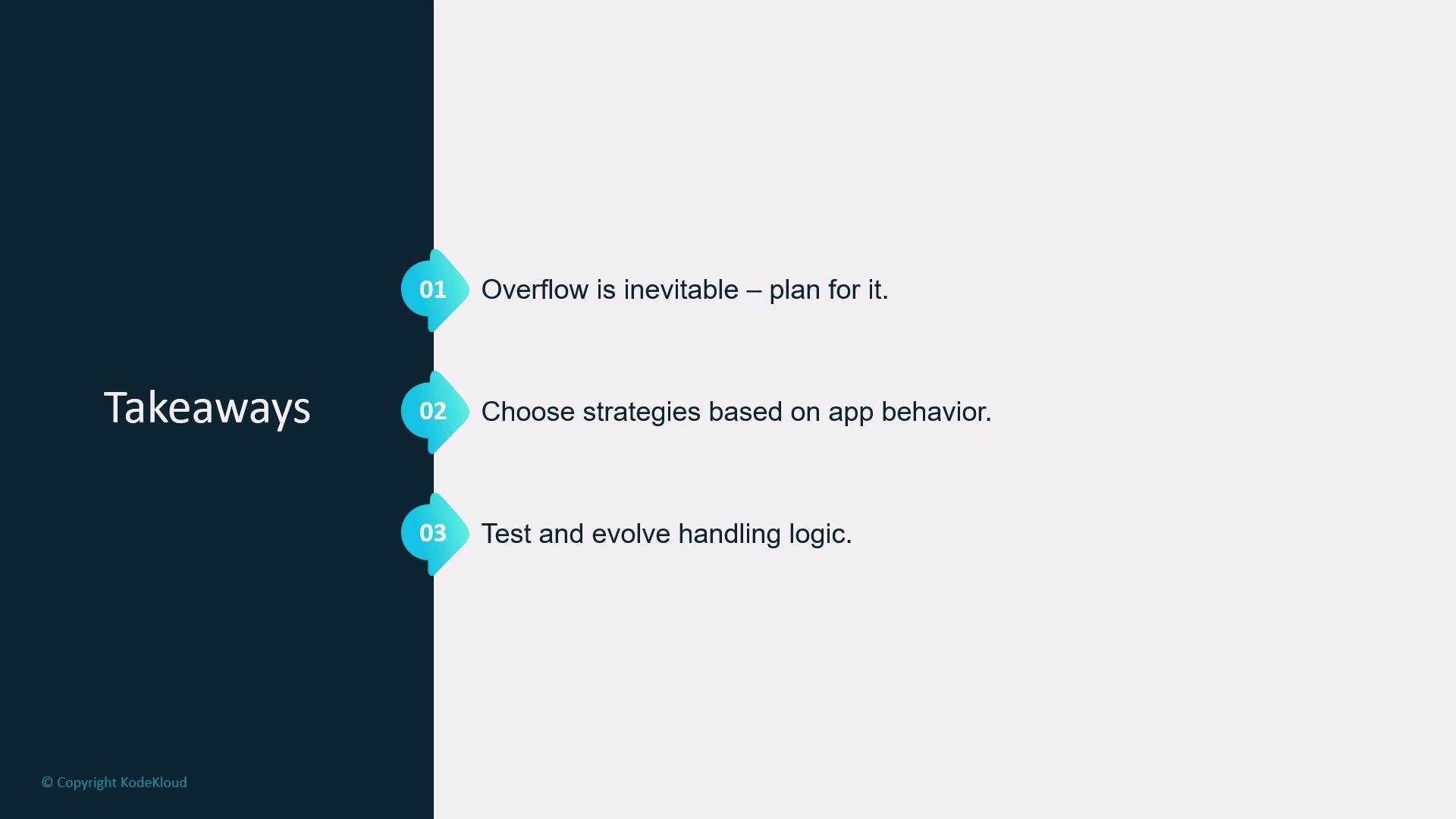
Context overflow is inevitable in real-world LLM apps. The goal is to design policies that preserve the most useful information for your app’s behavior and user intent. Test, observe, and iterate on your strategy to maintain reliability.
## Key operational points (checklist)
* Identify what must never be dropped (system prompts, safety constraints, user preferences) and mark these as highest priority.
* Define deterministic policies for:
* Automatic summarization frequency and format.
* Chunk eviction rules and sizes.
* External snapshot cadence and retrieval logic.
* Monitor model outputs for drift or hallucinations as policies evolve and iterate on thresholds.
* Quick checklist:
* [ ] Protect system prompts and safety instructions.
* [ ] Persist user preferences as structured data.
* [ ] Implement semantic search on snapshots for retrieval.
* [ ] Log and review examples where truncation caused errors.
Context overflow is inevitable in real-world LLM apps. The goal is to design policies that preserve the most useful information for your app’s behavior and user intent. Test, observe, and iterate on your strategy to maintain reliability.
 Like someone deciding which packages to keep on a crowded cart, choose the context you can't live without and discard or compress the rest.